
Vw Tiguan R Line Schematic (1.21.x) – Modern Car Build For City Maps
 3
 0


Vw Tiguan R Line Schematic brings a modern car design to your Minecraft world. This build gives you a detailed vehicle to place on your city streets or in a home garage. The car uses only normal blocks, so you do not need any extra mods to see it properly. It is a simple design that fits nicely into any modern town project.
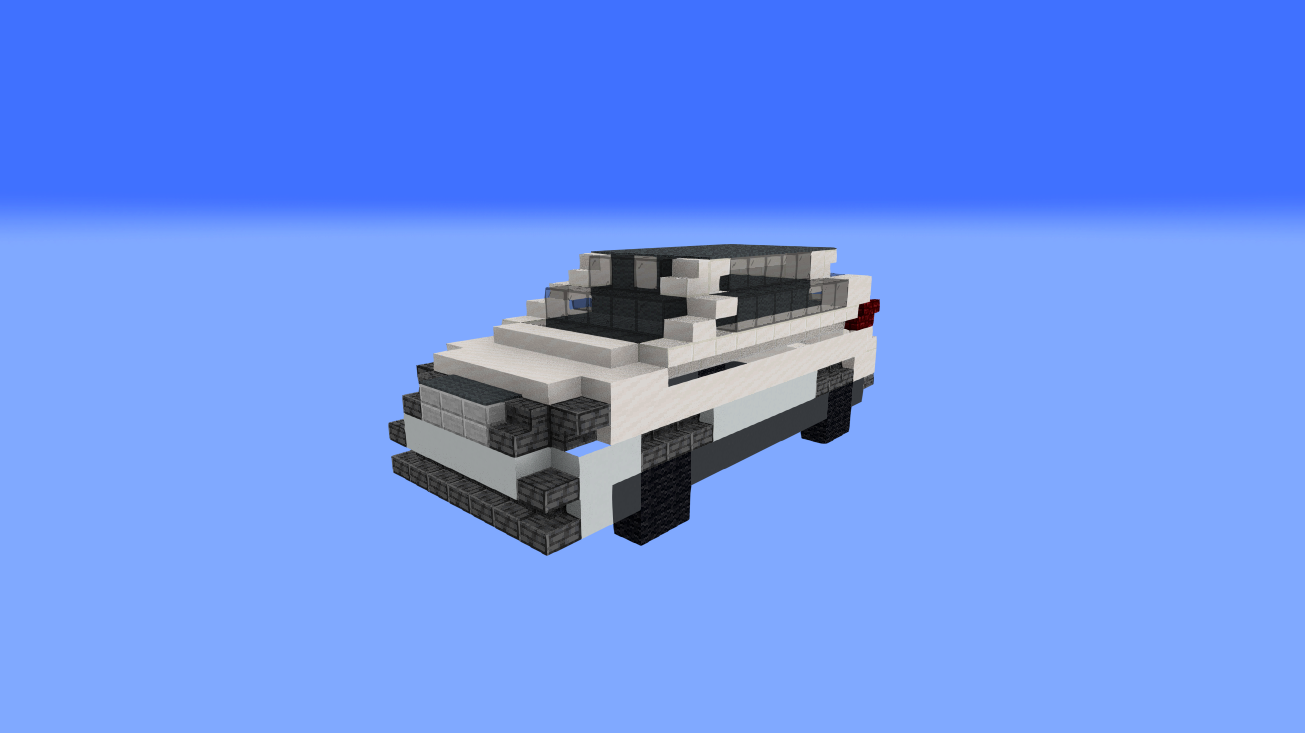
3D Preview & Editor:
Materials
15 types · 410 blocks
| Gray Wool | 63 | Smooth Quartz Slab | 51 | Black Stained Glass | 45 | |||
| Gray Carpet | 43 | White Concrete | 40 | Smooth Quartz | 40 | |||
| Quartz Stairs | 38 | Gray Concrete | 25 | Polished Deepslate Stairs | 23 | |||
| Black Wool | 16 | Polished Deepslate Slab | 9 | Quartz Block | 8 | |||
| Red Nether Brick Stairs | 4 | Smooth Stone Slab | 3 | Red Nether Brick Slab | 2 |
How to place this schematic
.litematic This is a Litematica schematic. You place it with the Litematica mod, which shows the build as a ghost overlay you fill in.
| 1 | Install Litematica (plus MaLiLib) for your Minecraft version. |
| 2 | Put the .litematic file in .minecraft/schematics. |
| 3 | In game press M → Load Schematics, pick the file, then Load. |
| 4 | Position the ghost preview, then build it by hand — or turn on Easy Place to place blocks straight from your hotbar. |
Features:
- Adds a modern SUV vehicle to your game world.
- Uses exactly 410 blocks to form the car shape.
- Fits into a space that is 16 blocks wide, 16 blocks high, and 32 blocks long.
- Works with normal Minecraft blocks, meaning you do not need special mods to load it.
- Saves time when you want to fill your empty roads with traffic.
- Comes as a Litematic file that you can quickly paste into your map.
Schematic Specs:
 Minecraft1.21.x
 Dimensions16×16×32
 Total Blocks410
Vw Tiguan R Line Schematic Download Links
For Minecraft 1.21.x
Click to rate this post!
[Total: 0 Average: 0]
QUICK MINECRAFT SURVEY · ONE TAP
Build Tools & Schematics
What types of builds do you download schematics for the most?
0 responses · See the full results →
You May Also Like
Picked for this page
 Pokémon Temple Arena Japanese Litematica Schematic (1.21.x) – Large Asian Fortress With Fighting Rin
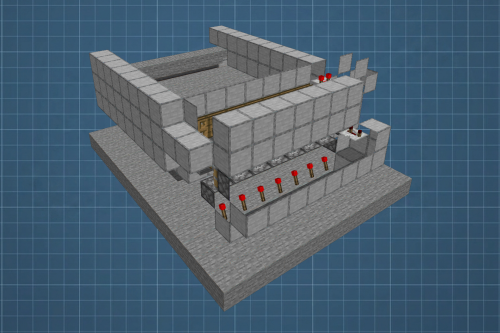 Fast and Efficient Bonemeal Farm Donut SMP Schematic (1.21.x) – Compact Redstone Bonemeal Generator Buil
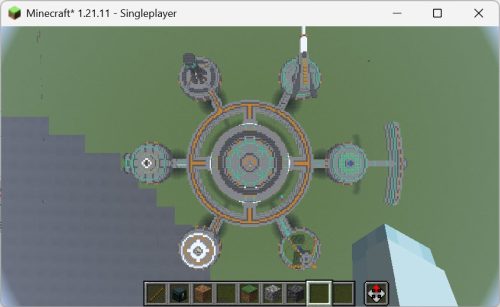 Icarus Space Station but Cheap Schematic (1.21.x) – Affordable Space Station Build For Survival Serv
 Twenture Emerald Spawner Farm Schematic (1.21.x) – Double Vindicator Spawner Emerald Farm Layout
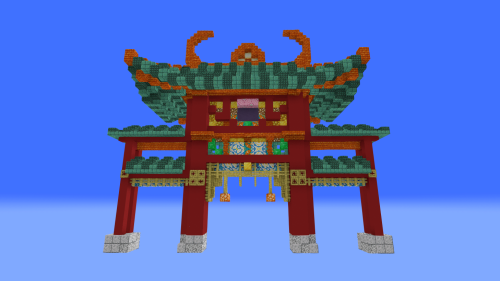 South China Street Gate Schematic (1.21.x) – Detailed Traditional Chinese Archway Build
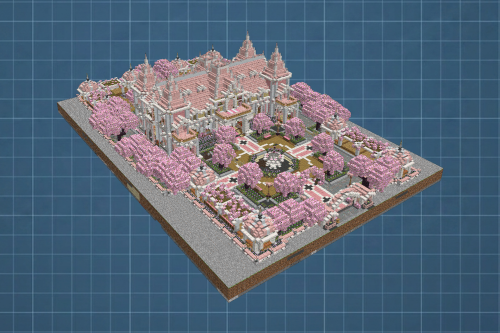 Cherry Blossom Manor 3 Schematic (1.20.x) – Large Vanilla Mansion Build For Your World
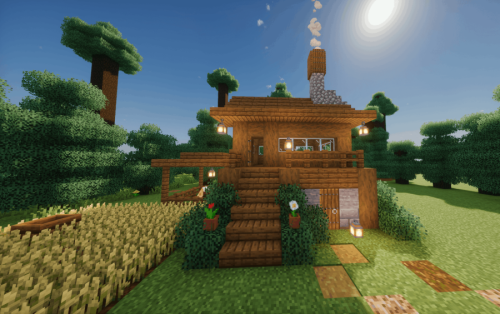 Cozy Spruce Log House Schematic (1.21.x) – Medium Survival Starter Build For Java
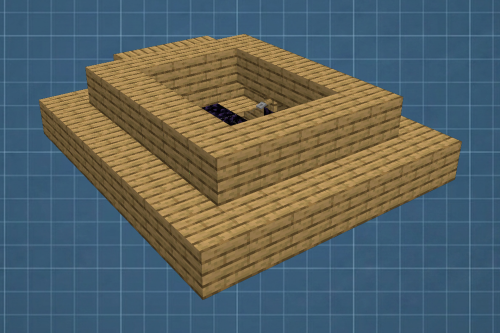 Trampoline Schematic (1.21.x) – Working Redstone Trampoline Build Blueprint
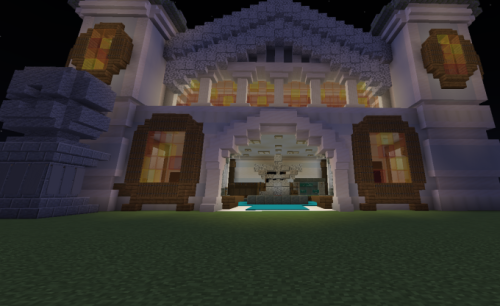 Pokémon Aréna 4G Nacrene City Unova Schematic (1.21.x) – Nacrene City Museum Arena Vanilla Build
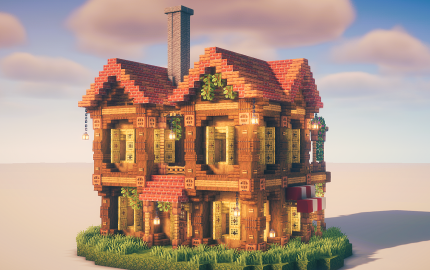 Minimal Medieval House Schematic (1.20.x) – A Simple Medieval Home For Your World
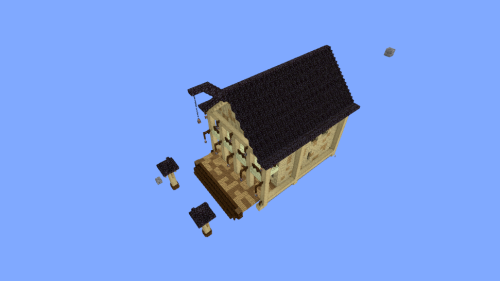 Court House Schematic (1.20.x) – Ready To Build Vanilla Courtroom Structure
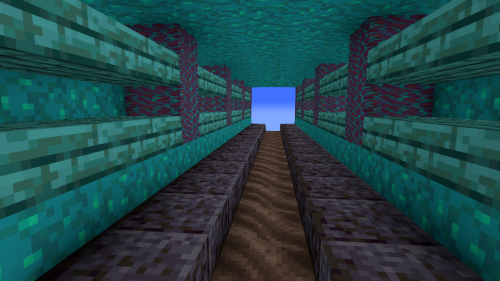 Warped Tunnel Schematic (1.19.x) – Compact Nether Hub Pathway Build Design
Most viewed in Schematics over the last 7 days
 Fastest Bonemeal Farm Donut Smp Schematic (1.21.x) – Fast Redstone Bonemeal Farm Build
 64 Module Cobblestone Farm Schematic (1.21.x) – Massive Automated Stone Gathering Build
 KelpFarmV9.9 Schematic (1.21.x) – Compact And Simple Seaweed Farm Build
 Gold Farm Schematic (1.21.x) – Automatic Nether Roof Gold Farm
 Villager Trading Hall Schematic (1.21.x) – Modern Shop Build For 48 Villagers
 Bamboo Farm Schematic (1.21.x) – Small Automated Redstone Bamboo Farm
 Best Railgun Tp Trap on Donutsmp Schematic (1.21.x) – Unescapable Multiplayer Redstone Trap Build
 Minutes End Base Before Spoke Null End Video Schematic (1.21.x) – Giant Unstable SMP End Base Schema
 Bamboss V2 800k Bamboo per Hour Schematic (1.21.x) – High Speed Automated Bamboo Farm Schematic
 36 Module Cobble Farm 18m per Hour Donut SMP Schematic (1.21.x) – Massive Automated Stone Generator
 Donut Smp Stash and Regear Schematic (1.21.x) – Large Storage And Regear Room Build
 Unstable SMP S Bomer Schematic (1.21.x) – Large Bomber Machine Build For Worlds
More from Schematics
 1000 Patreon Members Cake Download Free Schematic (1.21.x) – A Massive Celebration Cake For Minecraf
 Dark Greek Temple Schematic (1.21.x) – Small Deepslate Temple For Greek Districts
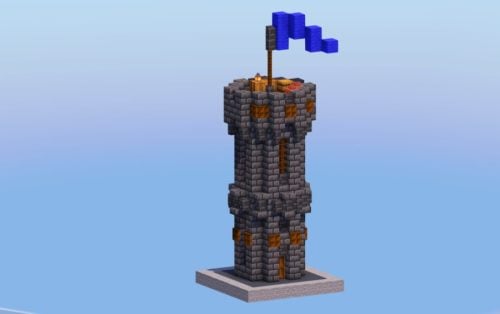 Small Dark Medieval Tower Schematic (1.21.x) – Simple Gothic Tower For Medieval Towns
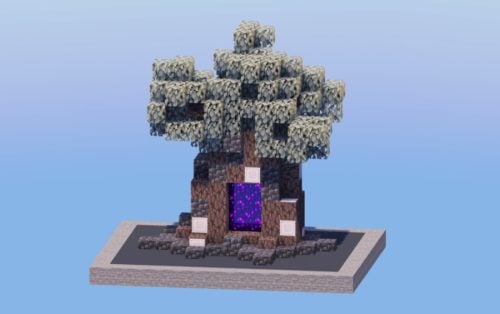 Pale Oak Tree Nether Portal Schematic (1.21.x) – Spooky Nether Portal Inside a Pale Oak Tree
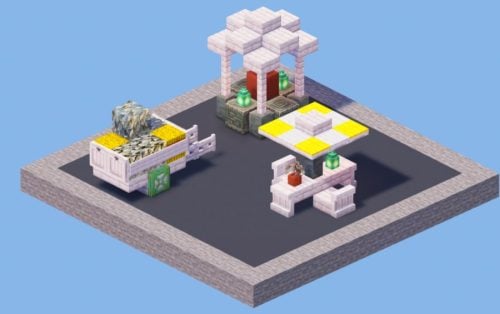 Outdoor Decorations Pack Schematic (1.21.x) – Medieval and Spooky Outdoor Decor Builds
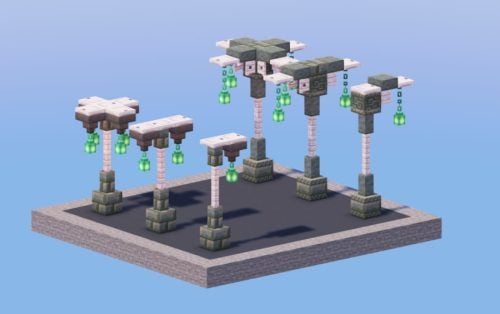 Street Lamps Pack Schematic (1.21.x) – Six Unique Designs for Medieval Districts
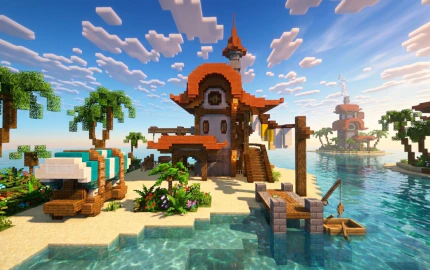 Pirate House 5 Schematic (1.21.x) – Cozy Tropical Beach House Schematic Build
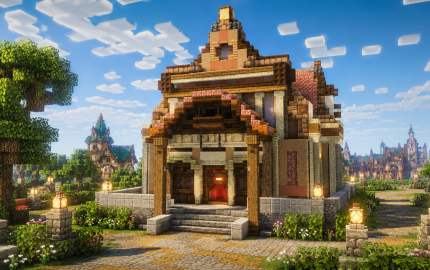 Medieval Bank Schematic (1.21.x) – Grand Medieval Bank for Roleplay Worlds
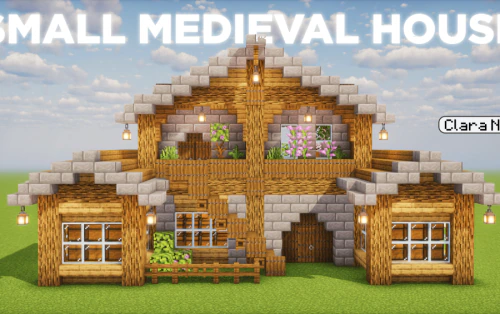 Cozy Small Medieval House Schematic (1.21.x) – Beautiful Medieval Starter Home For Your World
 Dragon Red 3d Schematic (1.21.x) – Large Red Dragon Build For RPG Worlds
 Kirby 3d Schematic (1.21.x) – Giant Pink Character Statue for Minecraft Worlds
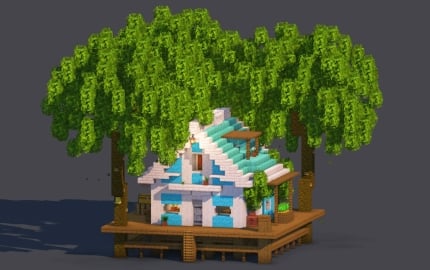 Tropical Stilt House Fully Decorated Interior Schematic (1.21.x) – Beautiful Beach Home

This post has no comments yet. Be the first — your comment will appear here.