
Watchtower Schematic (1.21.x) – Small Vanilla Tower Build For Your World
 62
 0


Watchtower Schematic brings a tall and simple tower straight into your vanilla Minecraft world. This build gives you a nice lookout spot without needing to place everything block by block. It uses 919 blocks, so it fits well into small spaces. You do not need any extra block mods to use this file because it only uses normal Minecraft blocks.
3D Preview & Editor:
Materials
24 types · 919 blocks
| Smooth Basalt | 186 | Dark Oak Planks | 126 | Deepslate Tile Wall | 108 | |||
| Deepslate | 77 | Dark Oak Trapdoor | 48 | Cobbled Deepslate Stairs | 44 | |||
| Dark Oak Slab | 44 | Grass Block | 42 | Basalt | 39 | |||
| Dark Oak Stairs | 35 | Dark Oak Log | 28 | Ladder | 25 | |||
| Dirt Path | 24 | Iron Chain | 22 | Dirt | 15 | |||
| Dark Oak Fence | 15 | Lantern | 11 | Dark Oak Fence Gate | 9 | |||
| Dark Oak Door | 8 | White Candle | 4 | Barrel | 4 | |||
| Cartography Table | 3 | Nether Brick Wall | 1 | Glass | 1 |
How to place this schematic
.litematic This is a Litematica schematic. You place it with the Litematica mod, which shows the build as a ghost overlay you fill in.
| 1 | Install Litematica (plus MaLiLib) for your Minecraft version. |
| 2 | Put the .litematic file in .minecraft/schematics. |
| 3 | In game press M → Load Schematics, pick the file, then Load. |
| 4 | Position the ghost preview, then build it by hand — or turn on Easy Place to place blocks straight from your hotbar. |
Features:
- Adds a tall tower that measures 9 blocks wide, 43 blocks high, and 9 blocks deep.
- Uses 919 normal blocks to form the entire structure.
- Fits well into tight areas because of its small base.
- Loads into your game as a LITEMATIC file for quick placement.
- Works in vanilla Minecraft without needing extra mods.
Schematic Specs:
 Minecraft1.21.x
 Dimensions9×43×9
 Total Blocks919
 Top Blocks Used
Smooth Basalt 186Dark Oak Planks 126Deepslate Tile Wall 108Deepslate 77Dark Oak Trapdoor 48
Watchtower Schematic Download Links
For Minecraft 1.21.x
Click to rate this post!
[Total: 0 Average: 0]
QUICK MINECRAFT SURVEY · ONE TAP
Build Tools & Schematics
Where do you usually go to find schematics or build blueprints online?
1 responses · See the full results →
You May Also Like
Picked for this page
 Pokémon Temple Arena Japanese Litematica Schematic (1.21.x) – Large Asian Fortress With Fighting Rin
 Lox V10.2 Kelp Farm Schematic (1.21.x) – Huge Vanilla Kelp Farm Blueprint
 Large Tower on a Floating Island Schematic (1.21.x) – Giant Medieval Base With Five Useful Floors
 Oozing Slime Farm Snow Farm Schematic (1.21.x) – Compact Combined Slime And Snow Farm Build
 Observatory Schematic (1.21.x) – Detailed Medieval Tower With Space Decor
 Lox V7.1 Fixed Schematic (1.21.x) – Large Vanilla Redstone Build For Multiplayer Servers
 Blacksmith Tower Schematic (1.20.x) – Tall Vanilla Building Blueprint For Villages
 Bench Schematic (1.21.x) – A Small Garden Bench For Your World
 Small House 5 Schematic (1.20.x) – A Simple Vanilla Survival Home
 Small House 11 Schematic (1.20.x) – Tall And Compact Vanilla Home Build
 Small House 10 Schematic (1.20.x) – A Compact Vanilla Home Blueprint For Players
 Big House 5 Schematic (1.20.x) – A Ready-Made Vanilla House Build
Most viewed in Schematics over the last 7 days
 Fastest Bonemeal Farm Donut Smp Schematic (1.21.x) – Fast Redstone Bonemeal Farm Build
 64 Module Cobblestone Farm Schematic (1.21.x) – Massive Automated Stone Gathering Build
 KelpFarmV9.9 Schematic (1.21.x) – Compact And Simple Seaweed Farm Build
 Gold Farm Schematic (1.21.x) – Automatic Nether Roof Gold Farm
 Villager Trading Hall Schematic (1.21.x) – Modern Shop Build For 48 Villagers
 Bamboo Farm Schematic (1.21.x) – Small Automated Redstone Bamboo Farm
 Best Railgun Tp Trap on Donutsmp Schematic (1.21.x) – Unescapable Multiplayer Redstone Trap Build
 Minutes End Base Before Spoke Null End Video Schematic (1.21.x) – Giant Unstable SMP End Base Schema
 36 Module Cobble Farm 18m per Hour Donut SMP Schematic (1.21.x) – Massive Automated Stone Generator
 Bamboss V2 800k Bamboo per Hour Schematic (1.21.x) – High Speed Automated Bamboo Farm Schematic
 Donut Smp Stash and Regear Schematic (1.21.x) – Large Storage And Regear Room Build
 Cobble Farm 50m per Hour Donut SMP Schematic – High Yield Cobblestone Generator Build
More from Schematics
 Asian Cherry Blossom Sword Nether Portal Schematic (1.21.x) – Beautiful Asian Style Sword Portal Bui
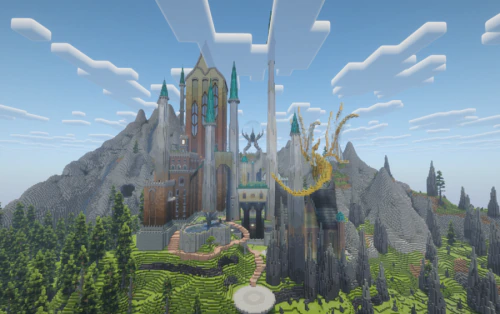 Castle by PinkMullet Schematic (1.21.x) – Build a Massive Vanilla Castle
 1000 Patreon Members Cake Download Free Schematic (1.21.x) – A Massive Celebration Cake For Minecraf
 Dark Greek Temple Schematic (1.21.x) – Small Deepslate Temple For Greek Districts
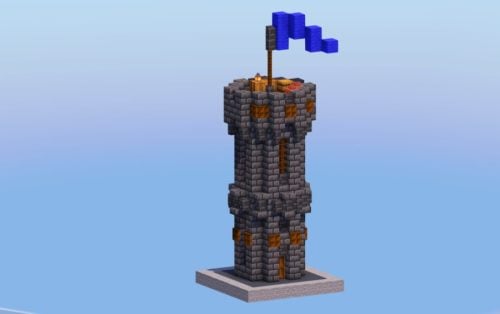 Small Dark Medieval Tower Schematic (1.21.x) – Simple Gothic Tower For Medieval Towns
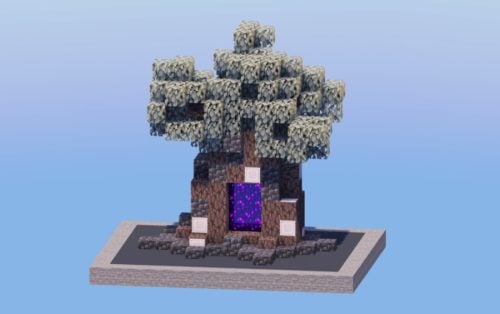 Pale Oak Tree Nether Portal Schematic (1.21.x) – Spooky Nether Portal Inside a Pale Oak Tree
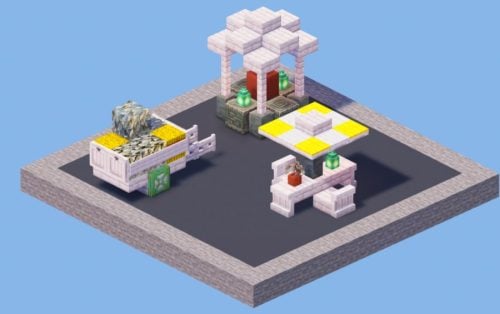 Outdoor Decorations Pack Schematic (1.21.x) – Medieval and Spooky Outdoor Decor Builds
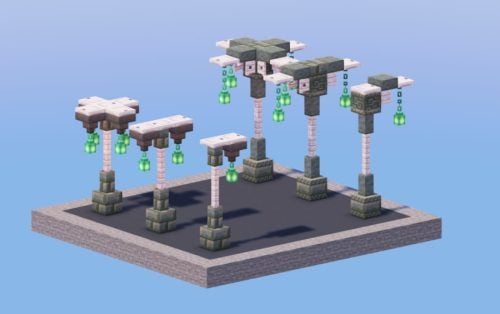 Street Lamps Pack Schematic (1.21.x) – Six Unique Designs for Medieval Districts
 Pirate House 5 Schematic (1.21.x) – Cozy Tropical Beach House Schematic Build
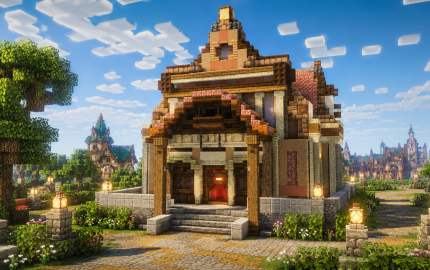 Medieval Bank Schematic (1.21.x) – Grand Medieval Bank for Roleplay Worlds
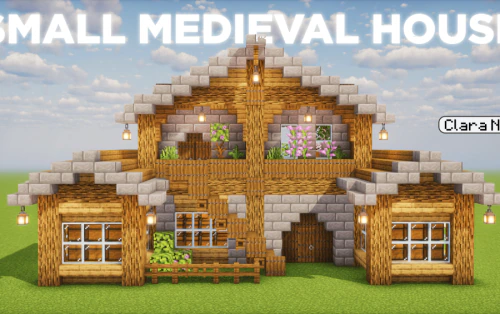 Cozy Small Medieval House Schematic (1.21.x) – Beautiful Medieval Starter Home For Your World
 Dragon Red 3d Schematic (1.21.x) – Large Red Dragon Build For RPG Worlds

This post has no comments yet. Be the first — your comment will appear here.