


Windmill Schematic (1.12.x) – A Classic Farm Building For Your World
 9
9
 0
0


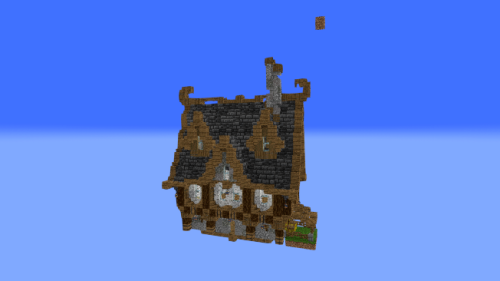
Windmill Schematic adds a classic farm building to your Minecraft world. This build gives you a tall, wooden windmill with large spinning blades on the front. It uses normal blocks, so you do not need any special mods to load it into your game. You can place this structure in wheat fields or rural towns to make them look much nicer.

3D Preview:
Features:
- Vanilla Build: Uses only standard Minecraft blocks, meaning you do not need to install extra content to see it.
- Perfect Size: Measures 33 by 28 by 26 blocks, making it large enough to stand out but small enough to fit in most bases.
- Contains over 6,600 individual blocks arranged to form a detailed windmill tower and roof.
- Gives you plenty of room inside to store crops, hay bales, or farming tools.
- Fits nicely into farming areas, medieval villages, or simple survival bases.
Schematic Specs:
 Minecraft1.12.x
 Dimensions33×28×26
 Total Blocks6,617
How to Use:
- Put the downloaded file into your schematics folder.
- Open your game and press M to open the Litematica menu.
- Load the windmill file and move the blue outline to where you want the building.
- Paste the blocks into your world or use the outline as a guide to build it yourself.
Windmill Schematic Download Links
For Minecraft 1.12.x
Click to rate this post!
[Total: 0 Average: 0]
You May Also Like







This post has no comments yet. Be the first — your comment will appear here.