


XRay Mod (1.21.5, 1.20.1) – Fullbright, Cave Finder, Fly

 22
22  March 18, 2026
XRay Mod adds XRay vision to Minecraft, find ores with ease now. It includes fullbright, cavefinder, configurable coordinates display, survival fly, fly speed, and much more.
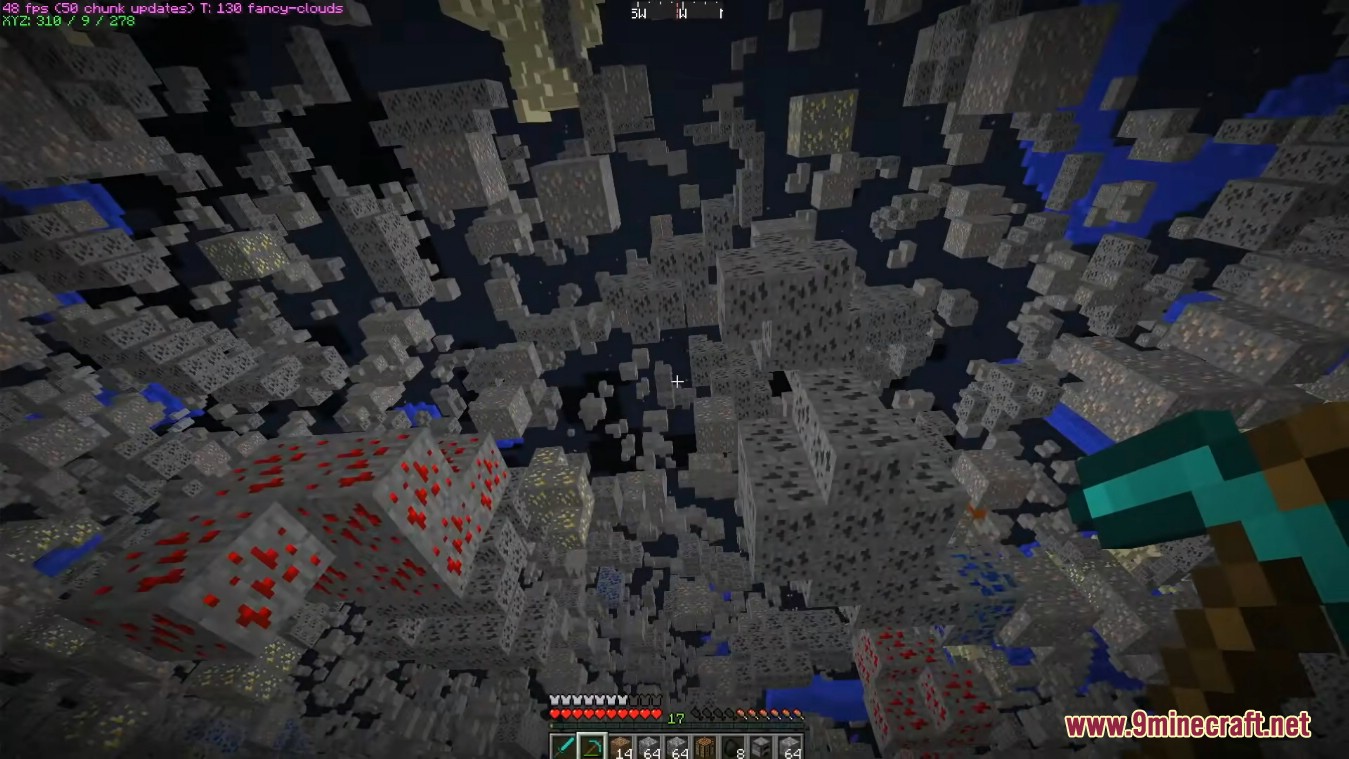
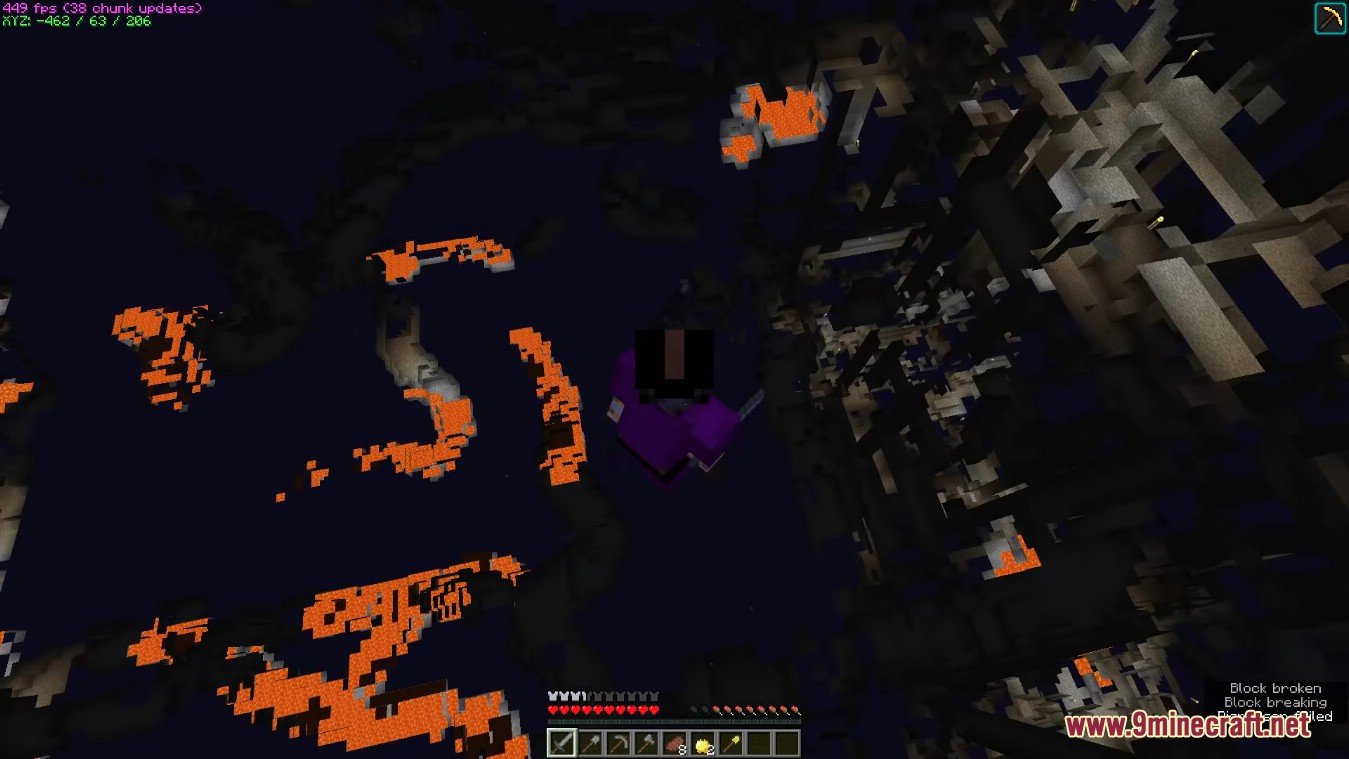
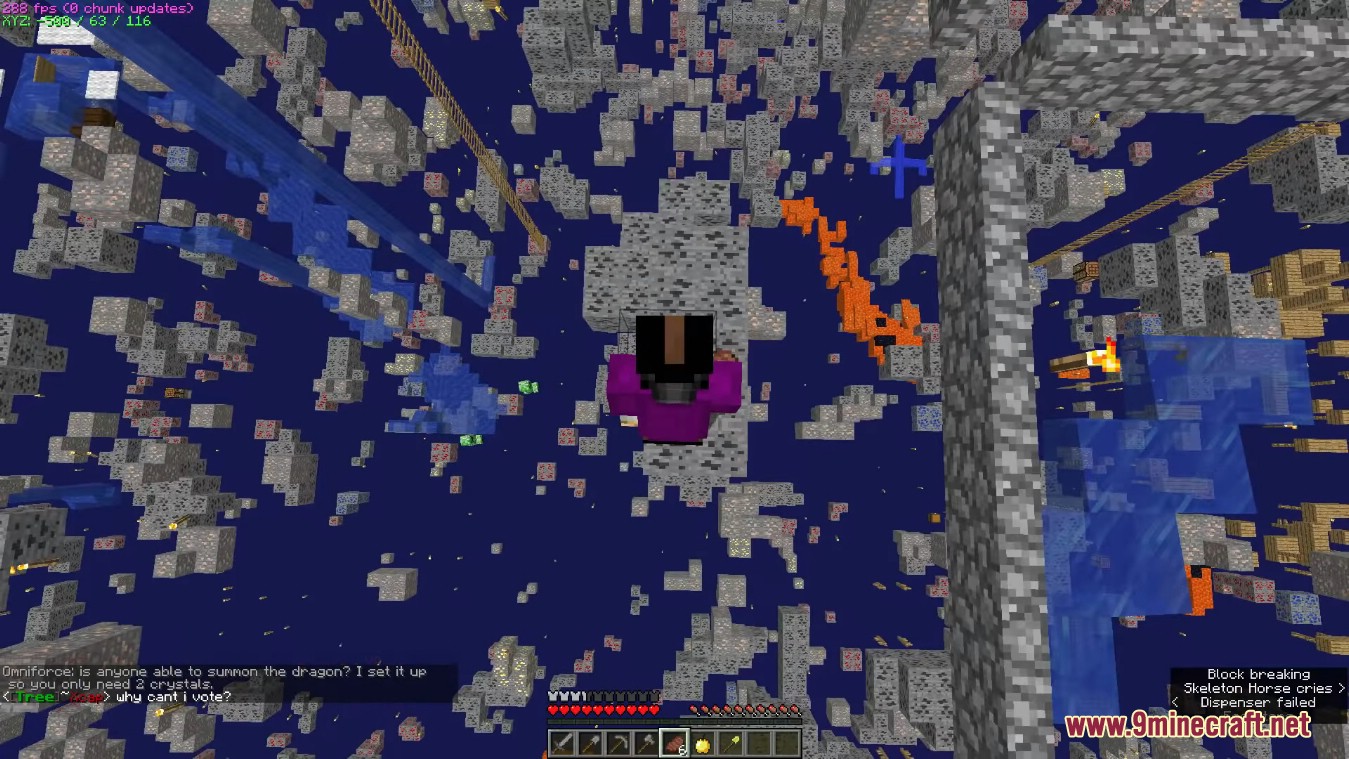
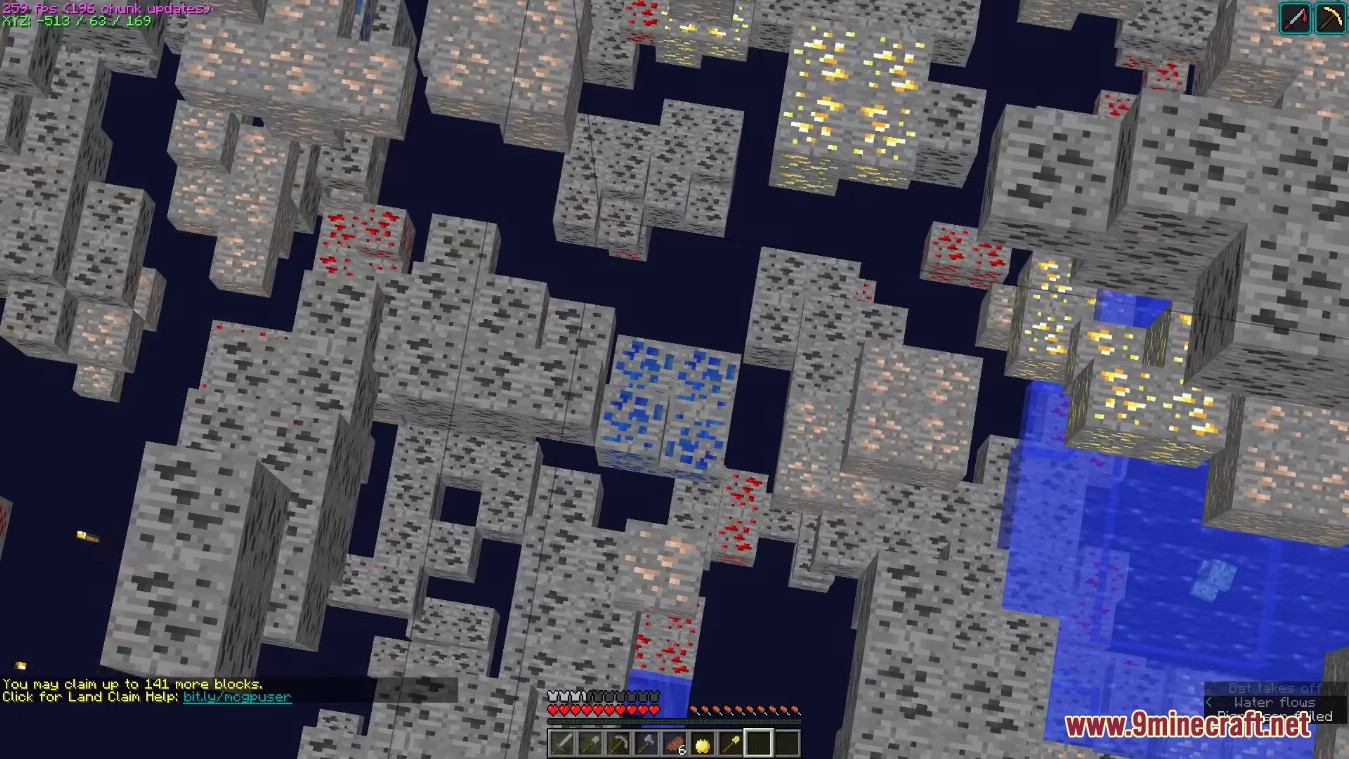
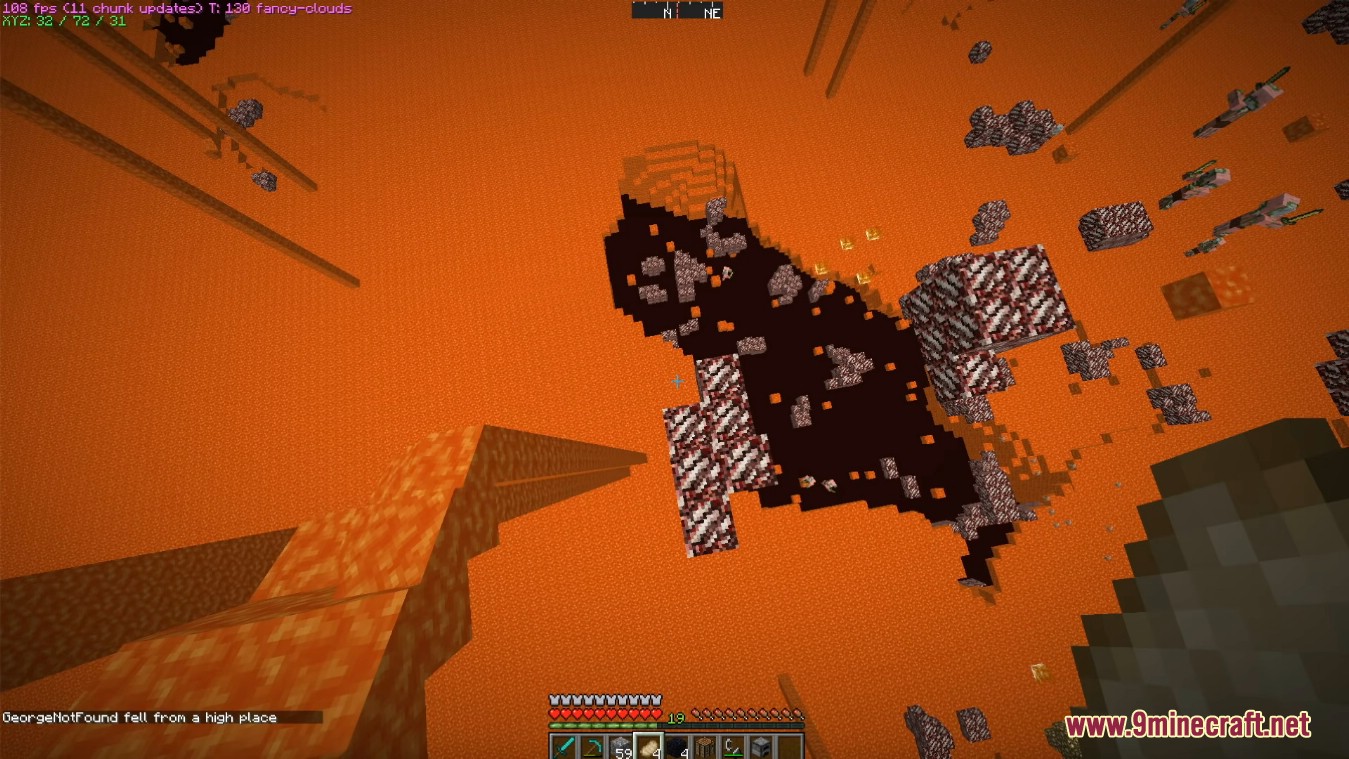
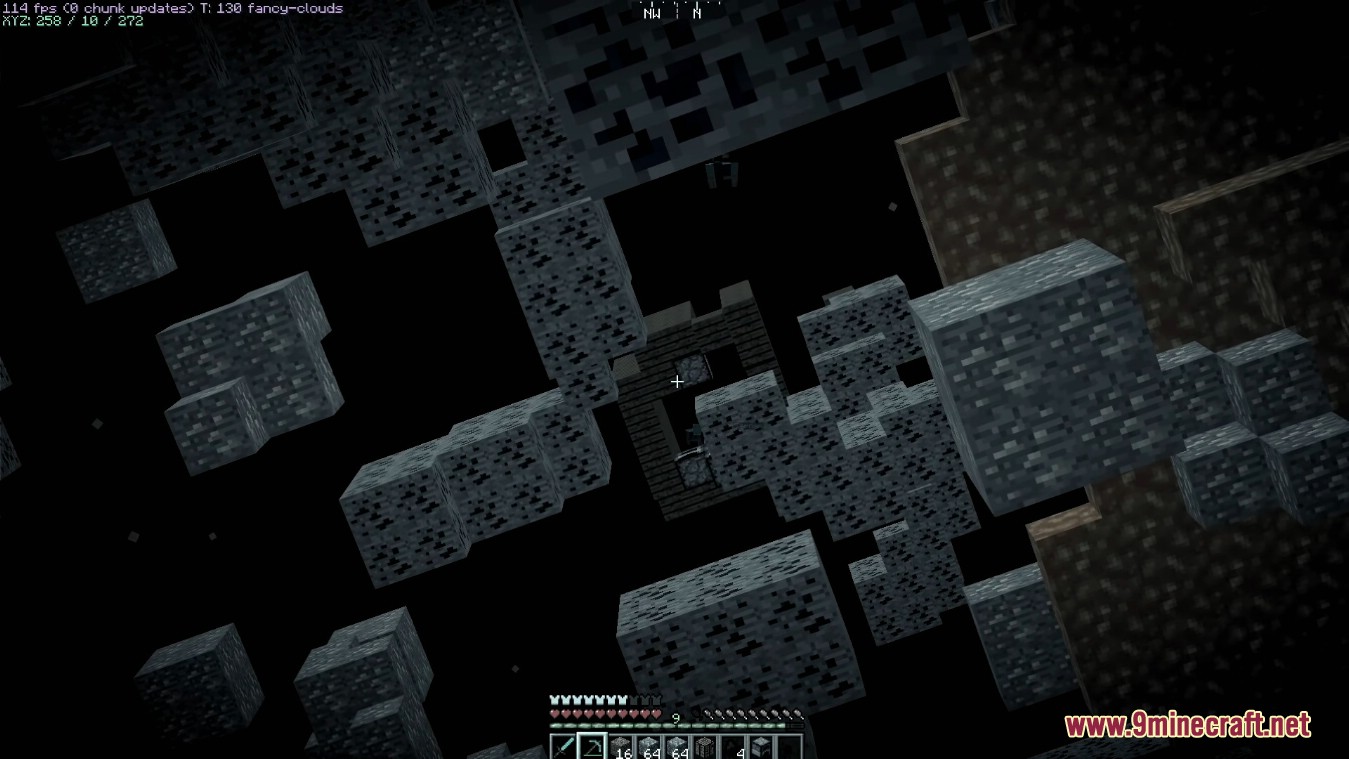
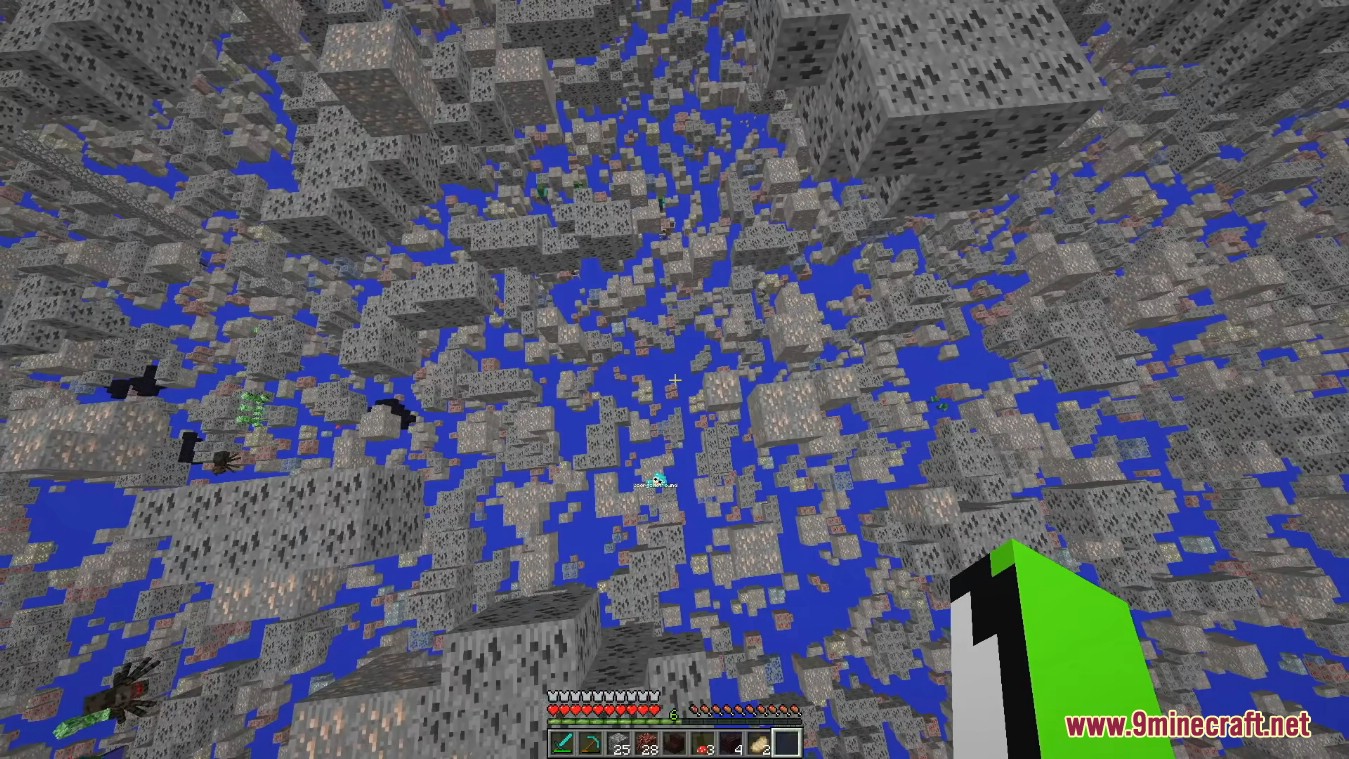
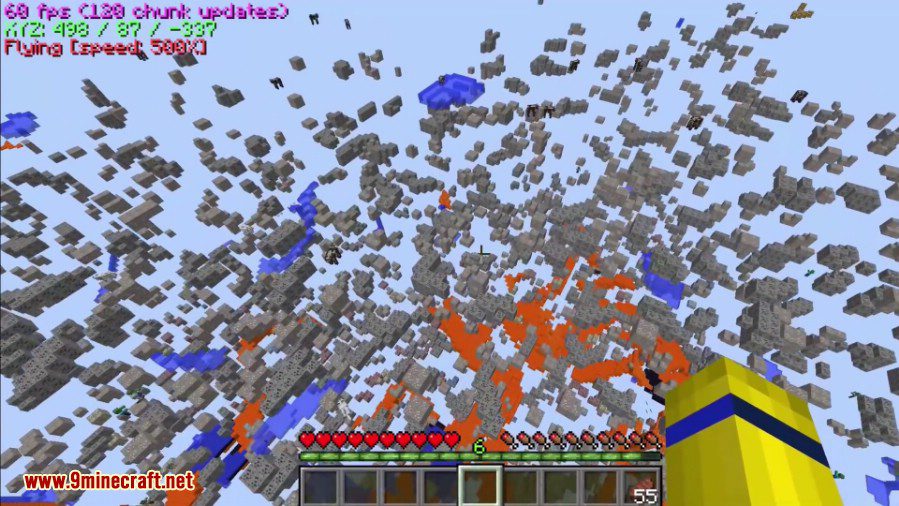
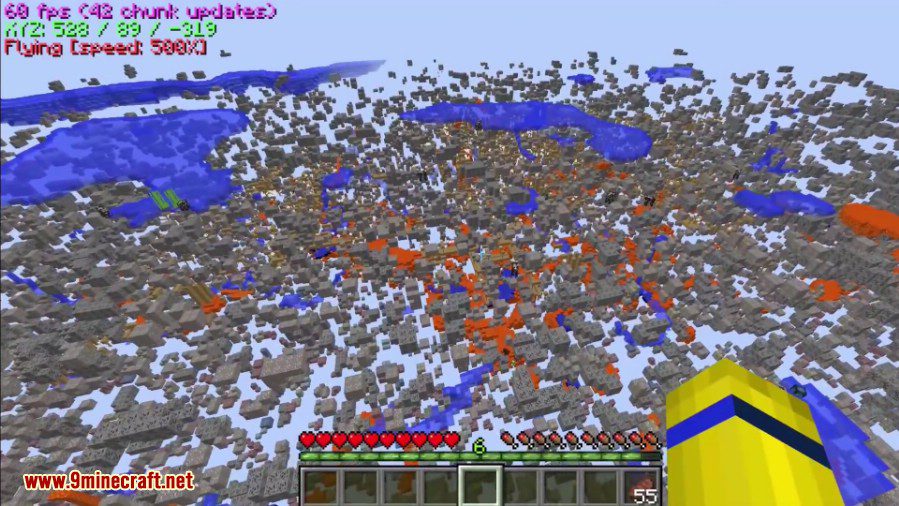
This mod allows players to quickly identify precious items hidden deep underground. This includes rare ores, secret chests, underground dungeons, and other notable items. This mod makes common blocks such as dirt, stone, and gravel completely invisible, thus leaving behind only valuables for players to see.
Features:
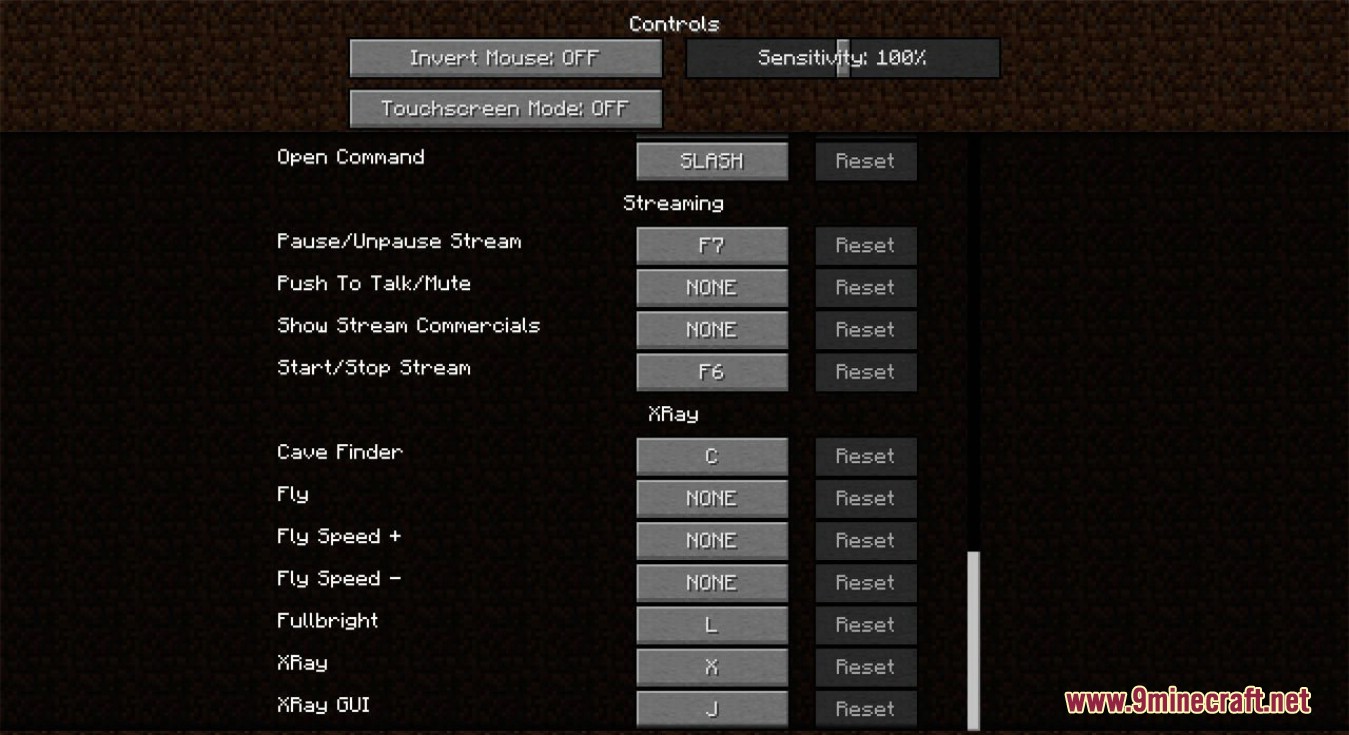
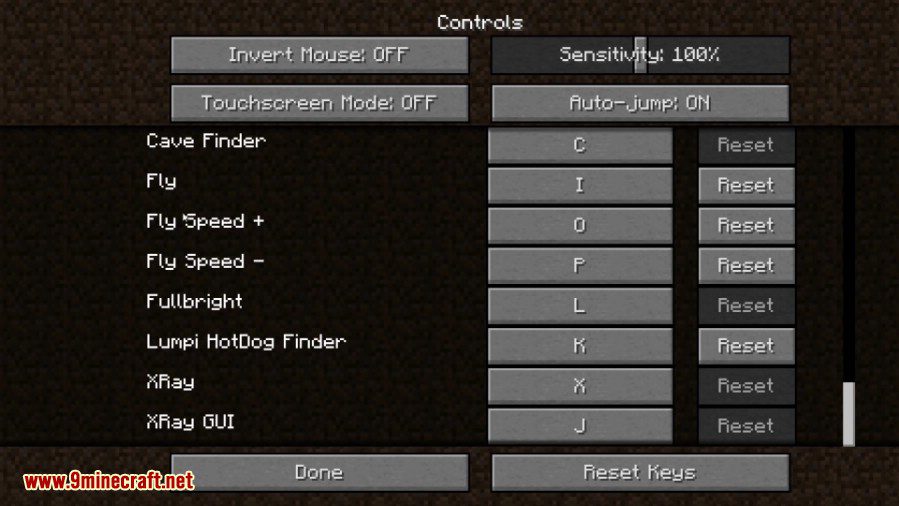
XRay mode: Default keybinding: X
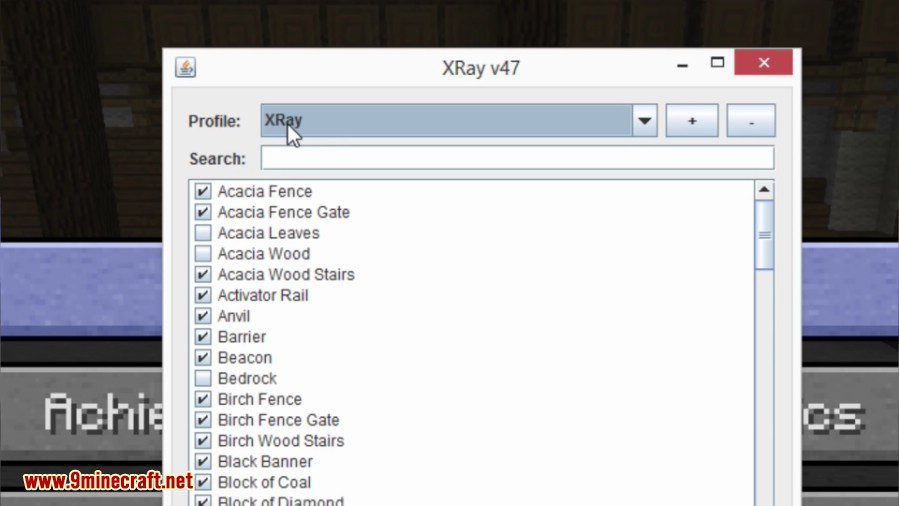
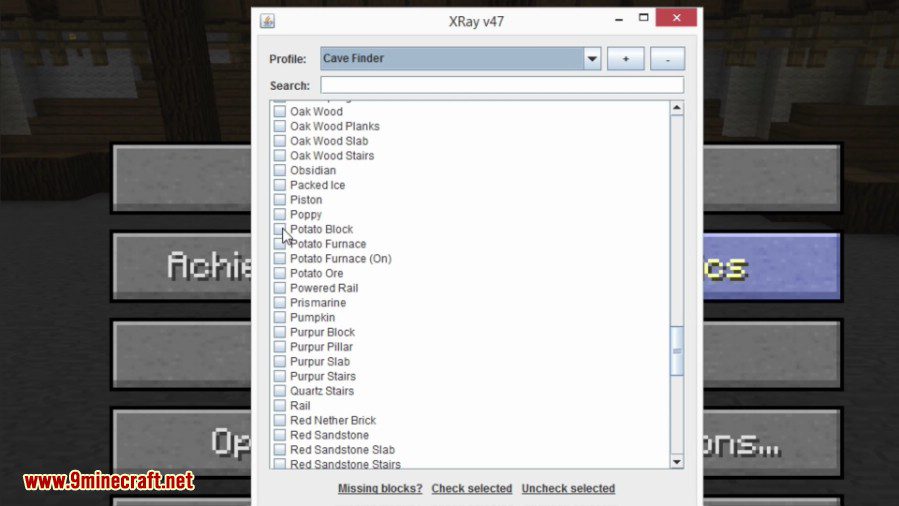
- In the user interface, you can choose which blocks get rendered, and which don’t.
- You can also create additional XRay profiles, and then assign a keybinding to them in-game if you want further customizability.
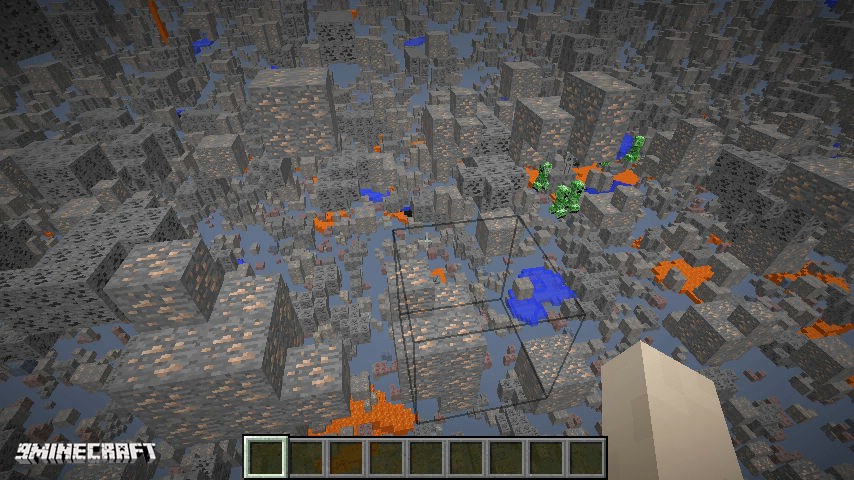
Cavefinder: Default keybinding: C
- Works just like XRay mode.
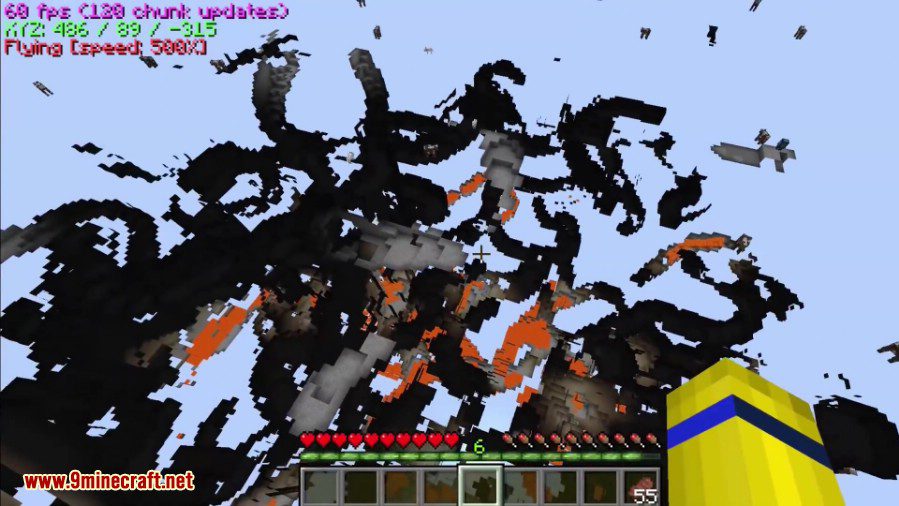
- Cavefinder does not automatically turn on fullbright like XRay does. Therefore, you can use it to find torches or other light sources in caves.
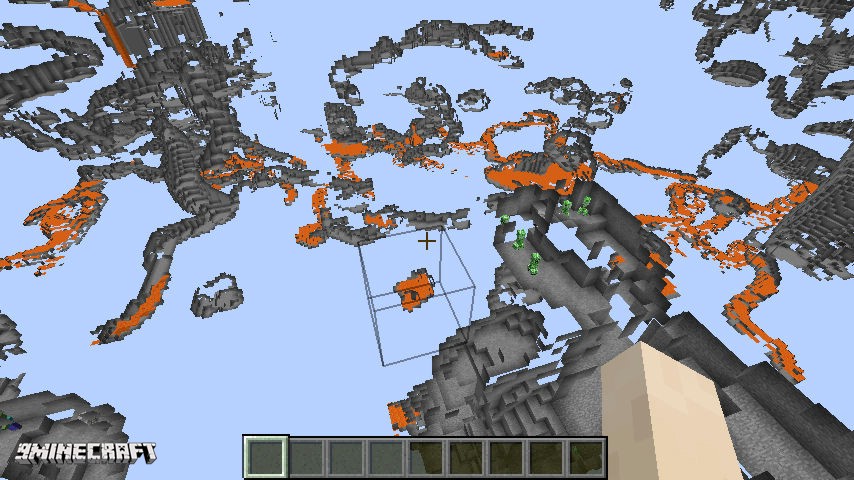
Fullbright: Default keybinding: L
- My fullbright is a little bit better than others…
Setting gamma to 1000% while under water
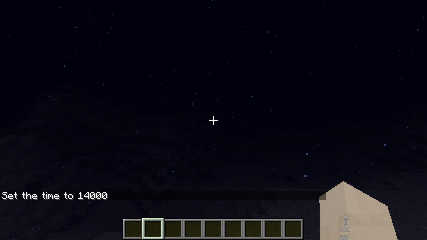
XRay Fullbright while under water
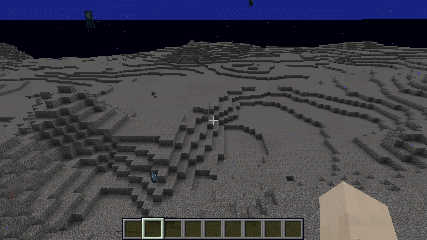
Configurable coordinates display
- For instructions on how to configure them, see the configuration page.
- Here is an example of what you could do:
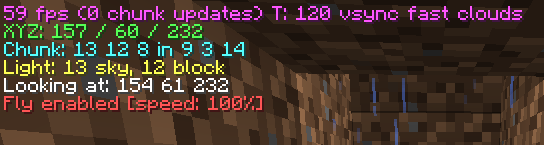
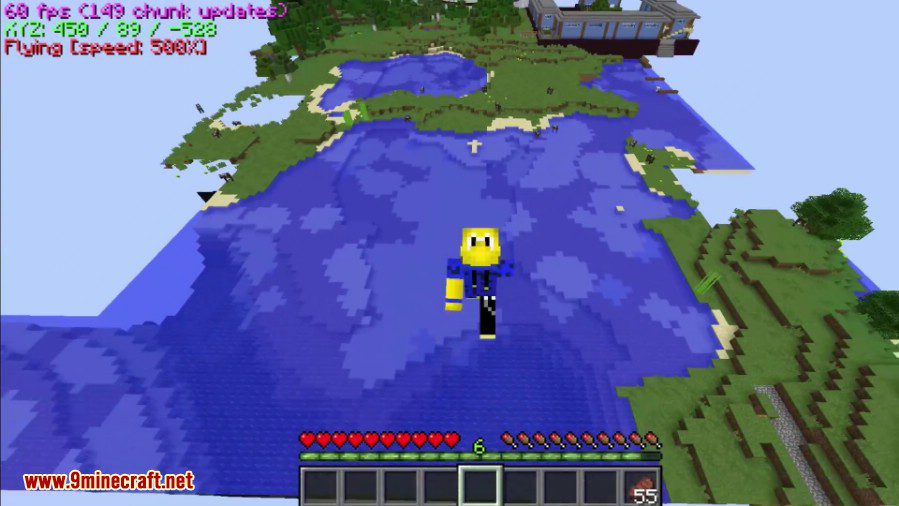
Survival fly and fly speed
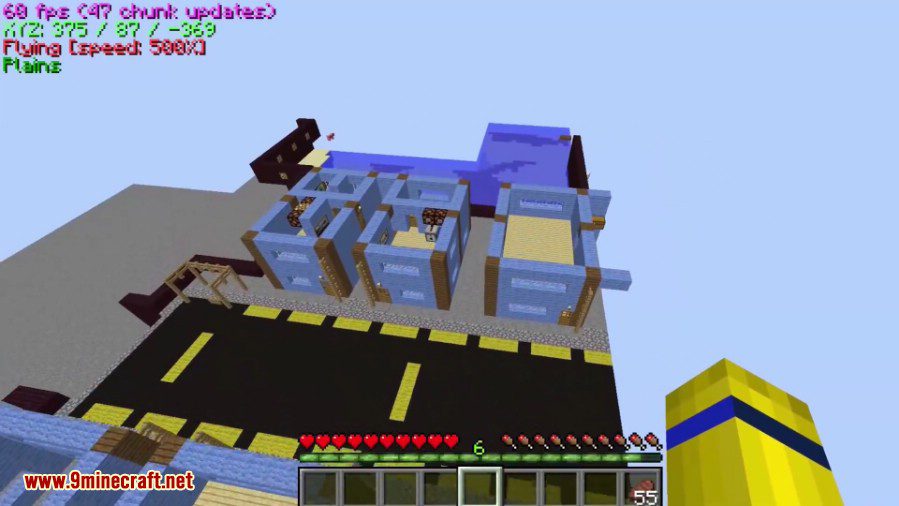
- By default, there is no keybinding set for fly. To enable fly you must set a keybinding for it.
- Pressing the fly keybinding enables survival fly. This allows you to use double jump to start flying. It is very similar to being in creative mode.
- Double tapping the fly keybinding makes you start flying immediately.
Easy to install and compatible with any other mod(s).
User interface to make configuration easier.
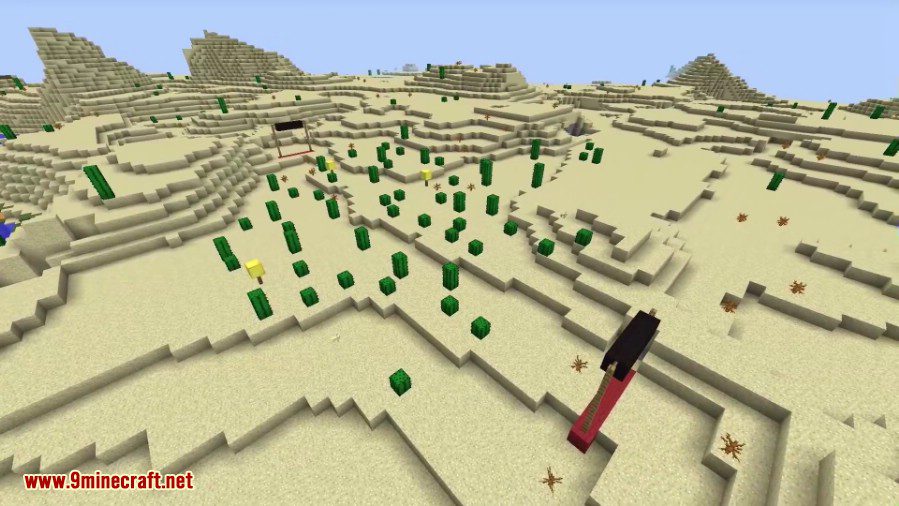
Screenshots:
Old Version:
Show More

Configuration:
Show More
How do I change what blocks are visible?
All configuration is done through the user interface. The default keybinding to open the user interface is J.
Inside the user interface you can select or deselect which blocks you want to be visible by simply checking or unchecking the block you want. By default all blocks are rendered except for those on a built in blacklist of obvious blocks you don’t want in XRay.
Missing blocks?
It turns out that getting a complete list of all blocks in the game, especially when third party mods are involved, is a bit difficult. XRay will prepopulate the list with some blocks it can easily detect; however, there still may be some missing. To address this problem, XRay will add the missing blocks to the list as it filters them when XRay is enabled.
How do I change what is on the coordinates display?
Open the user interface and at the bottom there is a text area where you can change what is on the coordinates display. Below is a table of the possible options you can use.
| Coordinates option | Description |
|---|---|
| {X}, {Y}, {Z} | XYZ coordinates. |
| {X1}, {Y1}, {Z1} | XYZ coordinates with 1 decimal. |
| {X2}, {Y2}, {Z2} | XYZ coordinates with 2 decimals. |
| {ChunkX}, {ChunkY}, {ChunkZ} | the location of the chunk you’re in. |
| {ChunkPosX}, {ChunkPosY}, {ChunkPosZ} | your location within the chunk. |
| {FPS} | the FPS string. |
| {Biome} | the current biome you’re in. |
| {BlockLight}, {SkyLight} | the block light and skylight levels. |
| {LookingAt} | the coordinates of the block you are currently looking at. |
| {Compass} | the current direction you are facing (north/south/etc). |
| {RenderedEntities}, {TotalEntities} | entity information. |
| {Clock}, {24Clock} | shows the current in-game time. |
| {Fly} | if fly is enabled, and your current fly speed. |
How to Install:
New to Minecraft? Follow our step-by-step guide to install Mods on your PC.View Guide
XRay Mod Download Links
How to Install:
New to Minecraft? Follow our step-by-step guide to install Mods on your PC.View Guide
XRay Mod Download Links
For All Versions from Minecraft 1.6.4 to Minecraft 1.12.1
For Minecraft 1.12.2
Modded version, un-official: Download from Server 1 – Download from Server 3
For Minecraft 1.15.2
For Minecraft 1.16.5
For Minecraft 1.17.1
For Minecraft 1.18.1
For Minecraft 1.18.2
For Minecraft 1.19
For Minecraft 1.19.1
For Minecraft 1.19.2
For Minecraft 1.19.3
For Minecraft 1.19.4
For Minecraft 1.20.1, 1.20
For Minecraft 1.20.2
For Minecraft 1.20.3
For Minecraft 1.20.4
For Minecraft 1.20.6, 1.20.5
For Minecraft 1.21.1, 1.21
For Minecraft 1.21.5

22 Comments
Replying to jona ✖ Cancel reply
You May Also Like






















we need 1.21.11 please update new one
Is it just me or is this great X-ray hack dead and no longer being updated and is now dead and will no longer get any X-ray updates for MineCrafts latest and other releases that haven’t been added.
Thank you so much man! Your mods are the best!!!
I get java runtime error when trying to install, how to fix?
Try reinstalling Java and the JDK (Java first, then JDK). That usually fixes file association issues and the mod should install just fine.
Every one wanting 1.21.10 but I feel like this wont get updated
So it would seem. If i where good at coding, i would update it myself…
Any Chances on an upgrade for 1.21.10?
this is the best xray mod (you can set the flyspeed and fullbright and the cavefinder is best), i would donate you if you can make it compatible for fabric 🙂
please make it compatible for fabric @Dromar
need 1.21.10 please, if you could be so kind, thank you
i thank you for your mod, it has helped me on single player and servers, any chance on updates for 1.21.8 and 1.21.10, thank you
Bonjour, je n’arrive pas à installer le xray ver 1.21.5. Java me mets ceci “A Java Exception has occurred.”. Si vous voulez m’aider. Merci et bon jeux.
1.21.10?
1.21.9?
i want to 1.21.8 please. is it coming?
переведите пожалуйста на Forge