🌐 You are reading the 中文 translation of this article
Available languages for this article:

Create Ultimine Mod 将 FTB Ultimine 的强大功能带到了你的 Create 模组体验中。这款补丁让你能对 Create 的方块和物品使用连锁挖掘能力。现在,通过一次性与多个方块交互,你可以更快速地建造和修改大型机械装置。
主要功能:

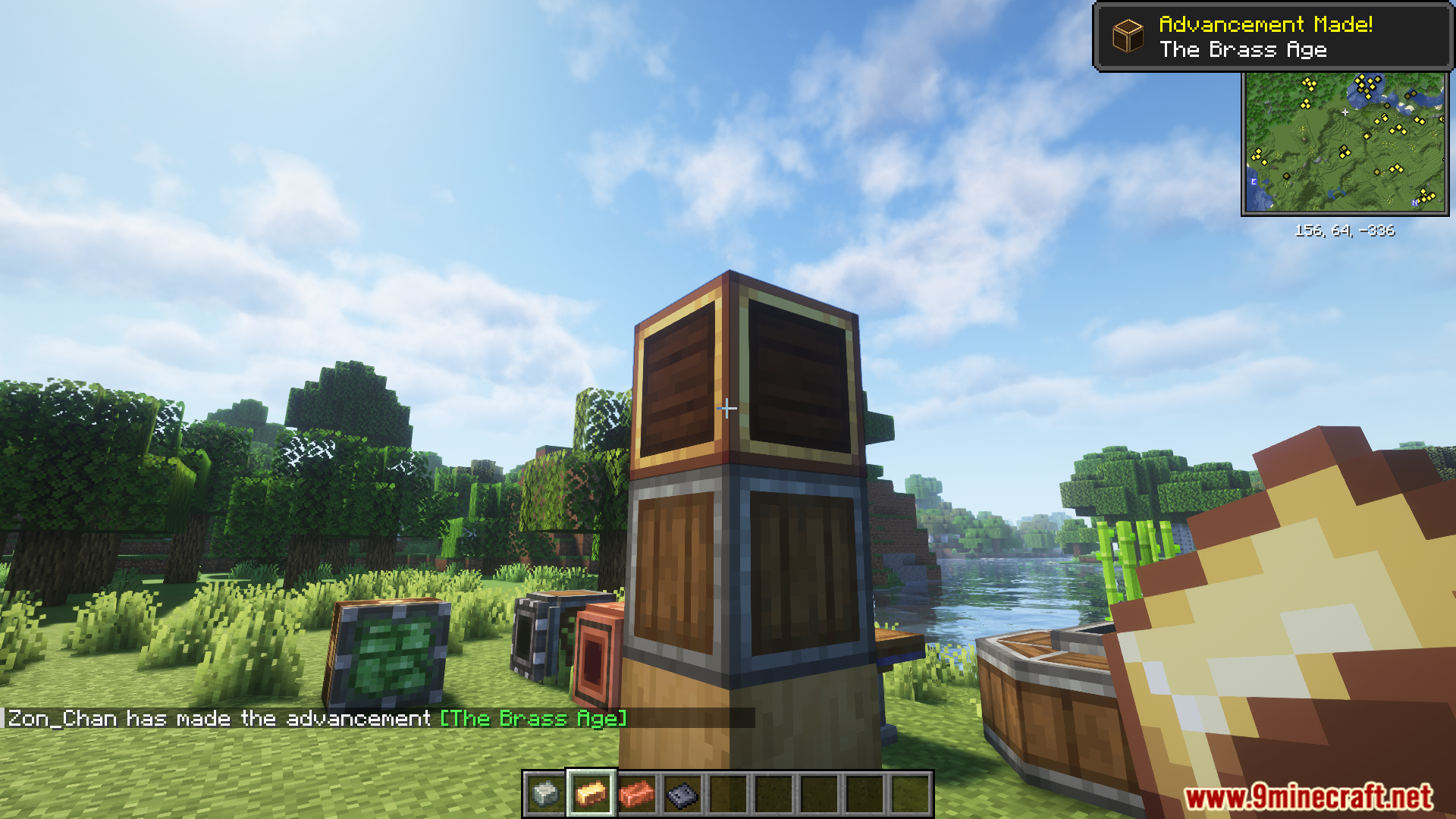
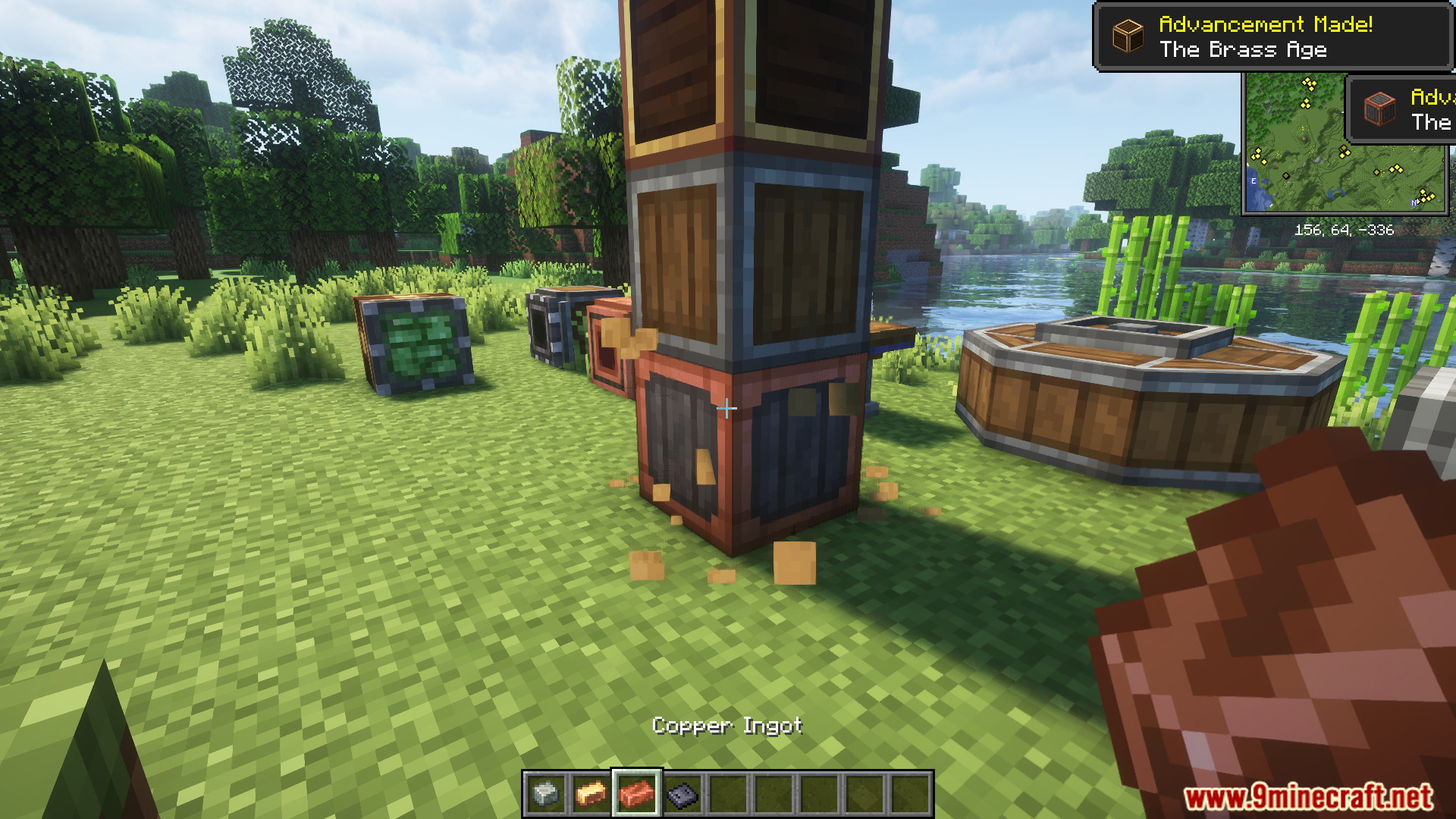
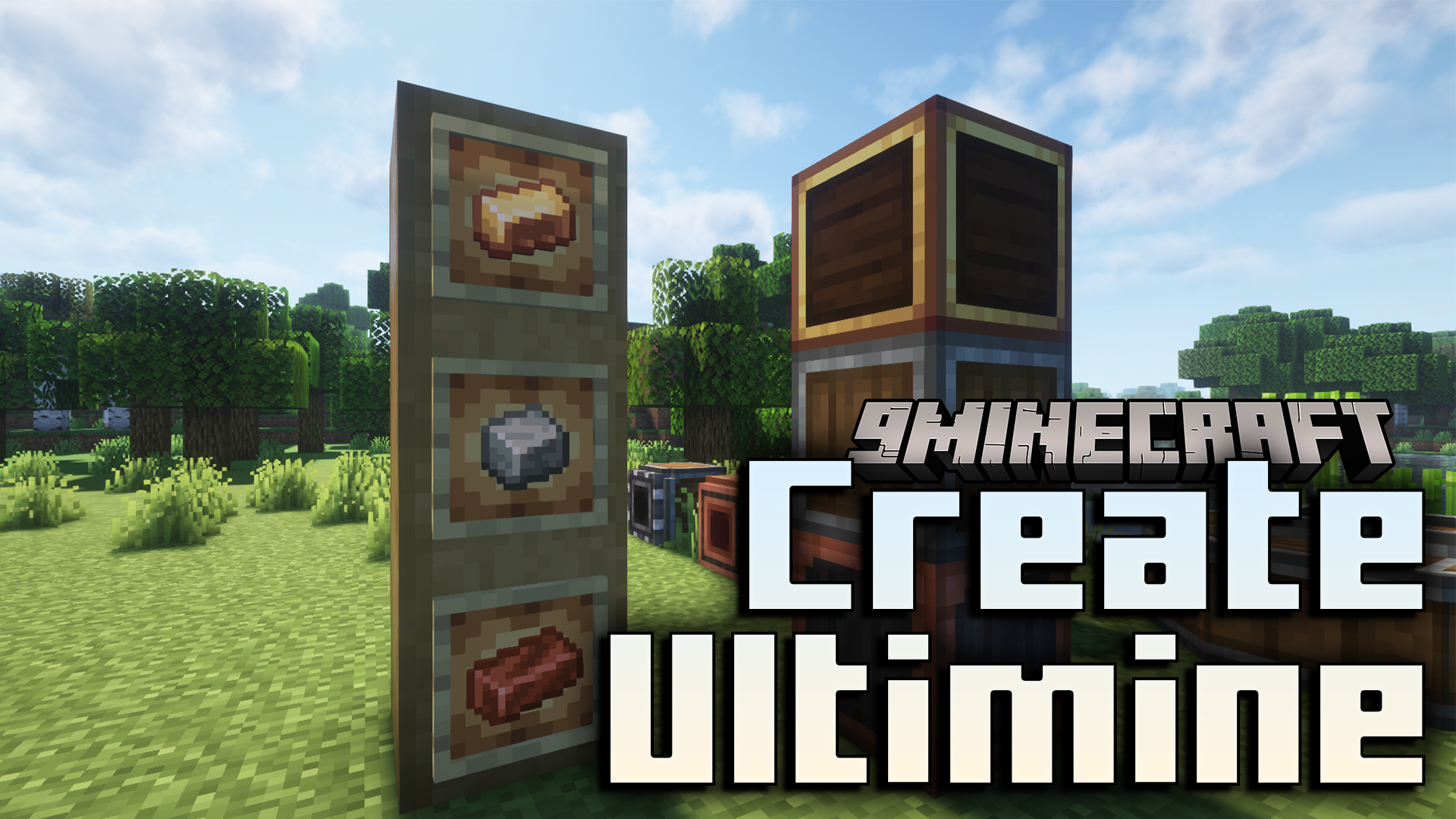
  • 只需一次操作,即可将安山合金、黄铜锭和铜锭等材料应用到多个去皮原木或机壳上。
  • 配合 Shift+右键使用扳手,可同时旋转、拆除或与多个 Create 方块及红石组件进行交互。

模组截图:
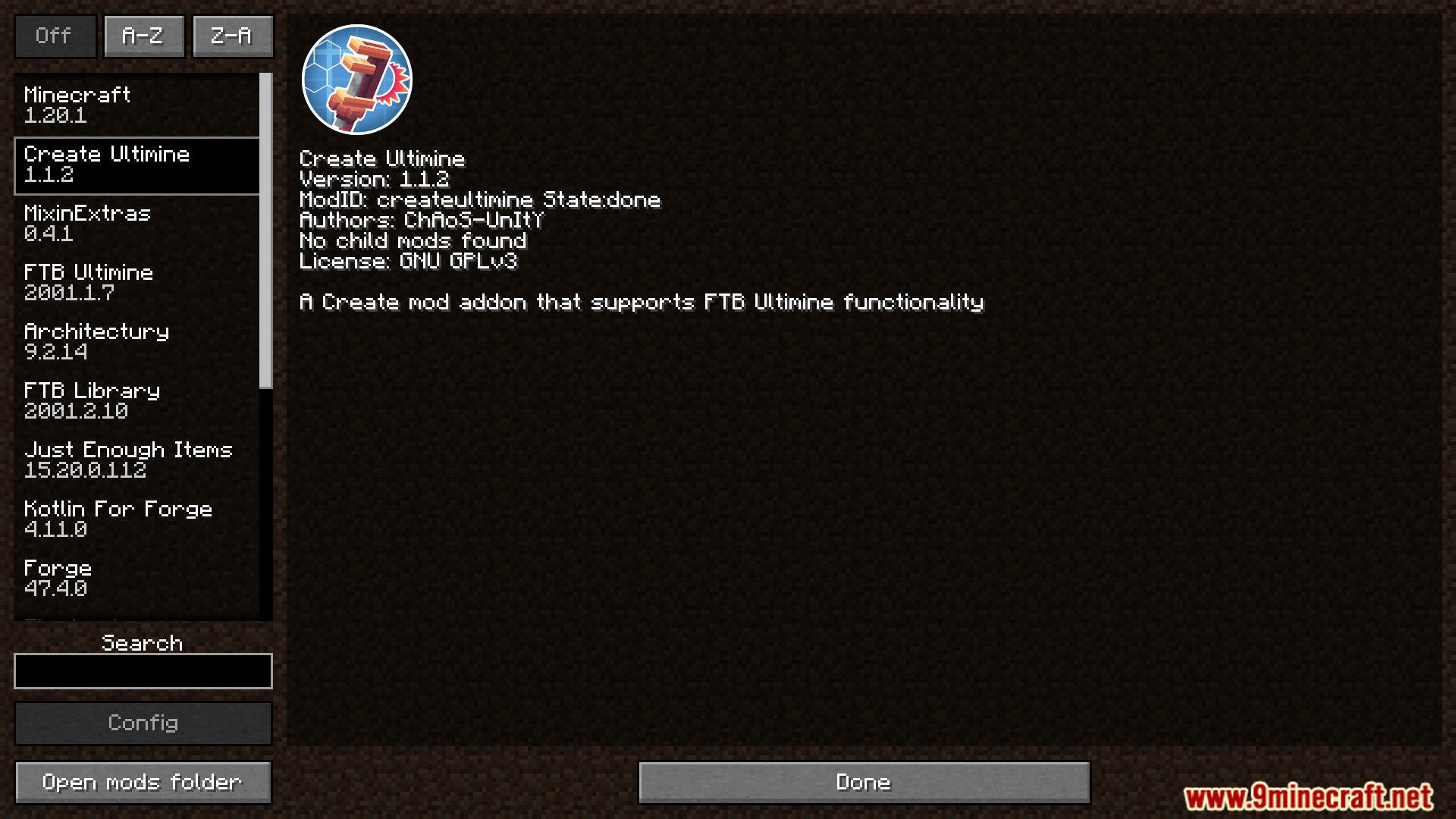
Mod menu interface showing details for the Create Ultimine mod
显示 Create Ultimine 模组详情的模组菜单界面
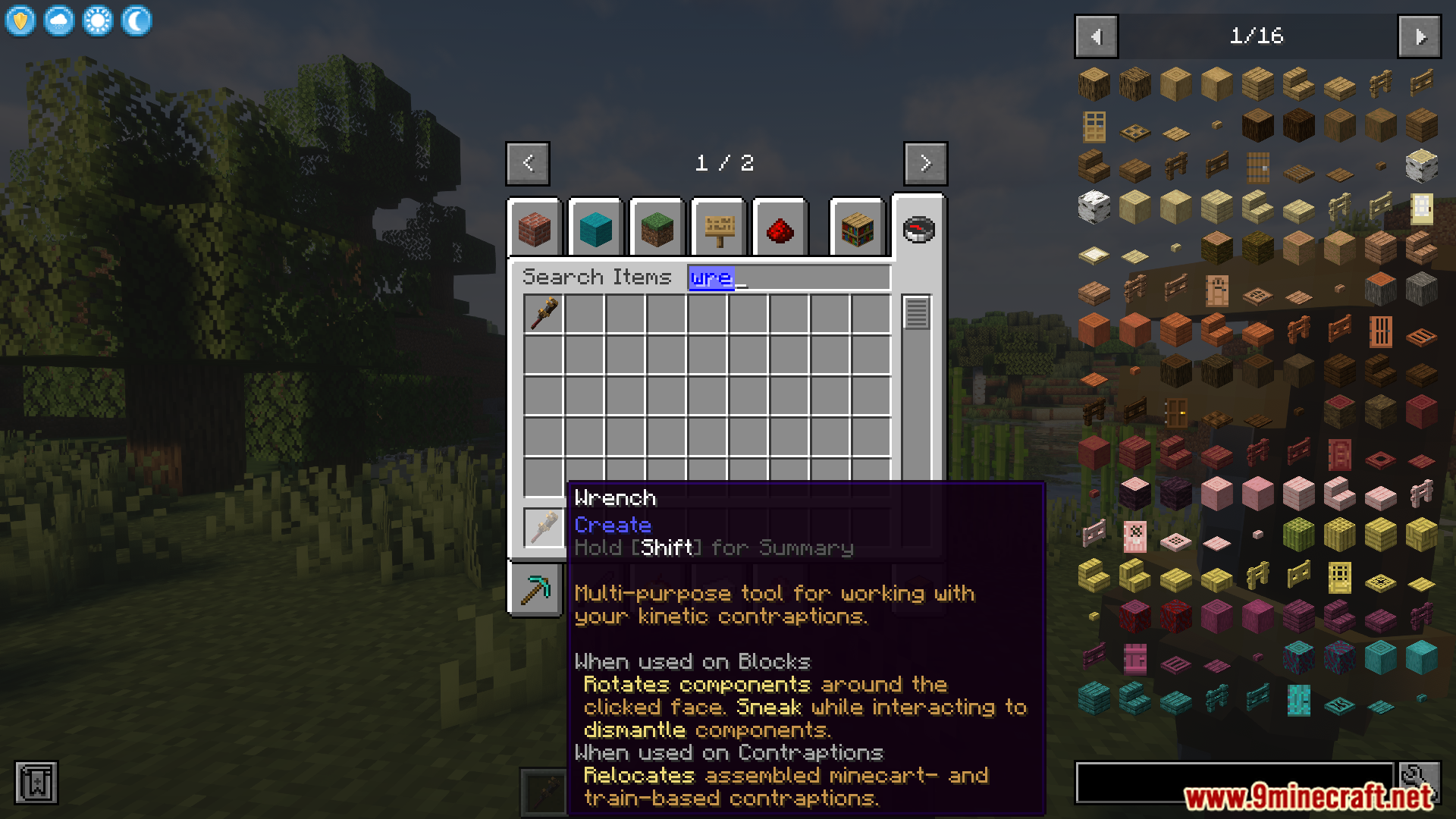
Creative inventory showing the wrench tool used for mechanical blocks
创造模式物品栏中用于机械方块的扳手工具
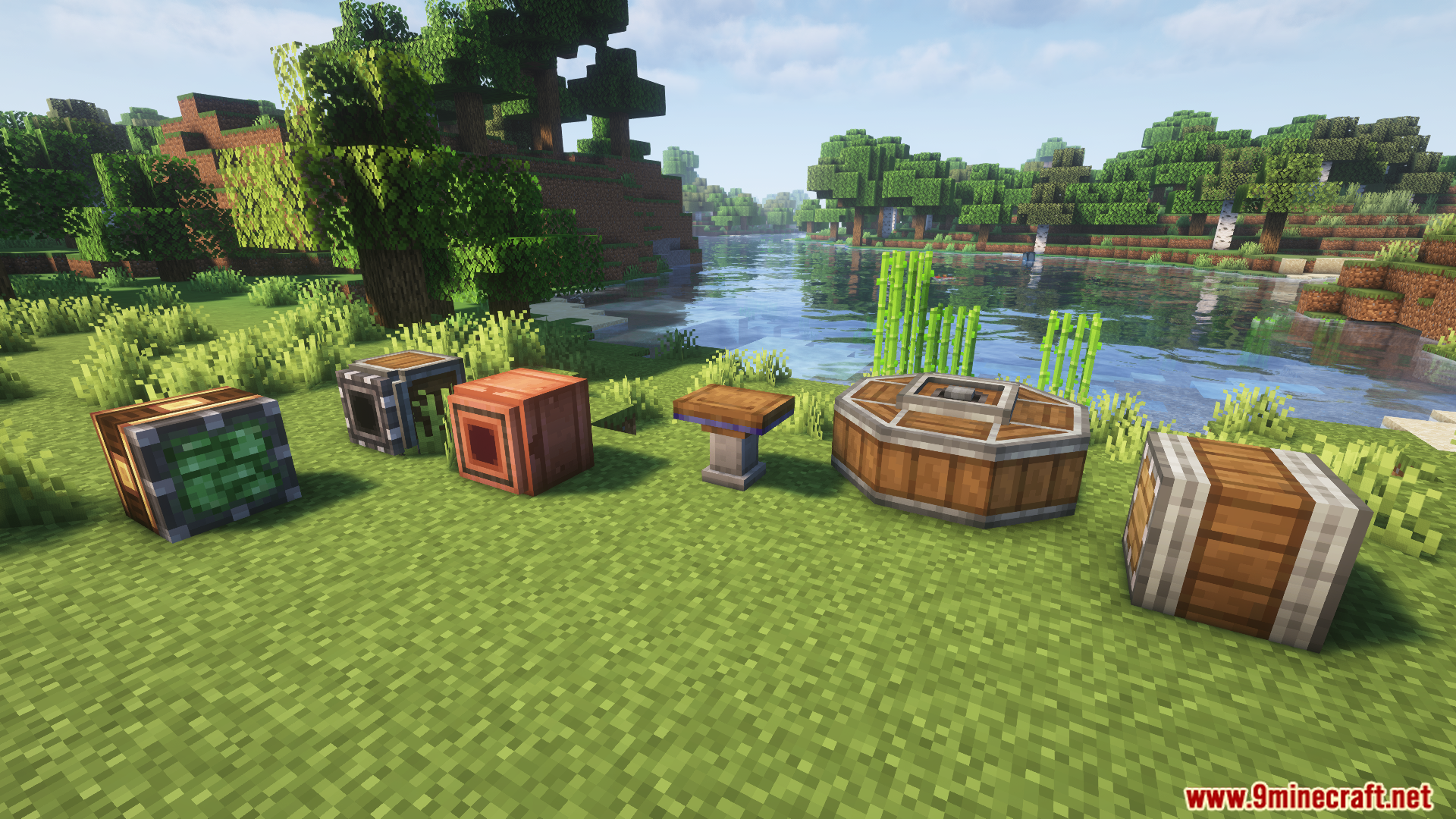
Showcase of mechanical blocks and casings from Create Ultimine Mod
Create Ultimine Mod 中的机械方块与机壳展示
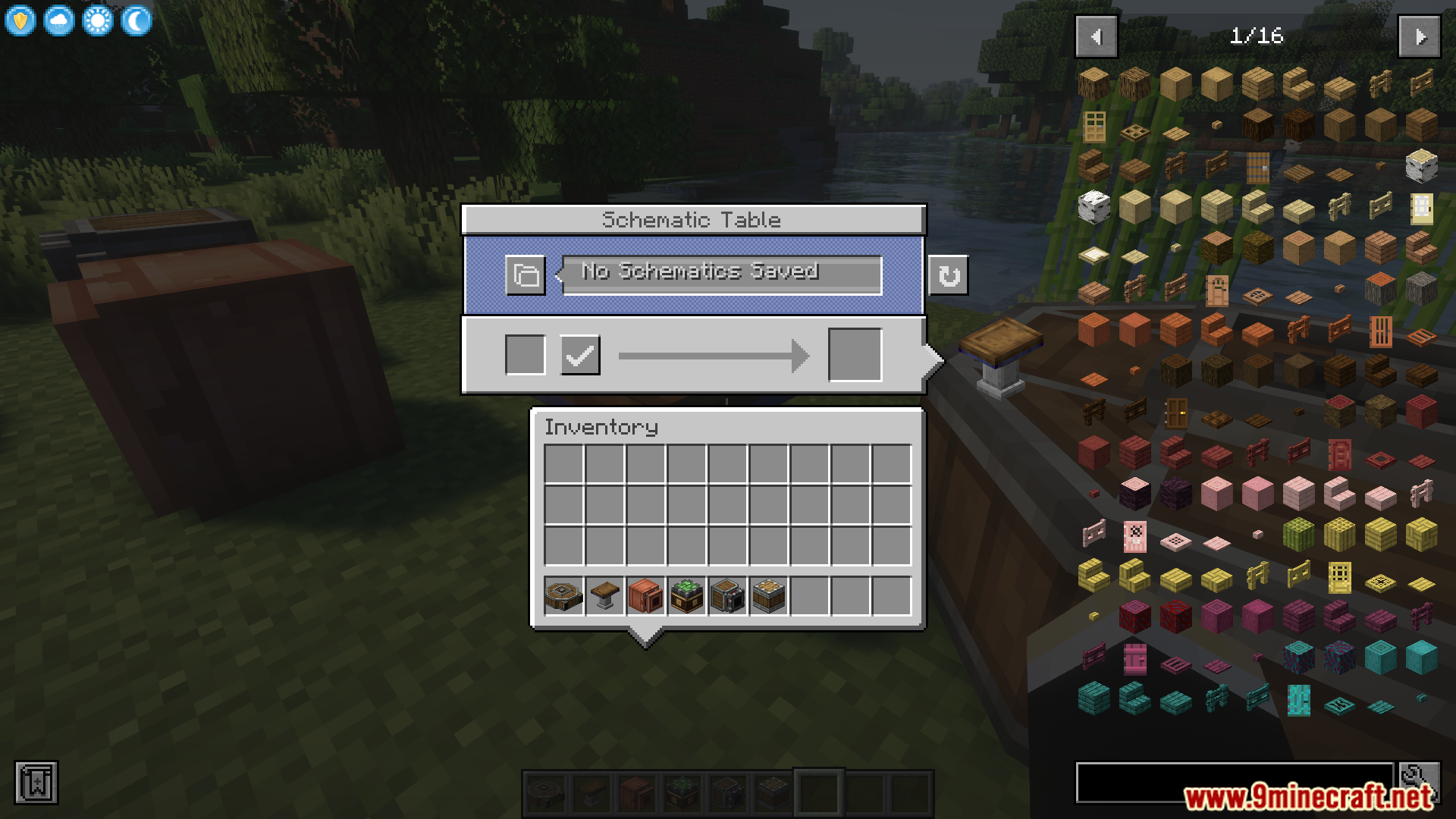
Schematic Table interface showing various items from the Create mod
显示 Create 模组各种物品的蓝图桌界面
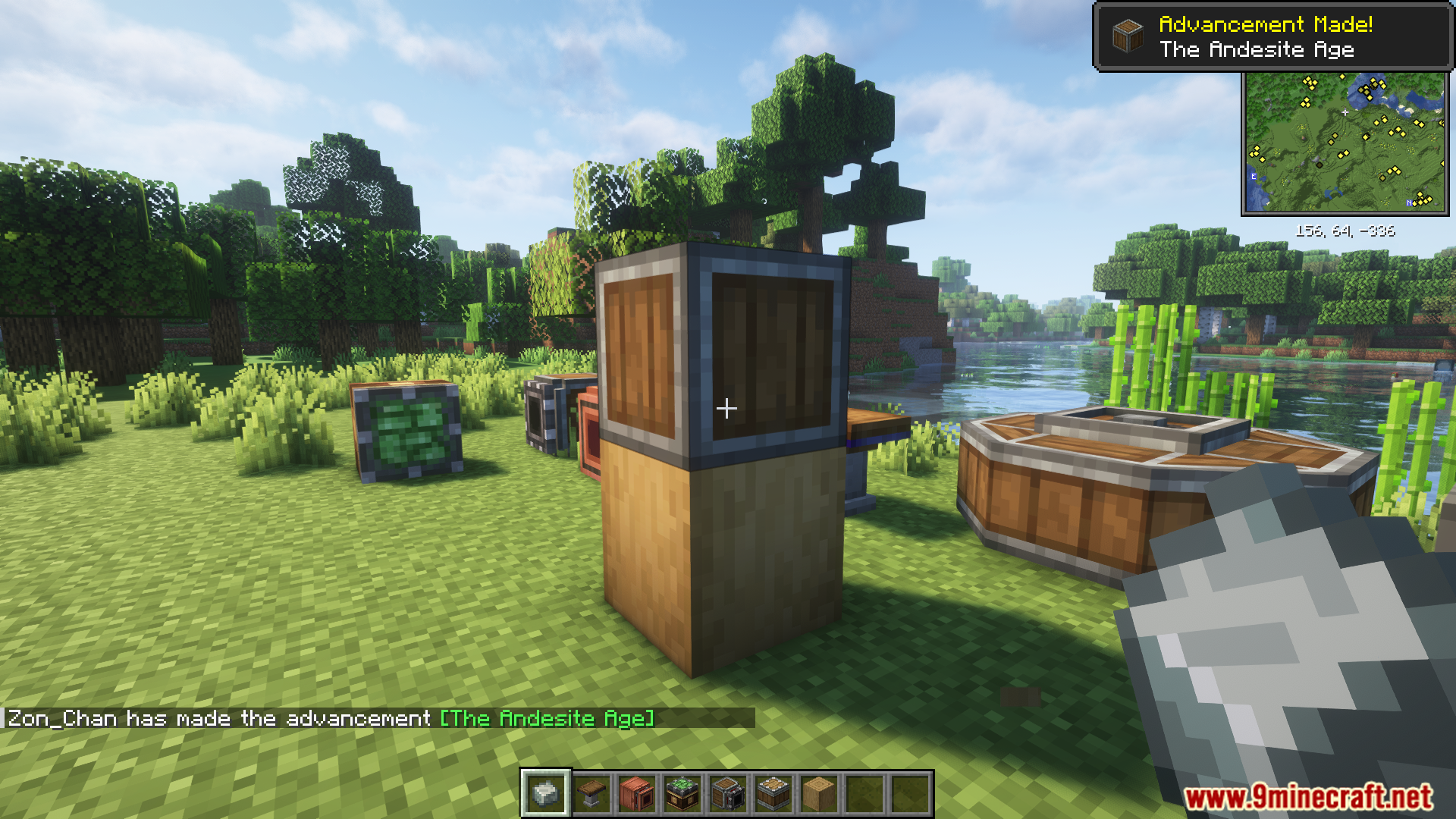
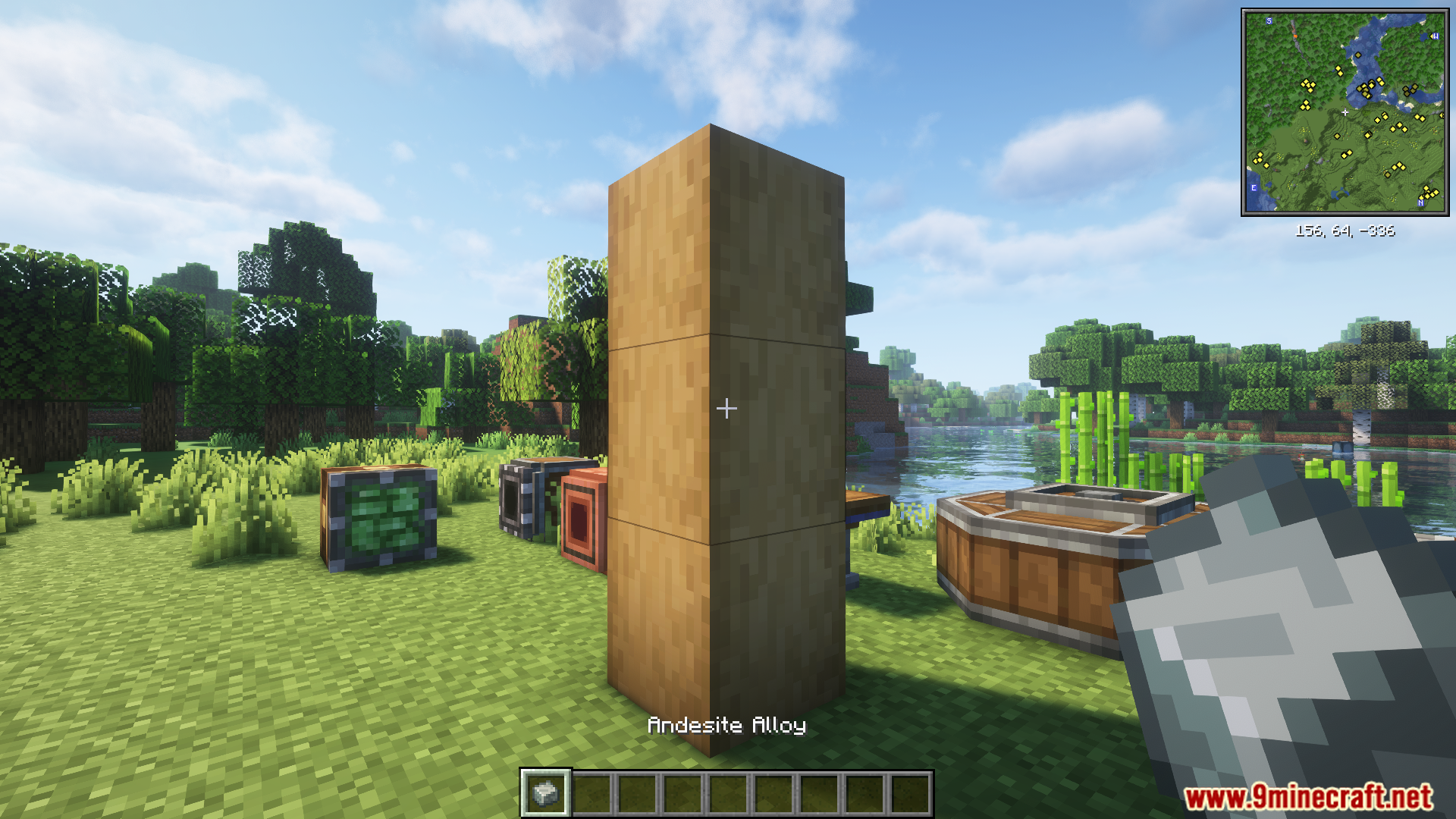
Applying andesite alloy to stripped logs with Create Ultimine Mod
使用 Create Ultimine Mod 将安山合金应用到去皮原木上
A pillar of stripped logs in a Create mod world
Create 模组世界中的去皮原木柱
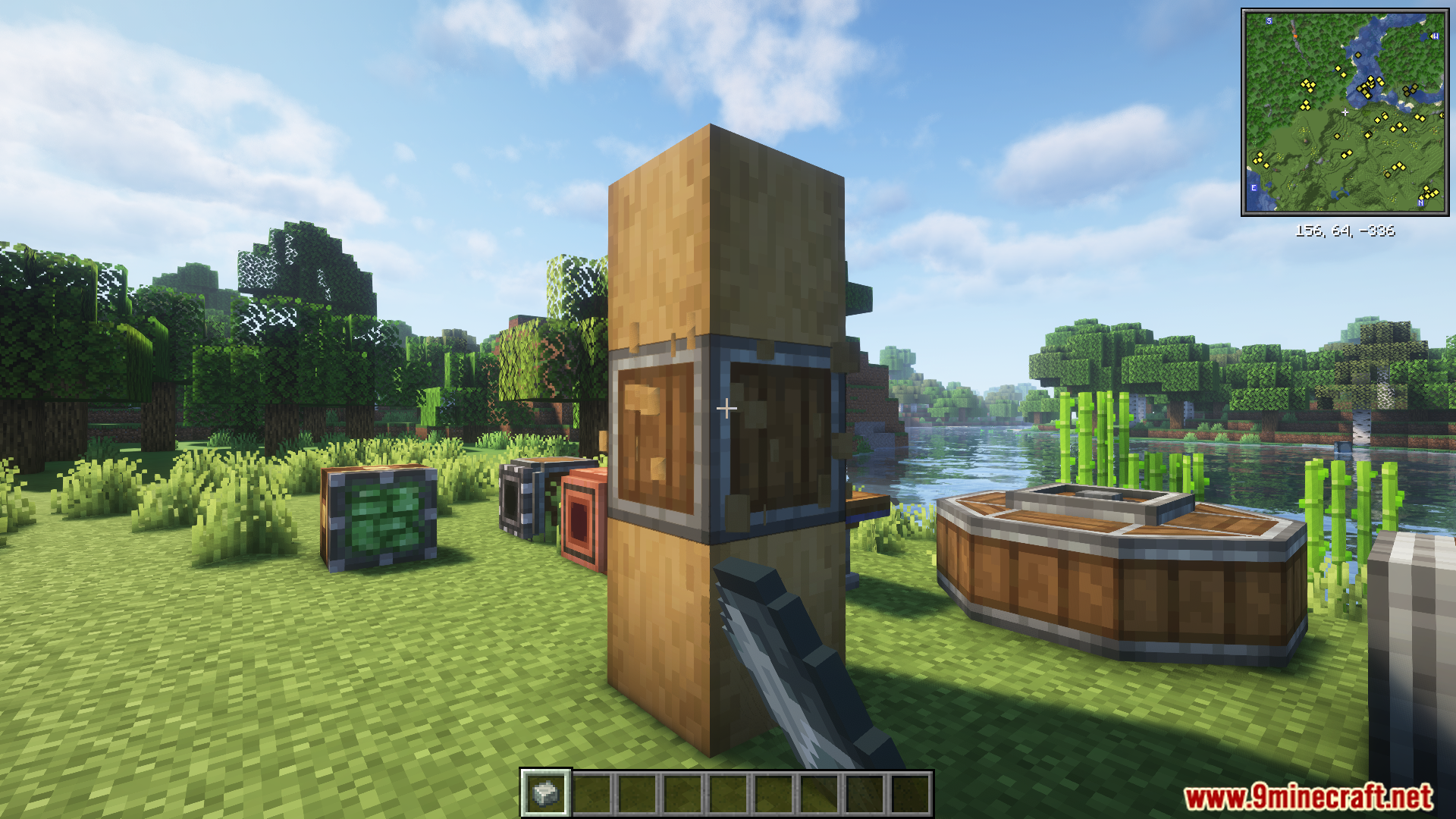
Player applying Andesite Alloy to stripped logs using Create Ultimine
玩家使用 Create Ultimine 将安山合金应用到去皮原木上
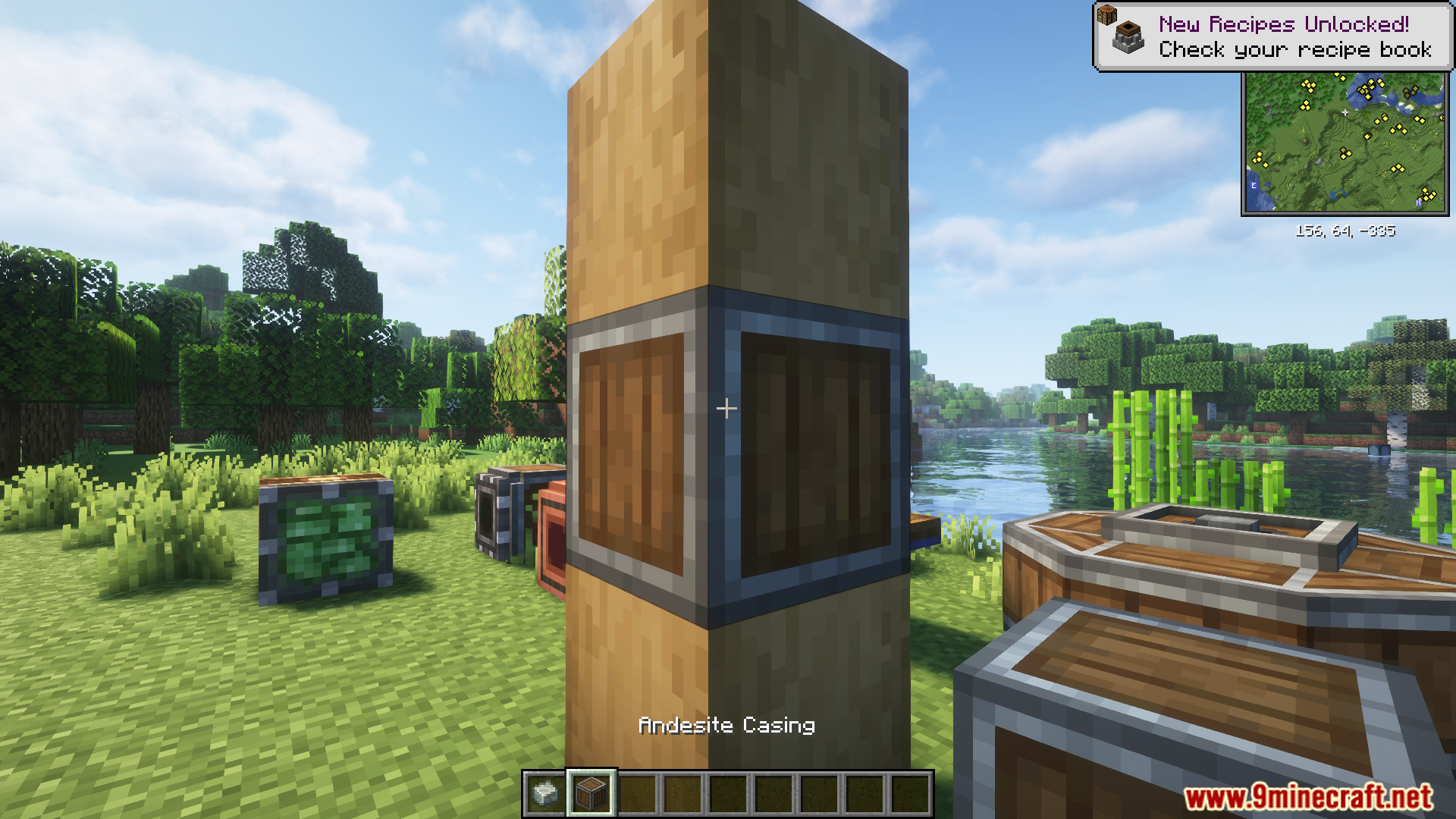
Andesite Casing applied to a stripped log pillar in Minecraft
在 Minecraft 中应用到去皮原木柱上的安山机壳
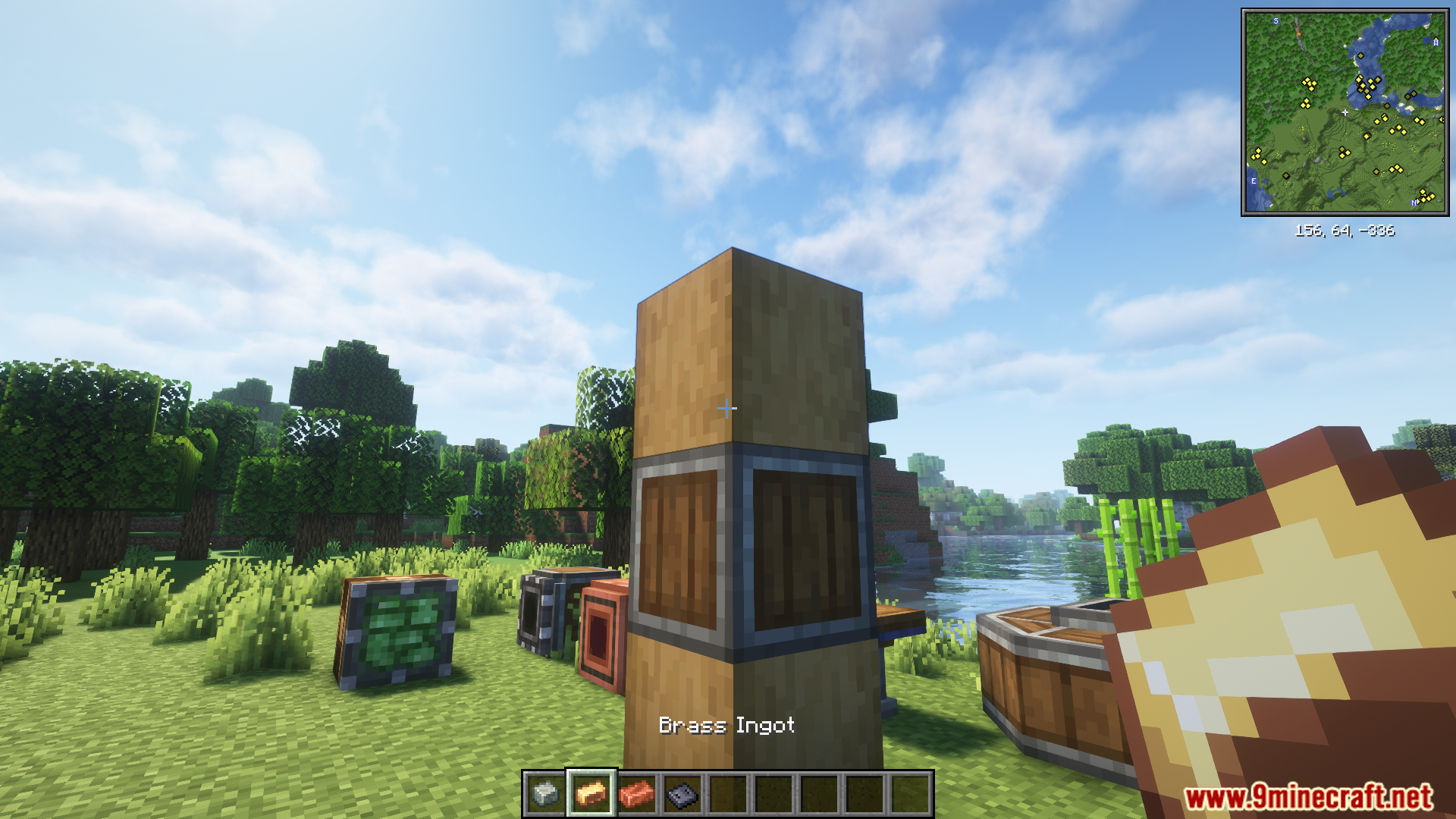
Player holding a brass ingot near an andesite casing block
玩家在安山机壳方块旁手持黄铜锭
Applying brass ingots to blocks using Create Ultimine Mod
使用 Create Ultimine Mod 将黄铜锭应用到方块上
Applying copper ingot to multiple casings using Create Ultimine Mod
使用 Create Ultimine Mod 将铜锭应用到多个机壳上
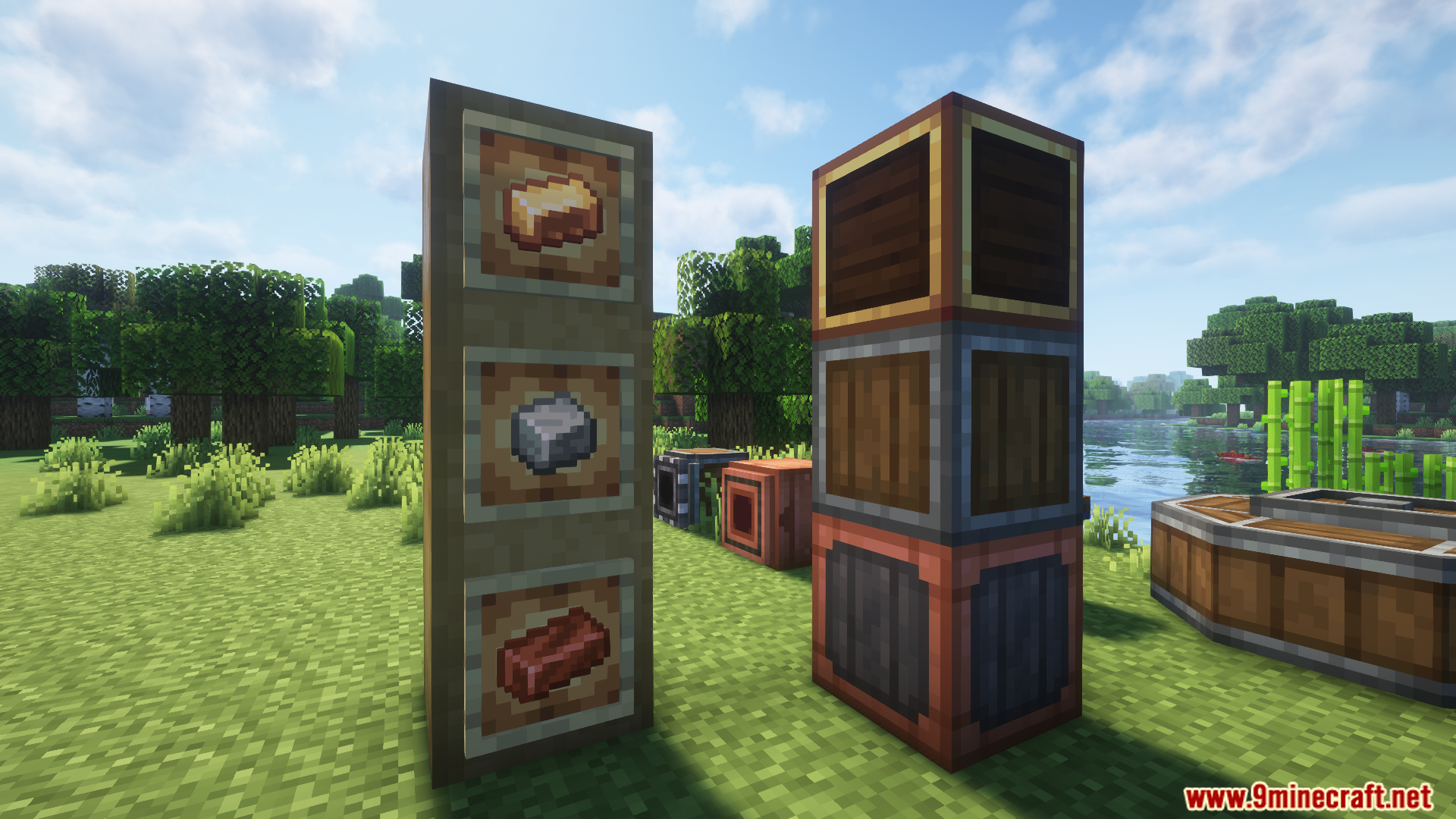
Metal ingots in frames next to their matching block casings
展示框中的金属锭及其对应的方块机壳

Create Ultimine Mod 下载链接

针对 Minecraft 1.21.1, 1.21

NeoForge 版本:从服务器 1 下载从服务器 2 下载

针对 Minecraft 1.20.1, 1.20

Forge 版本:从服务器 1 下载从服务器 2 下载

Click to rate this post!
[Total: 2 Average: 5]