🌐 您正在以中文阅读本文。想切换吗?
📖 阅读英文原文
或选择您喜欢的语言:

D-hand Mod 将你的背包和图腾快捷键整合为一次按键。该模组通过在打开背包前自动将图腾放入副手,帮助你在快节奏的战斗中避免失误。只有当你的快捷栏中有图腾且副手为空时,它才会移动物品。由于此工具同时自动化了两个动作,在联机比赛中使用前,请务必检查服务器规则。
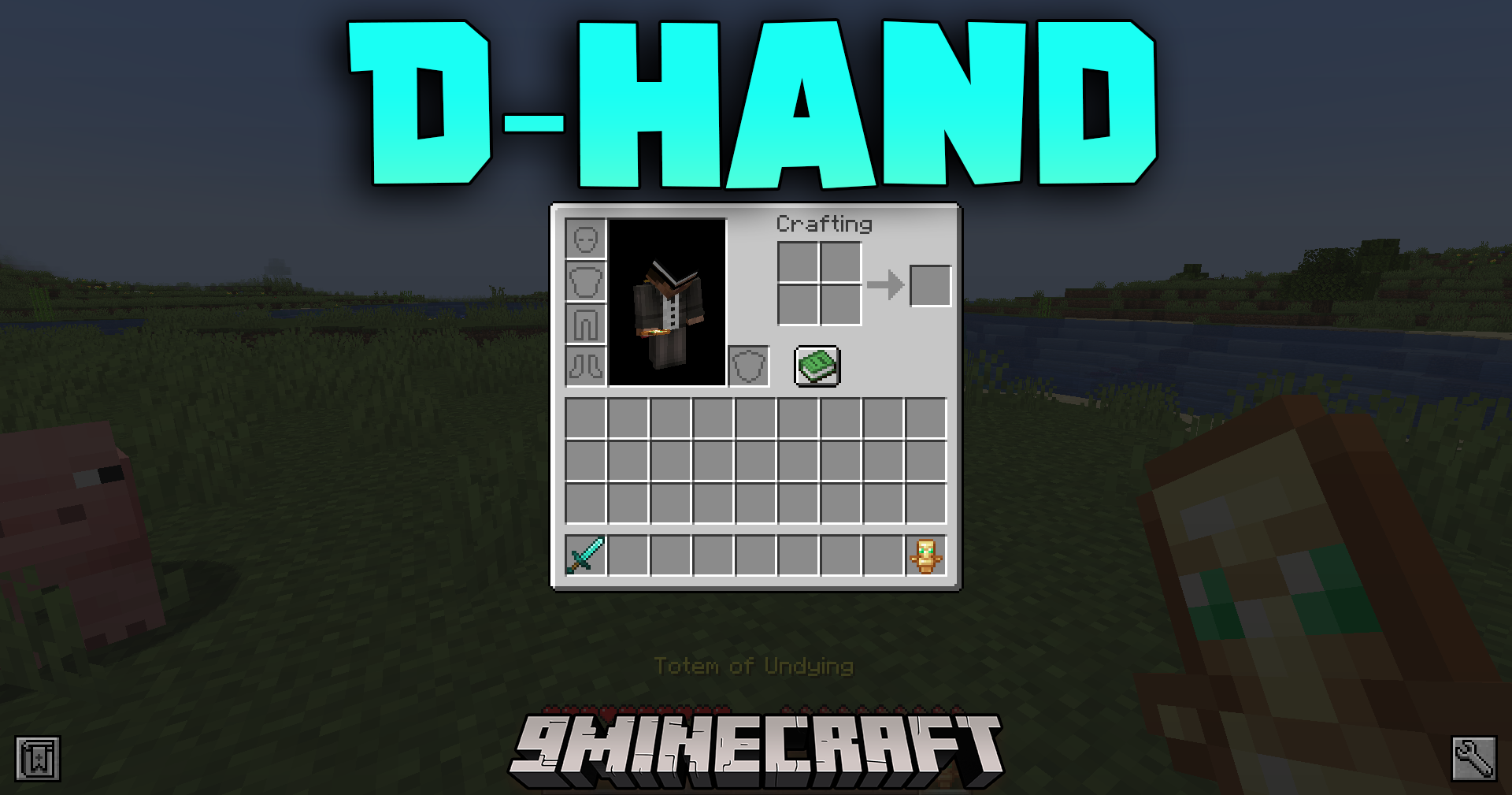
功能特点:

  • 一键操作:D-hand Mod 将你的图腾槽位键和背包键连接到单次按键上。
  • 在背包界面实际显示前的极短瞬间(15 到 45 毫秒),自动将图腾移至手中。
  • 需要你在快捷栏中准备好不死图腾才能完成切换。
  • 如果你副手中已经持有了图腾,则会完全跳过该动作。
  • 帮助玩家在快节奏的水晶 PvP 战斗中避免漏点。
  • 会在游戏日志中留下记录。由于部分服务器禁止自动按键工具,请在游玩前检查服务器规则。
  • 去除了旧版本中的水晶优化工具,使该模组纯粹专注于图腾切换。

使用方法:

  1. 将不死图腾放入快捷栏。
  2. 按下打开背包的按键。
  3. 模组会自动将图腾移至副手槽位。
  4. 如果你副手已持有图腾或快捷栏中没有图腾,模组将不执行任何操作。

截图:
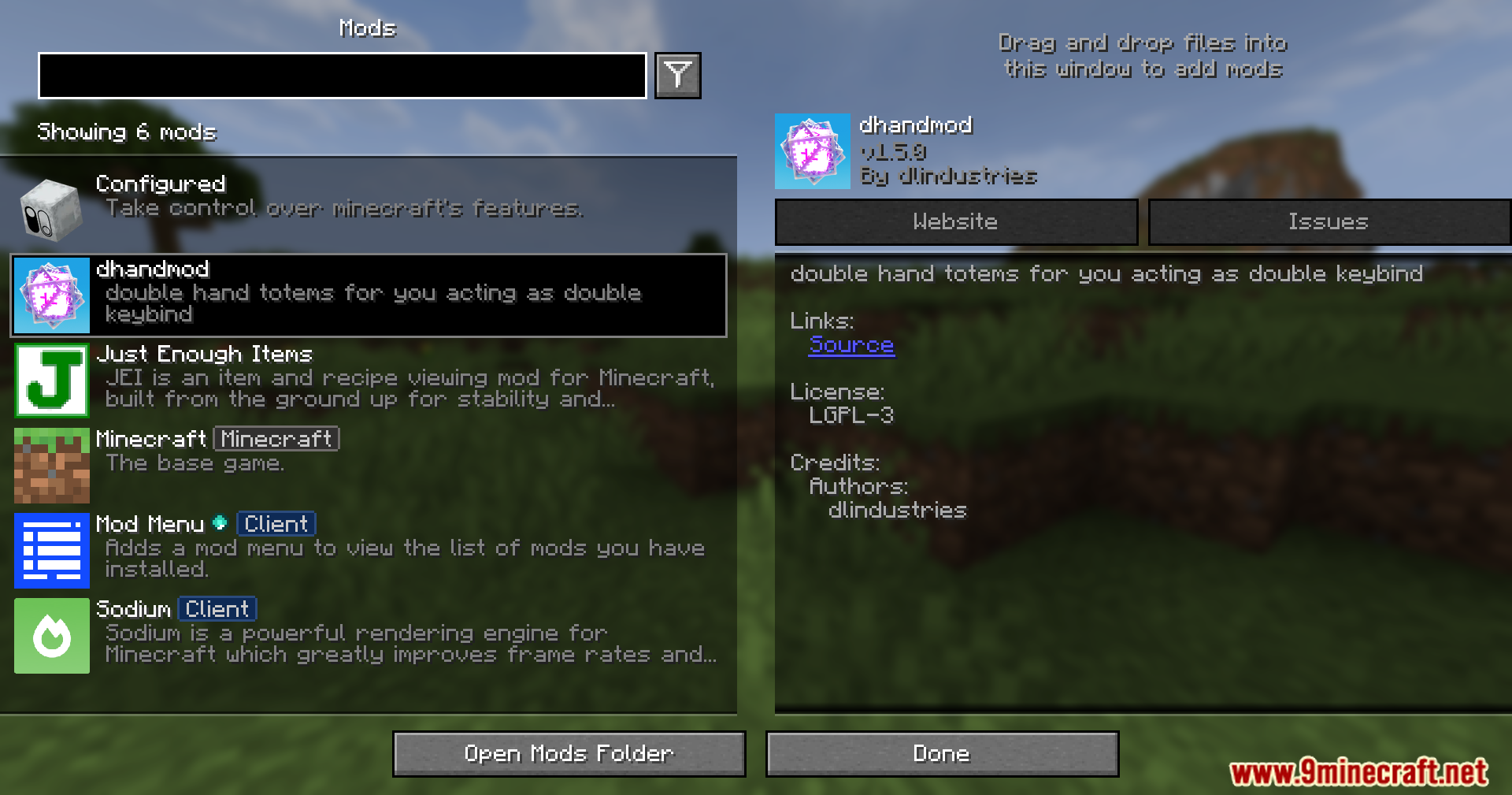
D-hand Mod displayed inside the active installed mods menu screen
已安装模组菜单界面中显示的 D-hand Mod
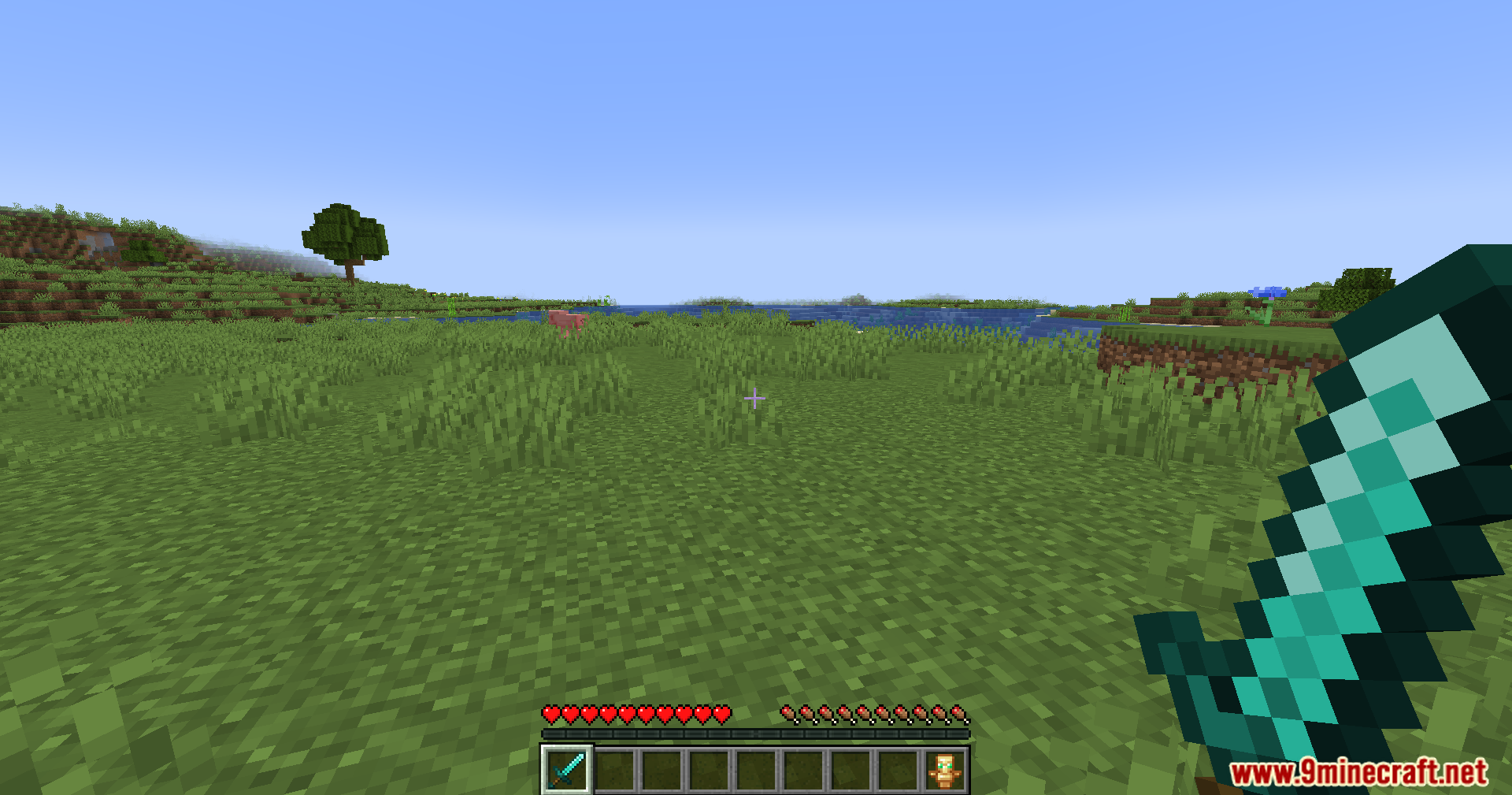
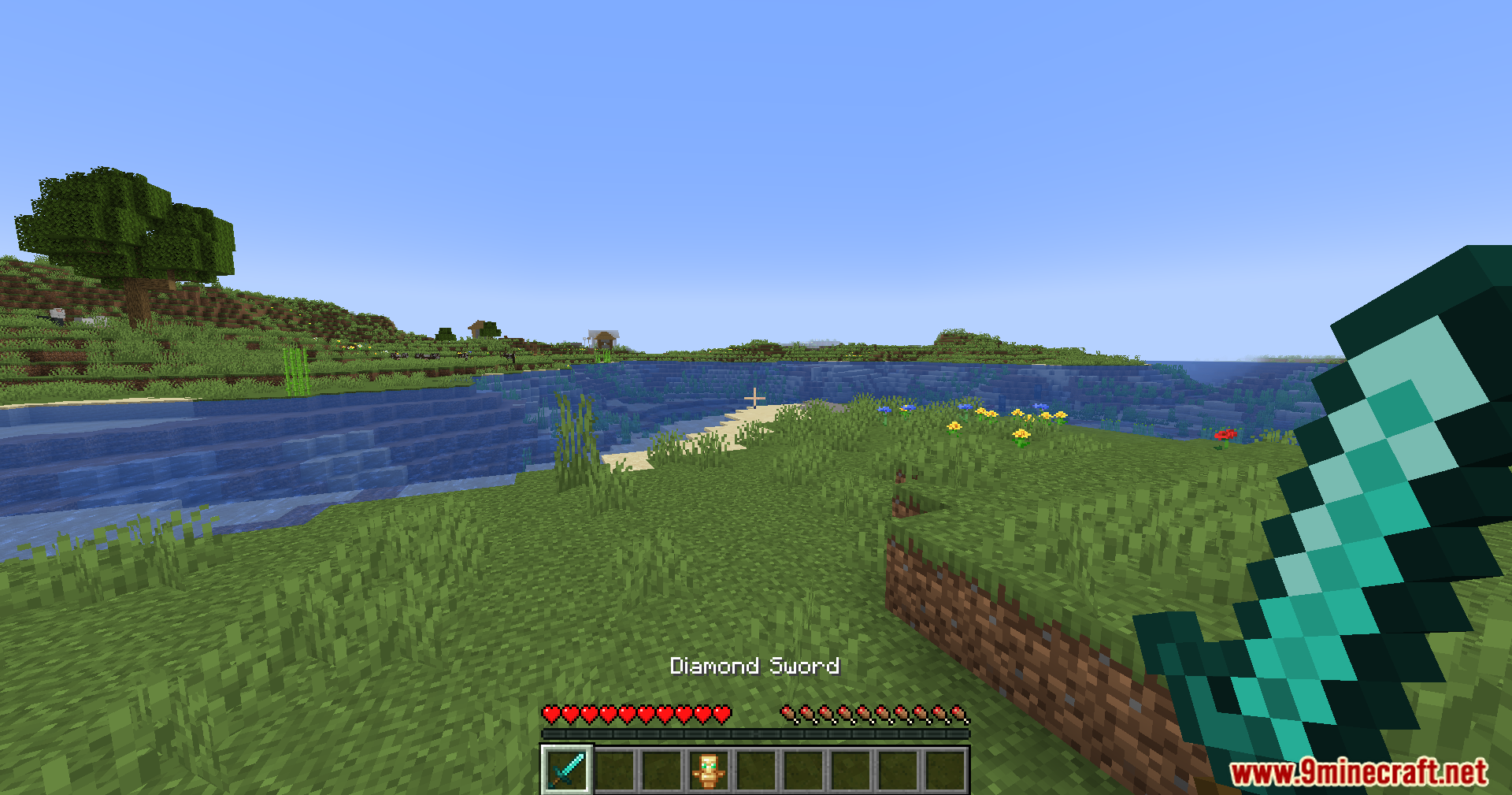
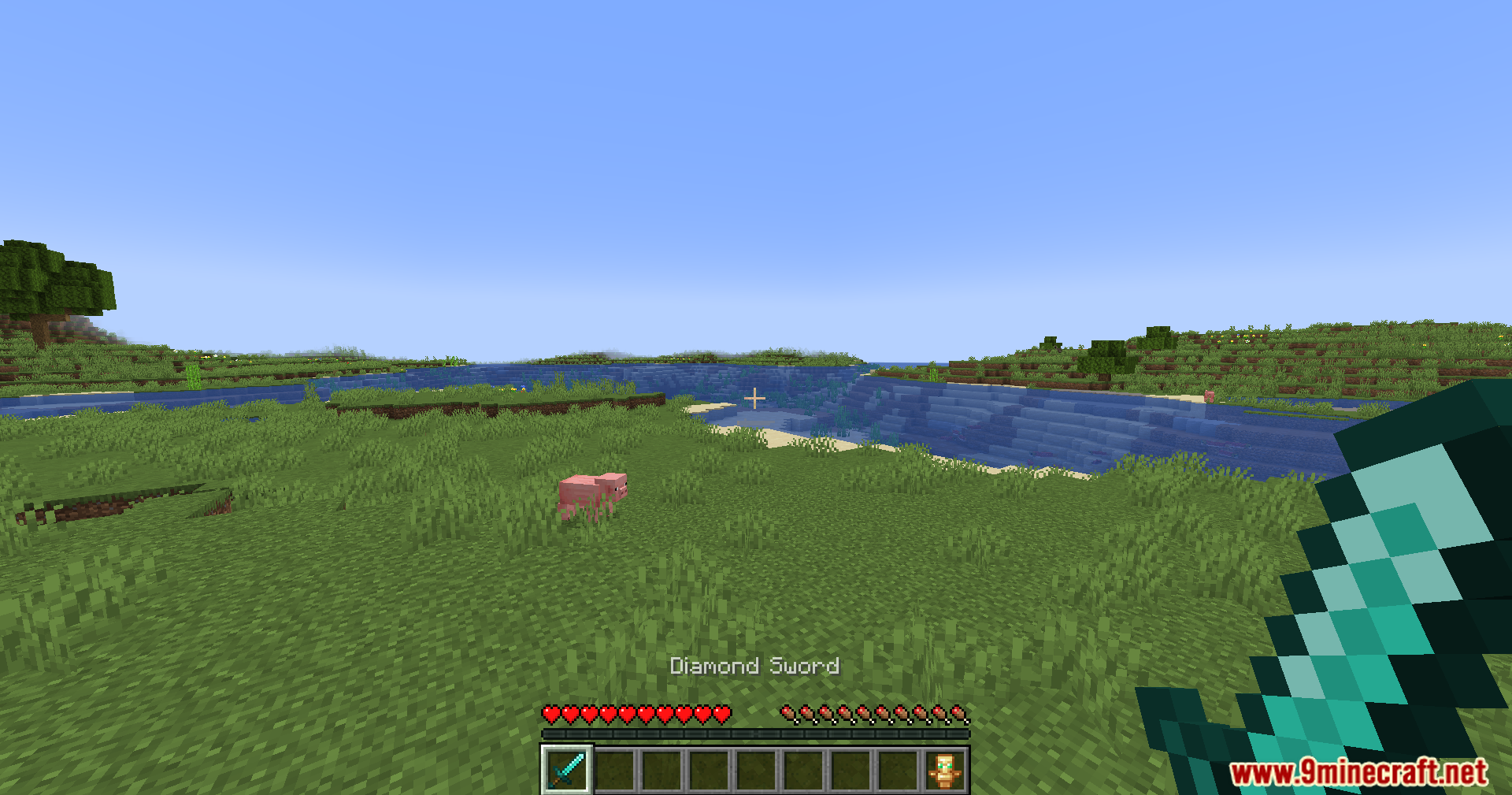
First person view of holding a diamond sword in the plains
在平原上手持钻石剑的第一人称视角
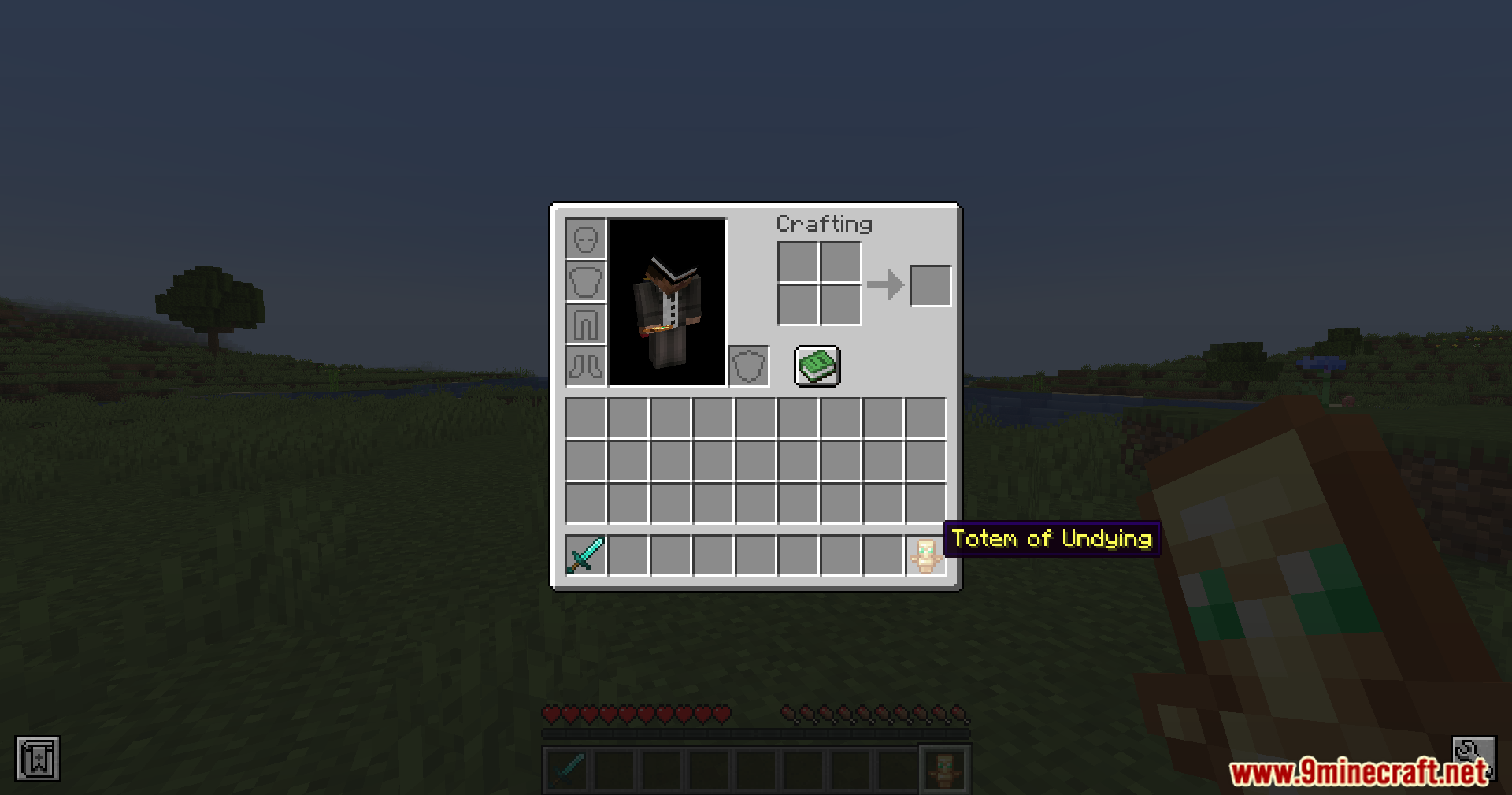
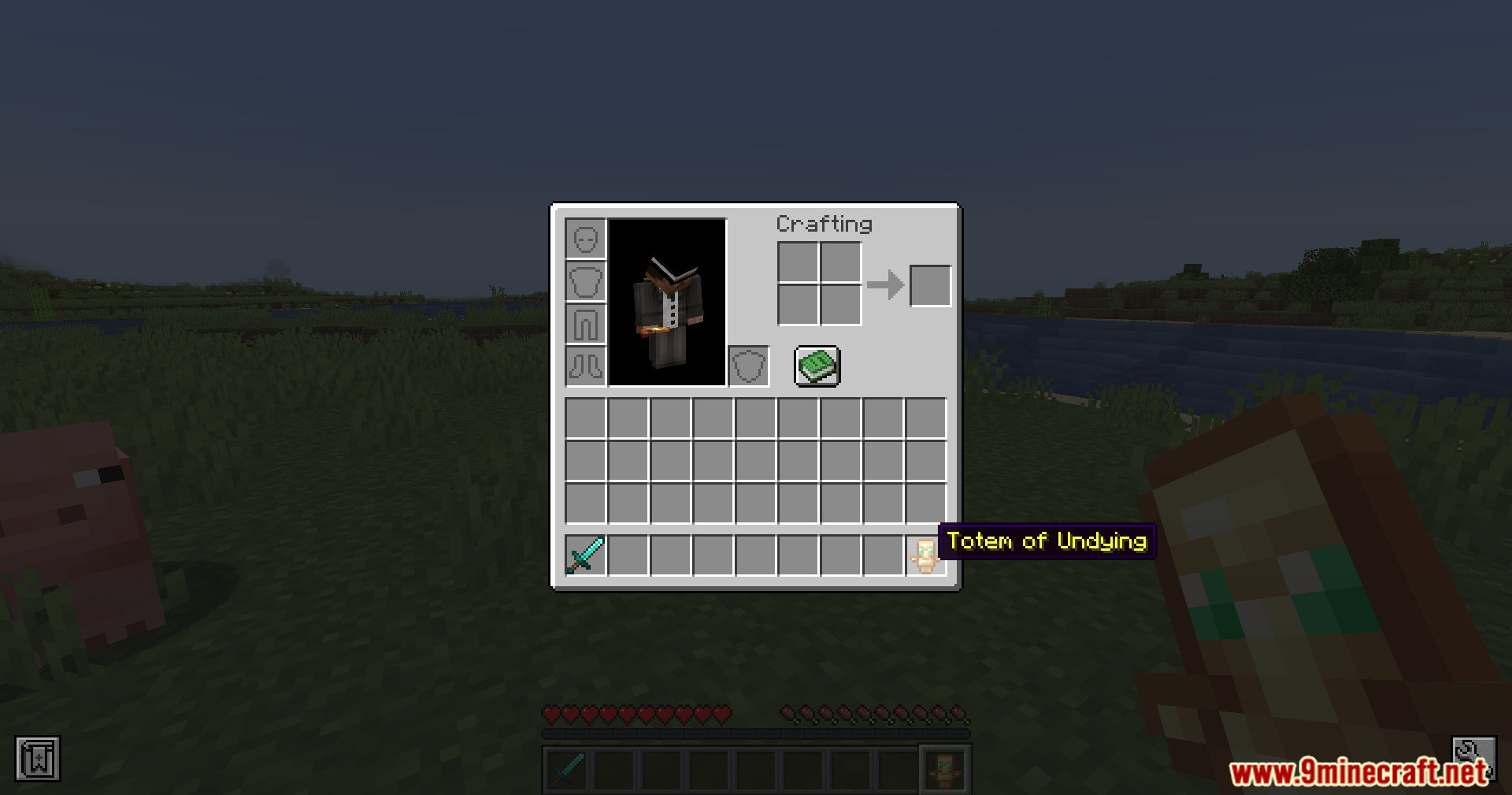
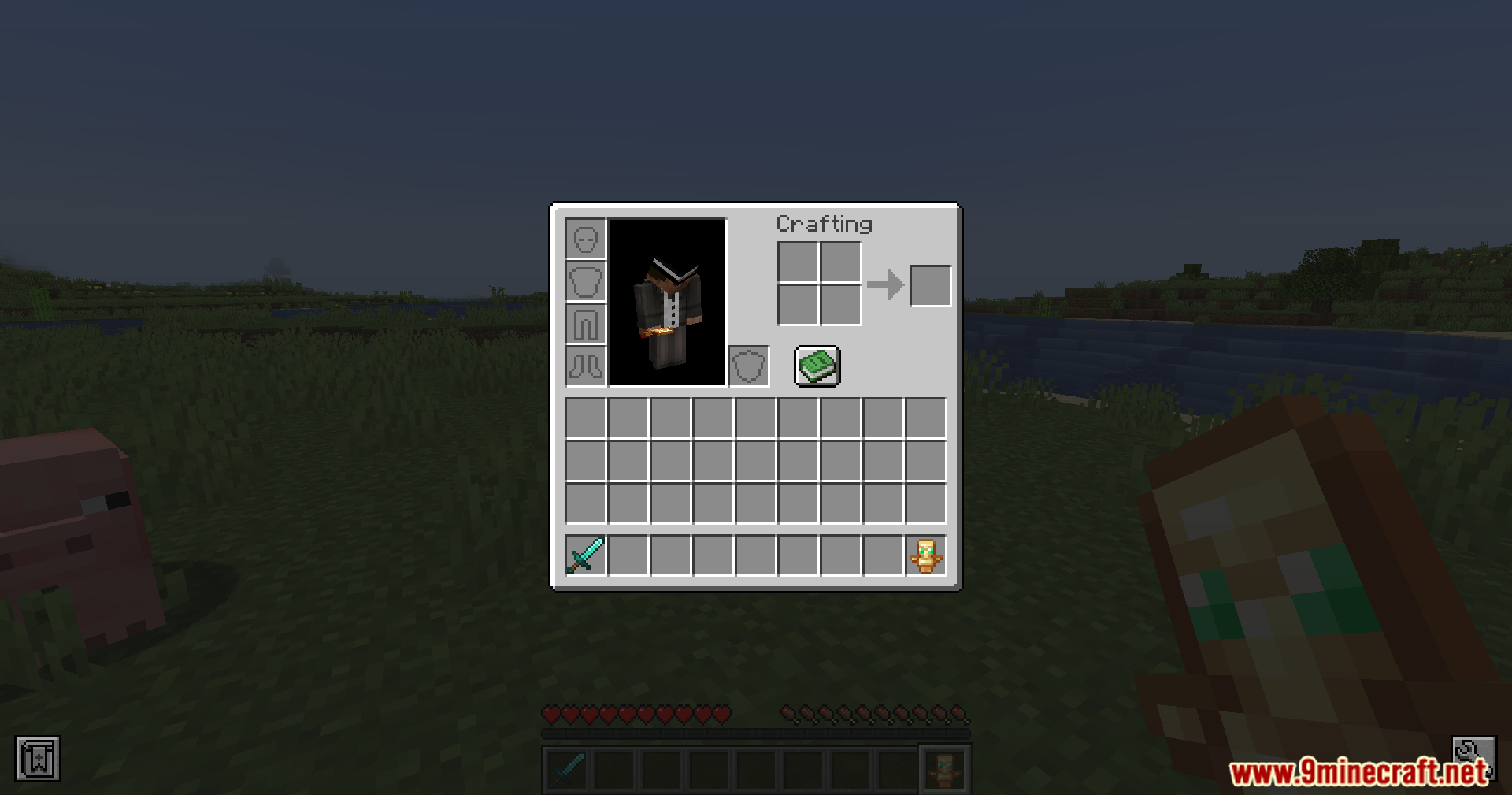
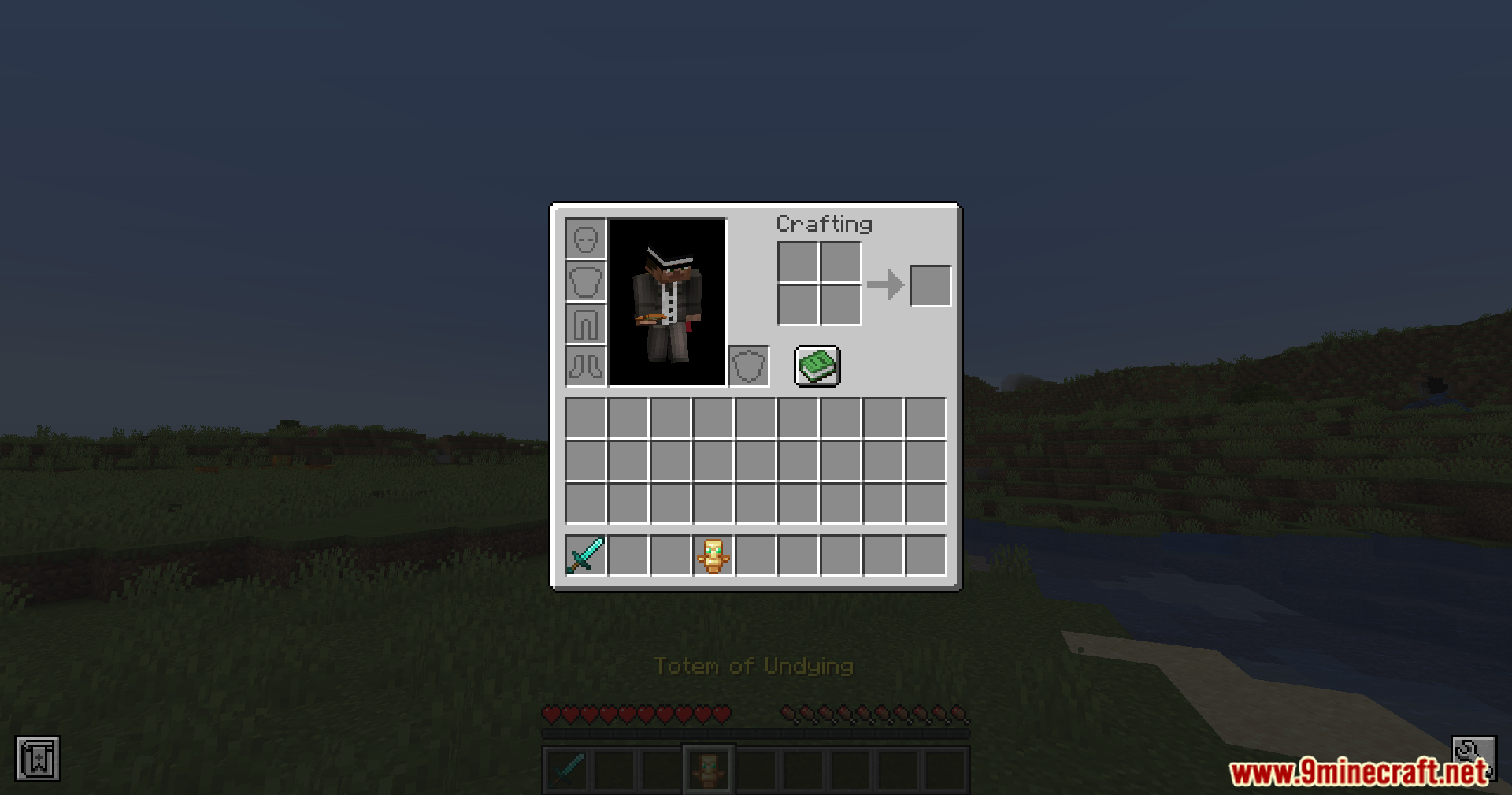
Player inventory screen showing a Totem of Undying in the off-hand
显示副手持有不死图腾的玩家背包界面
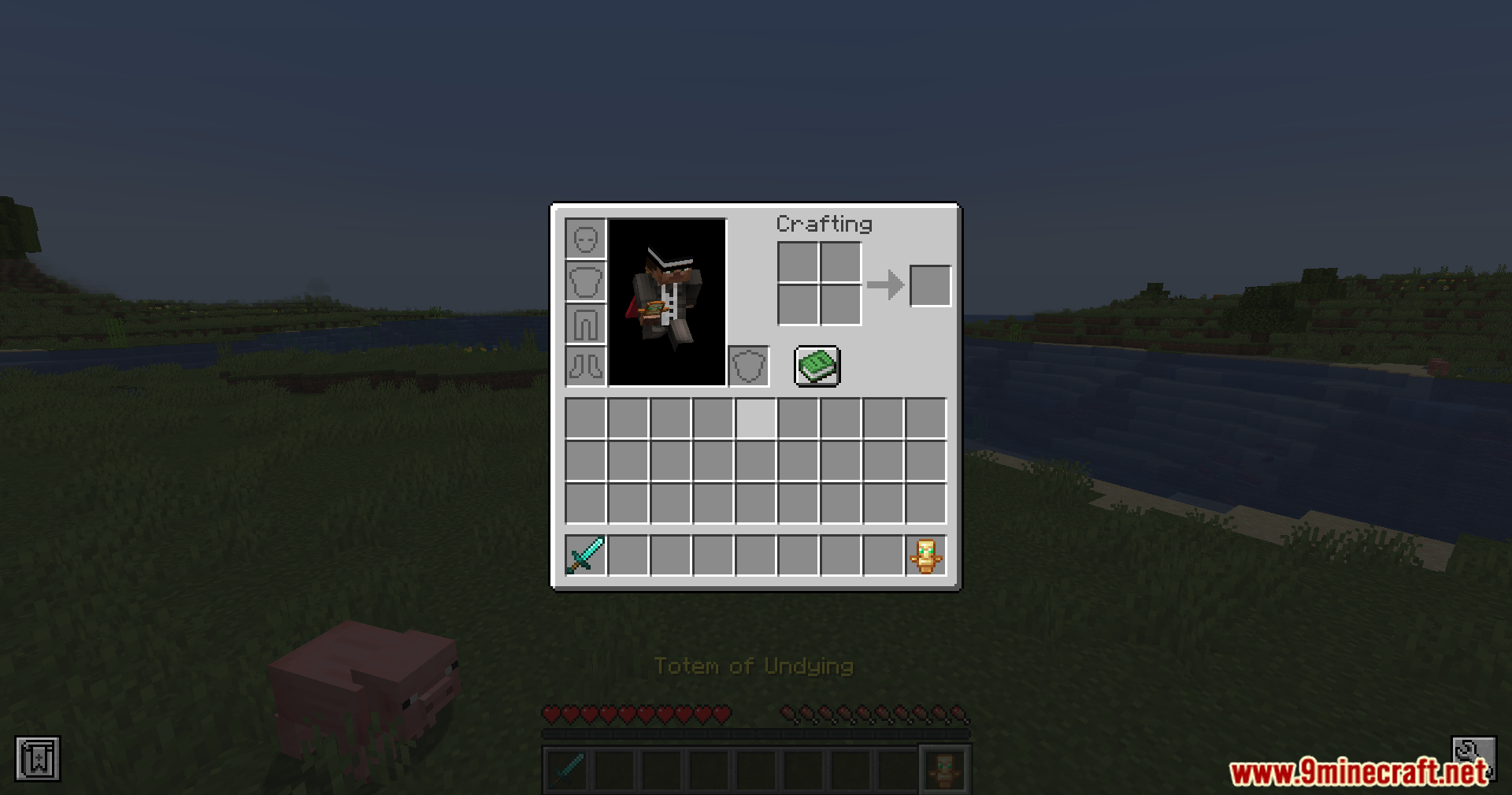
Player character holding a diamond sword ready in a plains biome
玩家角色在平原生物群系中手持钻石剑准备战斗
Inventory menu displaying an equipped sword and Totem of Undying
显示已装备剑和不死图腾的背包菜单
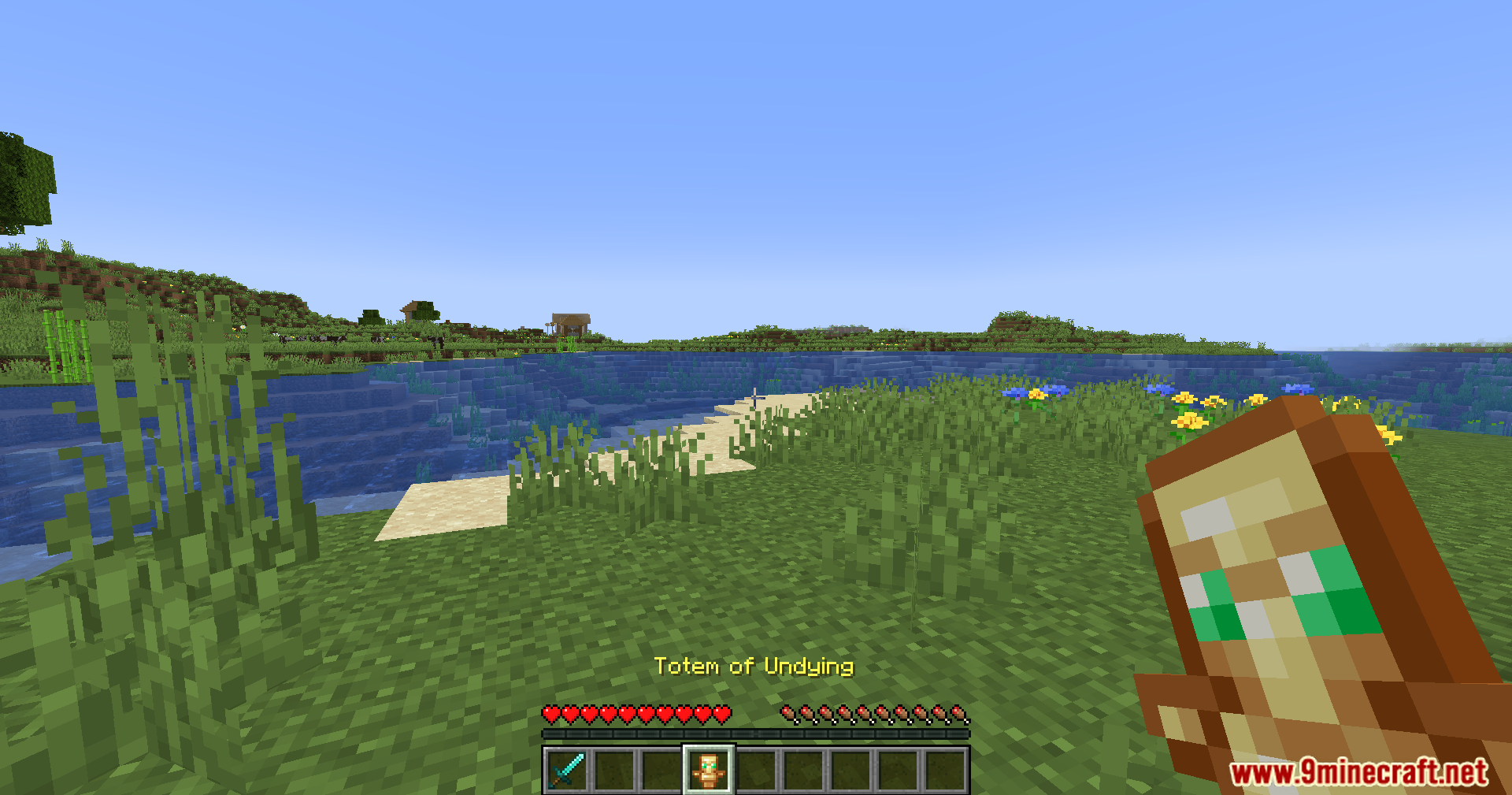
Player holding a Totem of Undying while checking the open inventory
玩家在查看打开的背包时持有不死图腾
Character inventory screen containing a diamond sword and Totem of Undying
包含钻石剑和不死图腾的角色背包界面
Standing in a grassy plains biome while holding a diamond sword
手持钻石剑站在草地平原生物群系中
Player safely holding a Totem of Undying next to a river
玩家在河边安全地持有不死图腾
Open inventory showing the automatic Totem of Undying and sword setup
显示自动不死图腾和剑配置的打开背包界面

D-hand Mod 下载链接

适用于 Minecraft 1.21.5, 1.21.4, 1.21.3, 1.21.1, 1.21

Fabric 版本:从服务器 1 下载从服务器 2 下载

适用于 Minecraft 1.19 至 1.20.6 的所有版本

Fabric 版本:从服务器 1 下载从服务器 2 下载

点击为这篇文章评分!
[Total: 2 Average: 5]