🌐 You are reading the 中文 translation of this article
Available languages for this article:

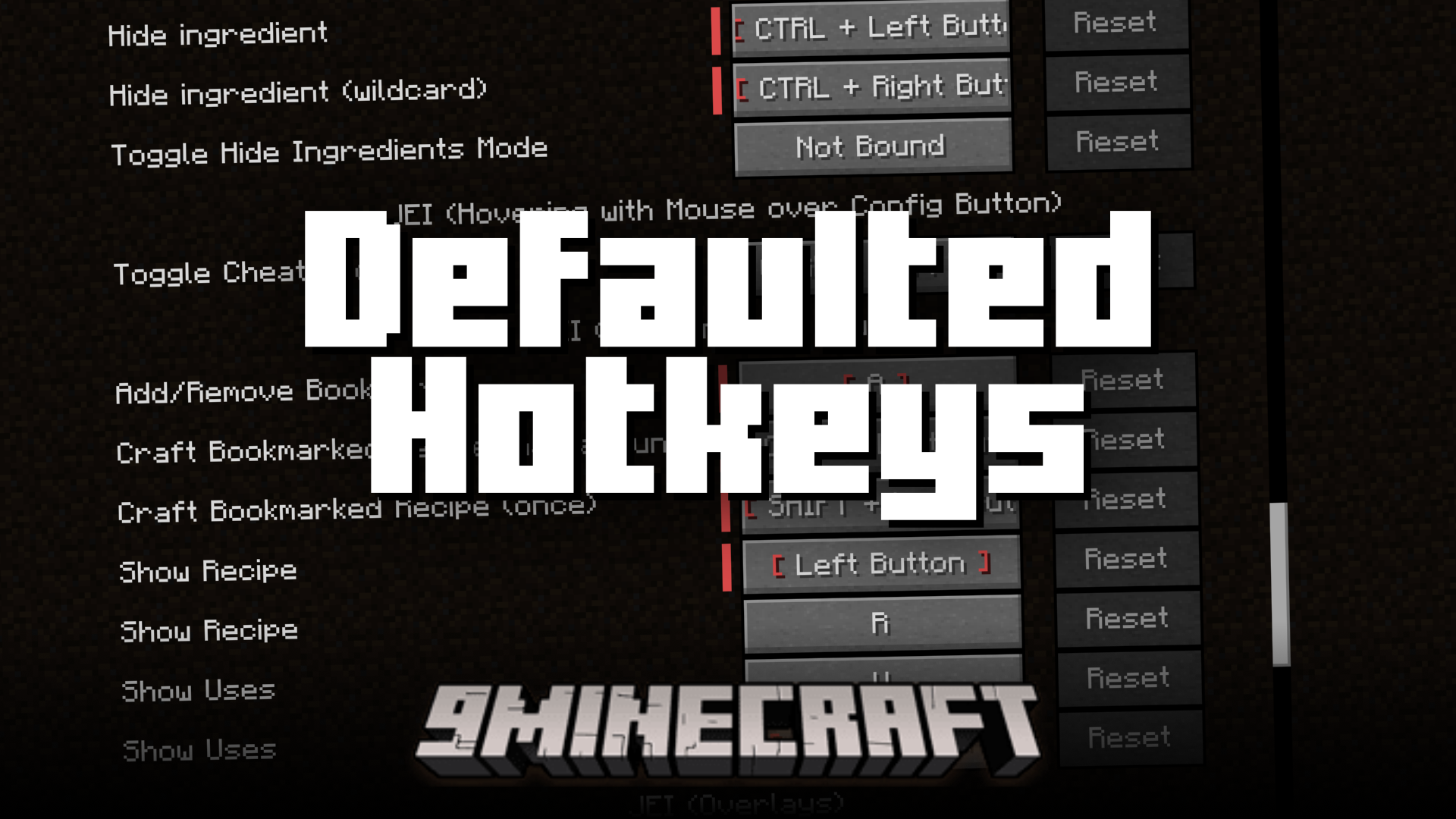
Defaulted Hotkeys Mod 允许你为游戏中的任何按键绑定设置默认热键。当你安装此模组并首次启动 Minecraft 时,它会自动在 config 文件夹中创建一个名为 default-hotkeys.json 的文件。随后你可以通过编辑该文件来自定义所有的按键绑定。
功能特点:

  • 为游戏中的任何按键绑定设置默认热键。
  • 首次启动游戏时自动生成配置文件。
  • 通过编辑 default-hotkeys.json 文件轻松管理所有默认按键。

使用方法:

  1. 安装模组后至少运行一次 Minecraft,这将生成配置文件。
  2. 进入你的 .minecraft/config 文件夹并打开 default-hotkeys.json 文件。
  3. 按照正确格式编辑文件,设置你心仪的默认热键。

该文件为每个按键绑定使用简单的结构:

[
  {
    //翻译键名
    "comment": "key.advancements",
    //当前语言下的翻译内容
    "translation": "Advancements",
    //原版格式的热键名称
    "key": "key.keyboard.l"
  }
]

游戏截图:
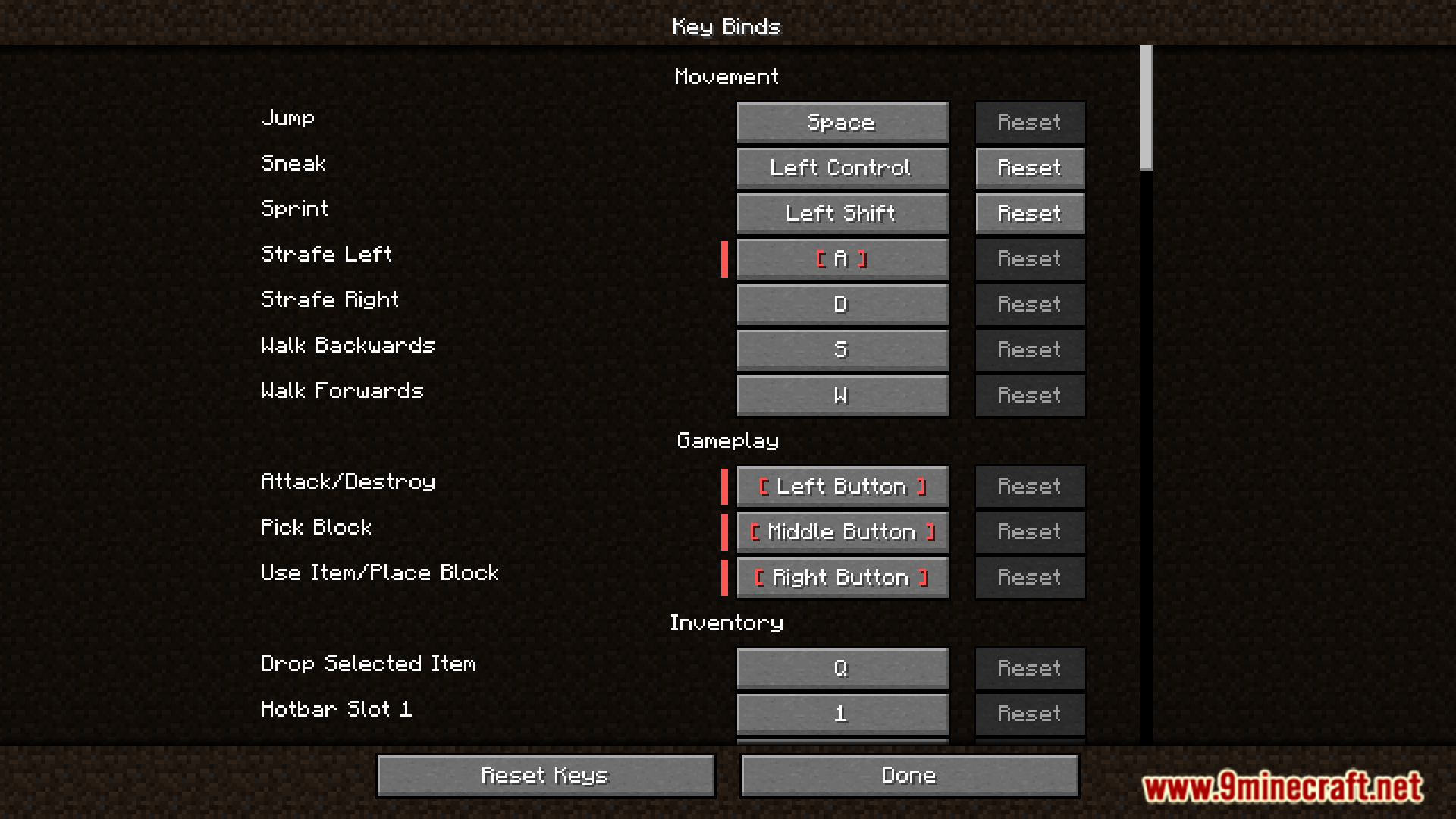
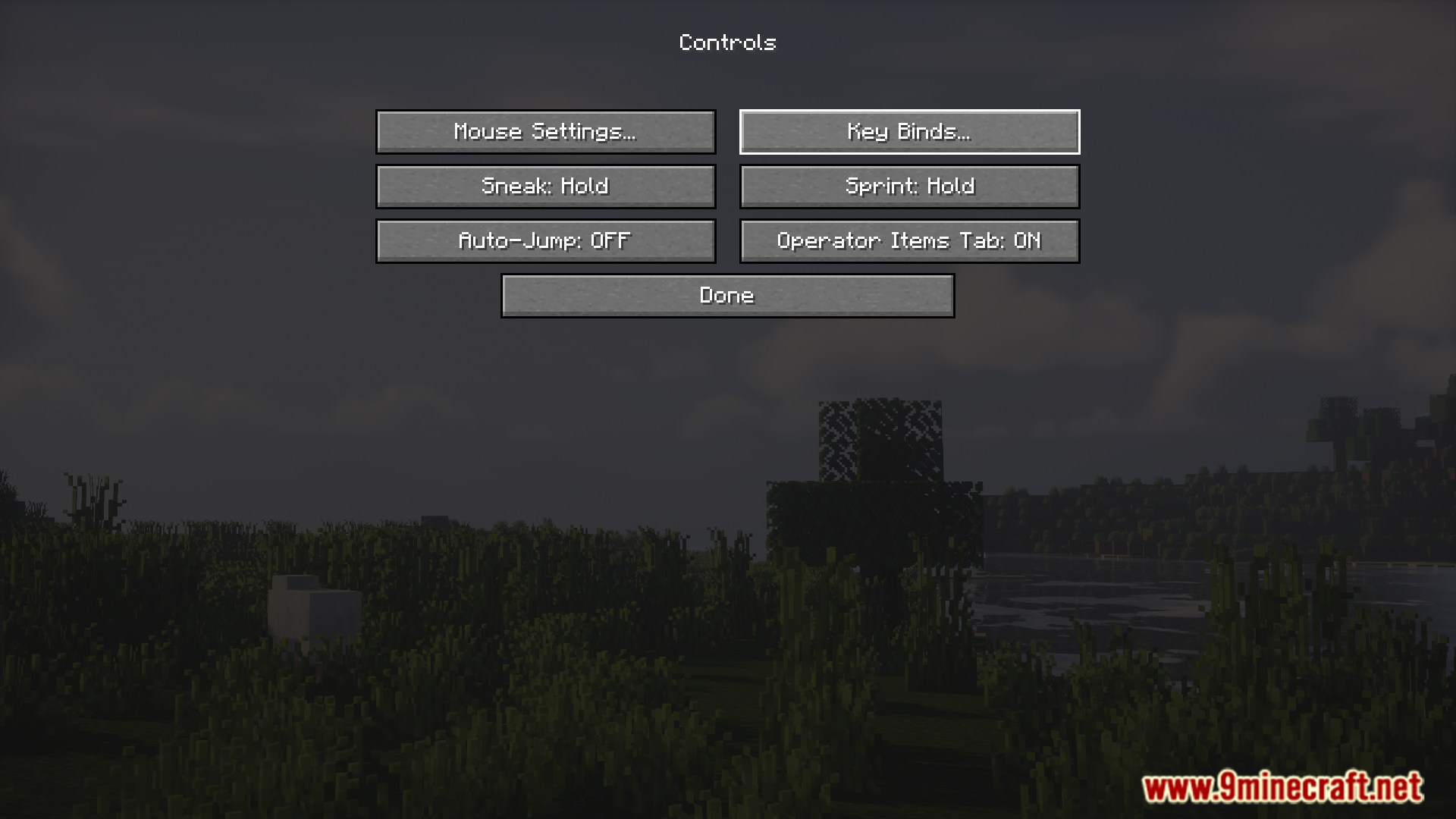
Minecraft controls menu interface showing various game setting options
显示各种游戏设置选项的 Minecraft 控制菜单界面
Defaulted Hotkeys Mod displaying the key binds configuration screen
Defaulted Hotkeys Mod 显示的按键绑定配置界面
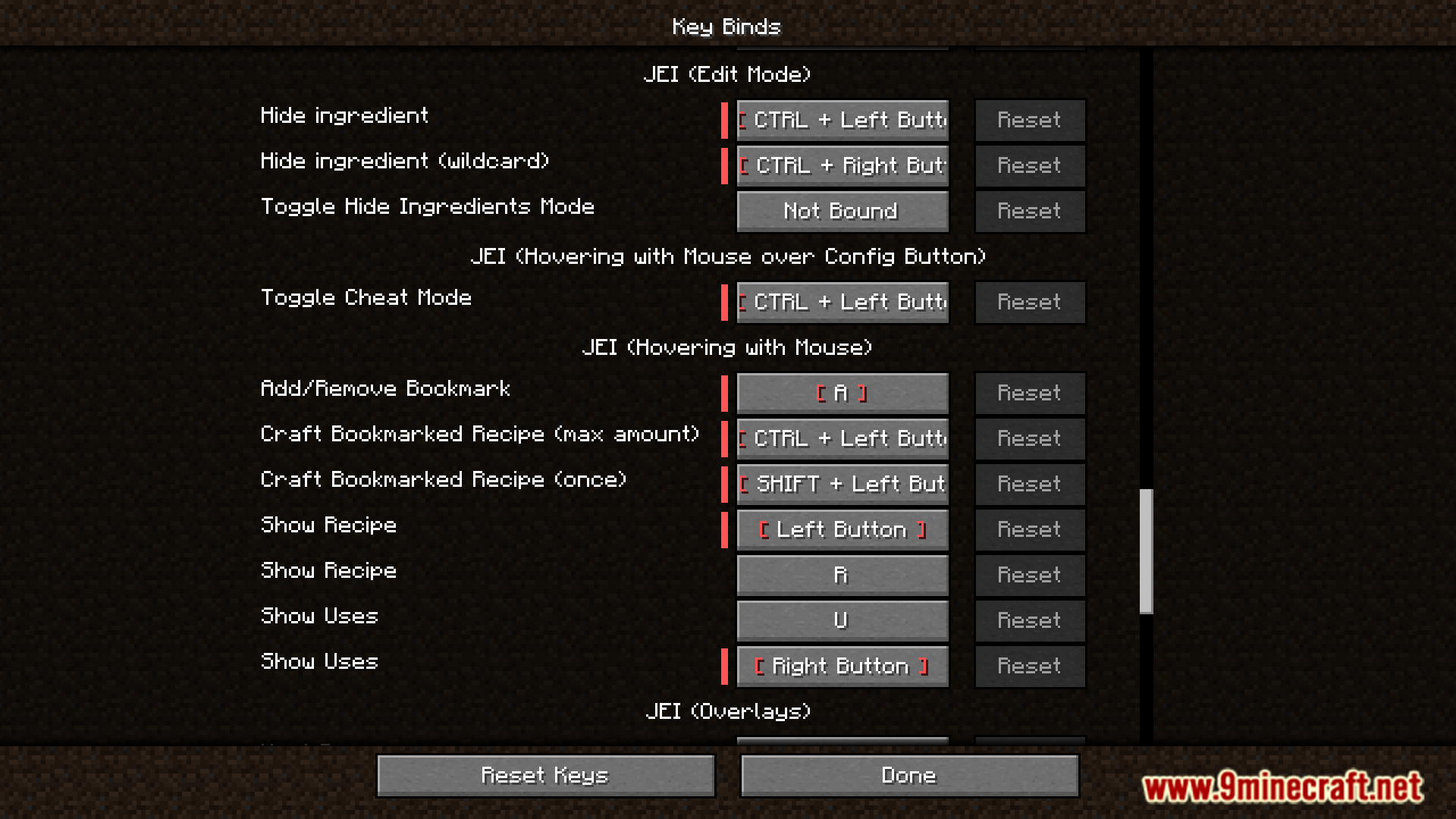
Defaulted Hotkeys Mod showing JEI keybind settings in the menu
Defaulted Hotkeys Mod 在菜单中显示 JEI 按键绑定设置
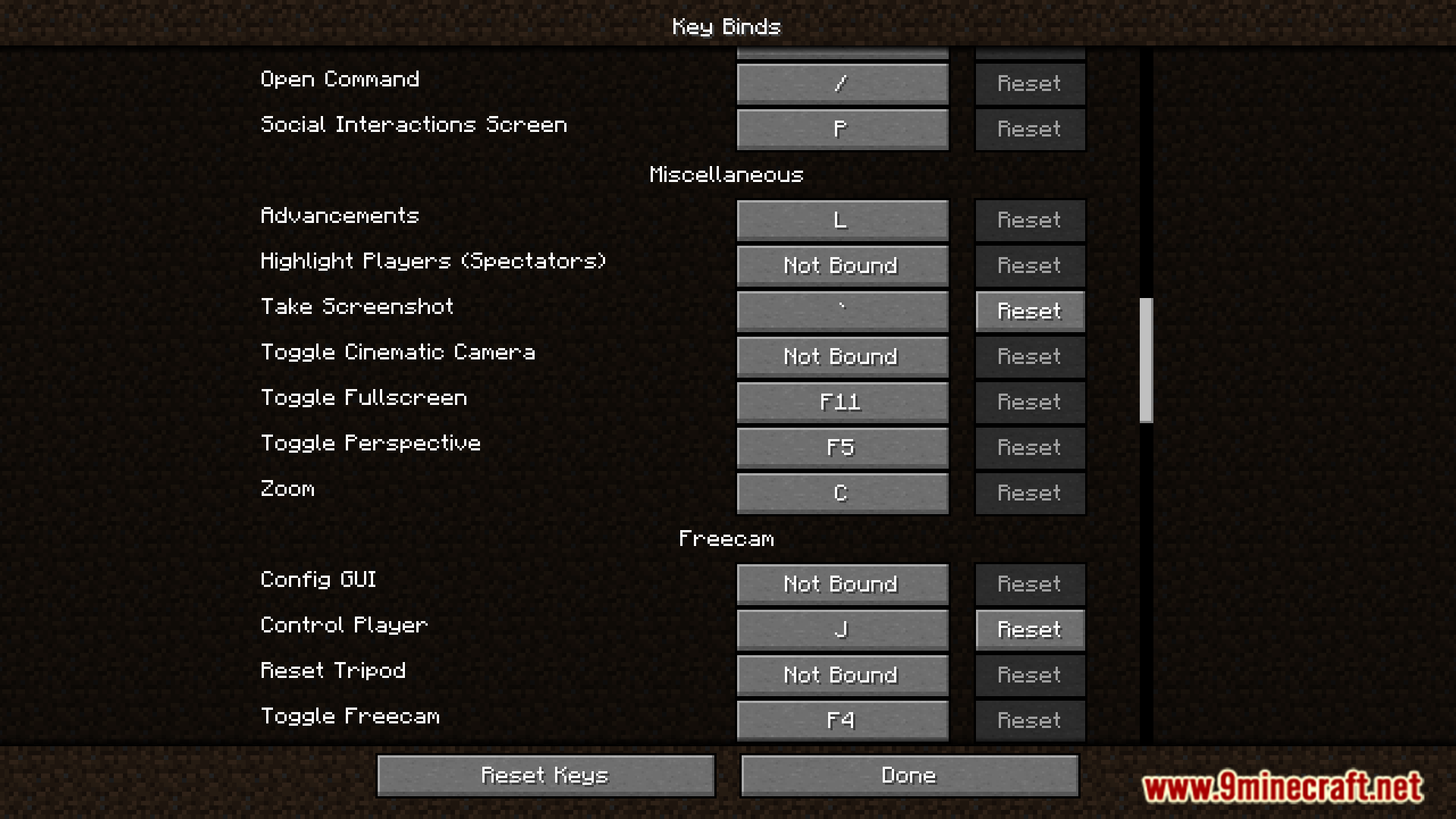
Minecraft Key Binds screen displaying Miscellaneous and Freecam control settings
Minecraft 按键绑定屏幕显示杂项和自由视角控制设置
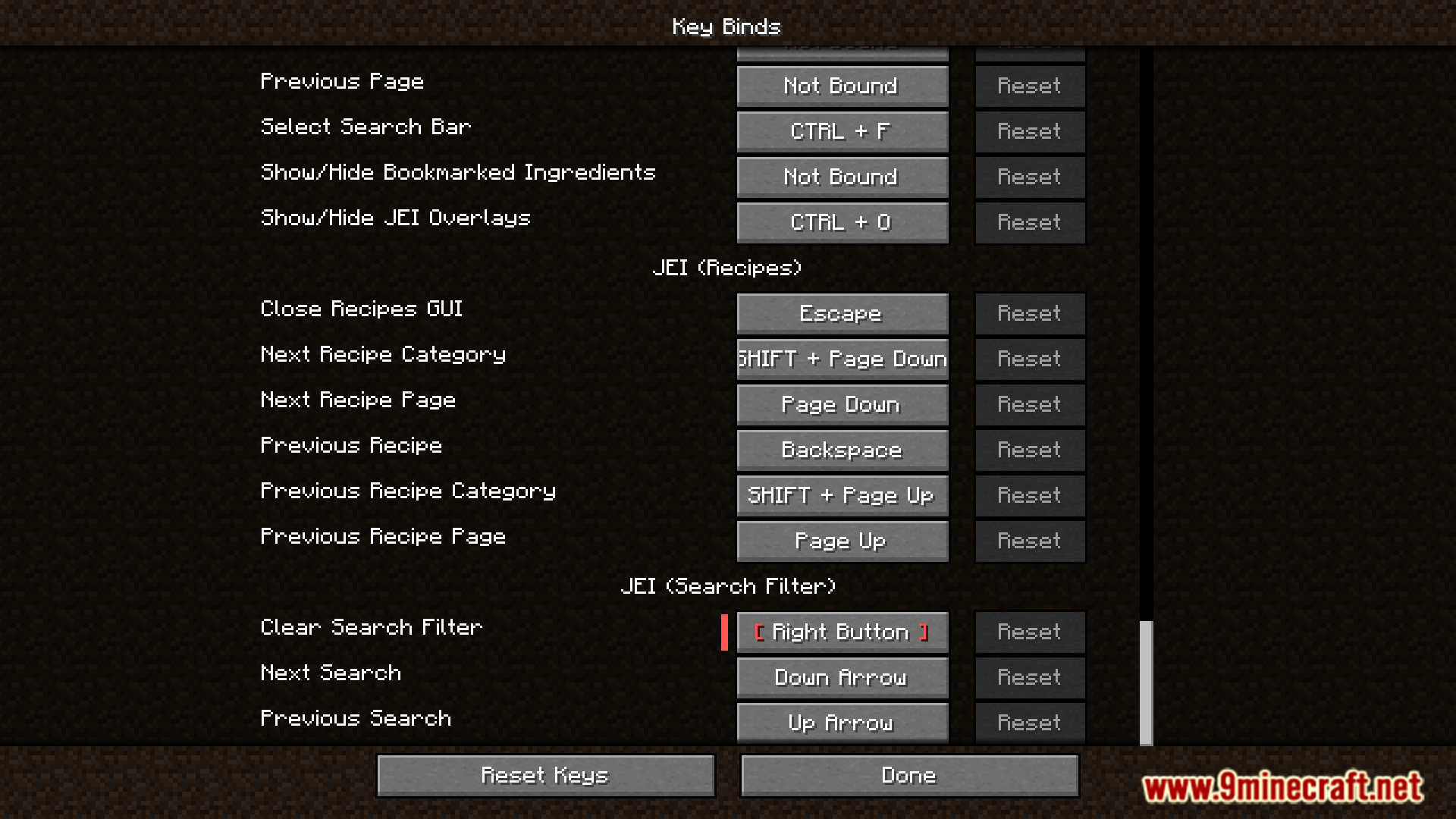
Defaulted Hotkeys Mod menu showing JEI keybind settings in Minecraft
Minecraft 中 Defaulted Hotkeys Mod 菜单显示的 JEI 按键设置

Defaulted Hotkeys Mod 下载链接

适用于 Minecraft 1.21 至 1.21.8 的所有版本

NeoForge 版本:从服务器 1 下载从服务器 2 下载

Fabric 版本:从服务器 1 下载从服务器 2 下载

适用于 Minecraft 1.20.6

NeoForge 版本:从服务器 1 下载从服务器 2 下载

Fabric 版本:从服务器 1 下载从服务器 2 下载

适用于 Minecraft 1.20.4

NeoForge 版本:从服务器 1 下载从服务器 2 下载

Fabric 版本:从服务器 1 下载从服务器 2 下载

适用于 Minecraft 1.20.1, 1.20

Forge/NeoForge 版本:从服务器 1 下载从服务器 2 下载

Fabric 版本:从服务器 1 下载从服务器 2 下载

Click to rate this post!
[Total: 0 Average: 0]