🌐 You are reading the 中文 translation of this article
Available languages for this article:

Elytra Drag Mod 通过为鞘翅增加空气制动功能,让你能更精准地掌控飞行。只需在滑翔时按下潜行键,即可在空中减速。这让你能更轻松地控制飞行速度,并安全着陆,避免因速度过快而受到大量伤害。

功能特点:

  • 允许你在使用鞘翅飞行时,通过按下潜行键来减速或停止。
  • 一旦开始减速,会自动取消任何激活的烟花火箭加速效果。
  • 通过限制坠落距离,降低高速着陆时受到的伤害。
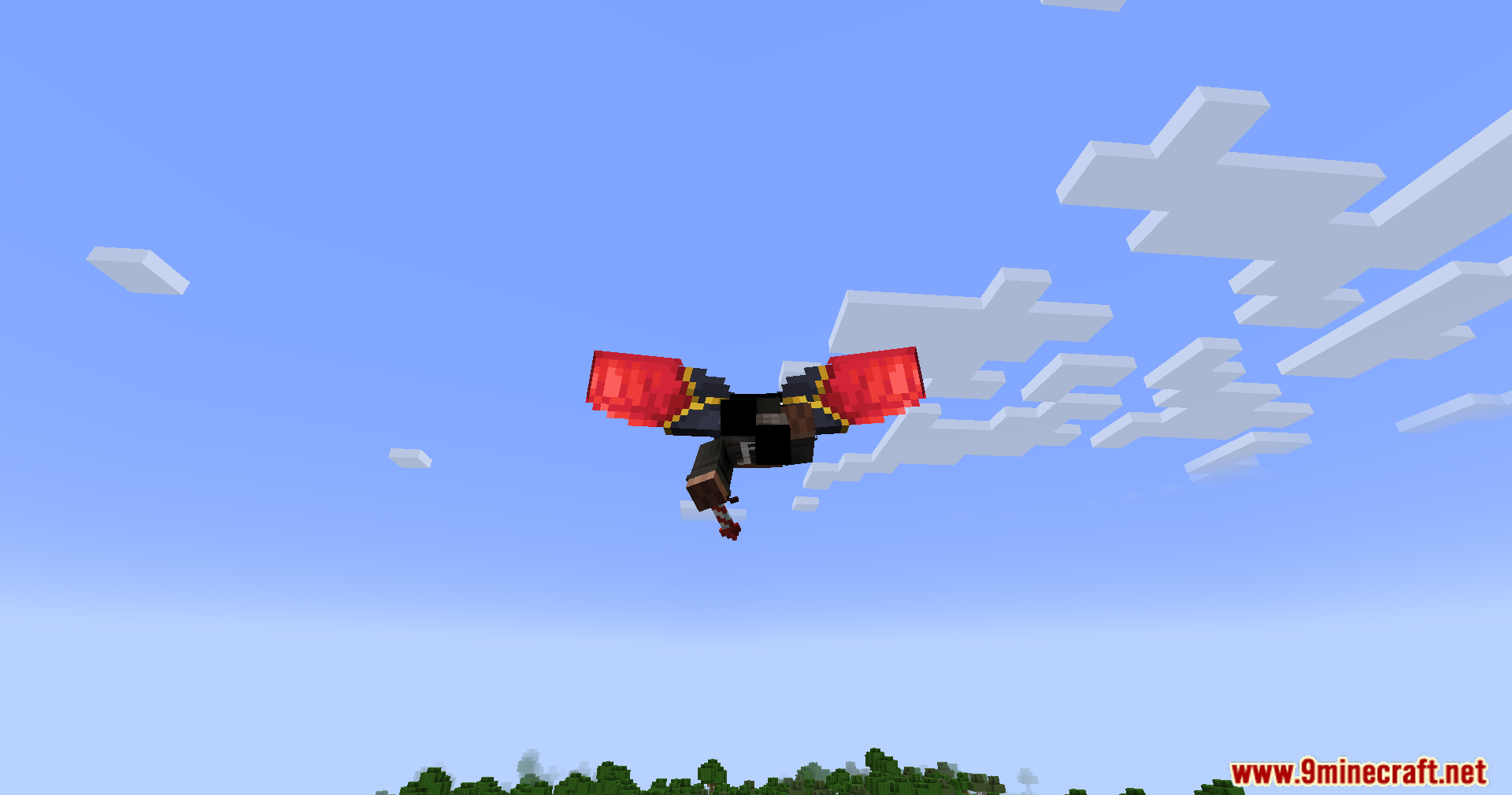
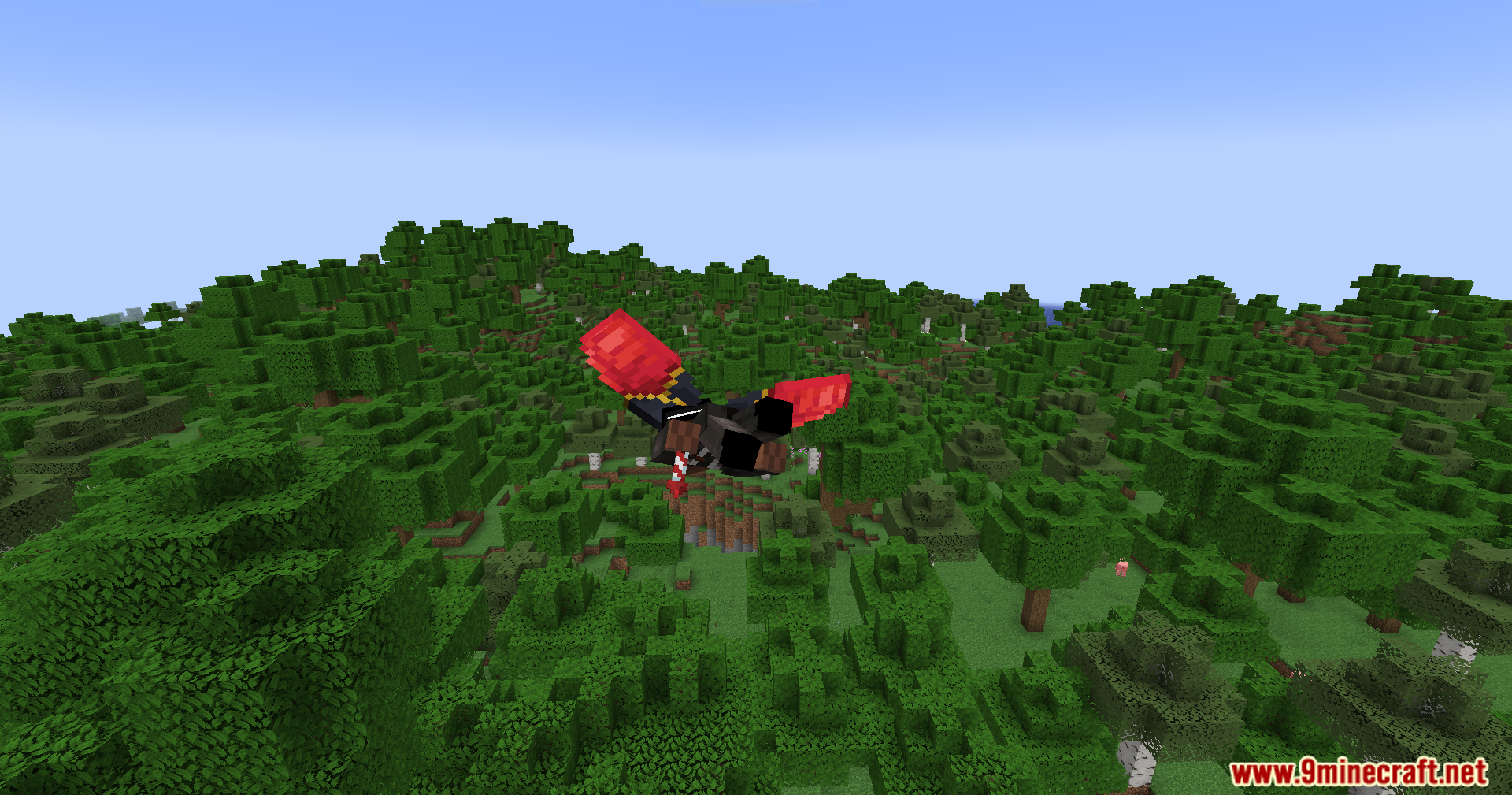
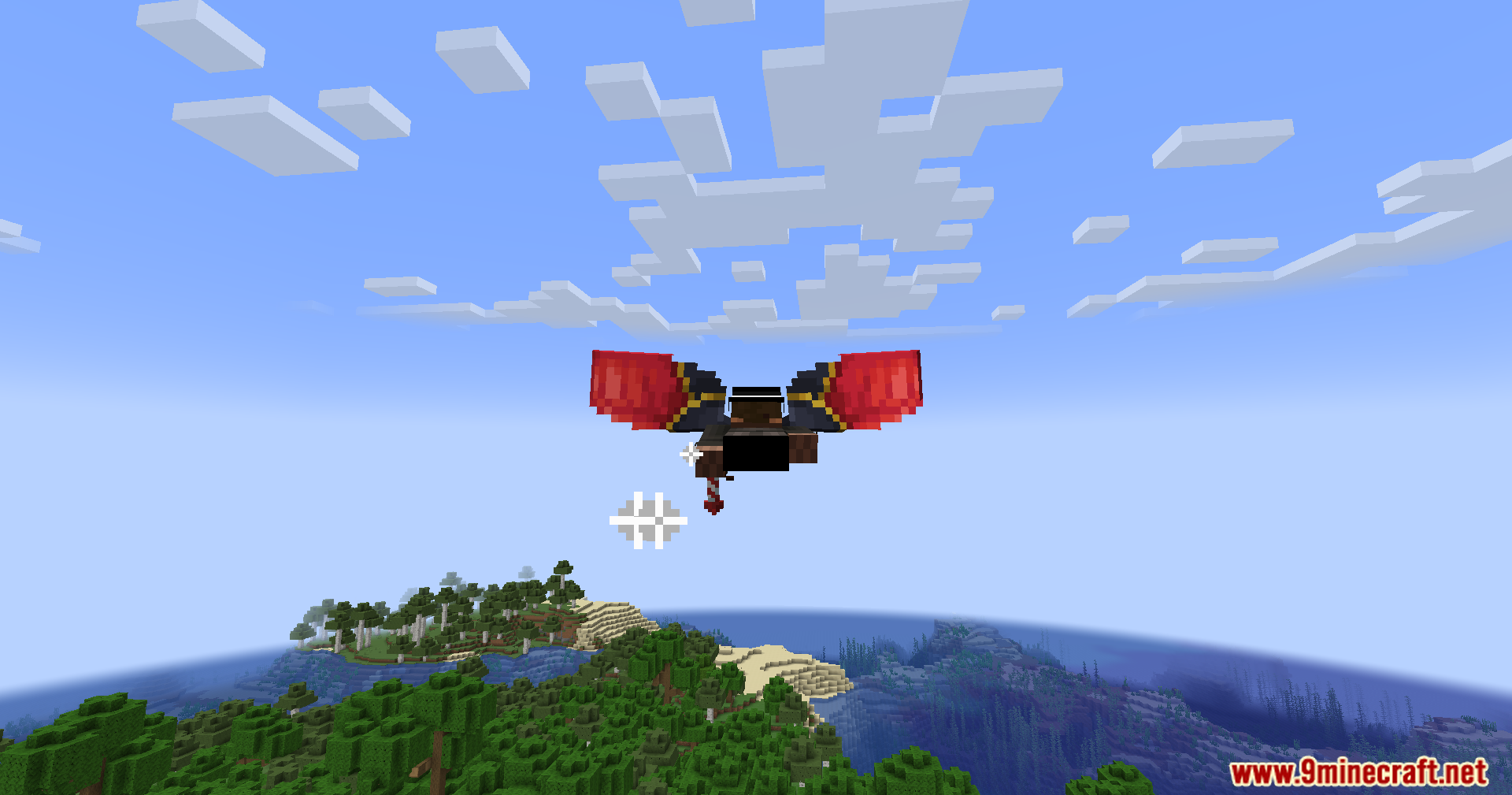
  • 在空中制动时,会显示全新的特殊机翼动画。

使用方法:

  1. 当你使用鞘翅飞行时,按住潜行键。
  2. 这将激活阻力效果,使你减速,从而实现更好的操控和更安全的着陆。

配置选项:

你可以在模组的配置文件中修改以下设置:

  • 阻力系数(决定减速的快慢)。
  • 坠落距离上限(用于限制着陆伤害)。
  • 激活阻力功能所需的最低速度。

模组截图:

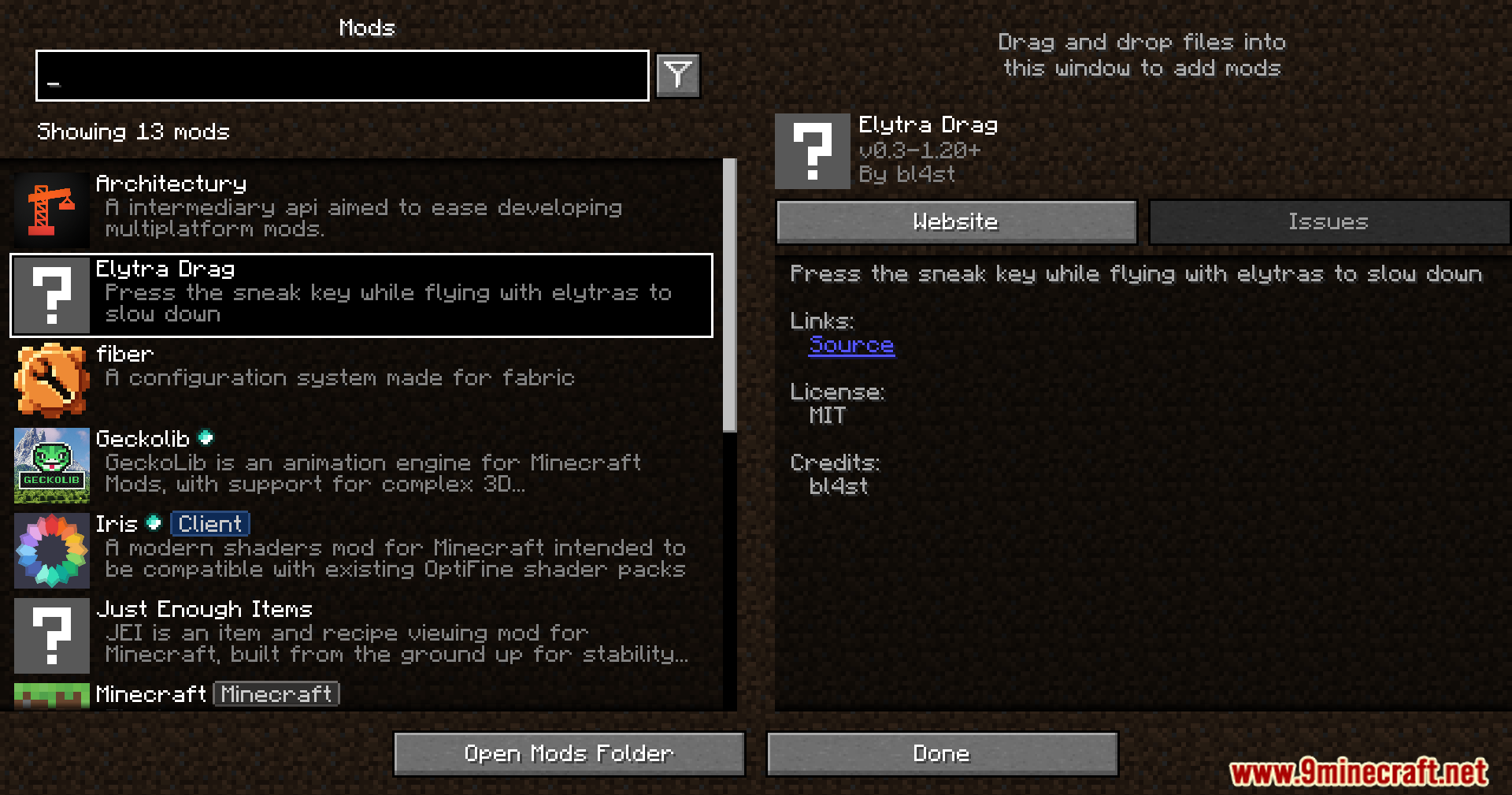
The Elytra Drag mod is listed in the Minecraft mods menu
Minecraft 模组菜单中的 Elytra Drag 模组
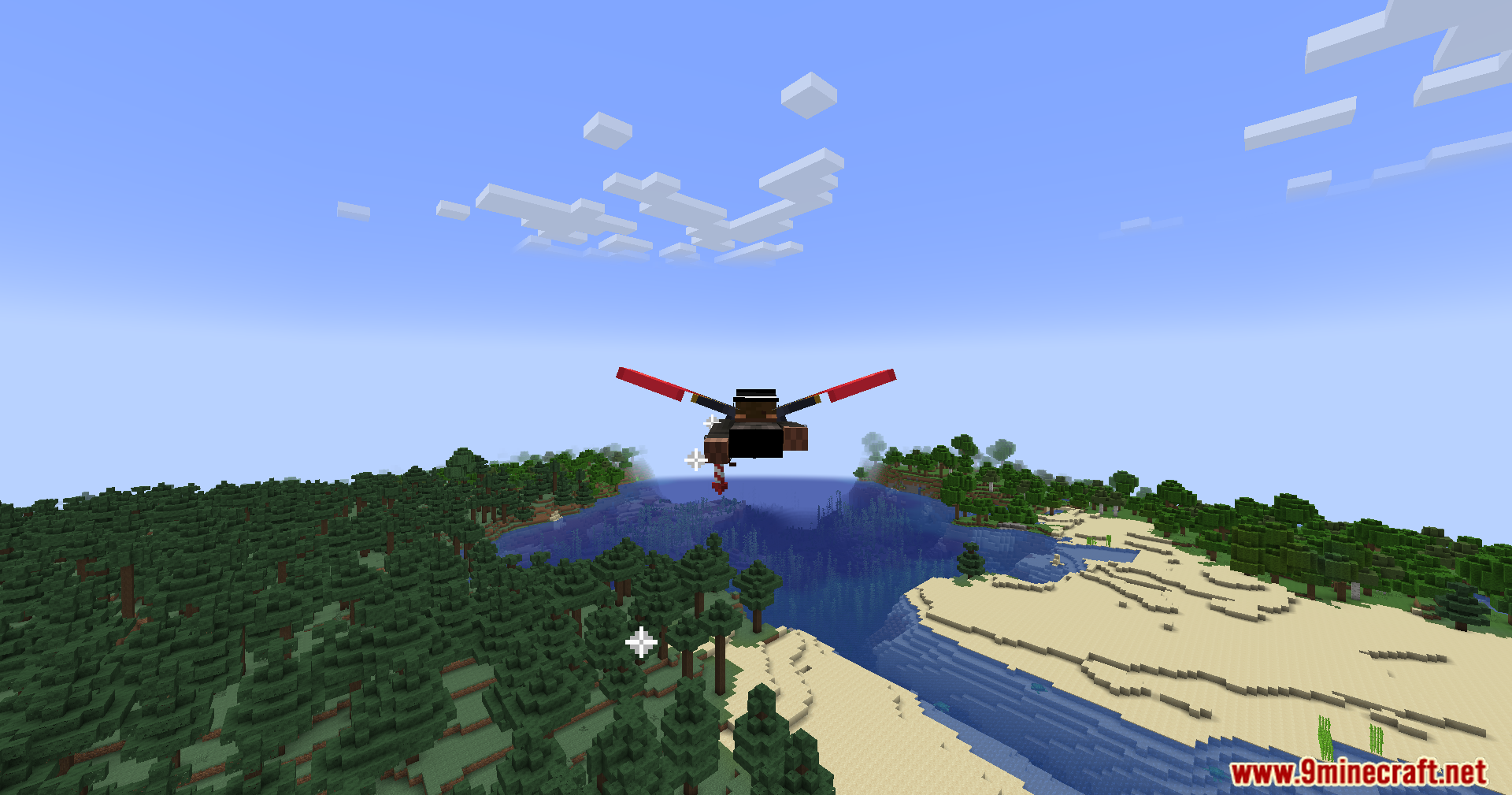
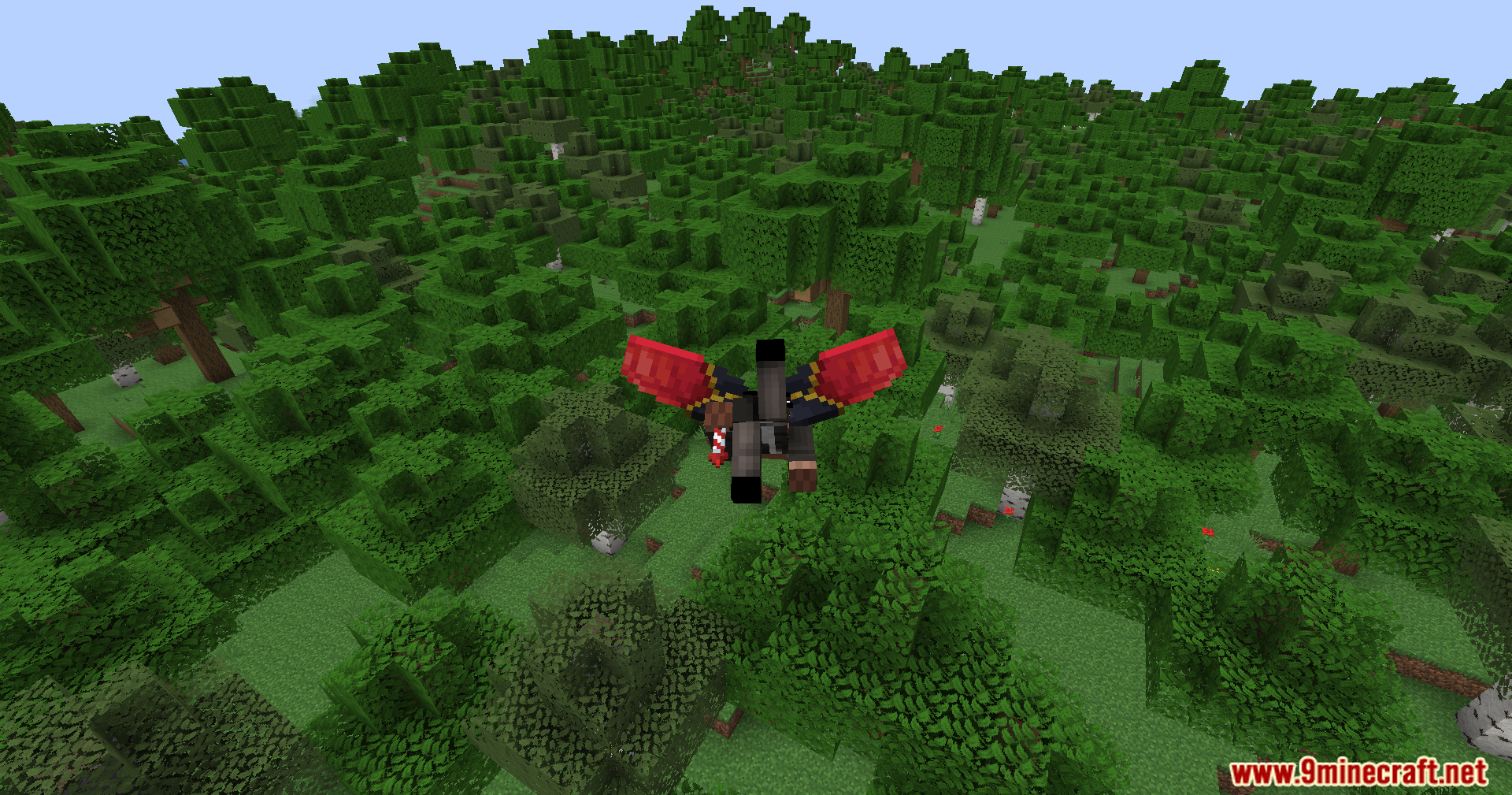
Slowing down mid-air over a forest using the Elytra Drag mod
使用 Elytra Drag 模组在森林上空减速
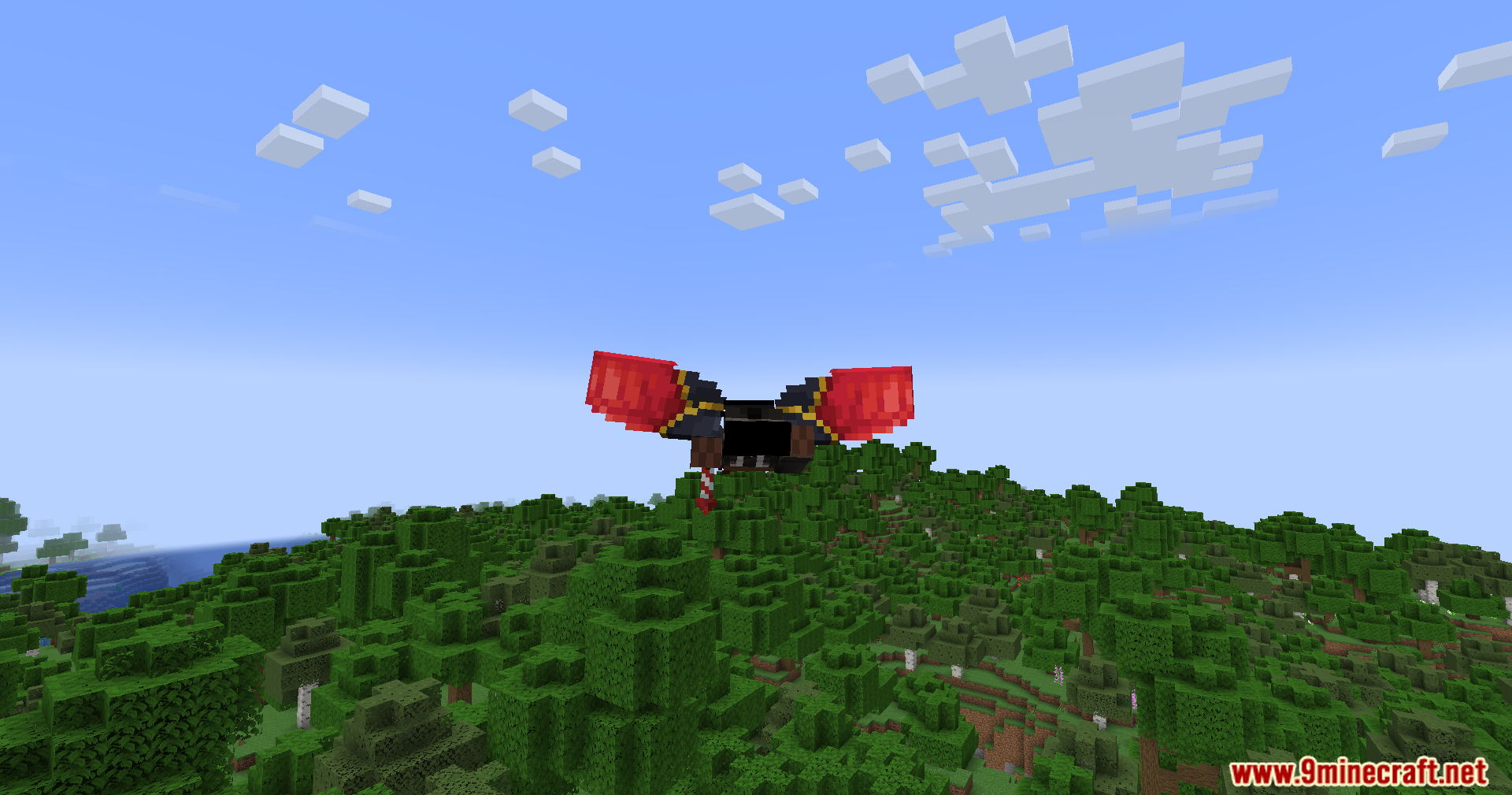
The custom wing animation appears when braking with the Elytra Drag mod
使用 Elytra Drag 模组制动时显示的自定义机翼动画
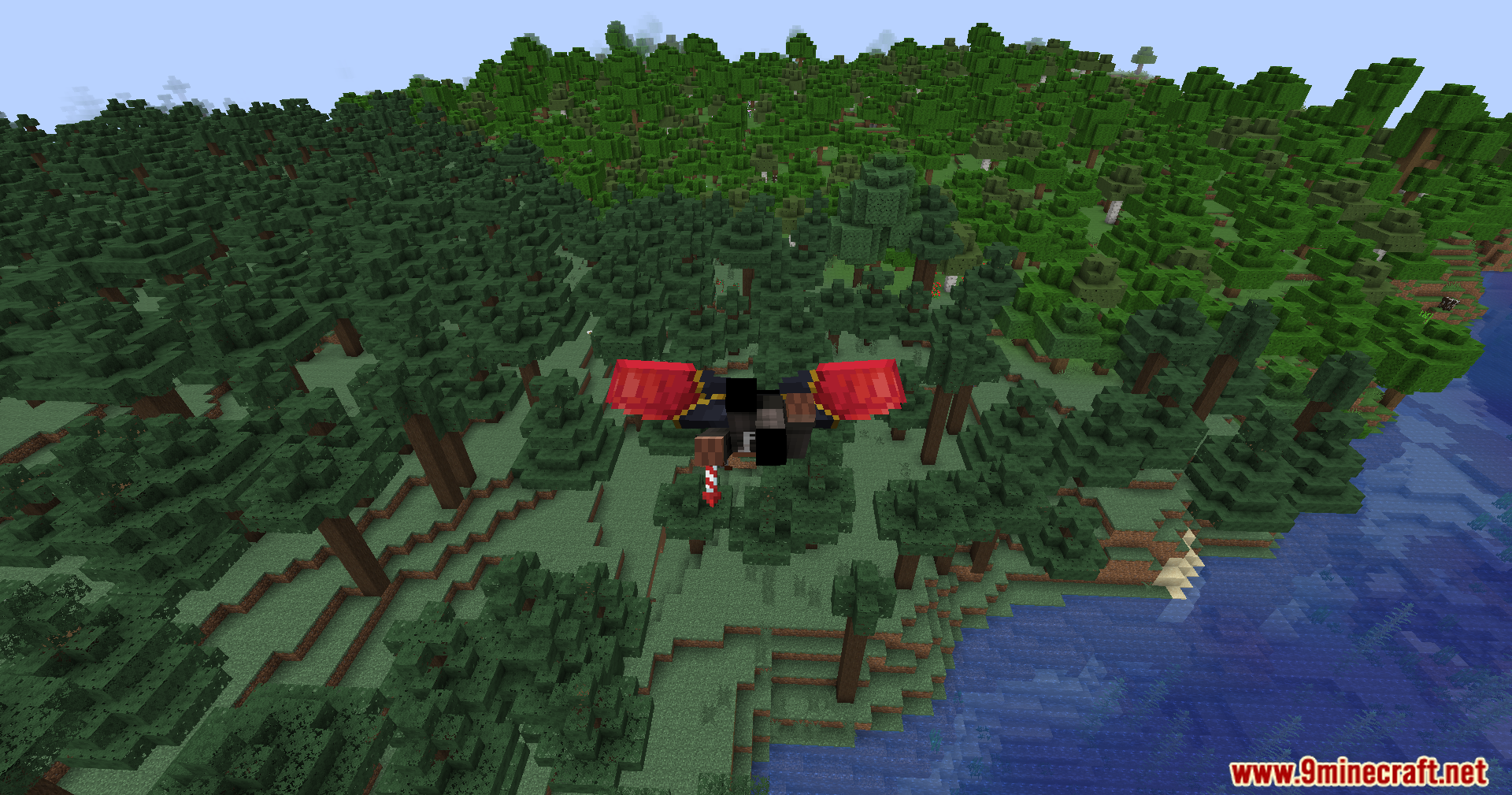
Gliding smoothly over a dense forest with the custom elytra wings
使用自定义鞘翅在茂密的森林上空平稳滑翔
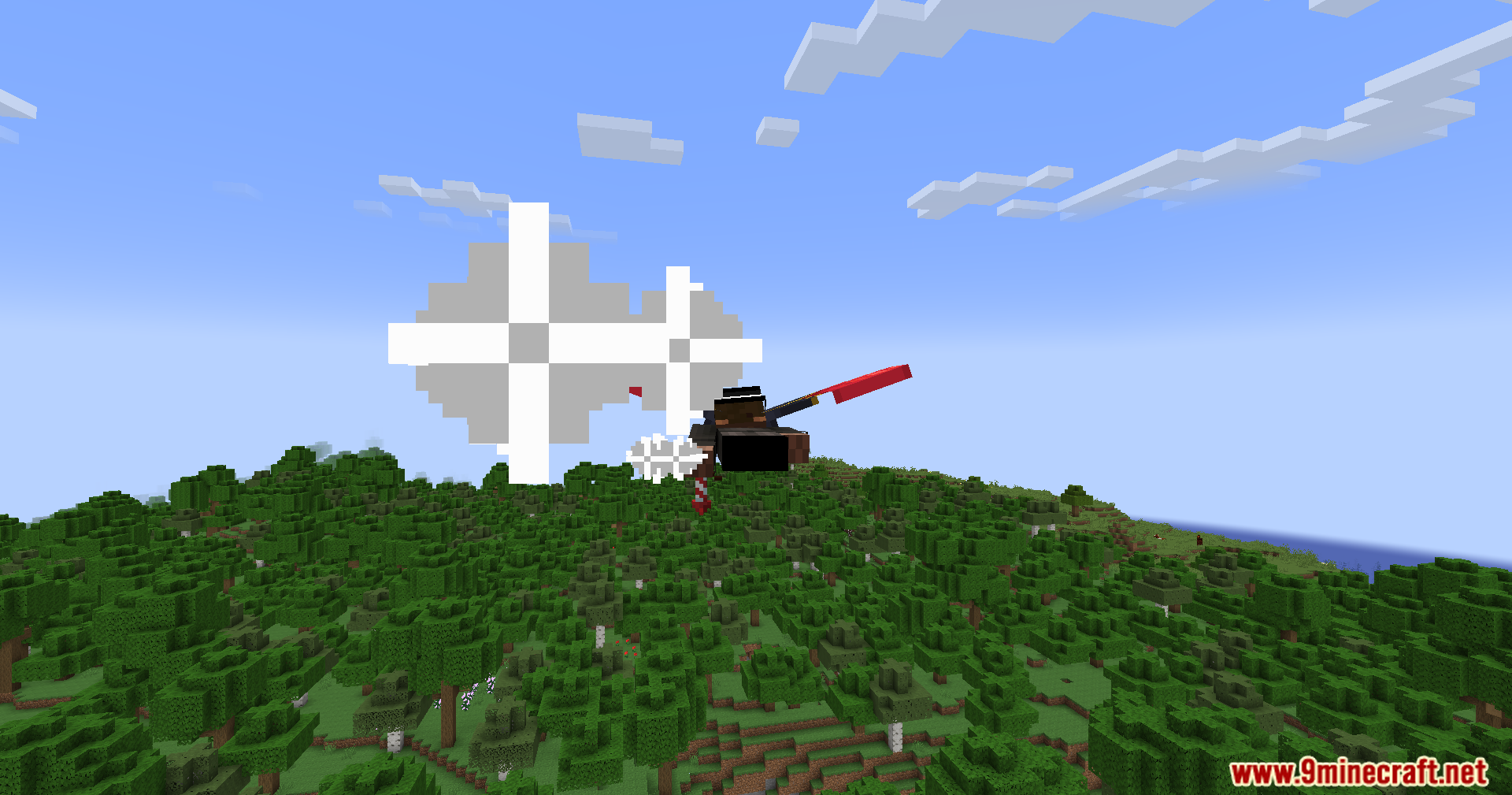
A small puff of smoke appears when applying the brakes mid-flight
飞行途中制动时会出现一小簇烟雾效果
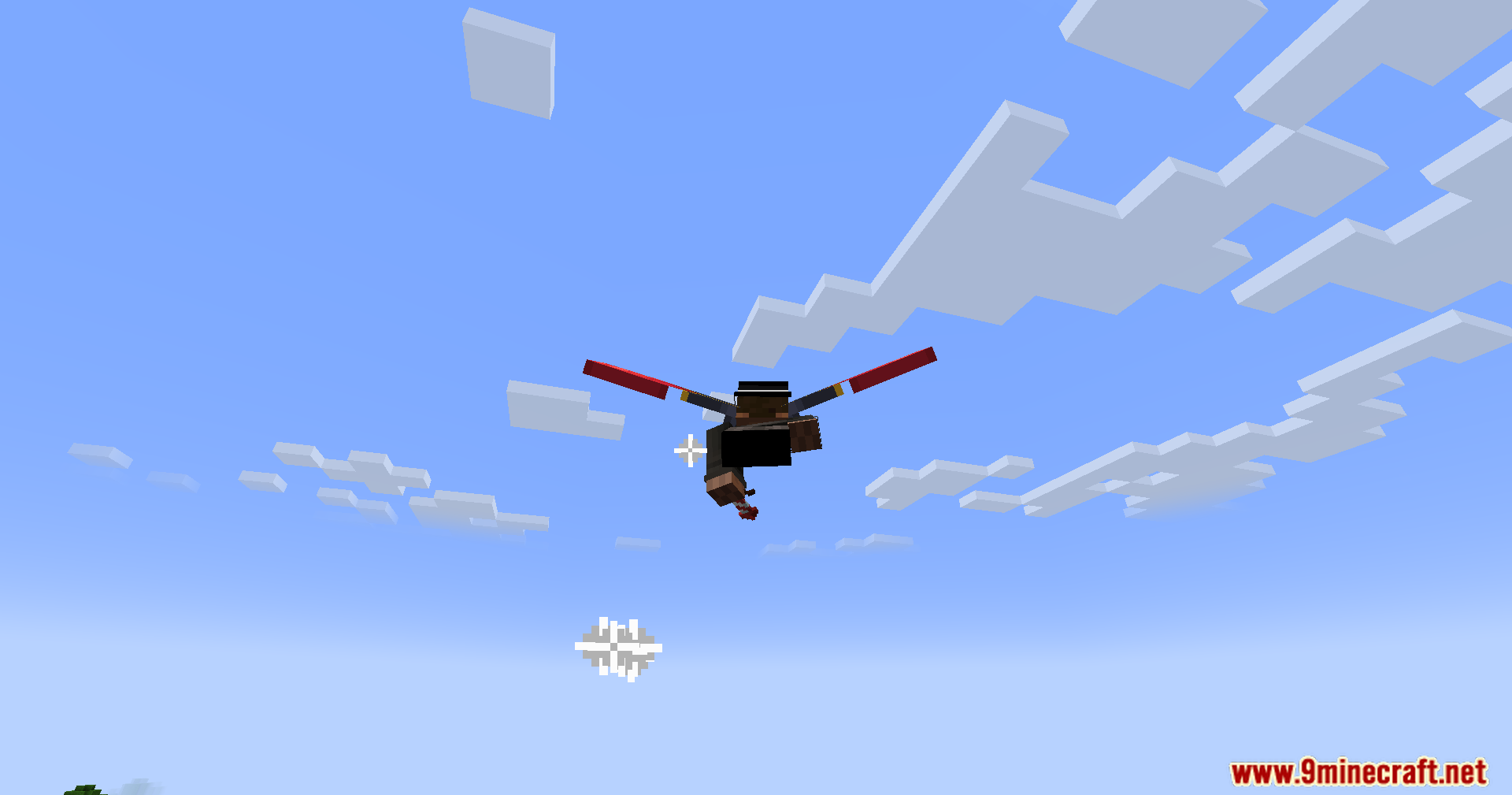
Soaring high above the clouds with special elytra wings from the mod
使用模组中的特殊鞘翅在云端翱翔
Using the elytra drag feature to prepare for landing in a forest
使用鞘翅阻力功能准备在森林中着陆
A close-up of the unique wing animation while braking in the air
空中制动时独特机翼动画的特写
The special wing animation is active while slowing down your flight speed
降低飞行速度时激活的特殊机翼动画
Applying the brakes with Elytra Drag to control your flight over mountains
使用 Elytra Drag 制动以控制在山脉上空的飞行

Elytra Drag Mod 下载链接

针对 Minecraft 1.21.1, 1.21

Fabric 版本:从服务器 1 下载从服务器 2 下载

针对 Minecraft 1.20.6, 1.20.4, 1.20.2, 1.20.1, 1.20

Fabric 版本:从服务器 1 下载从服务器 2 下载

针对 Minecraft 1.19.4, 1.19.3, 1.19.2, 1.19.1, 1.19

Fabric 版本:从服务器 1 下载从服务器 2 下载

Click to rate this post!
[Total: 2 Average: 5]