


Elytra Trims Extensions Mod (1.21.8, 1.20.1) – Customize Your Elytra with Style

 0
0  July 24, 2025
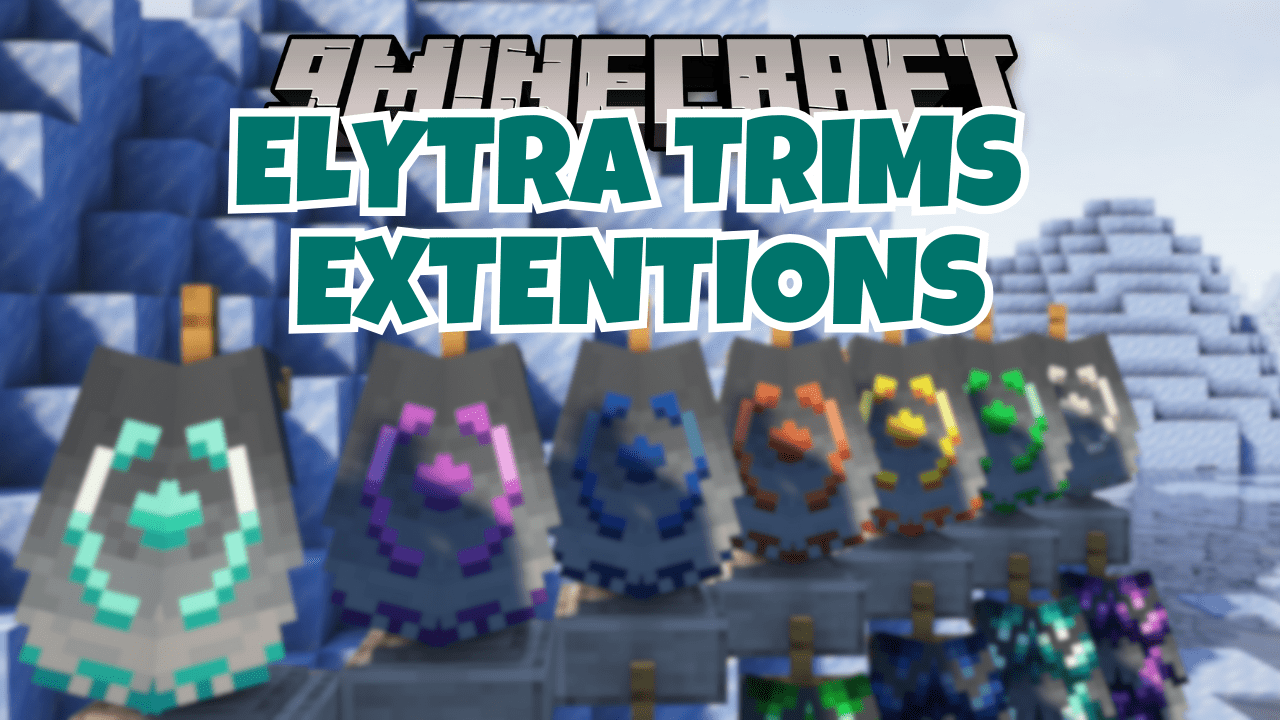
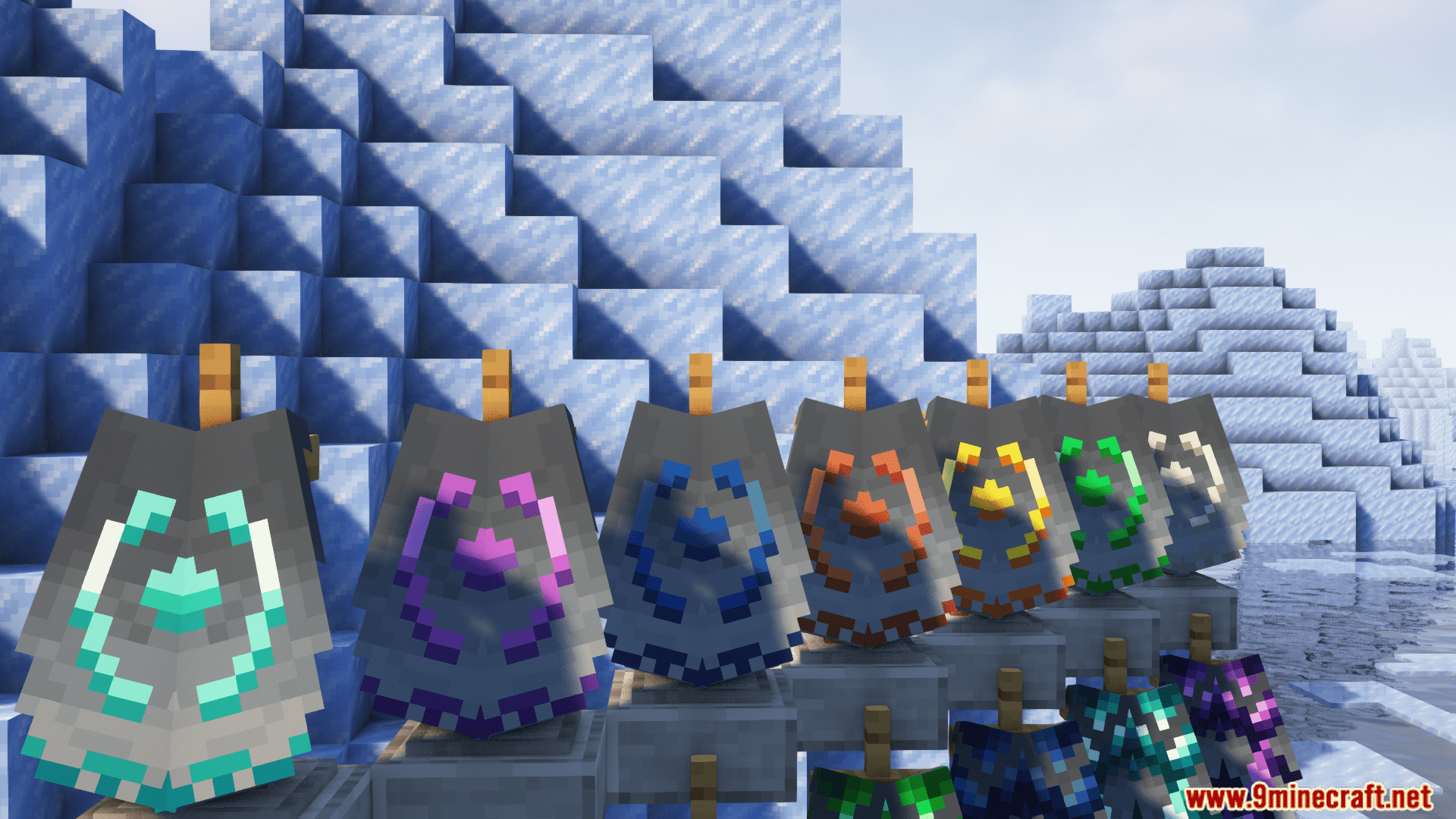
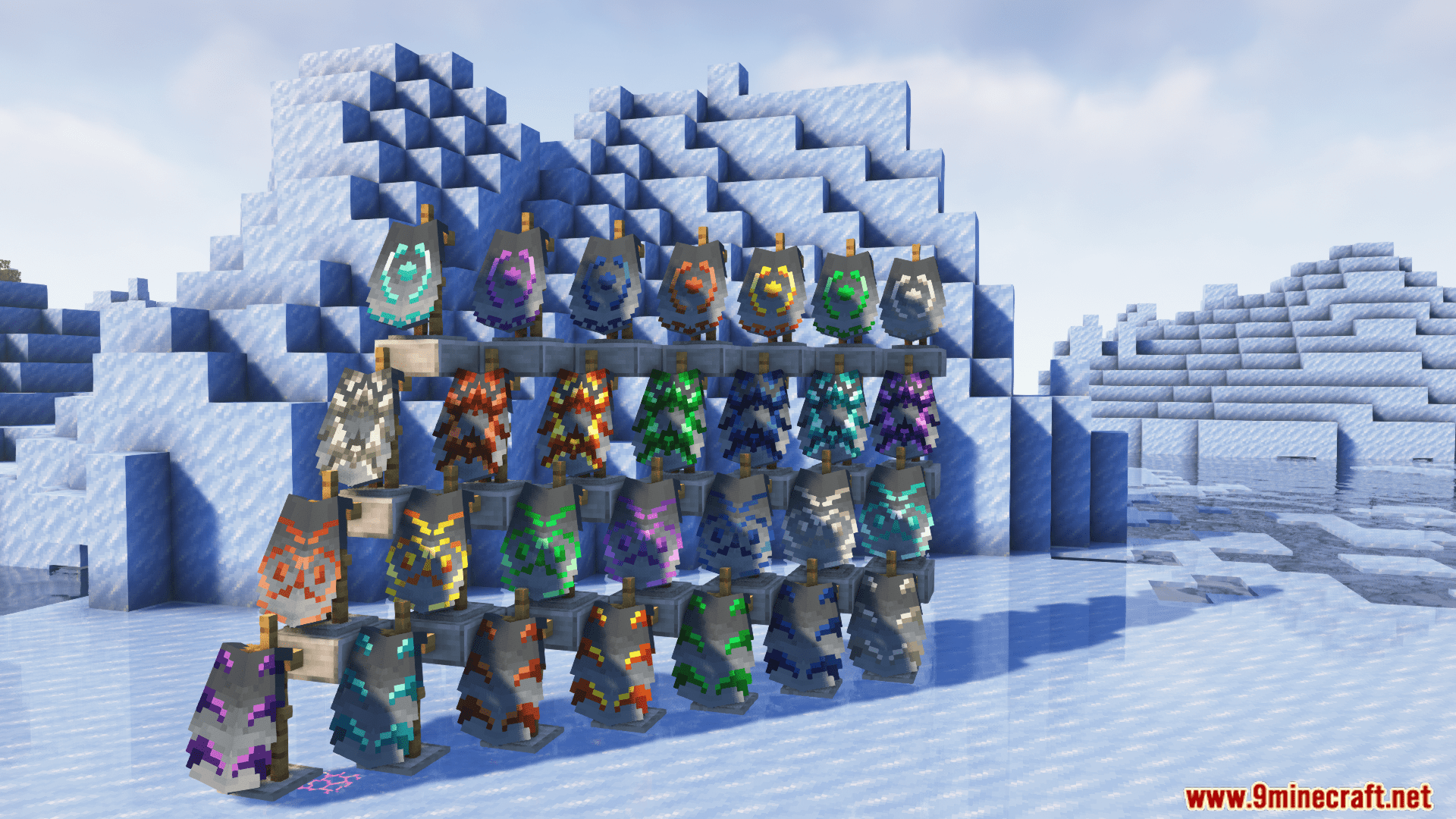
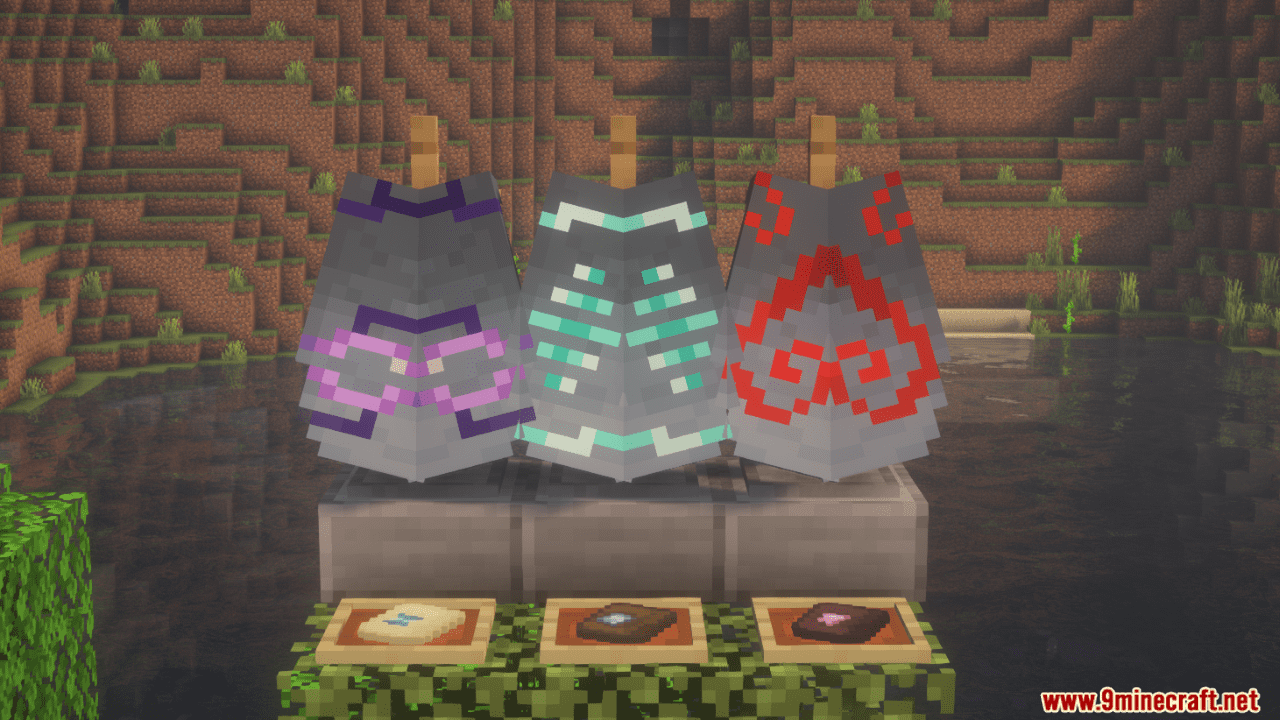
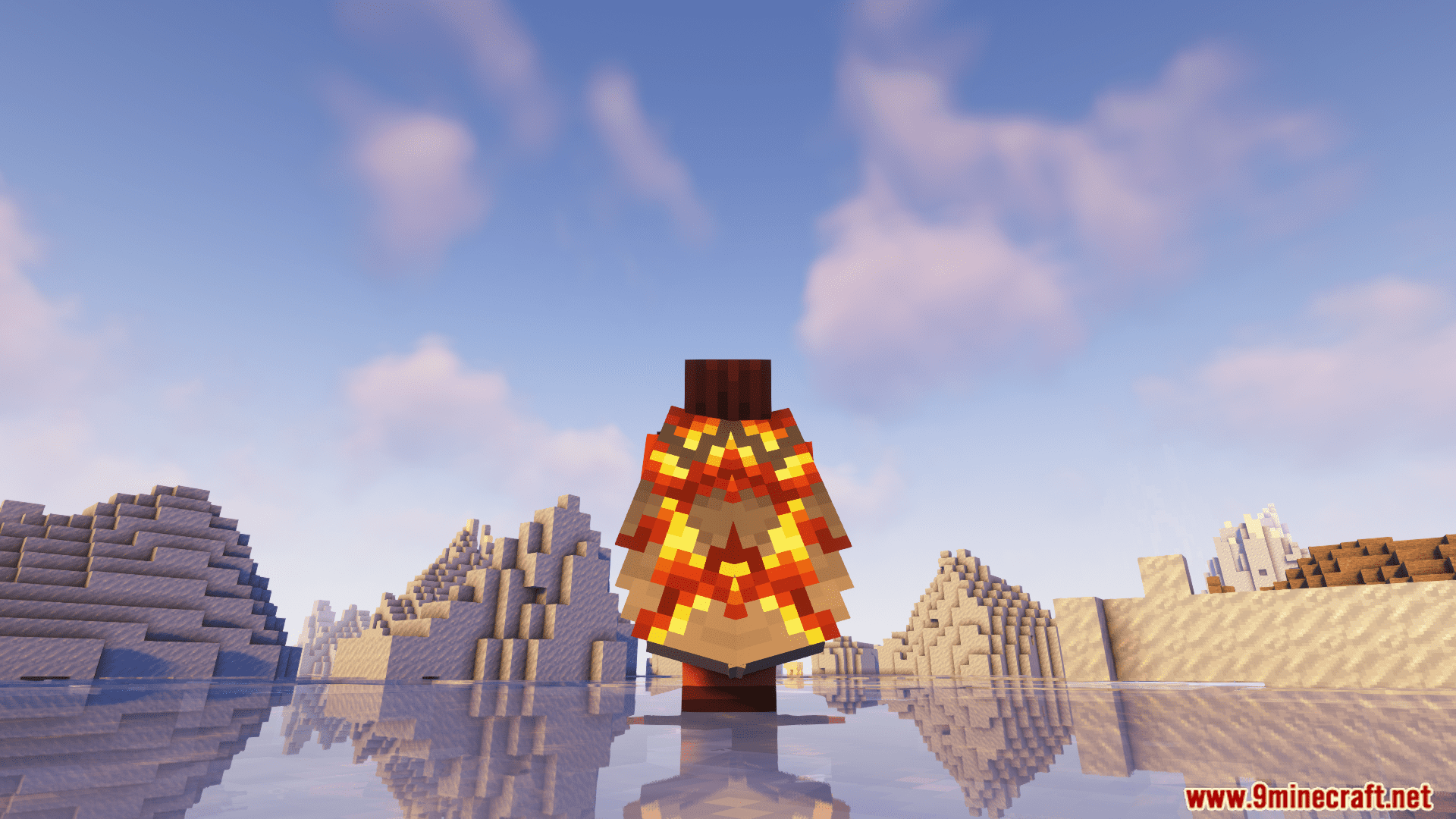
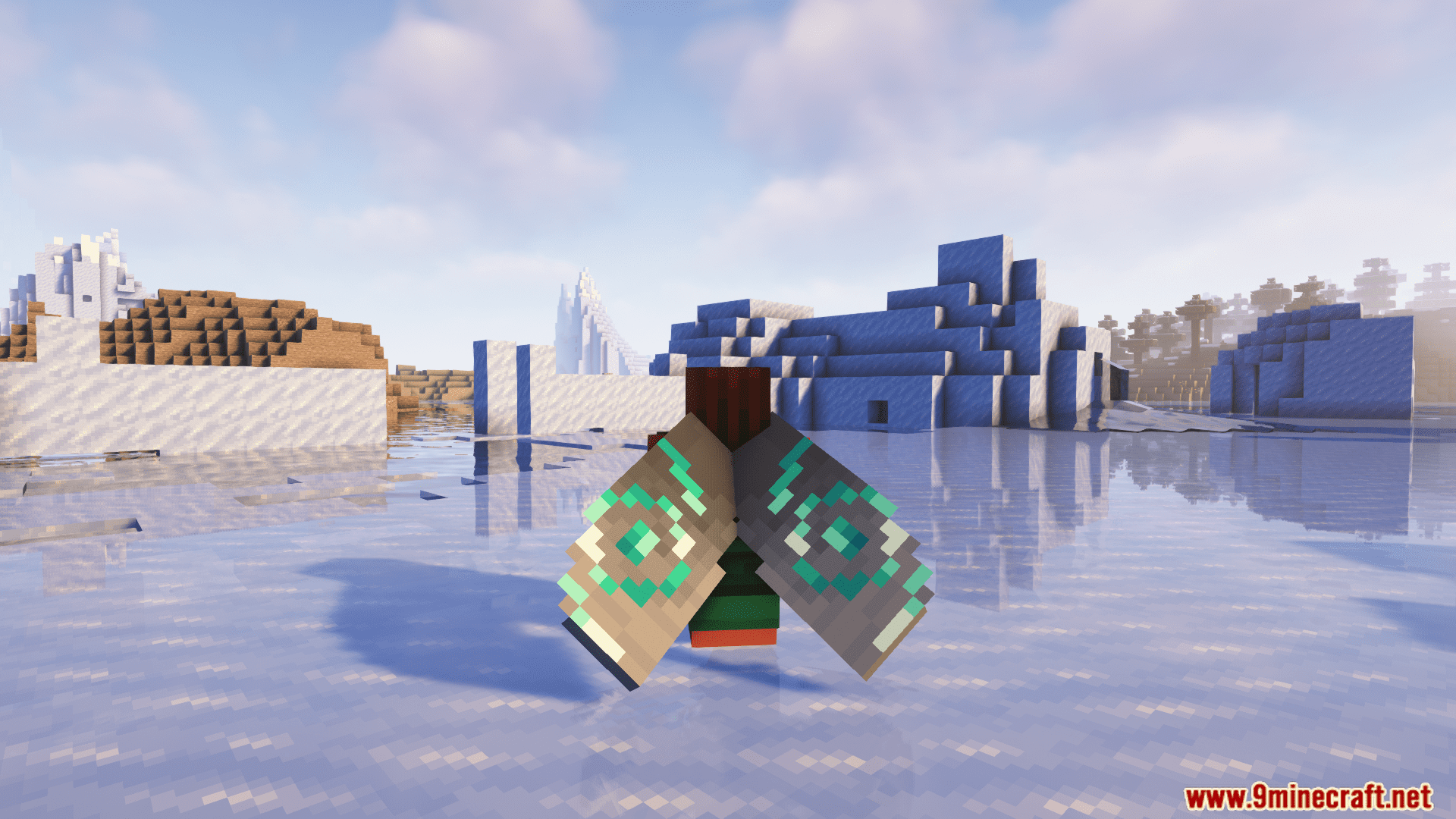
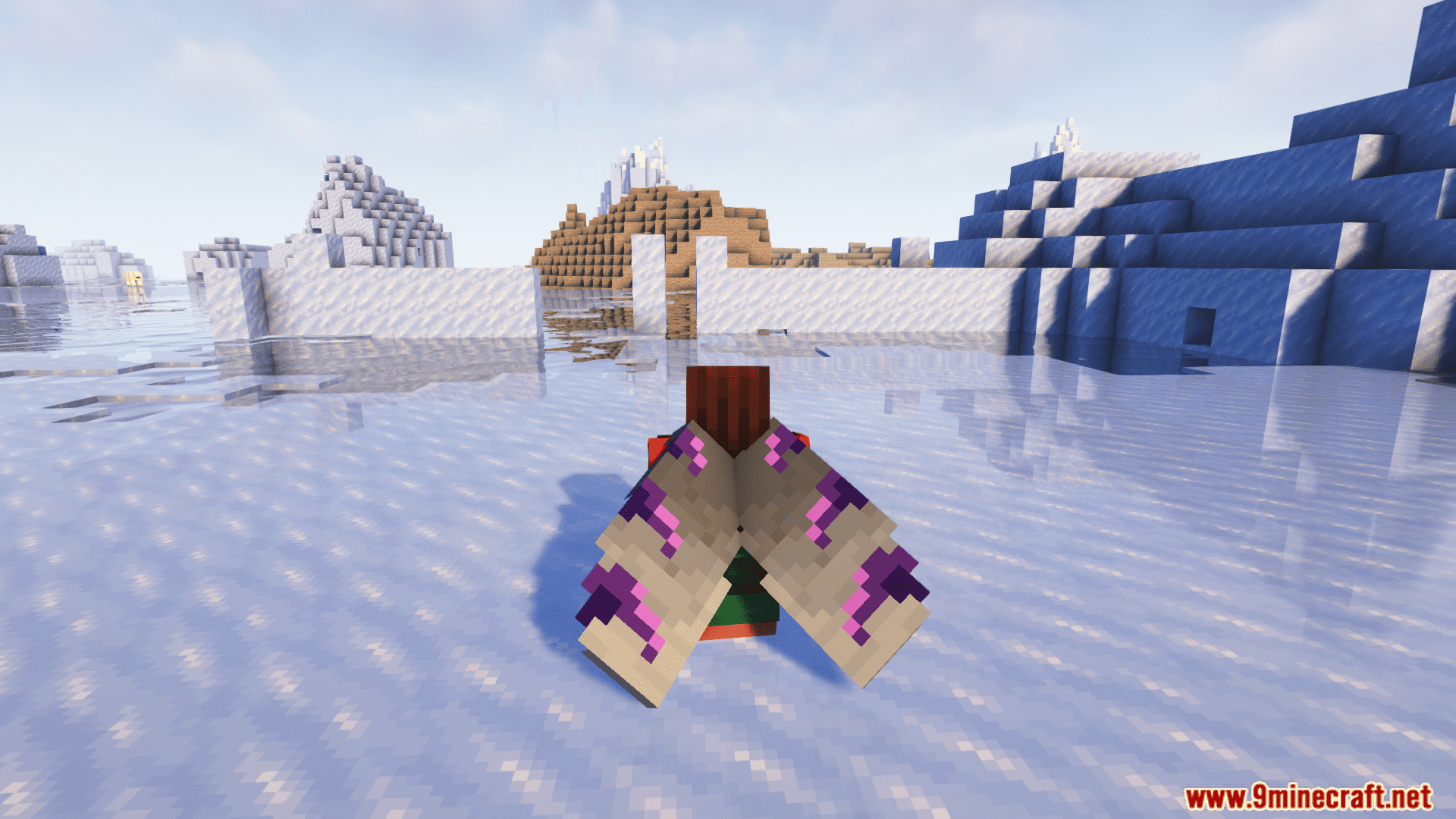
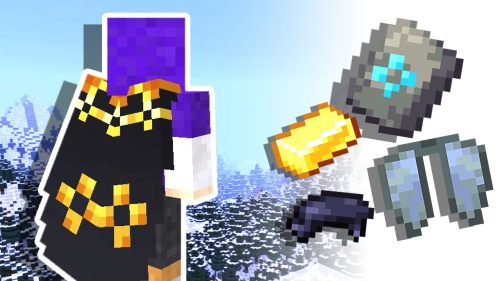
With Elytra Trims Extensions Mod, you can add armor trims, dye your elytra in any color, and put banner patterns on them. It also comes with resourcepack support, mod config, and server-side support. Let your creativity soar and make your elytra stand out with the Elytra Trims mod!
Features:
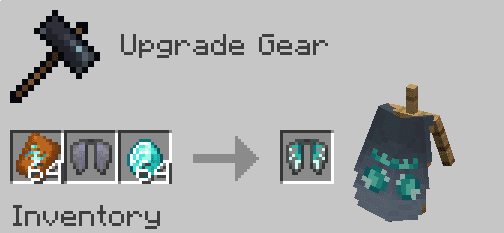
- Adds support for extra armor trim designs from other mods and datapacks, letting you apply them to elytras just like armor.
- Once installed alongside the base Elytra Trims mod, it automatically detects and integrates supported trim sources.
- Includes resourcepacks that activate only when their corresponding mods are installed, keeping things clean and modular.
- Customization Options:
- Dyeing Elytras: Use any standard dye in a crafting table to recolor your elytra.
- Banner Patterns: Combine elytras with banners for intricate designs.
- Glowing Effects: Apply a Glow Ink Sac to make trims glow in the dark.
Screenshots:
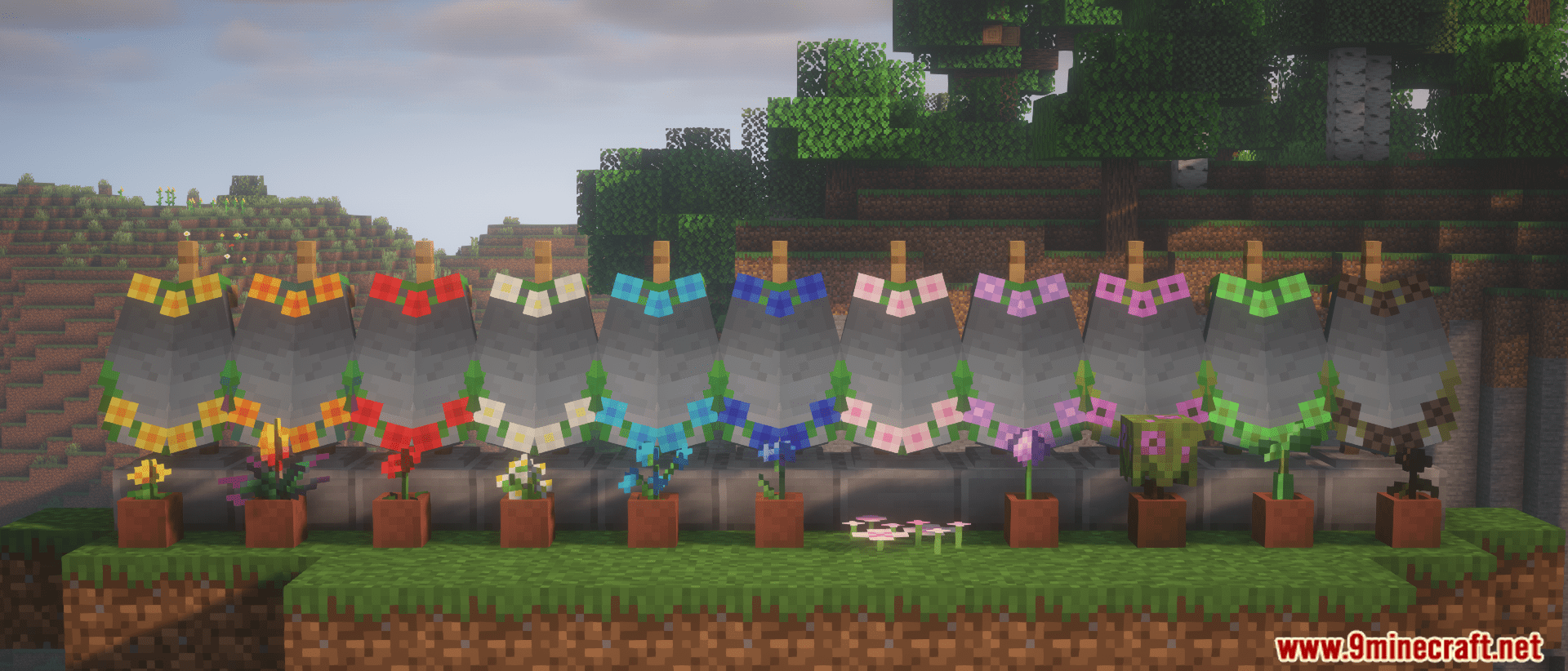
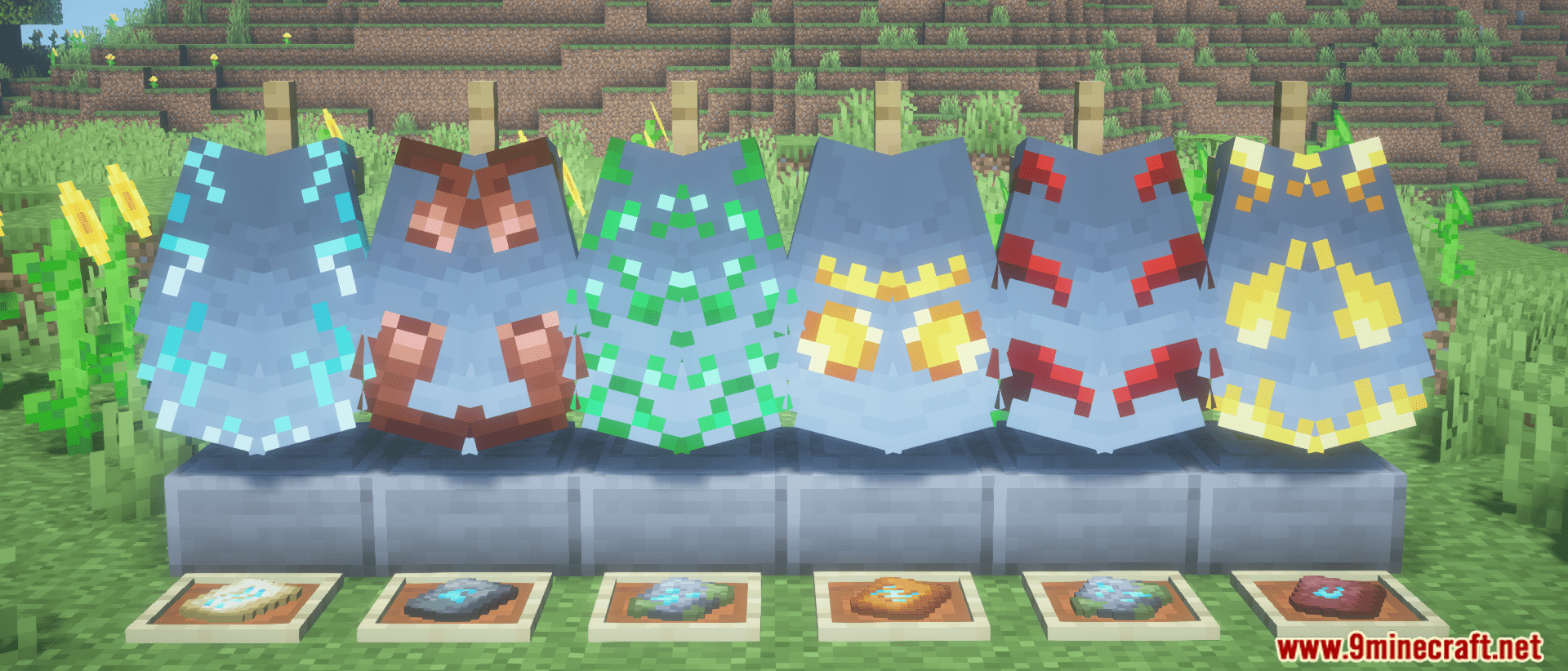
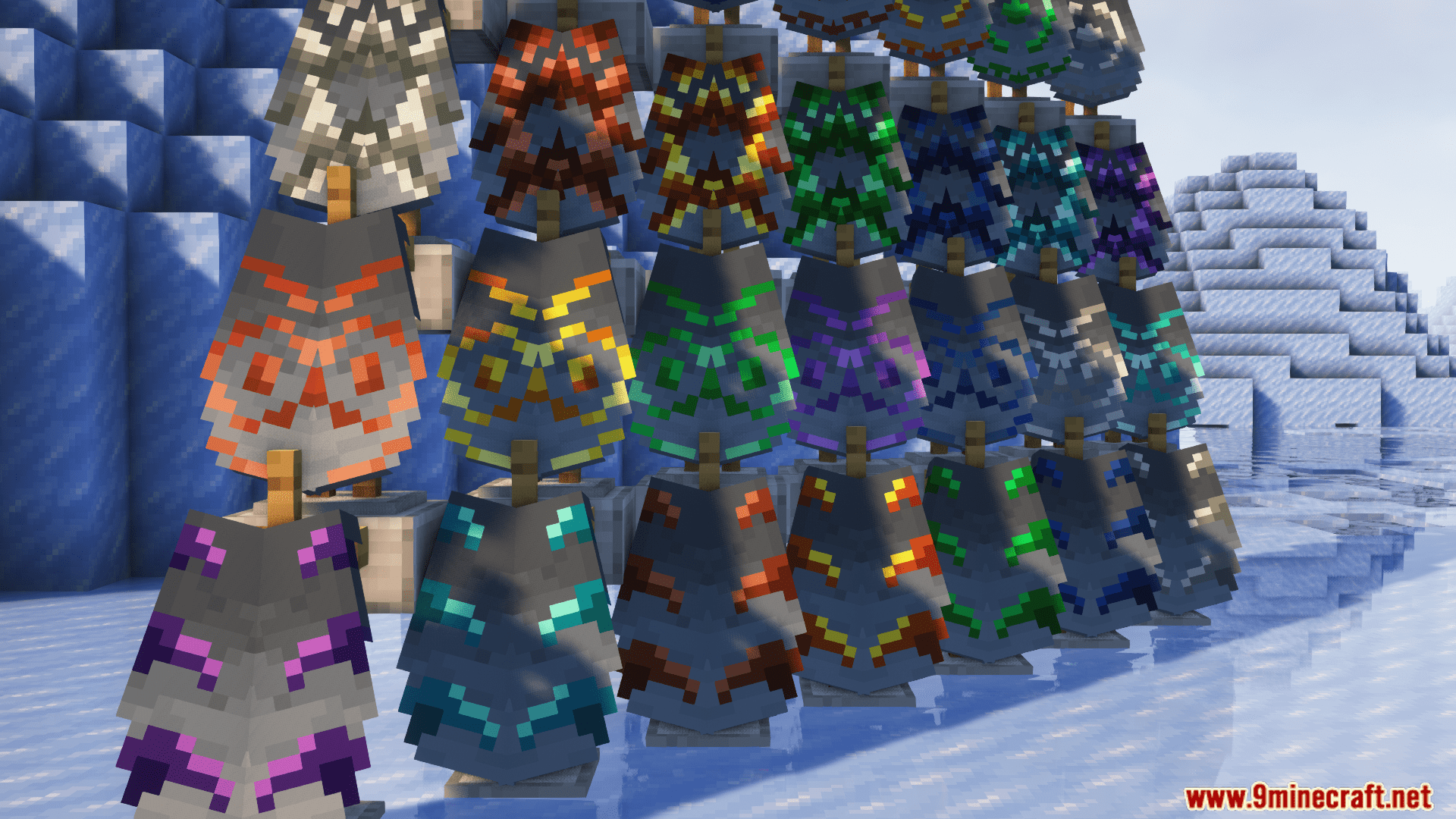
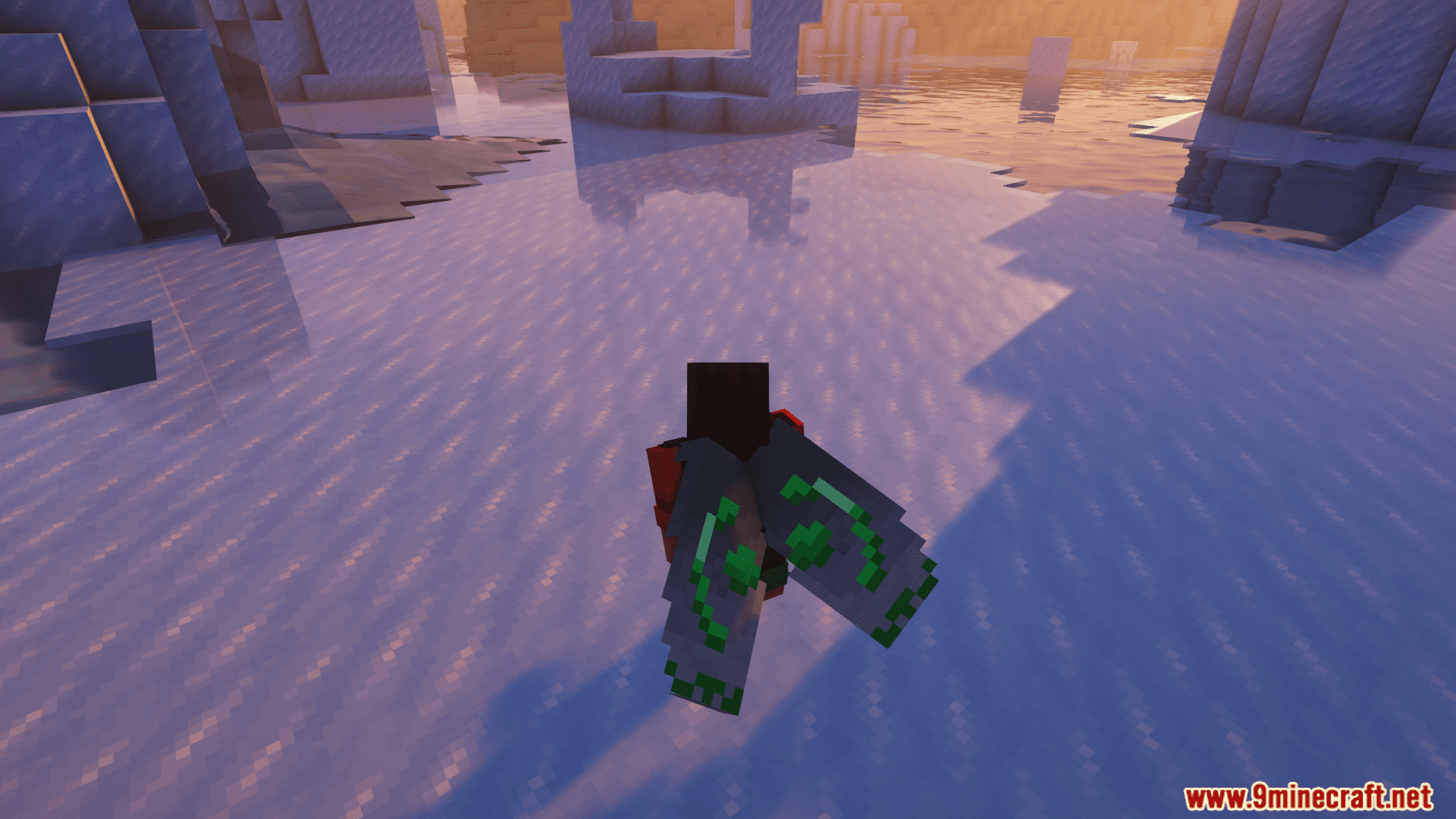
Crafting Recipes:
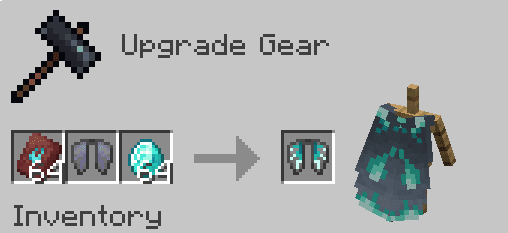
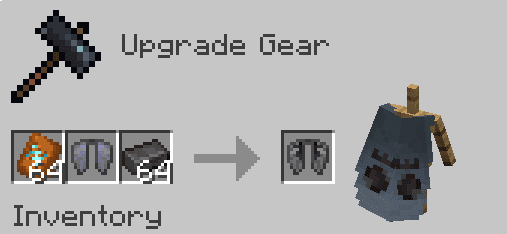
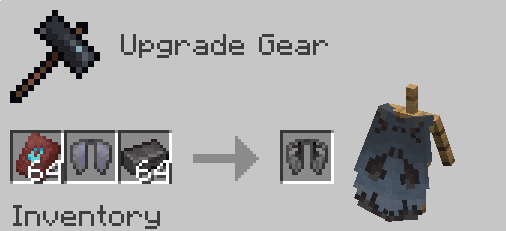
How to Install:
New to Minecraft? Follow our step-by-step guide to install Mods on your PC.View Guide
Requirements:
Elytra Trims Mod Download Links
For All Versions from Minecraft 1.19.4 to Minecraft 1.20.2
Fabric/Quilt Version: Download from Server 1 – Download from Server 2
For Minecraft 1.20.4
Forge Version: Download from Server 1 – Download from Server 2
Fabric Version: Download from Server 1 – Download from Server 2
For Minecraft 1.21.1, 1.21
Forge Version: Download from Server 1 – Download from Server 2
NeoForge Version: Download from Server 1 – Download from Server 2
Fabric Version: Download from Server 1 – Download from Server 2
For Minecraft 1.21.8, 1.21.7, 1.21.6, 1.21.5, 1.21.4
NeoForge Version: Download from Server 1 – Download from Server 2
Fabric Version: Download from Server 1 – Download from Server 2
For All Versions from Minecraft 1.19.4 to Minecraft 1.20.1
Fabric/Quilt Version: Download from Server 1 – Download from Server 2
You May Also Like




This post has no comments yet. Be the first — your comment will appear here.