
Player Ladder Mod (1.21.11, 1.20.1) – Piggyback Your Friends Across Every World
 2,081
 0


Player Ladder Mod lets you ride or pick up other players with a simple right-click. You can also turn on support for riding or carrying any living mob, switch to a built-in Pick Up Me mode, and mount mobs on players with the /ride command. When installed on the client, this mod still lets you interact with the world while a player or mob is on top of you. Fabric players need FConfigLib to run it, and you can edit settings in a menu when Cloth Config API and Mod Menu are installed.

Features:
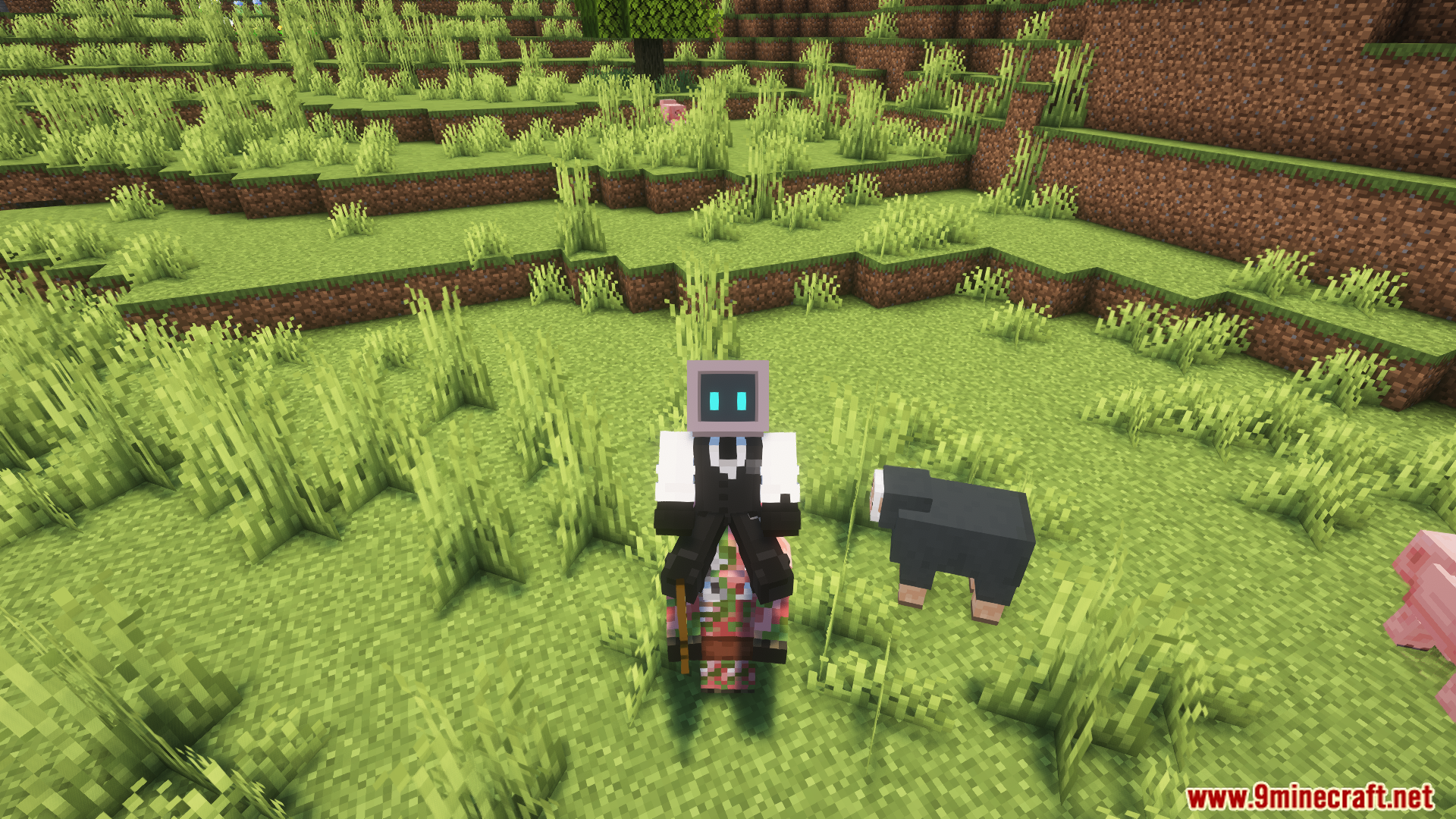
- Lets you ride or pick up other players with a simple right-click.
- Allows picking up and riding any living mob once you turn the option on in the config (it is off by default).
- Includes built-in Pick Up Me features that turn on when you change
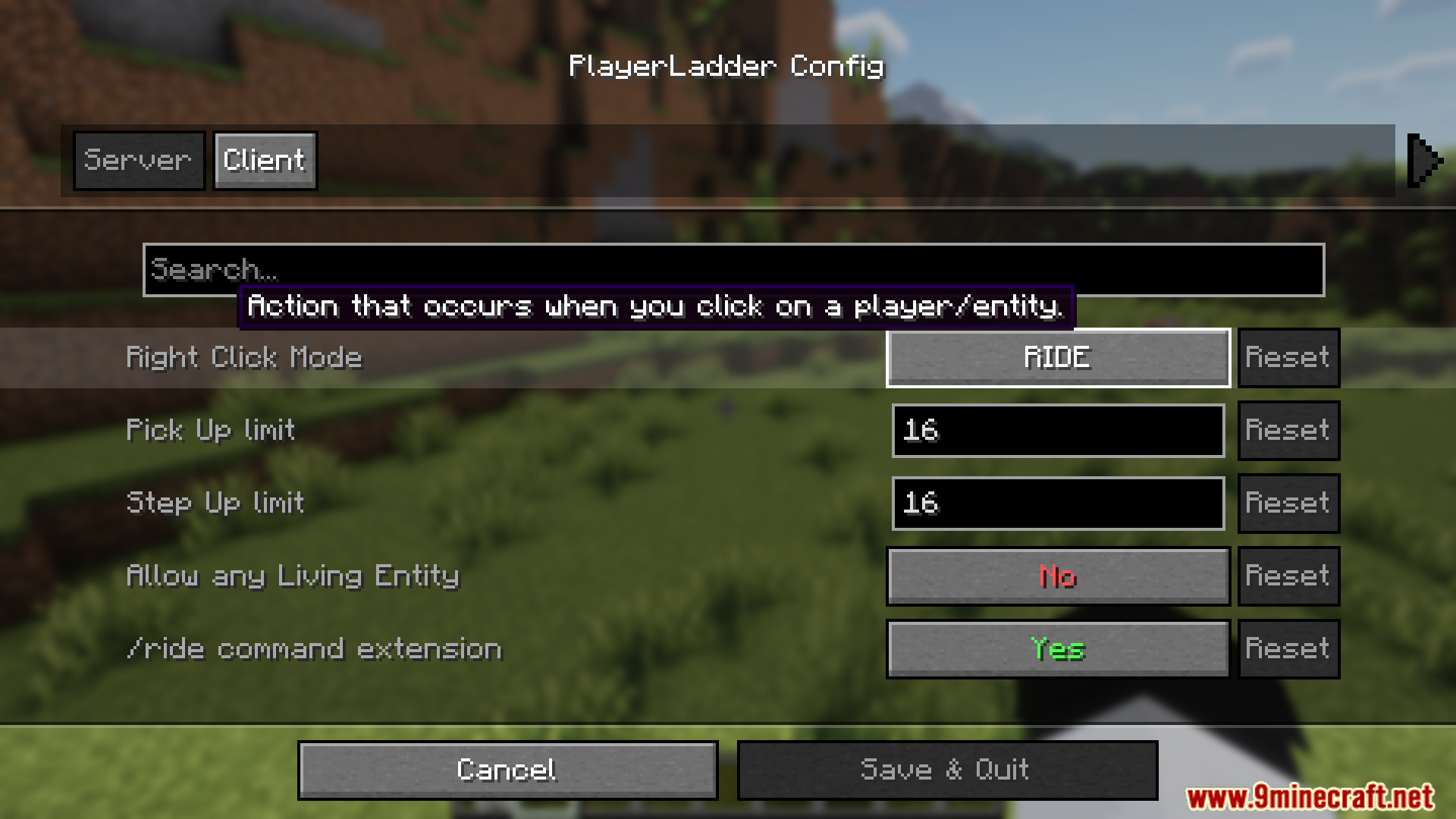
rightClickModetoPICK_UPin the config. - Extends the
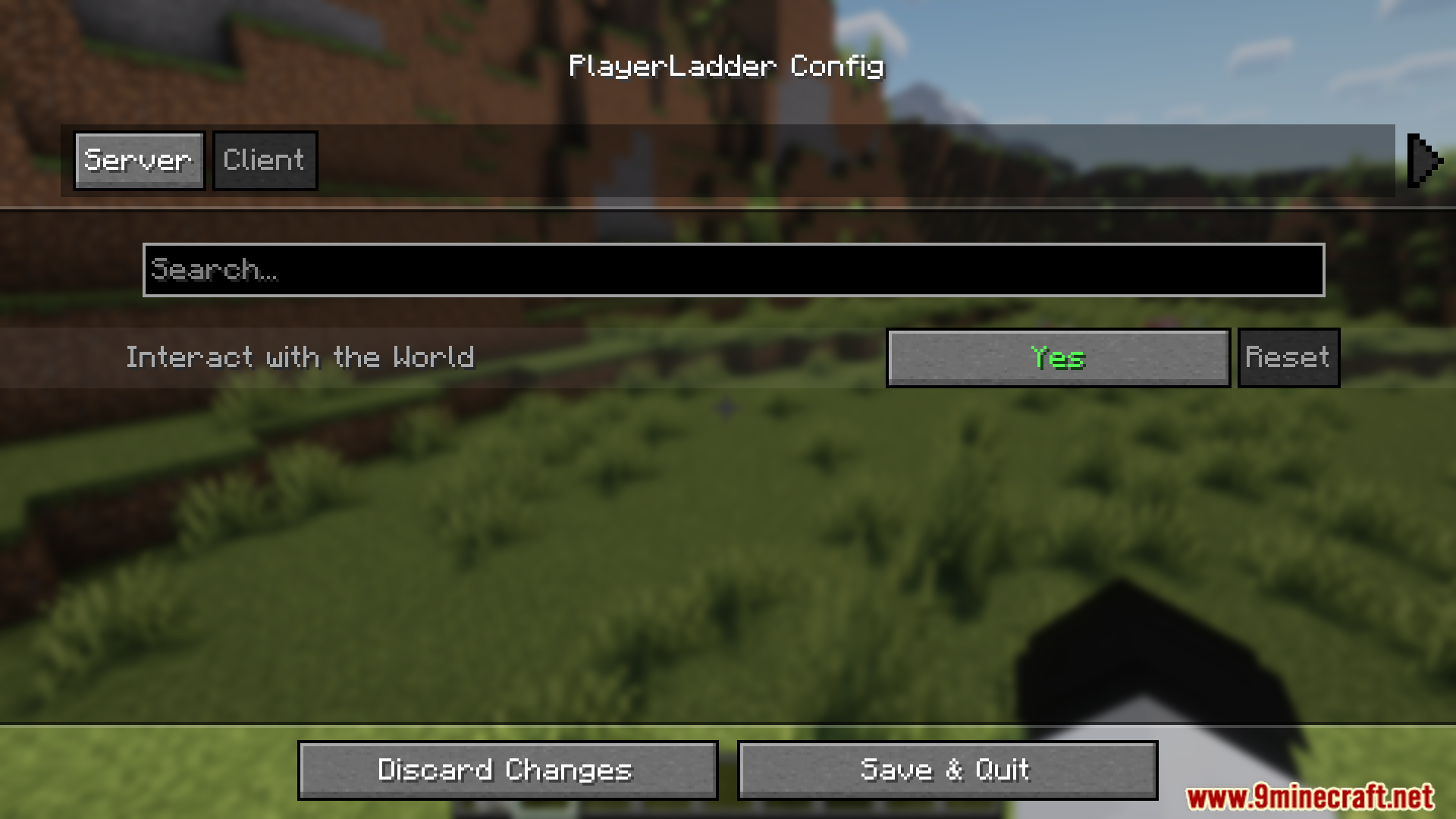
/ridecommand so you can mount mobs on top of players. - Lets you keep interacting with the world while a player or mob is on top of you when this mod is installed on the client.
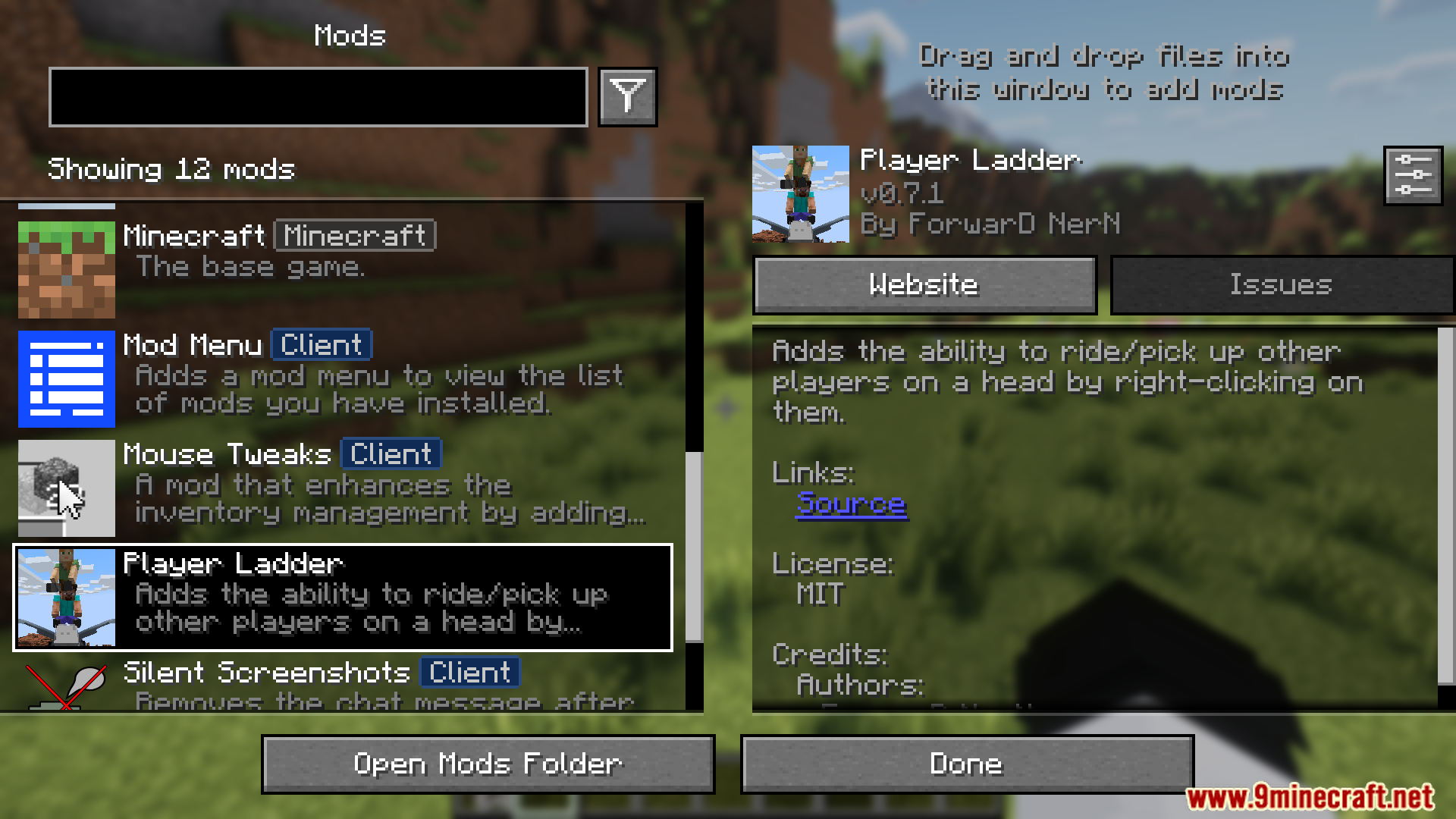
- Lets you change config settings through an in-game menu if Cloth Config API and Mod Menu are installed.
Commands:
/ride: Mounts mobs on top of players by extending the vanilla command.
Configuration:
rightClickMode: Switch this setting toPICK_UPto turn on the Pick Up Me feature.
How to Use:
- Right-click another player to ride or pick them up.
- Open the config file, or use the in-game menu with Cloth Config API and Mod Menu, to change the settings.
- Set
rightClickModetoPICK_UPin the config to turn on the Pick Up Me feature. - Turn on the living mob option in the config (off by default) so you can Right-click to pick up or ride any living mob.
- Use the
/ridecommand to mount mobs on top of players.
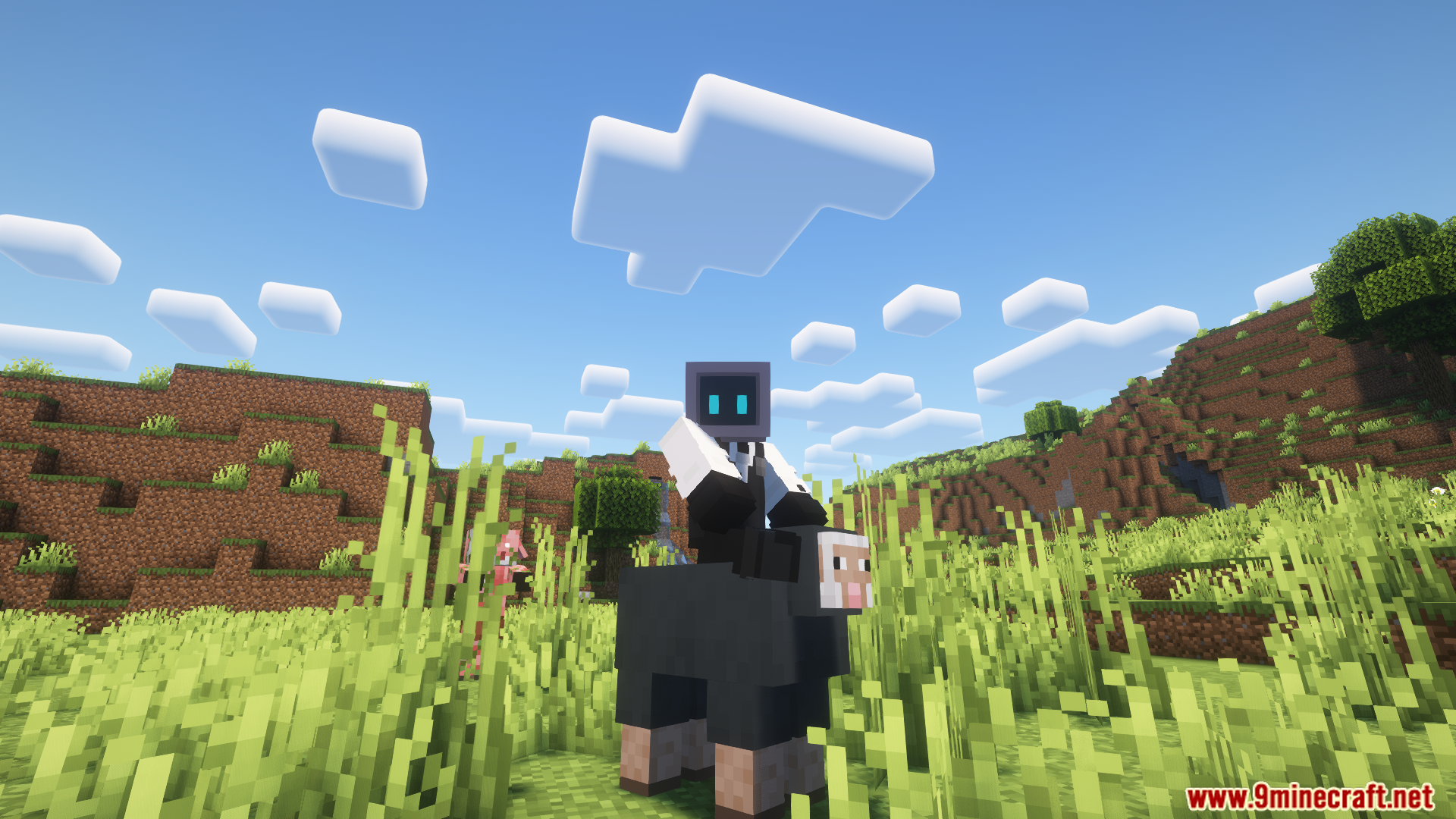
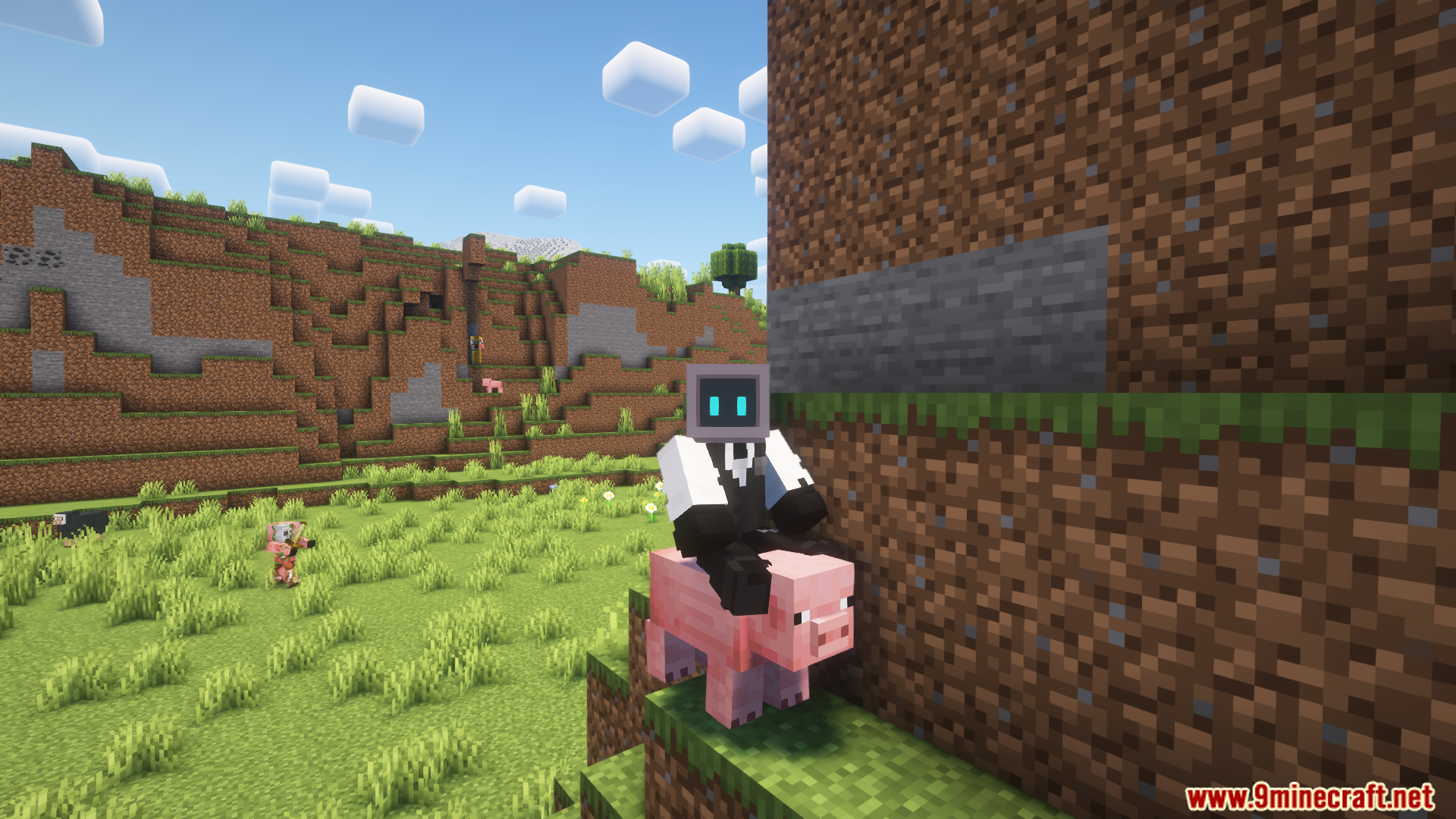
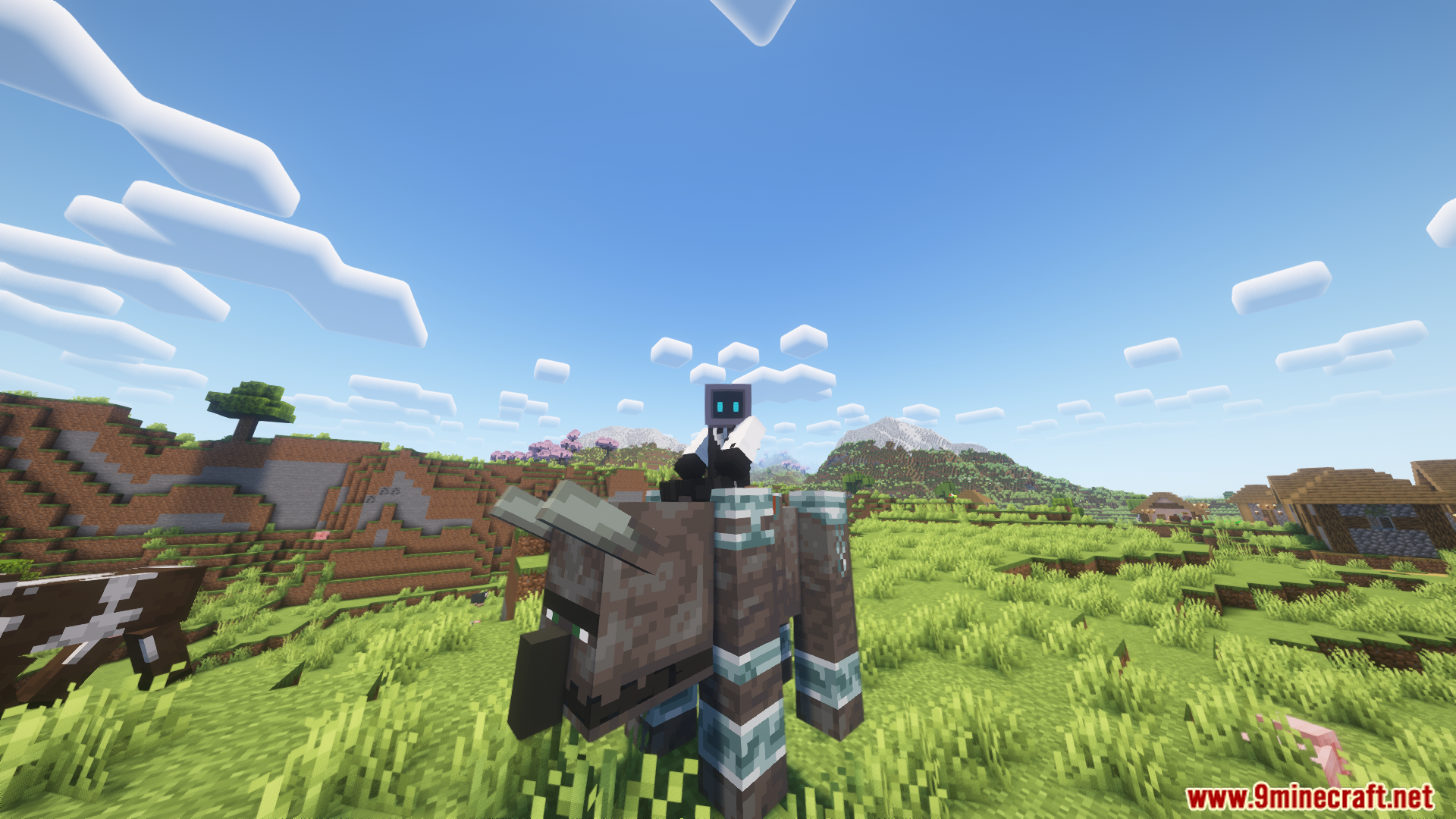
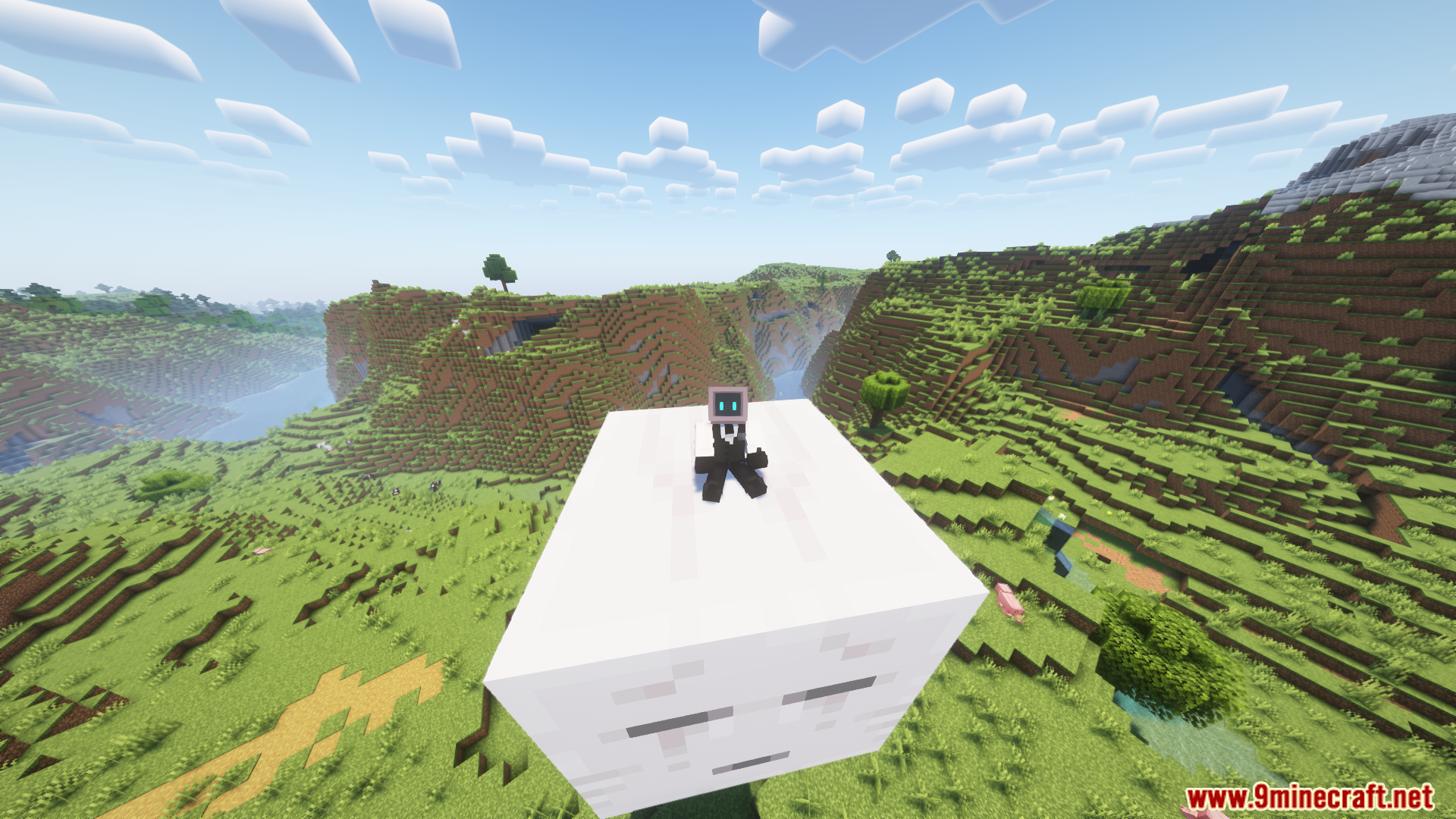
Screenshots:
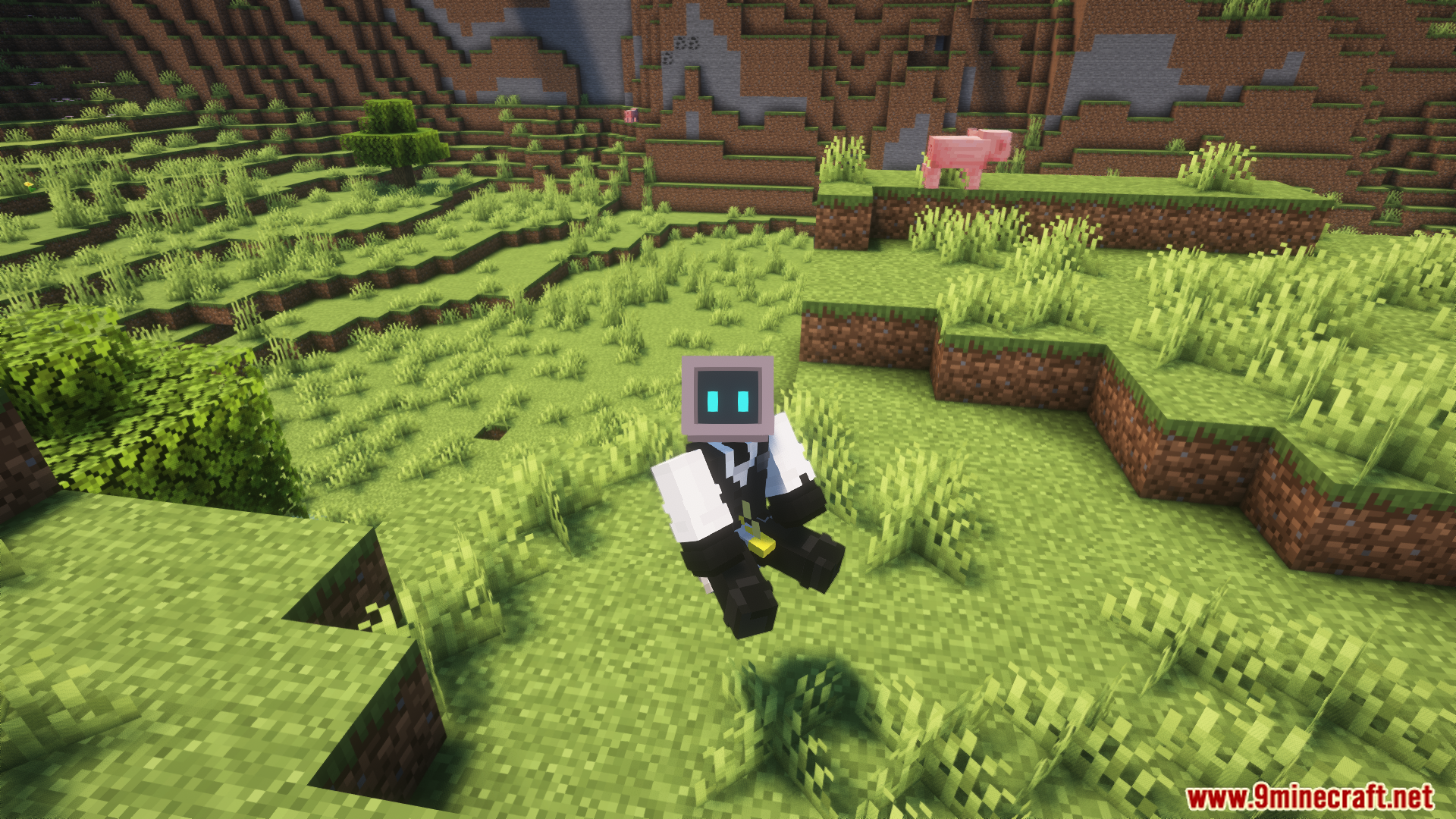
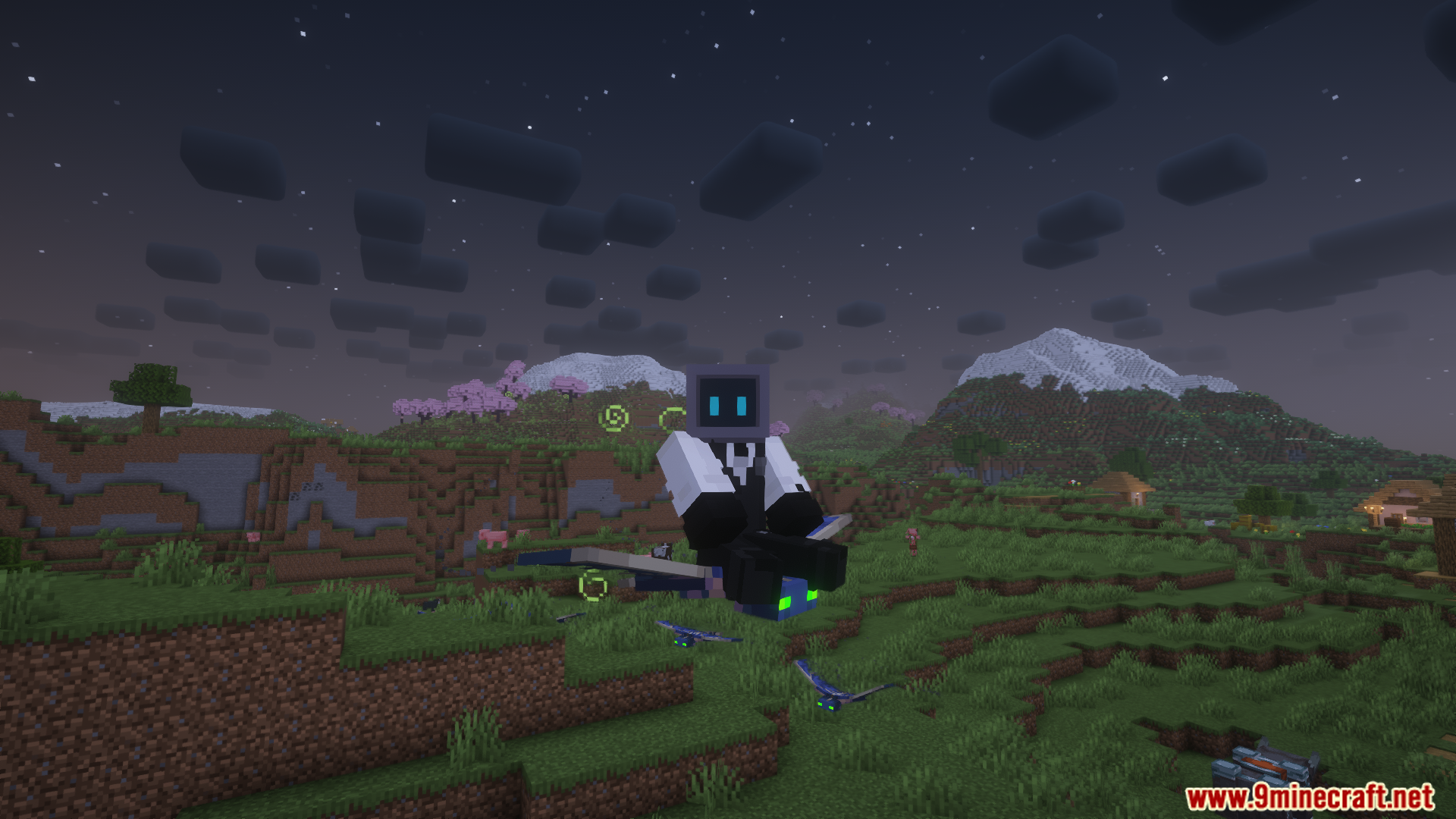
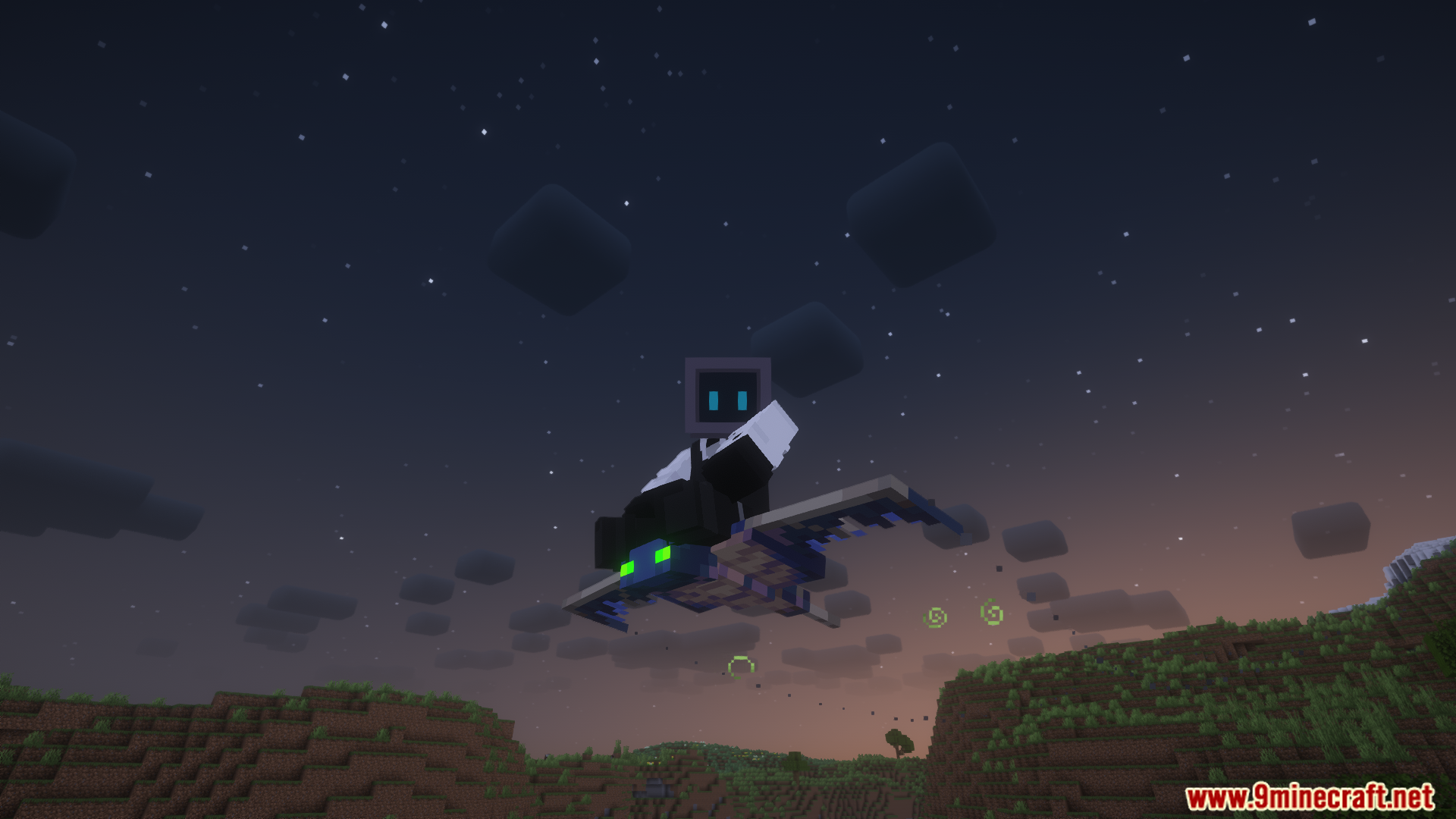
How to Install:
New to Minecraft? Follow our step-by-step guide to install Mods on your PC.View Guide
Player Ladder Mod Download Links
For Minecraft 1.21.11
Fabric Version: Download from Server 1 – Download from Server 2
For Minecraft 1.21.10
Fabric Version: Download from Server 1 – Download from Server 2
NeoForge Version: Download from Server 1 – Download from Server 2
For Minecraft 1.21.8, 1.21.7, 1.21.6
Fabric Version: Download from Server 1 – Download from Server 2
For Minecraft 1.21.5
Fabric Version: Download from Server 1 – Download from Server 2
For Minecraft 1.21.4
Fabric Version: Download from Server 1 – Download from Server 2
NeoForge Version: Download from Server 1 – Download from Server 2
For Minecraft 1.21.1, 1.21
Fabric Version: Download from Server 1 – Download from Server 2
For Minecraft 1.20.6, 1.20.4, 1.20.2, 1.20.1
Fabric Version: Download from Server 1 – Download from Server 2
For Minecraft 1.20.1
Forge Version: Download from Server 1 – Download from Server 2
For Minecraft 1.19.4
Forge Version: Download from Server 1 – Download from Server 2
Fabric Version: Download from Server 1 – Download from Server 2
For All Versions From Minecraft 1.18.2 to Minecraft 1.19.3
Fabric Version: Download from Server 1 – Download from Server 2
For Minecraft 1.19.3, 1.19.2
Forge Version: Download from Server 1 – Download from Server 2
You May Also Like
Picked for this page
 Dynamic Trees Mod (26.1.2, 1.20.1) – Change the Natural Growth of Trees
 Death Backup Mod (26.3, 1.20.1) – Automatic Inventory Backup
 Unlimited Trading Mod (26.3, 1.20.1) – No Villager Trading Limit
 DarkStarter Mod (26.3, 1.20.1) – RPG Starter Login Item Rewards
 Better Conduit Placement Mod (26.3, 1.20.1) – Placing Conduit Prismarine Blocks Easier
 Florum Sporum Mod (26.3, 1.20.1) – 96 New Blossoms
 Integrated Circuit Mod (26.3, 1.20.1) – Compact Your Redstone Circuitry
 No Netherite Mod (26.3, 1.20.1) – Disables Netheite In Your Game
 DarkSleep Mod (26.3, 1.20.1) – Dynamic Night Skipping With DarkSleep
 Persistent Parrots Mod (1.21.11, 1.20.1) – Stable Shoulder Parrots
 Particle Animation Lib Mod (26.1.2, 1.20.1) – Library Mod To Create Cool Particle Effects With Ease
 Redstone Beacon Base Mod (26.3, 1.20.1) – Use Redstone Blocks For Beacon Bases
Most viewed in Mods over the last 7 days
 Ala Industrial Mod (26.3) – Run Electric Power Grids and Automated Factories
 PleasureCraft Mod (26.3, 1.21.1) – Jenny Mod Remake for Fabric
 Jennycraft Mod (26.3, 1.20.1) – Virtual Girlfriend in Minecraft
 Fapcraft Mod (26.3, 1.12.2) – Comprehensive and Detailed Content
 Jenny Mod (Fapcraft) Official Complete Guide – How to use, Tutorial
 BangCraft Mod (1.20.1) – Jenny, Ellie and Elliot
 Fabric Loader (26.3, 1.20.1) – Fabric Installer for All Minecraft Versions
 The Shooting Star Demo Mod (26.3, 1.20.1) – Vaporize Terrain From Orbit
 OptiFine HD (26.3, 1.20.1) – Run Faster, FPS Boost, Shaders Support
 Meteor Client Mod (26.3, 1.20.1) – Xray, HUD, Fly
 Aristois Client Mod (1.21.4, 1.20.1) – World Class Minecraft Utility
 Baritone 9minecraft Client Mod (26.3, 26.1.2) – Mine and Build Bases Hands-Free
More from Mods
 Berlin Client Mod (1.21.11) – Hunt Stashes and Win Crystal Fights
 Kaleidoscope Cookery Refabricated Mod (26.3, 1.20.1) – Cook Hearty Meals
 Minecraft MusicBox Mod (1.21.12) – Play Your Favorite Songs While Mining and Building
 MTR Navigation Mod (1.21.1) – Plan Railway Trips and Never Miss a Train Stop
 TheHouse Mod (1.21.11) – Host Casino Tables and Track Every Bet in Real Time
 CinematicInteractions Mod (1.21.1) – Watch Your Hands Work at Every Crafting Table
 Earth Platform Mod (1.21.1) – Travel Across Real Continents in a True Scale World
 Taunahi Mod (26.1.2) – Automate Daily Farming and Slayers in Hypixel Skyblock
 HORROR Fake Join Leave Messages Mod (1.20.1) – Trigger Creepy Chat Scares
 Bons Voyage Mod (1.20.1) – Teleport Across Biomes Through Hidden Waystones
 Orbital Railgun UPDATED Mod (26.3) – Flatten Giant Landscapes From Space
 Automobility Autoradio Mod (26.3, 26.1.2) – Trade Custom Mixtapes with Friends

This post has no comments yet. Be the first — your comment will appear here.