


EMI Create Schematics Mod (1.21.10, 1.20.1) – 机械动力蓝图购物清单

 0
0 

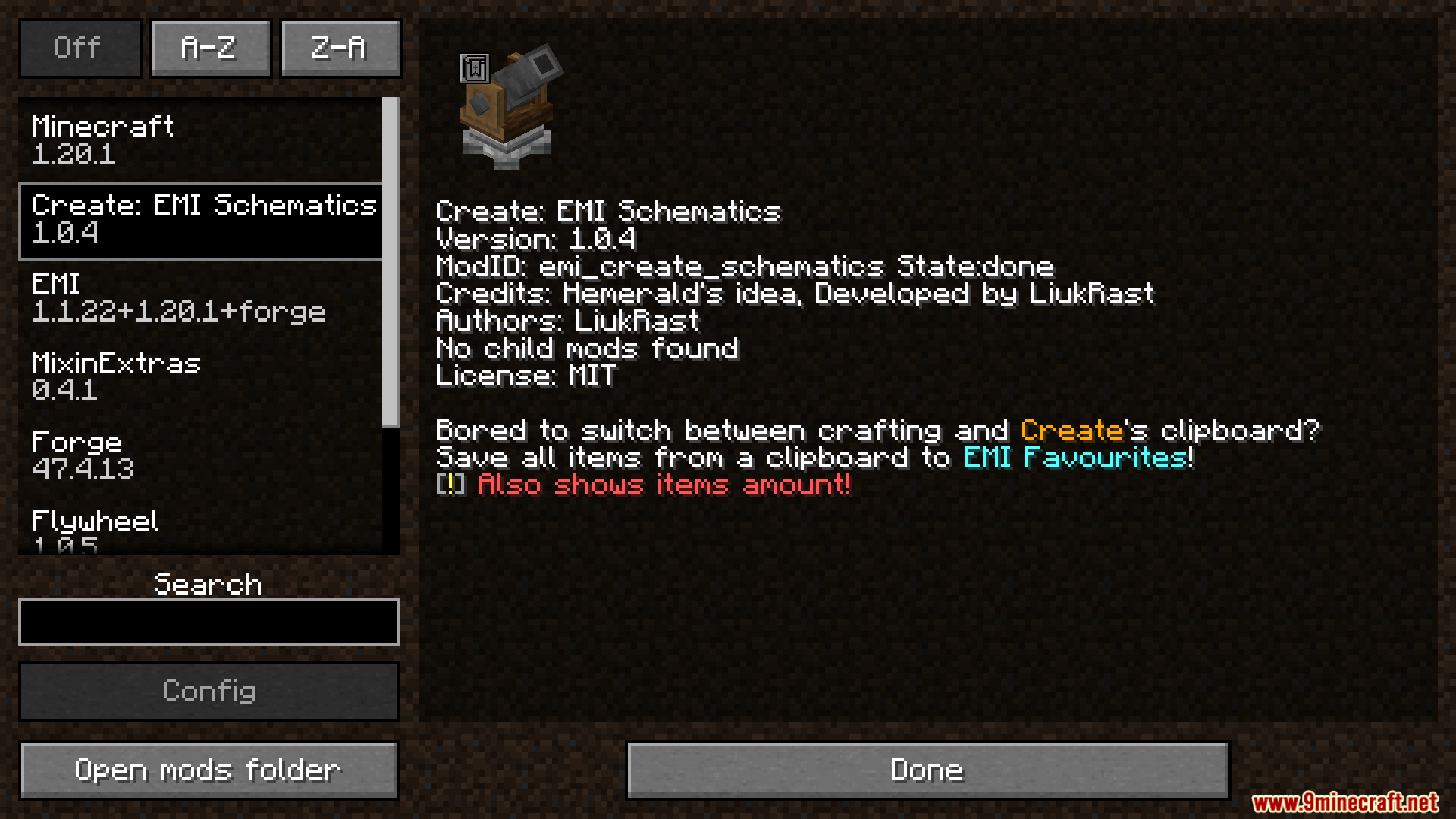
EMI Create Schematics Mod 将机械动力 (Create) 模组的写字板直接与你的 EMI 收藏列表连接。当你使用蓝图大炮获取材料清单时,该模组会在写字板界面添加一个新按钮。只需点击一下,你就可以将所有所需物品及其数量保存到 EMI 中,让大型建筑项目的资源收集变得更加轻松。
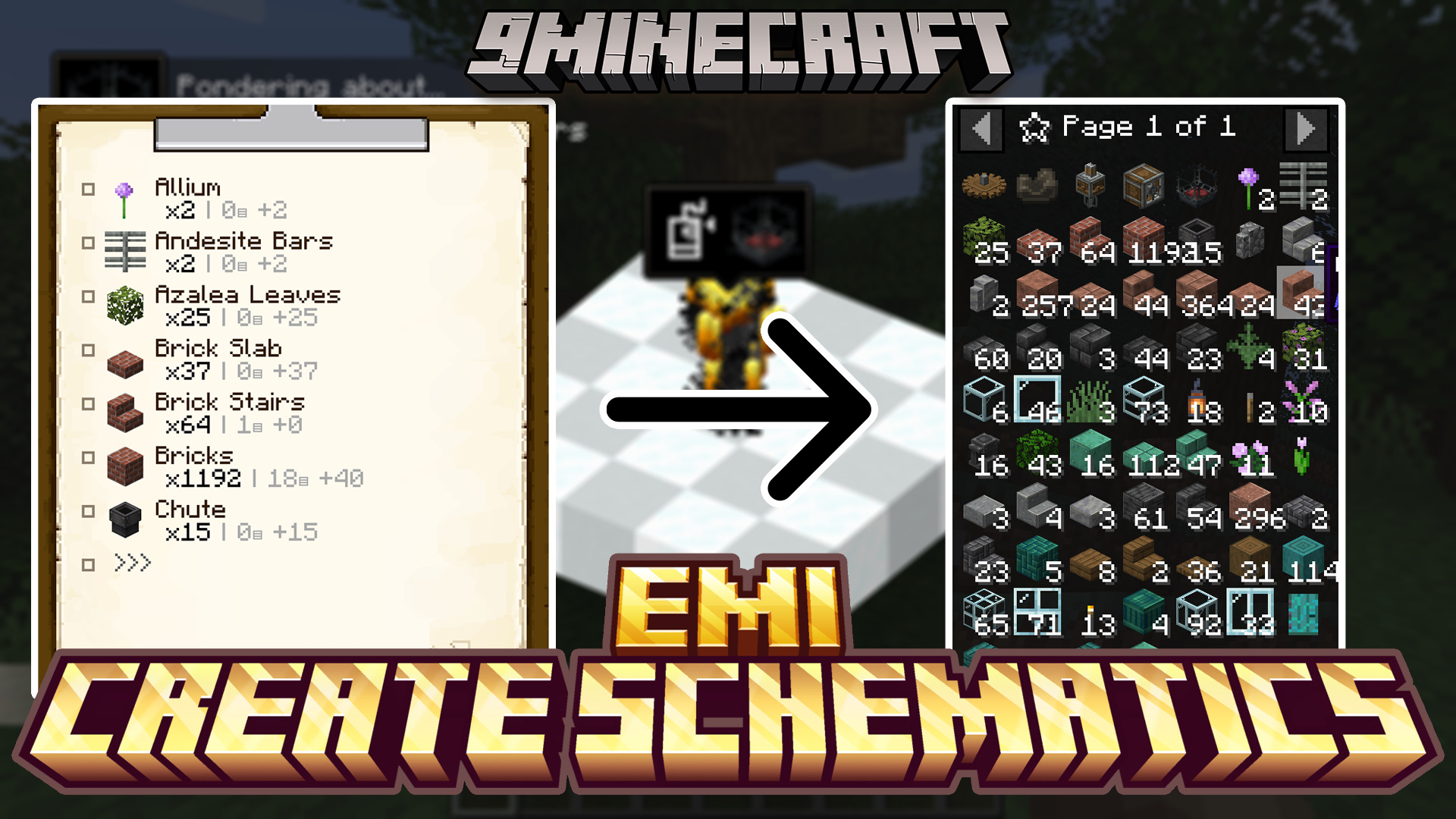
功能特点:
- 在机械动力模组的写字板界面添加了一个新按钮。
- 让你能瞬间将蓝图的完整材料清单保存到 EMI 收藏夹。
- 同时保存物品类型和建造所需的精确数量。
- 更直观地查看大型项目需要收集哪些材料。
- 该保存按钮仅适用于从蓝图大炮生成的写字板。
使用方法:
- 首先,从蓝图大炮获取带有蓝图信息的写字板。该模组仅支持此类写字板。
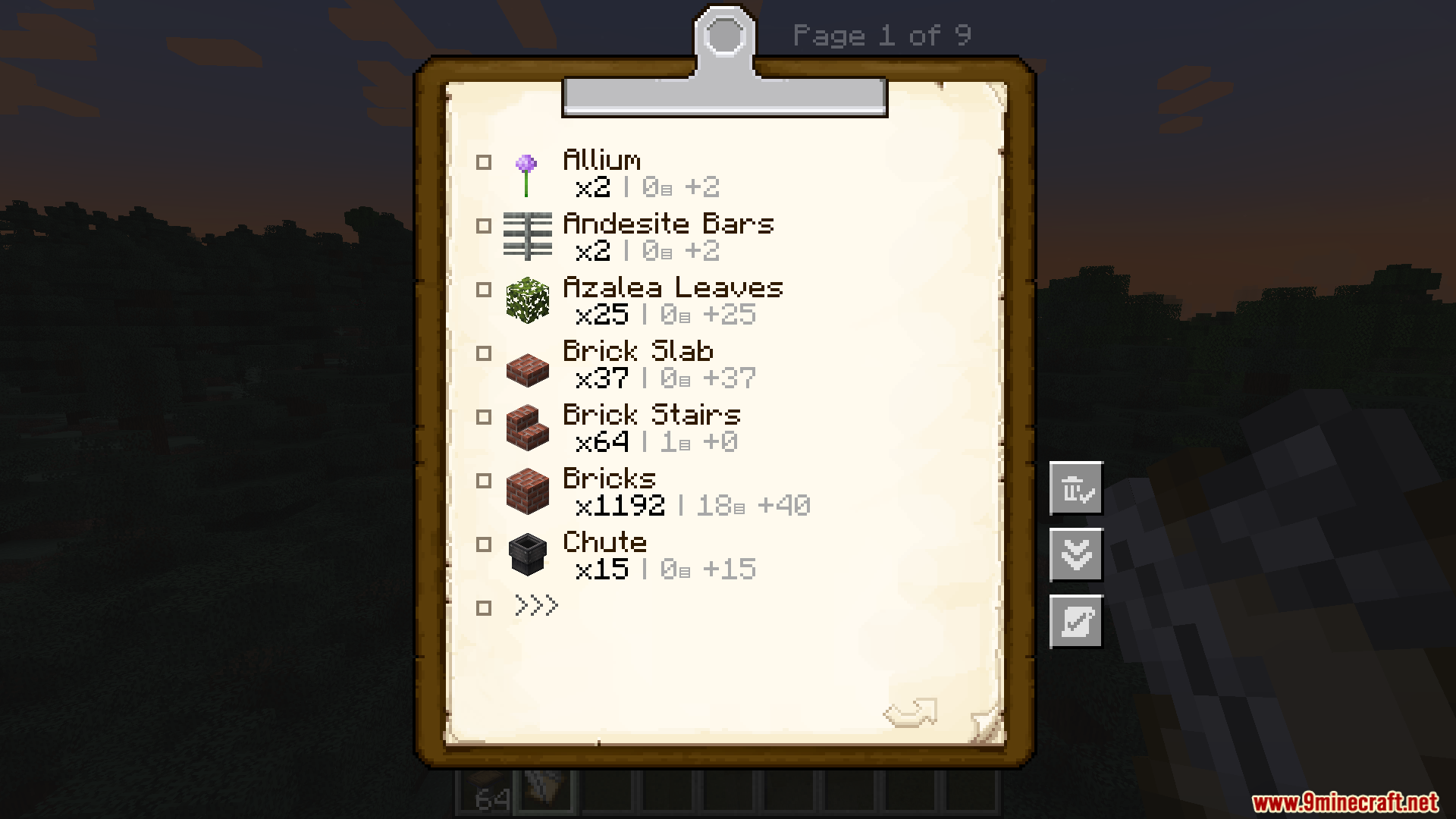
- 打开写字板查看材料清单。
- 你会在写字板菜单中看到一个新按钮。
- 点击该按钮。
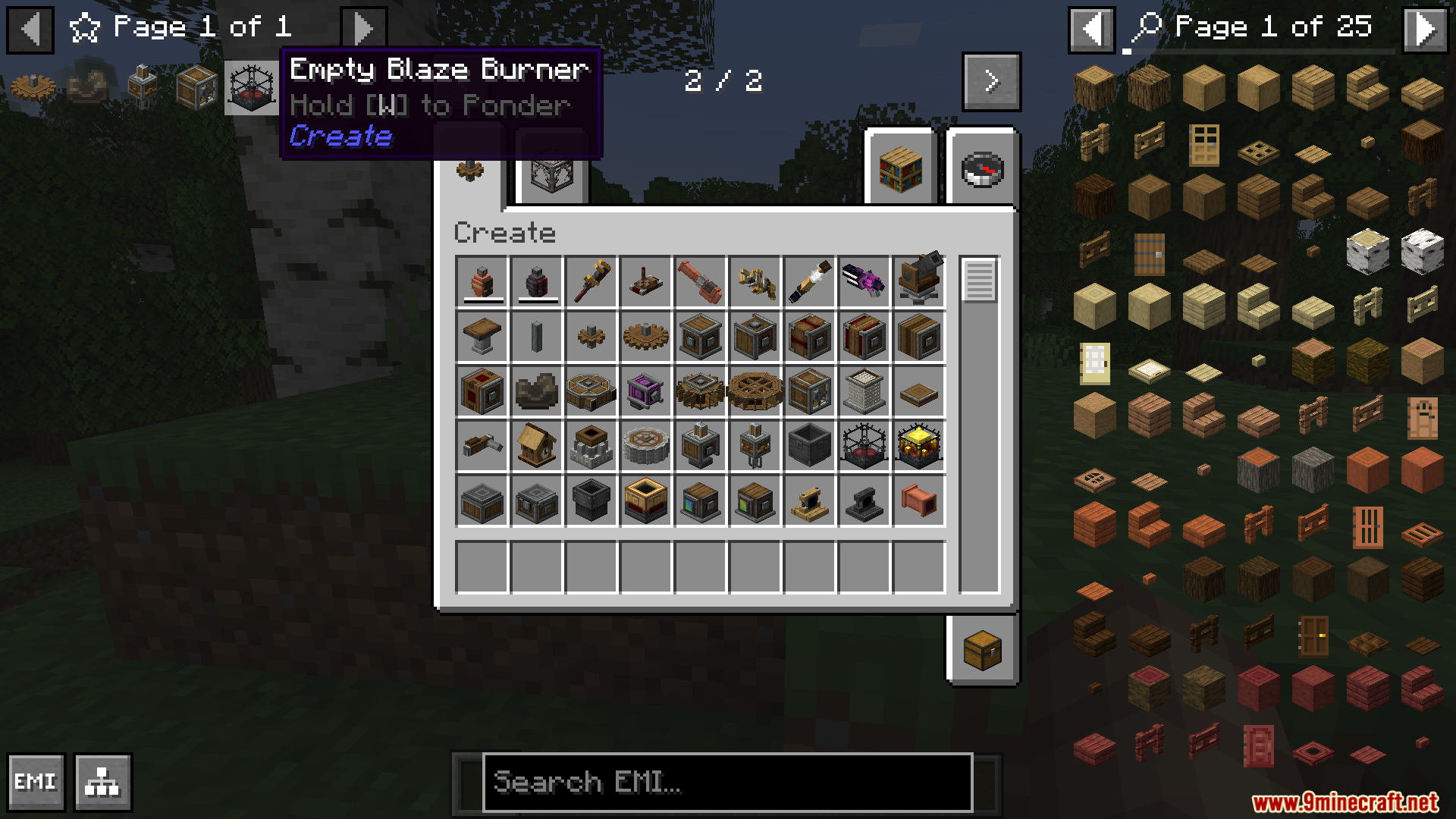
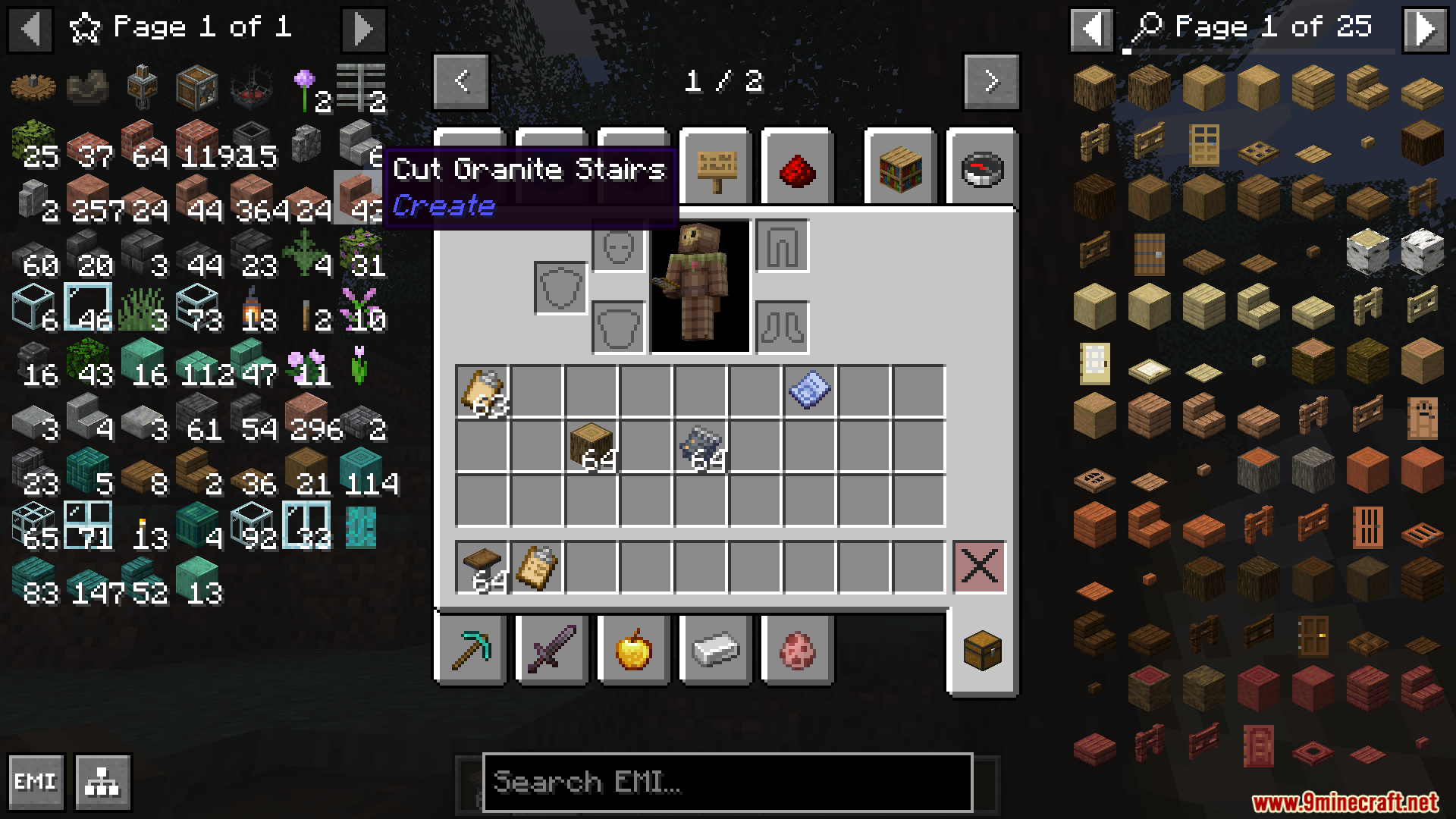
- 物品清单将被添加到你的 EMI 收藏 (Favourites) 标签页中。
模组截图:
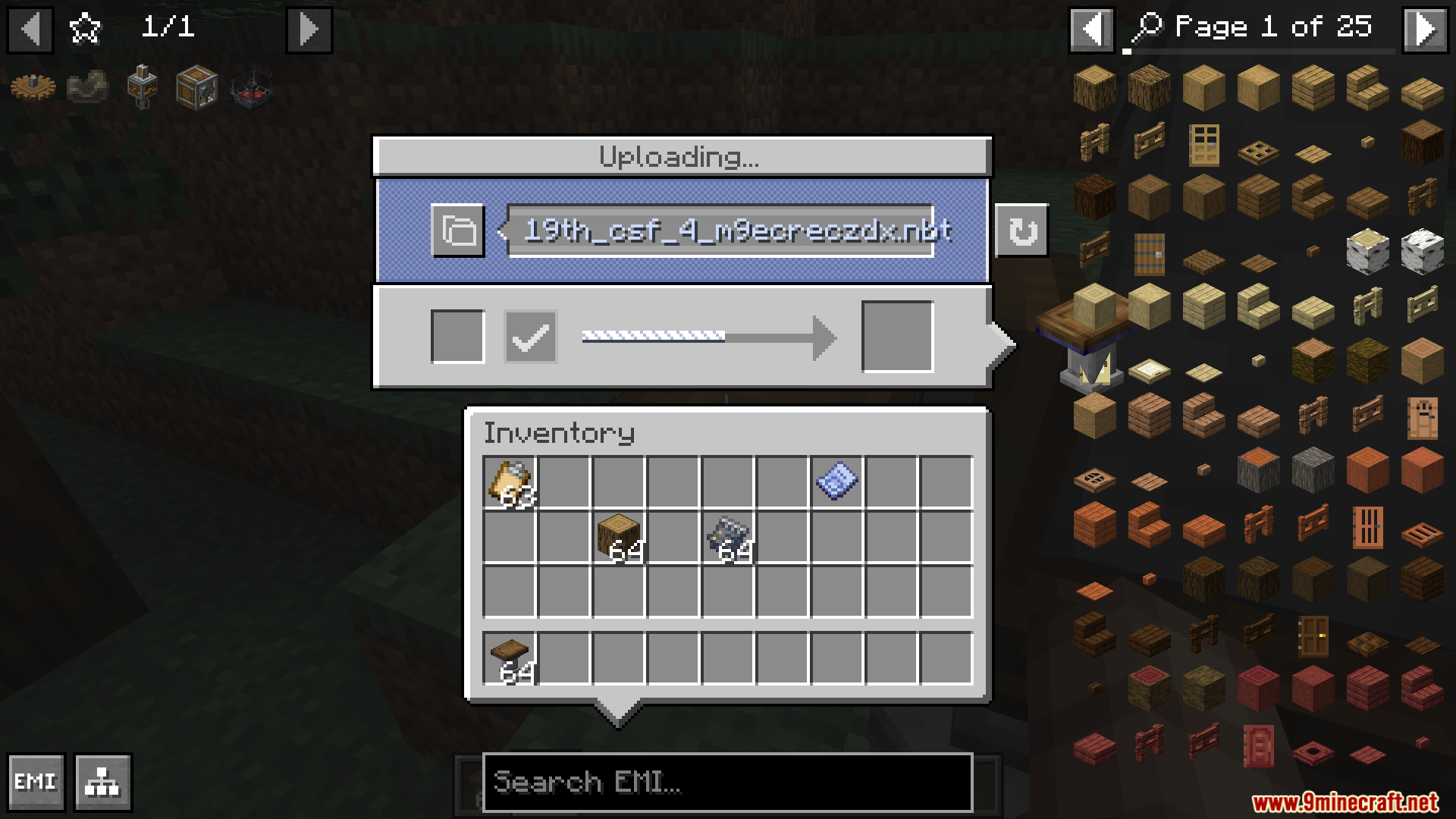
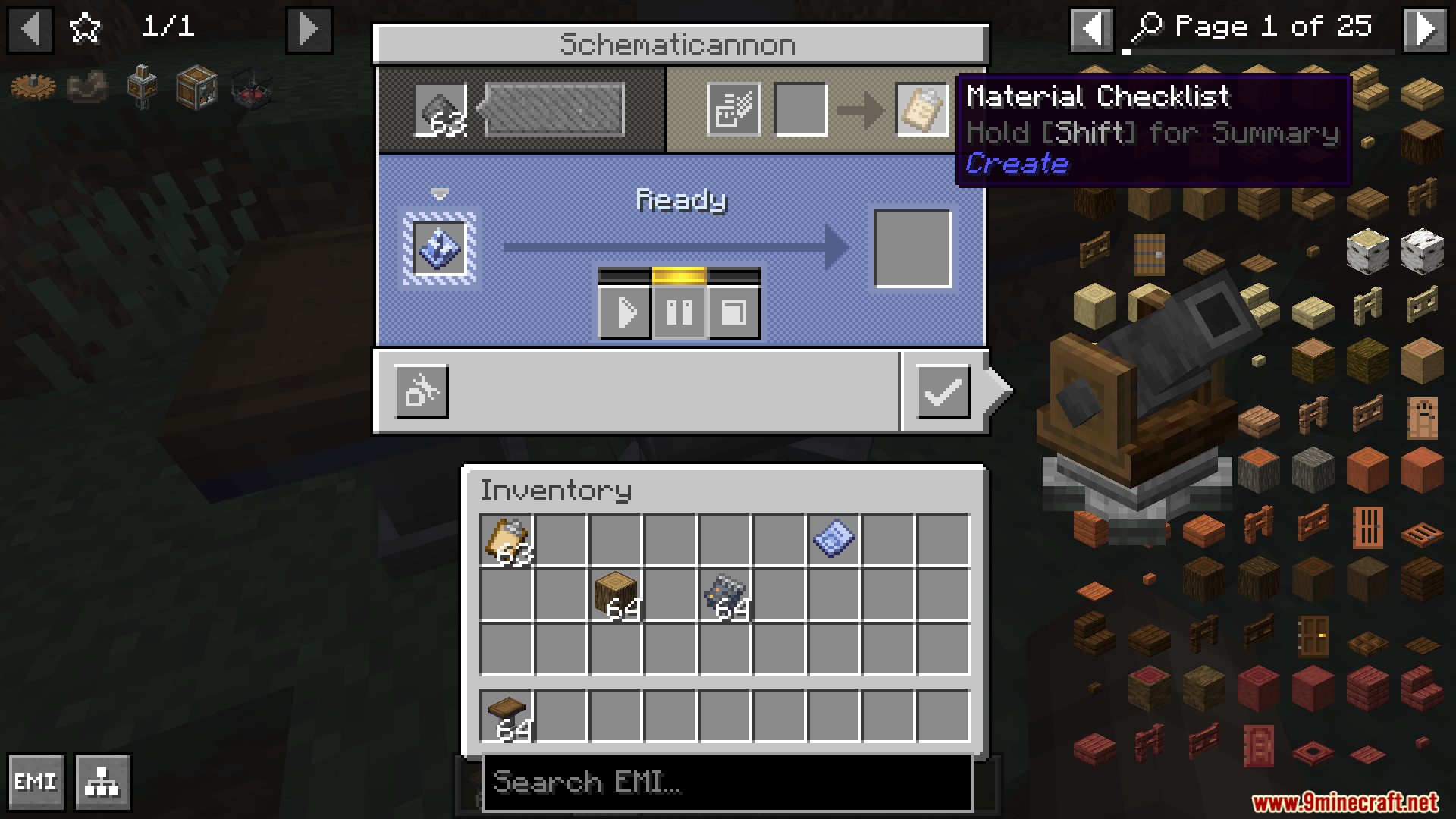
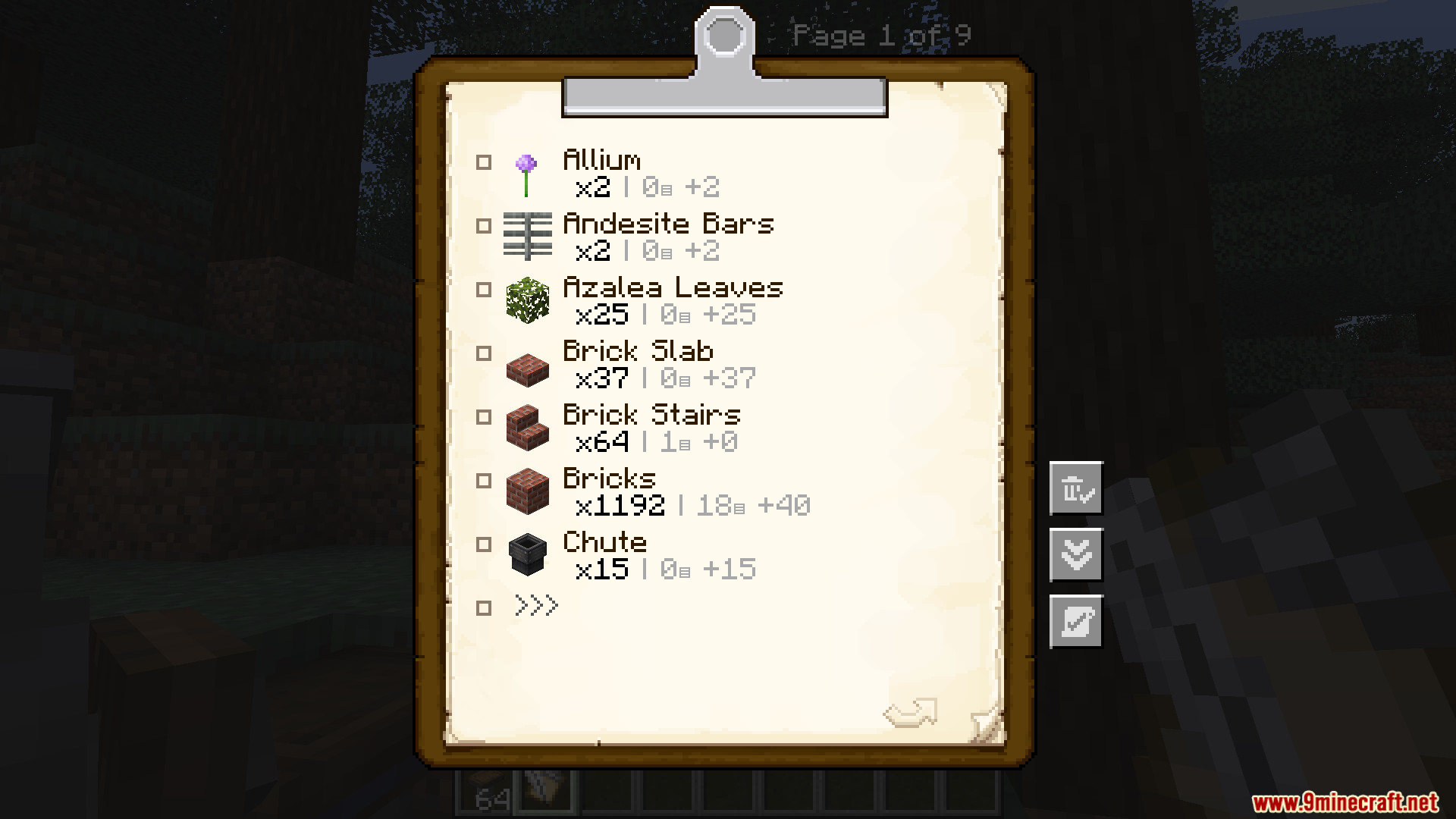
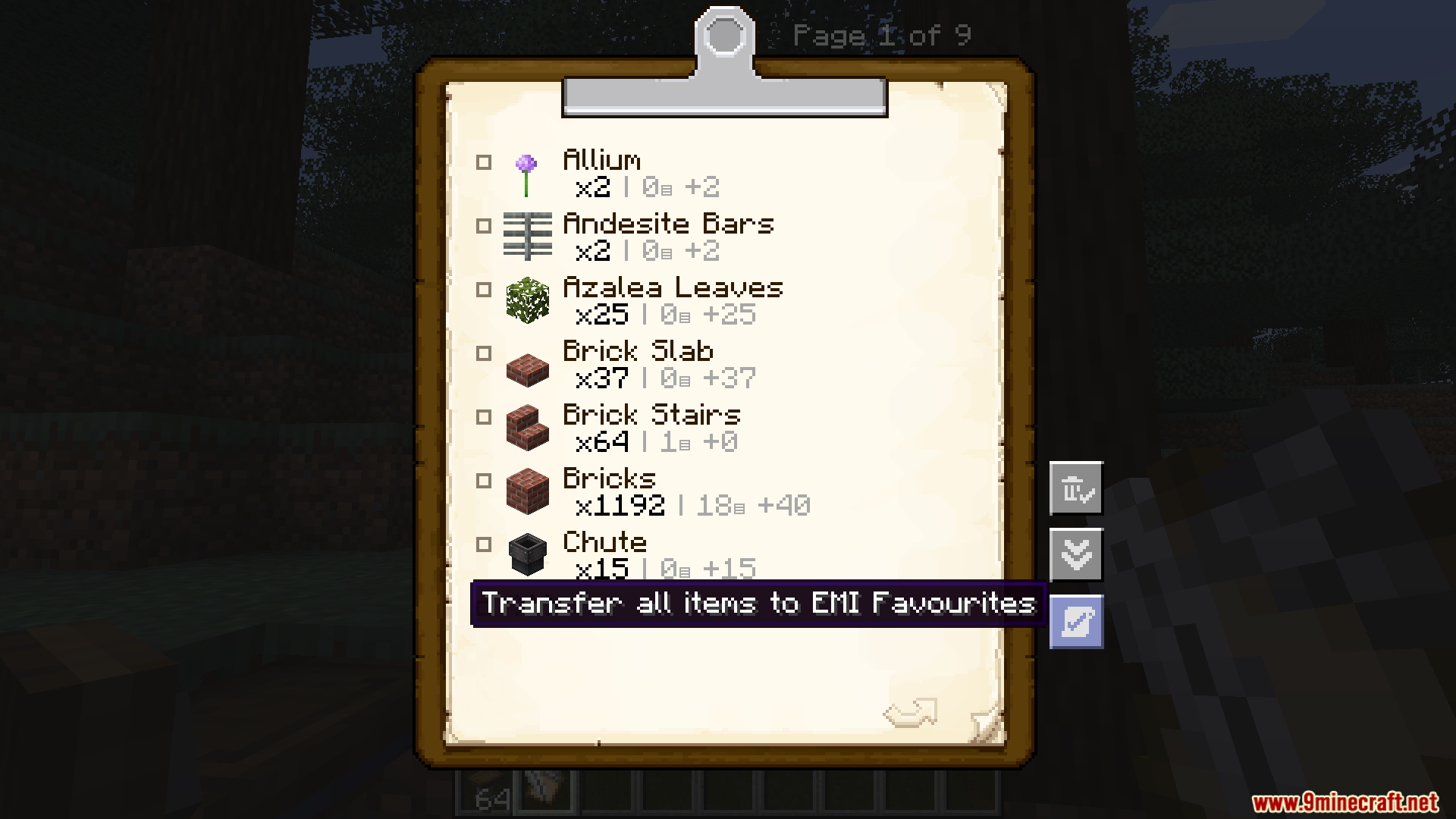
前置需求:

EMI Create Schematics Mod 下载链接
适用于 Minecraft 1.21.10, 1.21.9, 1.21.8, 1.21.7, 1.21.6, 1.21.5, 1.21.4, 1.21.3, 1.21.1, 1.21
适用于 Minecraft 1.20.6, 1.20.4, 1.20.2, 1.20.1, 1.20
适用于 Minecraft 1.19.2
点击为这篇文章评分!
[Total: 0 Average: 0]
你可能也喜欢














这篇文章还没有评论。 来抢沙发吧 —— 你的评论会显示在这里。