


Toast Control Mod (1.21.1, 1.20.1) – 告别弹窗干扰的冒险
 46,164
 0
0


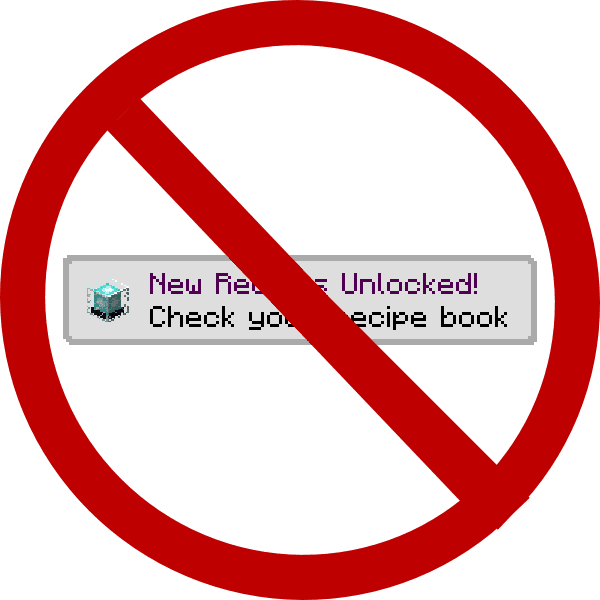
Toast Control Mod 赋予了你管理屏幕角落弹出消息(即“Toasts”)的权限。在原版游戏中,你会看到关于新配方、进度和教程的弹出窗口。该模组会自动隐藏配方和教程弹窗,并允许你通过设置禁用其他类型的弹窗。

功能特点:
- 自主选择想要看到的弹出通知(Toasts)。
- 默认自动禁用配方和教程弹窗。
- 可通过配置文件关闭进度和叙述器的弹窗。
- 可将弹窗背景更改为半透明(translucent)或完全不可见(transparent)。
配置说明:
你可以在配置文件中更改模组的工作方式。以下是默认设置:
# If advancement toasts are blocked. Enabling will block ALL advancements. [default: false]
B:"Disable Advancements"=false

# If recipe unlock toasts are blocked. Blocks "you have unlocked a new recipe" toasts. [default: true]
B:"Disable Recipes"=true

# If system toasts are blocked. This is used only for the narrator toggle notification right now. [default: false]
B:"Disable System Toasts"=false

# If tutorial toasts are blocked. Blocks useless things like use WASD to move. [default: true]
B:"Disable Tutorials"=true
截图:
前置需求:

Toast Control Mod 下载链接
适用于 Minecraft 1.21.1, 1.21
适用于 Minecraft 1.20.1, 1.20
适用于 Minecraft 1.19.2
适用于 Minecraft 1.18.2
Forge 版本:从服务器 1 下载
适用于 Minecraft 1.18.1
Forge 版本:从服务器 1 下载
适用于 Minecraft 1.17.1
Forge 版本:从服务器 1 下载
适用于 Minecraft 1.16.5
Forge 版本:从服务器 1 下载
适用于 Minecraft 1.15.2
Forge 版本:从服务器 1 下载
适用于 Minecraft 1.12.2
Forge 版本:从服务器 1 下载
点击为这篇文章评分!
[Total: 0 Average: 0]
你可能也喜欢
















这篇文章还没有评论。 来抢沙发吧 —— 你的评论会显示在这里。