


Archimedes’ Ships Mod (1.7.10) – Build a Ship, Sail the World
 8,226
8,226
 2
2
 May 1, 2017
🌐 Good news — we've translated this article into other languages!
Or pick the one you like:
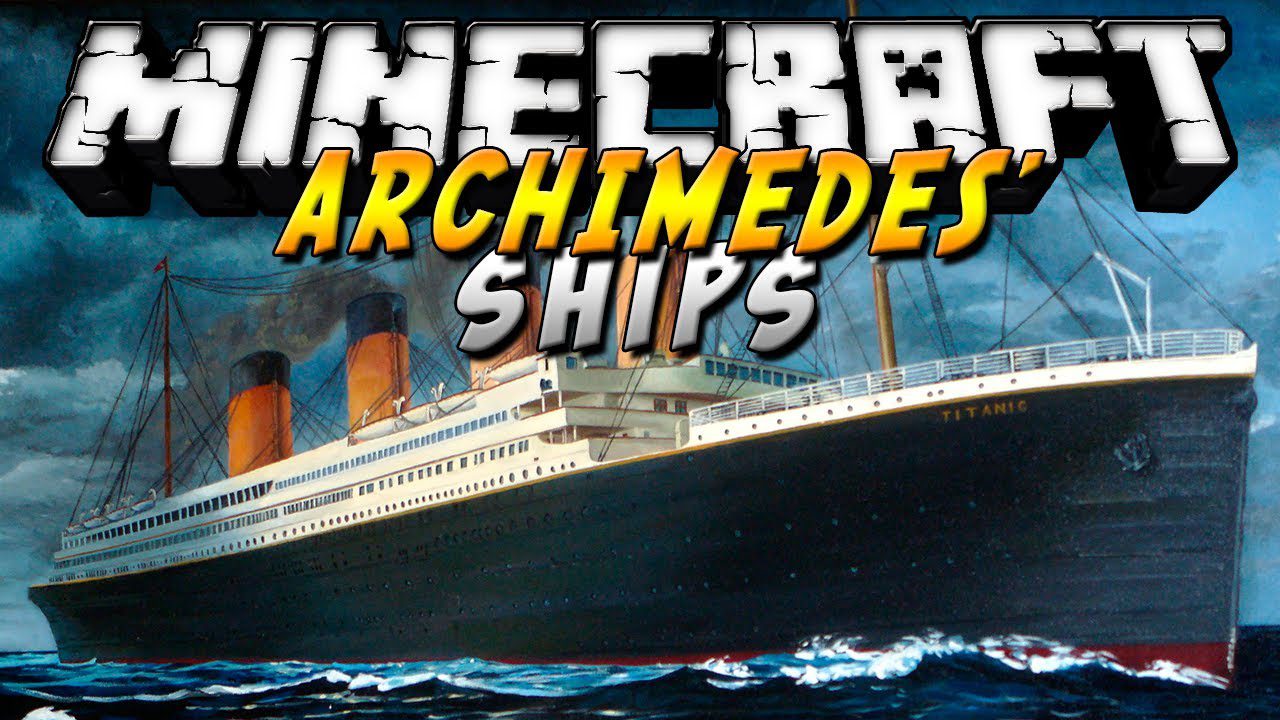
Archimedes’ Ships Mod lets you build your own custom ships from blocks and sail them on the water or fly them through the sky. The core of any vessel is the Ship’s Helm. When you place and right-click this block, all connected blocks turn into a movable ship that you can control. For your ship to fly, it needs to be built with a certain amount of Air Balloons.
Features:
- Ship’s Helm: The main block that turns your static block creation into a moving vehicle.
- Measurement Gauges: Add a dashboard to your ship with a compass and a speedometer. An advanced version is available for airships, showing altitude and vertical speed.
- Air Balloons: A lightweight block essential for building flying ships. Your vessel needs to be made of at least 40% balloons to take off.
- Floaters: Use these blocks to make your ship float higher on the water and prevent it from sinking too deep.
- Steam Engine: Add an engine to your ship for faster acceleration and turning. It requires fuel like coal or wood to operate.
- Passenger Seats: Allows other players to join you on your ship for a ride.
- Crates: Place these on your deck to capture and transport mobs like animals.
- Shore Buffer: A special block that will never become part of a ship, useful for building docks.
Commands:
/asor/ashelp: Lists all available commands for the mod./asinfo: Shows details about the ship you are currently piloting./asdismount [overwrite]: Forces you to exit the ship. Using “overwrite” will decompile the ship even if it overlaps with other blocks./asalign: Aligns your ship to the world’s grid, making it easier to park./asdestroy [range]: Destroys the nearest ship within a specific range (default is 16 blocks).
How to Use:
- First, build the structure of your boat or airship just like you would build anything else in Minecraft.
- Place a Ship’s Helm block on your creation. This will be your control seat.
- Right-click the Ship’s Helm to open a menu. Click the “Compile” button to see which blocks will become part of the ship.
- Once you are happy with the selection, click the “Mount” button to turn the blocks into a vehicle and get on board.
- Use the standard movement keys to steer. For airships, press ‘X’ to ascend and ‘Z’ to descend.
- To stop quickly, press ‘C’ for the brake.
- When you want to edit your ship, press the ” (backslash) key to turn it back into static blocks.
How to Install:
New to Minecraft? Follow our step-by-step guide to install Mods on your PC.View Guide
Archimedes' Ships Mod Download Links
For Minecraft 1.5.2
For Minecraft 1.6.2
For Minecraft 1.6.4
For Minecraft 1.7.2
For Minecraft 1.7.10
Click to rate this post!
[Total: 3 Average: 5]

2 Comments
What do you think?
Your opinion means a lot - we'd love to hear from you.
You May Also Like








For my phone android techno spark go 2024 i download a minecraft apk version
Please add some mc addon version