
Drb 57 305 Schematic (1.20.x) – Historic German Steam Locomotive

 0


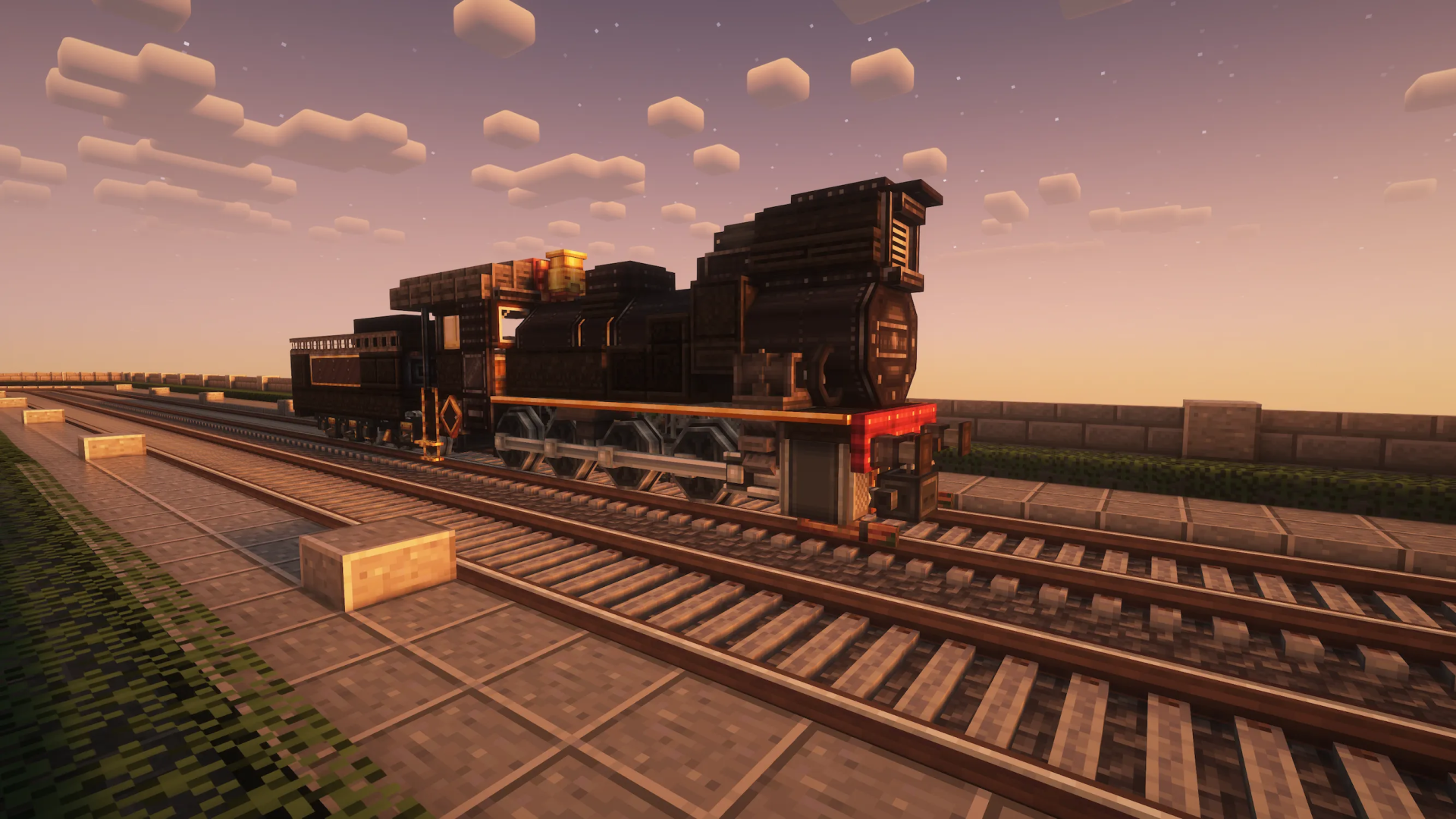
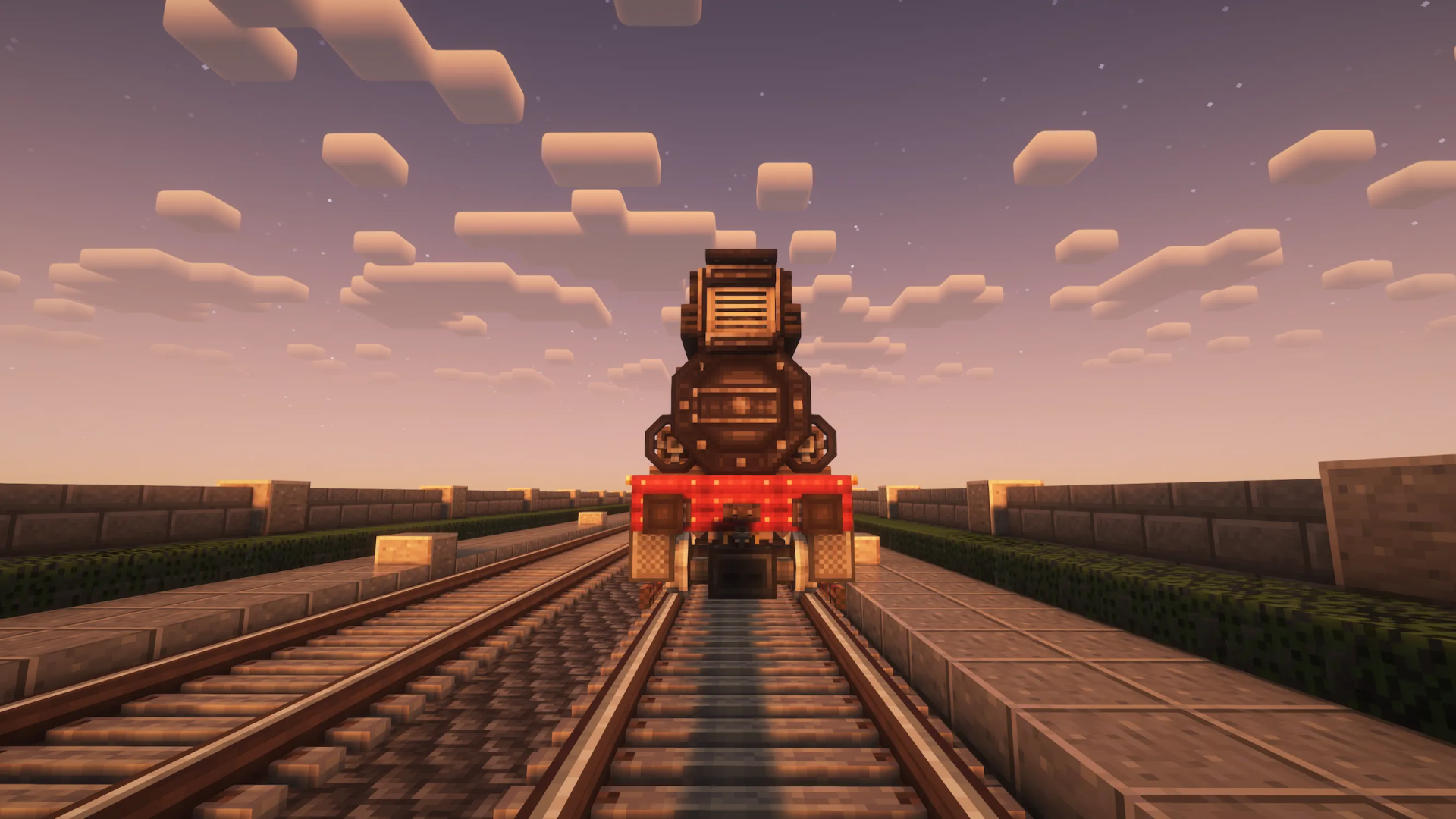
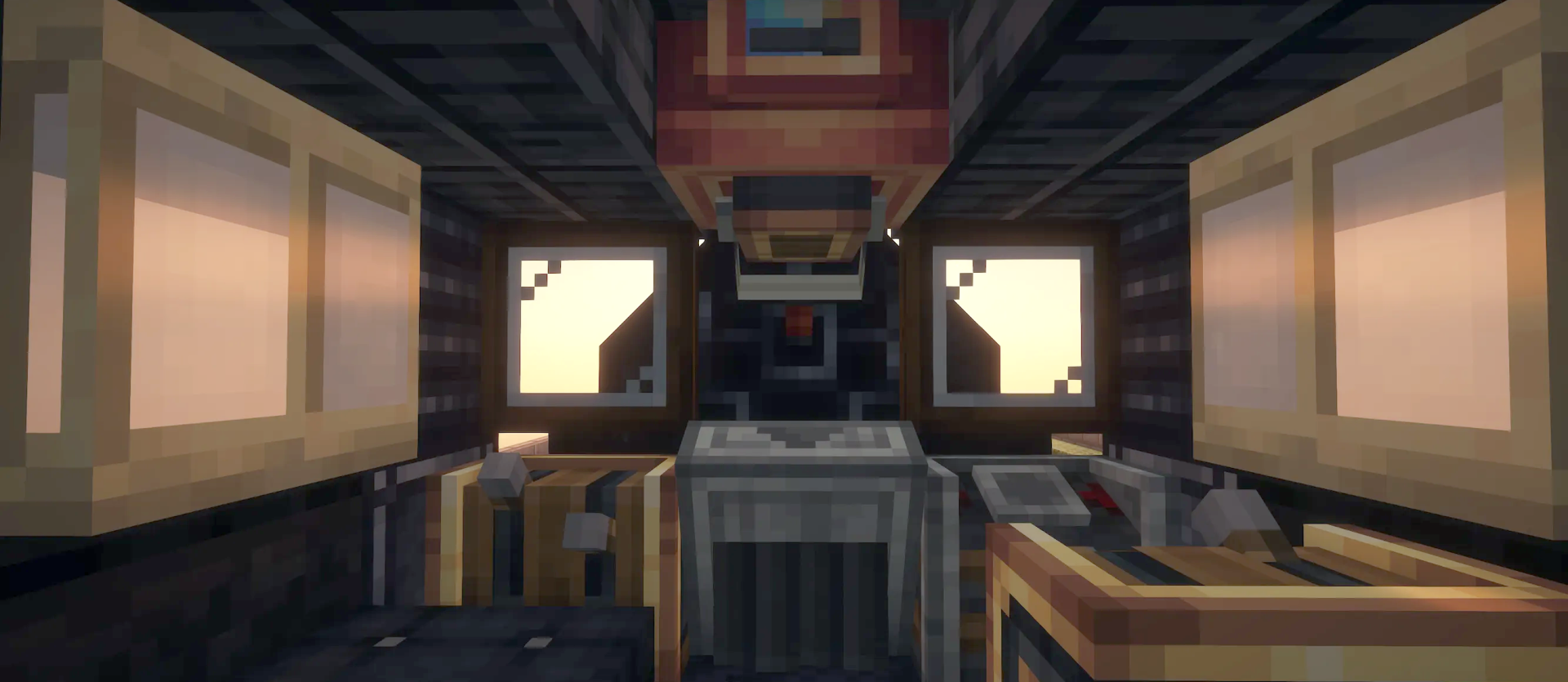
Drb 57 305 Schematic brings a historic steam locomotive to your Minecraft world. It recreates an experimental German train known for its unique preheating system on top. This build uses parts from many addons to capture every detail of the original engine. You can place this train on your tracks to add a realistic touch to your railway system. The schematic fits on bridges or inside stations to make your world look better. It works with the Create mod to let you run a piece of history on your own rails.
3D Preview & Editor:
Materials
43 types · 279 blocks
| Vanilla 1 | ||||||||
| Hopper | 2 | |||||||
| Create 13 | ||||||||
| Track | 21 | Copycat Panel | 20 | Copycat Step | 3 | |||
| Black Valve Handle | 3 | Controls | 2 | Andesite Funnel | 2 | |||
| Industrial Iron Block | 1 | Black Seat | 1 | Shaft | 1 | |||
| Large Bogey | 1 | Contraption Controls | 1 | Fluid Tank | 1 | |||
| Steam Whistle | 1 | |||||||
| Copycats 8 | ||||||||
| Copycat Slab | 35 | Copycat Stacked Half Layer | 29 | Copycat Slice | 22 | |||
| Copycat Half Panel | 19 | Copycat Layer | 17 | Copycat Vertical Slice | 12 | |||
| Copycat Half Layer | 11 | Copycat Stairs | 4 | |||||
| Railways 8 | ||||||||
| Copycat Headstock | 20 | Brass Wrapped Locometal | 8 | Black Locometal Boiler | 7 | |||
| Black Brass Wrapped Locometal Boiler | 1 | Tripleaxle Bogey | 1 | Large Platform Doubleaxle Bogey | 1 | |||
| Singleaxle Bogey | 1 | Smokestack Woodburner | 1 | |||||
| Tfmg 3 | ||||||||
| Cast Iron Pipe | 2 | Brass Fluid Valve | 1 | Steel Fluid Tank | 1 | |||
| Createdeco 2 | ||||||||
| Andesite Support | 5 | Black Placard | 3 | |||||
| Design Decor 2 | ||||||||
| Industrial Gear | 2 | Breaker Switch | 1 | |||||
| Doomsday Decoration 2 | ||||||||
| Ironsheet 1 | 1 | Ventilationopening 2 | 1 | |||||
| Chipped 1 | ||||||||
| Cut Blank Coal Block | 6 | |||||||
| Pips 1 | ||||||||
| Black Corrugated Steel | 4 | |||||||
| Bellsandwhistles 1 | ||||||||
| Brass Bogie Steps | 2 | |||||||
| Create Dd 1 | ||||||||
| Industrial Fan | 1 | |||||||
How to place this schematic
.nbt This is a Create mod schematic. The Schematicannon builds it for you, block by block, from the materials you load into it.
| 1 | Put the .nbt file in .minecraft/schematics. |
| 2 | Open a Schematic Table, drop in an Empty Schematic, pick the file and write it. |
| 3 | Hold the written schematic and position the outline in the world, then confirm. |
| 4 | Place a Schematicannon, load it with the building blocks and gunpowder for fuel, then hit play. |
| 1 | Place the schematic file into the schematics folder of your Minecraft world. |
| 2 | Use a Schematicannon inside the game to start the building process. |
| 3 | Check that all required addons are installed so every part of the locomotive appears correctly. |
| 4 | Connect the finished train to your railway system and enjoy your new historic engine. |
Features:
- Historic Design: Provides a detailed look based on a real experimental steam engine from the German national train company.
- Includes the special air preheating system on top of the boiler that was used to save fuel in real life.
- Fits on standard railway tracks with a size of 5 blocks wide, 6 blocks high, and 21 blocks long.
- Uses many blocks from different addons to create a realistic black steam engine look.
- Comes ready for the Schematicannon to build it quickly in your world.
- Works well with railway bridges and other modular train projects.
- Recreates the Prussian G 10 style with modifications for a unique appearance.
Schematic Specs:
 Minecraft1.20.x
 Create Mod0.5.1 (a-j)
 Dimensions5×6×21
 Total Blocks279
 Top Blocks Used
Screenshots:
Requirements:
 Create Mod Required
 Create Railways Navigator Mod Required
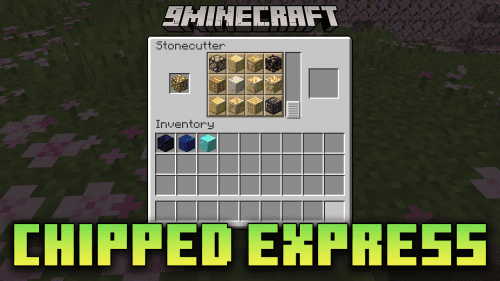 Chipped Express Mod Required
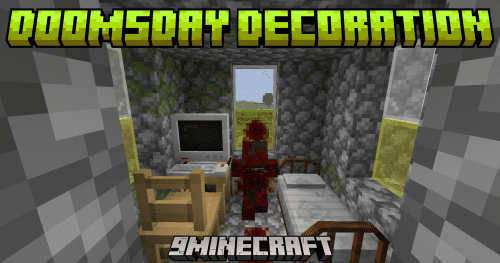 Doomsday Decoration Mod Required
Drb 57 305 Schematic Download Links
For Minecraft 1.20.x
You May Also Like
Picked for this page
 Arasaka Tower Schematic (1.21.x) – Massive Black Industrial Skyscraper Build
 ED 250 Pendolino Schematic (1.21.x) – Five Car Electric Passenger Train
 Cessna 172 Schematic (1.21.x) – Simple Flying Airplane Build for Create Mod
 800k Generator Schematic (1.21.x) – Massive Power Plant Build for Create
 F22 Raptor Schematic (1.21.x) – Flyable Military Jet with Working Bombs
 Bomber V1 Schematic (1.21.x) – Mechanical Flying Bomber Mechanism for Create
 Pkp Cargo EU 46 Siemens Vectron Schematic (1.21.x) – Real Life Train Locomotive Build
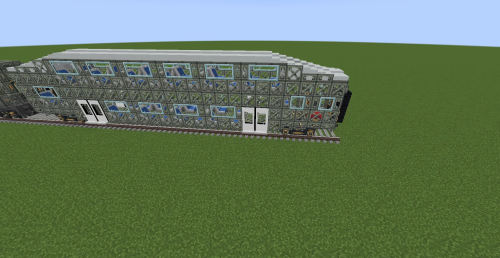 Bombardier Bi Level Coach Blank Schematic (1.21.x) – Blank Double Decker Train Car Blueprint
 Osprey Vtol Schematic (1.21.x) – Fast Flying Osprey Aircraft Build
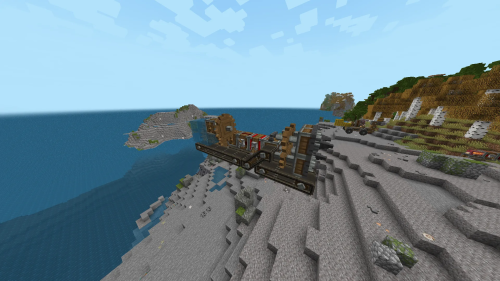 Areonauticcs Digger 3×3 Cheap Schematic (1.21.x) – Simple 3×3 Tunnel Digging Machine
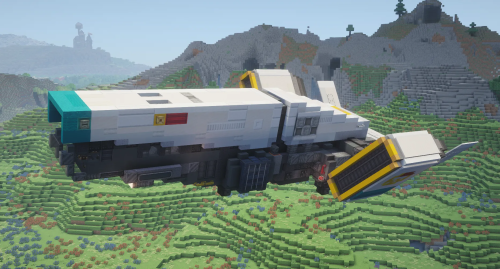 Basilisk Ship Schematic (1.21.x) – Medium Personal Transport Ship with Built in Storage
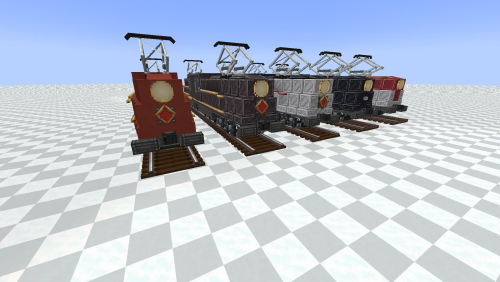 Gg1 Locomotive Schematic (1.21.x) – Build Iconic Pennsylvania Railroad Electric Trains
Most viewed in Create Mod Schematics over the last 7 days
 Copper Flying Ship That Can Also Act as a Normal Boat Schematic (1.21.x) – Dual Purpose Copper
- Arasaka Tower Schematic (1.21.x) – Massive Black Industrial Skyscraper Build
 Rail Gun Schematic (1.21.x)
 Starter Iron Farm Schematic (1.21.x) – Simple Early Game Iron Production Build
 Agrimotor Schematic (1.21.x) – Build a Functional Create Mod Tractor
 Large Submarine Schematic (1.21.x) – Build a Large Submarine for Travel
 F16 Falcon Schematic (1.21.x)
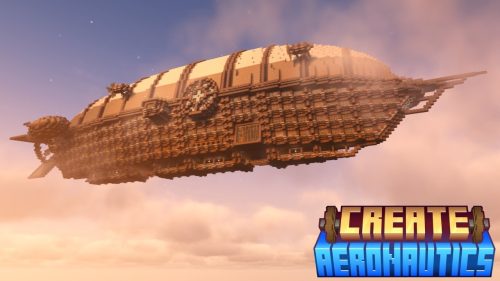 NSV Skyliner Mobile Base and Factory Schematic (1.21.x) – Massive Steampunk Flying Factory
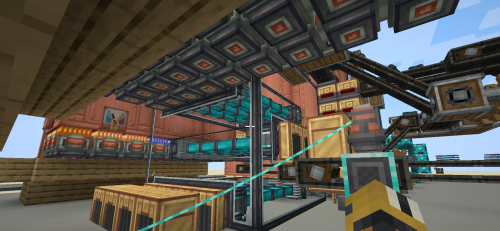 Ultimate Nuclear Reactor Schematic (1.21.x) – High Power Reactor Build for Create
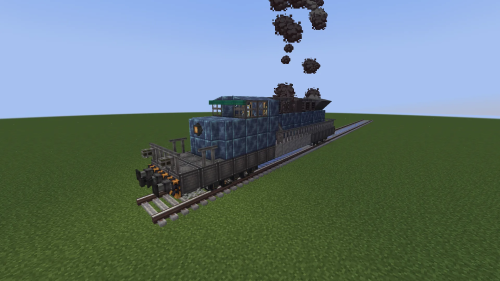 Sd40 2 Blue Nbt Schematic (1.20.x) – Classic Blue American Locomotive
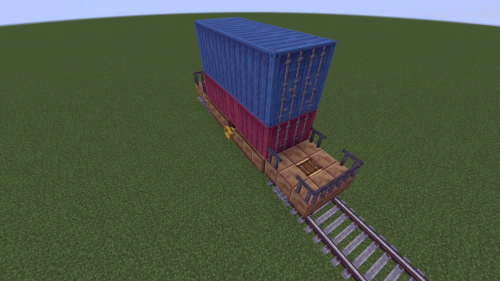 Thrall 40ft 53ft Well Car Nbt Schematic (1.20.x) – Legendary Double Stack Container Train Car
 Practical Compact Mining Machine Schematic (1.21.x) – Compact Drilling Vehicle for Create
More from Create Mod Schematics
 Max’s Starter Base House Schematic (1.21.x) – Detailed Pre-Built Home for Survival Players
 Max Industries Warehouse Schematic (1.21.x) – Large Industrial Building for Item Storage
 Max’s Unloading Dock System Schematic (1.21.x) – Efficient Package Unloading for Create Trains
 Max’s Coolant Tower Schematic (1.21.x) – Large Industrial Cooling Tower Build for Create Mod
 Old Brick Factory Complex Schematic (1.21.x)
 Early Game Helicopter Base Read Description Schematic (1.21.x) – Compact Flying Survival Base
 Commercial Plane V2 Schematic (1.21.x) – Build a Solar Powered Electric Aircraft
 Reactive Hoverbike Schematic (1.21.x) – High Speed Flying Machine for Create Mod
 Transport Baloon Schematic (1.21.x) – Large Controllable Airship for Create Mod
 A Small Ish Biplane I Made Schematic (1.21.x) – Compact Custom Biplane for Create Mod
 Bus Schematic (1.21.x) – Classic Small Bus for Create Mod
 Aesthetic Copper and Zinc Farm Schematic (1.21.x) – Beautiful Resource Farming for Create Mod

This post has no comments yet. Be the first — your comment will appear here.