


Clean F3 9minecraft Mod (26.2) – A Tidier, Cleaner Debug Screen

 0
0 

🌐 Read this article in your language! Choose your preferred language below.
Or pick the one you like:
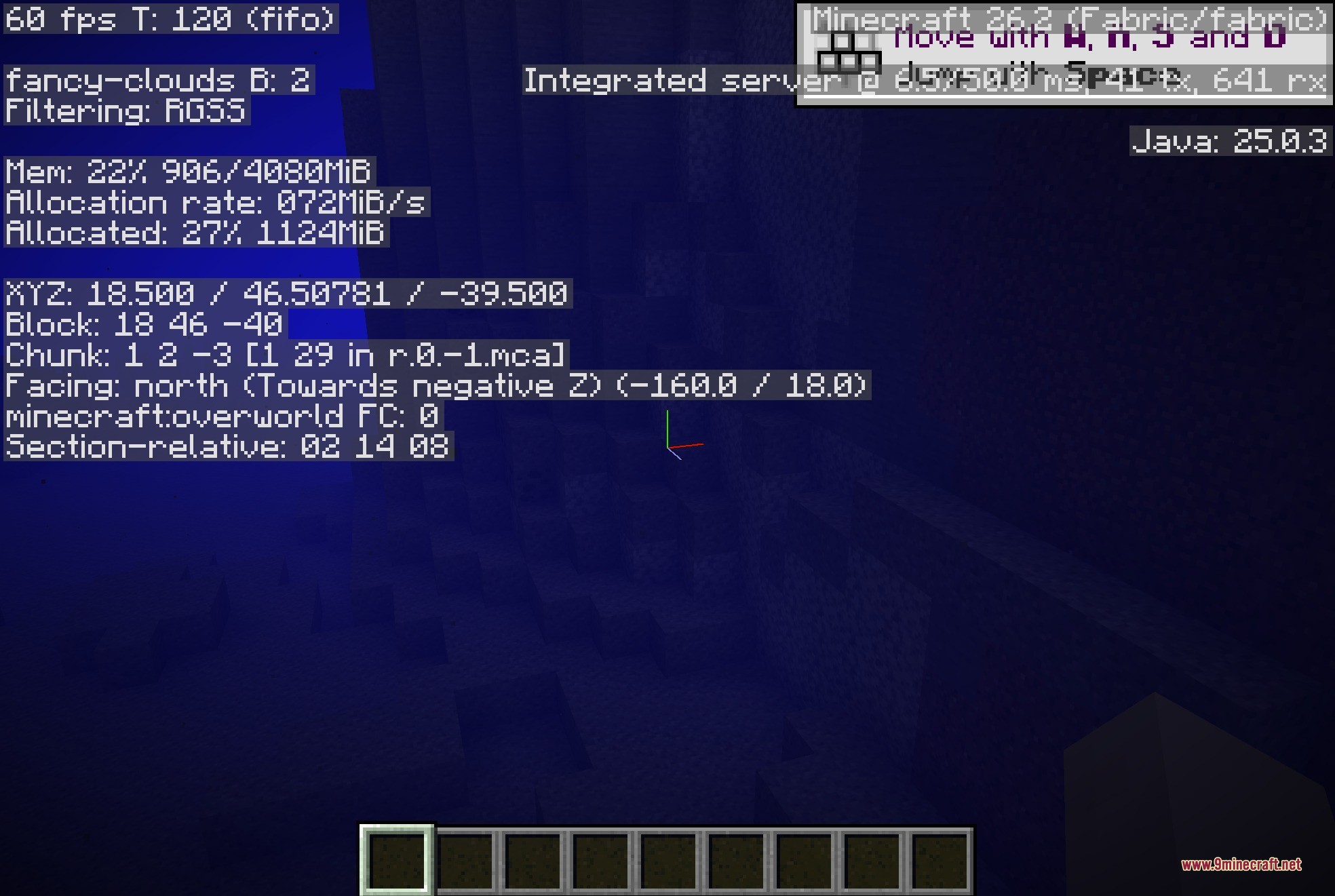
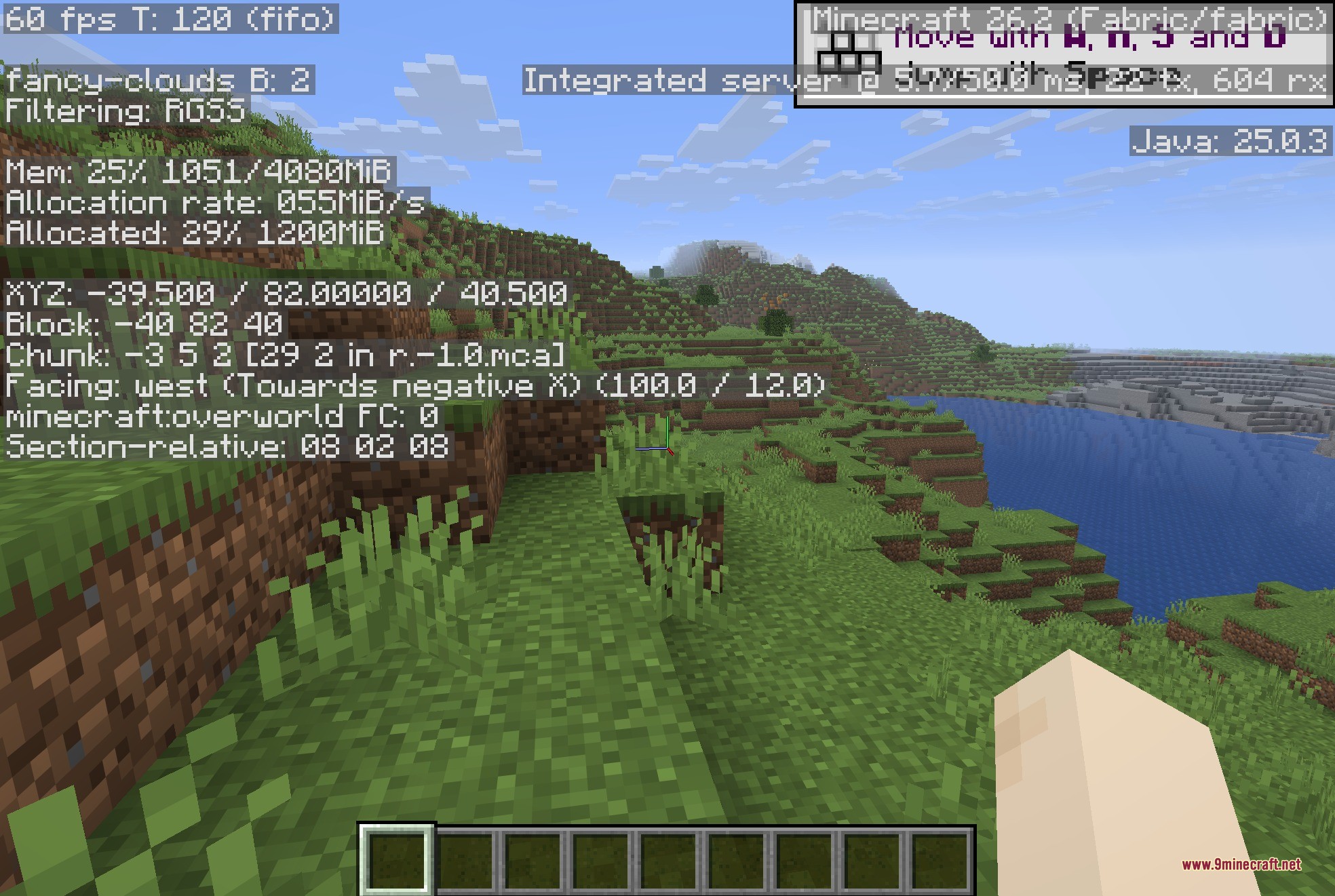
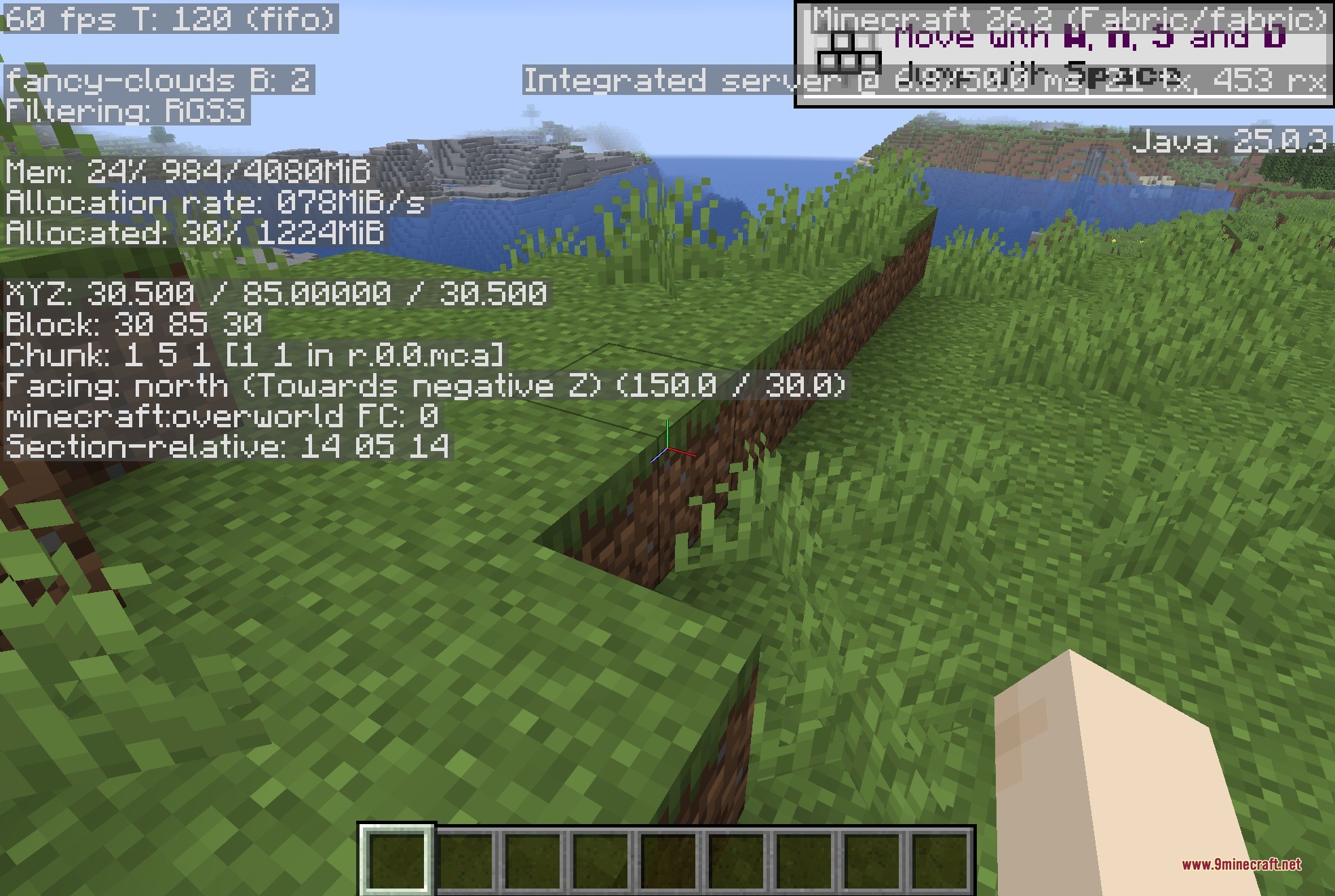
Clean F3 9minecraft Mod cleans up your debug screen by removing unneeded text lines and clutter. When you press the debug key in standard Minecraft, half of your display gets covered in hardware stats, memory graphs, and block tags that you rarely need during survival gameplay. This mod strips away the noisy background information so you only see essential details like your coordinates, chunk data, facing direction, and current biome. It keeps your view clear whether you play on a vanilla setup or run dozens of performance mods.

Features:
- Removes messy hardware details, Java memory readouts, and debug chart hints from the F3 display.
- Hides target block and fluid tags to prevent large walls of text while looking around.
- Cleans up extra debug lines created by popular mods like Iris, Sodium, JourneyMap, Litematica, and Dynamic FPS.
- Keeps vital survival information visible, including your exact coordinates, biome name, and facing direction.
- Includes toggles in the configuration file so you choose which text lines to show or hide.
- Runs entirely on the client side without needing server-side installation.
How to Use:
- Press F3 in-game to open your simplified debug overlay.
- Open the configuration file in your mod folder if you want to toggle specific text elements back on.
- Save the changes and reload to adjust the visible debug details to your personal preference.
Screenshots:
How to Install:
New to Minecraft? Follow our step-by-step guide to install Mods on your PC.View Guide
Requirements:


Clean F3 9minecraft Mod Download Links
For Minecraft 26.2
Click to rate this post!
[Total: 0 Average: 0]
You May Also Like









This post has no comments yet. Be the first — your comment will appear here.