
Train Intersection K Pattern Schematic (1.21.x) – Compact K Pattern Train Track Intersection

 0


Train Intersection K Pattern Schematic adds a compact K-shaped rail crossing for the Create mod. It uses the smallest possible curve area to save space in your world. This schematic helps you build smooth tracks for your trains without taking up too much room. You can place it quickly to connect different rail lines together.
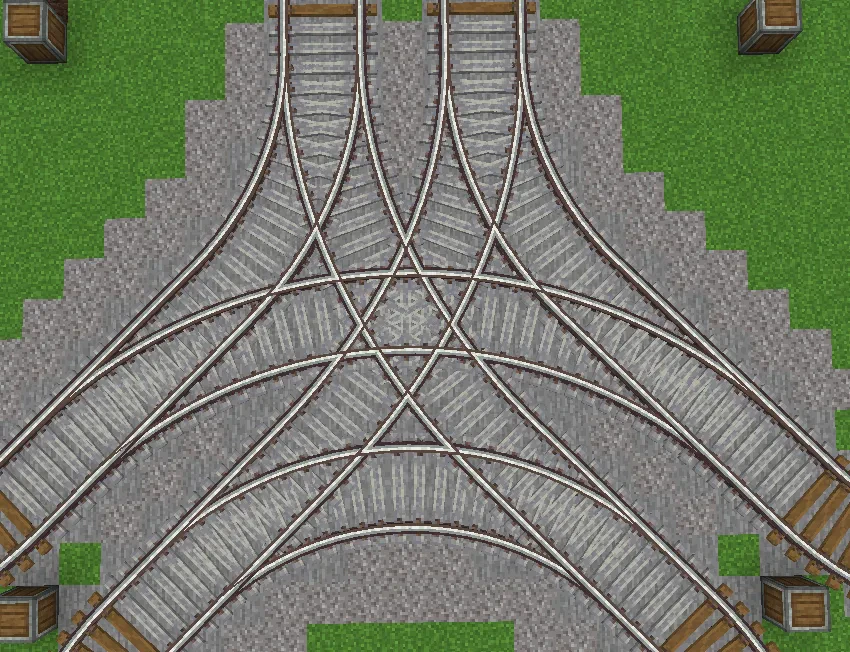
3D Preview & Editor:
Materials
7 types · 352 blocks
| Vanilla 4 | ||||||||
| Stone | 185 | Gravel | 48 | Grass Block | 48 | |||
| Dirt | 4 | |||||||
| Create 3 | ||||||||
| Fake Track | 43 | Track | 20 | Andesite Casing | 4 | |||
How to place this schematic
.nbt This is a Create mod schematic. The Schematicannon builds it for you, block by block, from the materials you load into it.
| 1 | Put the .nbt file in .minecraft/schematics. |
| 2 | Open a Schematic Table, drop in an Empty Schematic, pick the file and write it. |
| 3 | Hold the written schematic and position the outline in the world, then confirm. |
| 4 | Place a Schematicannon, load it with the building blocks and gunpowder for fuel, then hit play. |
About this build
| 1 | Make sure you have the Create mod installed in your Minecraft world. |
| 2 | Bring the schematic file into your world using a Schematicannon or the Schematic and Quill tool. |
| 3 | Rotate the pattern to match the direction of your existing train tracks. |
| 4 | Provide the required rail and block materials to the Schematicannon to finish the build. |
Features:
- Compact Design: Uses a small 15 by 19 block area to fit into tight spaces.
- Creates a K-shaped intersection that allows trains to change directions easily.
- Features the minimum track curve area possible for efficient rail layouts.
- Works perfectly with the Create mod train system and tracks.
- Includes a total of 352 blocks for a complete and sturdy build.
Schematic Specs:
 Minecraft1.21.x
 Create Mod6.0.10
 Dimensions15×2×19
 Total Blocks352
 Top Blocks Used
Stone 185Grass Block 48Gravel 48Fake Track 43Track 20
Requirements:

Train Intersection K Pattern Schematic Download Links
For Minecraft 1.21.x
Click to rate this post!
[Total: 0 Average: 0]
You May Also Like
Picked for this page
 APB 3 Bomber Schematic (1.21.x) – Large Flying Bomber Plane for Create
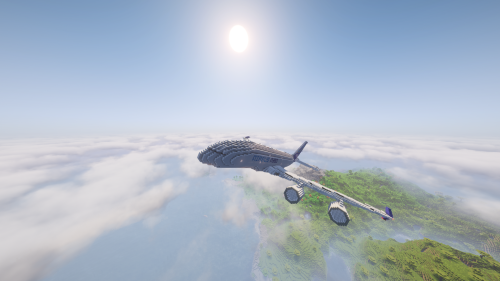 Airbus A380 800 Schematic (1.21.x) – Fly the Largest Commercial Airplane
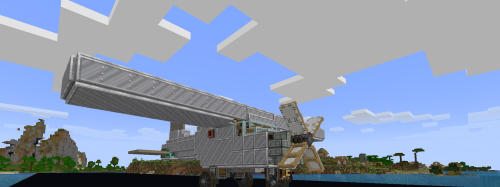 Cessna 172 Schematic (1.21.x) – Simple Flying Airplane Build for Create Mod
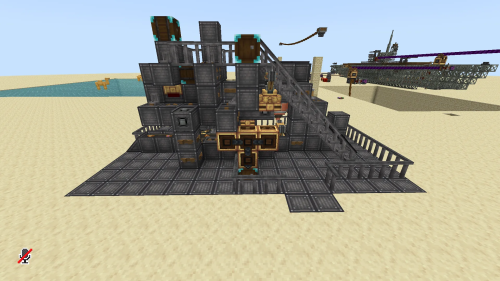 Usine a Totem Schematic (1.21.x) – Automated Totem of Undying Factory
 Military Fight Heli Schematic (1.21.x) – Compact War Helicopter Build for Create
 The Flying Hopper V2 Schematic (1.21.x) – Light and Fast Hovercraft for Your World
 Big Cooling Plant Schematic (1.21.x) – Massive Cooling Tower for Industrial Factory Builds
 Artileriya Dora Vtoroy Mirovoy Voyny Dora Artillery World War Ii Schematic (1.21.x)
 A Cute Working Boat Schematic (1.21.x) – Compact Functional Vessel for Create Mod
 Big Bertha’s Power Plant Schematic (1.21.x) – Compact and Efficient Industrial Energy Generator
 Trx 1t Engine Model Proof of Concept Schematic (1.21.x) – Compact Engine Design for Create Mod
 Big Construction Vechile Frame Schematic (1.21.x) – Heavy Duty Machinery Frame for Create
Most viewed in Create Mod Schematics over the last 7 days
 Copper Flying Ship That Can Also Act as a Normal Boat Schematic (1.21.x) – Dual Purpose Copper
 Arasaka Tower Schematic (1.21.x) – Massive Black Industrial Skyscraper Build
 Rail Gun Schematic (1.21.x)
 Starter Iron Farm Schematic (1.21.x) – Simple Early Game Iron Production Build
 Large Submarine Schematic (1.21.x) – Build a Large Submarine for Travel
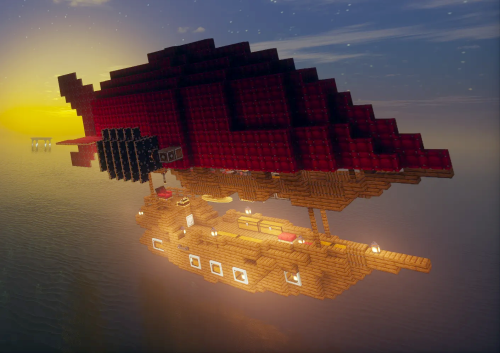 Fast Small Airship Steam Schematic (1.21.x) – Small and Fast Steam Powered Airship
 Agrimotor Schematic (1.21.x) – Build a Functional Create Mod Tractor
 F16 Falcon Schematic (1.21.x)
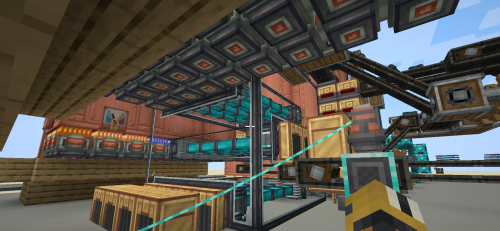 Ultimate Nuclear Reactor Schematic (1.21.x) – High Power Reactor Build for Create
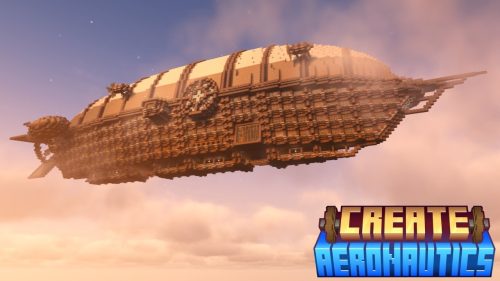 NSV Skyliner Mobile Base and Factory Schematic (1.21.x) – Massive Steampunk Flying Factory
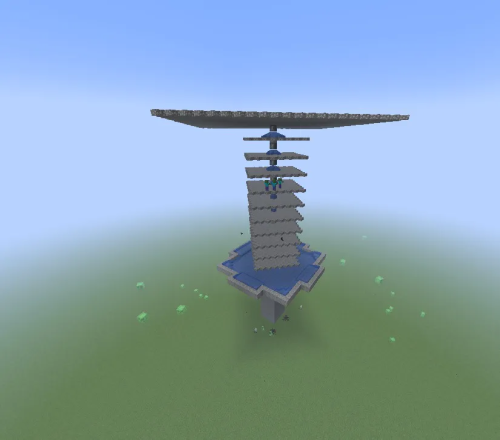 A Simple Mob Trap Schematic (1.21.x) – Build a Massive Automatic Mob Farm Structure
 Practical Compact Mining Machine Schematic (1.21.x) – Compact Drilling Vehicle for Create
More from Create Mod Schematics
 Parada DE Bus Schematic (1.21.x) – Simple Bus Stop Build for Create Mod
 C G Z E I Farm Improved Schematic (1.21.x) – Automatic Resource Farm for Five Metals
 Doretta Drg Schematic (1.21.x) – Compact Mining Machine for Create Mod
 Fire in Water Stage Schematic (1.21.x) – Stunning Fire Performance Stage
 Huⅲ Inedia Main Turret Prototype Schematic (1.21.x) – Powerful Triple Cannon Turret for Create Mod
 Maus Schematic (1.21.x) – Powerful German Super Heavy Tank Build
 A Car That Uses Jet Engine Schematic (1.21.x) – Car That Uses Jet Engine Guide
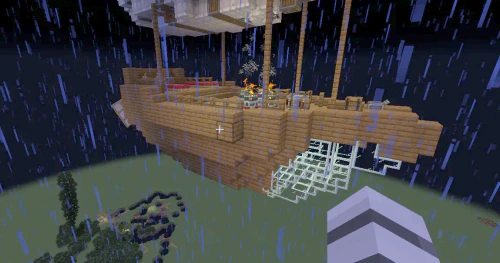 Passenger Airship Schematic (1.21.x) – Autonomous Flying Machine for Eight Players
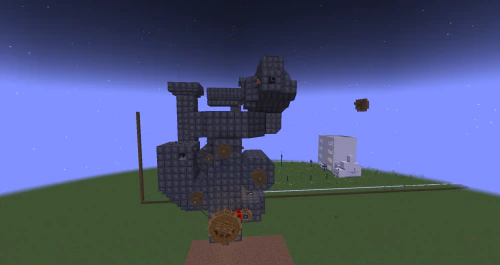 Engine Schematic (1.21.x) – Detailed Mechanical Build for Create Mod
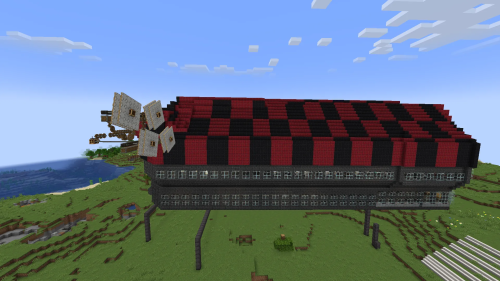 The Cpsu Airship Schematic (1.21.x) – Huge Flying Ship for Combat and Travel
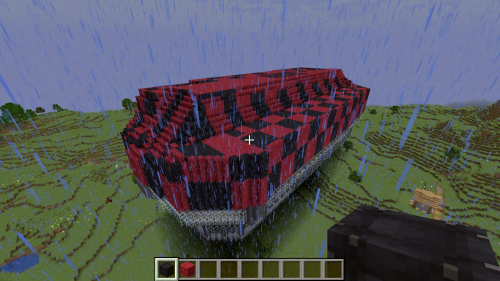 Old Version Do Not Download Download the New One Instead Schematic (1.21.x)
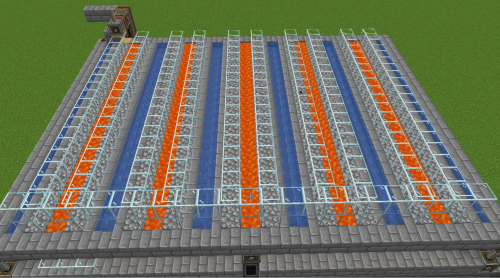 Cobblestone Farm 2 Stack S Schematic (1.21.x) – Fast Automatic Cobblestone Generator for Create Mod

This post has no comments yet. Be the first — your comment will appear here.