
Minimap (26+, 1.21) – Live Radar on Your Phone
 87
 0

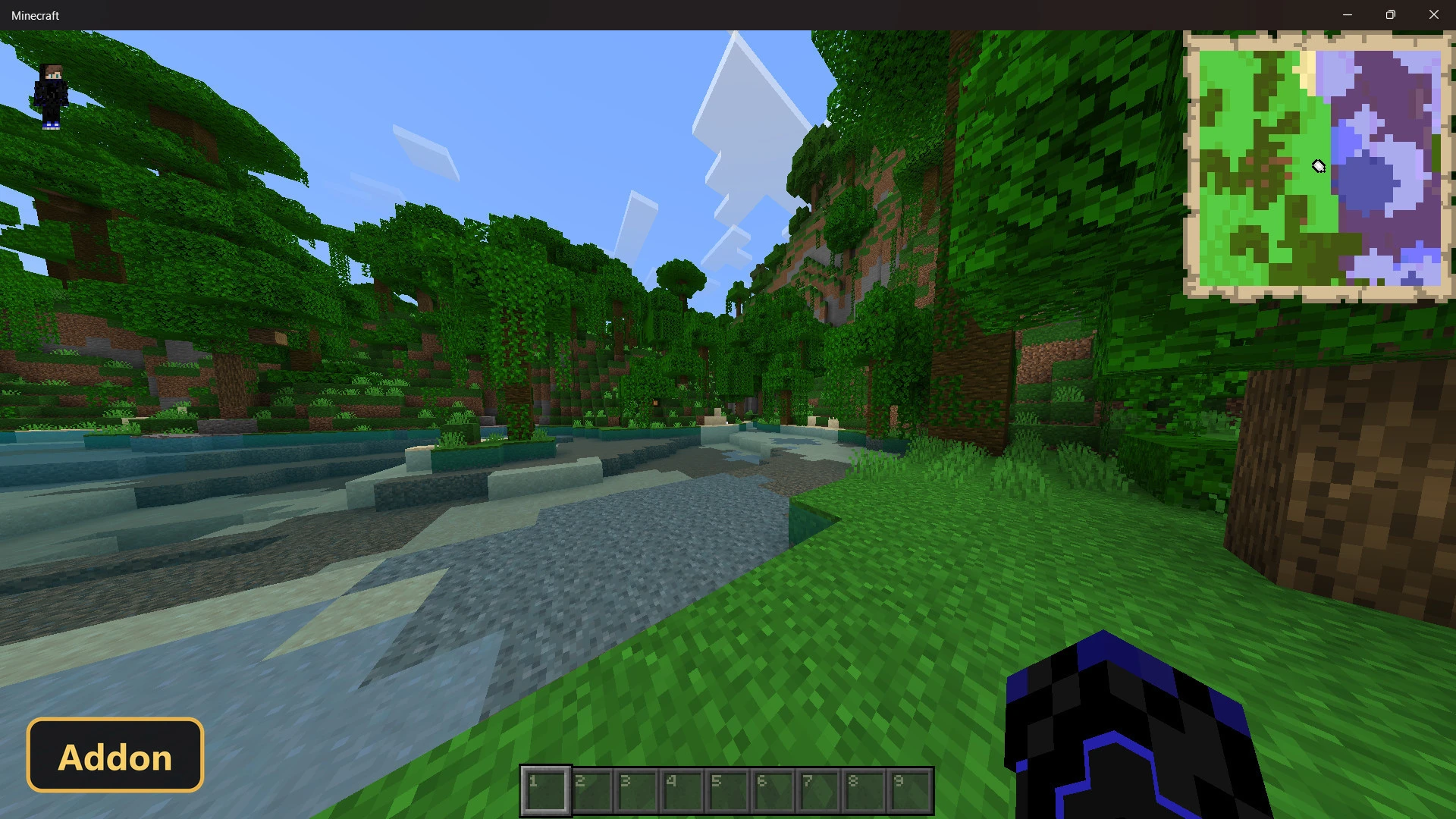
Minimap Addon adds a live map to your game screen as you explore your Minecraft Bedrock world. It tracks a 31×31 block area in real time with dynamic shadows, water and depth detection, and colors for all blocks, including ones from other addons. This addon works across all three dimensions and stays smooth on low-end devices without FPS drops. You need the Beta APIs experiment turned on, and the map works with keyboard, touch, and controller controls.
Requirements:
- MCPE/Bedrock 1.21.81 – 1.21.82
all 2 versions
1.21.82, 1.21.81
- Turn on Experimental Features — this addon uses scripting APIs
Features:
- Renders a 31×31 block area in real time as you explore, using a data caching system to avoid performance issues.
- Adds dynamic shadows to the map to give the terrain more depth and a realistic look.
- Detects water and terrain depth so you can find your way around without getting lost.
- Uses a wide color palette to show all in-game blocks, including blocks from other addons.
- Runs with a lightweight interface and efficient design so low-end devices stay smooth with no FPS drops.
- Works across all three dimensions in Minecraft Bedrock: the Overworld, Nether, and End.
- Supports easy show-and-hide controls for keyboard and mouse, touch screens, and consoles or controllers.
How to Use:
- Turn on the Beta APIs experiment in your world options before playing so this addon works.
- Press F8 on your keyboard if you play on Windows 10 or use a keyboard and mouse to show or hide the map.
- Tap the map icon button in the UI if you play on a touch device to show or hide the map.
- Go to
Settings > Video > Hide Paper Dollif you play on a console or use a controller; turn it on to hide the map, or turn it off to show the map. - Set your GUI scale to -1 if you notice strange lines on the map to fix the issue.
Screenshots:
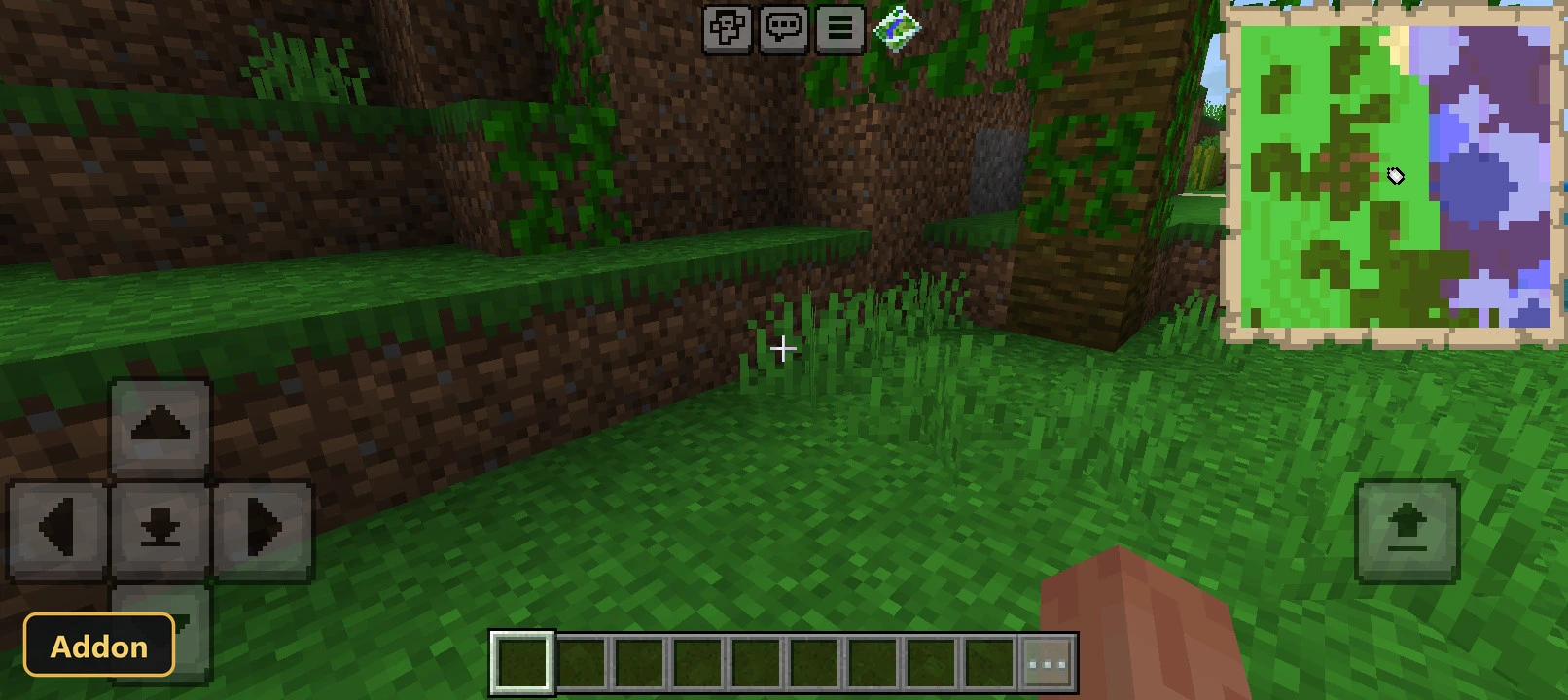
For MCPE/Bedrock 1.21+
Click to rate this post!
[Total: 1 Average: 5]
You May Also Like
Picked for this page
 Novelty API Addon (26.x, 1.21) – MCPE/Bedrock Mod
 Ben 10 Omni NR Addon (26.45+) – MCPE/Bedrock
 Ranzie’s Overgrown Cities Addon (26.x, 1.21) – MCPE/Bedrock
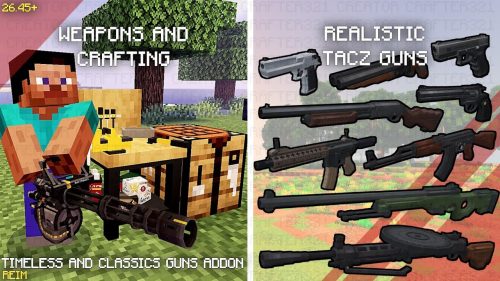 REIMS TACZ Timeless and Classics Guns Addon (26.45+) – MCPE/Bedrock
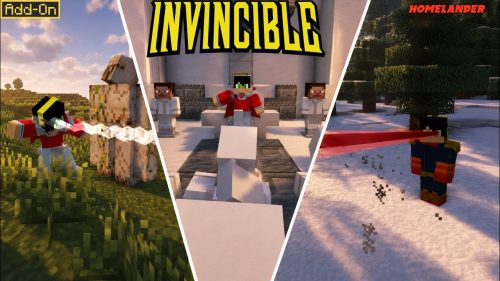 Private: Viltrumite Addon (1.26+) – MCPE/Bedrock
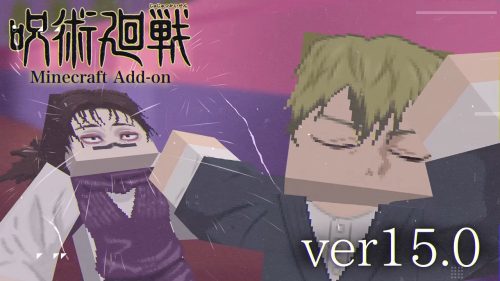 Jujutsu Kaisen Addon – Projection Sorcery (26.45+) – MCPE/Bedrock
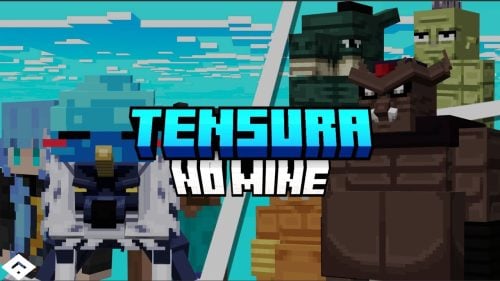 Tensura No Mine Addon (26.45+) – MCPE/Bedrock
 Students Archive Addon (26.13+) – MCPE/Bedrock
 Kamen Rider OOO Addon (26.45+) – MCPE/Bedrock
 Akiohh’s Combat Equipment (1.26+) – MCPE/Bedrock
 Regular Weapons Addon (1.26+) – MCPE/Bedrock
 Roll and Stamina (26+, 1.21) – MCPE/Bedrock Addon
Most viewed in Mods & Addons over the last 7 days
 Mob Girls Addon (1.26+, 1.21) – MCPE/Bedrock Mod
 Secrets of Berk Addon (26.33+) – How To Train Your Dragon Mod MCPE/Bedrock
 Jenny Colette Version Addon (26.x, 1.21) – MCPE/Bedrock Mod
 Jujutsu Awakening Addon (1.26+, 1.21+) – Prison Realm Update
 New Jujutsu Awakening Addon (1.26+) – MCPE/Bedrock
 Jenny Add-on (Fapcraft) APK MCPE Full Guide – How to use, Tutorial
 Shadow Company Addon (26.x, 1.21) – MCPE/Bedrock Mod
 Titan Craft Addon (1.26+, 1.21) – MCPE/Bedrock Attack on Titan Mod
 Asa’s One Piece Addon (1.26+, 26.32) – MCPE/Bedrock Mod
 Fapcraft Addon (1.26, 1.21) – MCPE/Bedrock Jenny Mod
 Raxiores of Raxiore Addon (1.26+) – MCPE/Bedrock
 Naruto Jedy Addon V8 (26.30+, 1.18+) for MCPE/Bedrock Edition
More from Mods & Addons
 Adventures Structures (26+, 1.21) – MCPE/Bedrock Addon
 Dew Ore Vein Miner (26+, 1.21) – MCPE/Bedrock Addon
 Easy Cinematic (26+, 1.21) – MCPE/Bedrock Addon
 Better Boats (26+, 1.21) – MCPE/Bedrock Addon
 HERBCRAFT (26+, 1.21) – MCPE/Bedrock Addon
 Survival Pack (26+) – MCPE/Bedrock Addon
 Arduous Journey Modpack (26+) – MCPE/Bedrock Addon
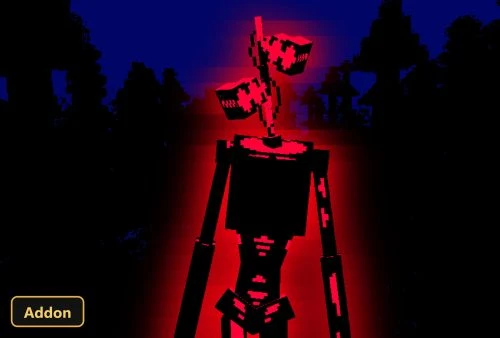 Siren Head (26+, 1.21) – MCPE/Bedrock Addon
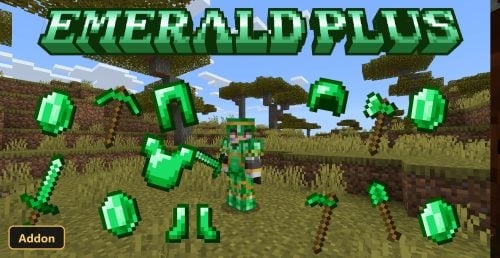 Emerald Plus (26+, 1.21) – MCPE/Bedrock Addon
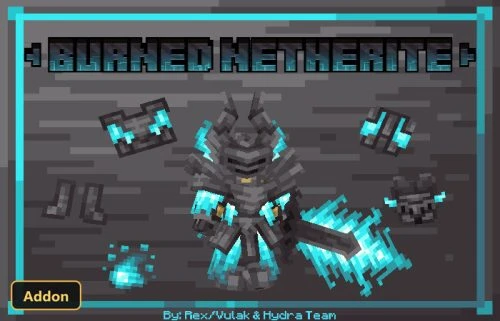 Burned Netherite (26+, 1.21) – MCPE/Bedrock Addon
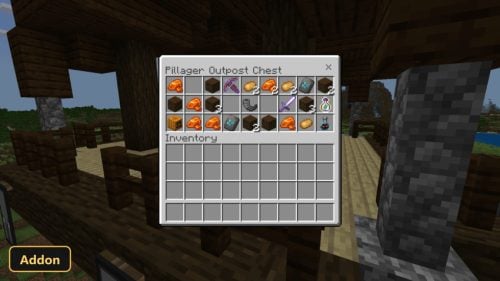 Better Structure Loot (26+) – MCPE/Bedrock Addon
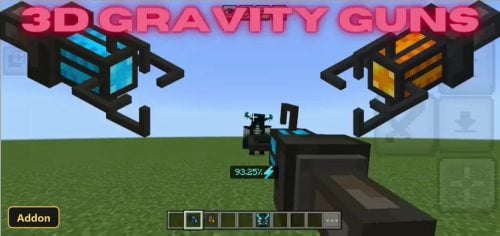 Gravity Guns 3D (26+, 1.21) – MCPE/Bedrock Addon

This post has no comments yet. Be the first — your comment will appear here.