
Free Look (26+, 1.21) – Frame Cinematic Shots From Every Angle
 128
 0

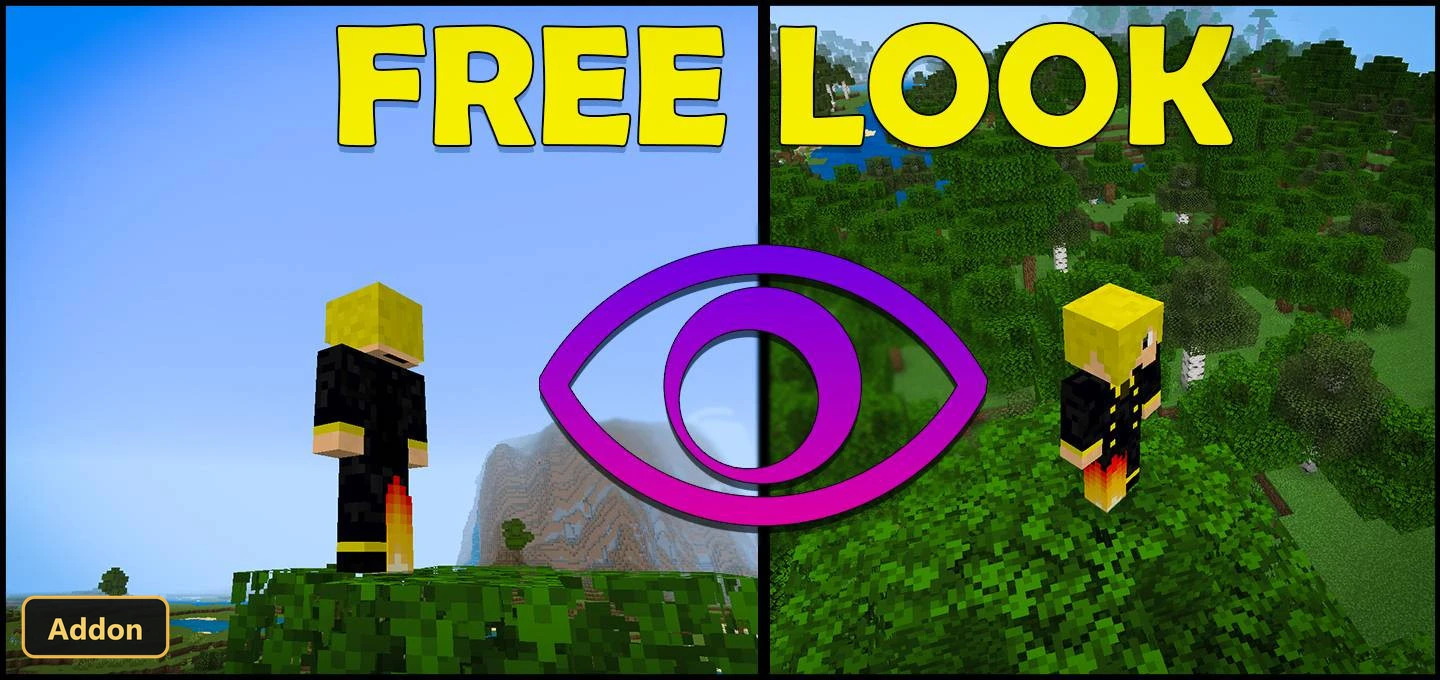
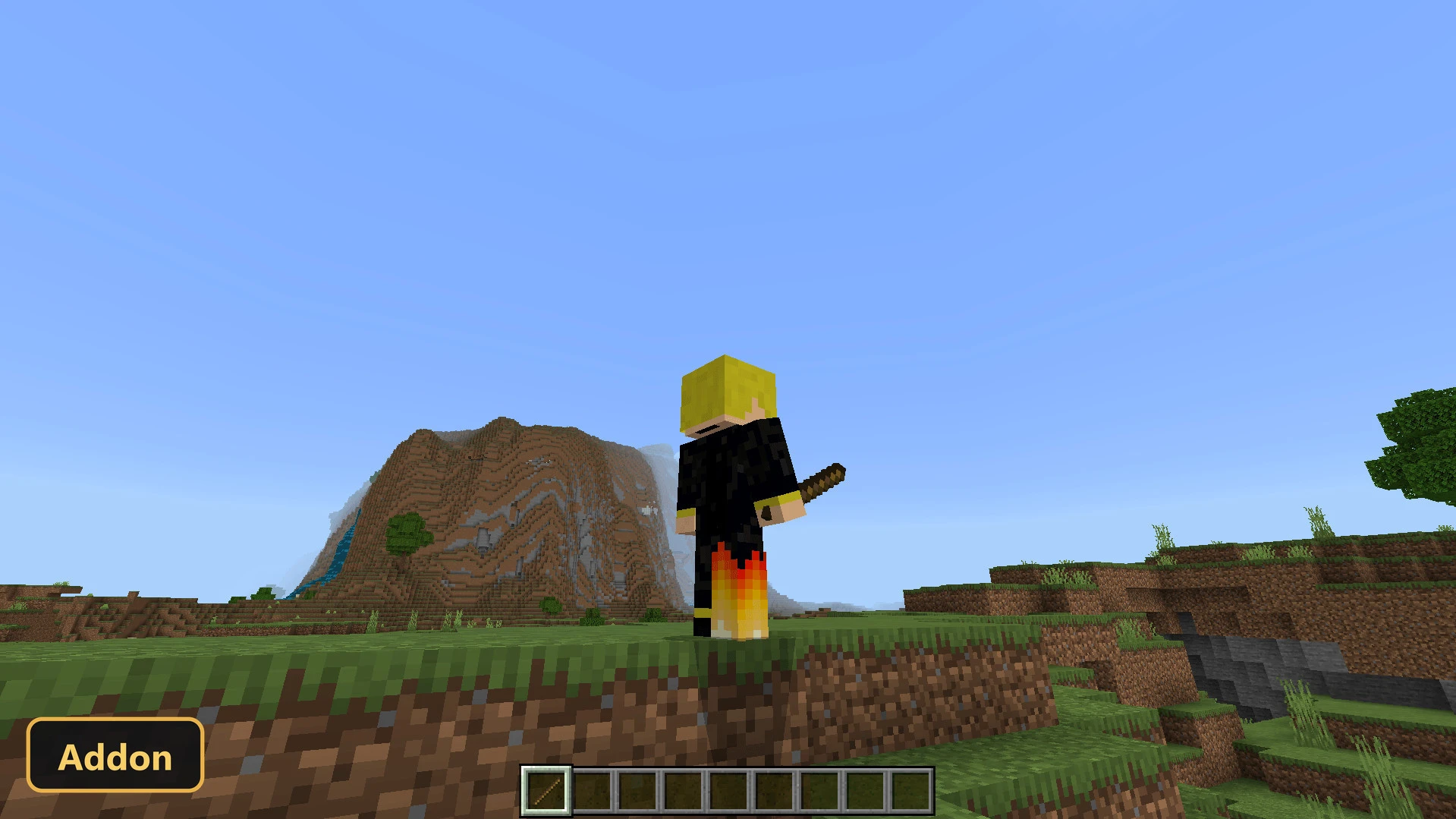
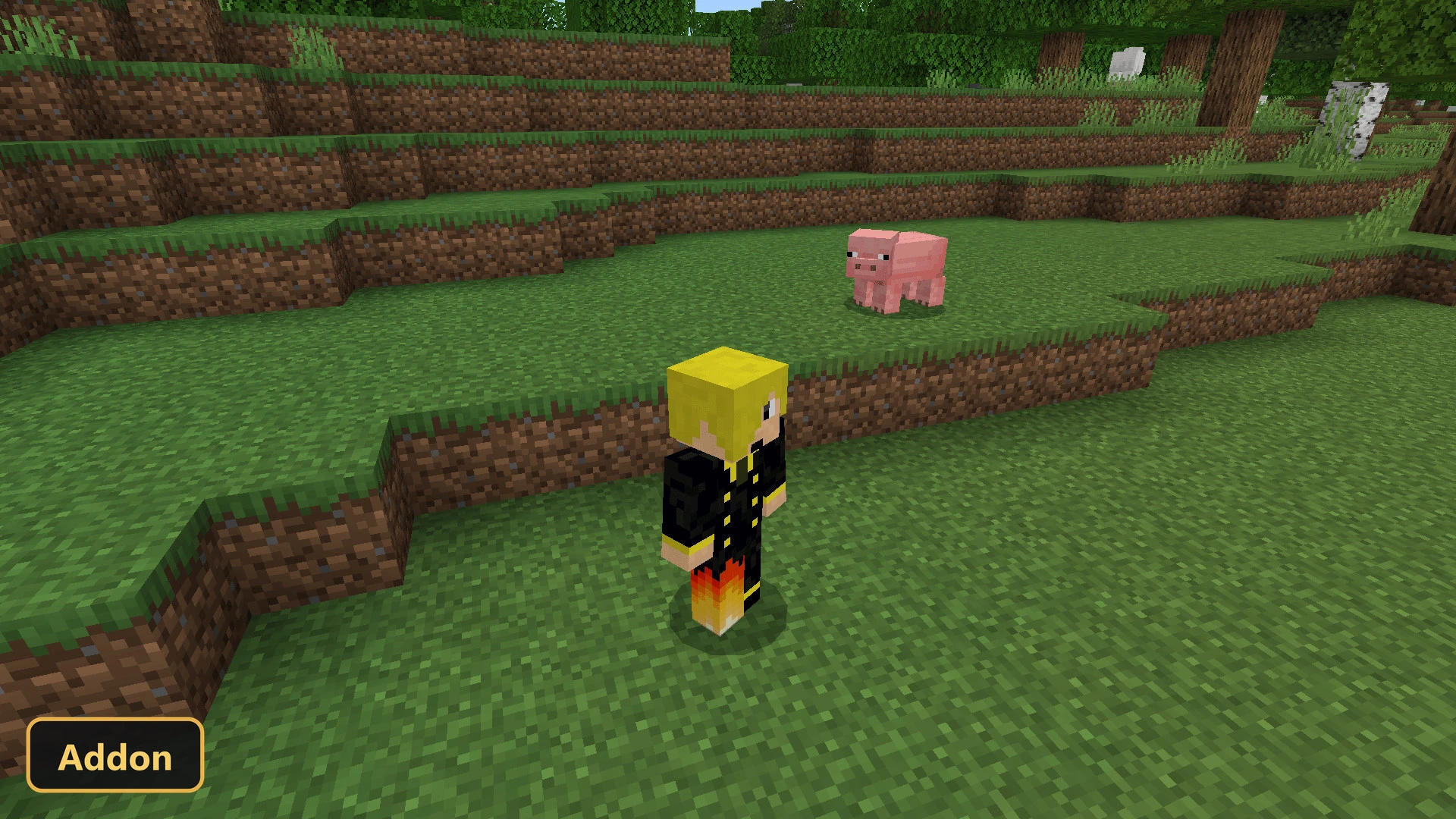
Free Look changes player animations in third-person view so you can move the camera around your character. Your character stays still instead of turning to face where the camera points. This pack includes three camera modes and supports trigger items like a Stick, Compass, or Spyglass so you can set up cinematic screenshots, thumbnails, and cover pictures. It runs on Minecraft Bedrock for Android, iOS, and Windows without extra device power.
Requirements:
- MCPE/Bedrock 1.21 – 26.40
all 46 versions
26.40, 26.30, 26.20, 26.13, 26.12, 26.11, 26.10, 26.3, 26.0.02, 26.0, 1.21.132, 1.21.131, 1.21.130, 1.21.124, 1.21.123, 1.21.122, 1.21.121, 1.21.120, 1.21.114, 1.21.111, 1.21.101, 1.21.100, 1.21.94, 1.21.93, 1.21.92, 1.21.90, 1.21.82, 1.21.81, 1.21.80, 1.21.73, 1.21.72, 1.21.71, 1.21.70, 1.21.61, 1.21.60, 1.21.51, 1.21.50, 1.21.44, 1.21.43, 1.21.41, 1.21.40, 1.21.30, 1.21.21, 1.21.20, 1.21.2, 1.21
Features:
- Still Character Animation: Keeps your character standing still in third-person view instead of turning their face with the camera, giving you a dynamic angle from every side.
- Camera Mode Options: Lets you switch the pack settings between Always Active, Item Trigger, or Disabled whenever you want.
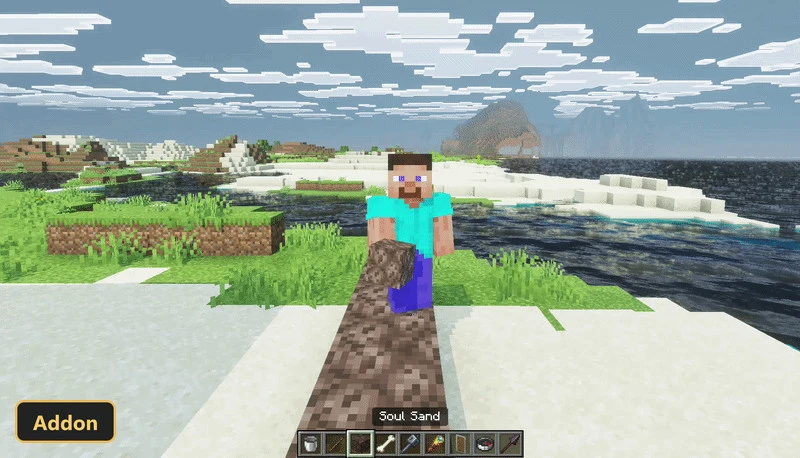
- Item Trigger Selection: Allows you to activate the camera effect with a Stick, Compass, or Spyglass when using Item Trigger mode.
- Includes a Movement & Actions option in the pack settings that works in Always Active and Item Trigger modes, and turns off when set to Disabled.
- Makes screenshots, thumbnails, and cover pictures look cinematic, as if another person took the shot.
- Works alongside other texture packs when you place this pack at the top of your resource pack load order.
- Runs smoothly on Android, iOS, and Windows without needing extra system resources or slowing down your game.
How to Use:
- Activate Free Look in your Minecraft Bedrock resource packs settings.
- Move this pack to the top of your active resource pack list if you use other texture packs to prevent conflicts.
- Open the pack settings to choose a Camera Mode (Always Active, Item Trigger, or Disabled) and set the Movement & Actions option if needed.
- If you pick Item Trigger mode, choose Stick, Compass, or Spyglass as your trigger item in the pack settings.
- Load your world and switch to third-person view; if you use Item Trigger mode, hold your chosen trigger item to activate the effect.
- Rotate the camera around your still character to frame cinematic screenshots, thumbnails, or cover pictures.
Screenshots:
For MCPE/Bedrock 26+
Have you ever used connector mods (like Sinytra Connector) to run Fabric mods on Forge/NeoForge?
1 responses · See the full results →
You May Also Like
Picked for this page
 Mirai Shader (1.26+) – Sharp Water Reflections and Volumetric Clouds
 Fury 16x Pack (1.21.1) – Java/Bedrock PvP Texture Pack
 RPG Damage Indicator Addon (26.x, 1.21) – MCPE/Bedrock Mod
 Not Enough Emotes Addon (26.x, 1.21) – Play Custom Dances And Character Animations
 OS’s Squid Games Skin Pack (26.x, 1.21) – MCPE/Bedrock
 Verity Pocket Edition Addon (26.x) – Chat and Travel with an Intelligent AI
 Rise of The Wyverns (26+, 1.21) – MCPE/Bedrock Addon
 Actual Knives – 2026 3D Update Addon (26.x) – 3D Tactical Blades and Combat
 Novelty API (26+) – MCPE/Bedrock Addon
 Infinite Villager Trades (26+, 1.21) – MCPE/Bedrock Addon
 Killing Mobs Drops OP Items Addon (26.x) – Earn Overpowered Loot From Every Mob
 Poke’s Fantasy Expansion (26+) – MCPE/Bedrock Addon
Most viewed in Mods & Addons over the last 7 days
 Mob Girls Addon (1.26+, 1.21) – MCPE/Bedrock Mod
 Secrets of Berk Addon (26.33+) – How To Train Your Dragon Mod MCPE/Bedrock
 Jenny Colette Version Addon (26.x, 1.21) – MCPE/Bedrock Mod
 Jujutsu Awakening Addon (1.26+, 1.21+) – Prison Realm Update
 New Jujutsu Awakening Addon (1.26+) – MCPE/Bedrock
 Jenny Add-on (Fapcraft) APK MCPE Full Guide – How to use, Tutorial
 Shadow Company Addon (26.x, 1.21) – MCPE/Bedrock Mod
 Titan Craft Addon (1.26+, 1.21) – MCPE/Bedrock Attack on Titan Mod
 Asa’s One Piece Addon (1.26+, 26.32) – MCPE/Bedrock Mod
 Raxiores of Raxiore Addon (1.26+) – MCPE/Bedrock
 Fapcraft Addon (1.26, 1.21) – MCPE/Bedrock Jenny Mod
 Naruto Jedy Addon V8 (26.30+, 1.18+) for MCPE/Bedrock Edition
More from Mods & Addons
 Vanilla Artifacts (26+, 1.21) – MCPE/Bedrock Addon
 All In One Tools (26+, 1.21) – MCPE/Bedrock Addon
 Advanced Minimap (26+, 1.21) – MCPE/Bedrock Addon
 Randam City (26+, 1.21) – MCPE/Bedrock Addon
 Night Vision [ON/OFF] (26+, 1.21) – MCPE/Bedrock Addon
 Better World Edit (26+, 1.21) – MCPE/Bedrock Addon
 Mo’ Mob Variants (26+, 1.21) – MCPE/Bedrock Addon
 Recycle Recipes (26+) – MCPE/Bedrock Addon
 Hexbyte PvB AI (26+, 1.21) – MCPE/Bedrock Addon
 Library Enchants / Library Enchantments (26+, 1.21) – MCPE/Bedrock Addon
 Five Nights At Freddy’s[FNAF] V. (26+, 1.21) – MCPE/Bedrock Addon
 Horizon Engineers (26+, 1.21) – MCPE/Bedrock Addon

This post has no comments yet. Be the first — your comment will appear here.