
Renewed Menu by Zeit709 Resource Pack (26.3, 1.20.1) – A Cleaner Bedrock-Style
 9
 0

Renewed Menu by Zeit709 Resource Pack restyles the menu side of the game. It changes all container screens, buttons, and backgrounds. The buttons look closer to the ones in the Bedrock version. This pack also gives the main menu a still background that you can swap with your own image.

Features:
- Container GUIs: Changes the look of all container screens in the game.
- Bedrock-Style Buttons: Makes buttons look more like the ones in the Bedrock version.
- Colored Shulker Menus: Each shulker box inventory takes the color of its shulker. This works for all 17 shulker boxes.
- Custom Main Menu Background: Replaces the moving panorama with a still image. You can use any resolution.
- Changes the menu background across the game.
- Changes the background of the advancement menu.
- Comes with several background images already included.
How To Change The Main Menu Background:
- Open the zip file of the pack.
- Go to the folder assets minecraft textures gui title background.
- Paste your own image there.
- Rename the image to panorama_overlay.
Good To Know:
- OptiFine is required for the colored shulker box menus.
- The pack has 407 textures in the gui and block folders.
How to Install:
New to Minecraft? Follow our step-by-step guide to install Resource Packs on your PC.View Guide
Requirements:
Renewed Menu by Zeit709 Resource Pack Download Links
For Minecraft
26.3.x
All Versions Covered
26.3
26.2
26.1.2
26.1.1
26.1
1.21.11
1.21.10
1.21.9
1.21.8
1.21.7
1.21.6
1.21.5
1.21.4
1.21.3
1.21.2
All Versions Covered
26.3
26.2
26.1.2
26.1.1
26.1
1.21.11
1.21.10
1.21.9
1.21.8
1.21.7
1.21.6
1.21.5
1.21.4
1.21.3
1.21.2
For Minecraft
1.20.x
All Versions Covered
1.20.1
1.20
All Versions Covered
1.20.1
1.20
Click to rate this post!
[Total: 0 Average: 0]
You May Also Like
Picked for this page
 Mugm Texture Pack Resource Pack (26.3, 1.21.1) – Clearer Sightlines in Combat
 Carrot Farmer Totem Of Undying Resource Pack (1.21.11, 1.21.1) – Texture Pack
 Better Books Resource Pack (26.1.2, 1.20.1) – Chunky 3D Books for Your Library
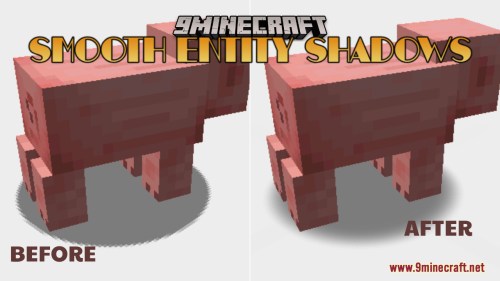 Smooth Entity Shadows Resource Pack (26.3, 1.20.1) – A Cleaner Vanilla World
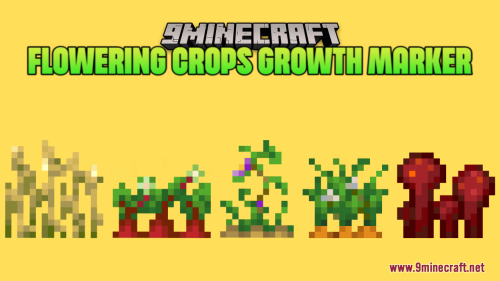 Flowering Crops Growth Marker Resource Pack (1.21.11, 1.20.1) – A More Satisfying Gardening Experience
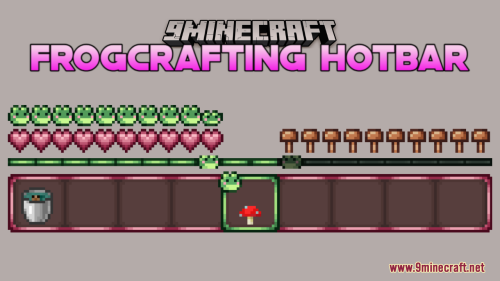 Frogcrafting Hotbar Resource Pack (26.1.2, 1.20.1) – Cute Frog and Flower
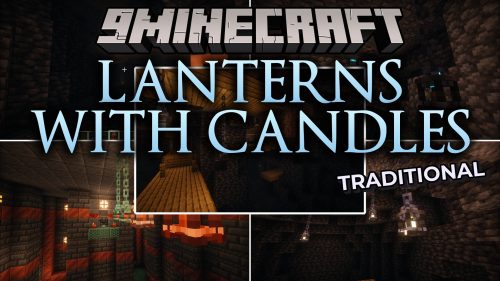 Lanterns with Candles Resource Pack (26.3, 1.20.1) – Cozy 3D Candles for Warmer
 Netherite Pot Basics Resource Pack (26.3, 1.21.11) – Crisp Netherite Duel Focus
 Snek’s Improvements and Consistencies Resource Pack (26.3, 1.20.1)
 No Pumpkin Blur – Clear Vision Resource Pack (26.2, 1.20.1)
 Fake Hardcore Heart Resource Pack (26.2, 1.20.1) – Trick Your Friends
 Vanilla Spice Visuals Resource Pack (26.2, 1.20.1) – Richer 3D Variety
Most viewed in Resource Packs over the last 7 days
 Jenny Mod Skins Resource Pack (1.12.2) – Uzaki, Klee, Mita, and More
 Jenny Mod Skin Pack Mega Collection – 310+ Characters
 Jennycraft Resource Pack (1.20.1) – Skins for Jennycraft Mod
 Animation Collection for Jenny Mod – 60+ Animations, Updated Regularly
 750 Models Addon for Yes Steve Model Mod
 Dewier’s 20k Resource Pack (1.8.9) – Texture Pack
 Patrix Resource Pack (26.3, 1.20.1) – The Peak of Photorealism
 Vanilla+ 3D Crystal Resource Pack (1.21.1, 1.20.1) – Texture Pack
 Swamp Skull X Resource Pack (1.21.11) – Grim Skeletal Gear for Battle
 Mizuno’s 16 Craft Resource Pack (1.21.1, 1.20.1) – Texture Pack
 Stay True Updated Resource Pack (26.3) – Subtle Polish for Classic Vanilla
 Bare Bones 9minecraft Resource Pack (26.3) – Official Cinematic Trailer Look
More from Resource Packs
 3D Crops 9minecraft Resource Pack (26.3) – Lush Layered Fields for Cozy Farming
 Ender Dragon Revamp 9minecraft Resource Pack (26.3) – Fierce Glowing End Boss Redesign
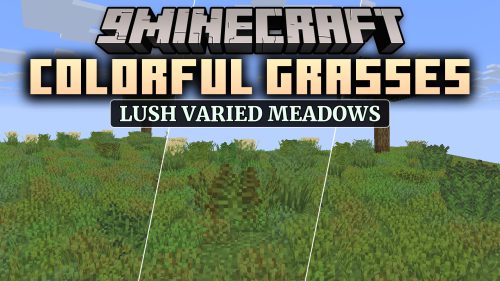 Colorful Grasses 9minecraft Resource Pack (26.3) – Lush Foliage Across Wild Meadows
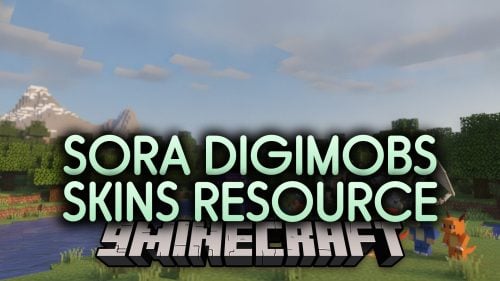 Sora Digimobs Skins Resource Resource Pack (1.20.1) – Retro Digimon in Rainbow
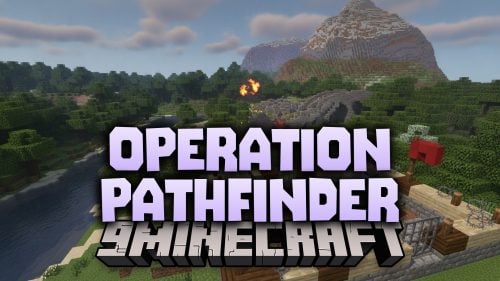 Operation Pathfinder Resource Pack (1.21.1) – Gritty WWII Paratrooper Story
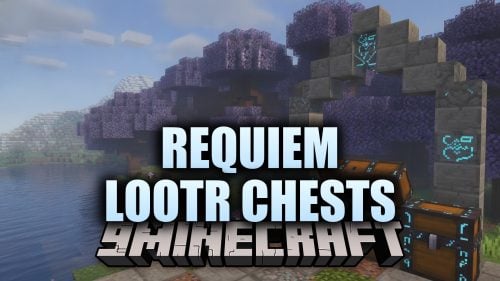 Requiem Lootr Chests Resource Pack (26.3, 1.20.1) – Dark Bloodstained Chests
 Fresh Seeds Resource Pack (26.3, 1.21.11) – Texture Pack
 Xing Luo AE2 GUI Expansion Resource Pack (1.20.1) – Sleek High-Tech Terminal
 Toy Car Resource Pack (26.2, 26.1.2) – Soft Playful Toybox Look
 Fresh Waystones Texture Resource Pack (26.3, 1.20.1) – Texture Pack
 Low Fire & Side Shield Resource Pack (26.1.2, 1.20.1)
 Programmer Jappart Resource Pack (26.3, 1.20.1) – Old-School Details

This post has no comments yet. Be the first — your comment will appear here.