
3D Compatible Model – Adds Layered Depth to Flat Vanilla Blocks

 0


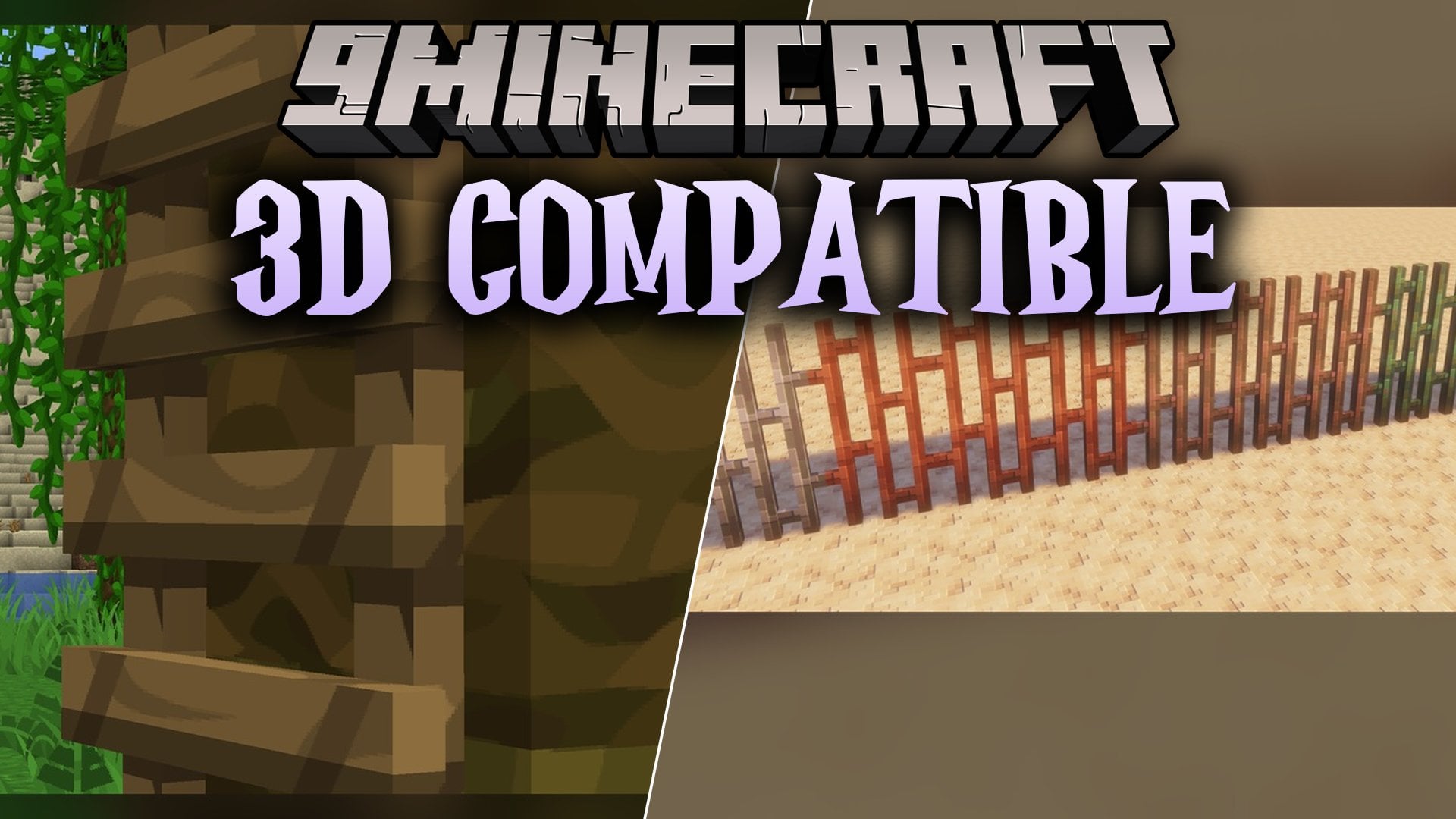
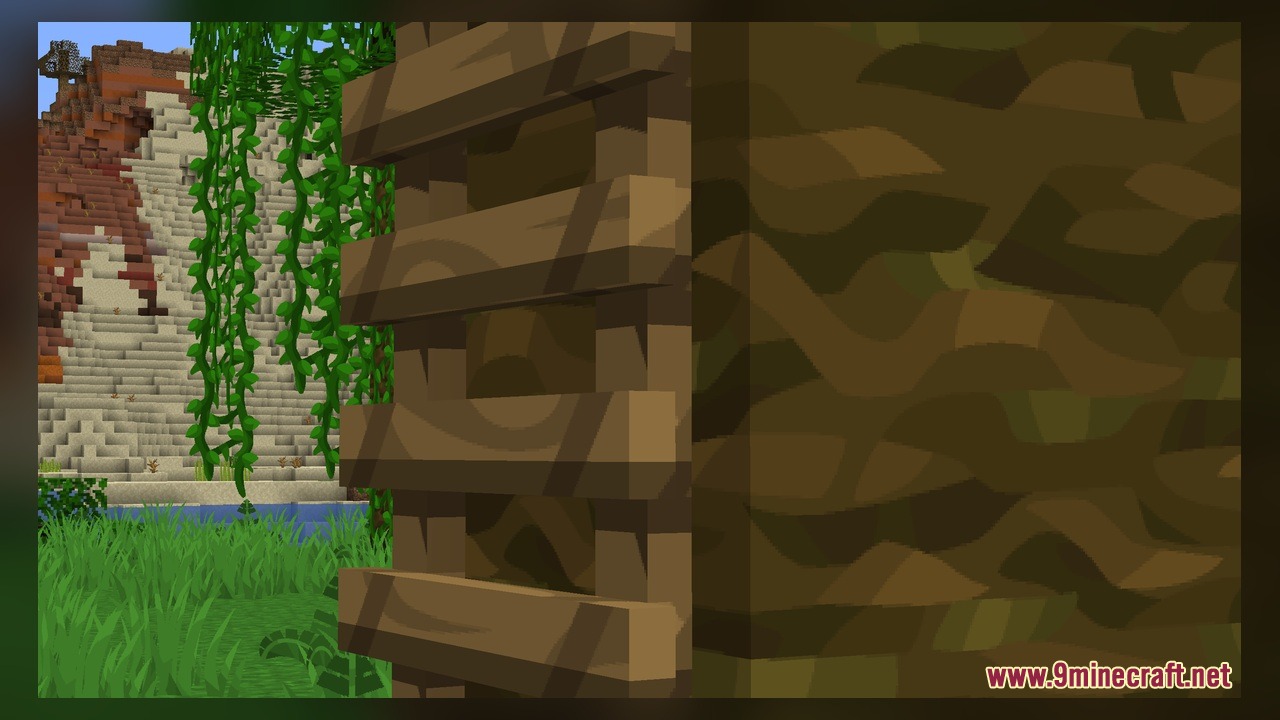
3D Compatible Model adds three-dimensional geometry to vanilla blocks and items while keeping support for other texture packs. The pack includes 252 custom 3D models and relies on just 4 internal texture files, letting it borrow textures directly from whatever resource pack sits underneath it in your load order. You get layered rail tracks, detailed bookshelf cubbies, and standalone bars without losing your chosen art style. It works entirely in vanilla Minecraft without requiring extra mod loaders or visual shader software.
Features:
- Extensive Model Collection: Replaces flat surfaces across the game with 252 custom three-dimensional models.
- Universal Compatibility: Works alongside other texture packs by using only 4 base textures and borrowing all other art from the pack below it.
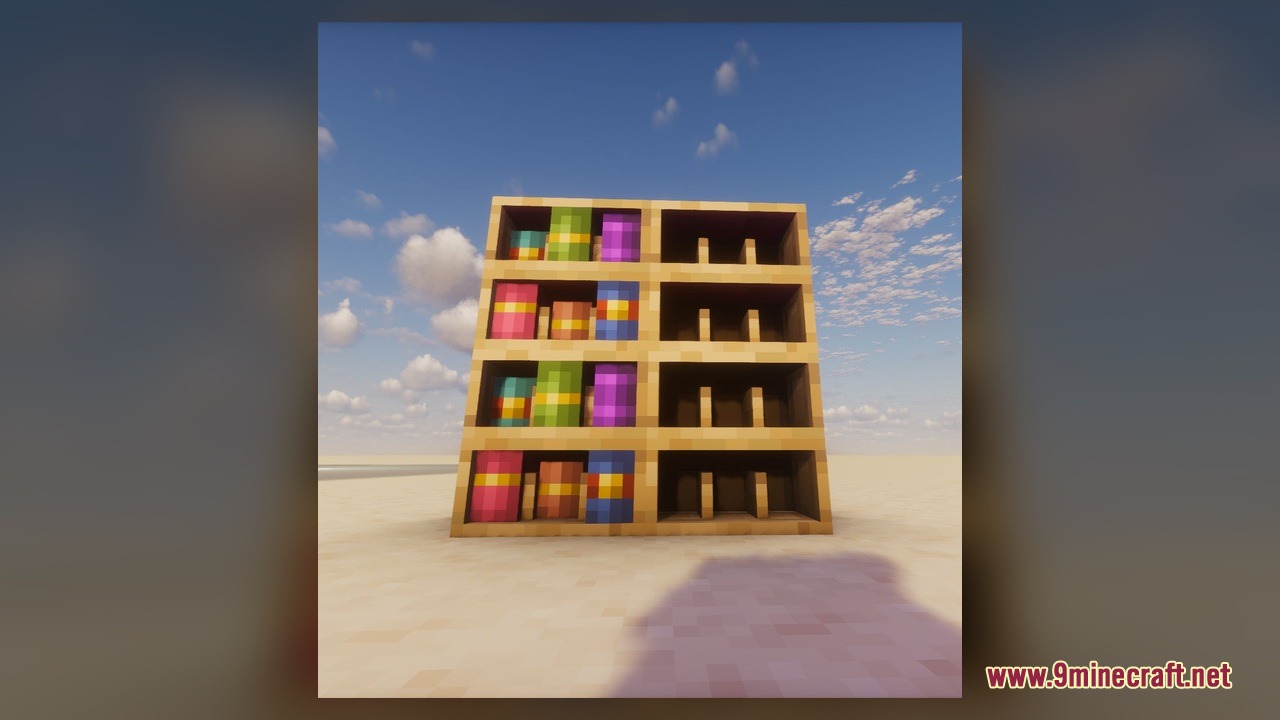
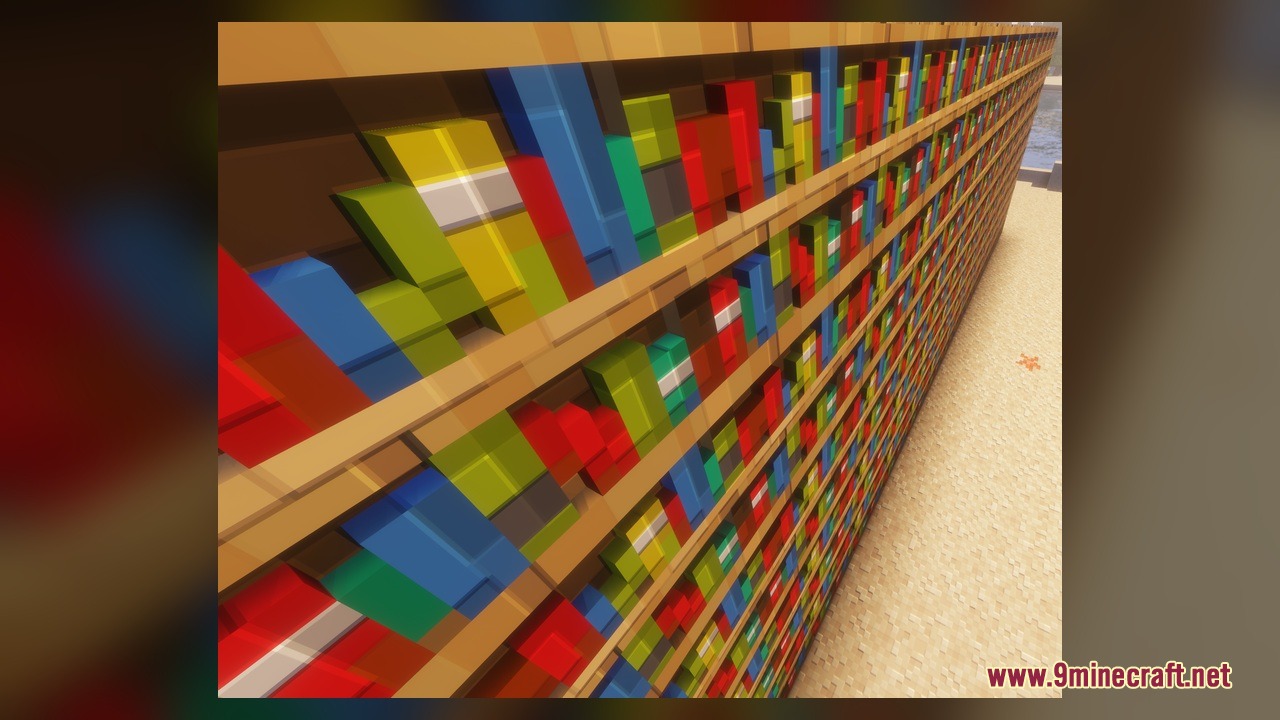
- Detailed Bookshelves: Shapes normal bookshelves with recessed book rows and physical wooden framing.
- Dynamic Chiseled Bookshelves: Updates individual slot models as you insert or take books, showing distinct 3D models for each top and bottom opening.
- Track Rail Elevation: Adds raised ties, metallic rails, and indicator plates to activator and detector rails.
- Slope Rail Adaptations: Adjusts rail models automatically when tracks run up hills or turn across northeast and southwest angles.
- Power states change the visual cues on activator rails and detector rails when redstone power turns on.
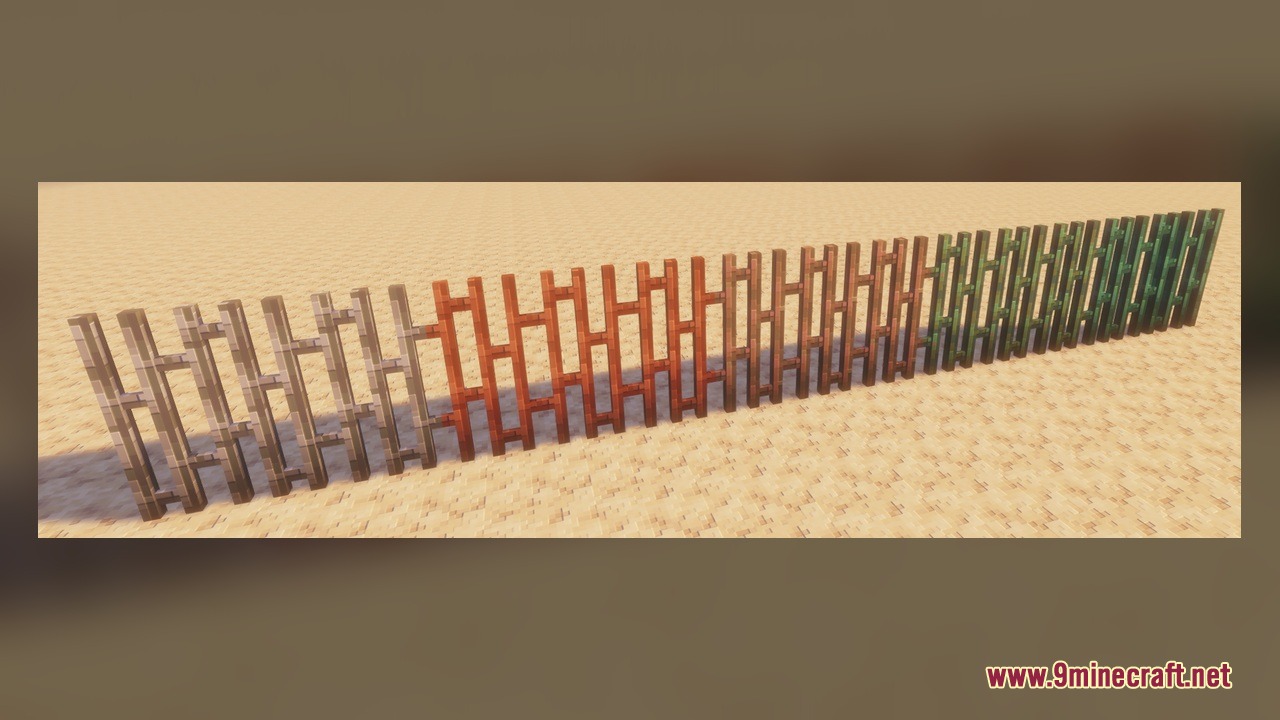
- Copper bars feature standalone 3D posts, end caps, and custom side connections for fencing and window grates.
- Inventory icons for supported blocks render in full 3D perspective right inside your storage slots.
How to Use:
- Move the pack file into your resource packs folder and place it above any other active texture packs in the Resource Packs settings screen.
- Craft a chiseled bookshelf using six wooden planks and three wooden slabs at a crafting table, then place it against a wall.
- Hold a regular or enchanted book and right-click individual slots on the chiseled bookshelf to watch physical 3D books fill each custom slot model.
- Place activator rails and detector rails on flat ground, run redstone power into them, and watch the central sensors toggle between their active and inactive 3D models.
- Lay rails along slopes heading northeast or southwest to view the custom angled elevation ties and raised rail tracks.
- Craft copper bars using copper ingots, place them as single posts or connect them horizontally, and inspect the layered 3D posts and side connectors.
Screenshots:
3D Compatible Model Download Links
Click to rate this post!
[Total: 0 Average: 0]
You May Also Like
Picked for this page
 Pixel Perfection Fidelity Model – Brings Cozy Medieval 3D Models to Blocks
 Quadral Model – Brings Vivid Colors and 31 Custom 3D Models to Vanilla
 Gui’s Better Vanilla Model – Brings Animated 3D Torches and Plants
 Simply Alive Model – Brings Animated 3D Blocks and Capybara Totems
 TheRa 3D Model – Brings Animated Bows and Depth to Vanilla Items
 Weskerson’s Torches Model – Brings Animated 3D Flames to Torches and Redstone
 Brush & Juice Model – Brings Animated 3D Redstone and Mechanical Blocks
 Dimensionalized 3D Essentials Model – Adds 248 Vanilla-Style 3D Block Models
 The Original Work Programmer Art Model – Brings Classic Retro Visuals and Models
 Gothiclily’s Flower Model – Transforms Wild Foliage with Custom 3D Flora
 Vanilla SMP Model – Brings Clear 3D Weapons and Visible Traps to PvP
 Better 3d Food Model – Transforms Flat Edibles Into Detailed Blocky Meals
Most viewed in Models over the last 7 days
 Jenny Mod Skin Pack Mega Collection – 310+ Characters
 The Most Complete Collection of Jenny Mod Resources – Models, Animations, Structures,…
 Albedo Rework Jenny Mod Model
 750 Models Addon for Yes Steve Model Mod
 Power Model – Custom Girl for PleasureCraft Mod
 Galath Rework Model – Custom Girl for PleasureCraft Mod
 Pomni Jenny Mod Model
 Ram Model – Custom Girl for PleasureCraft Mod
 Femboy Ellie Rework Jenny Mod Model
 100+ Custom Animations For Jenny Mod
 Ellie Rework Jenny Mod Model
 Ellen Model – Custom Girl for PleasureCraft Mod
More from Models
 Trams4MC 2 – Brings Scripted Modern Streetcars to Your Transit Railway Lines
 The Amtrak Model – Brings Realistic Passenger Trains to Your Railway Builds
 Better Gear Model – Transforms Flat Tools Into Animated 3D Weapons
 ADL Enviro 200MMC Buses Model – Brings British City Transit to Streets
 MTW’s Pirates CIT Model – Equips Seafaring Weapons and Classic Pirate Hats
 JR E235 Model – Brings Modern Japanese Commuter Trains to Transit Railways
 PotatoCraft 8X Model – Brings Minimal 8x Textures, 3D Doors, and Clear PvP Menus
 ViaBackwards Plus Model – Brings Backported 3D Block Visuals to Older Versions
 Soartex Forever Model – Brings Smooth 3D Blocks and Animated Textures to Worlds
 Rappenem’s Reforge Model – Brings Detailed 3D Pumpkins and Animated Doors
 Metropack MTR Model – Brings Detailed Russian Metro Trains to Rail Networks
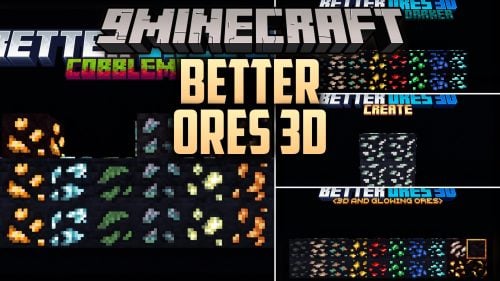 Better Ores 3D Model – Transforms Flat Cave Walls with Glowing Mineral Crystals

This post has no comments yet. Be the first — your comment will appear here.