
Weskerson’s Torches Model – Brings Animated 3D Flames to Torches and Redstone

 0

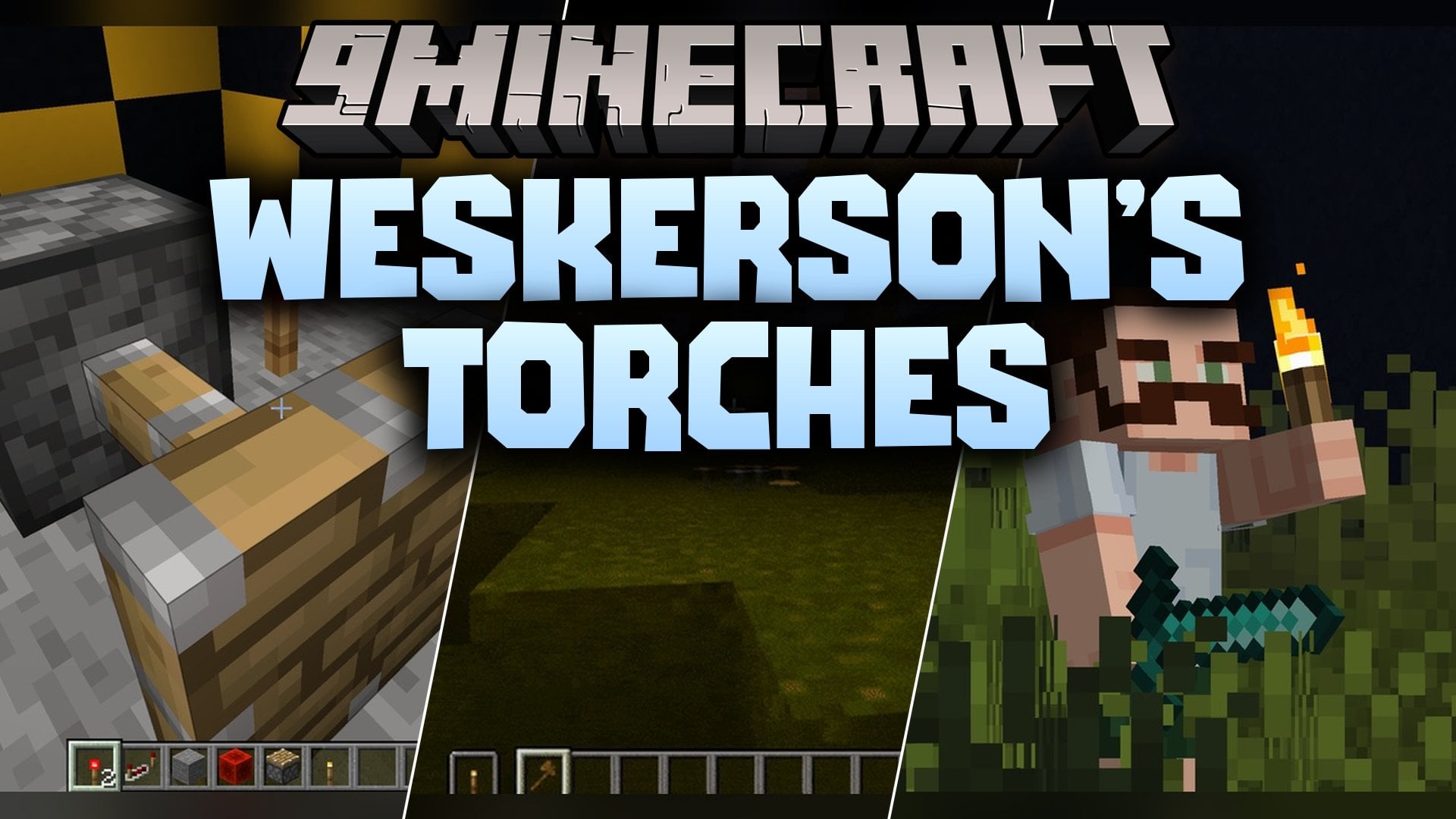
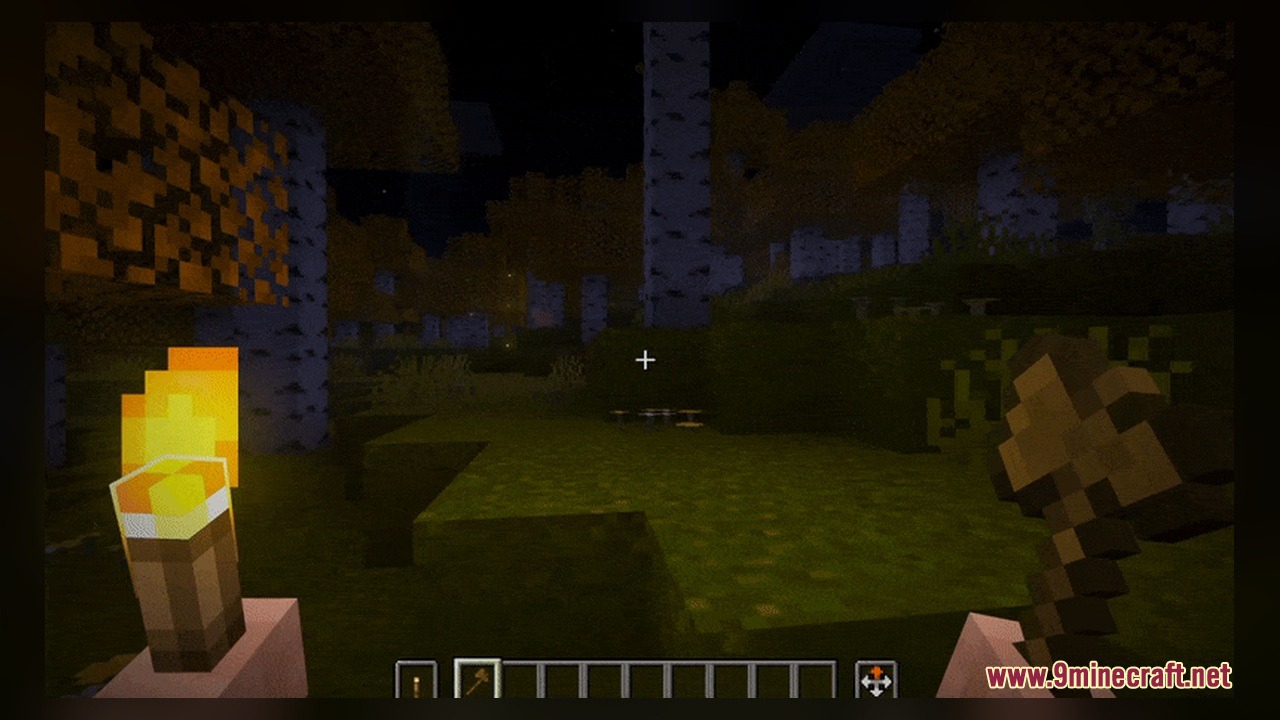
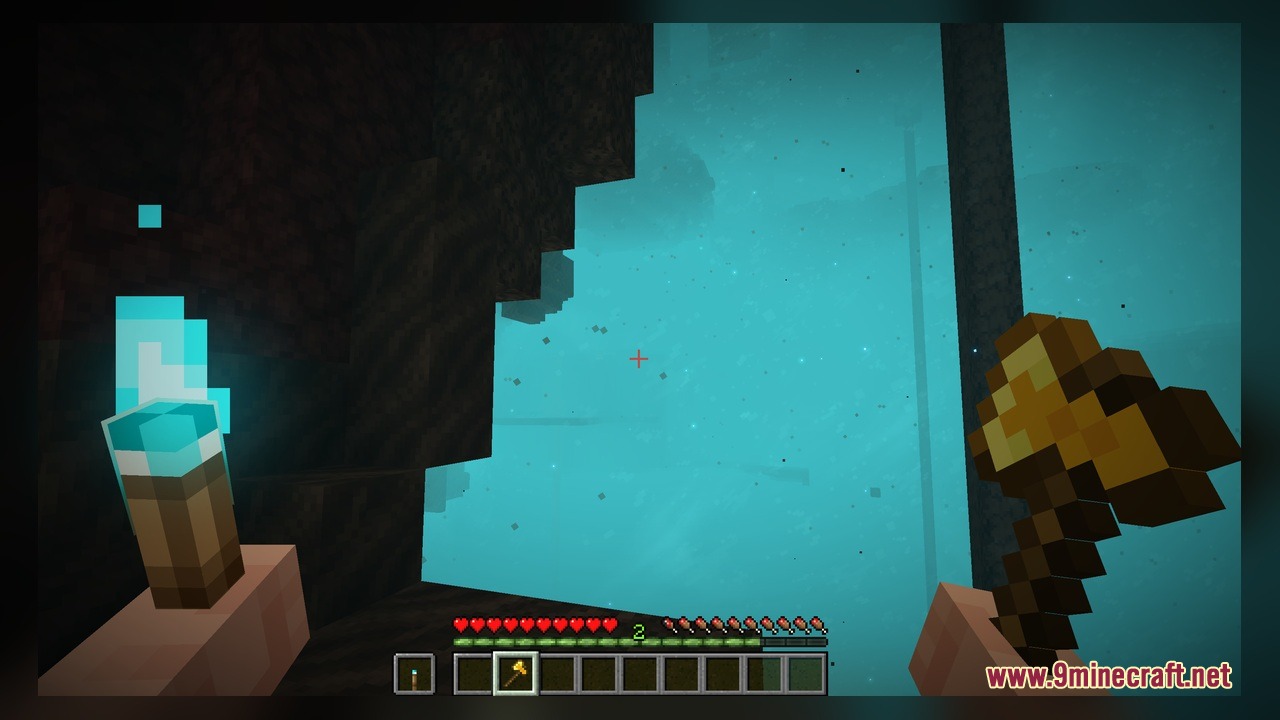
Weskerson’s Torches Model overhauls the look of torches and torch-based redstone blocks in Minecraft. This pack includes 44 custom 3D models and 165 texture files that give regular torches, soul torches, redstone torches, and copper torches an animated fire and a unique glow. It also updates the look of redstone repeaters, comparators, and potted torchflowers both in your hand and placed in the world.
Features:
- Animated Fire and Glow: Adds moving flame animations and a custom glow effect to torch items and placed torch blocks.
- 44 Custom 3D Models: Replaces flat vanilla shapes with 3D models for torches, repeaters, comparators, and potted torchflowers.
- Hand-Held Model Variants: Includes distinct 3D models for holding torches, soul torches, and copper torches in your left or right hand.
- Updates redstone repeaters and comparators so their small built-in torches match the new 3D torch style across all tick delays and power states.
- Ships with 165 custom texture files to cover every torch state, wall placement, and redstone signal change.
Torch Models:
- Standard Torches: Includes 3D models for regular hand-held torches, vanilla hand views, and left-hand or right-hand holding positions.
- Soul Torches: Adds custom models for placed soul torches, soul wall torches, and left or right hand-held views.
- Redstone Torches: Features custom hand-held redstone torch models and turned-off redstone wall torch models.
- Copper Torches: Provides dedicated 3D hand models for holding copper torches in either hand.
- Potted Torchflower: Replaces the standard potted torchflower with a custom 3D model.
Redstone Component Models:
- Redstone Repeaters: Includes custom hand models plus placed models for 1-tick, 2-tick, 3-tick, and 4-tick delays in powered, unpowered, and locked states.
- Redstone Comparators: Features a 3D hand model along with placed models for standard, powered, and subtract modes.
How to Use:
- Move the pack into your resource packs folder and activate it in the Minecraft settings menu.
- Craft or grab a Torch, Soul Torch, Copper Torch, or Redstone Torch and hold it in your main hand or off-hand (press F to swap hands) to see the custom left and right hand 3D models.
- Place Torches, Soul Torches, and Redstone Torches on the ground or on walls to watch the animated fire and custom glow effect.
- Place a Redstone Repeater on the ground, power it with redstone, and right-click it through the 1-tick, 2-tick, 3-tick, and 4-tick delay settings to see the mini torches change position and light up; run another powered repeater into its side to see the locked repeater models.
- Place a Redstone Comparator, right-click it to toggle subtract mode, and send a redstone signal into it to view the updated comparator torch states.
- Place a Torchflower inside a Flower Pot to view the custom potted torchflower model.
Requirements:
- A Minecraft version that supports animated textures
Screenshots:

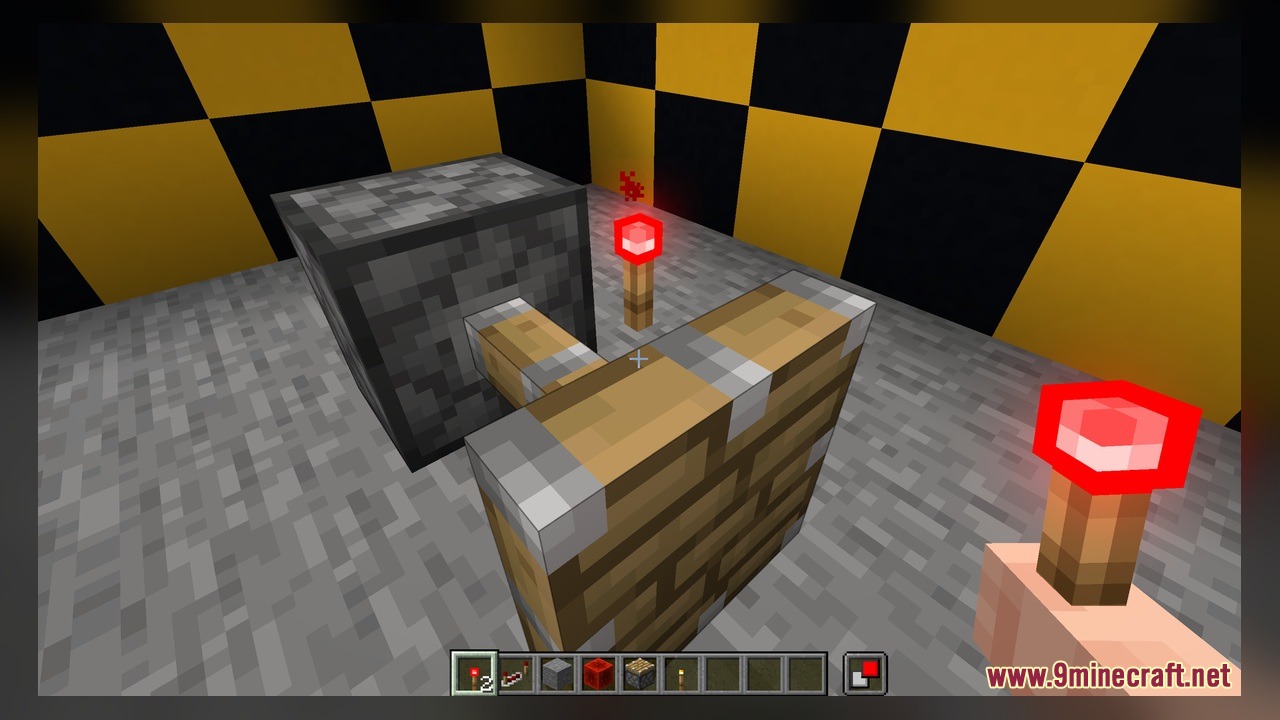
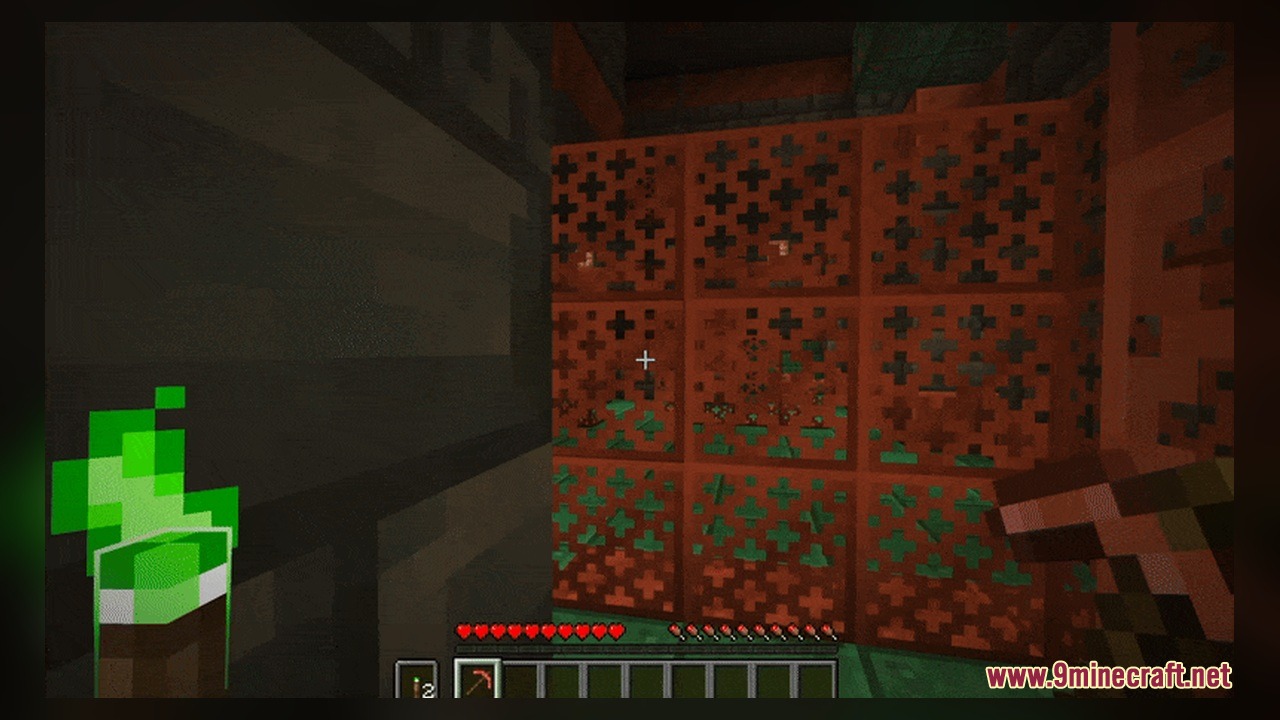
Weskerson’s Torches Model Download Links
Click to rate this post!
[Total: 0 Average: 0]
You May Also Like
Picked for this page
 Halloween Cosmetics Pack Model
 Pixel Perfection Fidelity Model – Brings Cozy Medieval 3D Models to Blocks
 Bare Bones X Model – Brings Simple 3D Foliage and Modded Block Visuals
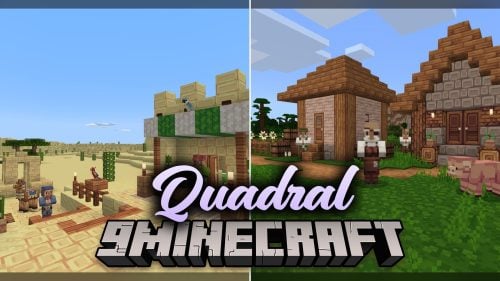 Quadral Model – Brings Vivid Colors and 31 Custom 3D Models to Vanilla
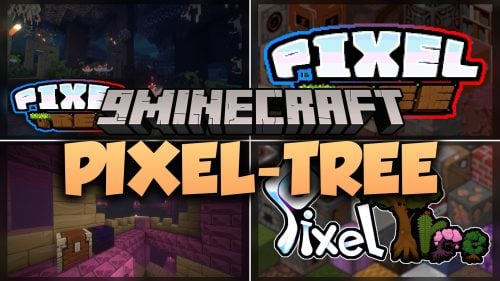 Pixel-Tree Model – Transforms Everyday Vanilla Blocks with Detailed 3D Shapes
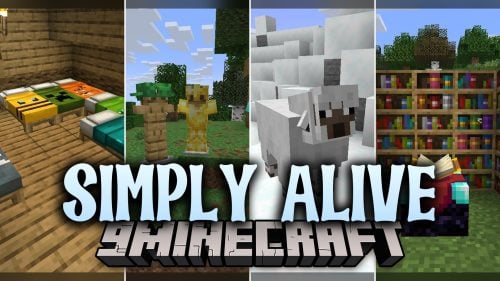 Simply Alive Model – Brings Animated 3D Blocks and Capybara Totems
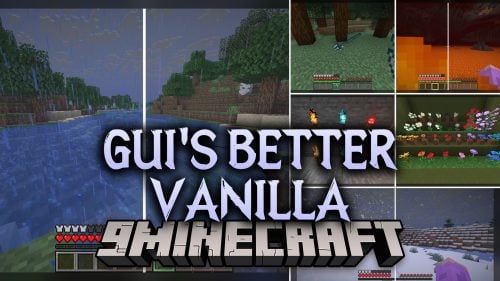 Gui’s Better Vanilla Model – Brings Animated 3D Torches and Plants
 Vanilla Realism Model – Transforms Flat Blocks Into Animated 3D Shapes
 Brush & Juice Model – Brings Animated 3D Redstone and Mechanical Blocks
 The Original Work Programmer Art Model – Brings Classic Retro Visuals and Models
 Coquet Model – Transforms Vanilla Foliage and Terrain with 3D Shapes
 Dimensionalized 3D Essentials Model – Adds 248 Vanilla-Style 3D Block Models
Most viewed in Models over the last 7 days
 Jenny Mod Skin Pack Mega Collection – 310+ Characters
 The Most Complete Collection of Jenny Mod Resources – Models, Animations, Structures,…
 Albedo Rework Jenny Mod Model
 750 Models Addon for Yes Steve Model Mod
 Pomni Jenny Mod Model
 Power Model – Custom Girl for PleasureCraft Mod
 Galath Rework Model – Custom Girl for PleasureCraft Mod
 Ram Model – Custom Girl for PleasureCraft Mod
 Femboy Ellie Rework Jenny Mod Model
 Ellie Rework Jenny Mod Model
 100+ Custom Animations For Jenny Mod
 Ellen Model – Custom Girl for PleasureCraft Mod
More from Models
 ShiNeaL’s Simplacity Model – Transforms Blocks Into Clean 3D Plastic Art
 Ying Yang 16x Model – Transforms Bedwars Blocks with Animated 3D Designs
 Saturized Model – Brings Cleaner Pixel Colors and Custom 3D Block Shapes
 Night Model – Brings Custom 3D Blocks and Clean Textures for Competitive PvP
 Gothiclily’s Flower Model – Transforms Wild Foliage with Custom 3D Flora
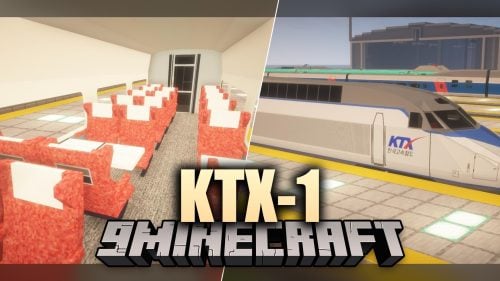 KTX-1 Model – Brings Custom Passenger Trains to Your MTR4 Railway Network
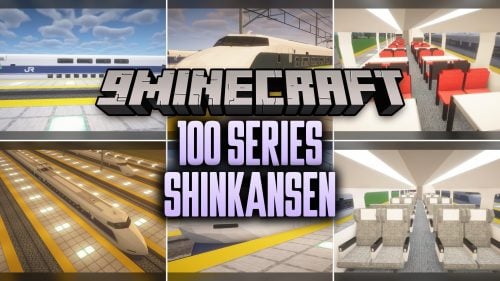 100 Series Shinkansen Model – Brings Japanese Bullet Trains to MTR4 Railways
 British Rail Class 205 Thumper Model – Brings Classic British Diesel Trains
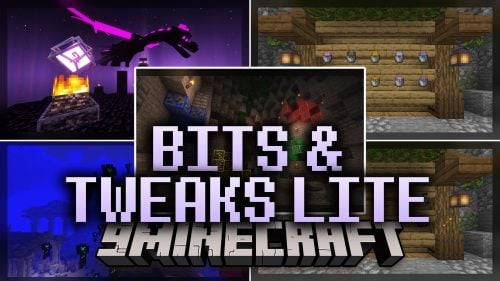 Bits & Tweaks LITE Model – Brings Animated 3D Depth to Vanilla Blocks and Tools
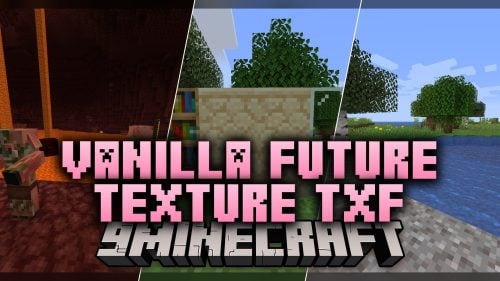 Vanilla Future Texture TXF Model – Brings Futuristic 3D Sci-Fi Gear and Blocks
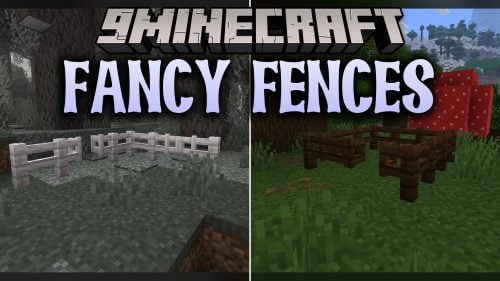 Fancy Fences Model – Transforms Default Barriers with Fresh 3D Depth
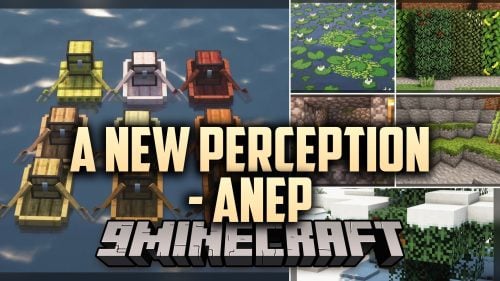 A New Perception – Adds Detailed 3D Block Shapes and Animated Textures

This post has no comments yet. Be the first — your comment will appear here.