
Gothiclily’s Flower Model – Transforms Wild Foliage with Custom 3D Flora
 0
 0


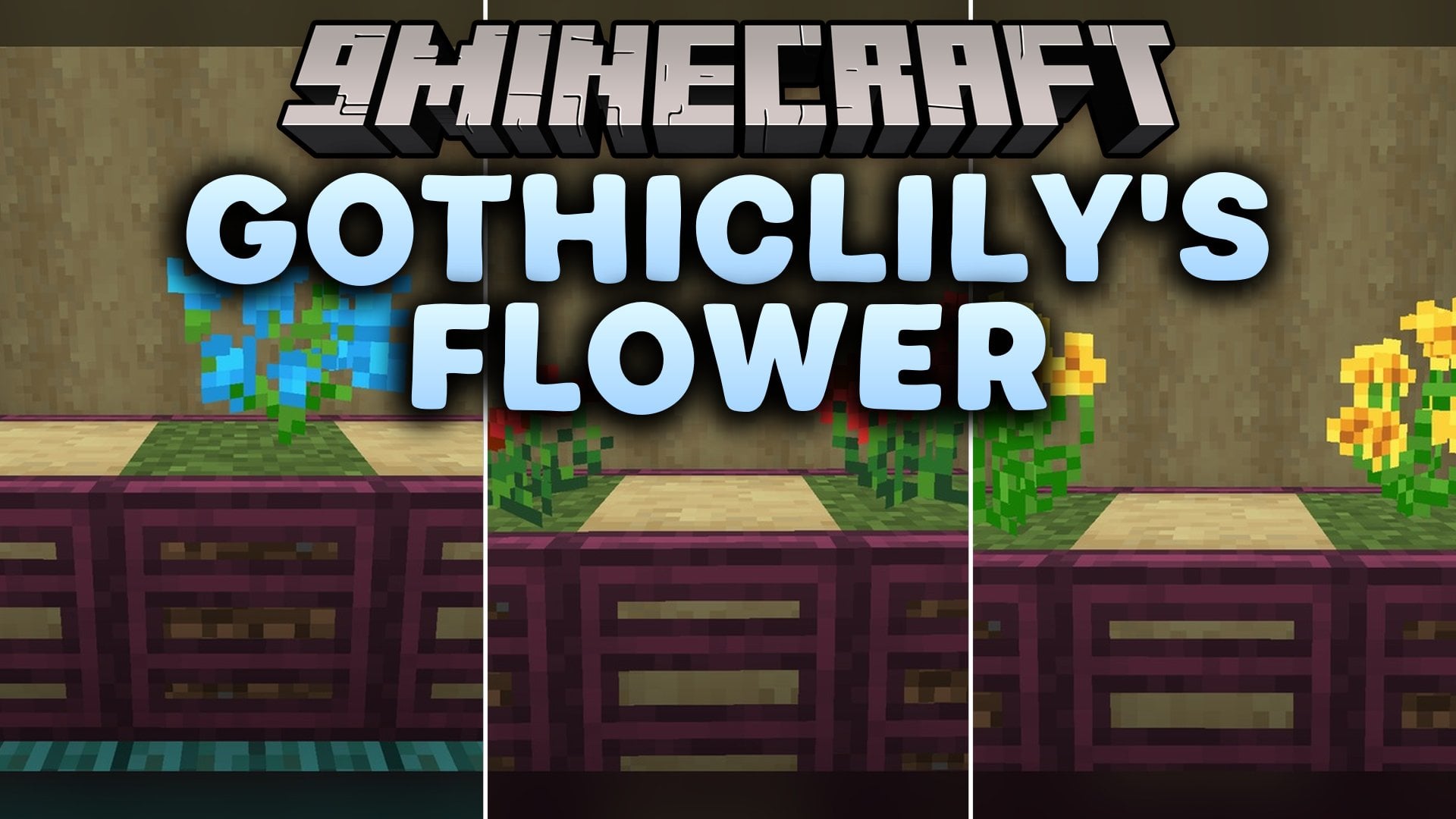
Gothiclily’s Flower Model refreshes the look of wild plants and flowers across your world. This pack ships with 79 texture files and 11 custom 3D models to replace default vegetation. It updates everyday plains flowers, tall bushes, cave plants, and farmed pitcher crops.
Features:
- Custom Pitcher Plant 3D Models: Includes 11 distinct 3D models covering the full growth cycle of the pitcher crop from stage 0 to stage 4, plus the fully grown top and bottom plant parts.
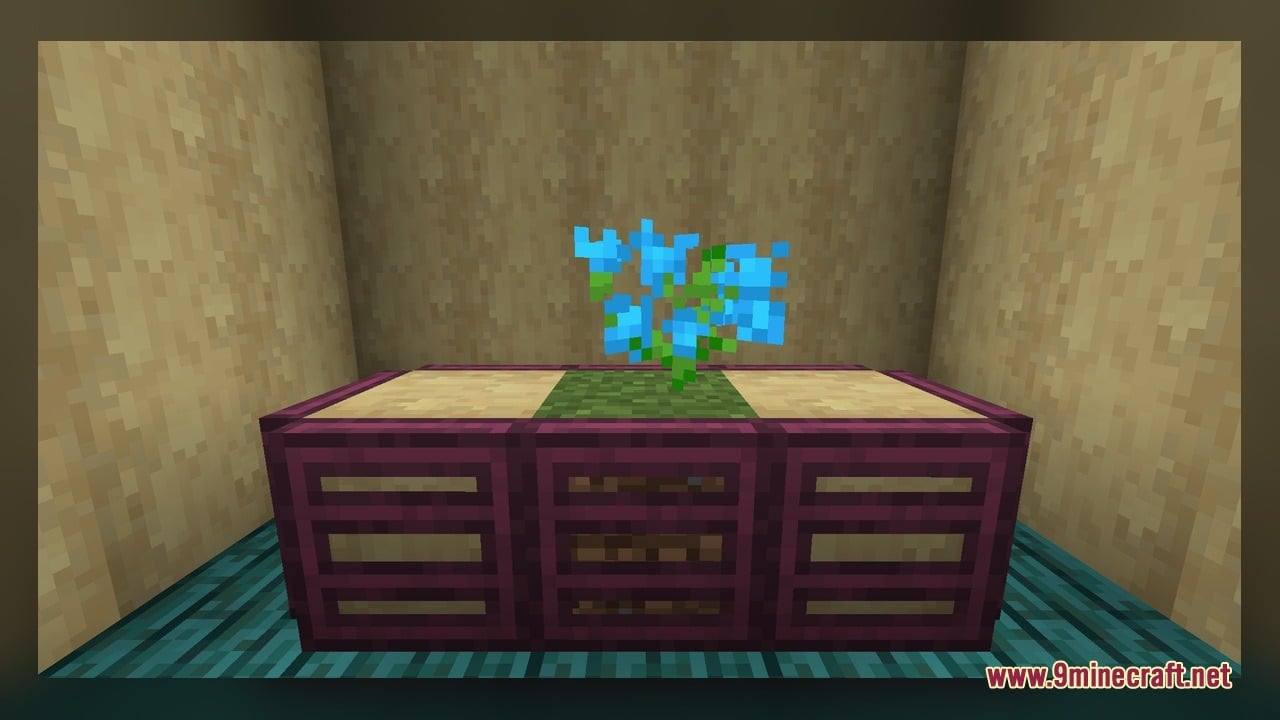
- Small Flower Retextures: Changes the look of allium, cornflower, dandelion, oxeye daisy, poppy, azure bluet, blue orchid, lily of the valley, and all 4 tulip types.
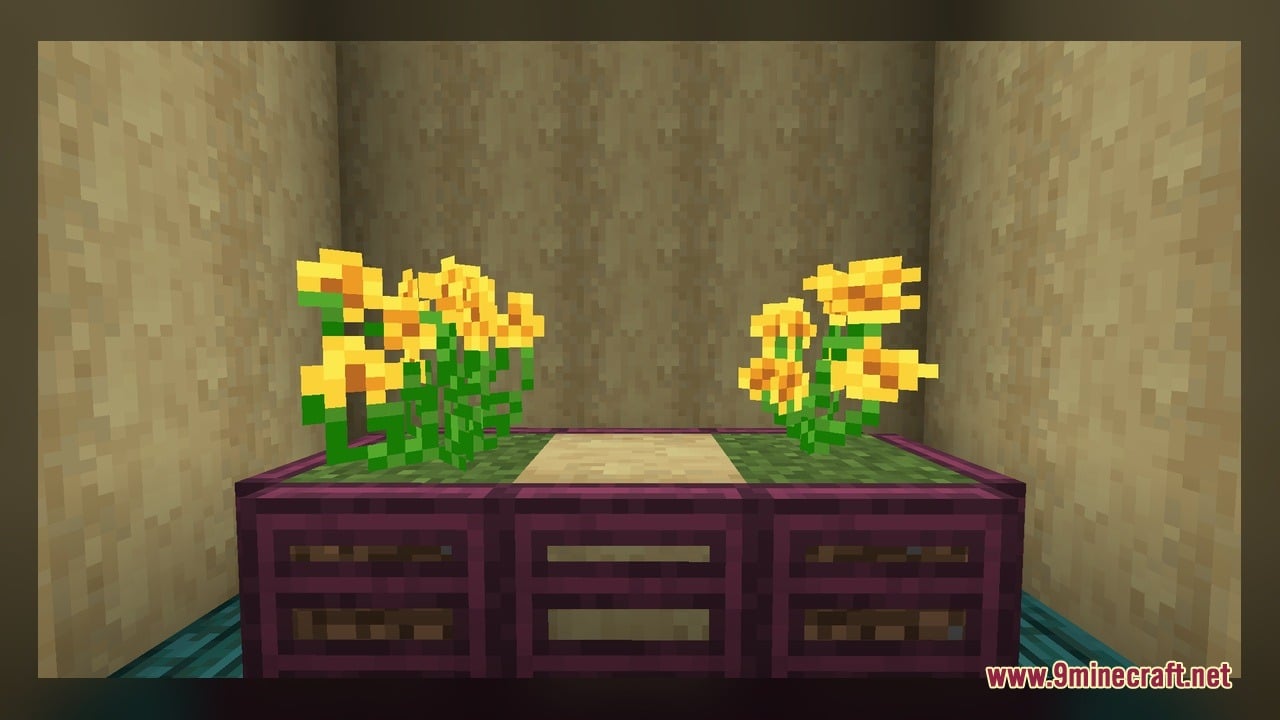
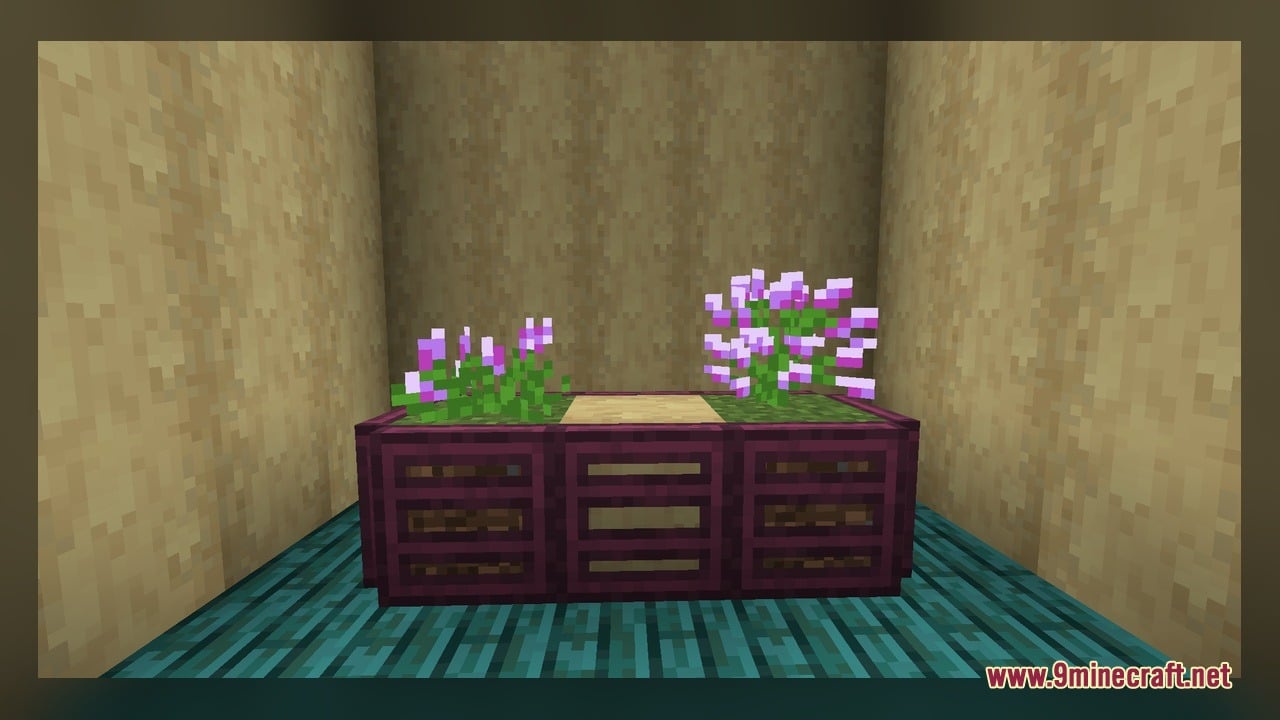
- Tall Flowers and Bushes: Updates the textures for rose bush, peony, lilac, and sunflower.
- Foliage and Cave Plants: Repaints regular grass, fern, flowering azalea, spore blossom, and the wither rose.
How to Use:
- Open the game menu, select Options, then Resource Packs, and move the pack to the active column.
- Walk through plains, forests, or flower forests to see the updated textures on grass, ferns, poppies, dandelions, all 4 tulip types, and tall bushes like lilac, peony, and rose bush.
- Visit a lush cave to check out the retextured spore blossom hanging from the ceiling and the flowering azalea blocks.
- Obtain a pitcher pod by letting a sniffer dig in the dirt, or pick one up directly from the Creative mode inventory.
- Use a hoe to till dirt into farmland, plant the pitcher pod, and watch the bottom crop model change across growth stages 0 through 4 as the top part appears at stage 3 and stage 4.
- Place a fully grown pitcher plant or a wither rose on the ground to inspect the finished two-block 3D plant model and its custom variations up close.
Screenshots:
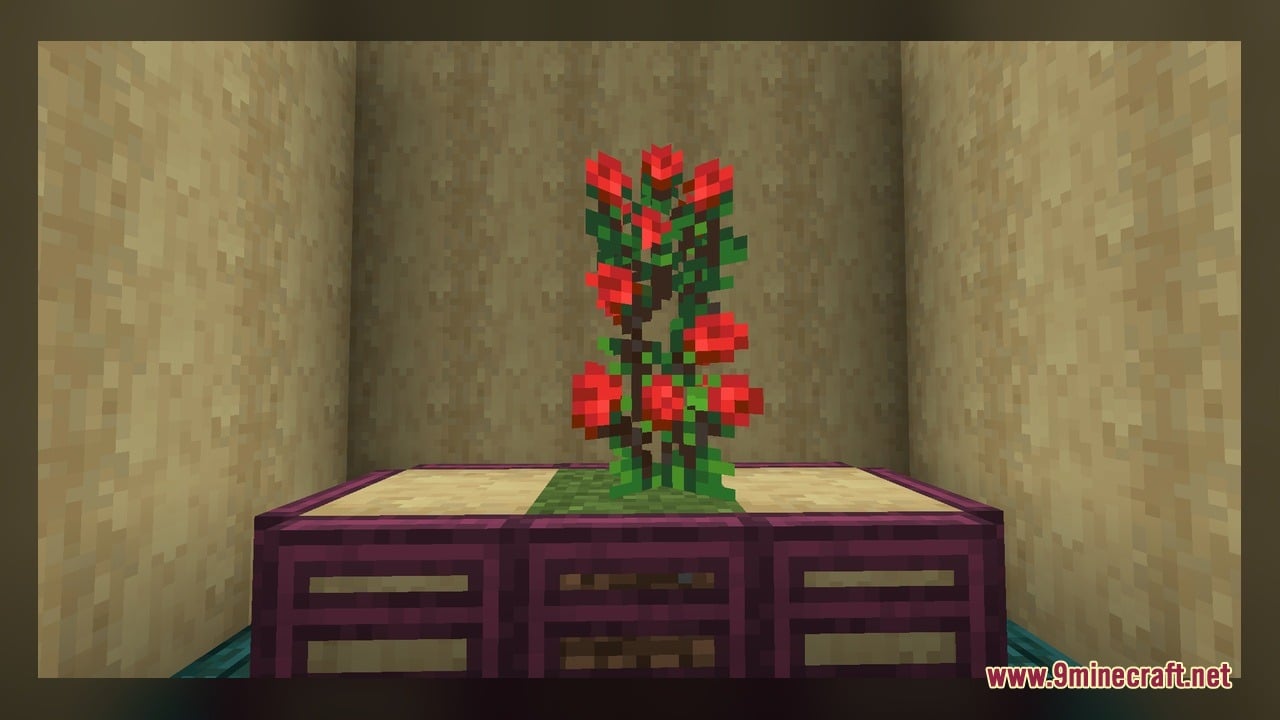
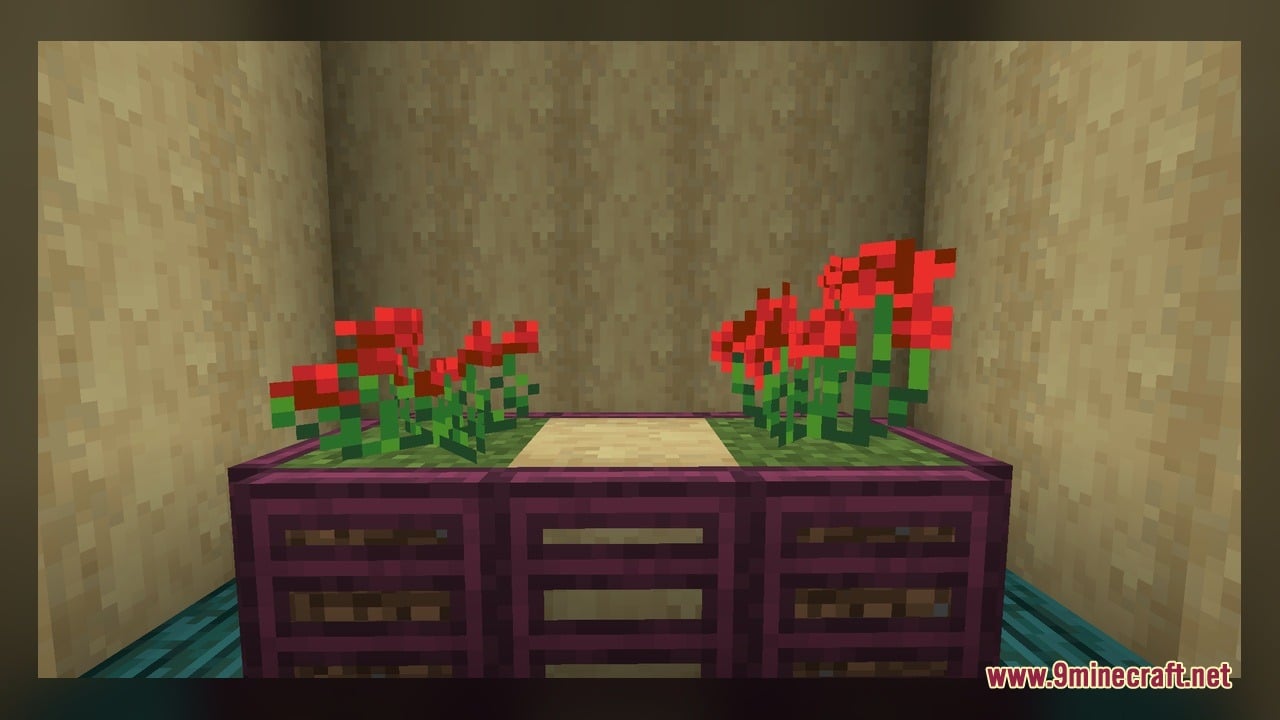
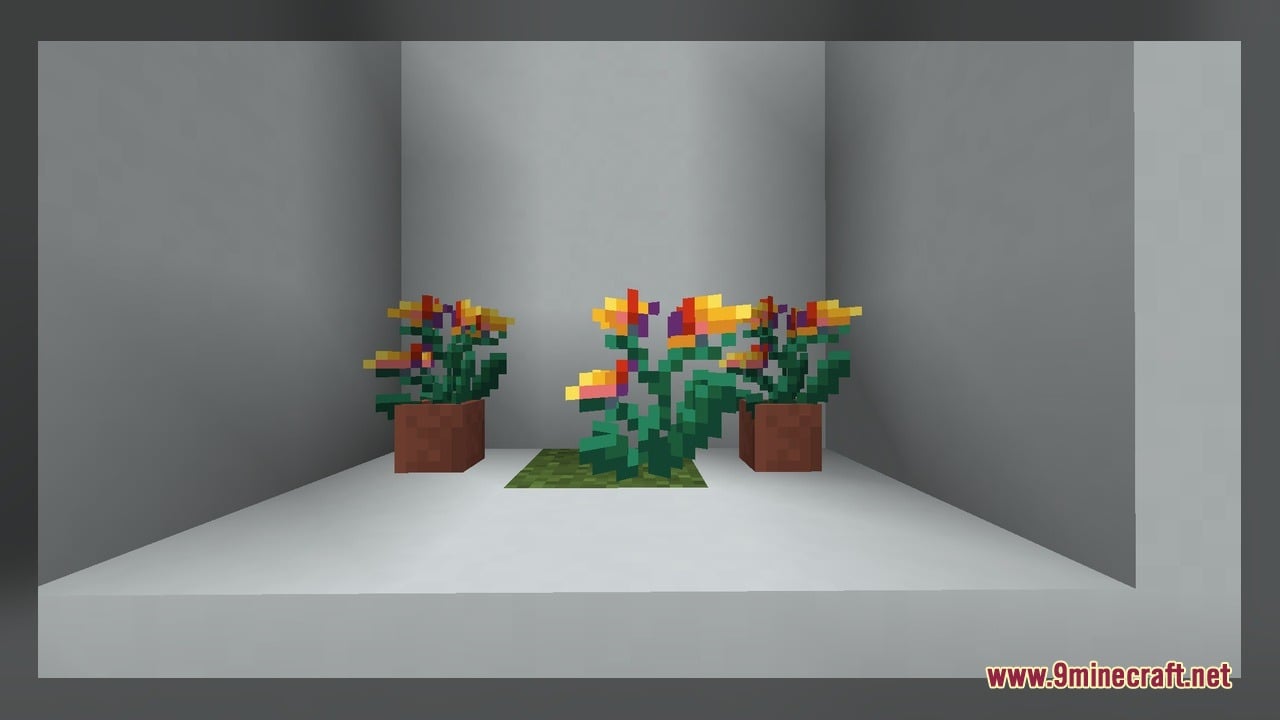
Gothiclily’s Flower Model Download Links
Click to rate this post!
[Total: 0 Average: 0]
You May Also Like
Picked for this page
 Sally McBoing For Ellie Jenny Mod Model
 Crystal Mine Model – Unleashes Crystal Mine Mobs
 Pixel Perfection Fidelity Model – Brings Cozy Medieval 3D Models to Blocks
 Northern Wonderer Model – Adds 660 Custom 3D Models to Doors and Rails
 Quadral Model – Brings Vivid Colors and 31 Custom 3D Models to Vanilla
 Pixel-Tree Model – Transforms Everyday Vanilla Blocks with Detailed 3D Shapes
 New Faithful Overlays Model – Brings Smooth Grass and Path Transitions
 Simply Alive Model – Brings Animated 3D Blocks and Capybara Totems
 Gui’s Better Vanilla Model – Brings Animated 3D Torches and Plants
 Brush & Juice Model – Brings Animated 3D Redstone and Mechanical Blocks
 Dimensionalized 3D Essentials Model – Adds 248 Vanilla-Style 3D Block Models
 The Original Work Programmer Art Model – Brings Classic Retro Visuals and Models
Most viewed in Models over the last 7 days
 Jenny Mod Skin Pack Mega Collection – 310+ Characters
 The Most Complete Collection of Jenny Mod Resources – Models, Animations, Structures,…
 Albedo Rework Jenny Mod Model
 750 Models Addon for Yes Steve Model Mod
 Pomni Jenny Mod Model
 Power Model – Custom Girl for PleasureCraft Mod
 Galath Rework Model – Custom Girl for PleasureCraft Mod
 Ram Model – Custom Girl for PleasureCraft Mod
 Femboy Ellie Rework Jenny Mod Model
 Ellie Rework Jenny Mod Model
 100+ Custom Animations For Jenny Mod
 Ellen Model – Custom Girl for PleasureCraft Mod
More from Models
 ViaBackwards Plus Model – Brings Backported 3D Block Visuals to Older Versions
 Soartex Forever Model – Brings Smooth 3D Blocks and Animated Textures to Worlds
 Rappenem’s Reforge Model – Brings Detailed 3D Pumpkins and Animated Doors
 Metropack MTR Model – Brings Detailed Russian Metro Trains to Rail Networks
 Better Ores 3D Model – Transforms Flat Cave Walls with Glowing Mineral Crystals
 Roundista – Transforms Blocks with Rounded 3D Models and Animated Textures
 Midnighttigger’s Default Connected Textures Model – Adds 3D Animated Block Panes
 ItemBound ReBound Model – Transforms Renamed Items Into 3D Weapons and Decor
 Lucipo’s Hoplite PvP Pack – Brings Animated 3D Blocks to PvP Combat
 American Commuter Rail Model – Brings Realistic North American Transit Trains
 Doc’s Whimscape Additions Friends & Foes Model – Restyles Modded Mobs and Gear
 U Bahn Berlin Großprofil Model – Brings Authentic Berlin Subway Trains

This post has no comments yet. Be the first — your comment will appear here.