
3D Tools And Weapons Model – Transforms Flat Vanilla Gear Into Animated 3D Items

 0


3D Tools And Weapons Model transforms flat everyday gear into chunky 3D items while keeping the classic Minecraft look. This pack includes 63 custom 3D models and 61 texture files that replace standard 2D sprites in your hand. You get detailed depth on diamond and copper sets, including swords, pickaxes, axes, shovels, hoes, and spears. It also updates ranged weapons and utility tools like bows, crossbows, brushes, and fishing rods with working multi-stage animations.

Features:
- 63 Custom 3D Models: Replaces flat item sprites with three-dimensional shapes backed by 61 texture files while preserving the default vanilla art style.
- 3D Diamond Gear Set: Gives 3D models to the diamond sword, diamond pickaxe, diamond axe, diamond shovel, diamond hoe, and diamond spear.
- 3D Copper Gear Set: Adds full 3D shapes for the copper sword, copper pickaxe, copper axe, copper shovel, copper hoe, and copper spear.
- Animated Ranged Weapons: Includes 3D bow models with three pulling stages, plus a 3D crossbow with three pulling stages and distinct loaded models for both arrows and firework rockets.
- Animated Brush and Fishing Rod: Updates the brush with three separate 3D brushing animation states and gives the fishing rod distinct uncast and cast 3D models.
- Converts utility items like flint and steel and the carrot on a stick into full 3D hand-held tools.
How to Use:
- Move the downloaded pack file into your Minecraft resourcepacks folder, then open the in-game Options menu and move the pack to the active column.
- Craft or grab diamond and copper tools from the Creative inventory-such as the sword, pickaxe, axe, shovel, hoe, or spear-and hold them in your main hand to see their 3D edges.
- Equip a bow and hold right-click to watch the 3D bow model shift through its three pulling stages as you draw the string back.
- Load a crossbow by holding right-click to see the three 3D pulling stages, and test loading both standard arrows and firework rockets in your off-hand to view the two different loaded 3D models.
- Craft a brush and hold right-click on blocks to watch the 3D brush cycle through its three brushing animation states.
- Hold a fishing rod and right-click to cast the line so the model switches to its cast 3D state, then hold a flint and steel or carrot on a stick to check the remaining 3D utility tools.
Screenshots:


3D Tools And Weapons Model Download Links
Click to rate this post!
[Total: 0 Average: 0]
You May Also Like
Picked for this page
 Steel Raider Boss Model
 Greek Furniture Pack Volume 1 Model
 Vending Furniture Pack Model
 The Dragon Monk Model
 Northern Wonderer Model – Adds 660 Custom 3D Models to Doors and Rails
 Menus Model
 ShadowBlade Model – Equips Animated 3D Fantasy Weapons for PvP Combat
 Slimefun Model – Brings 3D Shields, Solar Panels, and Animated Server Tech
 Vanilla SMP Model – Brings Clear 3D Weapons and Visible Traps to PvP
 Tooniverse Texture Pack 64x Model – Brings Cute 3D Cartoon Visuals to Worlds
 Drown’s Tool Tweaks Model – Brings Animated 3D Weapons and Glowing Altars
 Better PvP By Damiann Model – Brings Animated 3D Blocks to Combat Worlds
Most viewed in Models over the last 7 days
 Jenny Mod Skin Pack Mega Collection – 310+ Characters
 The Most Complete Collection of Jenny Mod Resources – Models, Animations, Structures,…
 Albedo Rework Jenny Mod Model
 750 Models Addon for Yes Steve Model Mod
 Power Model – Custom Girl for PleasureCraft Mod
 Galath Rework Model – Custom Girl for PleasureCraft Mod
 Pomni Jenny Mod Model
 Ram Model – Custom Girl for PleasureCraft Mod
 Femboy Ellie Rework Jenny Mod Model
 100+ Custom Animations For Jenny Mod
 Ellie Rework Jenny Mod Model
 Ellen Model – Custom Girl for PleasureCraft Mod
More from Models
 Roundista – Transforms Blocks with Rounded 3D Models and Animated Textures
 Midnighttigger’s Default Connected Textures Model – Adds 3D Animated Block Panes
 ItemBound ReBound Model – Transforms Renamed Items Into 3D Weapons and Decor
 Lucipo’s Hoplite PvP Pack – Brings Animated 3D Blocks to PvP Combat
 Doc’s Whimscape Additions Friends & Foes Model – Restyles Modded Mobs and Gear
 Moons Simple Bedwars Model – Brings Clean Animated 3D Blocks to Matches
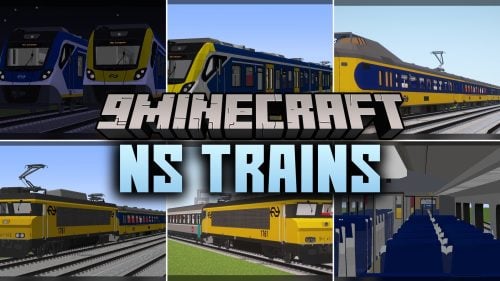 NS Trains Model – Brings Realistic Dutch Railway Vehicles to MTR4 Networks
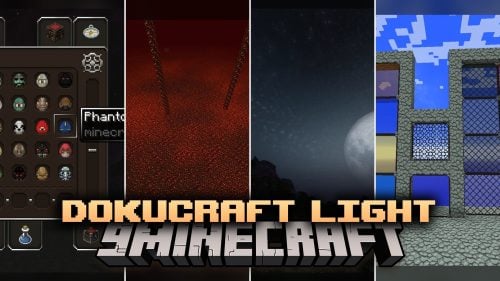 Dokucraft Light Model – Transforms Everyday Blocks Into Fantasy 3D Shapes
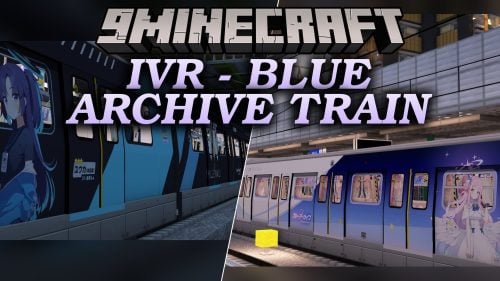 IVR – Brings Anime-Themed KCRC and MTRC Trains to Your Transit Railway
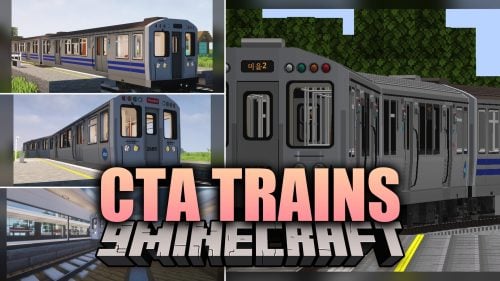 CTA Trains Model – Brings Authentic Chicago L Trains to Your MTR4 Railways
 TGV Atlantique Thalys Model – Brings High-Speed European Trains to Railways
 Wet Backapacks Model – Unlocks Six Themed 3D Backpacks with Custom Straps

This post has no comments yet. Be the first — your comment will appear here.