
3D Rails Model – Turns Flat Minecart Tracks Into Detailed 3D Rail Models
 4
 0


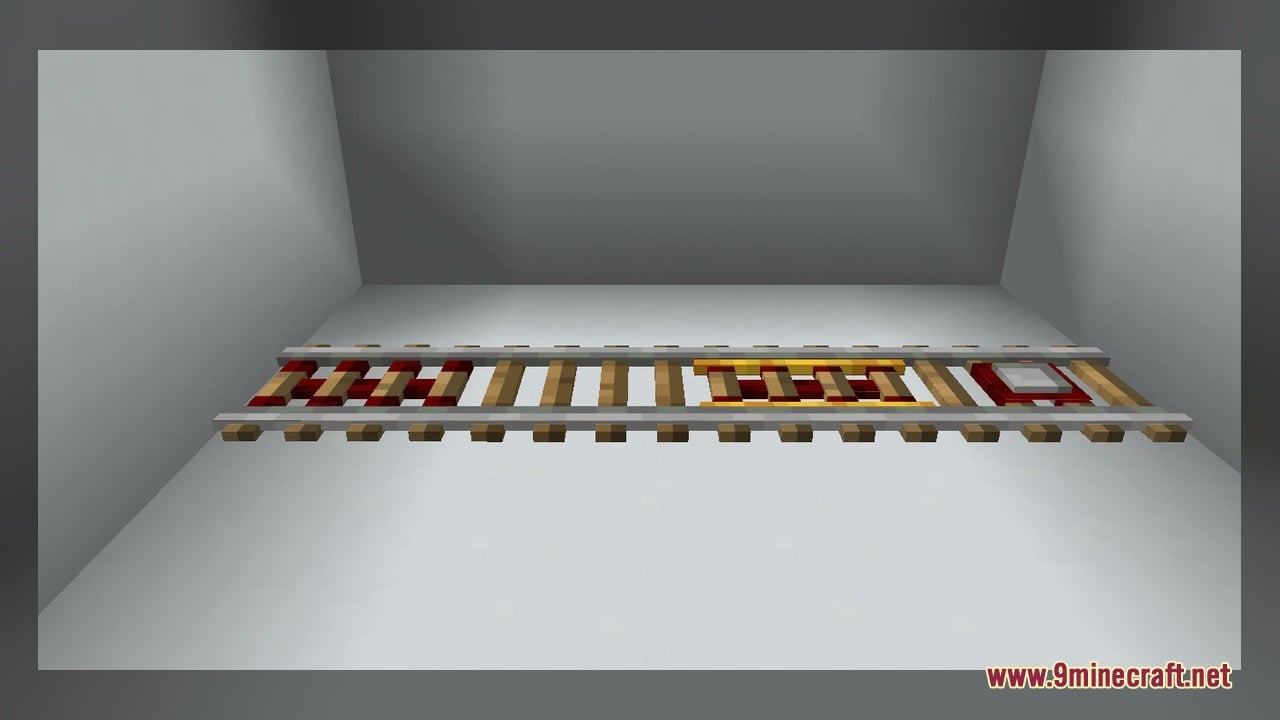
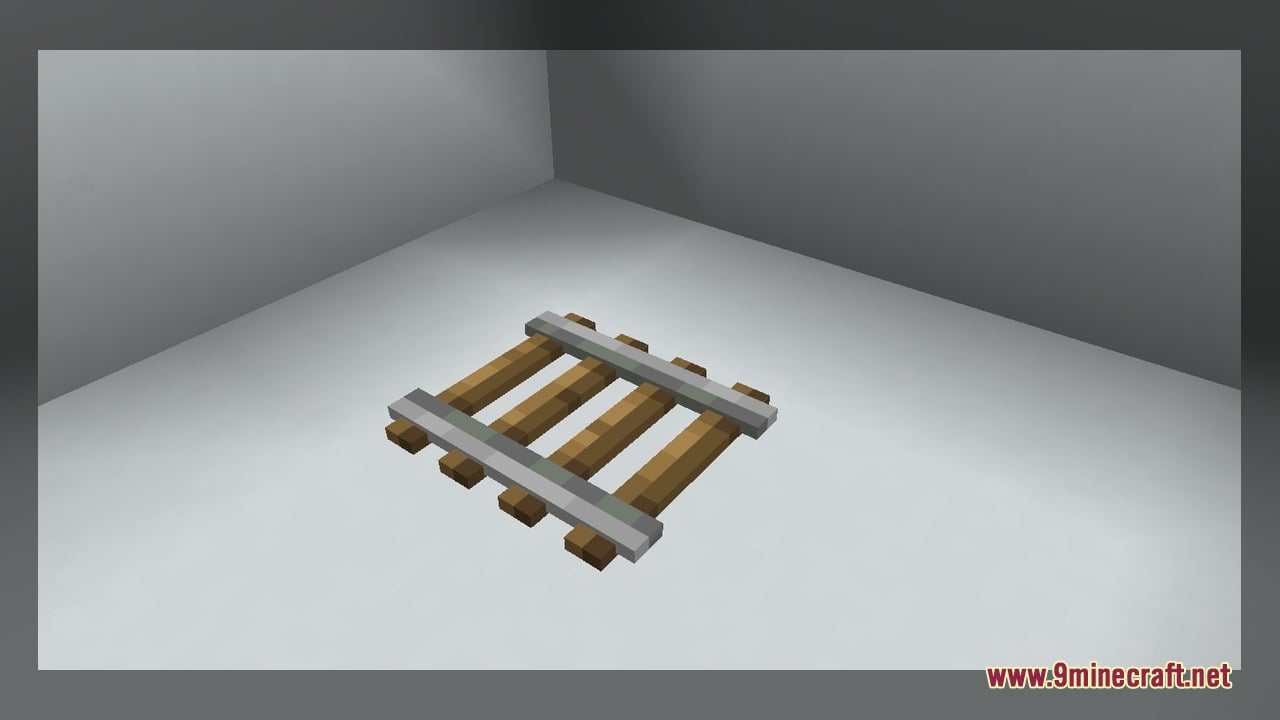
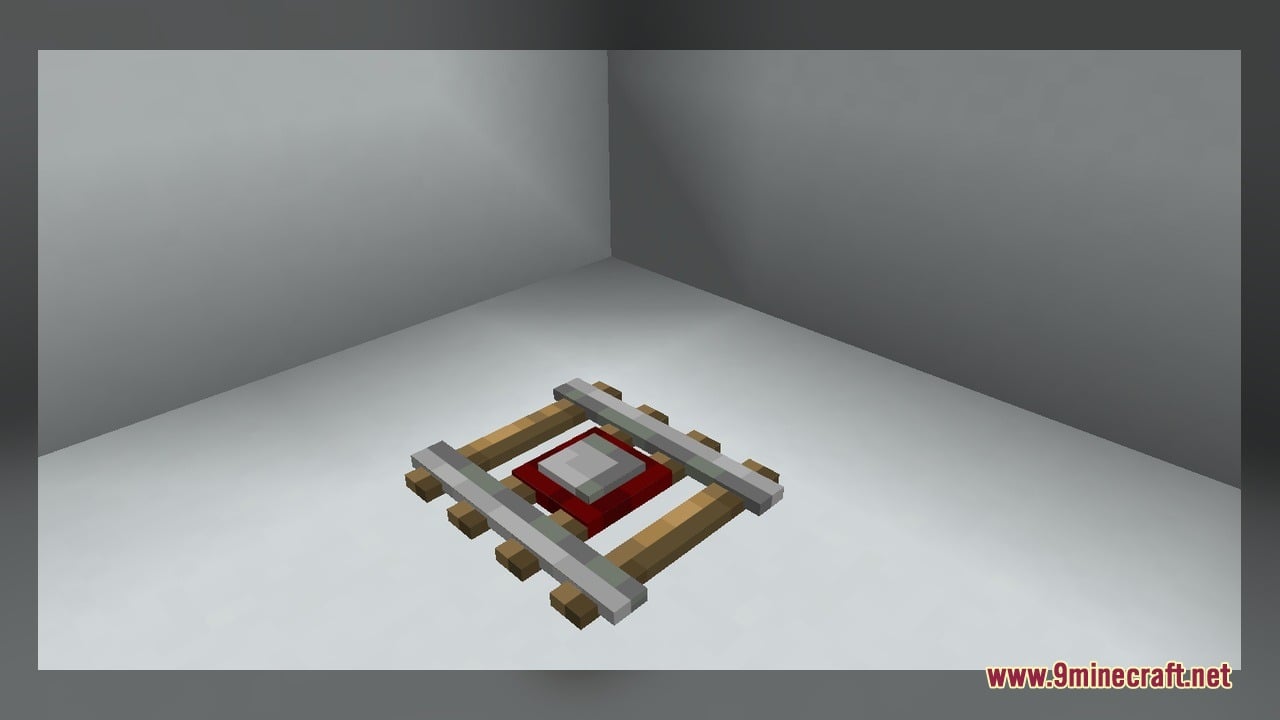
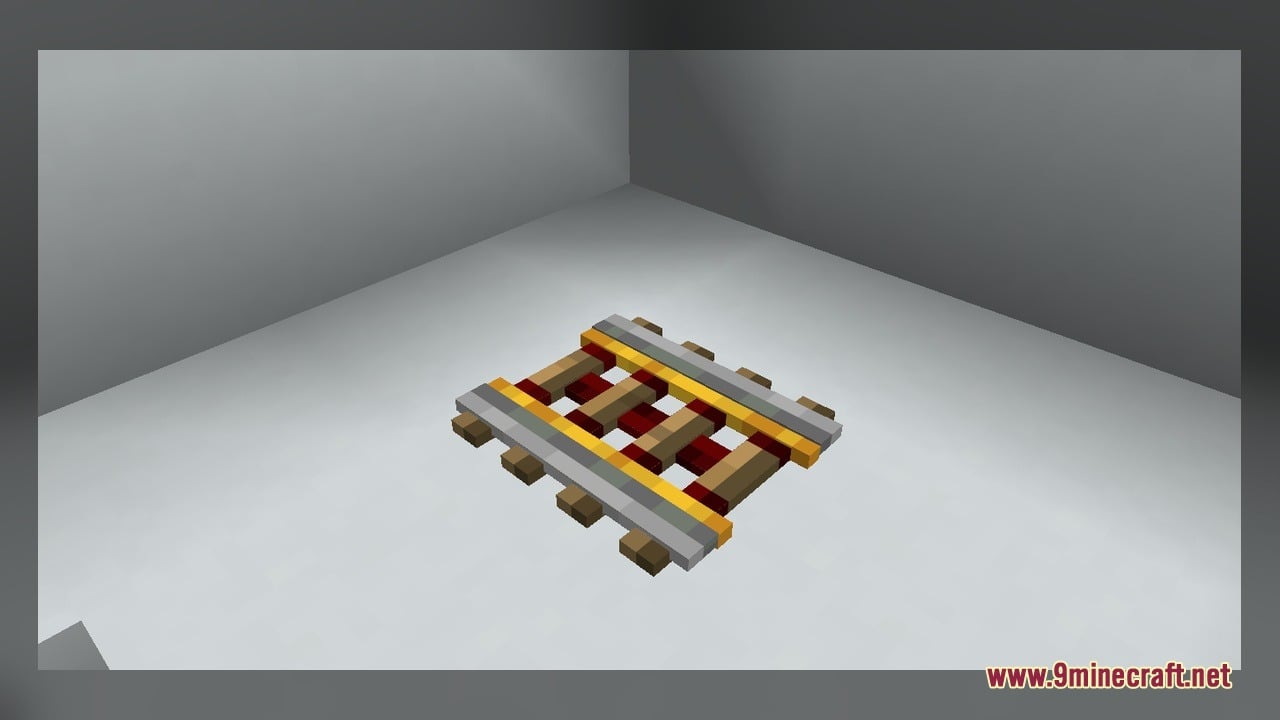
3D Rails Model replaces the flat default minecart tracks in Minecraft with 22 custom 3D block models. This pack updates standard rails, powered rails, detector rails, and activator rails so they pop out from the ground with real depth. It covers every track position, including flat lines, curved corners, and sloped hills. The models also update visually when redstone signals turn the tracks on or off.
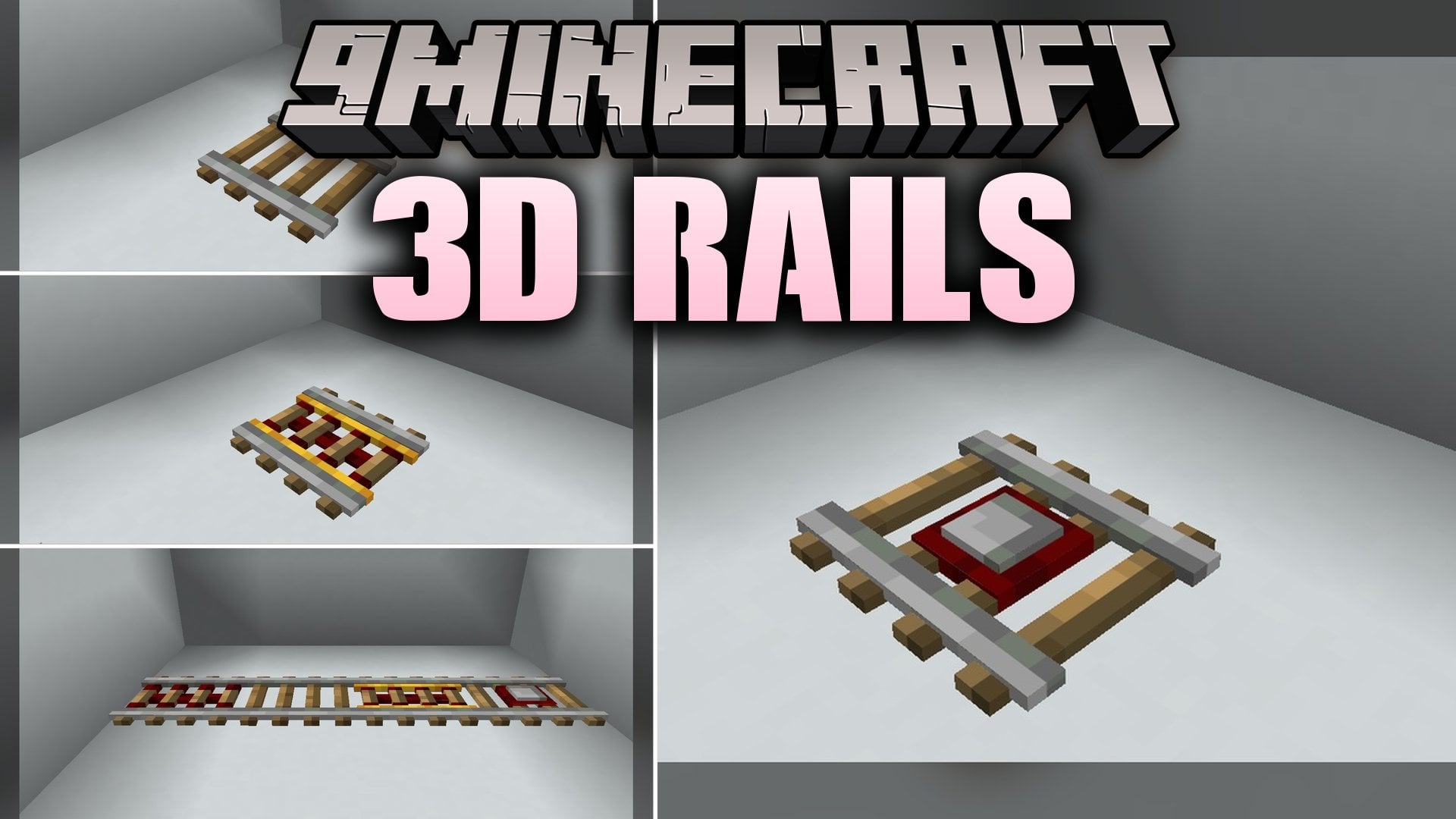
Features:
- Full 3D Track Coverage: Replaces flat 2D rail textures with 22 custom 3D models and 1 texture file.
- All Four Rail Types: Includes 3D shapes for regular rails, powered rails, detector rails, and activator rails.
- Slopes and Turns: Updates the look of curved rails as well as tracks raised on northeast and southwest slopes.
- Active Redstone States: Changes the 3D appearance of powered, detector, and activator rails when they receive power, both on flat ground and on raised slopes.
Included 3D Rail Models:
- Standard Rails: Includes flat straight rails, curved rails, and rails raised toward the northeast or southwest.
- Powered Rails: Includes unpowered and powered (on) 3D models for flat tracks, northeast slopes, and southwest slopes.
- Detector Rails: Includes off and on 3D states for flat tracks, northeast slopes, and southwest slopes.
- Activator Rails: Includes inactive and active 3D states for flat tracks, northeast slopes, and southwest slopes.
How to Use:
- Place the downloaded pack into your resourcepacks folder and move it to the active side in your Minecraft Resource Packs menu.
- Obtain standard rails, powered rails, detector rails, and activator rails from the Creative inventory, by crafting them with iron, gold, sticks, and redstone, or by finding regular rails inside abandoned mineshafts.
- Place regular rails in a straight line and turn a corner to see the 3D straight rail and curved rail models sitting on the ground.
- Build a staircase of blocks and lay any of the four rail types up the steps toward the northeast or southwest to inspect the raised sloped 3D models.
- Put a redstone torch or lever next to a flat or sloped powered rail and activator rail, then flip it on to watch the 3D models switch to their powered state.
- Push a minecart onto a flat or sloped detector rail to trigger its active 3D model state.
Screenshots:
3D Rails Model Download Links
Click to rate this post!
[Total: 0 Average: 0]
You May Also Like
Picked for this page
 ADL Enviro 200MMC Buses Model – Brings British City Transit to Streets
 Quadral Model – Brings Vivid Colors and 31 Custom 3D Models to Vanilla
 New Faithful Overlays Model – Brings Smooth Grass and Path Transitions
 Pixel-Tree Model – Transforms Everyday Vanilla Blocks with Detailed 3D Shapes
 Gui’s Better Vanilla Model – Brings Animated 3D Torches and Plants
 Goose’s Leaves Model – Transforms Flat Leaves Into Bushy 3D Foliage
 MTR Austrian Express Collection 1 Model – Brings Detailed Austrian Trains
 Brush & Juice Model – Brings Animated 3D Redstone and Mechanical Blocks
 The Original Work Programmer Art Model – Brings Classic Retro Visuals and Models
 Amsterdam Metro Model – Adds the M7 Transit Train to MTR4 Railway Lines
 Enhanced Flower Pots Model – Brings 3D Shapes to Potted Plants
 STAR21 Model – Brings the Class 952 Shinkansen Bullet Train to MTR4 Tracks
Most viewed in Models over the last 7 days
 Jenny Mod Skin Pack Mega Collection – 310+ Characters
 The Most Complete Collection of Jenny Mod Resources – Models, Animations, Structures,…
 Albedo Rework Jenny Mod Model
 750 Models Addon for Yes Steve Model Mod
 Galath Rework Model – Custom Girl for PleasureCraft Mod
 Power Model – Custom Girl for PleasureCraft Mod
 Pomni Jenny Mod Model
 Femboy Ellie Rework Jenny Mod Model
 Ram Model – Custom Girl for PleasureCraft Mod
 100+ Custom Animations For Jenny Mod
 Ellie Rework Jenny Mod Model
 Steve (Jenny & Zoey) Pack Jenny Mod Model
More from Models
 MineColonies Vanillafied Model – Brings Vanilla-Styled 3D Colony Blocks
 Refined Redstone Model – Transforms Flat Dust Into Glowing 3D Cables
 ETR 470 Model – Brings Classic European Trains to Custom Transit Railways
 3D Rail Model – Transforms Flat Minecart Tracks Into Raised 3D Railways
 All Industry New Model – Transforms Industrial Mod Blocks Into 3D Factory Gear
 LuminusRemaster Model – Brings Animated 3D Torches and Glowing Lanterns
 SKM Model – Brings Custom Blockbench 3D Models and Detailed Visuals to Worlds
 Stepford County Railways British Rail Class 142 Model
 500 Series Shinkansen Model – Brings Japanese Bullet Trains to Minecraft
 Blue16x Model – Brings Clean Blue 3D Blocks for Fast-Paced PvP Combat
 300 Series Shinkansen Model – Brings Japanese Bullet Trains to MTR4 Tracks
 Rena’s Compasses Model – Transforms Flat Compasses Into Animated 3D Tools

This post has no comments yet. Be the first — your comment will appear here.