
Goose’s Leaves Model – Transforms Flat Leaves Into Bushy 3D Foliage

 0


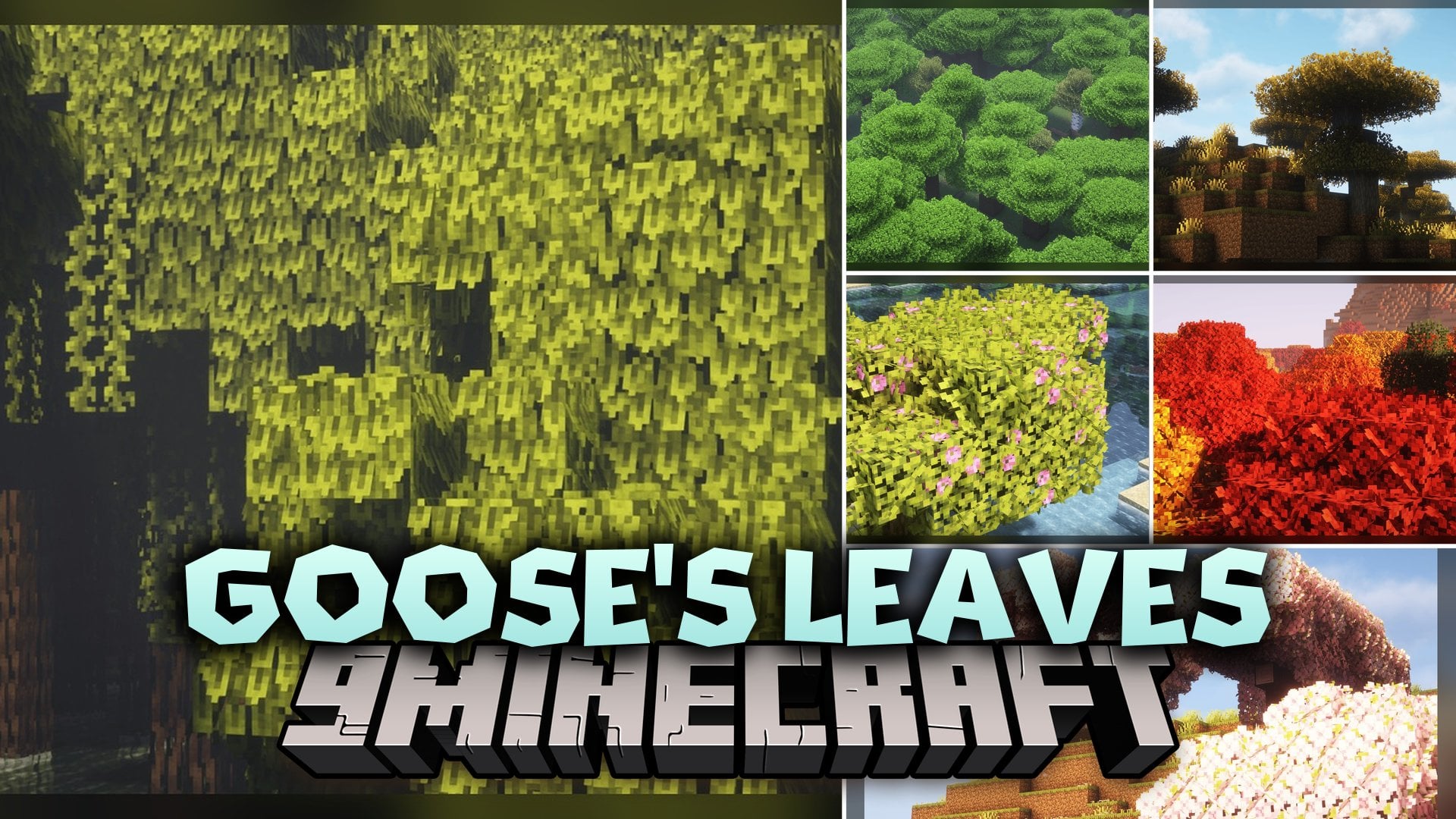
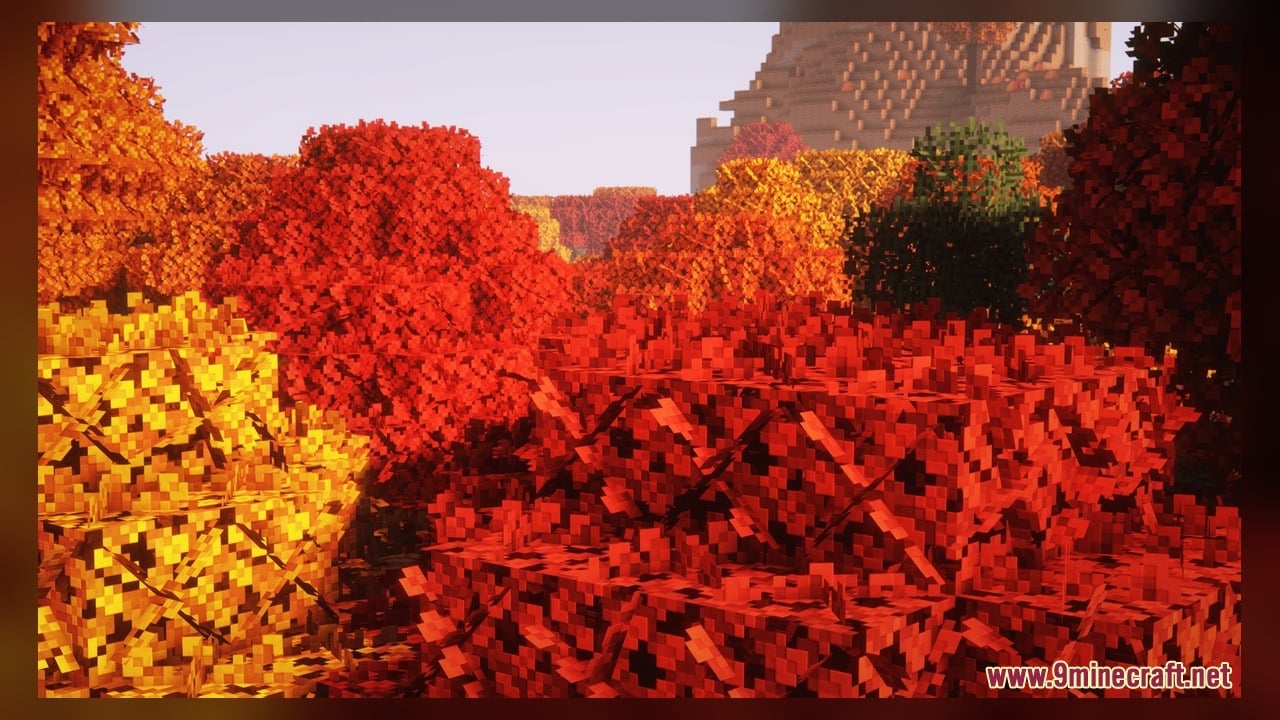
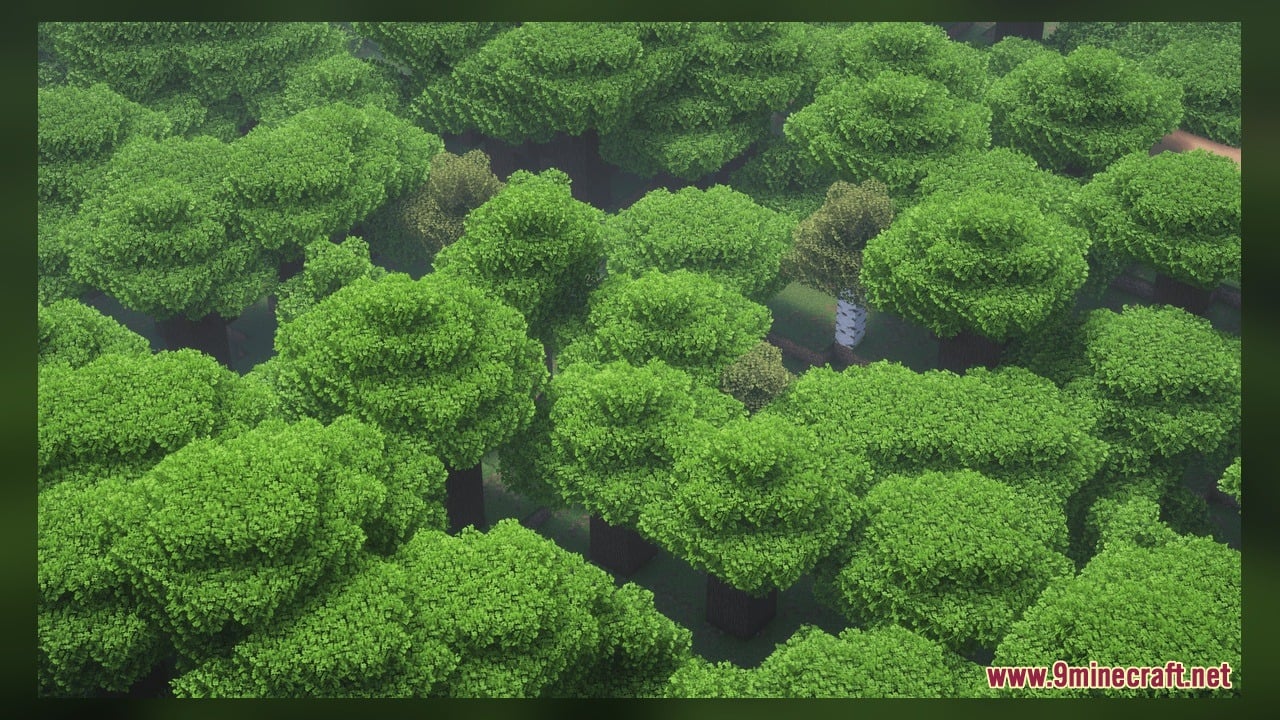
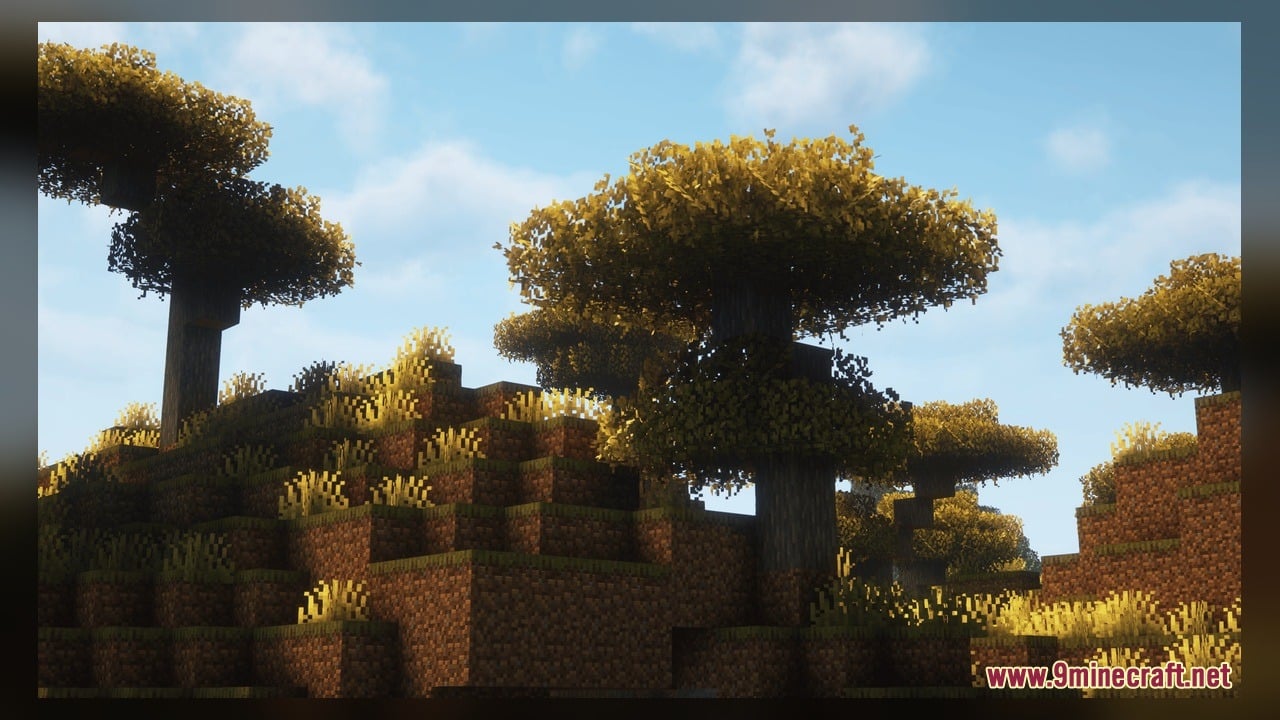
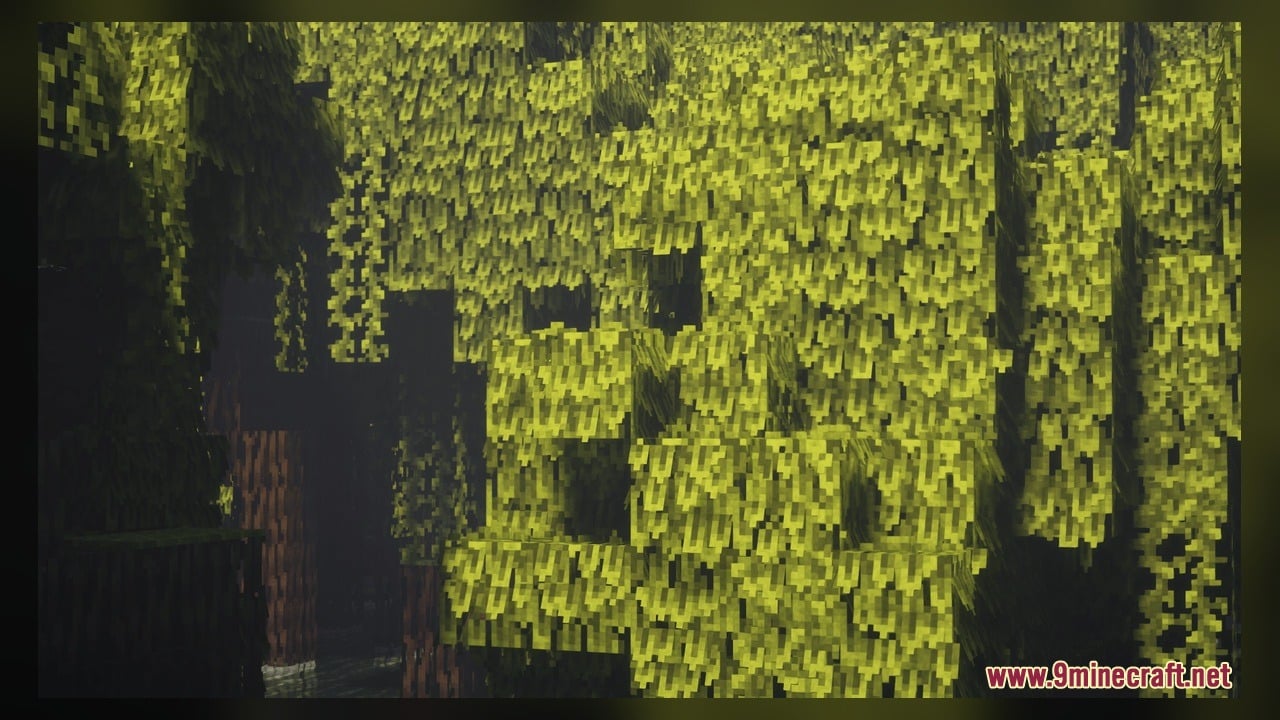
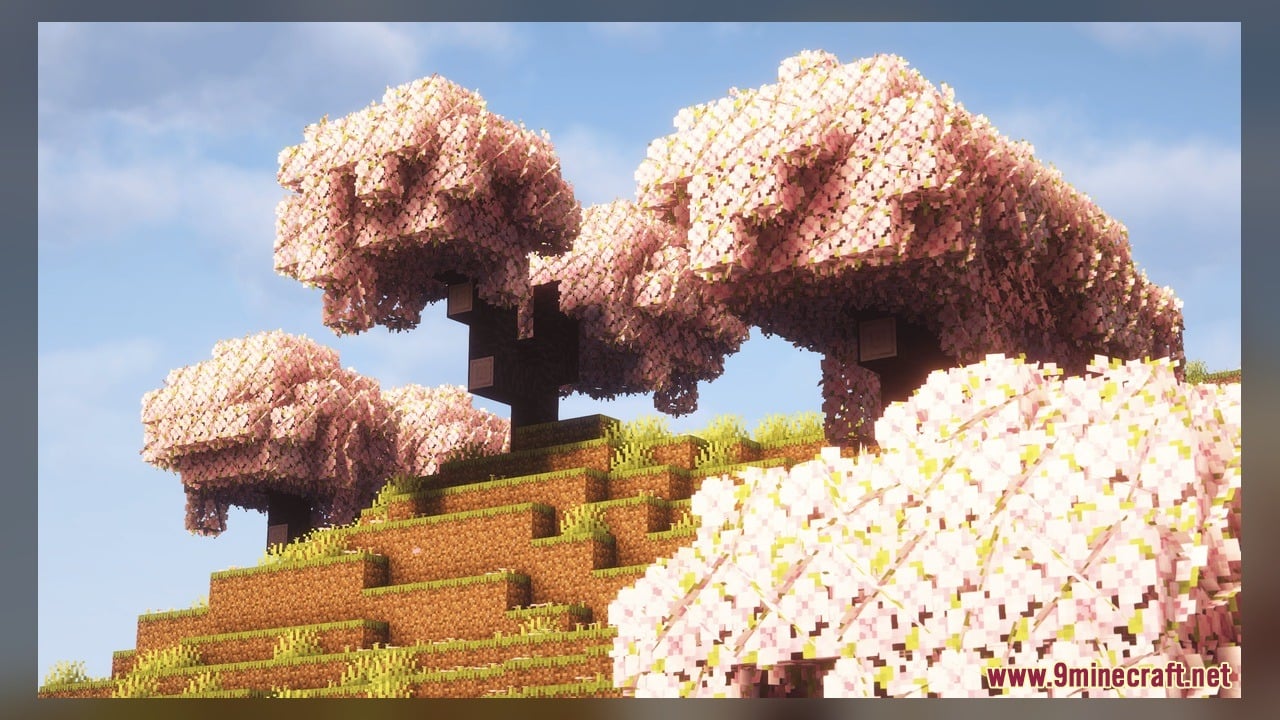
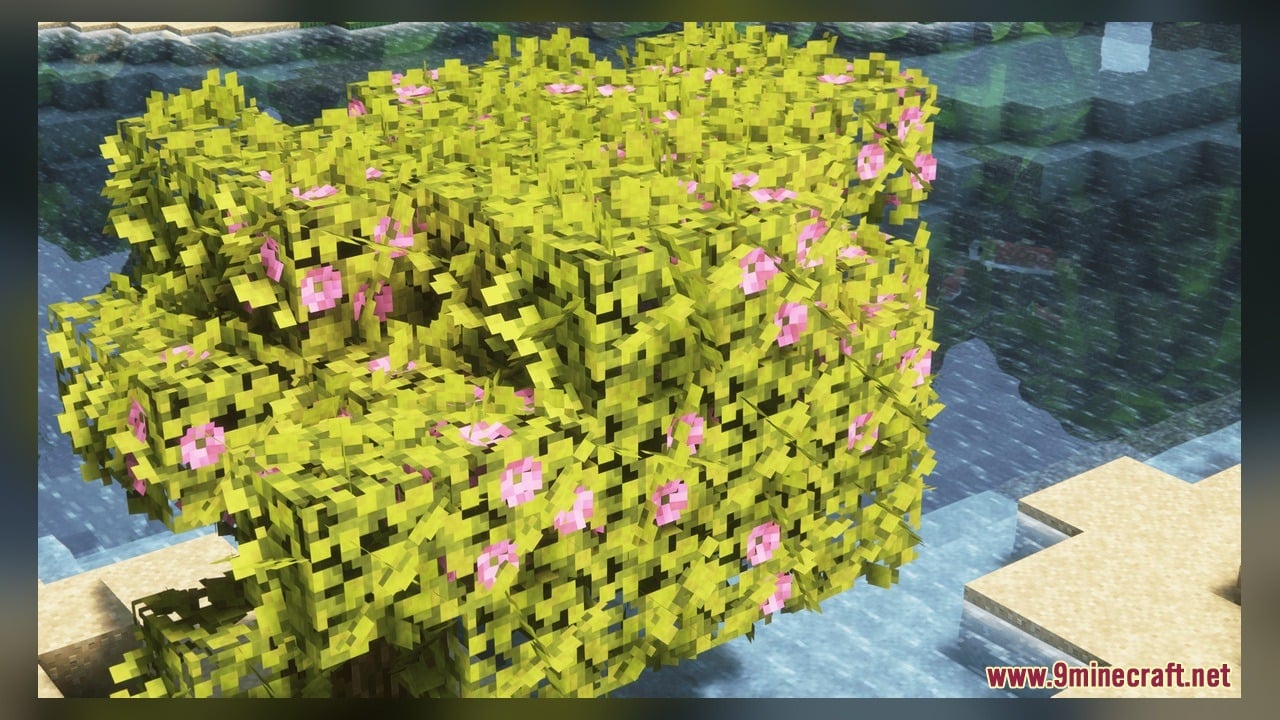
Goose’s Leaves Model transforms flat tree blocks to make your leaves look much leafier. This pack ships with 240 custom 3D models and 48 texture files that give foliage extra depth. It upgrades blocks like azalea leaves with multiple left and right branch variations so trees look fuller from every angle.
Features:
- Bushy 3D Foliage: Gives regular leaf blocks extra sticking-out parts so trees look thick and bushy instead of flat squares.
- 240 Custom Models: Includes 240 different 3D model shapes to give leaves natural variety across your world.
- Packs 48 texture files that match the new 3D leaf shapes.
- Adds multiple directional variants for azalea leaves, including dedicated left and right side models, so foliage looks uneven and natural.
How to Use:
- Place the downloaded pack file into your Minecraft resourcepacks folder.
- Open the game menu, go to Options, click Resource Packs, and move the pack to the active column.
- Find a Lush Cave underground or use bone meal on moss blocks to get Azalea and grow an Azalea tree.
- You can also use Shears to collect Azalea Leaves or grab them directly from the Creative inventory.
- Place the Azalea Leaves down in different spots to see the 3D left and right variations stick out from the block sides.
Screenshots:
Goose’s Leaves Model Download Links
Click to rate this post!
[Total: 0 Average: 0]
You May Also Like
Picked for this page
 Tortus the Fortress Tortoise Model – Unleashes Colossal Boss Tortoise
 Pixel Perfection Fidelity Model – Brings Cozy Medieval 3D Models to Blocks
 Bare Bones X Model – Brings Simple 3D Foliage and Modded Block Visuals
 New Faithful Overlays Model – Brings Smooth Grass and Path Transitions
 Pixel-Tree Model – Transforms Everyday Vanilla Blocks with Detailed 3D Shapes
 Quadral Model – Brings Vivid Colors and 31 Custom 3D Models to Vanilla
 Brush & Juice Model – Brings Animated 3D Redstone and Mechanical Blocks
 Simply Alive Model – Brings Animated 3D Blocks and Capybara Totems
 Gui’s Better Vanilla Model – Brings Animated 3D Torches and Plants
 Minebox Plus Model – Transforms Caves, Plants, and Redstone with 3D Models
 Dimensionalized 3D Essentials Model – Adds 248 Vanilla-Style 3D Block Models
 The Original Work Programmer Art Model – Brings Classic Retro Visuals and Models
Most viewed in Models over the last 7 days
 Jenny Mod Skin Pack Mega Collection – 310+ Characters
 The Most Complete Collection of Jenny Mod Resources – Models, Animations, Structures,…
 Albedo Rework Jenny Mod Model
 Galath Rework Model – Custom Girl for PleasureCraft Mod
 Power Model – Custom Girl for PleasureCraft Mod
 Pomni Jenny Mod Model
 750 Models Addon for Yes Steve Model Mod
 Ram Model – Custom Girl for PleasureCraft Mod
 Femboy Ellie Rework Jenny Mod Model
 Ellie Rework Jenny Mod Model
 100+ Custom Animations For Jenny Mod
 Steve (Jenny & Zoey) Pack Jenny Mod Model
More from Models
 Bucket Buddies Model – Transforms Flat Buckets Into Cute Animated Critters
 Scythes Vanilla Model – Brings Sharp Harvesting Weapons Across Every Tier
 Better Blue Netherite Model – Transforms Ancient Debris Into Bright Blue Ores
 3D Ores Model – Transforms Flat Cave Minerals Into Sculpted Crystal Formations
 Modded Mizuno – Adds Charming Rustic 3D Animations to Utility Blocks
 Goose’s Crops Model – Transforms Flat Crops Into Detailed 3D Plants
 Cpvp-yxusuf05mai-anime-sky Model – Transforms Crystal PvP with Anime Skies
 GhibliBlocks 512x Model – Transforms World Blocks Into Painterly Anime Art
 Edgy Foliage Model – Transforms Blocky Plants Into Bushy 3D Shapes
 Spawn Eggs New Model – Transforms Egg Sprites Into 3D Mob Sculptures
 Minecraft Transit Railway – Brings Automated Light Rail to Cities
 3D Remix Model – Adds Animated Layers and Depth to Classic Blocks

This post has no comments yet. Be the first — your comment will appear here.