
Pixel-Tree Model – Transforms Everyday Vanilla Blocks with Detailed 3D Shapes

 0


Pixel-Tree Model replaces standard vanilla visuals with detailed 32×32 textures and custom 3D blocks. This pack adds clean shapes to everyday items and works completely on vanilla setups without extra tools like OptiFine. Over two thousand texture files and dozens of custom block shapes give the game a fresh visual style. It refreshes terrain, utility stations, and redstone contraptions across your world.
Features:
- Contains 40 custom 3D models for functional and building blocks.
- Includes 2,819 texture files drawn in a crisp 32×32 resolution.
- Adds animated textures that bring motion to surfaces and effects.
- Spawns three different 3D models for grass blocks across terrain.
- Features dedicated 3D shapes for utility stations like the loom, lectern, stonecutter, and beacon.
- Builds distinct horizontal and vertical 3D models for dispensers and droppers.
- Adds 3D ground flame models for both regular fire and soul fire.
- Provides custom 3D shapes for honey blocks, spore blossoms, fence posts, and levers.
- Includes custom textures for terracotta styles like cyan, white, red, and black.
- Runs on normal vanilla game versions without needing OptiFine.
How to Use:
- Place the downloaded zip file into your
resourcepacksdirectory and select Pixel-Tree Model in the Resource Packs options menu. - Walk across a plains biome to observe the grass blocks, which randomly display one of three custom 3D surface shapes.
- Craft a stonecutter, loom, or lectern and place them on the ground to inspect their unique 3D working parts.
- Place a lever on any wall or floor block and flip it to see the model switch between its off and on positions.
- Ignite netherrack or soul sand with flint and steel to watch the custom animated 3D fire models burn on the floor.
- Set up a dropper or dispenser facing sideways, then place another one facing upward to compare their horizontal and vertical 3D shapes.
Requirements:
- A Minecraft version that supports animated textures.
Screenshots:
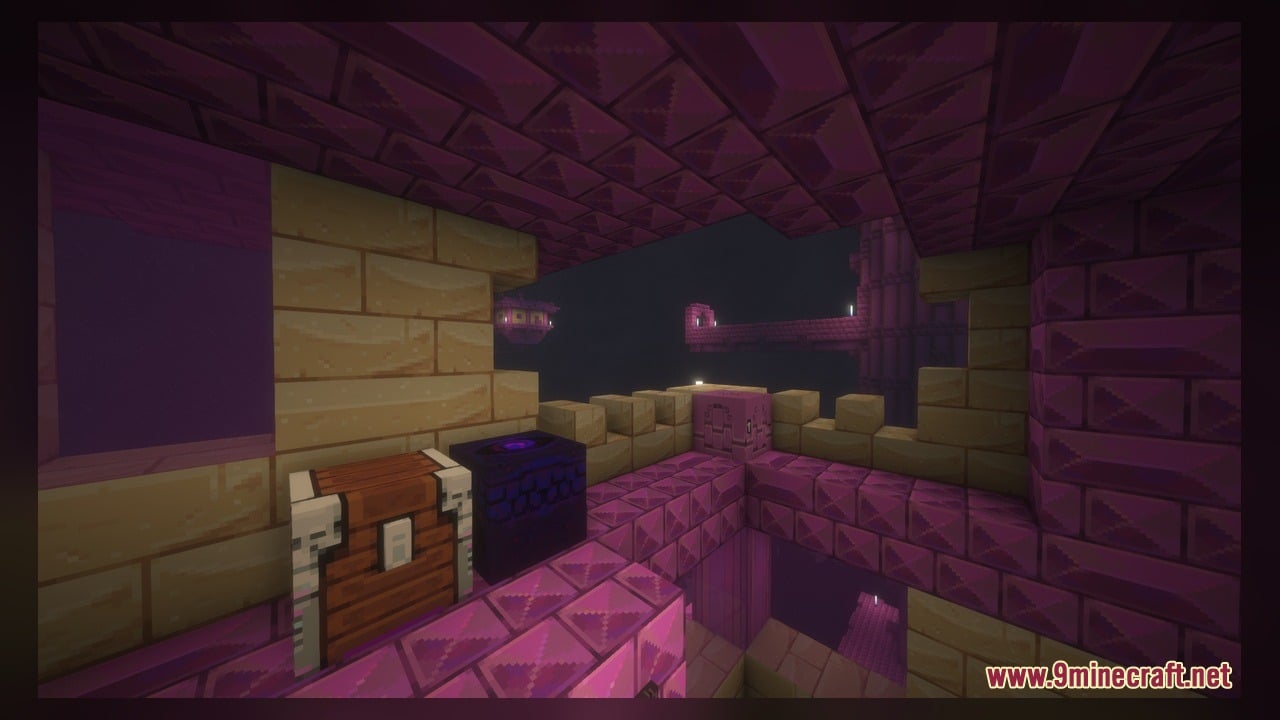
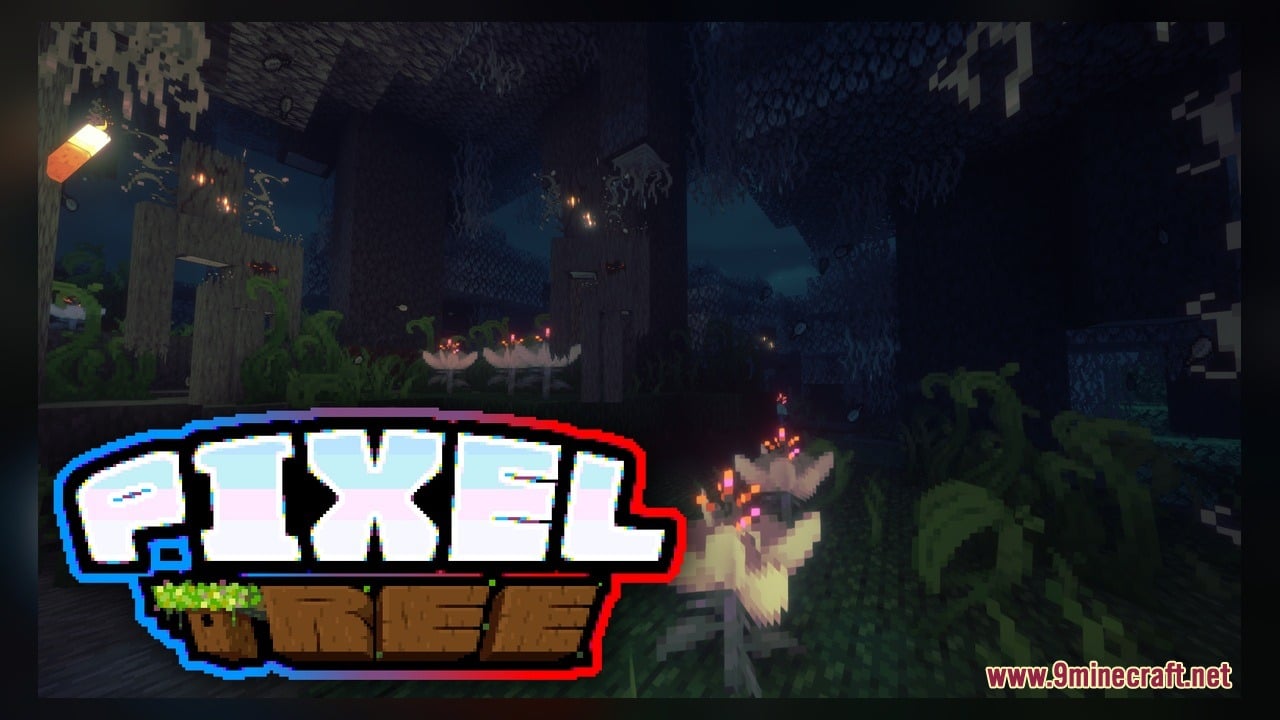
Pixel-Tree Model Download Links
Click to rate this post!
[Total: 0 Average: 0]
You May Also Like
Picked for this page
 Bucket Buddies Model – Transforms Flat Buckets Into Cute Animated Critters
 Overly Realistic Base Resources Model – Brings Custom 3D Block Overlays
 GhibliBlocks 512x Model – Transforms World Blocks Into Painterly Anime Art
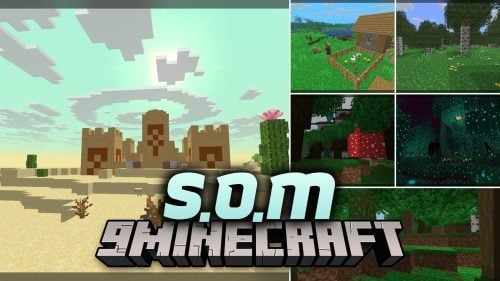 S.O.M Model – Adds 118 Custom 3D Models for Leaves, Redstone and Nether Plants
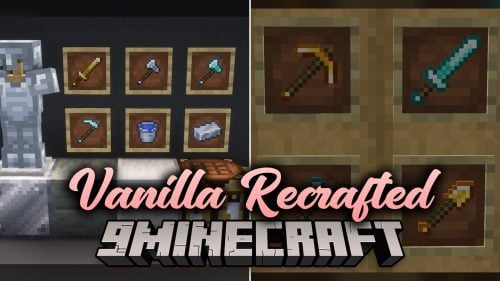 Vanilla Recrafted Model – Brings Crisp 3D Shapes and Smooth Animations
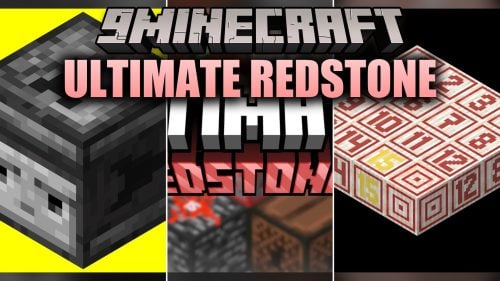 Ultimate Redstone Model – Brings Animated 3D Parts to Redstone Machines
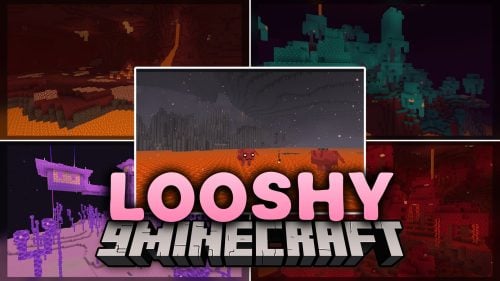 Looshy Model – Adds 30 Custom 3D Models to Redstone, Torches, and Lanterns
 Classic Faithful 32x Model – Brings Classic 32x Detail and 3D Redstone Blocks
 SAPIXCRAFT 32x Model – Adds Chunky 3D Blocks and Bright Cartoony Textures
 Vanilla PVP Essentials Model – Brings Clean 3D Overlays for Combat
 Quadral Model – Brings Vivid Colors and 31 Custom 3D Models to Vanilla
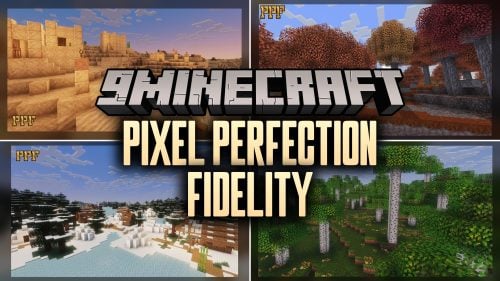 Pixel Perfection Fidelity Model – Brings Cozy Medieval 3D Models to Blocks
Most viewed in Models over the last 7 days
 Jenny Mod Skin Pack Mega Collection – 310+ Characters
 The Most Complete Collection of Jenny Mod Resources – Models, Animations, Structures,…
 Albedo Rework Jenny Mod Model
 Power Model – Custom Girl for PleasureCraft Mod
 Galath Rework Model – Custom Girl for PleasureCraft Mod
 750 Models Addon for Yes Steve Model Mod
 100+ Custom Animations For Jenny Mod
 Ram Model – Custom Girl for PleasureCraft Mod
 Femboy Ellie Rework Jenny Mod Model
 Ellie Rework Jenny Mod Model
 Alex Model – Custom Girl for PleasureCraft Mod
 Steve (Jenny & Zoey) Pack Jenny Mod Model
More from Models
 Cinnamon Model – Adds 894 Custom 3D Models to Blocks and Plants
 Glowing Emissive Ores Model – Brings Animated 3D Crystals to Dark Caves
 Programmer Art Fix Model – Fixes Repeaters, Comparators, and Brewing Stands
 BnC Coaster Compat Model – Adds Hand-Made 3D Food Models to Coasters
 Rb’s Legendary Model – Adds 286 Custom 3D Models to Blocks and Items
 Human Era Villagers & Illagers X Fresh Animations Model
 The PäRail Trains Model – Adds Drivable Commuter Trains to Rail Networks
 Faithless Model – Adds 698 Custom 3D Models While Keeping the Vanilla Look
 Moonlit Model – Adds Soft Glowing Gear and Custom 3D Copper Lanterns
 New Default Model – Adds Thousands of 3D Block Models with Animated Fire
 Excalibur Model – Adds Medieval 3D Models to Spawn Eggs and Steel Bars
 Spinky’s Christmas Chests Leaves Model – Brings Layered Leaves and Presents

This post has no comments yet. Be the first — your comment will appear here.