


Custom Starter Gear Mod (1.20.1, 1.19.2) – Start Your Ideal Adventure
 1,495
1,495
 0
0

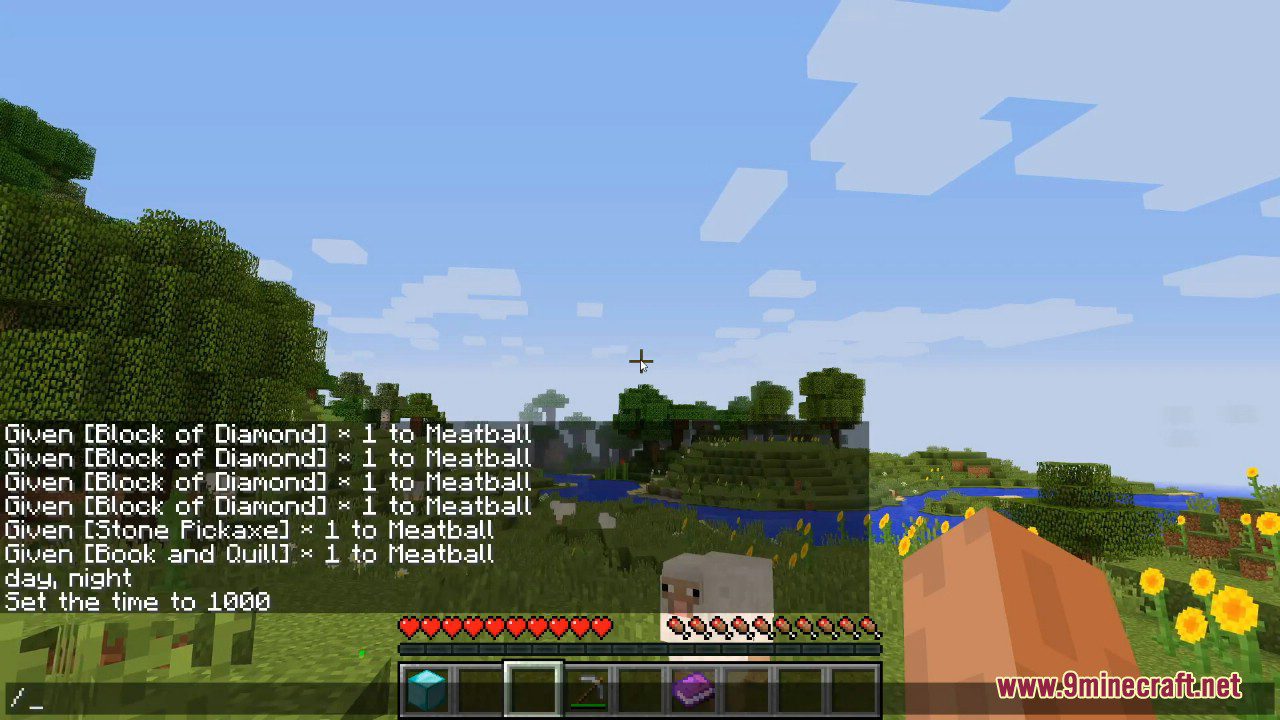
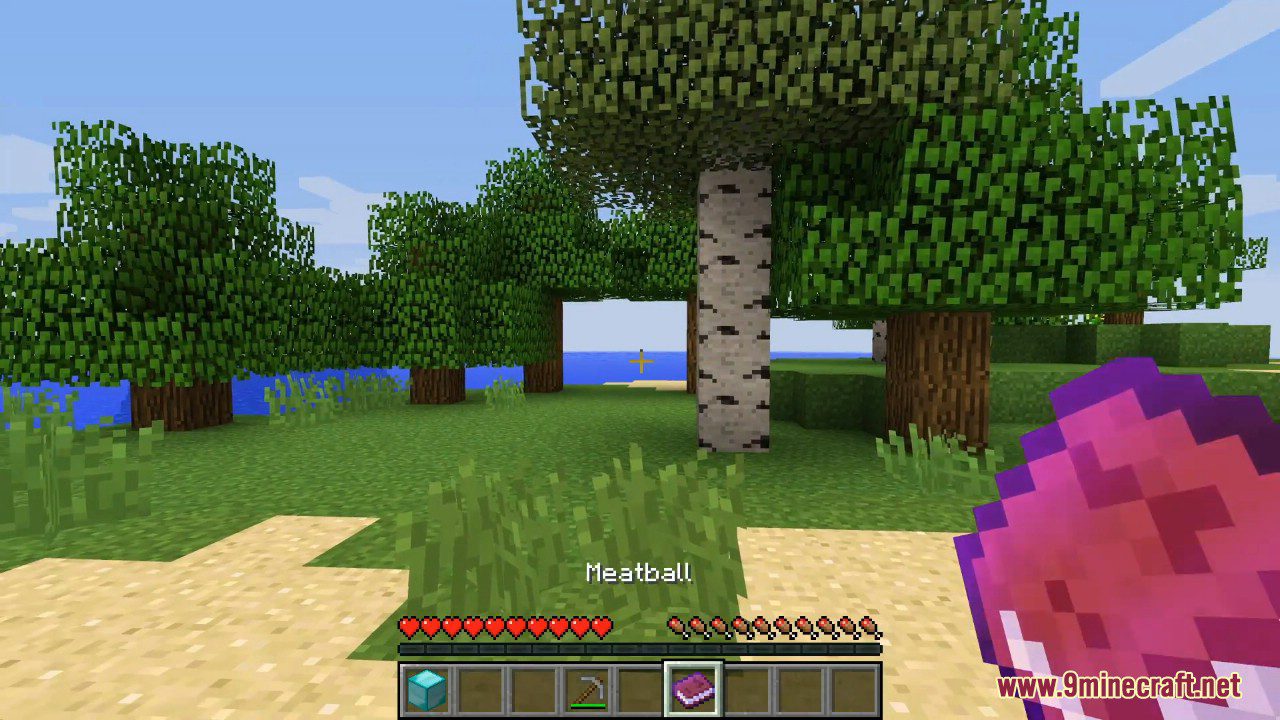
Custom Starter Gear Mod lets you decide exactly what items new players get when they first join a world. This is great for servers or custom maps where you want everyone to start with the same equipment. You just put the items you want in your inventory and run a simple command to set the new starter gear.
Features:
- Set a custom starting inventory for all new players.
- Items appear in the exact slots you place them, including armor and off-hand slots.
- Keeps all item details like enchantments and custom names (NBT data).
- Removes default starting items from other mods, such as guide books.
- Works for both single-player worlds and multiplayer servers.
- Create multiple ‘kits’ of items that can be given out on command.
Commands:
/csg_config set: Saves your current inventory as the default starter gear./csg_config give <player>: Manually gives the starter gear to a specific player, replacing their current inventory./csg_kit add <kit name>: Creates a new kit using the items in your inventory./csg_kit give <kit name> [player]: Gives a specific kit to a player (or yourself if no name is entered)./csg_kit remove <kit name>: Deletes a kit./csg_kit list: Shows a list of all created kits.
How to Use:
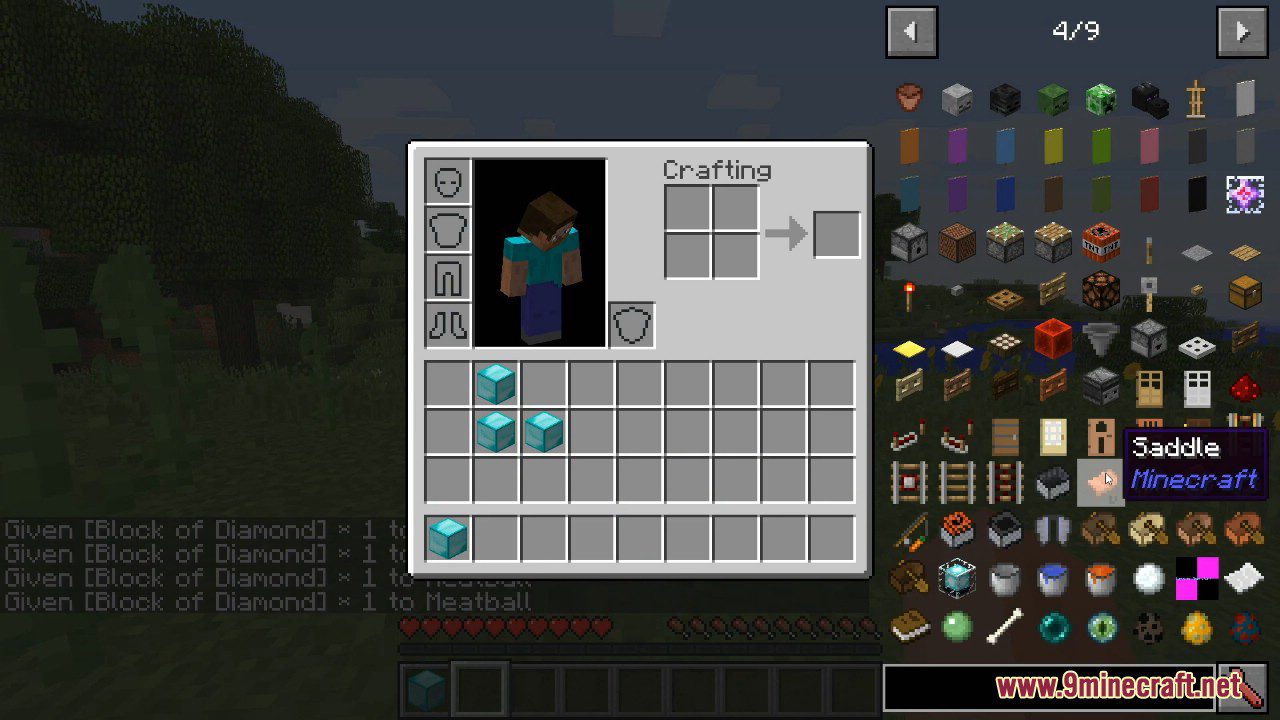
- Arrange the items you want players to start with in your inventory. The mod saves the exact slot for each item, including your armor and off-hand.
- Type the command
/csg_config setto save this inventory as the official starter gear. - Now, any new player who joins the world will automatically receive an exact copy of the items you set up.
Creating Kits
Kits are separate inventories you can create and give to players manually. They are useful for things like quests or events.
- Set up the inventory for the kit you want to create.
- Use the command
/csg_kit add <kit name>to save it as a new kit. - You can then give this kit to any player using the
/csg_kit givecommand.
Screenshots:
How to Install:
New to Minecraft? Follow our step-by-step guide to install Mods on your PC.View Guide
Custom Starter Gear Mod Download Links
For Minecraft 1.20.1, 1.20
Forge version: Download from Server 1 – Download from Server 2
For Minecraft 1.19.2
Forge version: Download from Server 1 – Download from Server 2
For Minecraft 1.18.2
Forge version: Download from Server 1 – Download from Server 2
For Minecraft 1.18.1
Forge version: Download from Server 1
For Minecraft 1.17.1
Forge version: Download from Server 1
For Minecraft 1.16.5
Forge version: Download from Server 1
For Minecraft 1.12.2, 1.12.1, 1.12
Forge version: Download from Server 1
You May Also Like




This post has no comments yet. Be the first — your comment will appear here.