


Item Blacklist Mod (1.12.2, 1.11.2) – Control Which Items Can Be Used
 854
854
 0
0

🌐 Good news — we've translated this article into other languages!
Or pick the one you like:
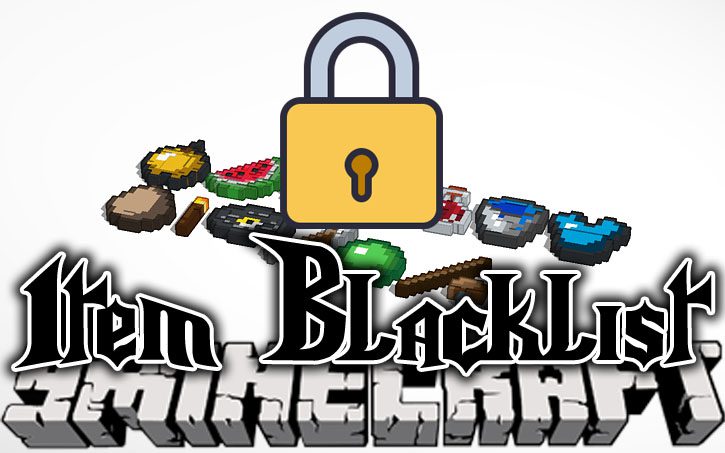
Item Blacklist Mod lets you stop players from using certain items and blocks in your world. You can set these rules for specific dimensions or for the entire server. Server operators are not affected and can still use everything. All settings can be changed easily with in-game commands.
Features:
- Prevent players from using any item or block you choose to ban.
- Apply bans to specific dimensions or make them global across all worlds.
- Allows server operators (Ops) to ignore all restrictions and use banned items freely.
- Manage the entire blacklist with simple in-game commands.
- Turns banned items into a special locked container, showing they are not allowed.
- Supports two separate blacklists: one for the world and another for a modpack.
Commands:
The main command is /blockitem. You can also use /itemblacklist or /blacklist. Using __GLOBAL__ instead of a dimension list will ban the item in all worlds.
ban [dim list] [item]: Bans an item. If you don’t specify, it defaults to the item you are holding and the dimension you are in.unban [item]: Unbans an item. It defaults to the item you are holding.list [dim/player]: Shows a list of all banned items.unpack [player]: Removes items from the banned item container for a player.pack [player]: Puts items back into the banned item container for a player.
How to Install:
New to Minecraft? Follow our step-by-step guide to install Mods on your PC.View Guide
Item Blacklist Mod Download Links
For Minecraft 1.7.10
For Minecraft 1.10.2, 1.9.4
For Minecraft 1.11.2
For Minecraft 1.12.2
Click to rate this post!
[Total: 1 Average: 1]
You May Also Like














This post has no comments yet. Be the first — your comment will appear here.