


Craft Presence Mod (26.2, 1.20.1) – Discord Status
 98,677
 0
0


Craft Presence Mod takes over the Discord status line that normally just reads Playing Minecraft and lets you decide what it actually says. It can pull in the biome you are standing in, the dimension, the server address, the modpack name, the item in each hand and plenty more, then arrange those pieces into whatever text and icon you like. It runs on the client only, and it never needs to touch the server you are playing on.
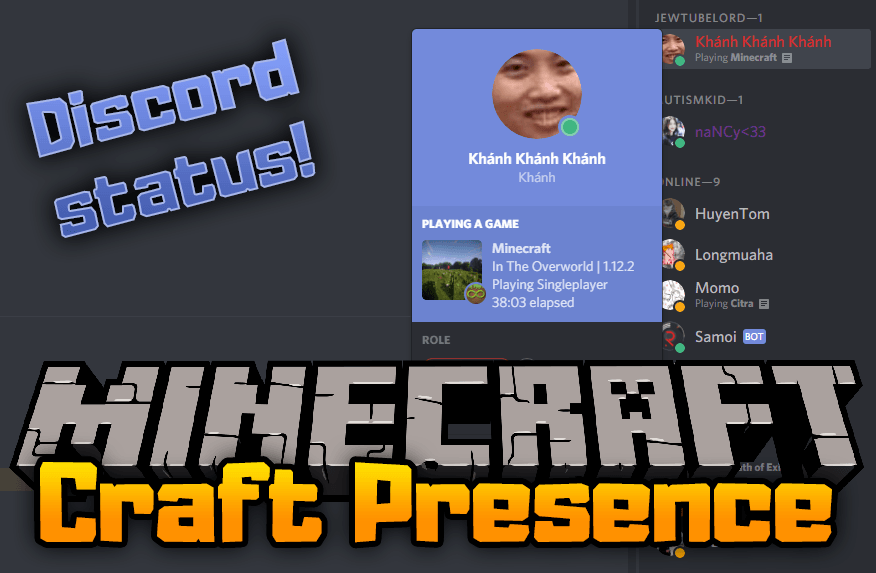
Features:
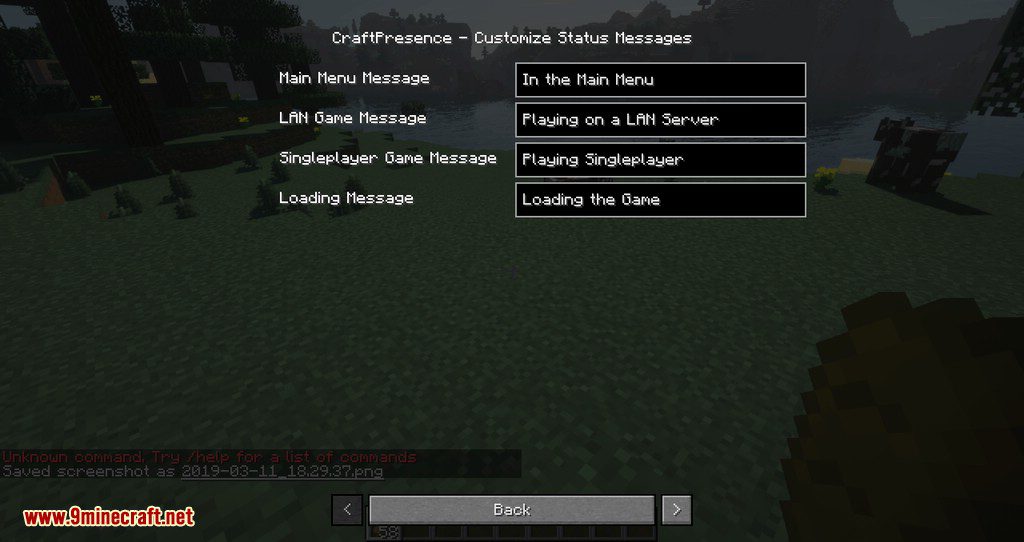
- The Discord status text is yours to write, built from pieces the mod reads out of the running game.
- Placeholders cover the menu you are in, single player worlds, and the address of any server you join.
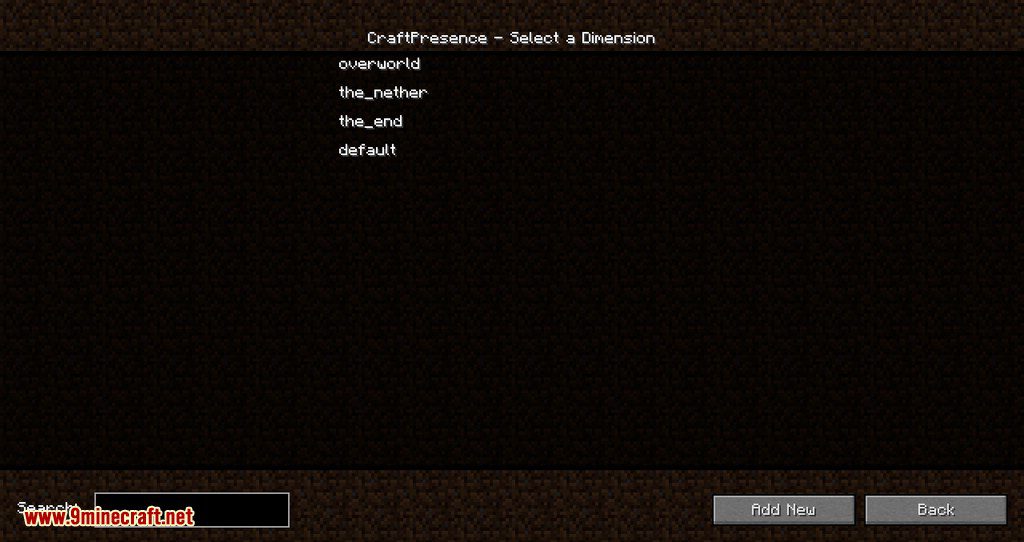
- Current dimension, current biome and the in-game time can all be shown.
- The item in your main hand, the item in your off hand and your armour state are each available.
- Entity placeholders track what is attacking you, what you are riding and what you are looking at.
- The number of loaded mods can be printed, which is a neat touch for pack showcases.
- Modpack instances from ATLauncher, CurseForge, GDLauncher, MCUpdater, Modrinth, MultiMC and Technic are detected from their instance files.
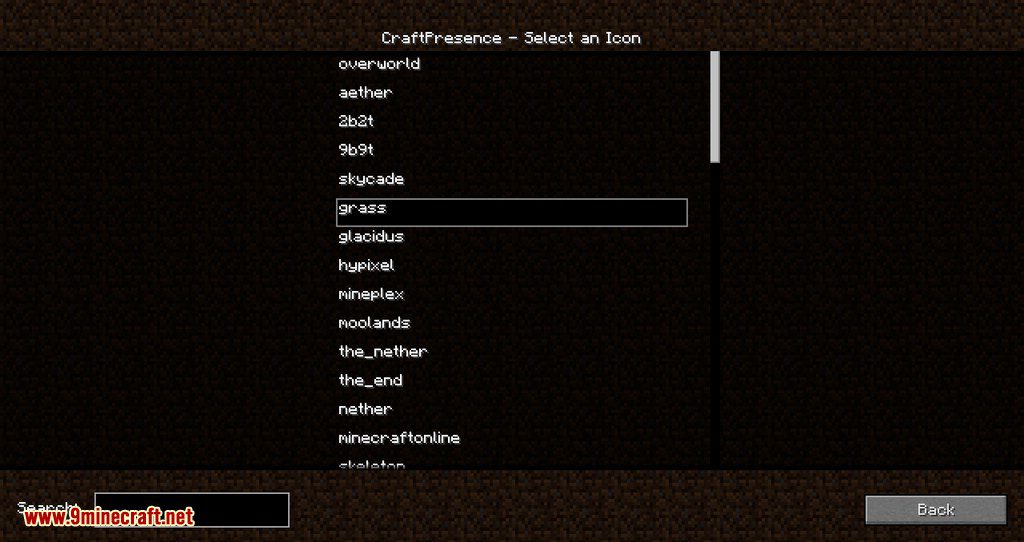
- Each state can carry its own image, so the icon changes with the dimension or the pack.
- From version 2.5.0 the UniLib library is required, and the game will crash without it.
- Client side only, so Fabric and Quilt servers ignore it, and it must not be installed server side.
How to Use:
- Install your loader, then download UniLib. The mod refuses to start without it on 2.5.0 and later.
- Add Fabric API too if you play on Fabric on Minecraft 1.14 or newer.
- Put both jars into
.minecraft/mods, leaving the server’s mods folder alone. - Start the game with the Discord desktop client already running, so the two can find each other.
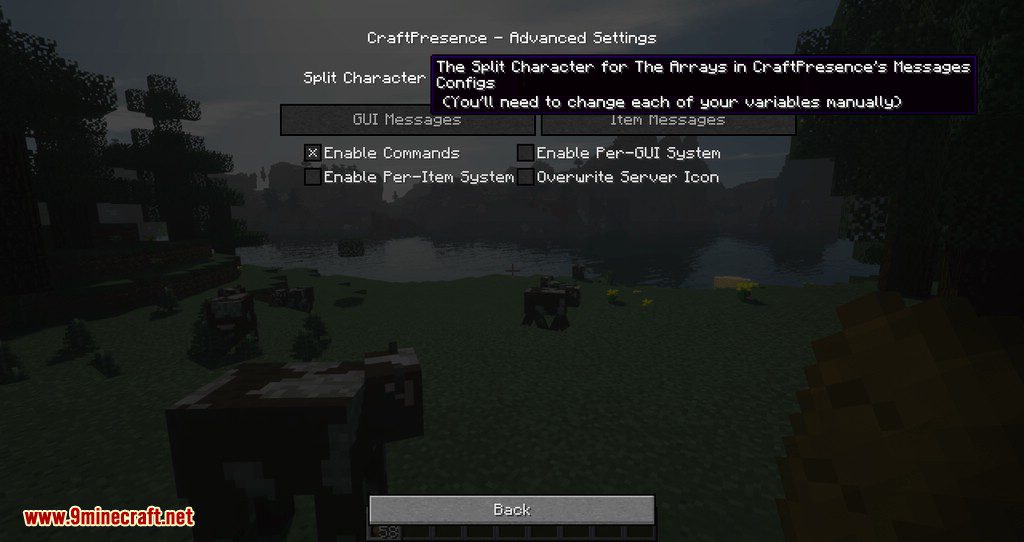
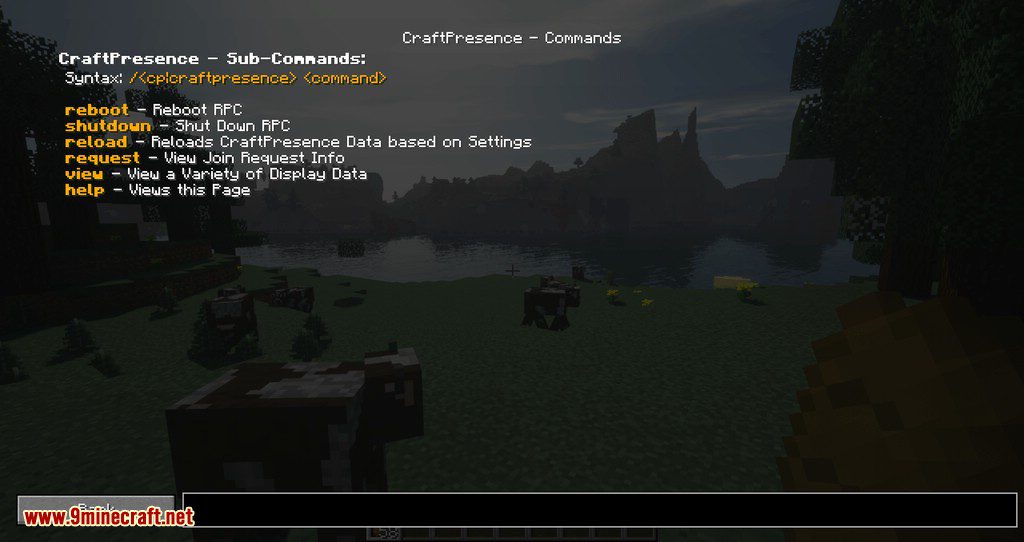
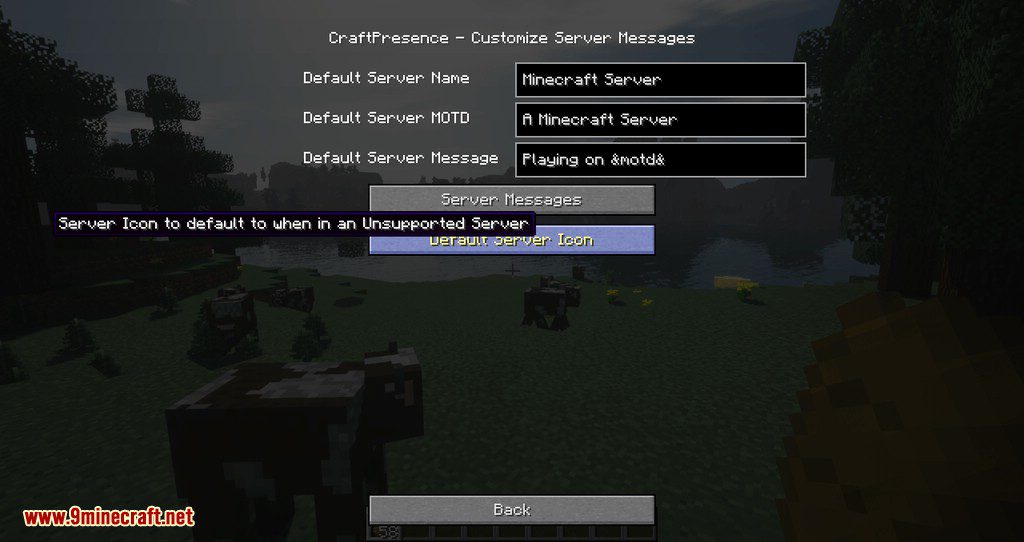
- Open the mod’s settings screen and edit the presence text, dropping in the placeholders you want.
- Check your own Discord profile to confirm the new line and icon are showing, then adjust from there.
Screenshots:
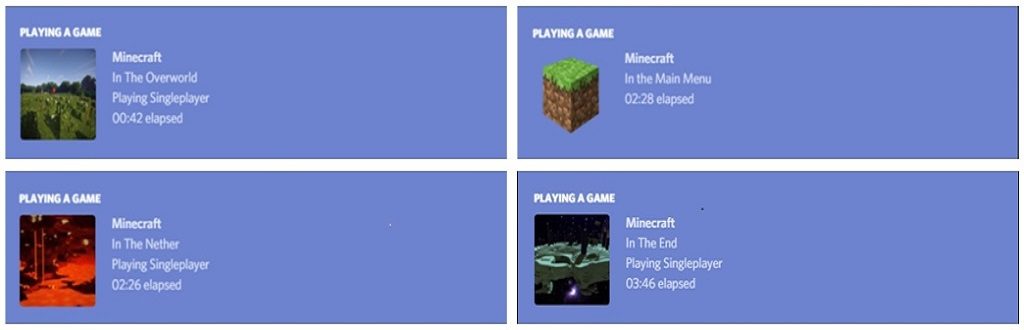
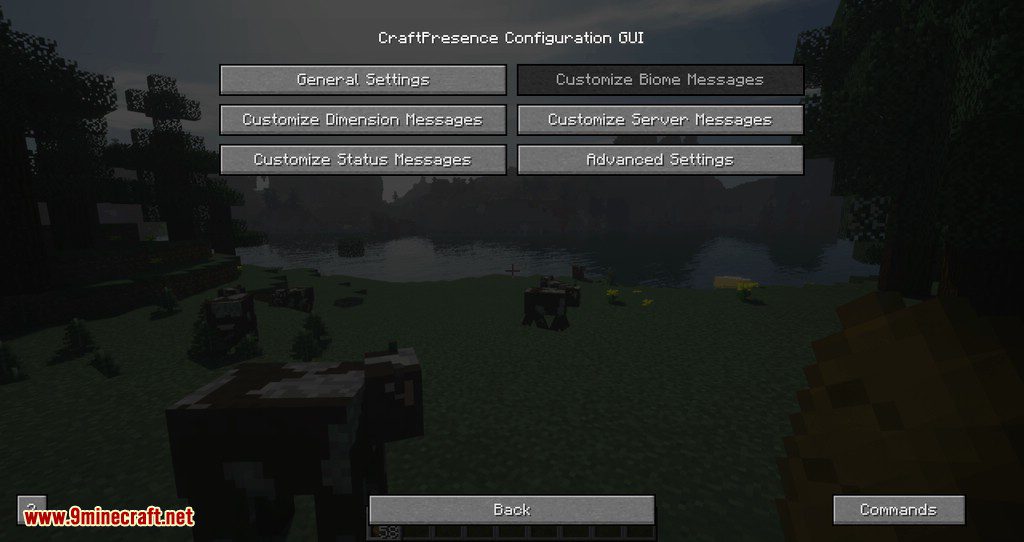
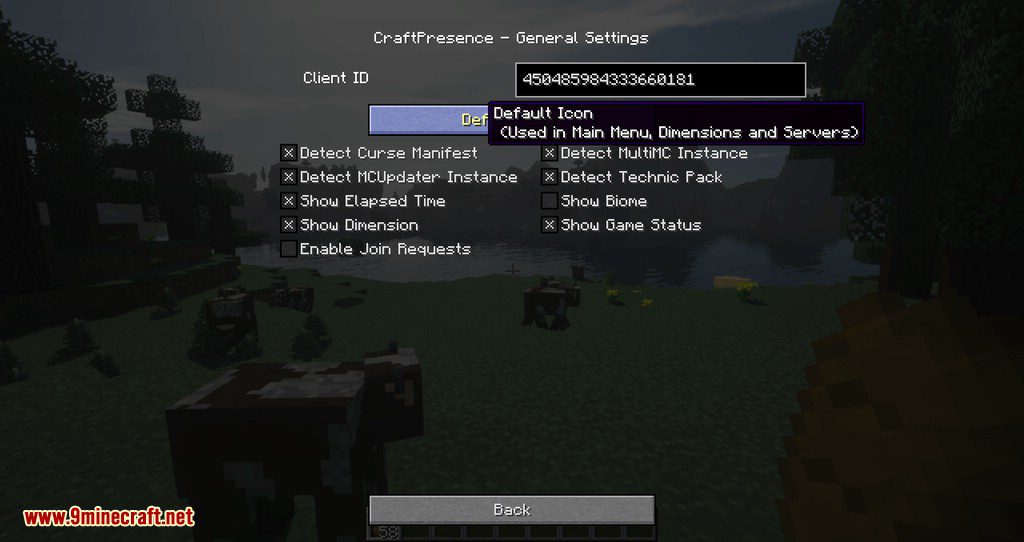
How to Install:
New to Minecraft? Follow our step-by-step guide to install Mods on your PC.View Guide
Requirements:




Craft Presence Mod Download Links
For Minecraft 26.2
For Minecraft 26.1.2, 26.1.1, 26.1
For Minecraft 1.21.11
For Minecraft 1.21.10, 1.21.9
For Minecraft 1.21.8, 1.21.7, 1.21.6
For Minecraft 1.21.5
For Minecraft 1.21.4
For Minecraft 1.21.3, 1.21.2
For Minecraft 1.21.1, 1.21
For Minecraft 1.20.6
For Minecraft 1.20.5
For Minecraft 1.20.4, 1.20.3
For Minecraft 1.20.2
For Minecraft 1.20.1, 1.20
For Minecraft 1.19.4
For Minecraft 1.19.3
For Minecraft 1.19.2
For Minecraft 1.19.1
For Minecraft 1.19
For Minecraft 1.18.2
For Minecraft 1.18.1
For Minecraft 1.17.1
For Minecraft 1.16.5
For Minecraft 1.15.2
For Minecraft 1.14.4
For Minecraft 1.13.2
For Minecraft 1.12.2
For Minecraft 1.11.2
For Minecraft 1.10.2
For Minecraft 1.8.9
For Minecraft 1.7.10
Click to rate this post!
[Total: 1 Average: 5]
You May Also Like



This post has no comments yet. Be the first — your comment will appear here.