
Spells & Shields Mod (1.20.2, 1.20.1) – Cast Powerful Spells in Combat
 18,043
 0


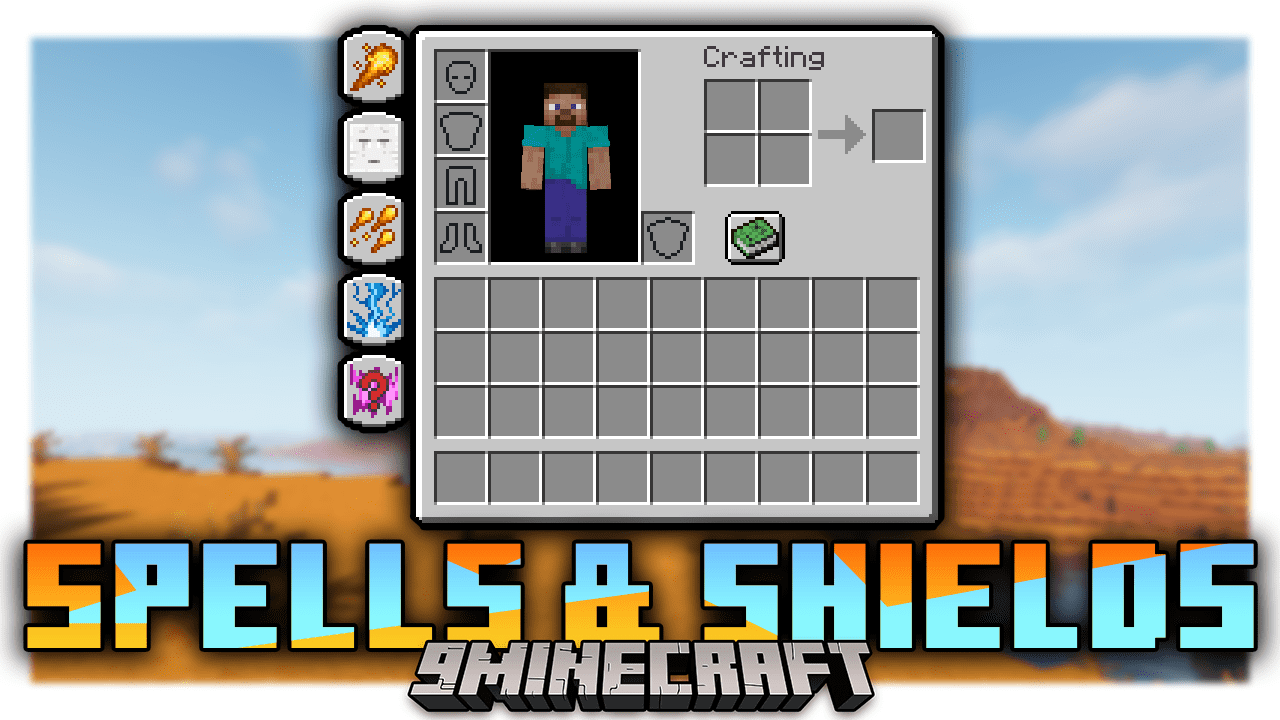
Spells & Shields Mod brings a new magic and mana system to Minecraft in a vanilla style. You can learn various spells through spell trees using enchanting tables, equip them to custom inventory slots, and cast them during combat. The mod also introduces new potions, enchantments, and effects that integrate smoothly into the game.
Features:
- Adds a mana bar that automatically regenerates and gets consumed when casting spells.
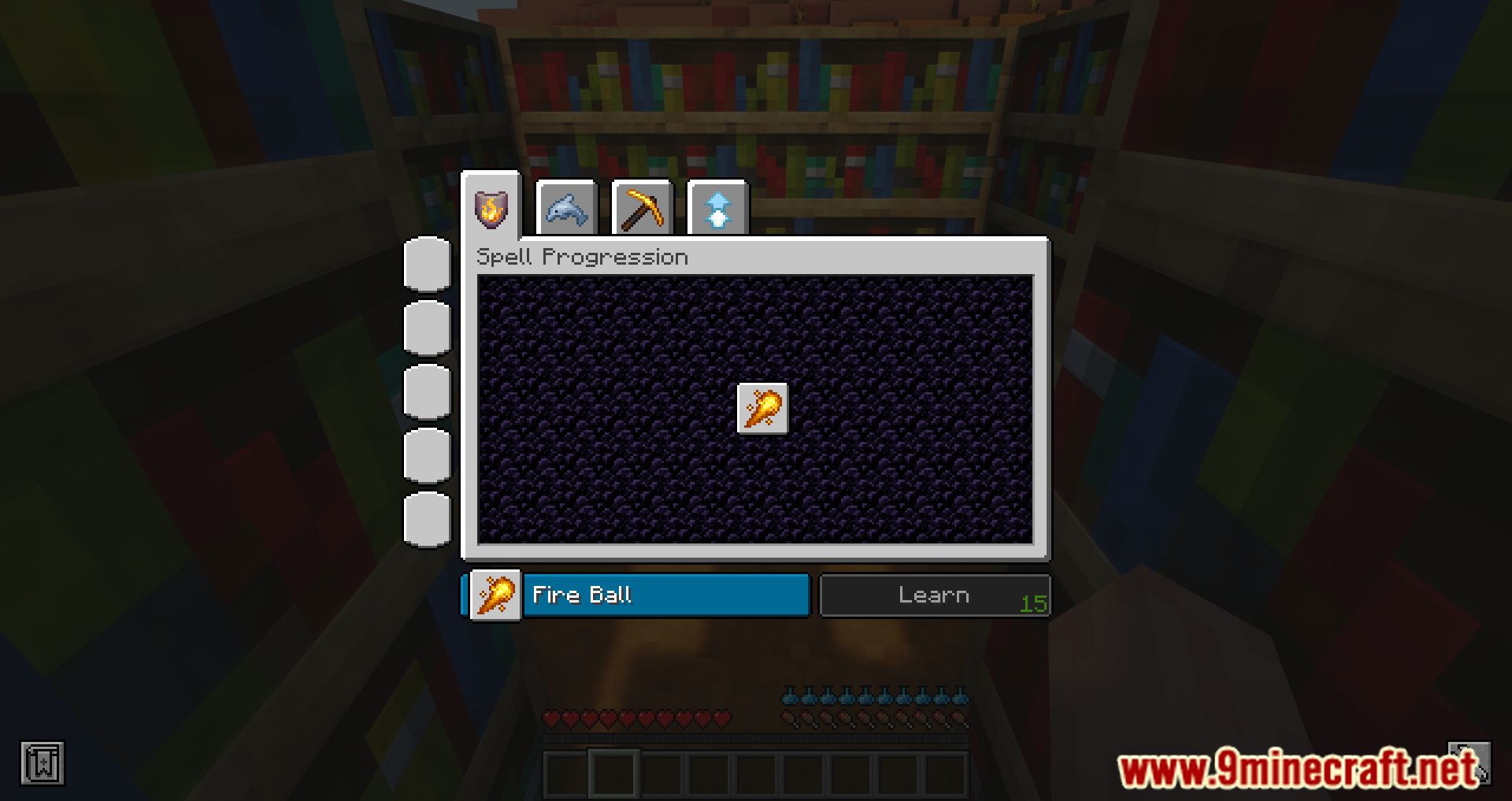
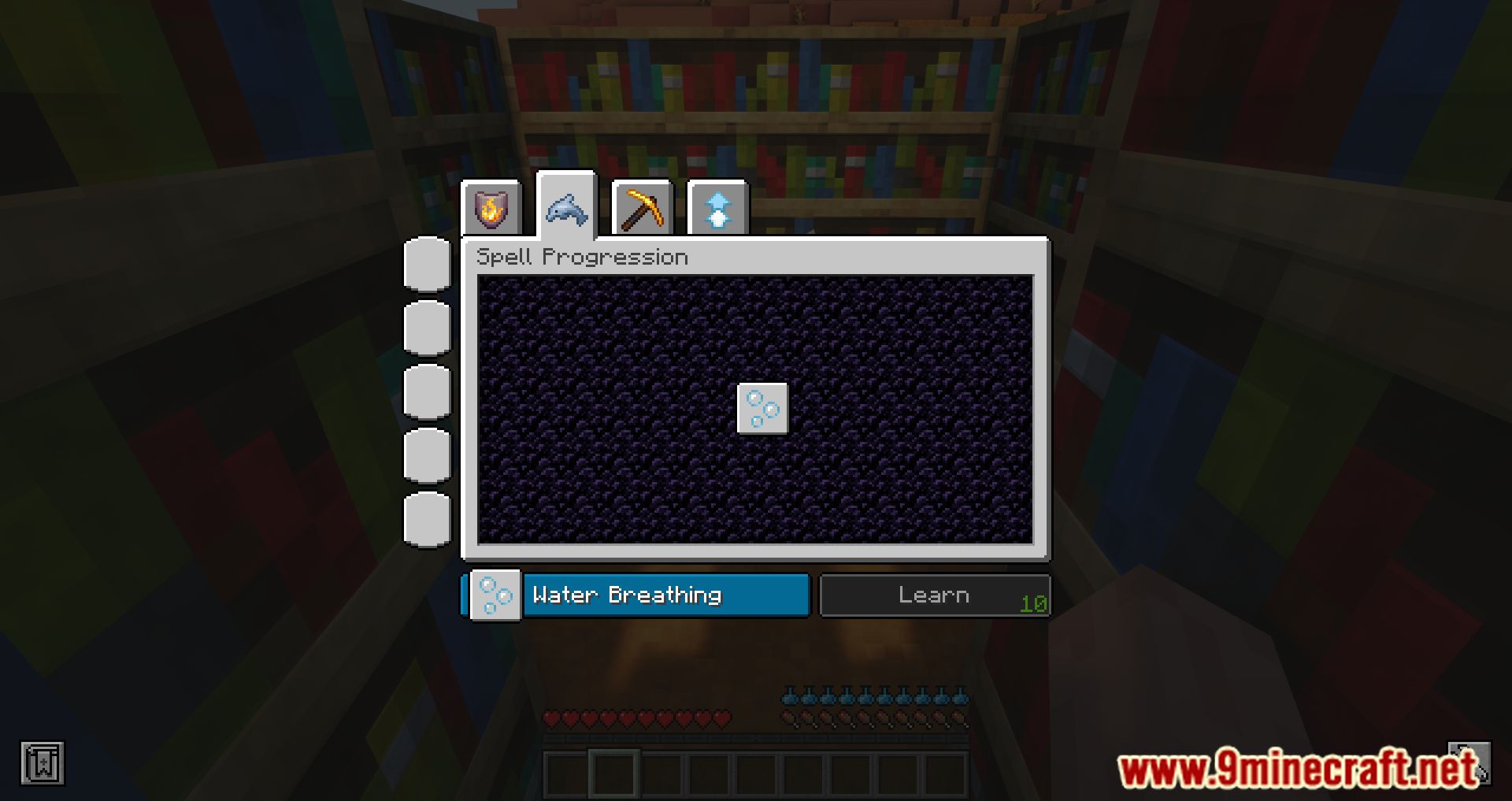
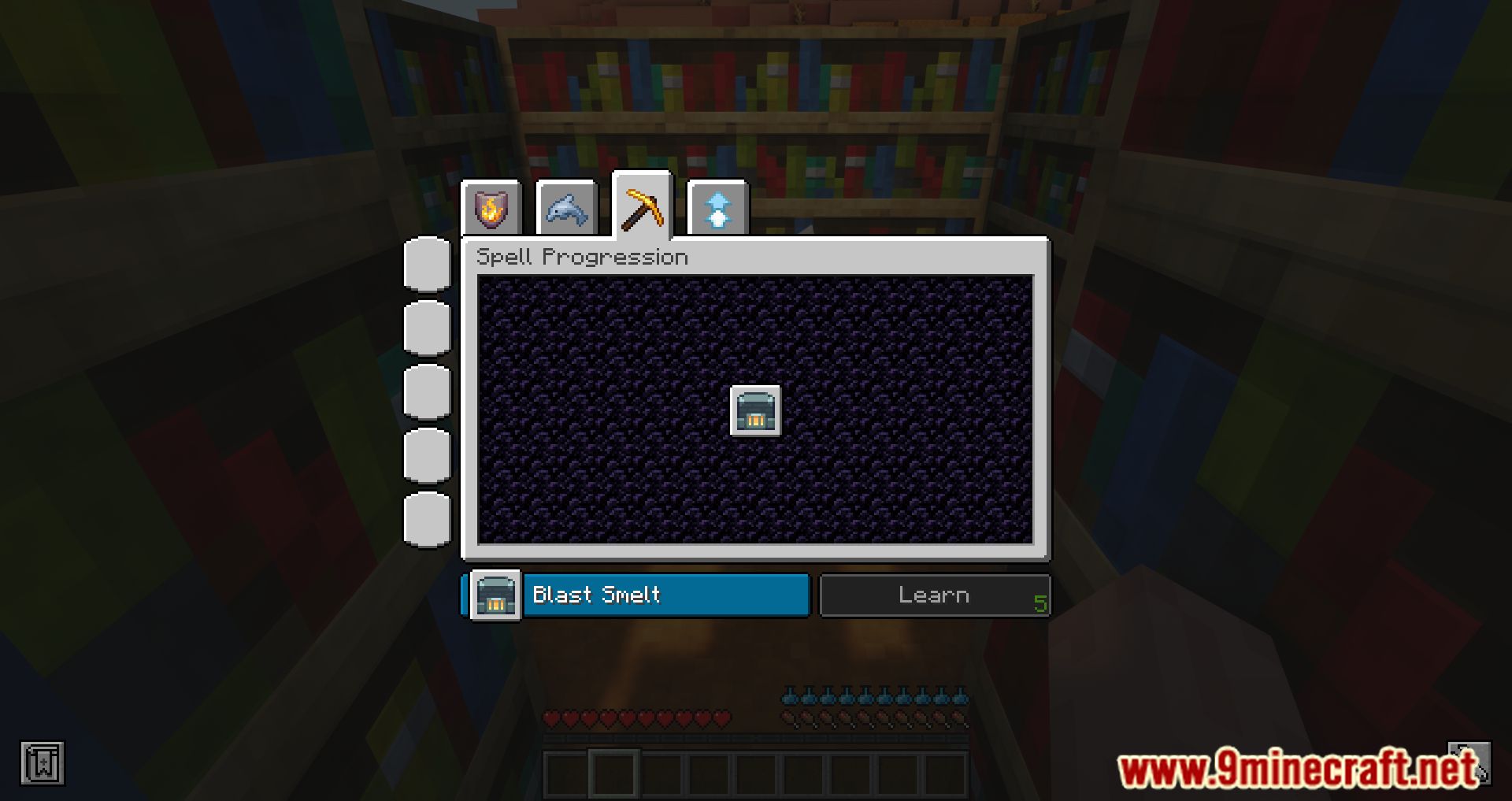
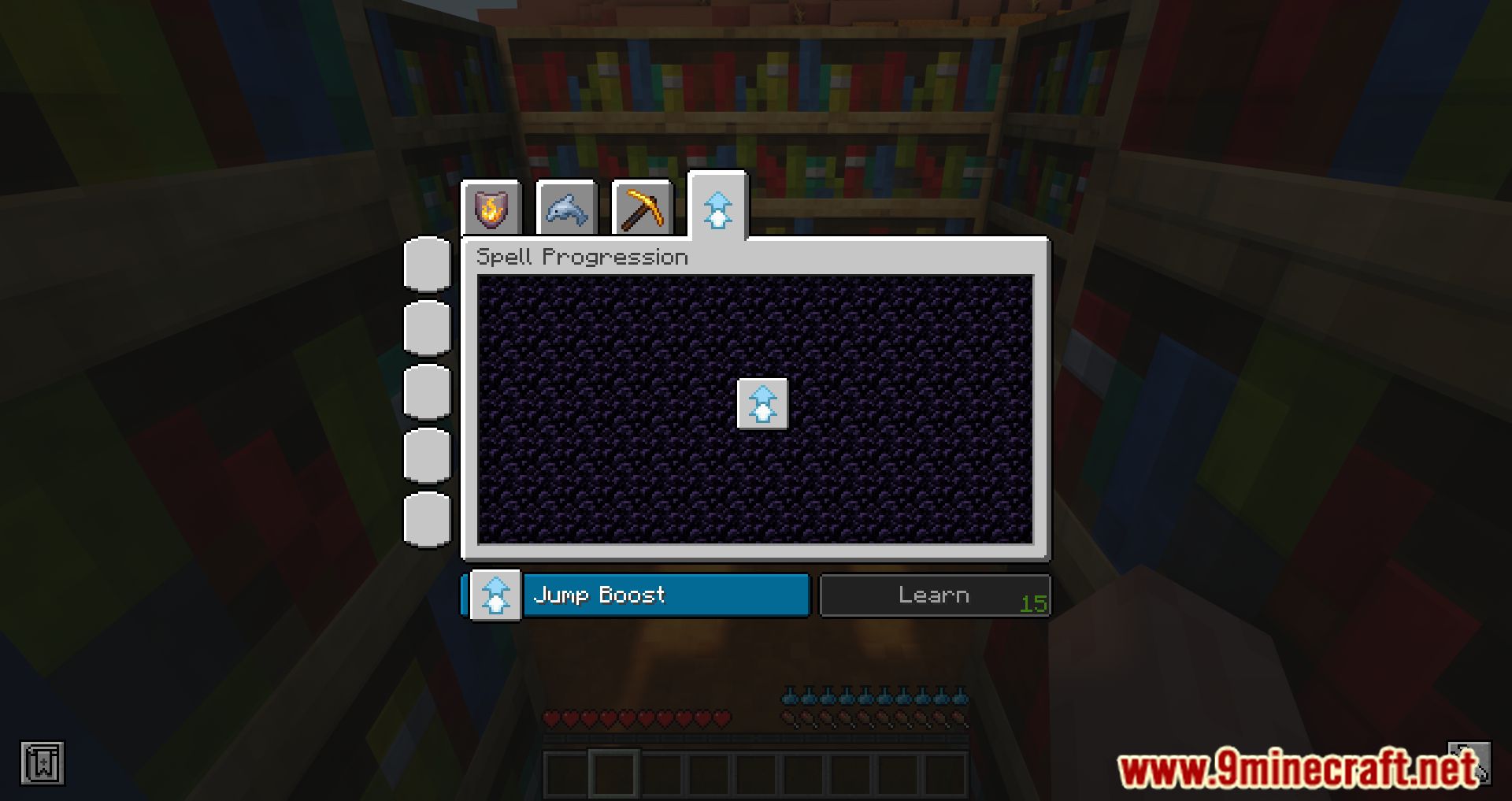
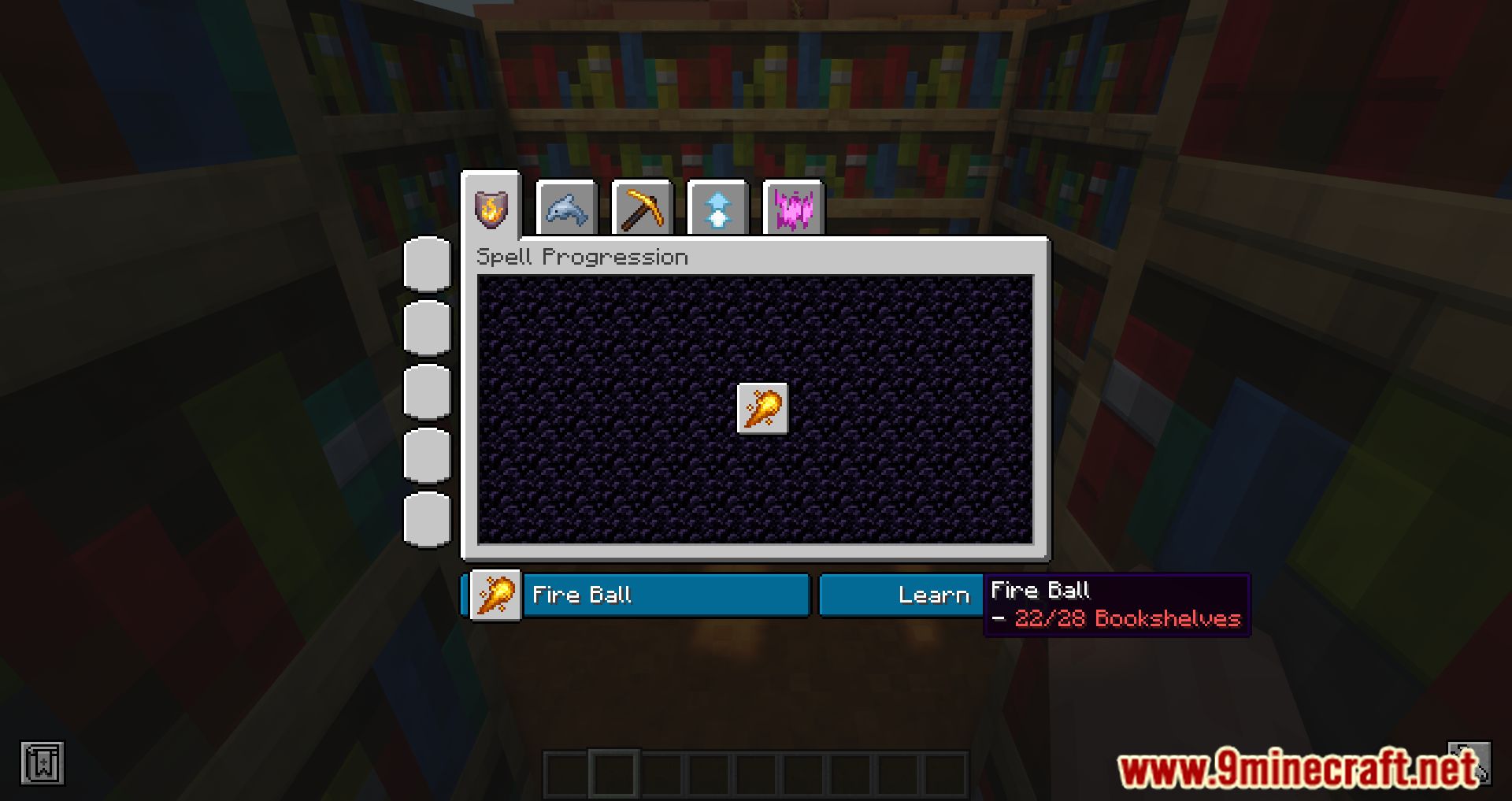
- Provides spell research trees inside the enchanting table where you spend experience levels and use bookshelves to unlock new spells.
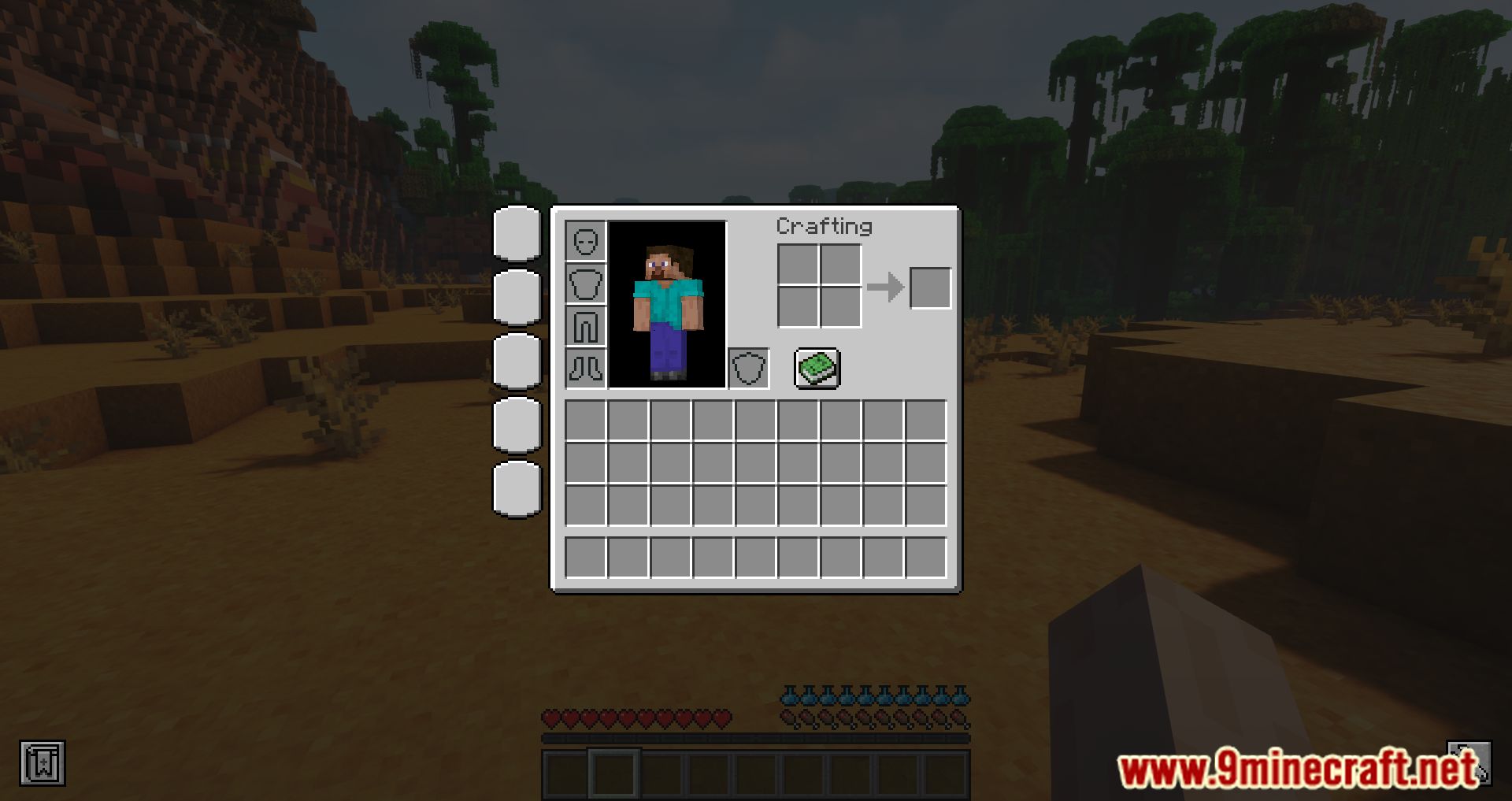
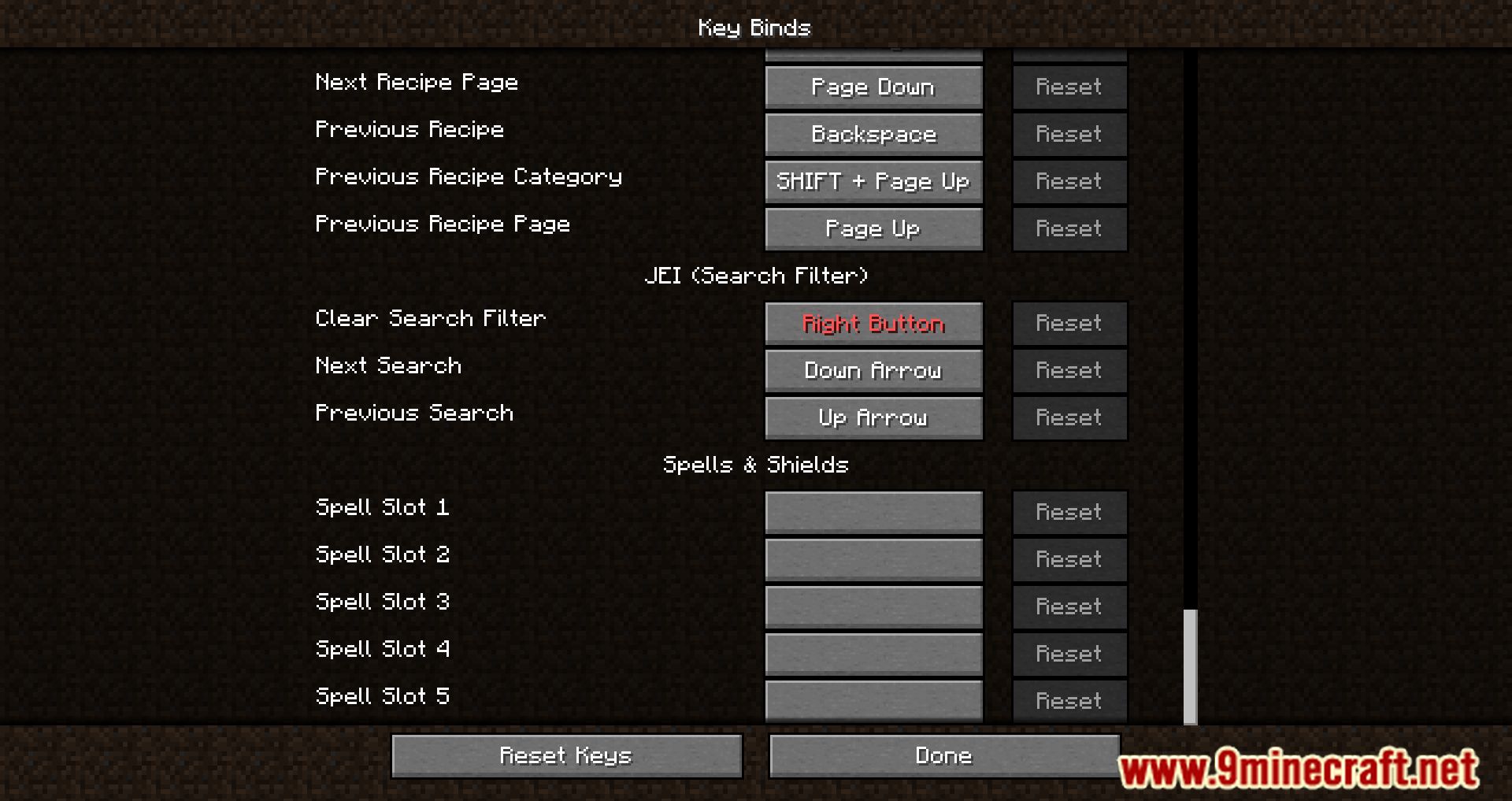
- Gives you five inventory slots to equip and bind your learned spells to control keys.
- Introduces new effects like Mana Boost, Extra Mana, Silence, and Magic Immune.
- Adds new potions such as Potion of Instant Mana, Potion of Mana Bomb, Potion of Replenishment, and Potion of Leaking.
- Includes new armor and weapon enchantments like Magic Protection, Mana Blade, Mana Regeneration, and Maximum Mana.
- Keeps the physical aspect of PvP strong and viable against magic users.
- Allows you to fully define spells and spell trees using data packs.
Commands:
/spells progression learn (targets) (spell): Makes a target learn a specific spell./spells progression learn (targets) all: Makes a target learn all spells./spells progression forget (targets) (spell): Makes a target forget a specific spell./spells progression forget (targets) all: Makes a target forget all spells./spells progression reset (targets): Resets spell progression for all targets./spells slots set (targets) (slot) direct (spell): Sets a spell in a specific spell slot for all targets./spells slots set (targets) (slot) (spell-tree) (spell-id): Sets a spell from a spell tree in a spell slot for all targets./spells slots remove (targets) (slot): Clears a specific spell slot for all targets./spells slots clear (targets): Clears all spell slots for all targets./spells cast (target) direct (spell): Casts a specific spell for the set target./spells cast (target) (spell-tree) (spell-id): Casts a spell from a spell tree for the set target.
How to Use:
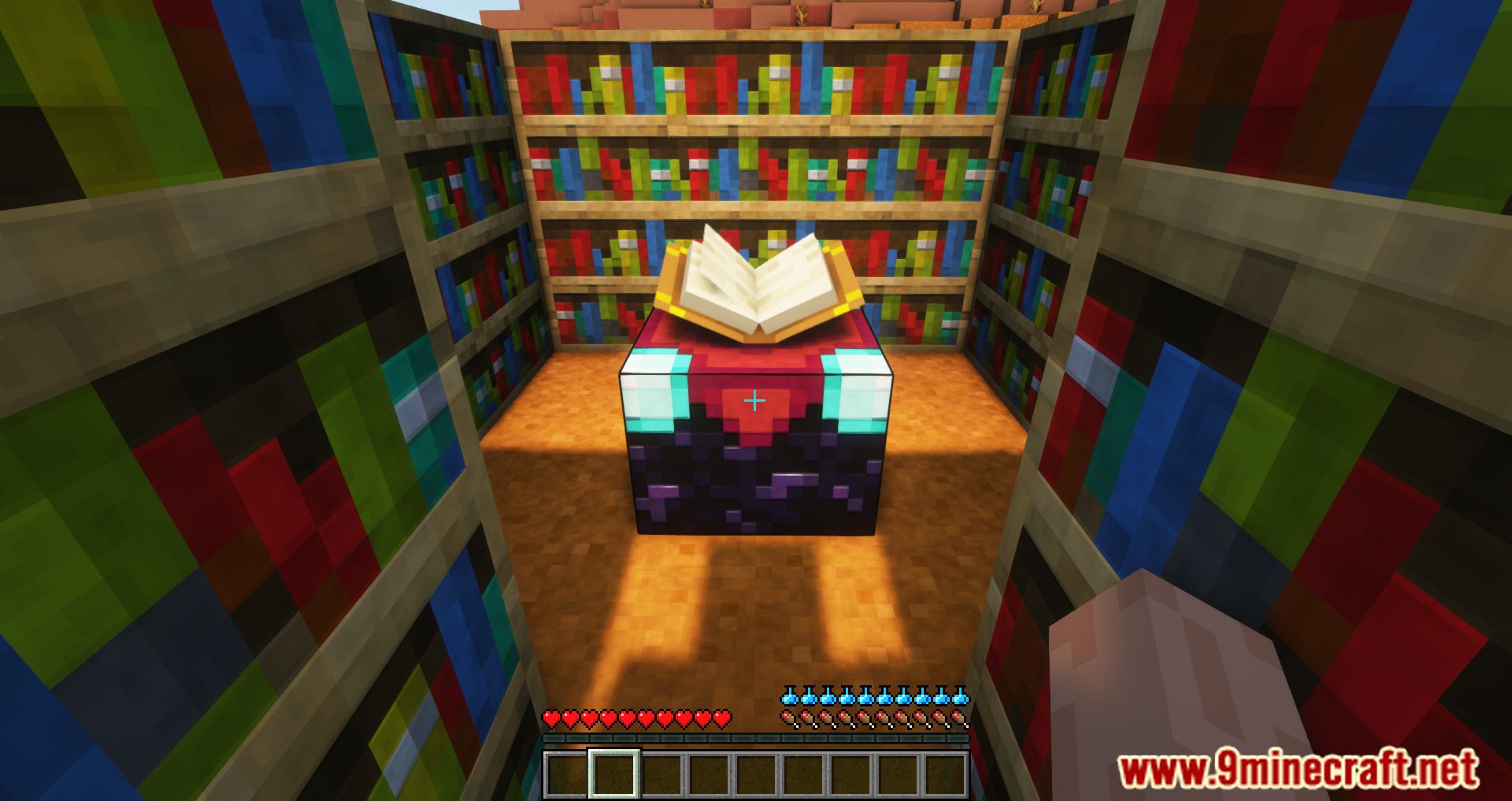
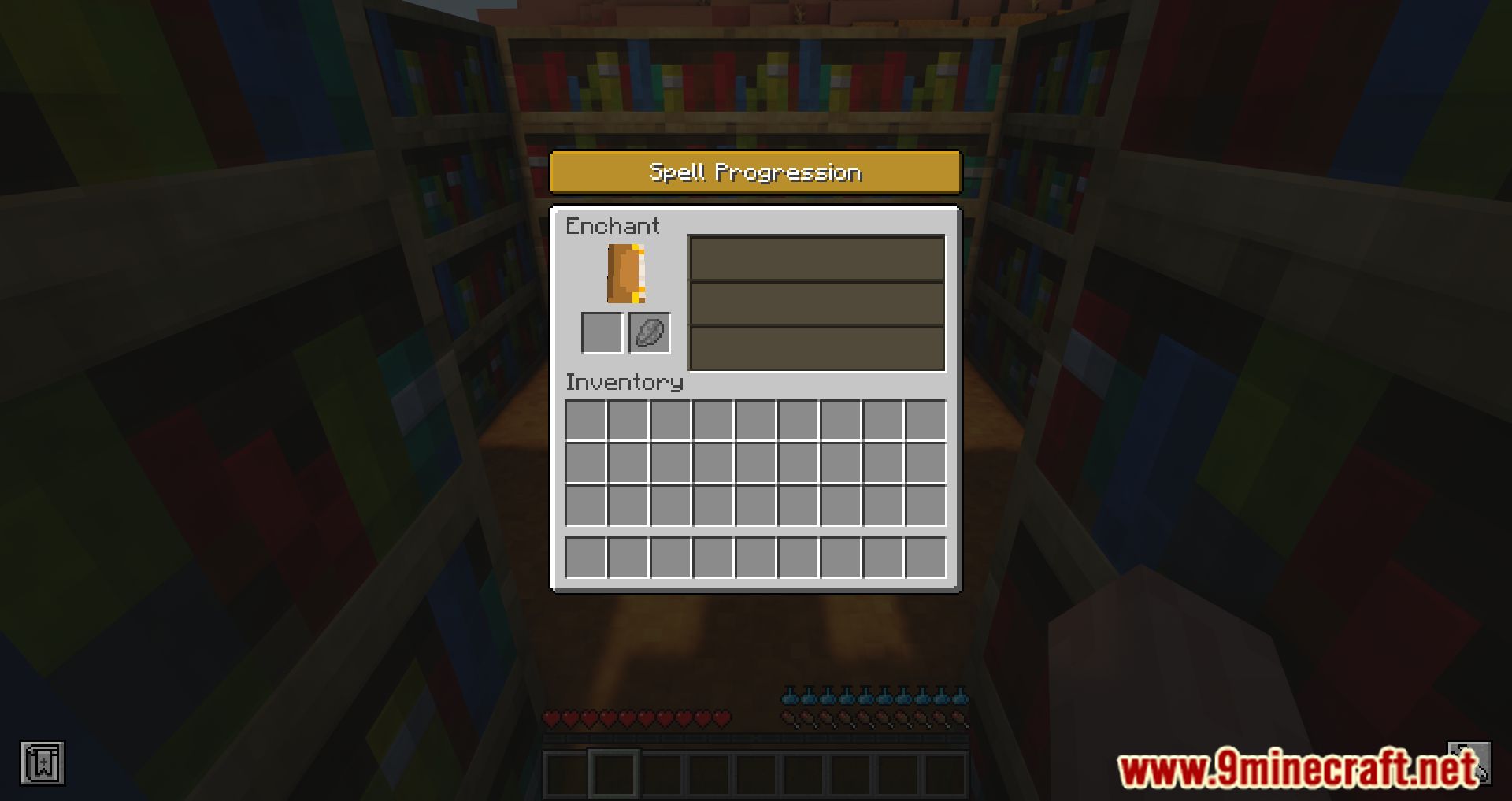
- Open a vanilla enchanting table surrounded by bookshelves to view available spell trees and unlock spells using experience levels.
- Open your survival inventory to view your five equipped spell slots.
- Press the radial menu key (default is
V) or use the key binding assigned directly to your spell slot to cast spells.
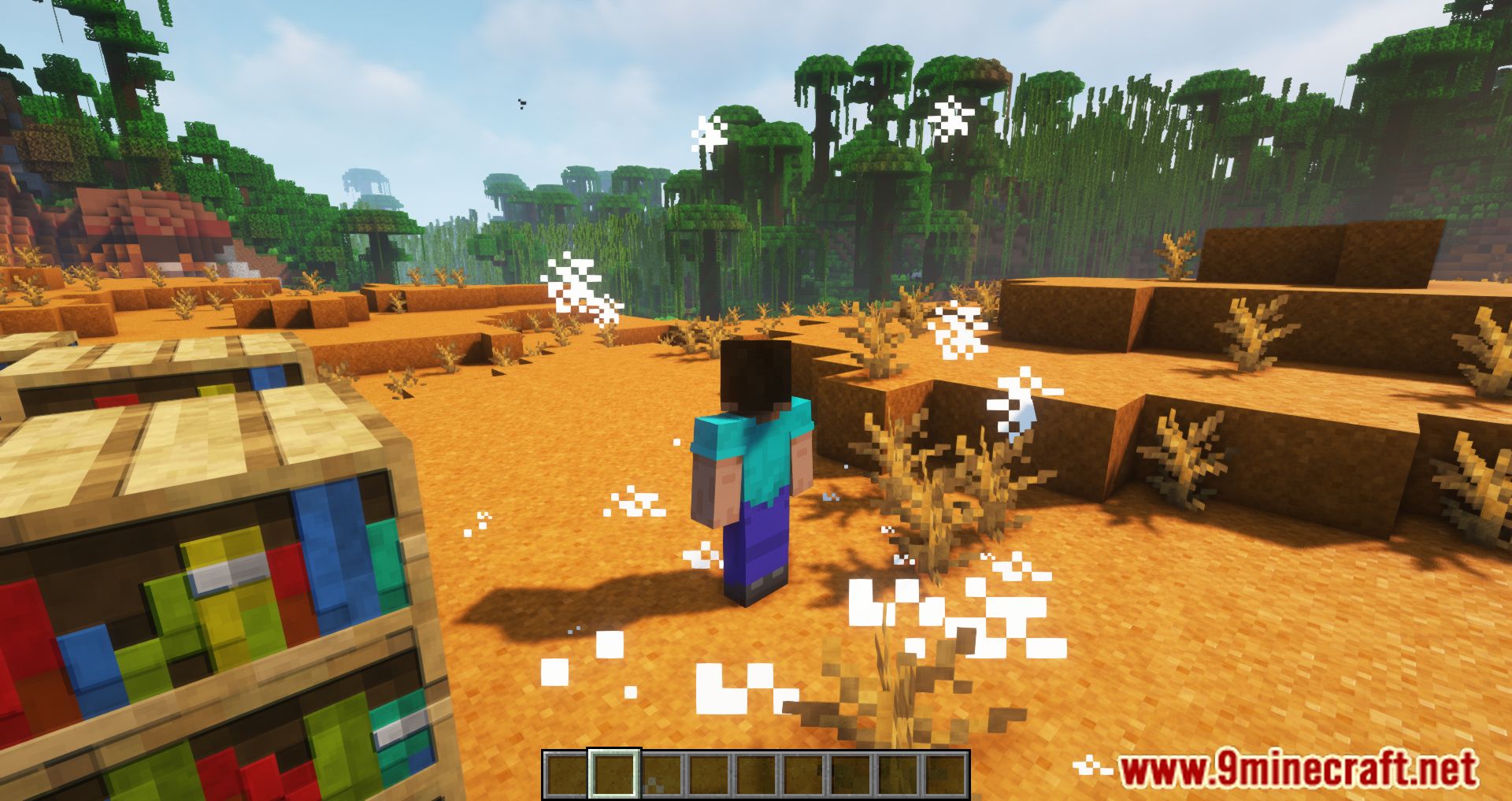
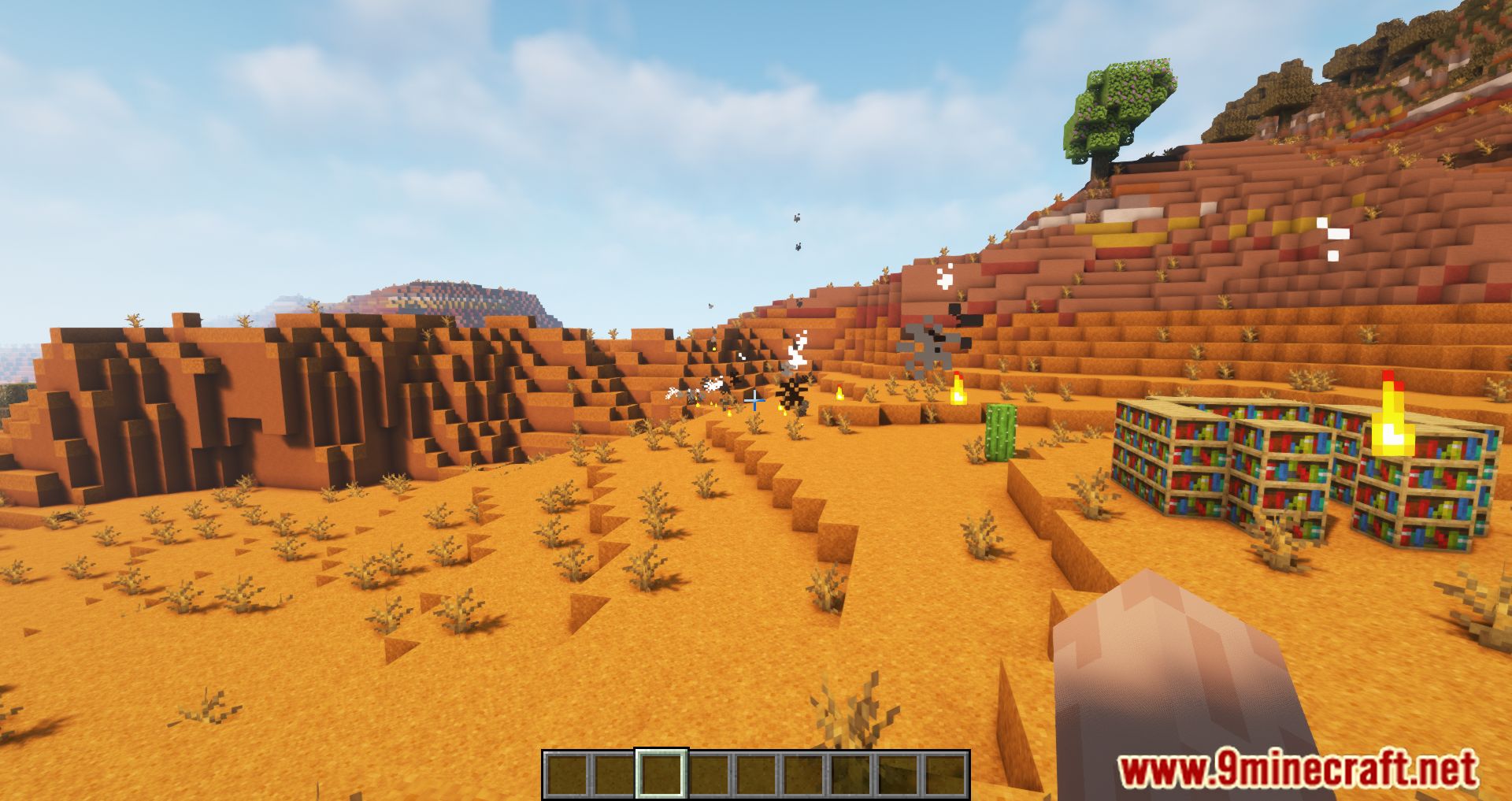
Screenshots:
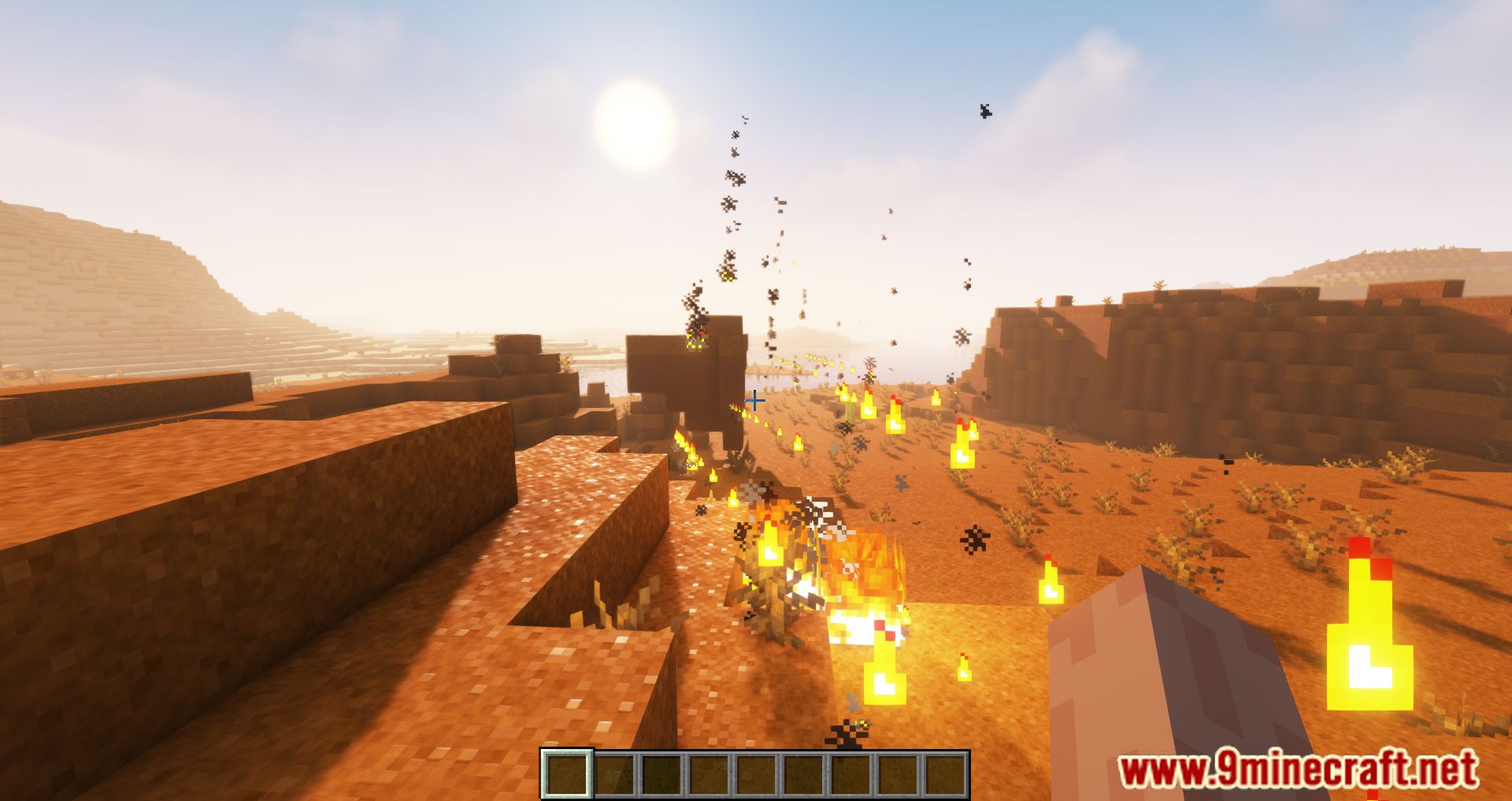
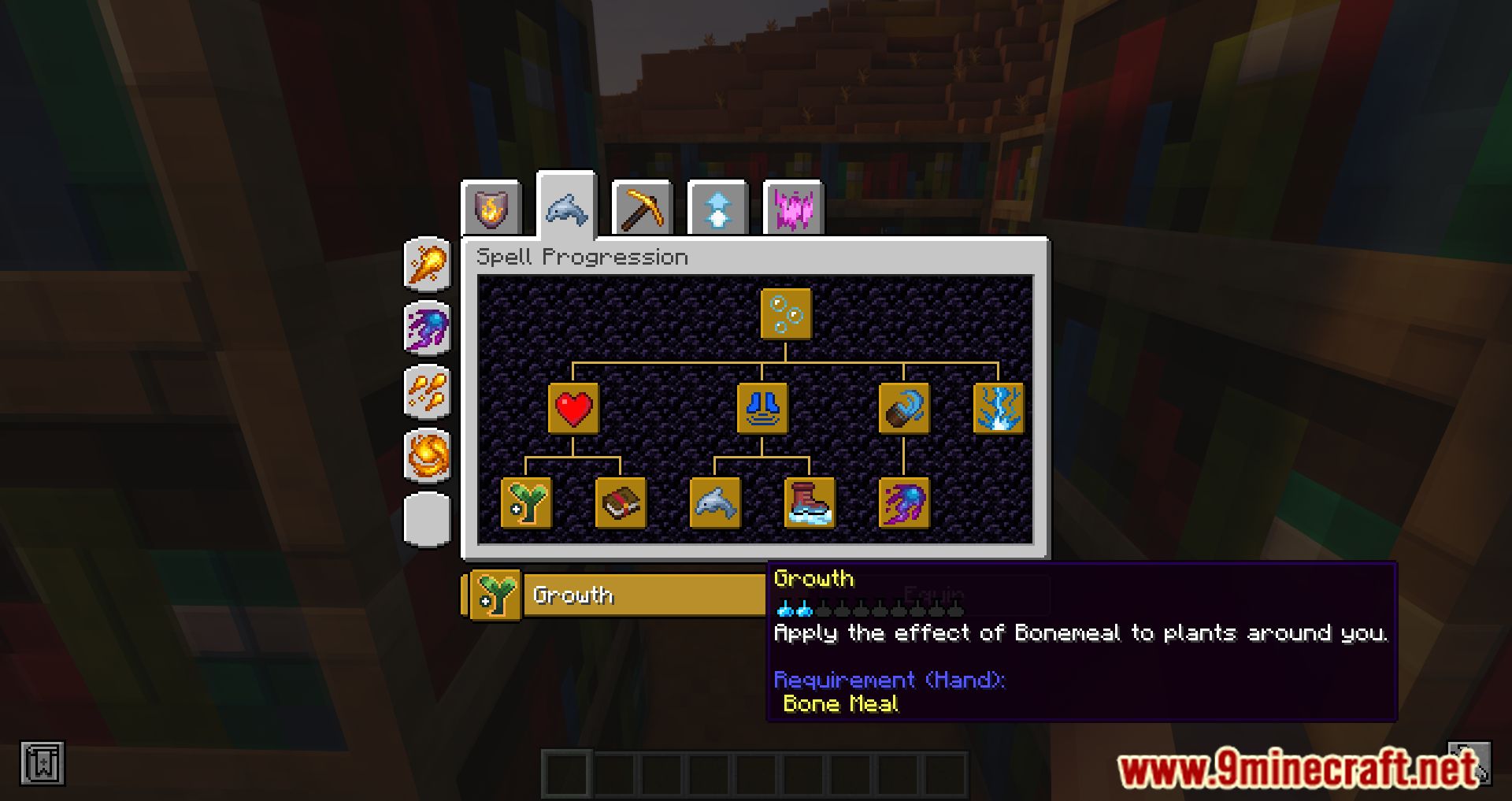
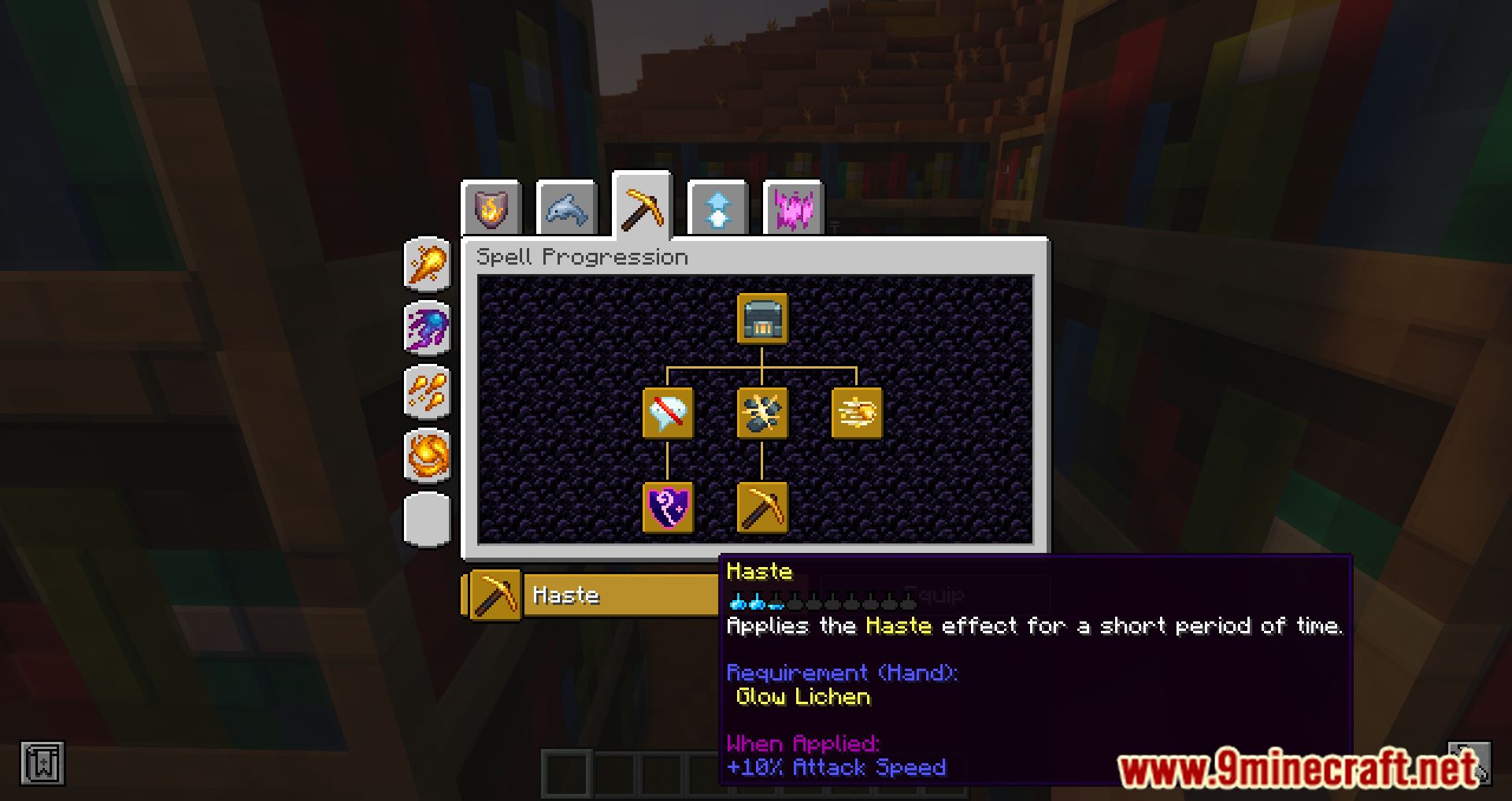
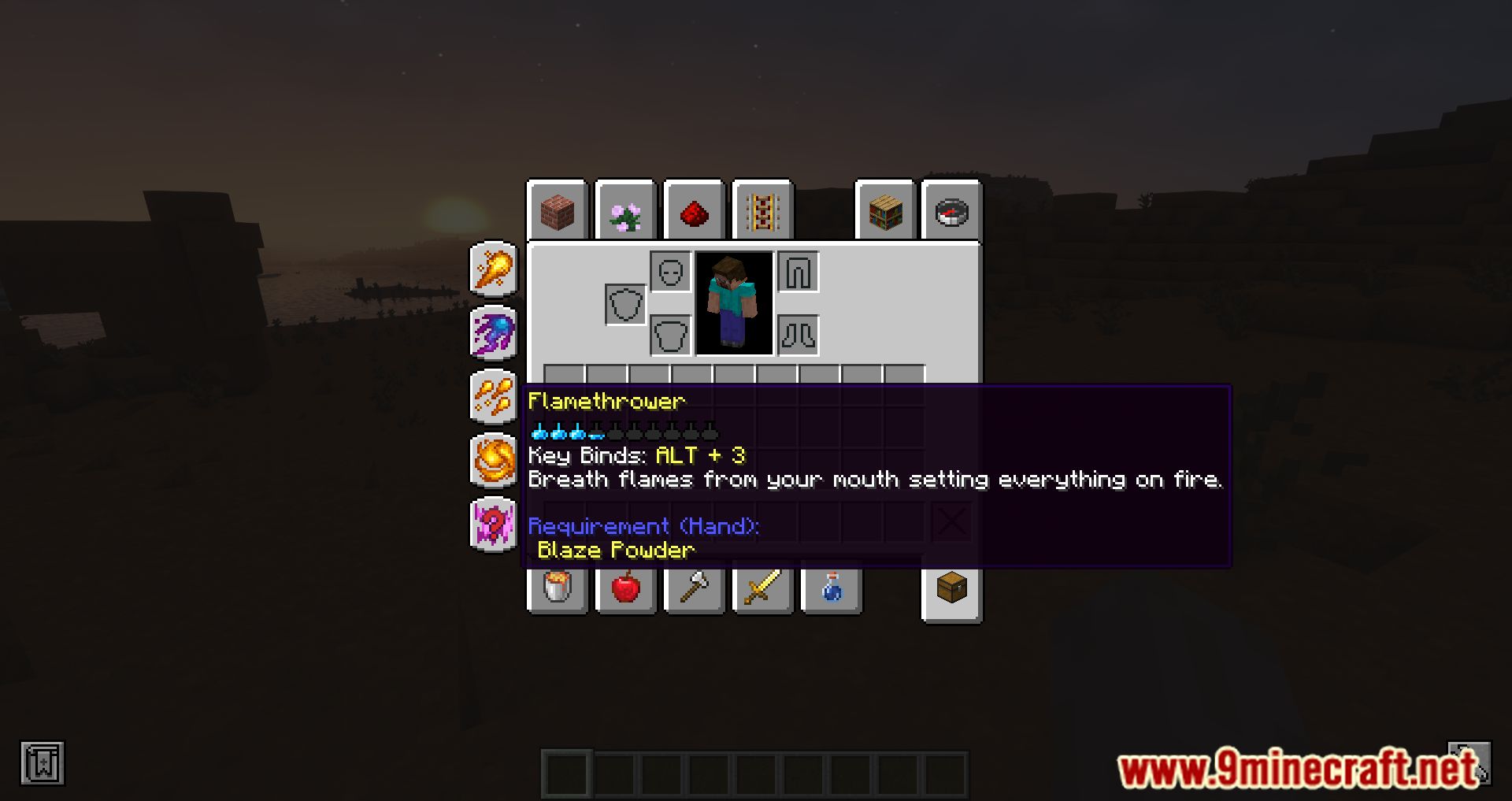
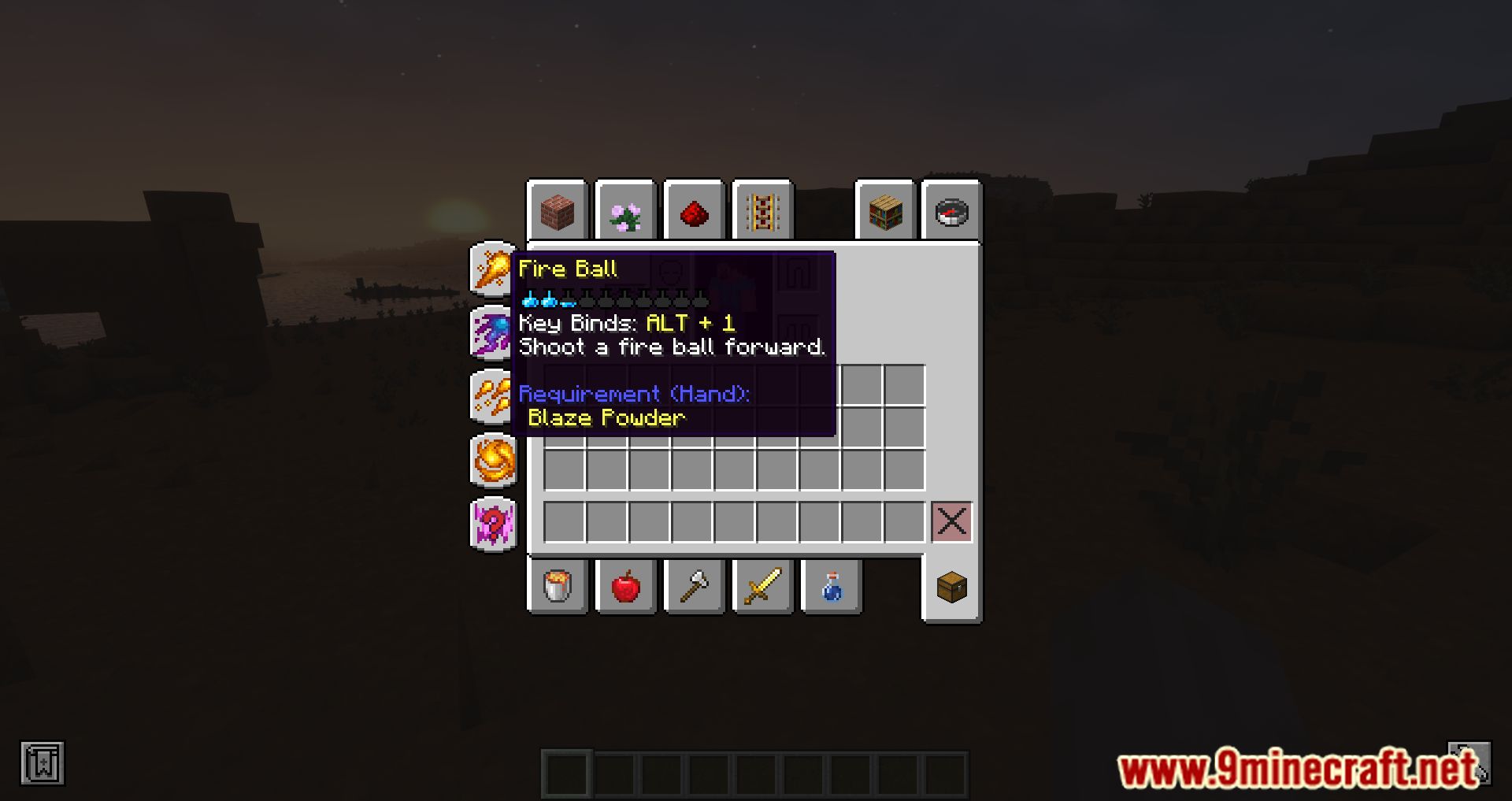

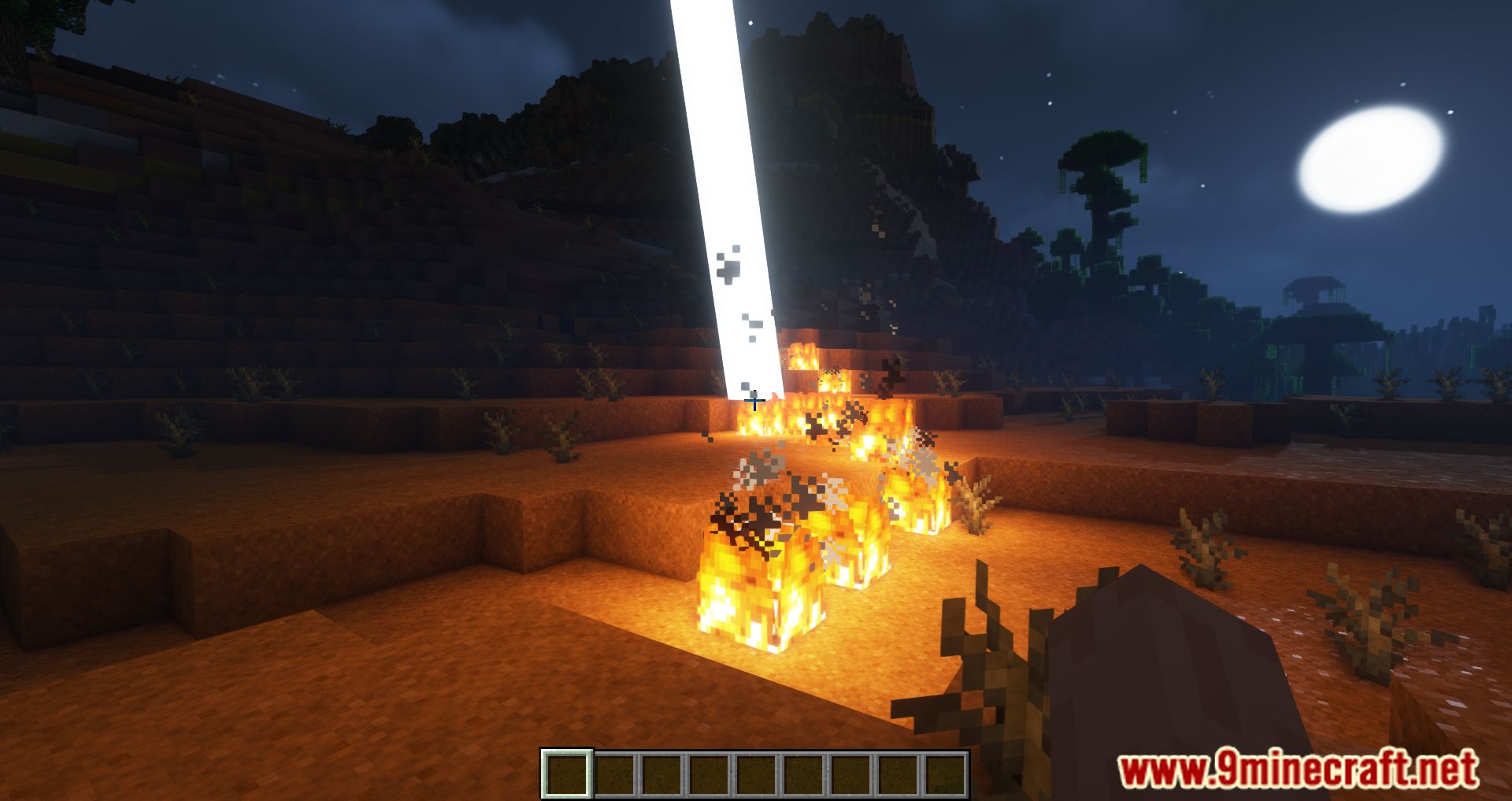
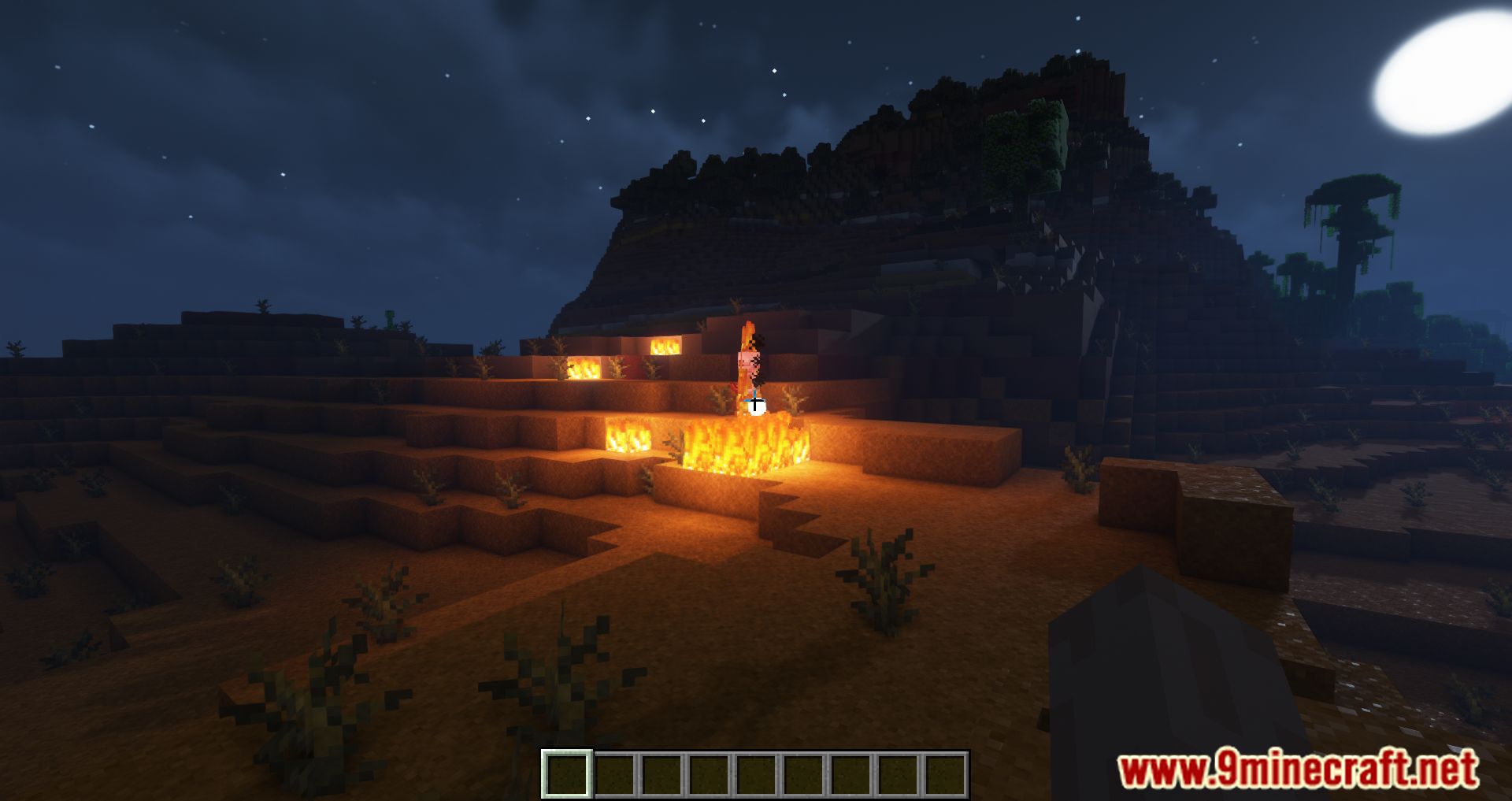

How to Install:
New to Minecraft? Follow our step-by-step guide to install Mods on your PC.View Guide
Spells & Shields Mod Download Links
For Minecraft 1.18.2
Forge Version: Download from Server 1 – Download from Server 2
For Minecraft 1.19
Forge Version: Download from Server 1 – Download from Server 2
For Minecraft 1.19.1
Forge Version: Download from Server 1 – Download from Server 2
For Minecraft 1.19.2
Forge Version: Download from Server 1 – Download from Server 2
For Minecraft 1.19.4
Forge Version: Download from Server 1 – Download from Server 2
For Minecraft 1.20.1
Forge Version: Download from Server 1 – Download from Server 2
For Minecraft 1.20.2
NeoForge Version: Download from Server 1 – Download from Server 2
What do you usually do when your modded game crashes on startup?
22 responses · See the full results →
You May Also Like
Picked for this page
 Traveler’s Backpack Mod (26.3, 1.20.1) – A Mobile Base on Your Back
 Melon Golem Mod (26.1.2, 1.20.1) – Almighty Beast
 Dash Mod (26.1.2, 1.20.1) – Special Movement, Dashing
 Simple Copper Pipes Mod (26.3, 1.20.1) – Pipes with Multiple Interesting Uses
 BiomeInfo Mod (26.3, 1.20.1) – Find Out Which Biome You’re In
 No Resource Pack Warnings Mod (26.3, 1.20.1) – Disable Pop-up Warning
 Packing Tape Mod (26.3, 1.20.1) – Move Chests, Machines
 Raknetify Mod (1.21.11, 1.20.1) – Improved Network Reliability
 LibrarianLib (1.21.1) – The Core of Wizardry Mods
 Default Skill Trees Mod (26.3, 1.21.1) – Expand Pufferfish Skills With Combat
 Fix Cobblemon Pokemon Experience Mod (1.21.1) – Level Up Instantly After Every Knockout
 Shiny Horses Mod (1.20.1, 1.19.4) – Ride Your Horse Across Oceans
Most viewed in Mods over the last 7 days
 Ala Industrial Mod (26.3) – Run Electric Power Grids and Automated Factories
 PleasureCraft Mod (26.3, 1.21.1) – Jenny Mod Remake for Fabric
 Jennycraft Mod (26.3, 1.20.1) – Virtual Girlfriend in Minecraft
 Fapcraft Mod (26.3, 1.12.2) – Comprehensive and Detailed Content
 Jenny Mod (Fapcraft) Official Complete Guide – How to use, Tutorial
 BangCraft Mod (1.20.1) – Jenny, Ellie and Elliot
 Fabric Loader (26.3, 1.20.1) – Fabric Installer for All Minecraft Versions
 Meteor Client Mod (26.3, 1.20.1) – Xray, HUD, Fly
 The Shooting Star Demo Mod (26.3, 1.20.1) – Vaporize Terrain From Orbit
 OptiFine HD (26.3, 1.20.1) – Run Faster, FPS Boost, Shaders Support
 Aristois Client Mod (1.21.4, 1.20.1) – World Class Minecraft Utility
 Prestige Client Mod (1.21.11, 1.21.4) – Powerful Ghost Features for Crystal & Sword PvP
More from Mods
 Explainstone and Songmelyn Mod (1.21.1) – Broadcast Custom Music Across Your Base
 Rockstar Shaders Mod (26.3) – Cast Ray-Traced Light Across Vast Distant Horizons
 ERYDON Mod (1.20.1) – Design Grand Courtyards with Carved Marble Pillars
 Infinity Bound Mod (1.21.1) – Snap Away Enemies with Legendary Superhero Gear
 Legacy Gecko Lib Fabric Mod (1.16.5) – Power Animated Creatures in Modpacks
 The Man from the Shadow Horror Mod (1.20.1) – Fight Hallucinations to Survive
 Shade & Saturation Slider Mod (26.2, 1.21.11) – Make Every Biome Vibrant
 Cataclysm X Yung’s Better Nether Fortresses Compat Mod (1.21.1, 1.20.1)
 Patchouli 9minecraft Mod (26.3) – Read Mod Guides Without Leaving Minecraft
 Paintings ++ 9minecraft Mod (26.3) – Pick the Exact Painting You Want
 owo-lib 9minecraft Mod (26.3) – Run Your Favorite Mods Without Errors
 Moonlight 9minecraft Lib (26.3, 26.2) – Run Complex Mods Without Errors

This post has no comments yet. Be the first — your comment will appear here.