


Highlight Mod (26.2, 1.20.1) – Discover Enhanced Block Visualization
 4,992
4,992
 0
0


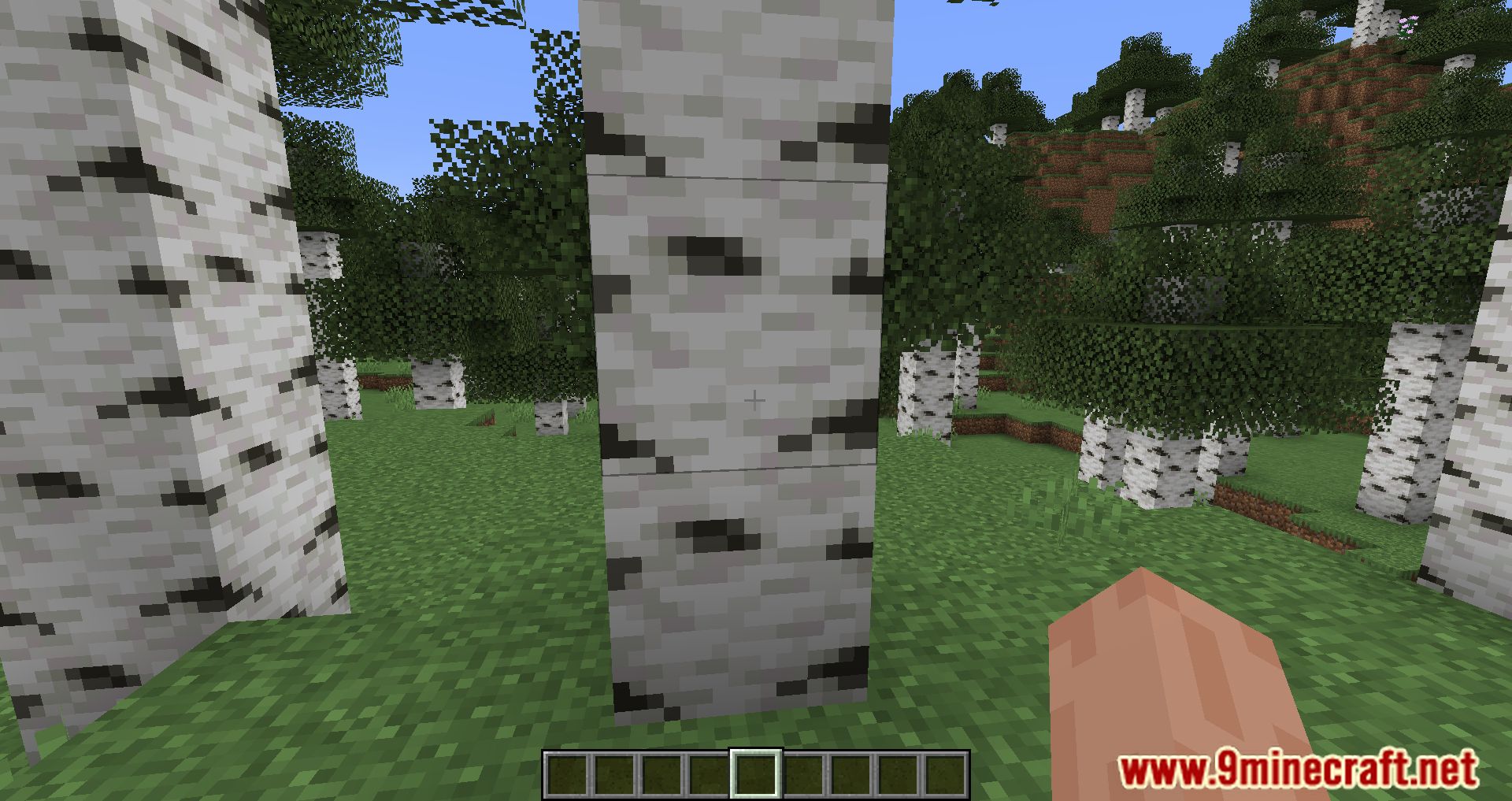
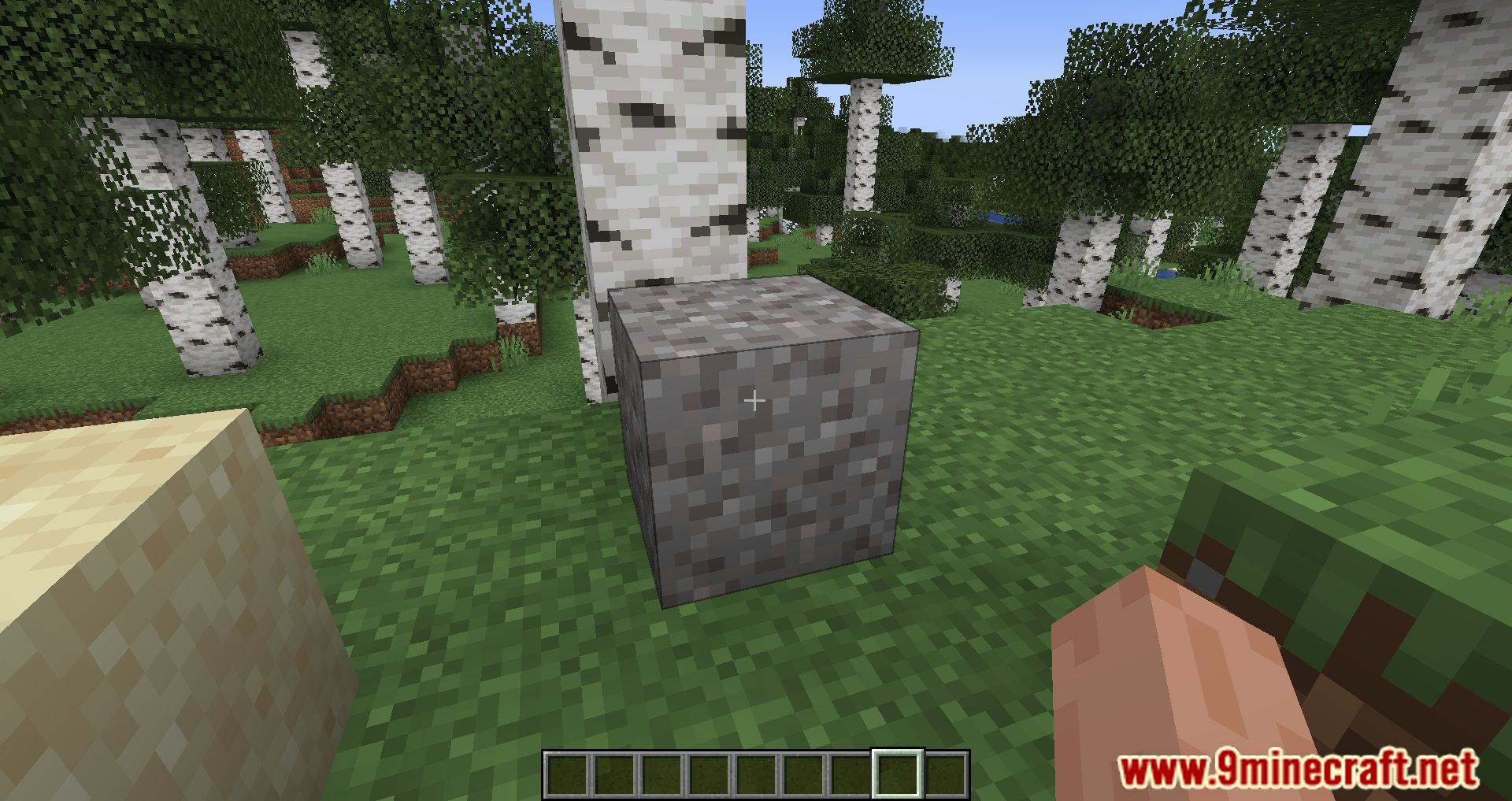
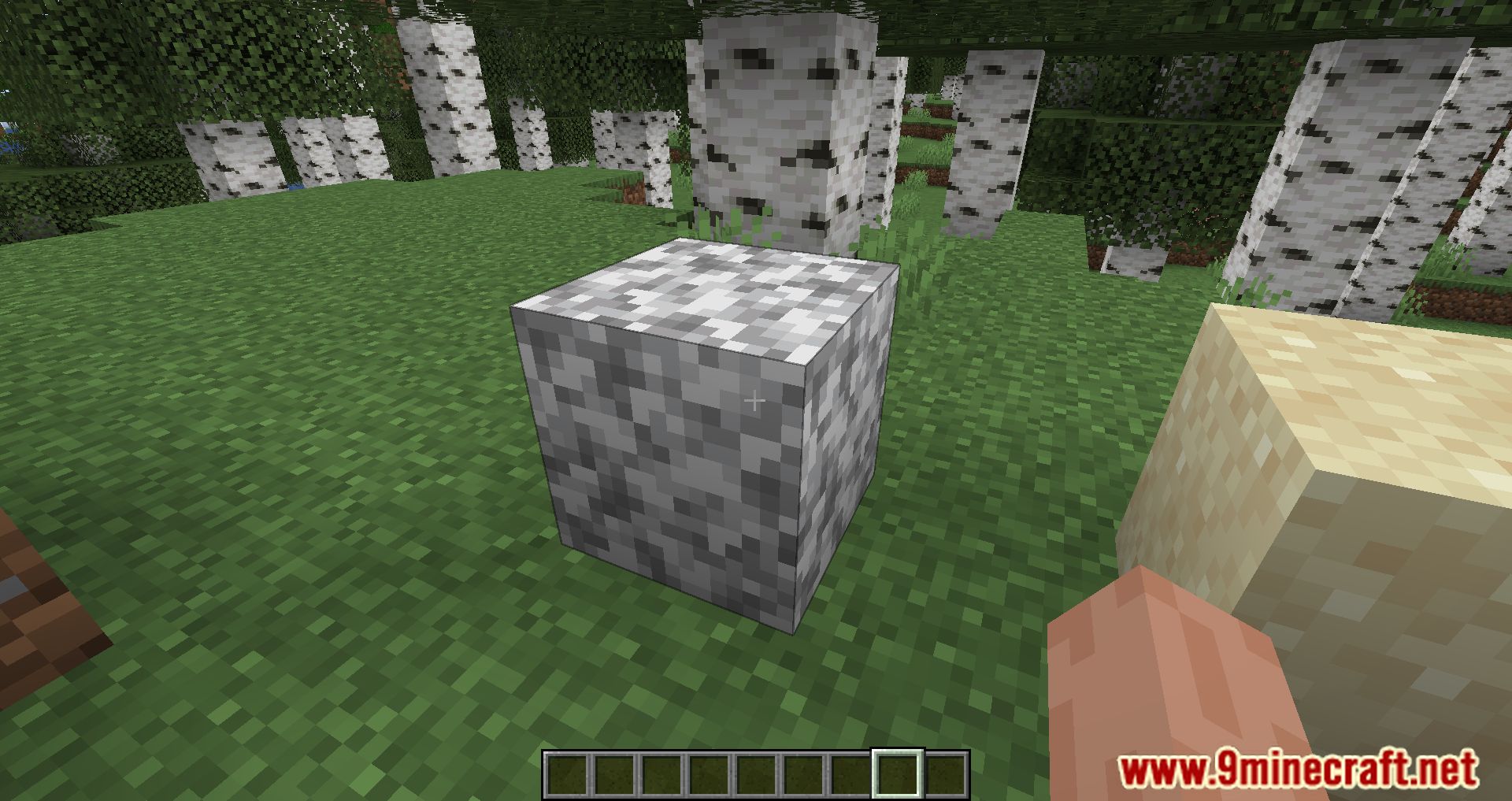
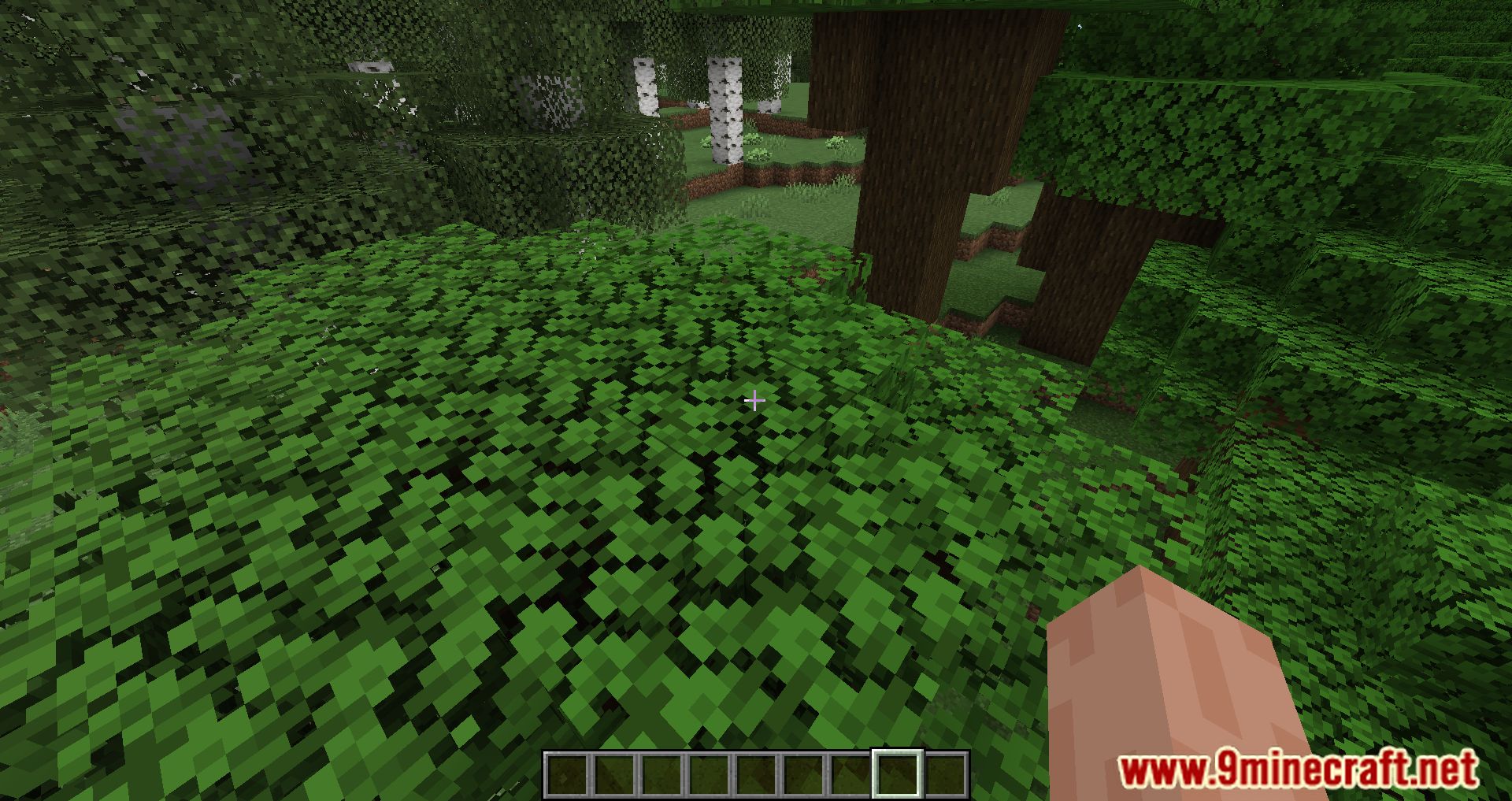
Highlight Mod is a custom way to create more complex visual selection boxes, this is a client only operation and does not actually affect where the player can hit so it is important that the block is still within a normal hit box.
Currently there are 2 ways to bind a highlight to a block, through code using the Highlightable interface on your block or using the json API which can also be used by non mod authors to change a hit box depending on a new model for a block.
Highlights are a client asset so they are stored in your assets folder under the namespace resourcefullib/highlights
Highlight jsons are either a highlight itself for a highlight state, just like how a block has a blockstate json and a model json.
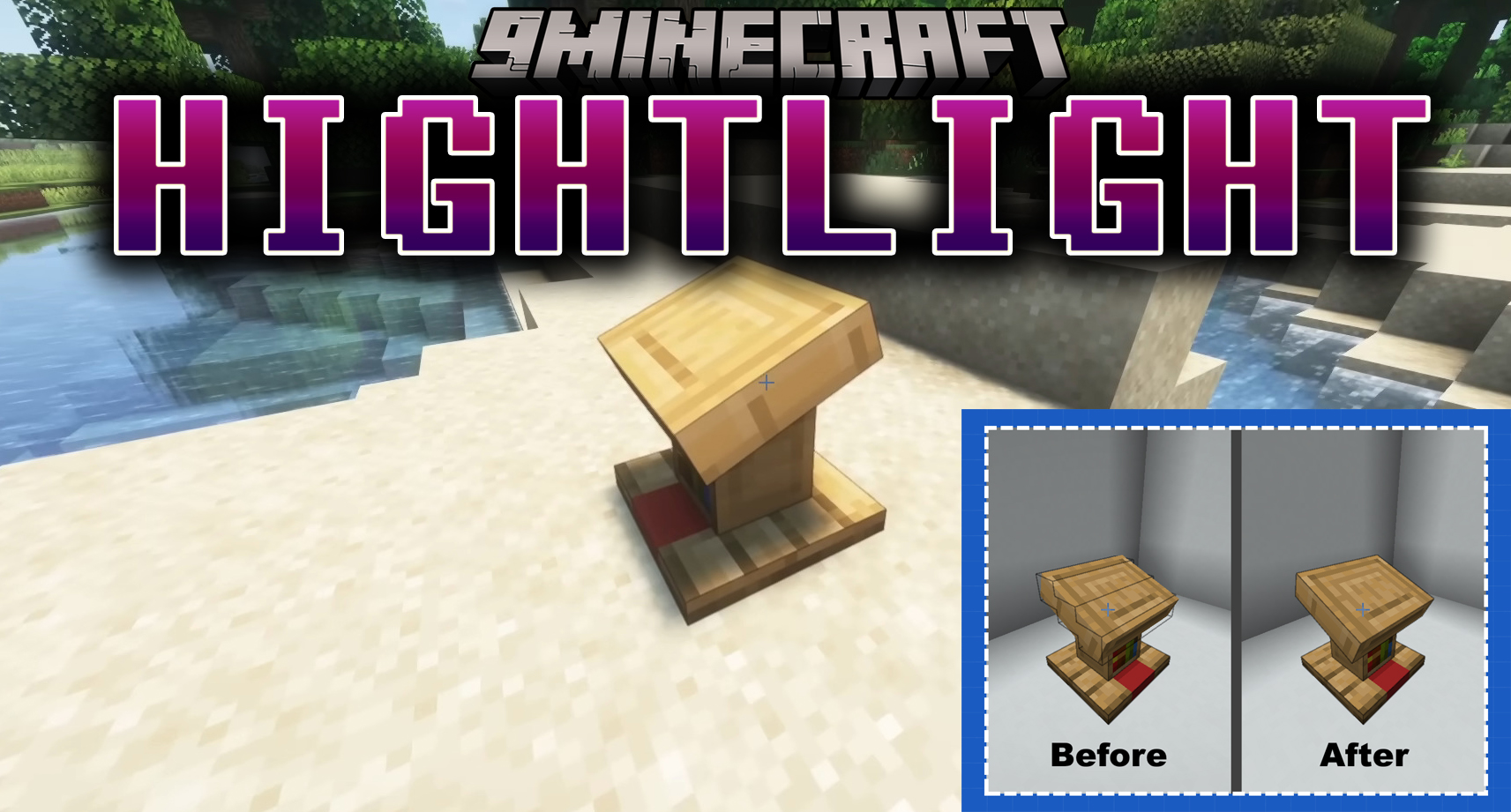
Features:
Highlight
Highlights are a simple json they only contain one thing a list of line
A line is an array of 6 floats with the first 3 being for the first point and the second 3 being for the second point in the line.
Line floats are not Minecraft pixels so if you want a Minecraft pixel position divide it by 16 to get the value for the line.
This example is to have a single line from the bottom left back corner going to the top right front corner.
corner_line.json
{
    "lines": [
        [0, 0, 0, 1, 1, 1]
    ]
}
Highlight State
Highlight states are pretty similar to blockstates and are formatted in a similar manner for the json.
For highlight states we have a single object of variants which has key pair values with the key being the state of the block just like how you would format a blockstate and then the value either being a reference string to the highlight or an object formatted like such.
Note: Highlight states MUST be located in the same namespace as the namespace of the block it is being created for.
So for example for minecraft:lectern it must be located in assets/minecraft/resourcefullib/highlights/lectern.json It can reference other namespace objects but must be in the same namespace as the namespace of the id.
This example uses the corner_line highlight we created in the highlight section and creates 4 variants 2 where its a direct reference and 2 where it is a sub reference where on west and east it rotates the highlight by 90°.
lectern.json
{
    "variants": {
        "facing=south": "minecraft:corner_line",
        "facing=north": "minecraft:corner_line",
        "facing=west": {
            "highlight": "minecraft:corner_line",
            "rotation": { "y": 90 }
        },
        "facing=east": {
            "highlight": "minecraft:corner_line",
            "rotation": { "y": 90 }
        }
    }
}
Screenshots:
How to Install:
New to Minecraft? Follow our step-by-step guide to install Mods on your PC.View Guide




Highlight Mod Download Links
For Minecraft 26.2
For Minecraft 26.1.2, 26.1.1, 26.1
For Minecraft
1.21.11,
1.21.10,
1.21.9
All Versions Covered
1.21.11
1.21.10
1.21.9
1.21.8
1.21.7
1.21.6
1.21.5
1.21.4
1.21.1
1.21
For Minecraft 1.21.10, 1.21.9
For Minecraft 1.21.8, 1.21.7, 1.21.6
For Minecraft 1.21.5
For Minecraft 1.21.4
For Minecraft 1.21.3, 1.21.2
For Minecraft 1.20.6
For Minecraft 1.20.5
For Minecraft 1.20.2
For Minecraft 1.20.1, 1.20
For Minecraft 1.19.4
For Minecraft 1.19.3
For Minecraft 1.19.2
You May Also Like



This post has no comments yet. Be the first — your comment will appear here.