
Astikor Carts TFC Mod (1.21.11, 1.20.1) – Transport Goods with Sturdy Wagons

 0


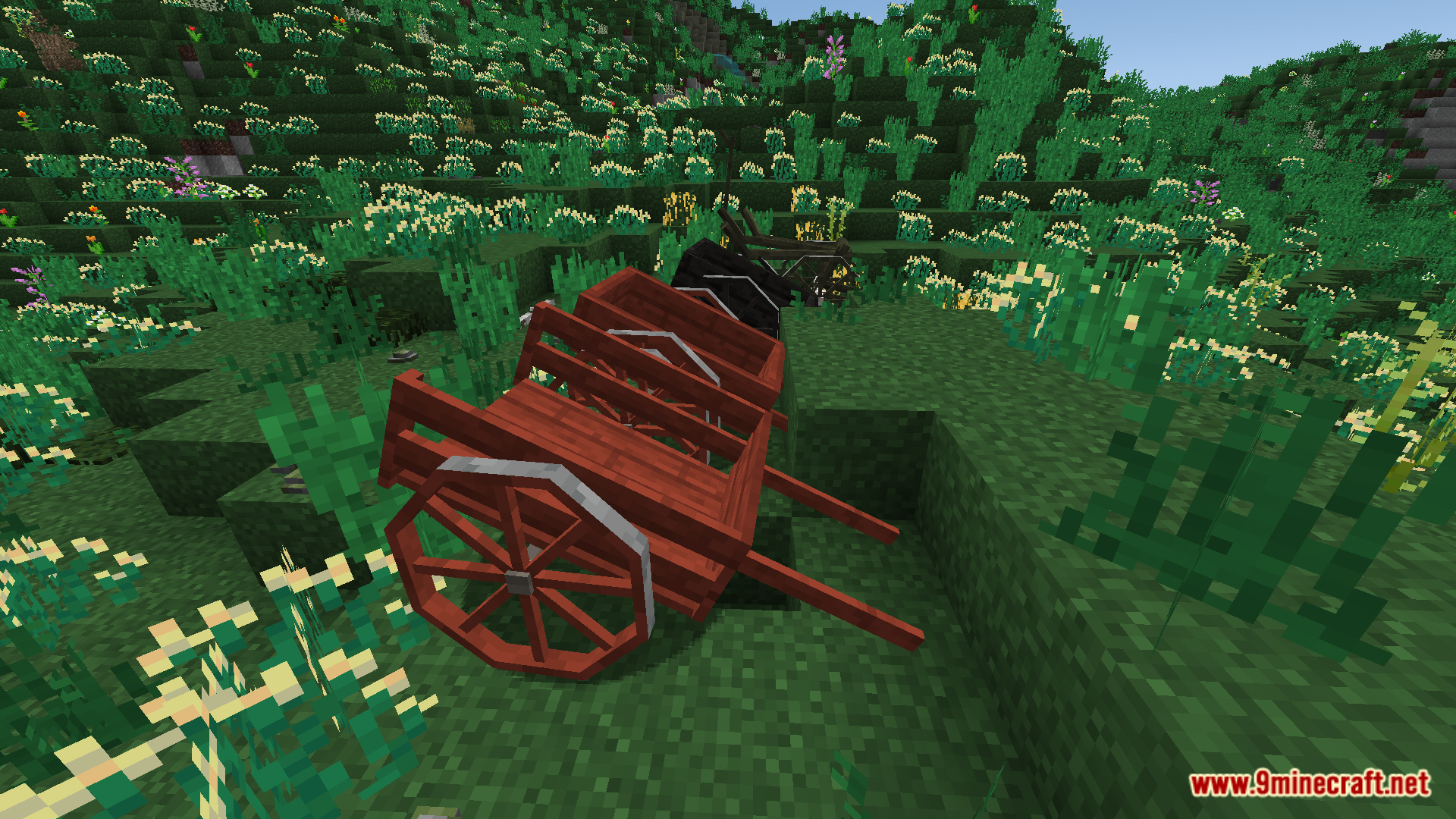
Astikor Carts TFC Mod makes Astikor Carts work with TerraFirmaCraft (TFC) by adding matching wooden carts for every TFC wood type. It includes supply, hand, animal, transport, and plow carts, and updates the plow cart so it clears dense plants and loose rocks as you till soil into farmland. Cart pulling fits right into TFC survival because your speed scales between 25% and 100% based on nutrition, thirst, and hunger, while heavy cargo triggers Exhausted, Overburdened, and Pinned fatigue effects. This mod also offers config settings for inventory sizes, weight limits, and carrying rules, along with automatic wood registration for compatible TFC addons like ArborFirmaCraft.
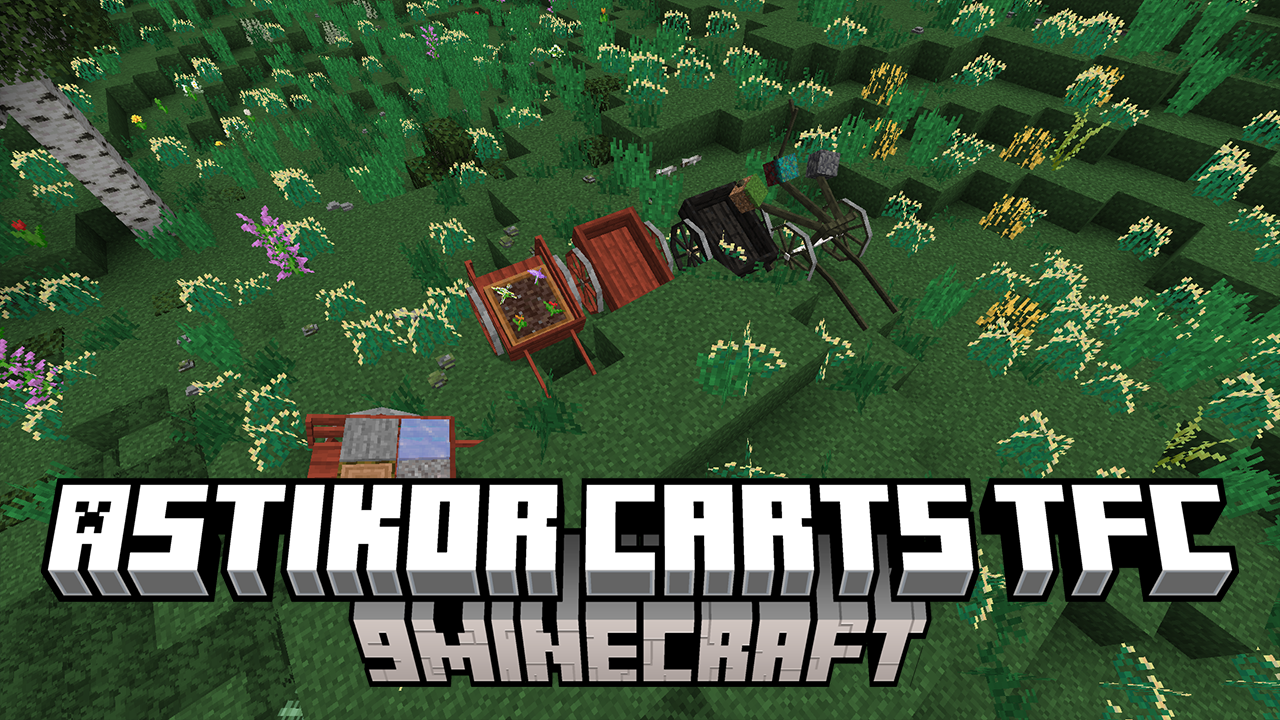
Features:
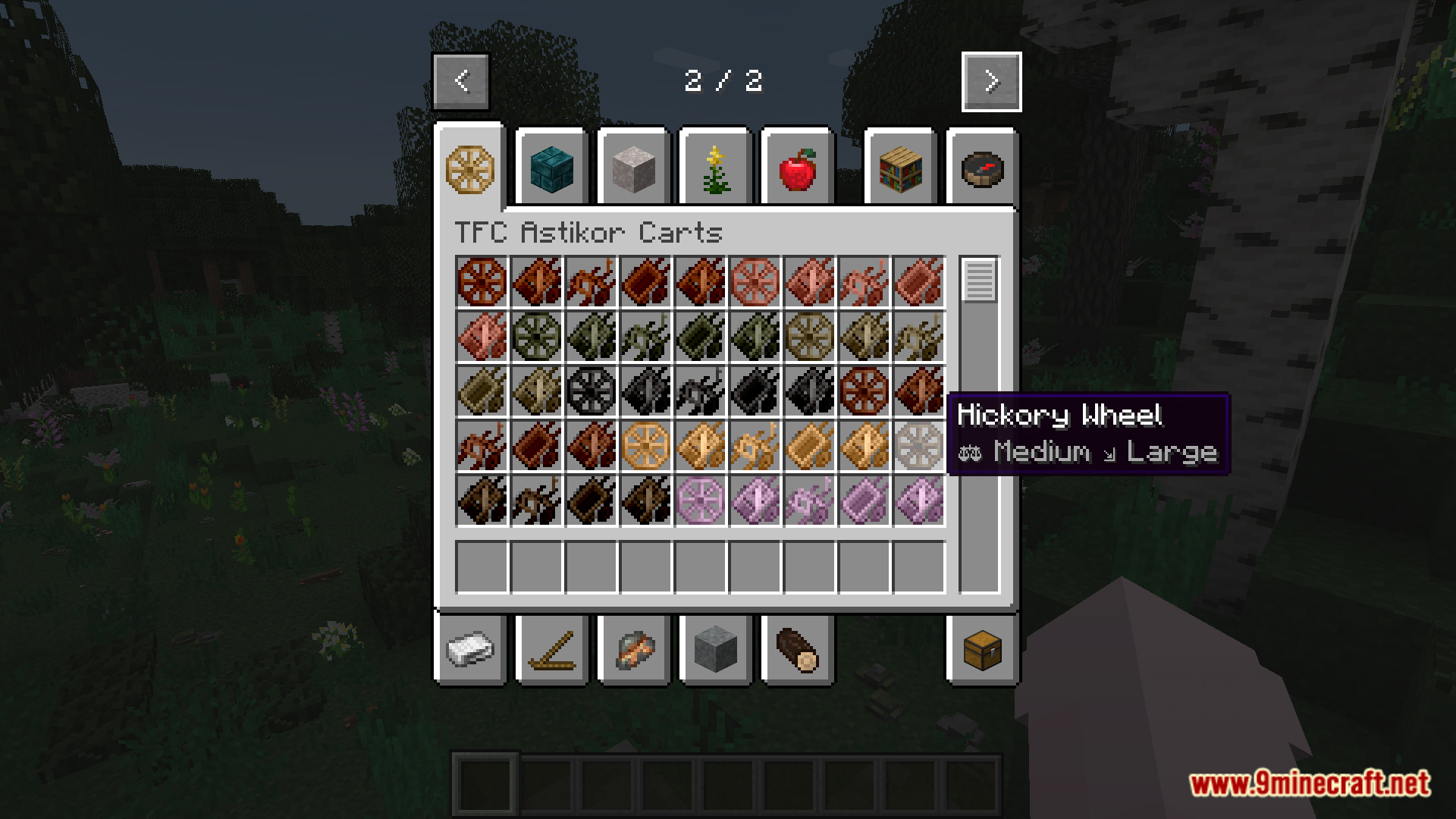
- Adds matching wooden carts for every TerraFirmaCraft wood type.
- Scales your pulling speed between 25% and 100% using your average nutrition, thirst, and hunger, so well-fed and hydrated players pull faster while hungry or thirsty players slow down.
- Tracks total cargo weight in kilograms—for example, a VERY_HEAVY HUGE item weighs around 280 kg—and applies three stages of fatigue when a cart gets too heavy.
- Lets you adjust how far a cart can be pulled before the connection breaks using a configurable distance setting.
- Automatically registers wooden cart items and carts for wood types from compatible TFC addons like ArborFirmaCraft through the TFC RegistryWood interface when the matching datapack files (recipes, tags, TFC data) and assets (textures, item models, lang files) are provided.
Cart Types:
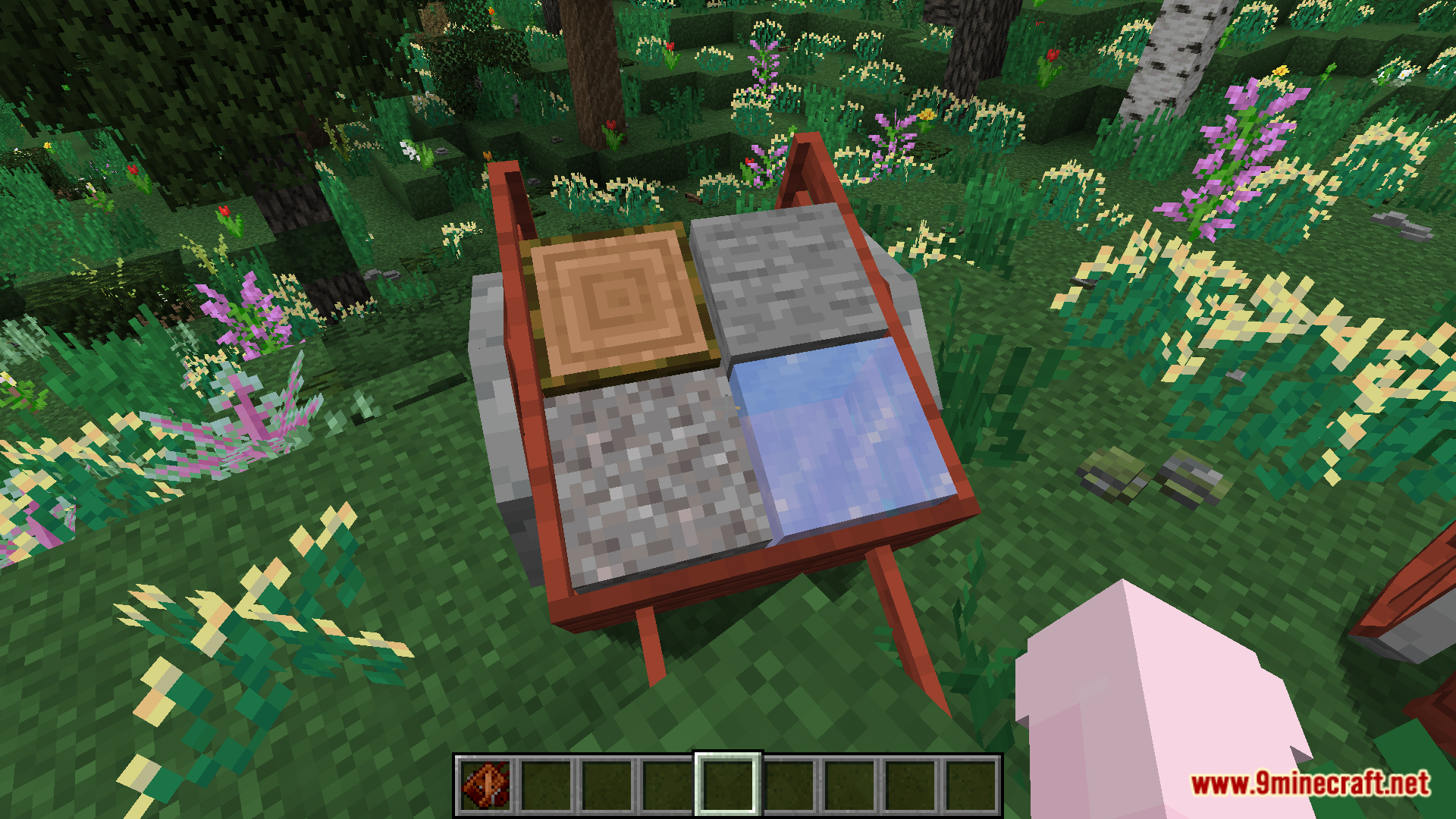
- Supply Cart: Stores cargo in a 5×9 grid (45 slots by default) and holds items up to VERY_LARGE size by default.
- Hand Cart: Gives you a compact 2×5 inventory grid (10 slots by default) for smaller loads.
- Animal Cart: Carries up to 2 animals at once (up to 3.0 block volume each by default), and can also pick up players when pushed into them or water mobs like fish, dolphins, and whales.
- Transport Cart: Carries players or NPCs for easy group travel.
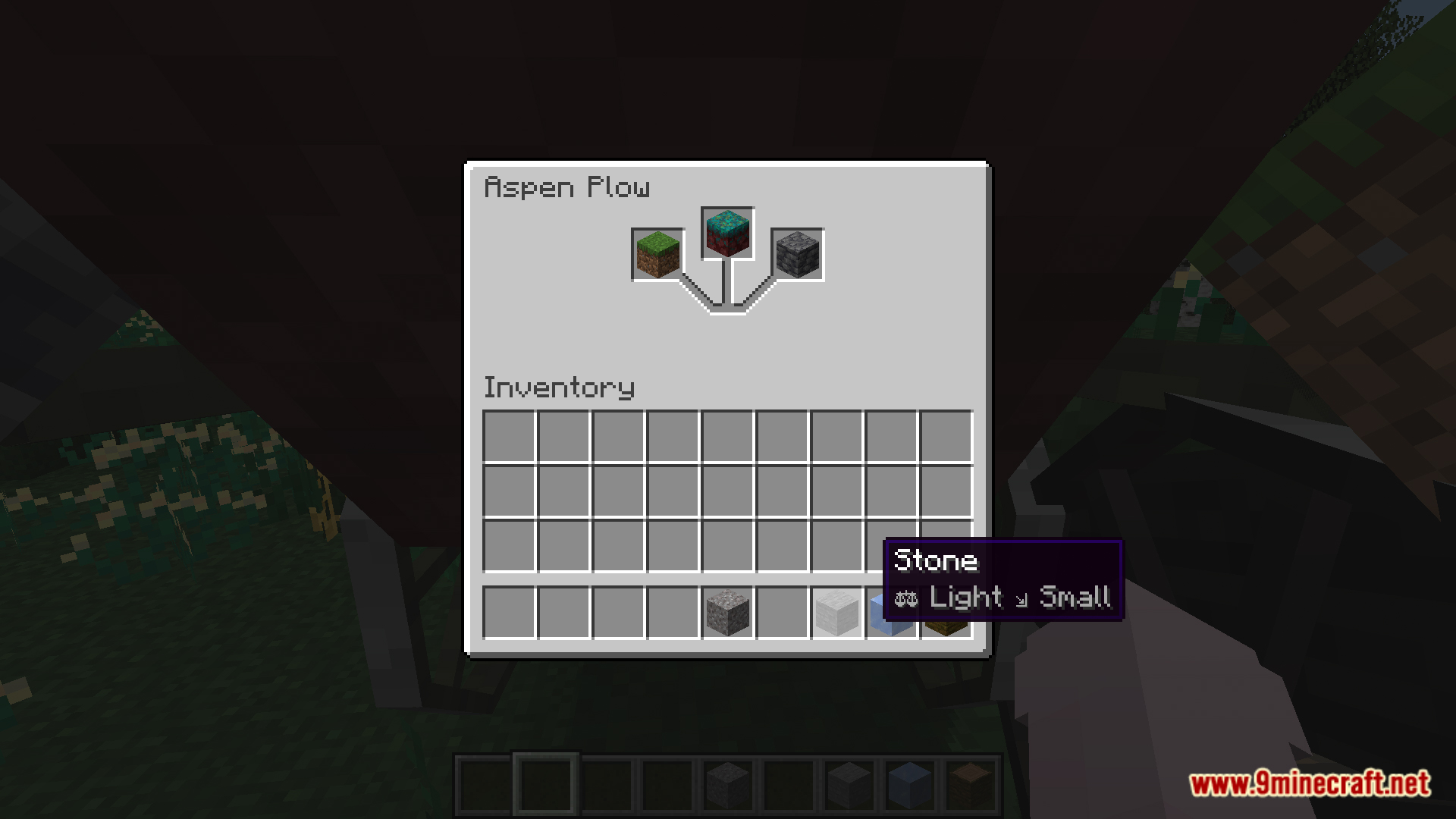
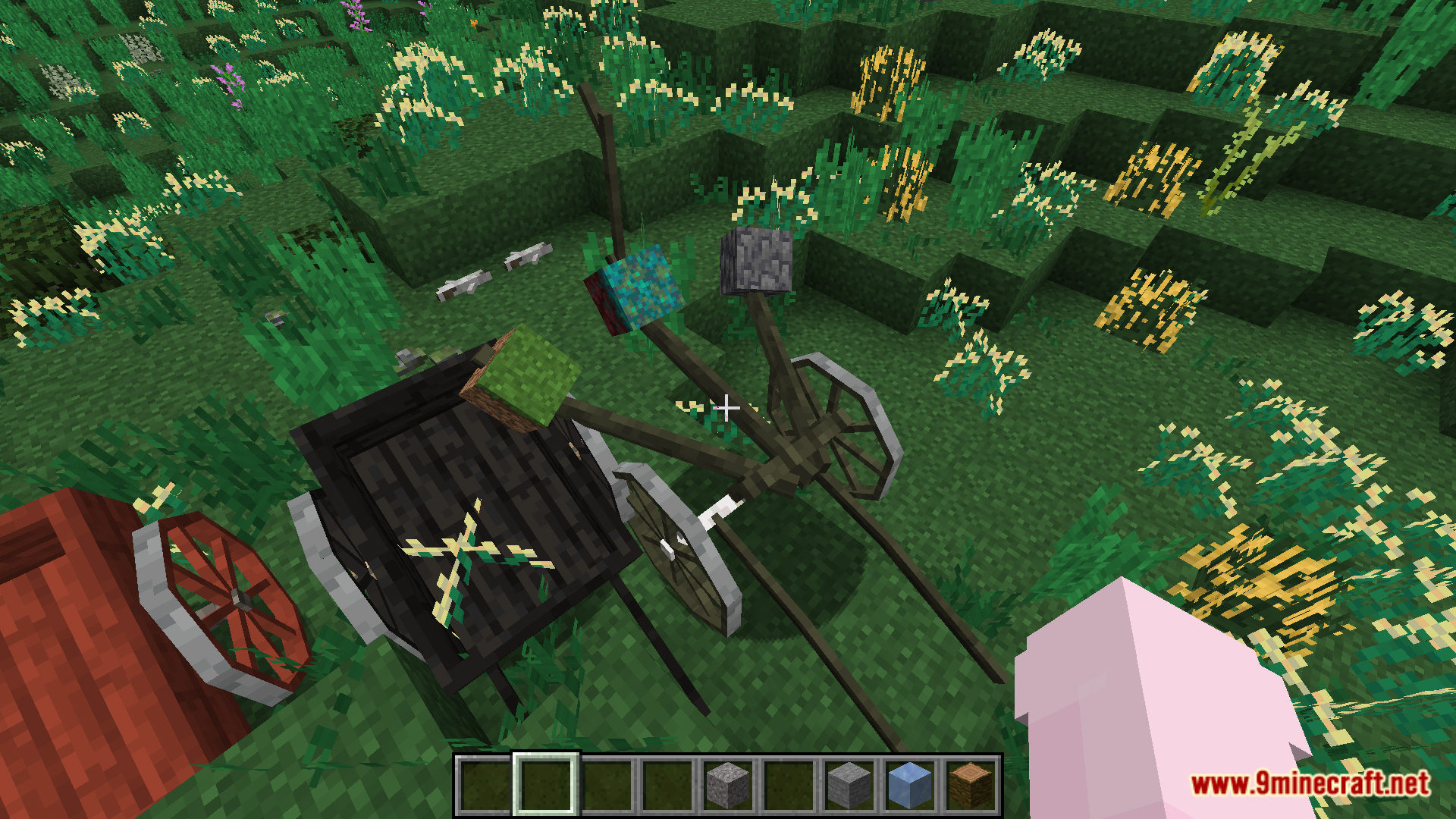
- Plow Cart: Tills soil into farmland while mowing down large amounts of shrubberies, plants, and loose rocks.
Cargo Weight Effects:
- Exhausted: Activates above 400 kg by default and slows down your movement.
- Overburdened: Activates above 1000 kg by default and heavily limits your movement without stopping you completely.
- Pinned: Activates above 2000 kg by default and stops you from moving at all.
Configuration:
maxAnimalSize: Sets the maximum animal size in block volume that an animal cart can carry; larger animals cannot be loaded (default:3.0).maxPassengerCount: Sets the maximum number of animals an animal cart can carry at the same time (default:2).canPushIntoPlayers: Lets an animal cart pick up players when you push it into them (default:true).canCarryWaterEntities: Lets an animal cart pick up water mobs like fish, dolphins, and whales (default:true).maxItemSize: Sets the largest item size allowed inside a supply cart, choosing fromTINY,VERY_SMALL,SMALL,NORMAL,LARGE,VERY_LARGE, orHUGE(default:VERY_LARGE).pullingDistanceModifier: Sets how far you can pull a cart before the connection breaks; higher values allow a longer distance (default:2.0).toggleFoodSpeed: Turns nutrition, thirst, and hunger speed scaling on or off, modifying pulling speed between 25% and 100% when enabled (default:true).exhaustedThreshold: Sets the cargo weight in kg that applies the Exhausted effect and slows your movement (default:400).overburdenedThreshold: Sets the cargo weight in kg that applies the Overburdened effect and heavily limits movement (default:1000).pinnedThreshold: Sets the cargo weight in kg that applies the Pinned effect and stops you from moving (default:2000).handCartInventoryHeight: Sets the number of inventory rows for the hand cart (default:2).handCartInventoryWidth: Sets the number of inventory columns for the hand cart (default:5).supplyCartInventoryHeight: Sets the number of inventory rows for the supply cart (default:5).supplyCartInventoryWidth: Sets the number of inventory columns for the supply cart (default:9).
Screenshots:
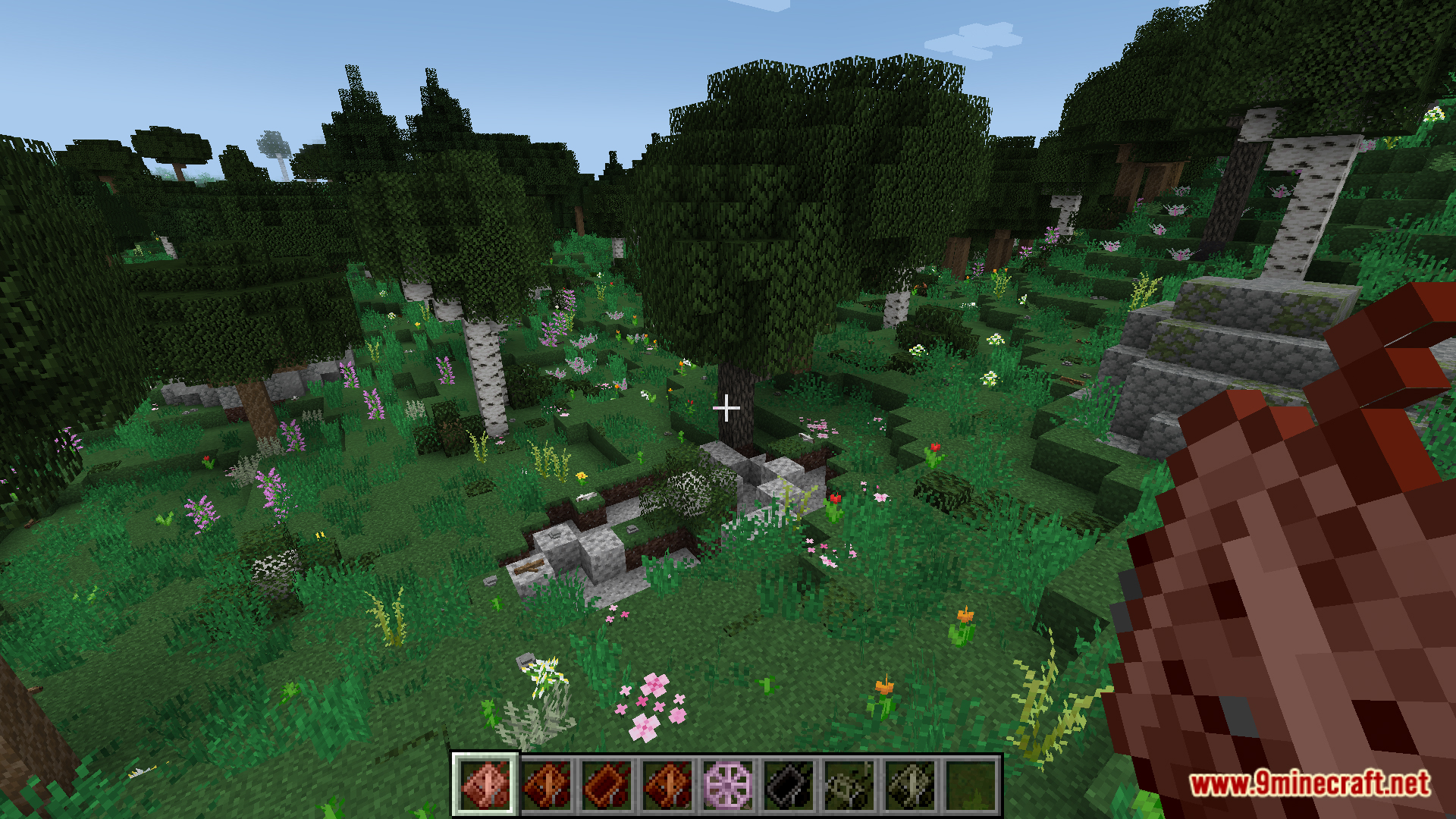
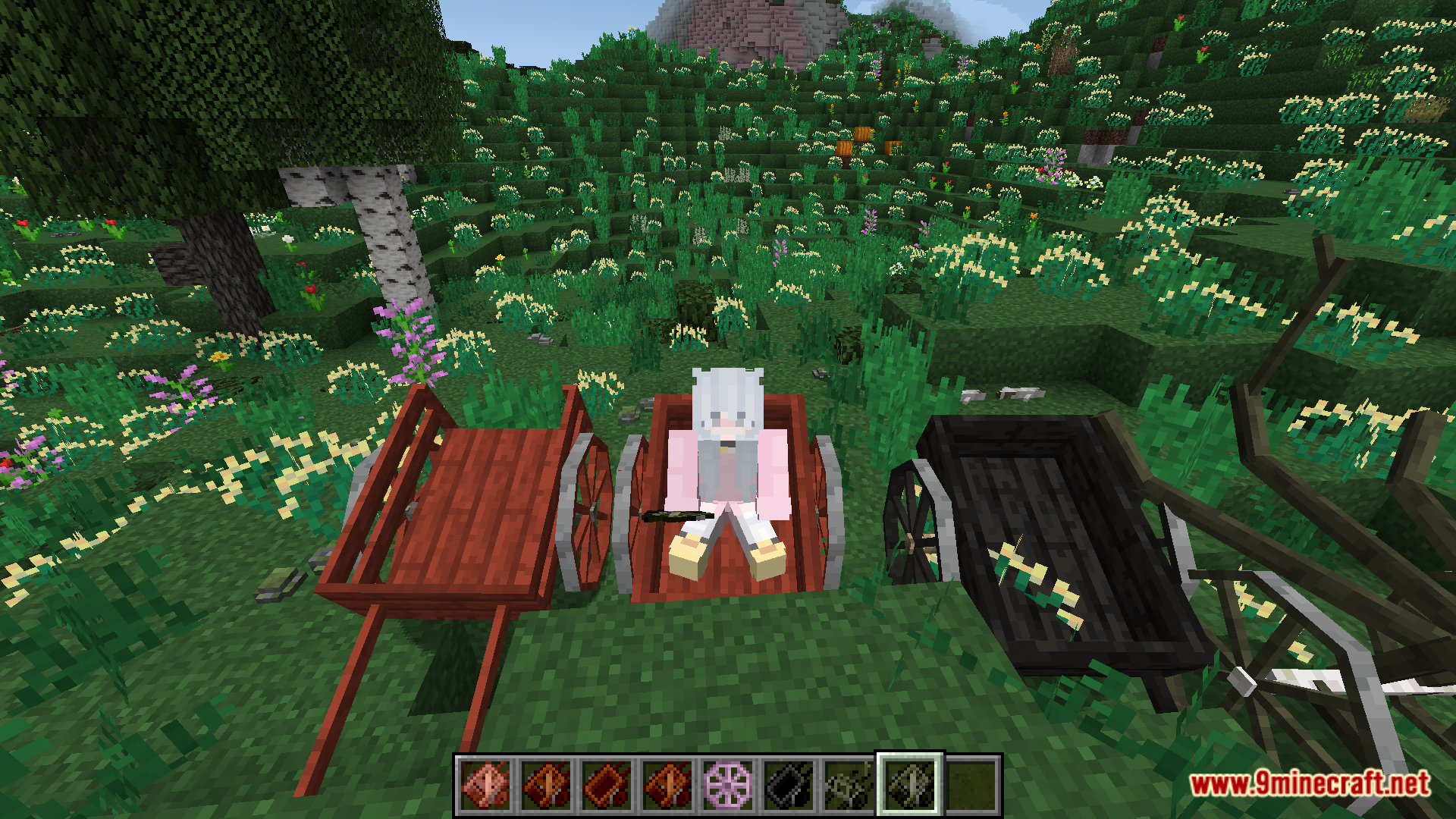
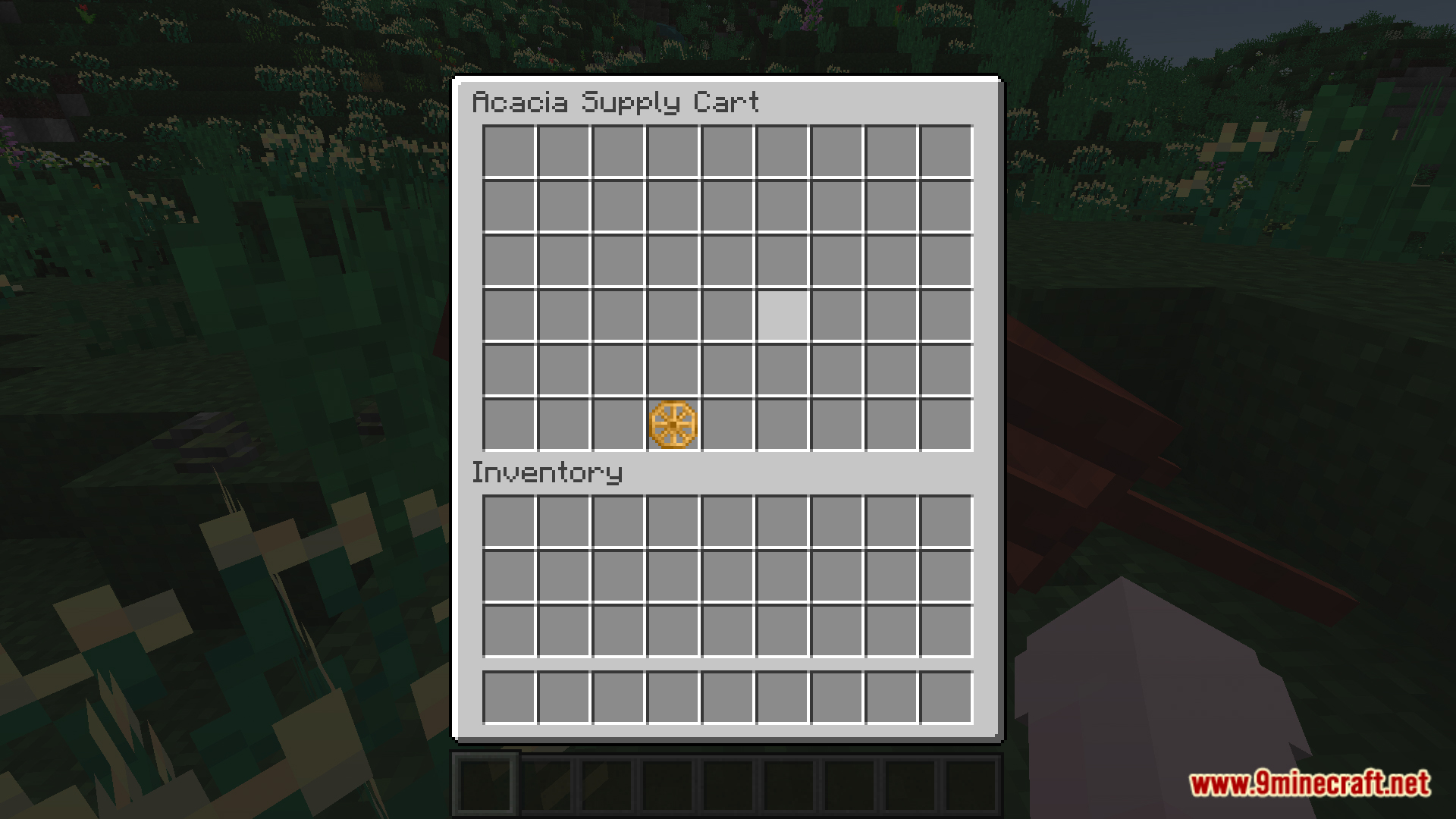
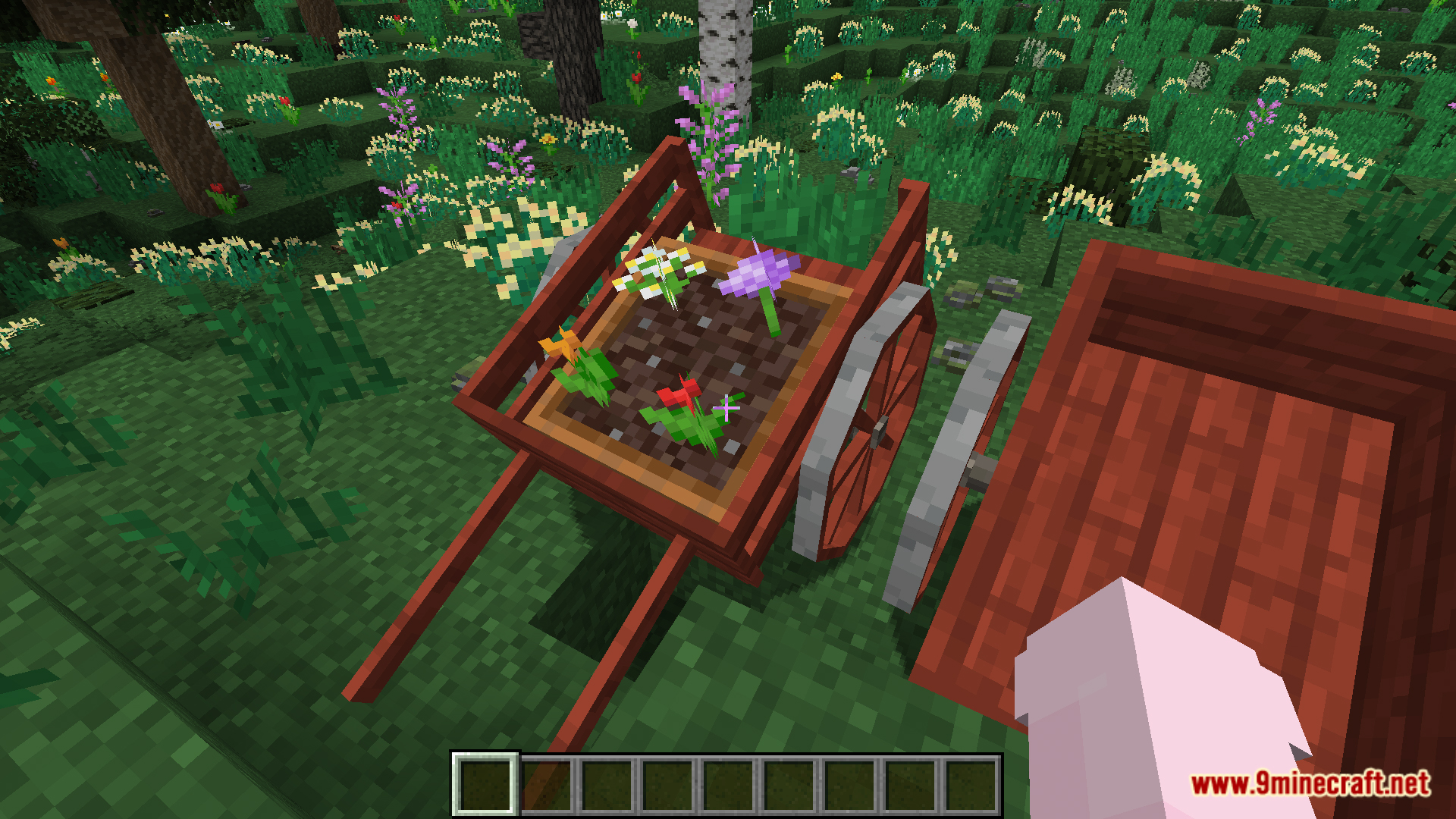
How to Install:
New to Minecraft? Follow our step-by-step guide to install Mods on your PC.View Guide
Requirements:


Astikor Carts TFC Mod Download Links
For Minecraft
1.21.11,
1.21.10,
1.21.9
All Versions Covered
1.21.11
1.21.10
1.21.9
1.21.8
1.21.7
1.21.6
1.21.5
1.21.4
1.21.1
1.21
For Minecraft 1.20.1, 1.20
For Minecraft 1.18.2
You May Also Like
Picked for this page
 SuperMartijn642s Config Lib (26.3, 1.20.1) – External Library
 Model Gap Fix Mod (1.21.11, 1.20.1) – Fixing Graphics Bug
 Old Combat Mod (26.3, 1.20.1) – Brings Back Old Combat Mechanics
 Hornets Mod (1.21.1, 1.20.1) – Insect, Hostile Entity
 LotTweaks Mod (1.21.11, 1.20.1) – Powerful Toolkit for Builders
 Simple Magnets Mod (26.3, 1.20.1) – Never Miss a Single Drop
 Server Friendly Looting Mod (26.1.2, 1.20.1) – Discover Loot Equality With Mimics
 Windowed Fullscreen Mod (26.2, 1.21.1) – Borderless Windowed Mode
 Color Blindness Mod (26.3, 1.20.1) – Color Blindness As Player Effects
 Forgeshot Mod (26.3, 1.20.1) – Take High-Quality Screenshots
 Croparia IF Mod (1.21.11, 1.20.1) – Farm Your Ores Instead of Mining Them
 Take it Slow Mod (26.3, 1.20.1) – Disable Sprinting And Swimming
Most viewed in Mods over the last 7 days
 Ala Industrial Mod (26.3) – Run Electric Power Grids and Automated Factories
 PleasureCraft Mod (26.3, 1.21.1) – Jenny Mod Remake for Fabric
 Jennycraft Mod (26.3, 1.20.1) – Virtual Girlfriend in Minecraft
 Fapcraft Mod (26.3, 1.12.2) – Comprehensive and Detailed Content
 Jenny Mod (Fapcraft) Official Complete Guide – How to use, Tutorial
 BangCraft Mod (1.20.1) – Jenny, Ellie and Elliot
 Fabric Loader (26.3, 1.20.1) – Fabric Installer for All Minecraft Versions
 The Shooting Star Demo Mod (26.3, 1.20.1) – Vaporize Terrain From Orbit
 Meteor Client Mod (26.3, 1.20.1) – Xray, HUD, Fly
 OptiFine HD (26.3, 1.20.1) – Run Faster, FPS Boost, Shaders Support
 Aristois Client Mod (1.21.4, 1.20.1) – World Class Minecraft Utility
 Prestige Client Mod (1.21.11, 1.21.4) – Powerful Ghost Features for Crystal & Sword PvP
More from Mods
 Bonsai Trees 9minecraft Mod (26.3, 26.2) – Automate Wood Farming in Tiny Pots
 Enhanced Block Entities 9minecraft Mod (26.3) – Build Lag-Free Storage Rooms
 Better Nether 9minecraft Mod (26.3, 26.2) – Survive Forever in the Nether
 BCLib 9minecraft Mod (26.3, 26.2) – Power Custom Nether and End Overhauls
 ForgedLoaderAPI Mod (1.19.2, 1.18.2) – Bring Ported Fabric Creations
 Shield System Mod (1.21.1) – Tank Heavy Monster Hits Without Losing Hearts
 Shin’s Tensura Race Models Mod (1.19.2) – Play As Unique 3D Anime Race
 Offgrid Mod (26.3, 1.20.1) – Furnish Compact Interiors Without Strict Grid
 Tempest Almanac Iron’s Spells ‘n Spellbooks Mod (1.21.1, 1.20.1)
 Chat Guides Mod (26.3, 1.21.11) – Never Memorize Complex Server Commands Again
 TRMT Reimagined the Roads More Travelled Mod (26.3, 1.20.1)
 Morrowless Mod (1.21.1) – Defend Your Shelter From Nightmare Creatures

This post has no comments yet. Be the first — your comment will appear here.