🌐 Good news — we've translated this article into other languages!
Or pick the one you like:

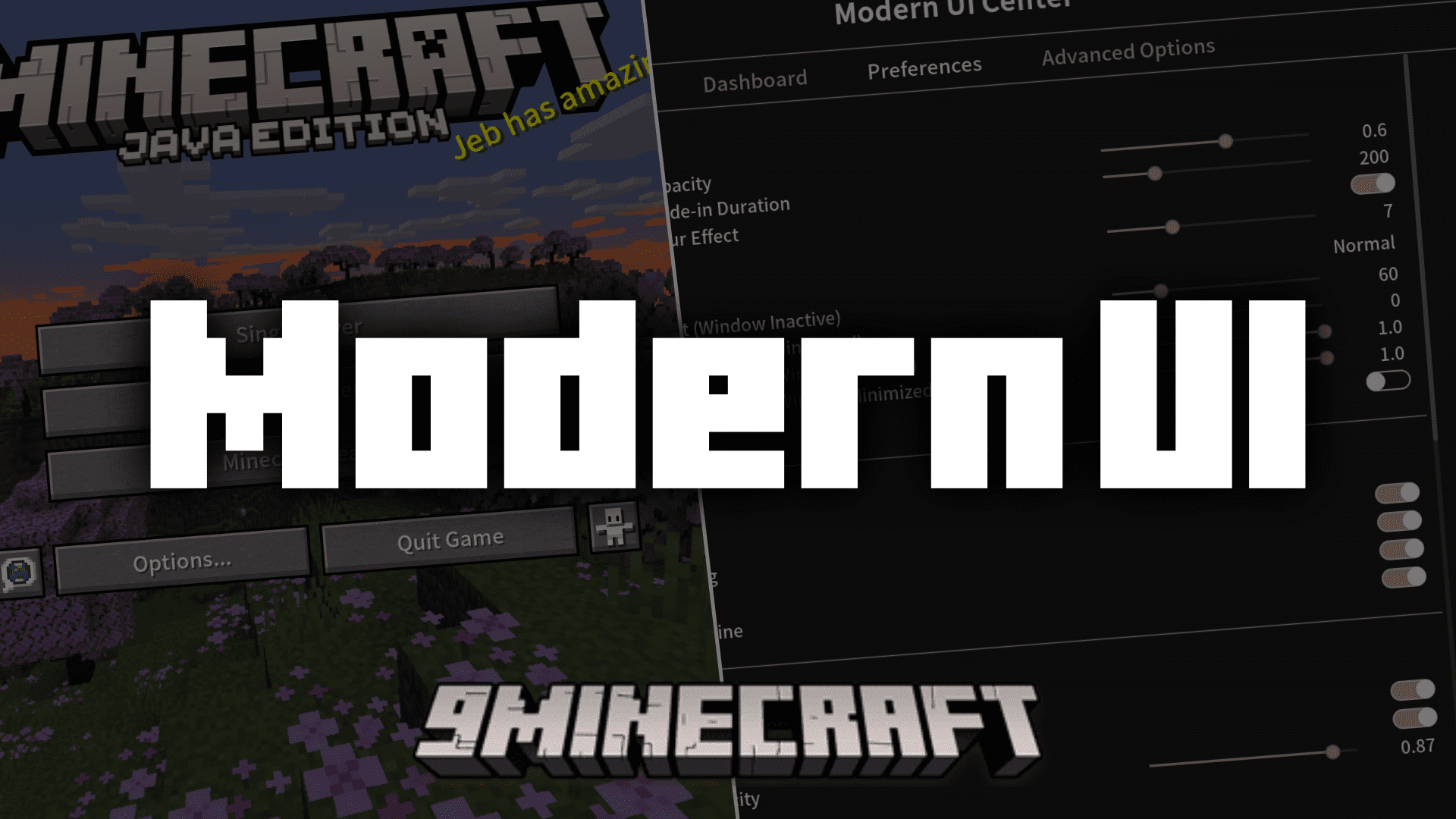
Modern UI Mod revamps the entire user interface in Minecraft to make it look cleaner and smoother. The blocky letters and old colors are replaced with a more modern style. It also adds a special settings page with many options to let you customize the look and feel of your game.
Features:

  • Reworks the text system for clearer and more readable text at any size.
  • Adds support for TrueType/OpenType fonts with real-time preview and reloading.
  • Includes support for all Unicode 15.1 Emoji, which can be used in chat with shortcodes.
  • Lets you change the screen background color and add a Gaussian blur effect.
  • Adds new window modes, like borderless fullscreen and maximized borderless.
  • Can automatically limit the framerate when the game window is not active.
  • Pauses single-player games when you open your inventory.
  • Changes the GUI scale option to a slider for more precise control.
  • Enables smooth scrolling in menus and selection lists.
  • Pressing the C key lets you zoom in, similar to OptiFine.
  • Gives tooltips a new, rounded style with customizable colors.

How to Use:

  1. Press Ctrl+K (or ⌘+K on Mac) by default to open the Action Center screen.
  2. From this menu, you can configure all of the mod’s settings.
  3. To change font settings, go to Preferences and swipe to the second page.

Screenshots:
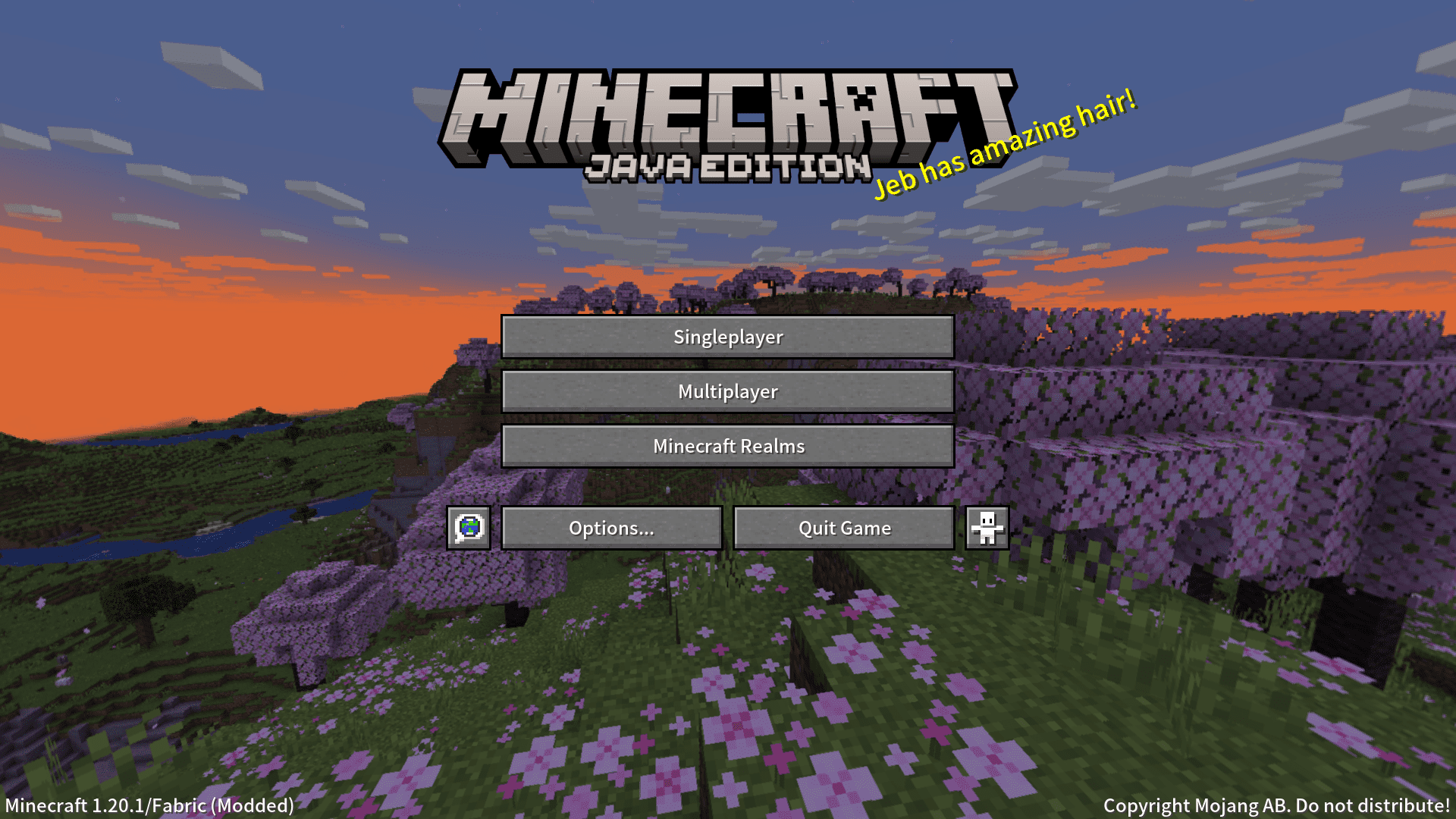
Minecraft Java Edition main menu screen featuring a scenic cherry blossom biome background
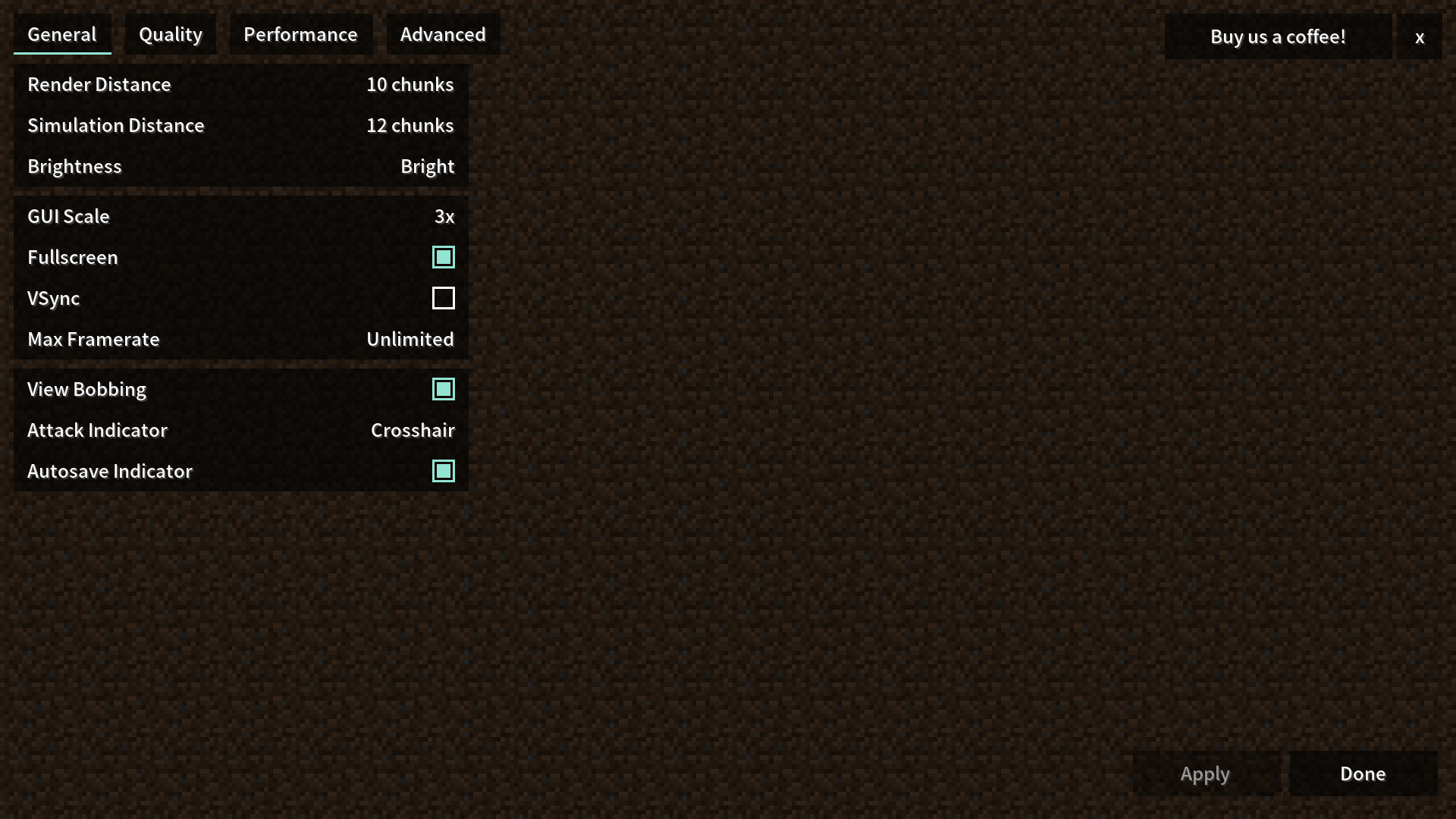
The Modern UI Mod settings screen showing various general and performance configuration options
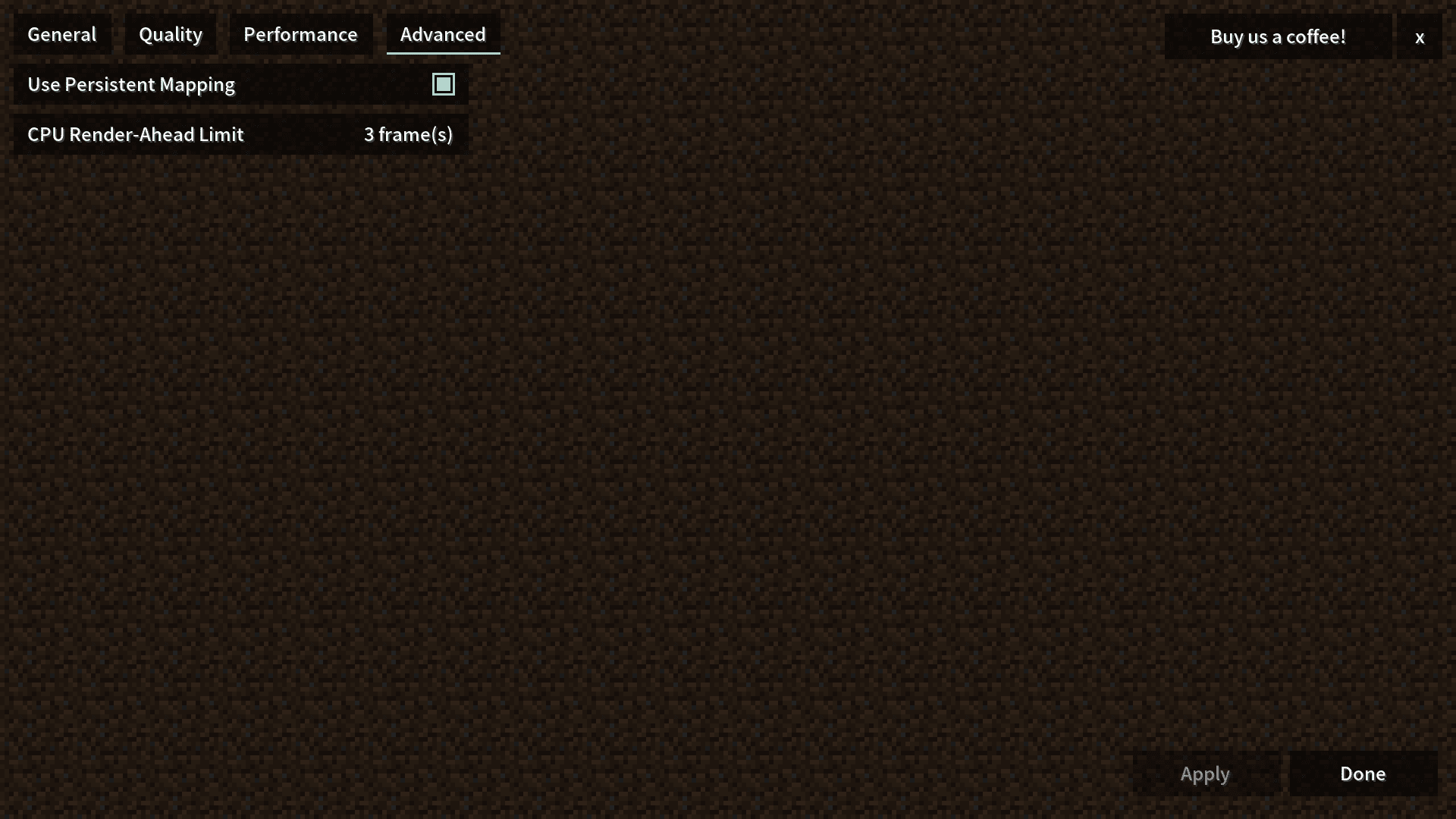
Minecraft advanced graphics settings screen with persistent mapping and frame limit options
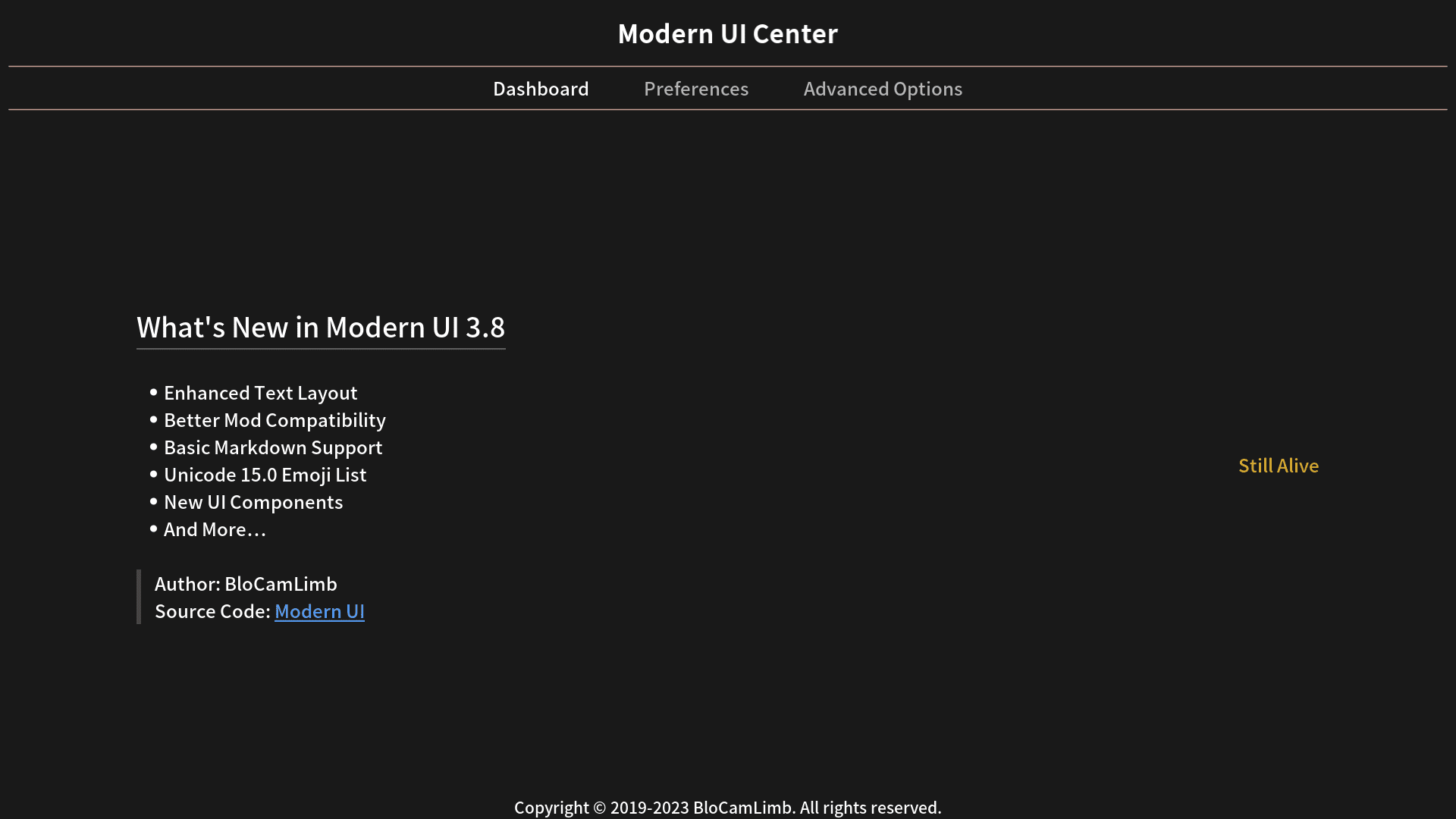
The dashboard of Modern UI Center displaying update notes and developer information
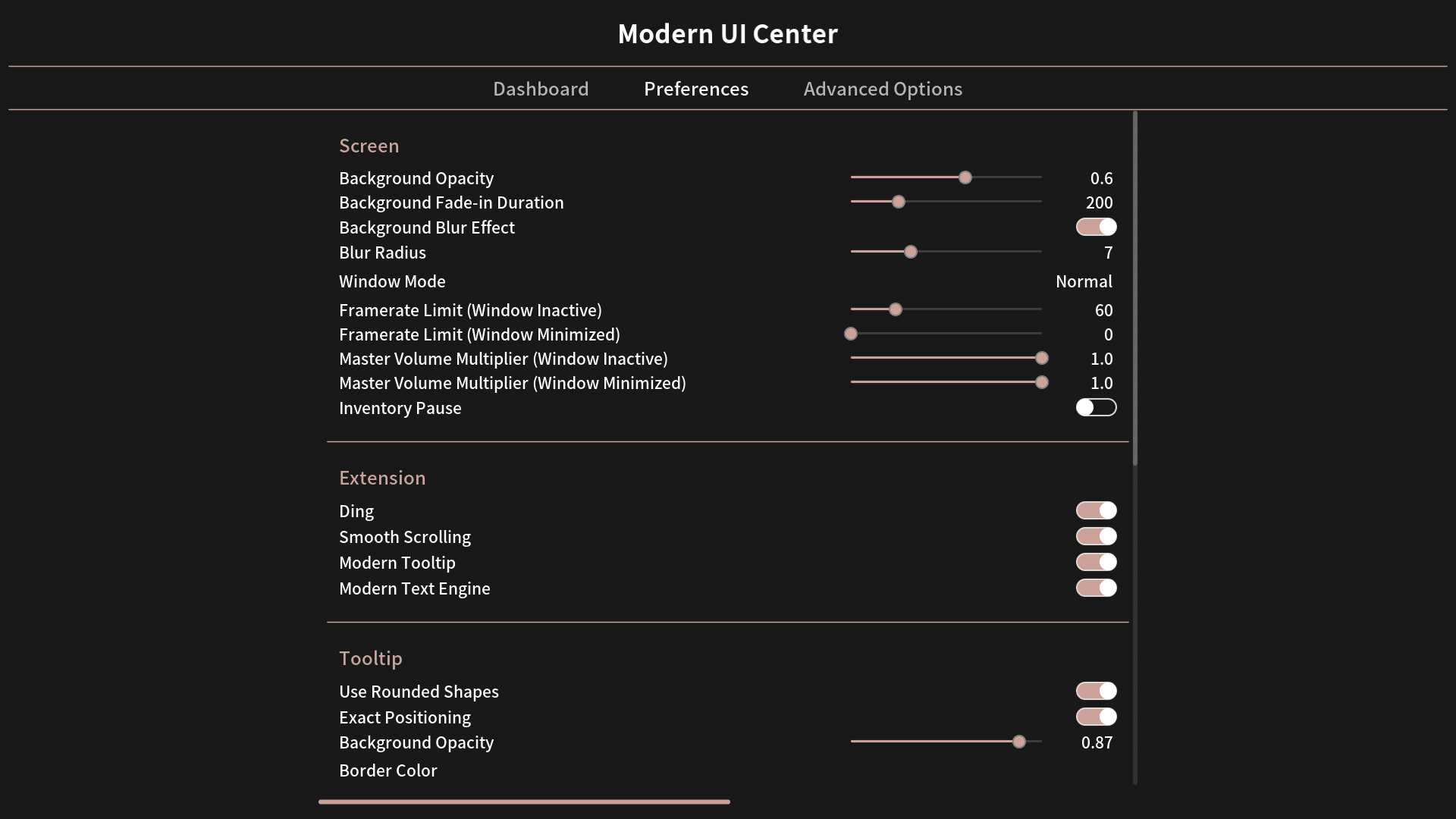
Modern UI Center preferences screen with sliders for background opacity and blur
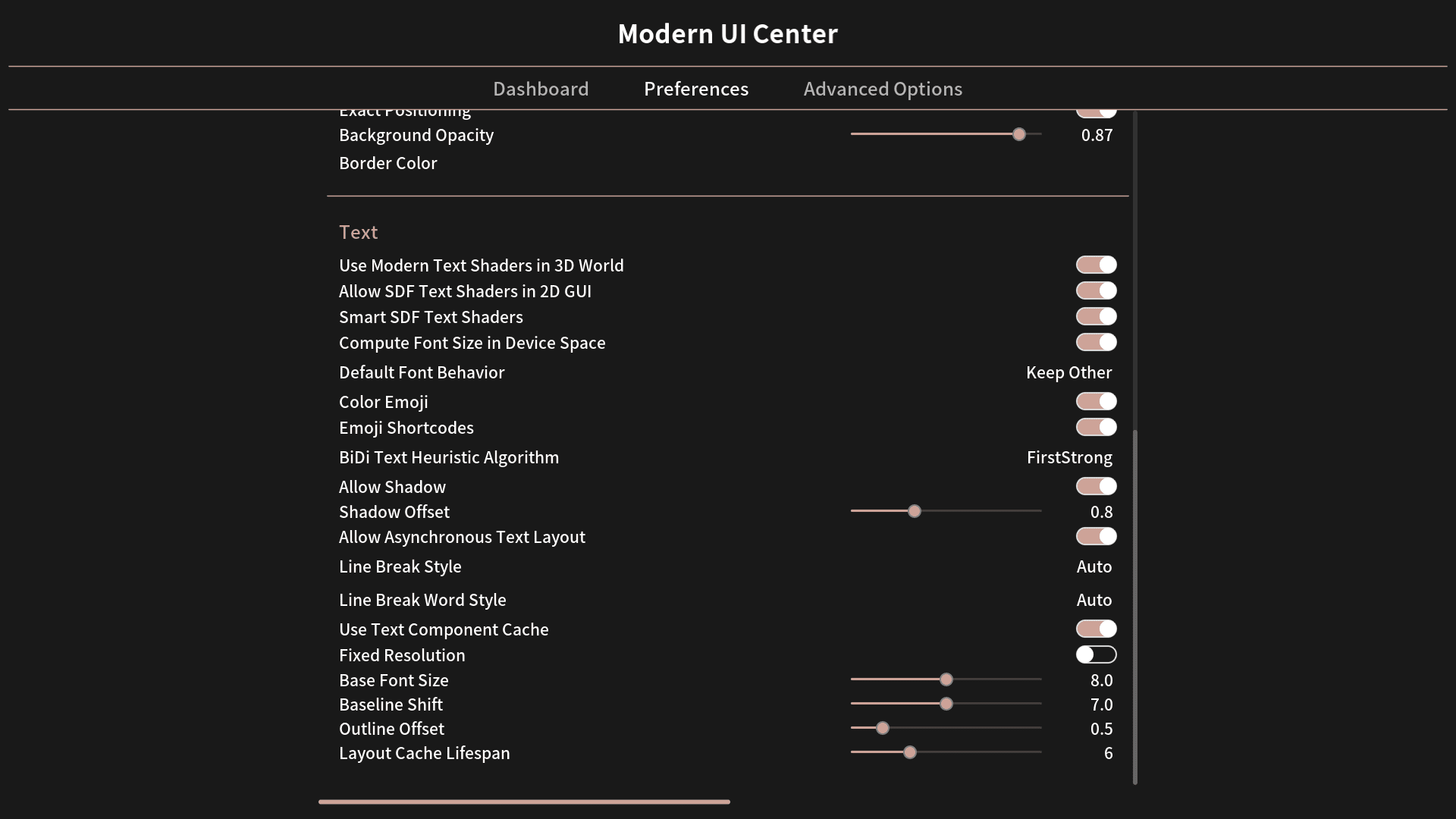
Minecraft menu showing detailed text layout and font rendering options for players
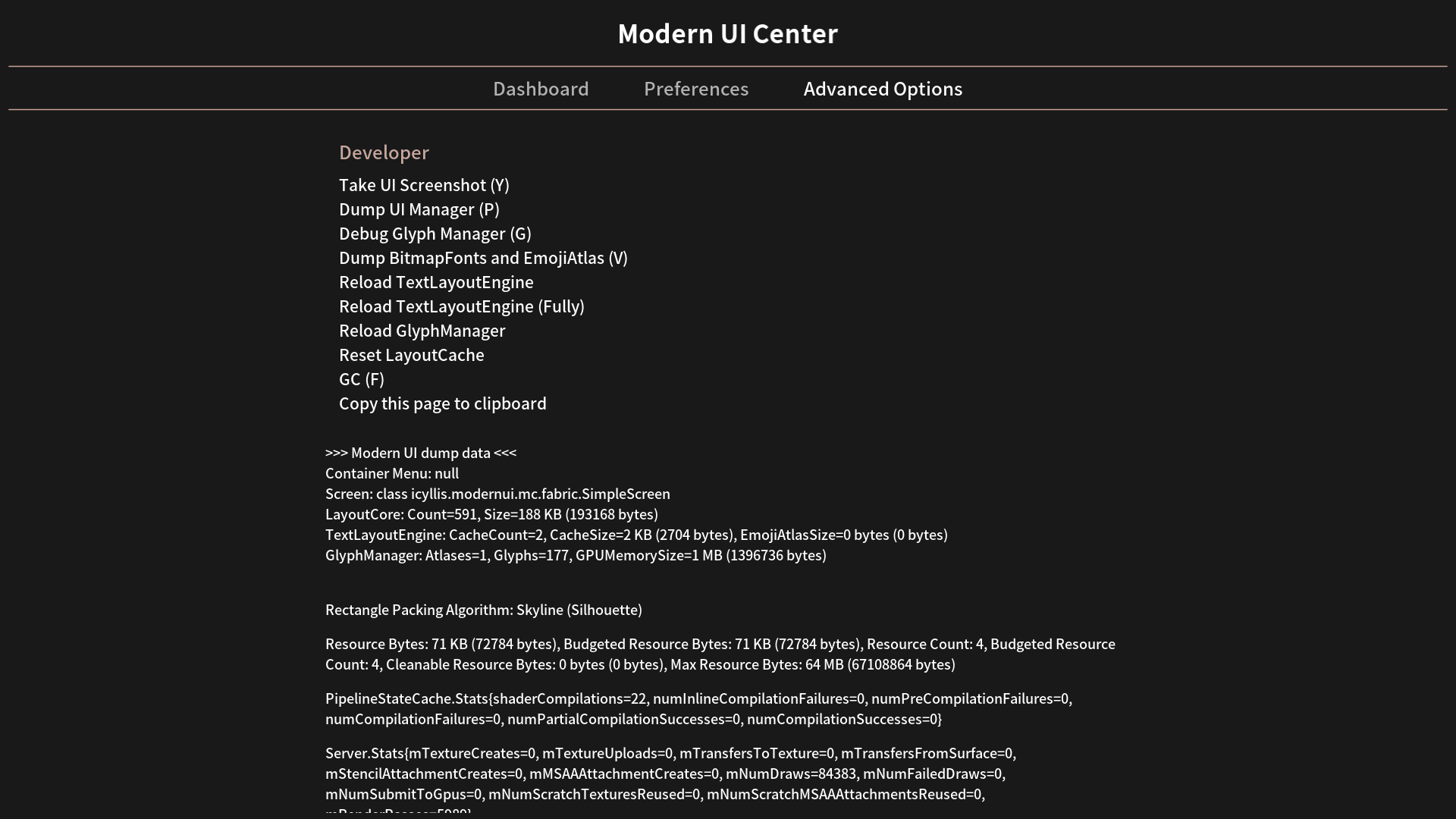
Modern UI Center advanced options menu showing developer tools and technical data
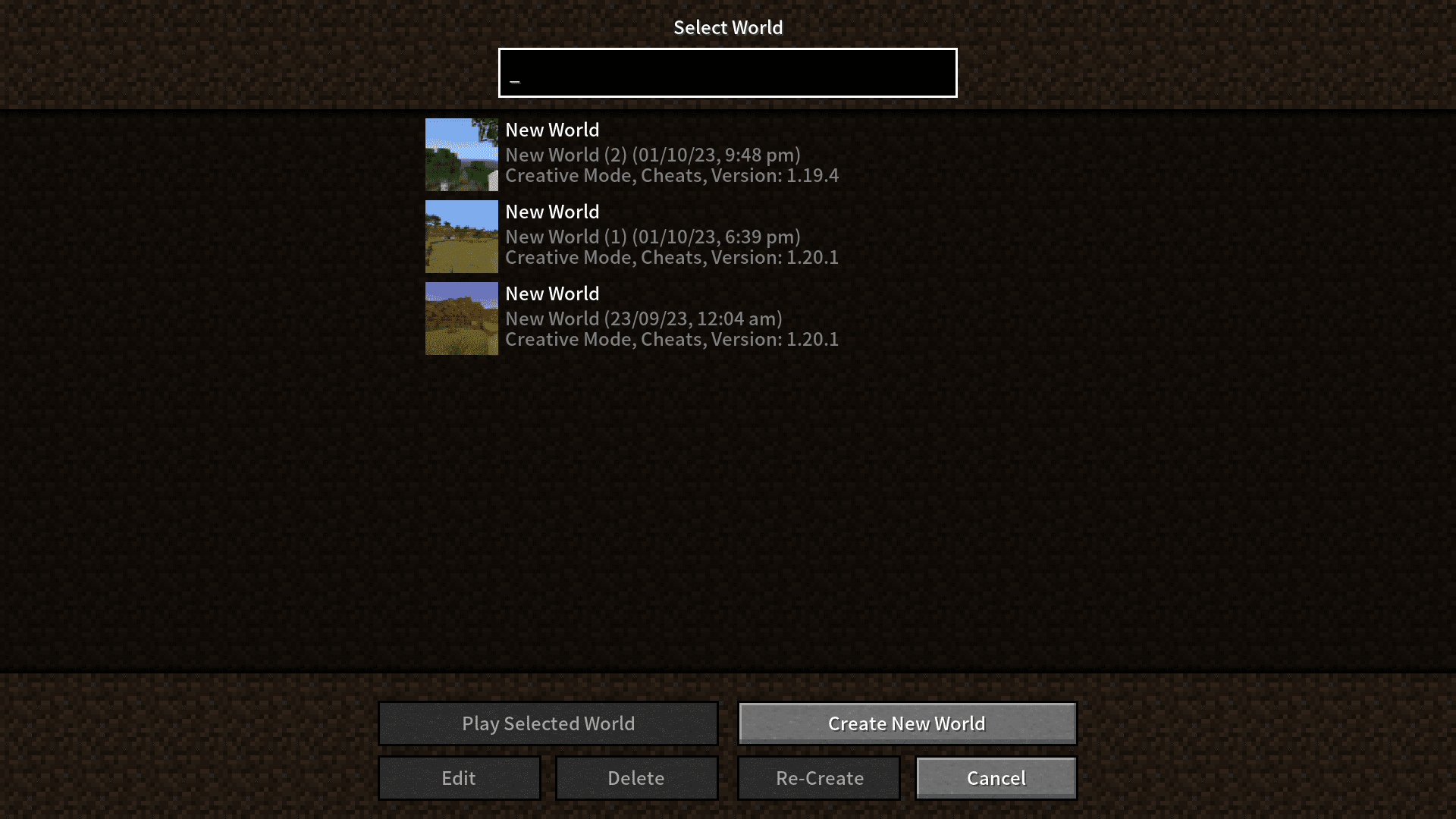
Minecraft world selection screen with a clean and modern user interface layout
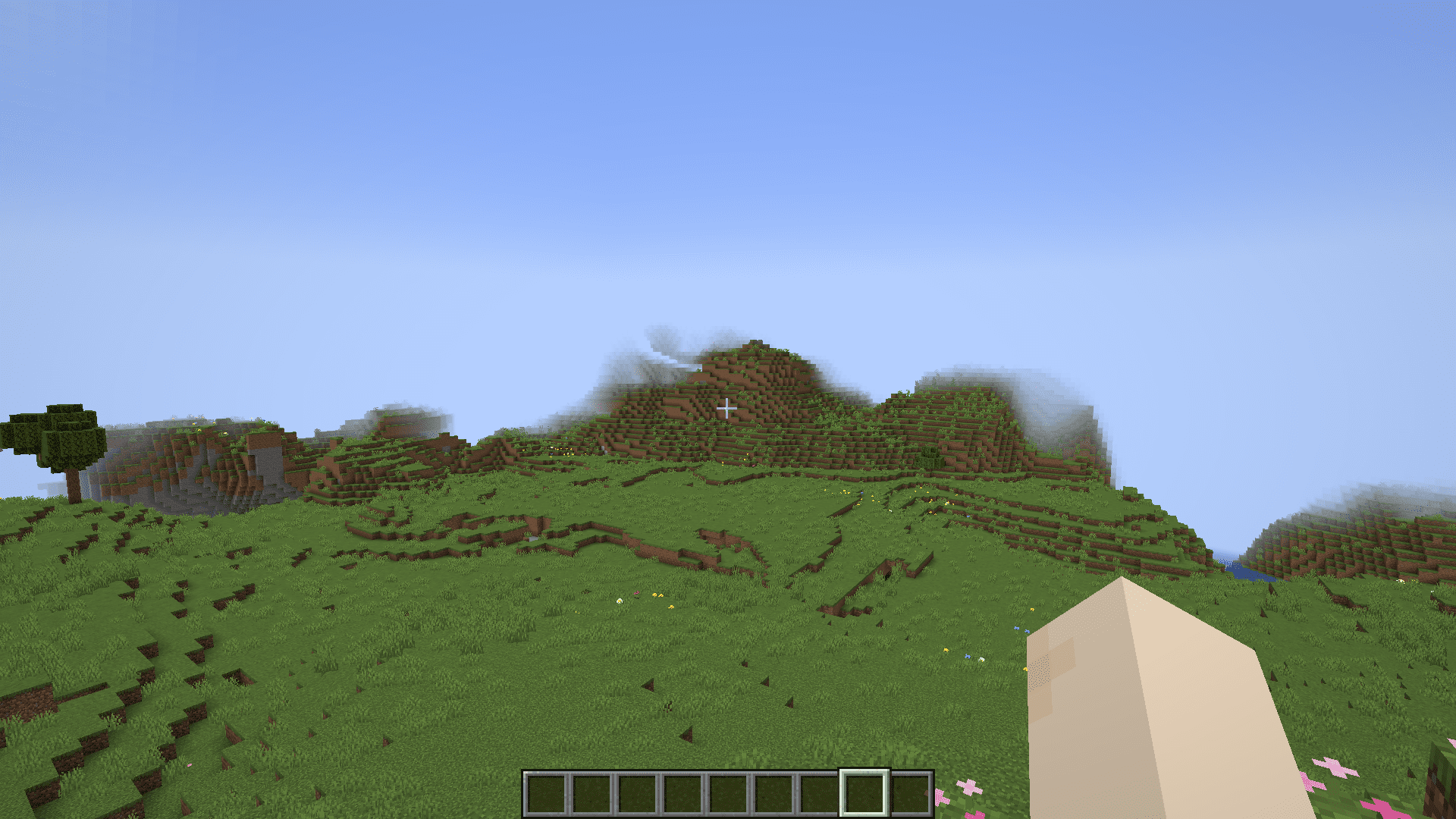
First person view of a grassy Minecraft landscape under a clear blue sky
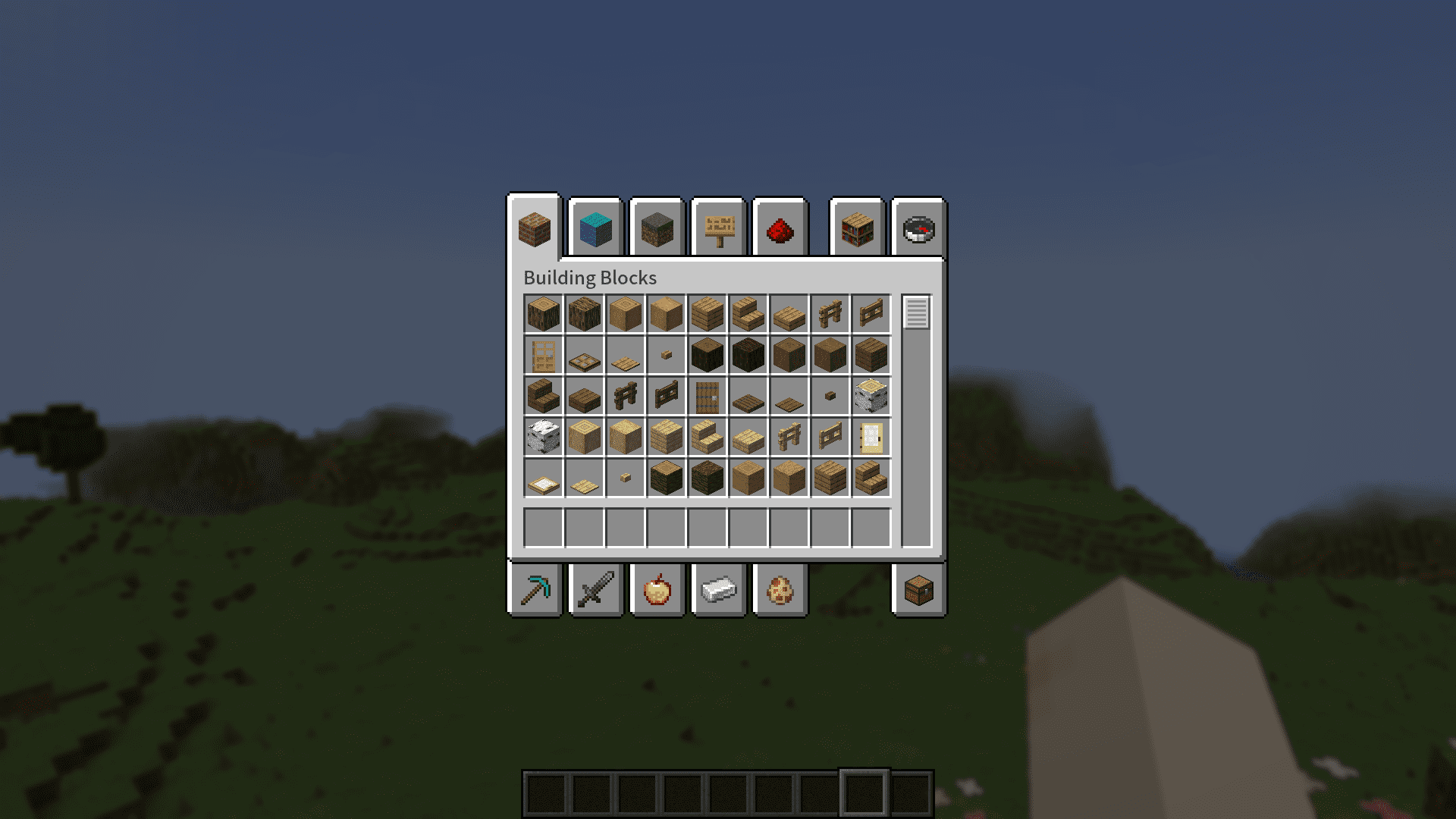
Creative inventory menu with a blurred background using the Modern UI Mod
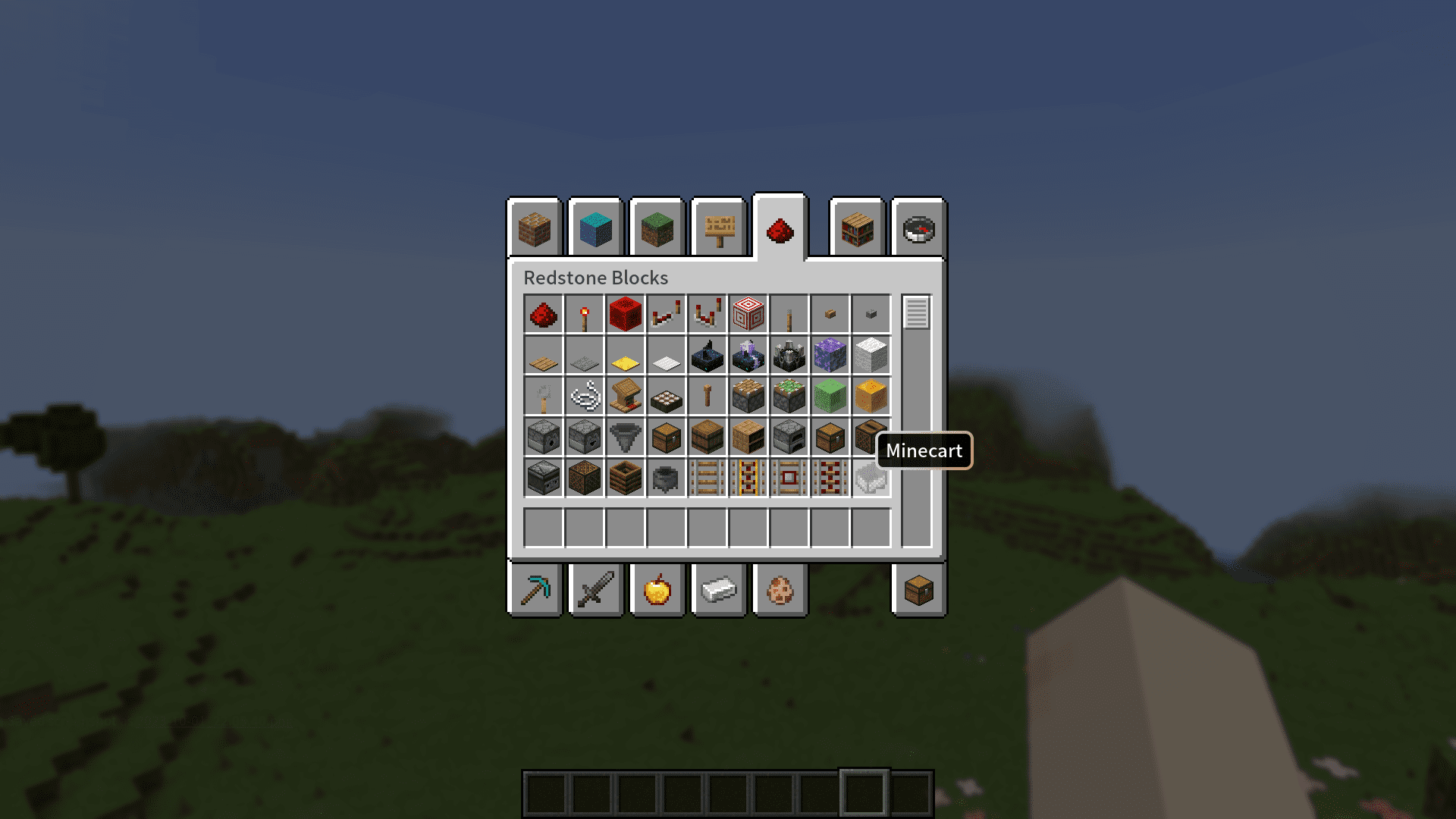
The creative inventory screen showing redstone items with a modern UI design
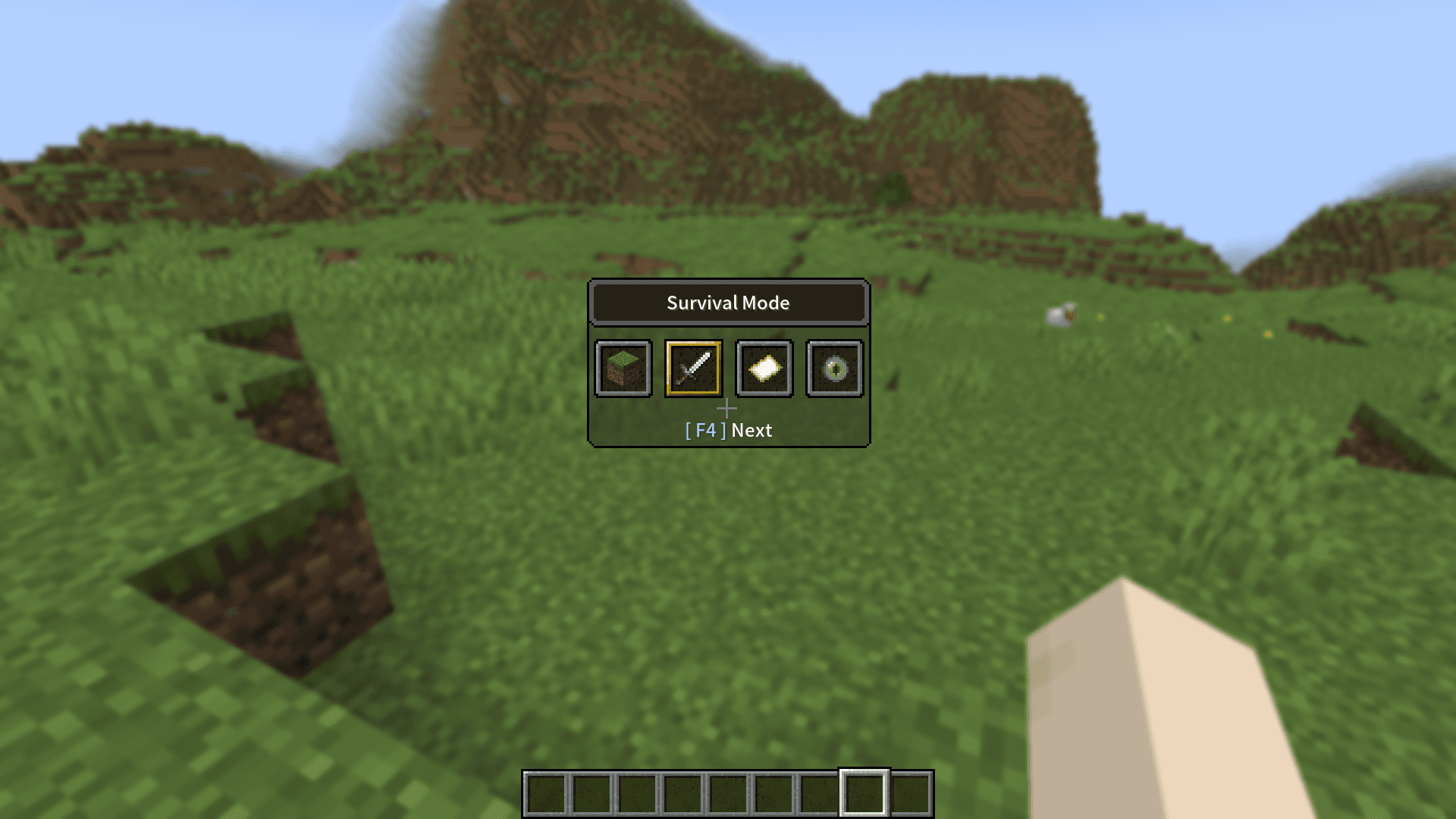
Minecraft game mode selection screen with a revamped modern and smooth interface

Modern UI Mod Download Links

Filter by

For Minecraft 26.1.2, 26.1.1, 26.1

NeoForge 25 MB Jun 7, 2026
Forge 25 MB Jun 7, 2026
Fabric 24 MB Jun 7, 2026

For Minecraft 1.21.11, 1.21.10, 1.21.9

NeoForge 24 MB Apr 14, 2026
Forge 24 MB Apr 14, 2026
Fabric, Quilt 24 MB Apr 14, 2026

For Minecraft 1.21.8, 1.21.7, 1.21.6

NeoForge 24 MB Apr 14, 2026
Forge 24 MB Apr 14, 2026
Fabric 24 MB Apr 14, 2026
NeoForge 24 MB Apr 14, 2026
Forge 24 MB Apr 14, 2026

For Minecraft 1.21.4

Fabric 24 MB Apr 14, 2026
NeoForge 24 MB Apr 14, 2026
Forge 25 MB Apr 14, 2026

For Minecraft 1.21.3

Fabric, Quilt 24 MB Apr 14, 2026
NeoForge 24 MB Apr 14, 2026
Forge 25 MB Apr 14, 2026

For Minecraft 1.20.6

Fabric, Quilt 24 MB Apr 14, 2026
NeoForge 24 MB Apr 14, 2026
Forge 24 MB Apr 14, 2026

For Minecraft 1.20.4

Fabric, Quilt 24 MB Apr 14, 2026
NeoForge 24 MB Apr 14, 2026
Forge 24 MB Apr 14, 2026

For Minecraft 1.20.2

Fabric, Quilt 23 MB Apr 14, 2026
Forge, NeoForge 23 MB Apr 14, 2026

For Minecraft 1.20.1, 1.20

Forge, NeoForge 24 MB Jun 10, 2026
Forge, NeoForge 24 MB Apr 14, 2026
Fabric, Quilt 24 MB Apr 14, 2026

For Minecraft 1.19.4

Forge 24 MB Apr 14, 2026

For Minecraft 1.18.2, 1.18.1

Forge 24 MB Apr 14, 2026

For Minecraft 1.16.5

Forge 10 MB Jun 7, 2026

Click to rate this post!
[Total: 21 Average: 3.4]