
Smooth Scrolling Mod (26.3, 1.20.1) – Glide Through Every Menu
 7,361
 0

Smooth Scrolling Mod brings gentle, fluid motion to menus and screens across Minecraft. It replaces sudden jumps with steady movement in the chat box, hotbar, creative inventory, and your server, world, and resource pack lists. The mod works on its own in the background for Fabric players and can also run on NeoForge with Sinytra Connector. You can adjust the animation speed for each screen or turn it off in the settings menu or config file.
Features:
- Replaces sudden screen jumps with smooth, fluid movement across Minecraft menus.
- Makes scrolling through the chat box feel smooth while you play.
- Adds steady, fluid motion when you scroll across your hotbar slots.
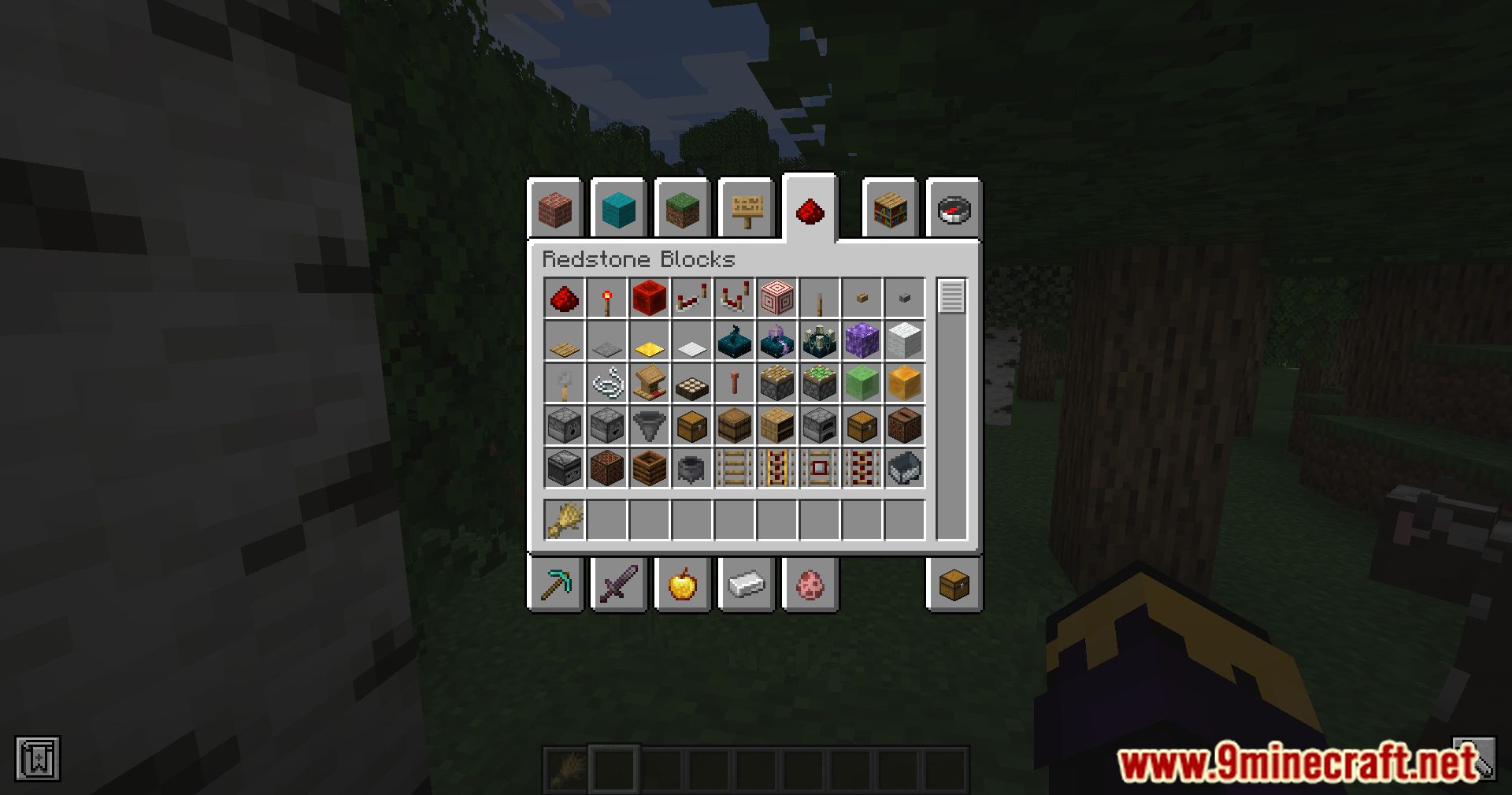
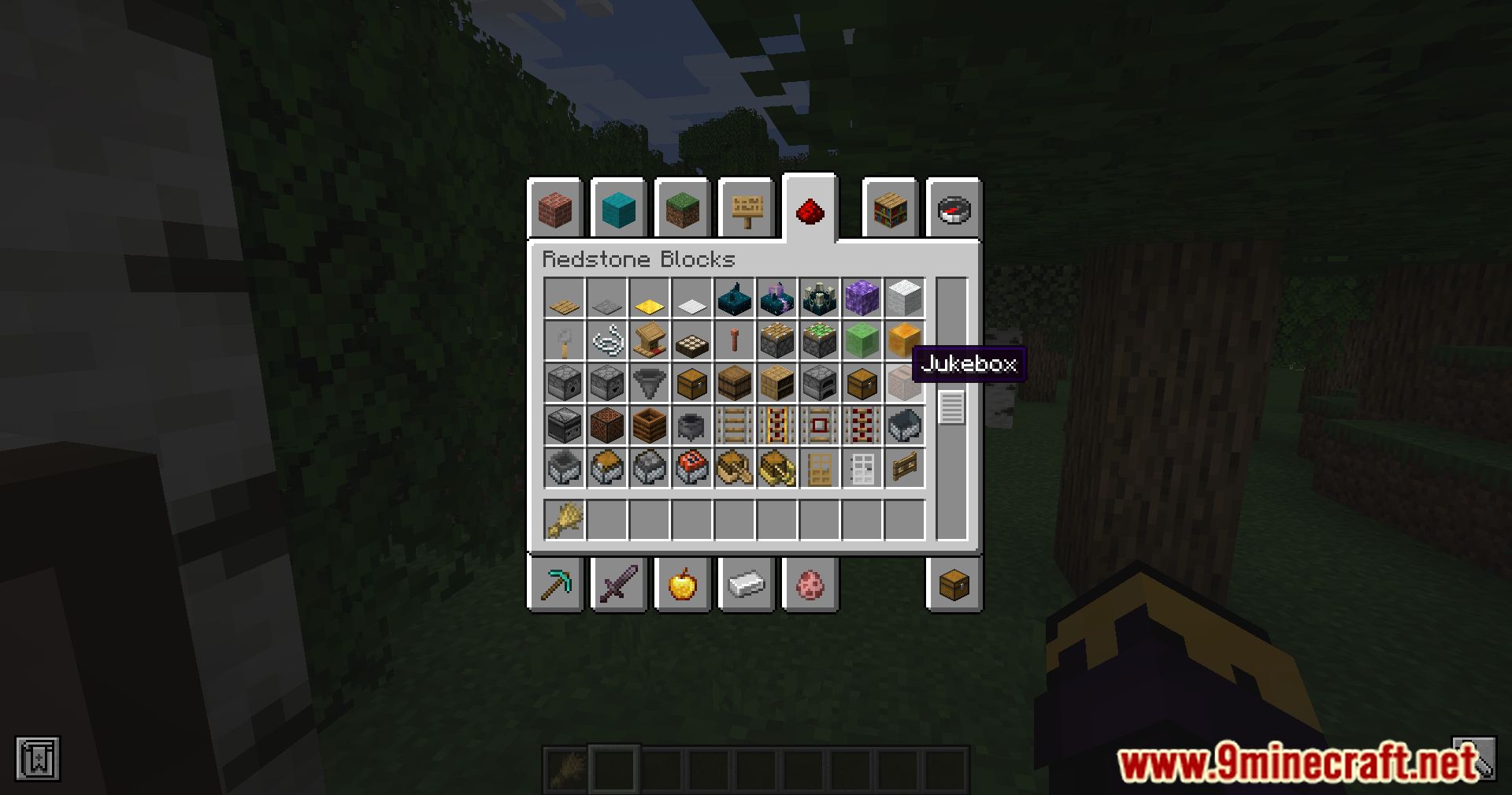
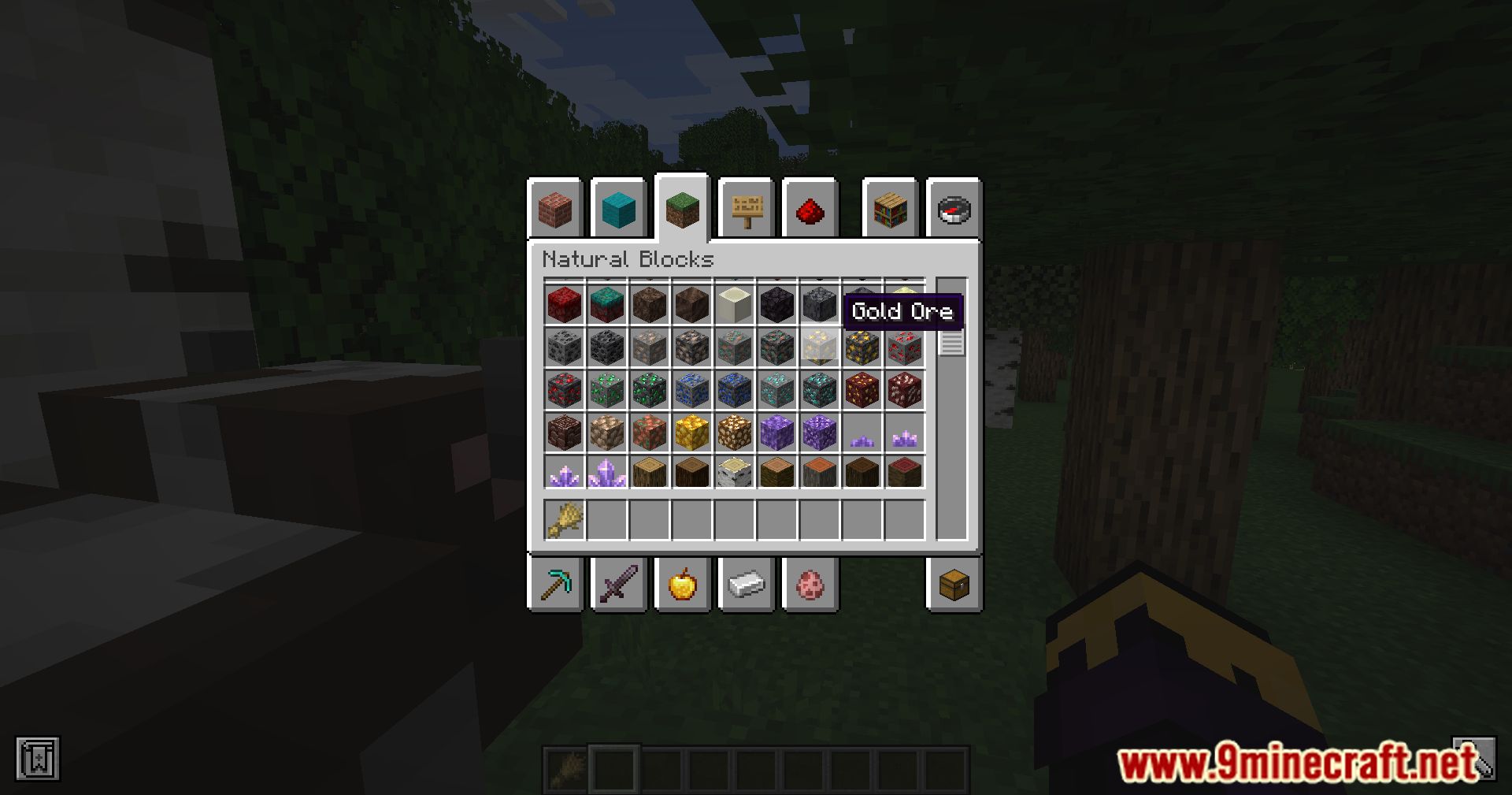
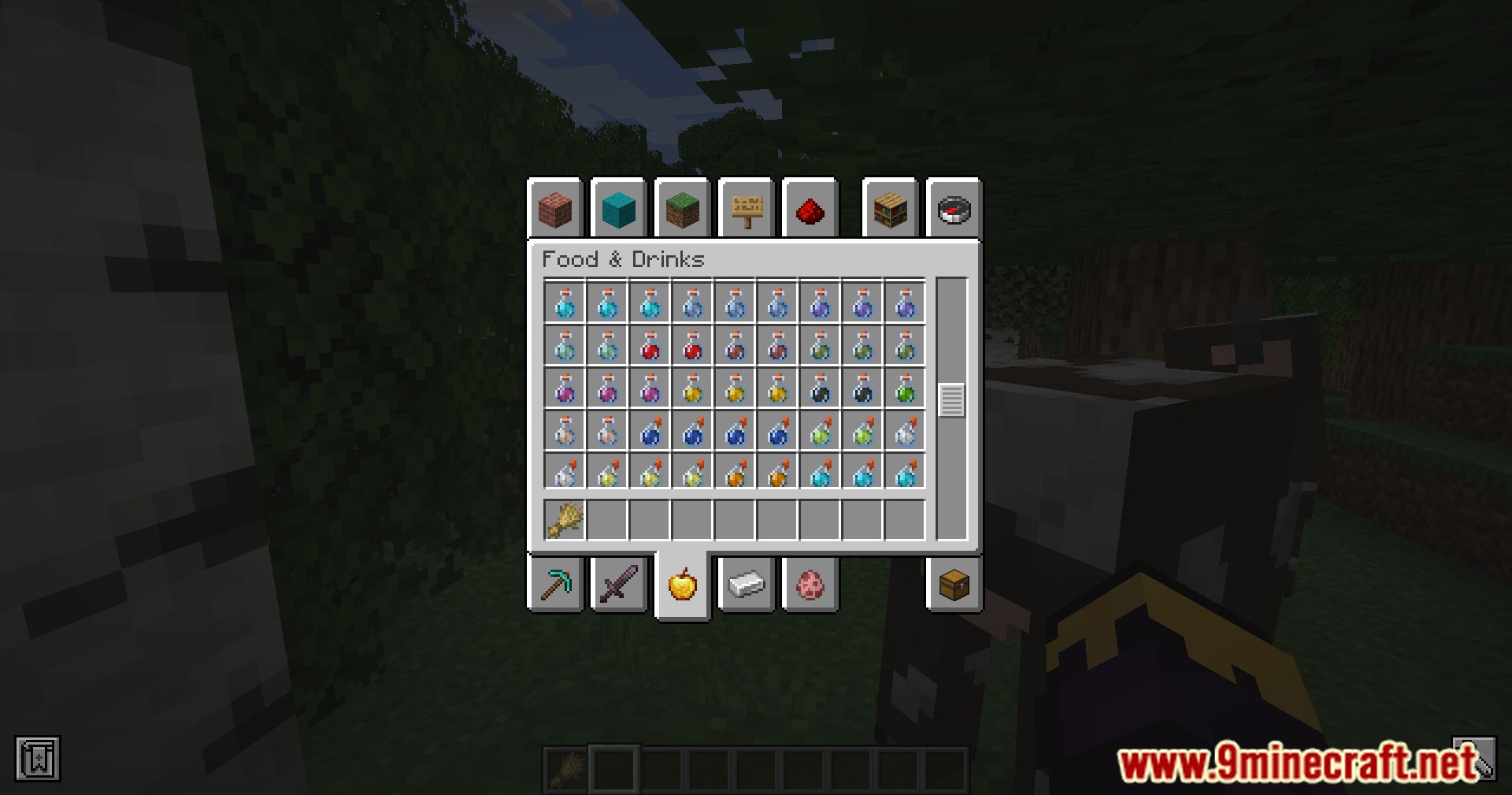
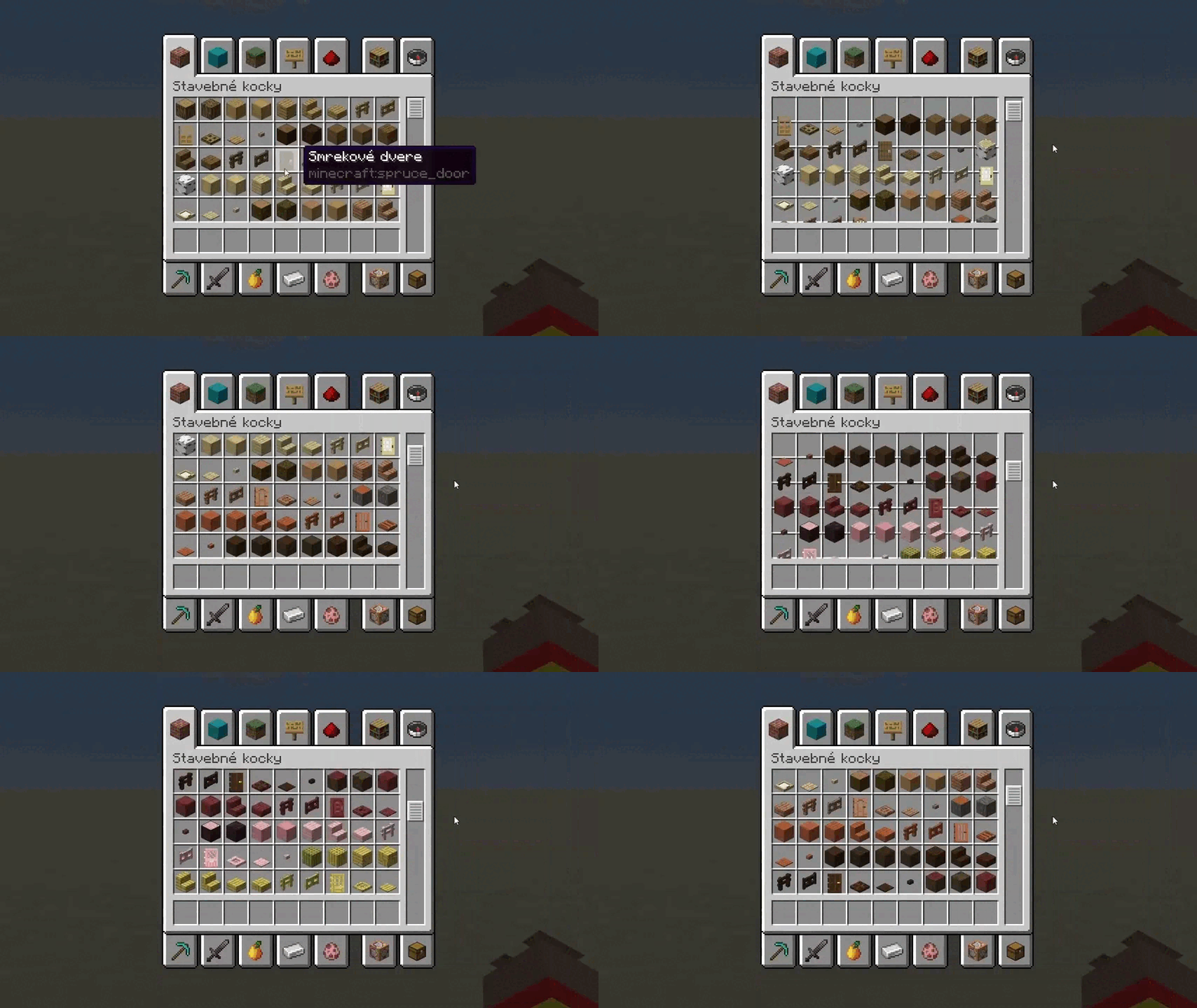
- Improves browsing in the creative inventory when you look through blocks and items.
- Updates the server list, world list, and resource pack list with continuous scrolling.
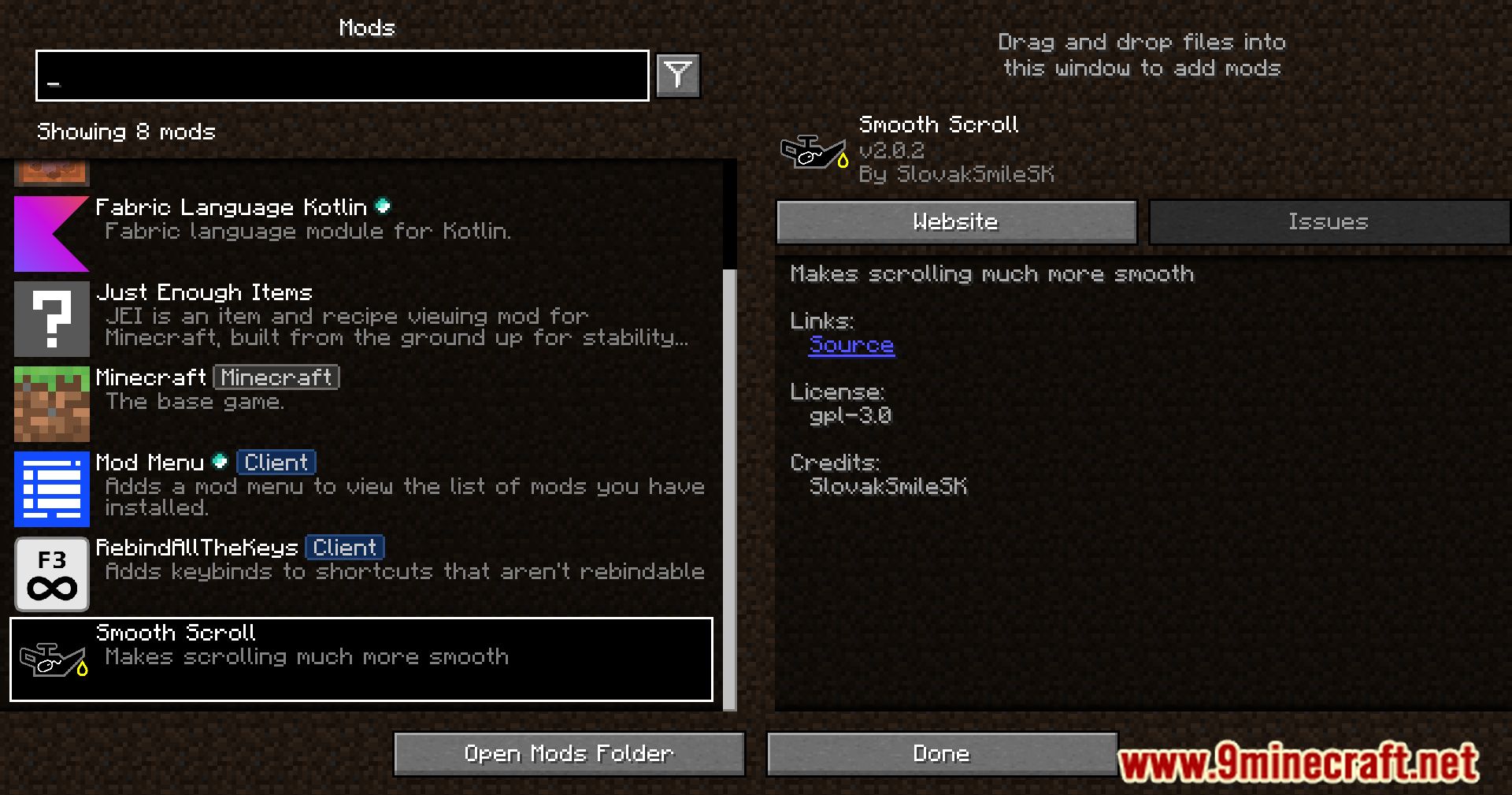
- Lets you change any animation speed or turn the effect off using the Mod Menu settings screen.
- Includes a config file for manual speed tweaks that you can reload right inside your world.
- Works on NeoForge when paired with the Sinytra Connector mod.
Configuration:
.minecraft/config/smoothscroll.json: Main config file for manual animation speed changes. Safe values go from0to1, where lower numbers move faster,0gives instant scrolling, and1shows no visible scrolling.F3+T: Press these keys inside a world after editing the config file to reload resources and apply your new settings.
How to Use:
- Load into Minecraft to use the smooth movement right away, as the mod runs on its own in the background.
- Open the Mod Menu screen and select the mod to open its settings menu.
- Adjust the animation speed for any screen to your liking, or turn the effect off.
- Open
.minecraft/config/smoothscroll.jsonif you want to edit speeds by hand, using values from0(instant) to1(no visible scrolling), where lower numbers move faster. - Press F3+T inside a world after saving the config file to reload resources and apply your changes right away.
- If you play on NeoForge with Sinytra Connector and see an incompatibility notice on your first launch, ignore the warning and restart Minecraft so the mod starts working.
Screenshots:
How to Install:
New to Minecraft? Follow our step-by-step guide to install Mods on your PC.View Guide


Smooth Scrolling Mod Download Links
For Minecraft 26.3
For Minecraft 26.2
For Minecraft 26.1.2, 26.1.1, 26.1
For Minecraft 1.21.11
For Minecraft 1.21.10, 1.21.9
For Minecraft 1.21.8, 1.21.7, 1.21.6
For Minecraft 1.21.5
For Minecraft 1.21.4
For Minecraft 1.21.1, 1.21
For Minecraft 1.20.6, 1.20.5
For Minecraft 1.20.4, 1.20.3
For Minecraft 1.20.1
For Minecraft 1.20
Click to rate this post!
[Total: 3 Average: 2]
You May Also Like
Picked for this page
 TL Skin and Cape Mod (26.3, 1.20.1) – TLSkinCape Mod by Tlauncher
 ItemPhysic Lite Mod (26.3, 1.20.1) – Enhanced Item Animation
 Better McDonald’s Mod (26.3, 1.20.1) – Food & Drink Additions
 Cascades Mod (26.3, 1.20.1) – Better Terrain Generation & New Biomes
 Caramel Chat Mod (26.1, 1.20.1) – Optimizing Multilingual Chat In Minecraft
 No XP Anvils Mod (26.3, 1.20.1) – Repair And Enchant Without XP
 Cardboard Mod (26.1.2, 1.20.1) – Implements Plugins API as a Fabric Mod
 Floodgate Mod (26.3, 1.21.1) – Hybrid Mode Integration
 Expansion Of Border Mod (26.3, 1.21.1) – Limited World Access
 Thermoo Patches Mod (26.1.2, 1.20.1) – Compatibility Patches and Integrations
 Pigs Have Litters Mod (1.21.11, 1.20.1) – Making Pigs Have Litters on Breed
 Crop Critters Mod (26.2, 1.20.1) – Living Crops Farming Automation
Most viewed in Mods over the last 7 days
 Ala Industrial Mod (26.3) – Run Electric Power Grids and Automated Factories
 PleasureCraft Mod (26.3, 1.21.1) – Jenny Mod Remake for Fabric
 Jennycraft Mod (26.3, 1.20.1) – Virtual Girlfriend in Minecraft
 Fapcraft Mod (26.3, 1.12.2) – Comprehensive and Detailed Content
 Jenny Mod (Fapcraft) Official Complete Guide – How to use, Tutorial
 BangCraft Mod (1.20.1) – Jenny, Ellie and Elliot
 Fabric Loader (26.3, 1.20.1) – Fabric Installer for All Minecraft Versions
 Meteor Client Mod (26.3, 1.20.1) – Xray, HUD, Fly
 The Shooting Star Demo Mod (26.3, 1.20.1) – Vaporize Terrain From Orbit
 OptiFine HD (26.3, 1.20.1) – Run Faster, FPS Boost, Shaders Support
 Aristois Client Mod (1.21.4, 1.20.1) – World Class Minecraft Utility
 Prestige Client Mod (1.21.11, 1.21.4) – Powerful Ghost Features for Crystal & Sword PvP
More from Mods
 Far Lands Traveler Mod (26.1.2) – Survive the Long Trek to the Edge of the World
 Beli’s SkyLyrics Mod (1.21.11) – Sing Along to Desktop Tracks Projected in the Night Sky
 Explainstone and Songmelyn Mod (1.21.1) – Broadcast Custom Music Across Your Base
 Rockstar Shaders Mod (26.3) – Cast Ray-Traced Light Across Vast Distant Horizons
 ERYDON Mod (1.20.1) – Design Grand Courtyards with Carved Marble Pillars
 Infinity Bound Mod (1.21.1) – Snap Away Enemies with Legendary Superhero Gear
 Legacy Gecko Lib Fabric Mod (1.16.5) – Power Animated Creatures in Modpacks
 The Man from the Shadow Horror Mod (1.20.1) – Fight Hallucinations to Survive
 Shade & Saturation Slider Mod (26.2, 1.21.11) – Make Every Biome Vibrant
 Cataclysm X Yung’s Better Nether Fortresses Compat Mod (1.21.1, 1.20.1)
 Patchouli 9minecraft Mod (26.3) – Read Mod Guides Without Leaving Minecraft
 Paintings ++ 9minecraft Mod (26.3) – Pick the Exact Painting You Want

This post has no comments yet. Be the first — your comment will appear here.