


FullscreeNO Mod (26.2, 1.20.1) – Stops Minecraft From Opening in Fullscreen

 0
0 

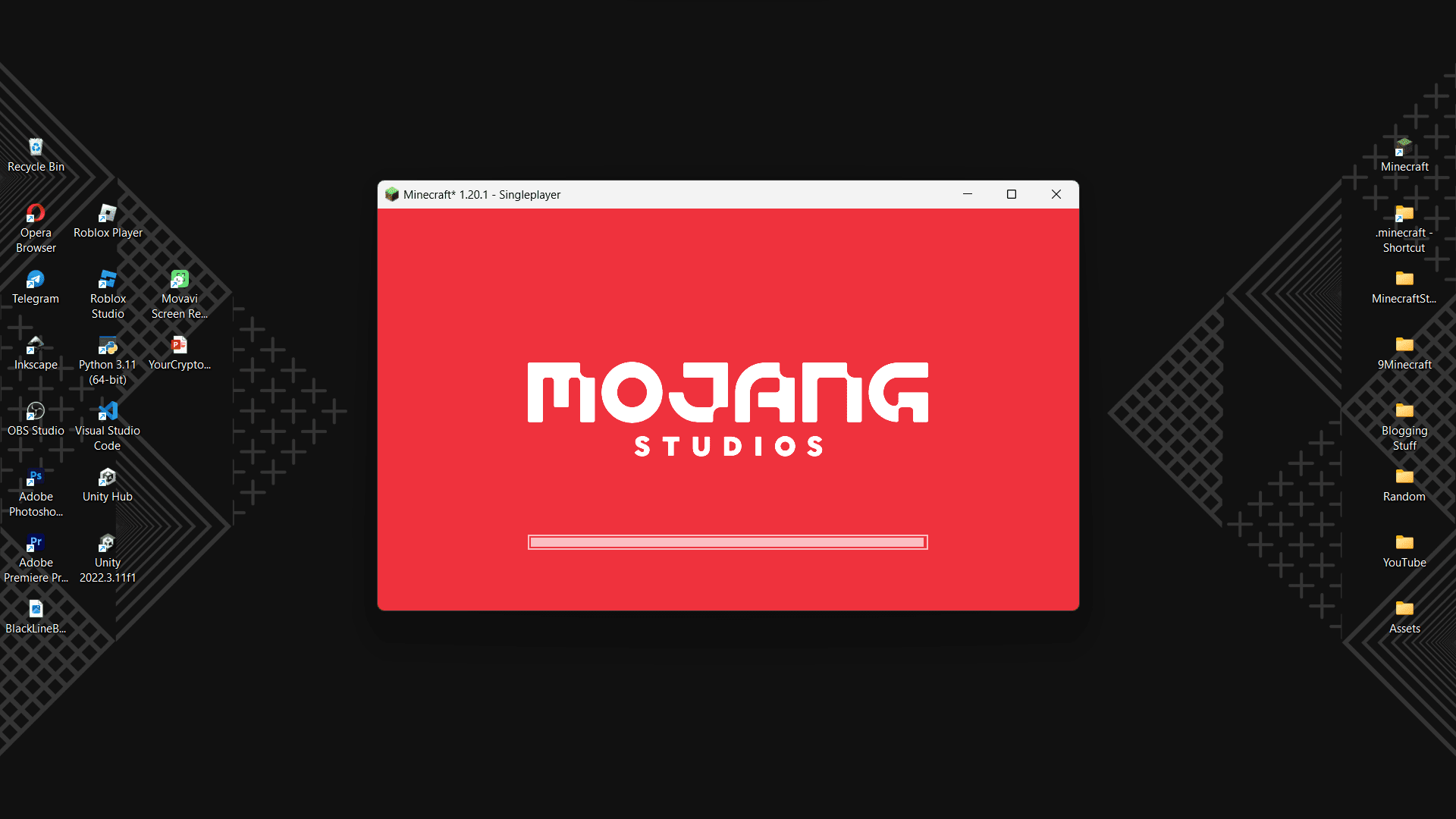
Players have mixed feelings about how Minecraft launches. Once you launch the game from the launcher, the game opens in fullscreen. While this is a good feature most of the time, as most players prefer to play in fullscreen, this can also be an inconvenience at times. Imagine you are playing Minecraft alongside some other task. If the game launches in fullscreen, you have to minimize it manually to continue the other tasks. FullscreeNO Mod fixes these issues for you. With this mod installed, Minecraft will launch in a minimized window, ensuring that the game does not take up your entire screen upon launch. From here, you can open the game fullscreen simply by pressing the F11 button or you can do the same by navigating to the Video Options menu in the settings.
Screenshots:

How to Install:
New to Minecraft? Follow our step-by-step guide to install Mods on your PC.View Guide
Requirements:


FullscreeNO Mod Download Links
For Minecraft
26.2,
1.20.6,
1.20.5
All Versions Covered
26.2
1.20.6
1.20.5
1.20.4
1.20.3
1.20.2
1.20.1
1.20
1.19.4
1.19.3
1.19.2
1.19.1
1.19
1.18.2
1.18.1
1.18
1.17.1
1.17
1.16.5
1.16.4
1.16.3
1.16.2
1.16.1
1.16
1.15.2
1.15.1
1.15
For Minecraft
26.1.2,
26.1.1,
26.1
All Versions Covered
26.1.2
26.1.1
26.1
1.21.1
1.21
1.20.6
1.20.5
1.20.4
1.20.3
1.20.2
1.20.1
1.20
1.19.4
1.19.3
1.19.2
1.19.1
1.19
1.18.2
1.18.1
1.18
1.17.1
1.17
1.16.5
1.16
1.15.2
1.15.1
1.15
For Minecraft 1.21.10, 1.21.9, 1.15.2
For Minecraft 1.15.2 –> 26.1
For Minecraft 1.15.2 –> 1.21.11
For Minecraft 1.15.2 –> 1.21.8
For Minecraft 1.15.2 –> 1.21.5
For Minecraft 1.15.2 –> 1.21.4, 1.15.2 –> 1.21.1
For Minecraft 1.15.2 –> 1.20.6
For Minecraft 1.15.2 –> 1.20.4
For Minecraft 1.15.2 –> 1.20.2
You May Also Like




This post has no comments yet. Be the first — your comment will appear here.