


Auto Scroll Mod (1.21.11, 1.20.1) – Randomized Block Placement From Hotbar
 61
61
 0
0


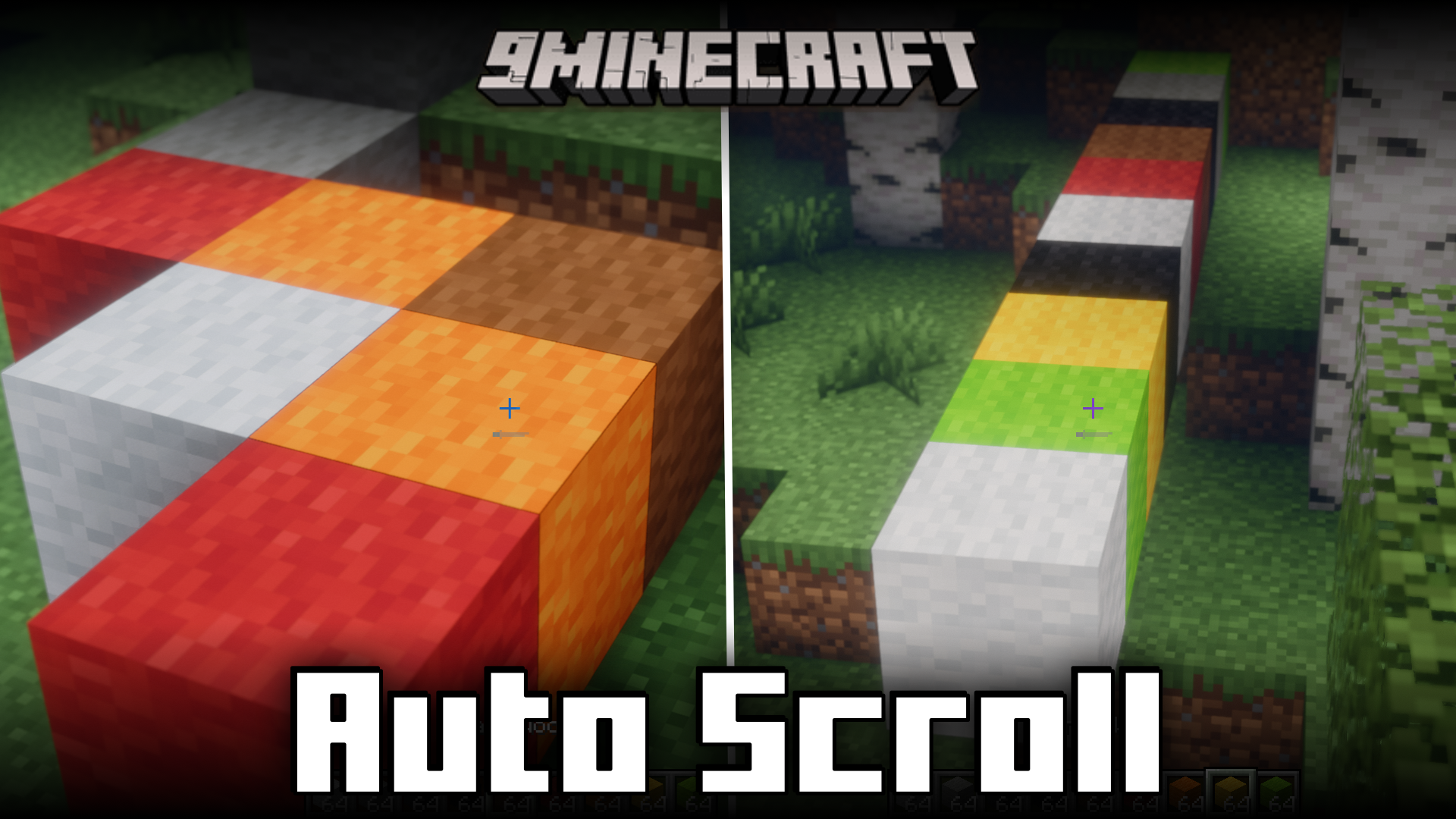
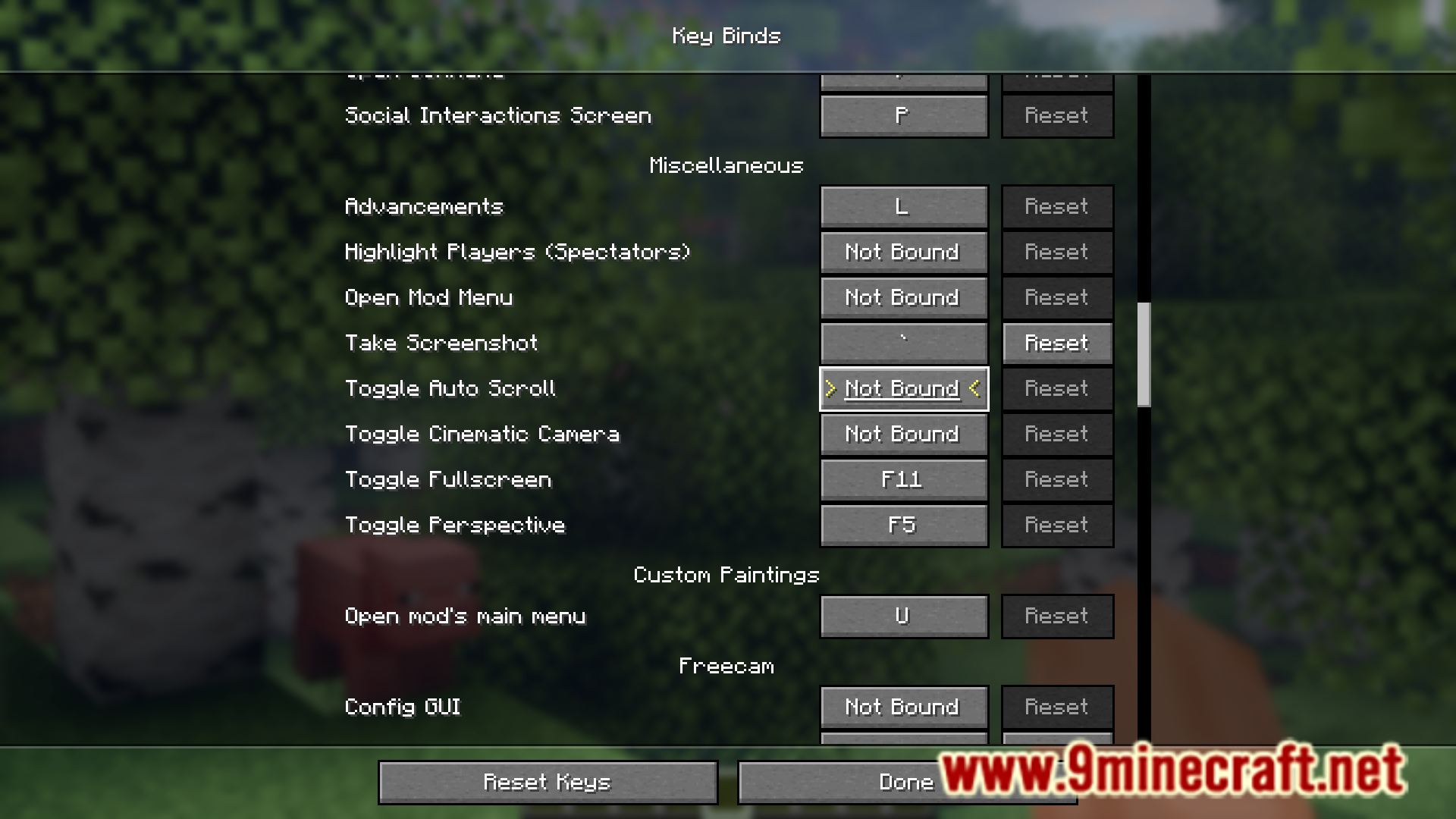
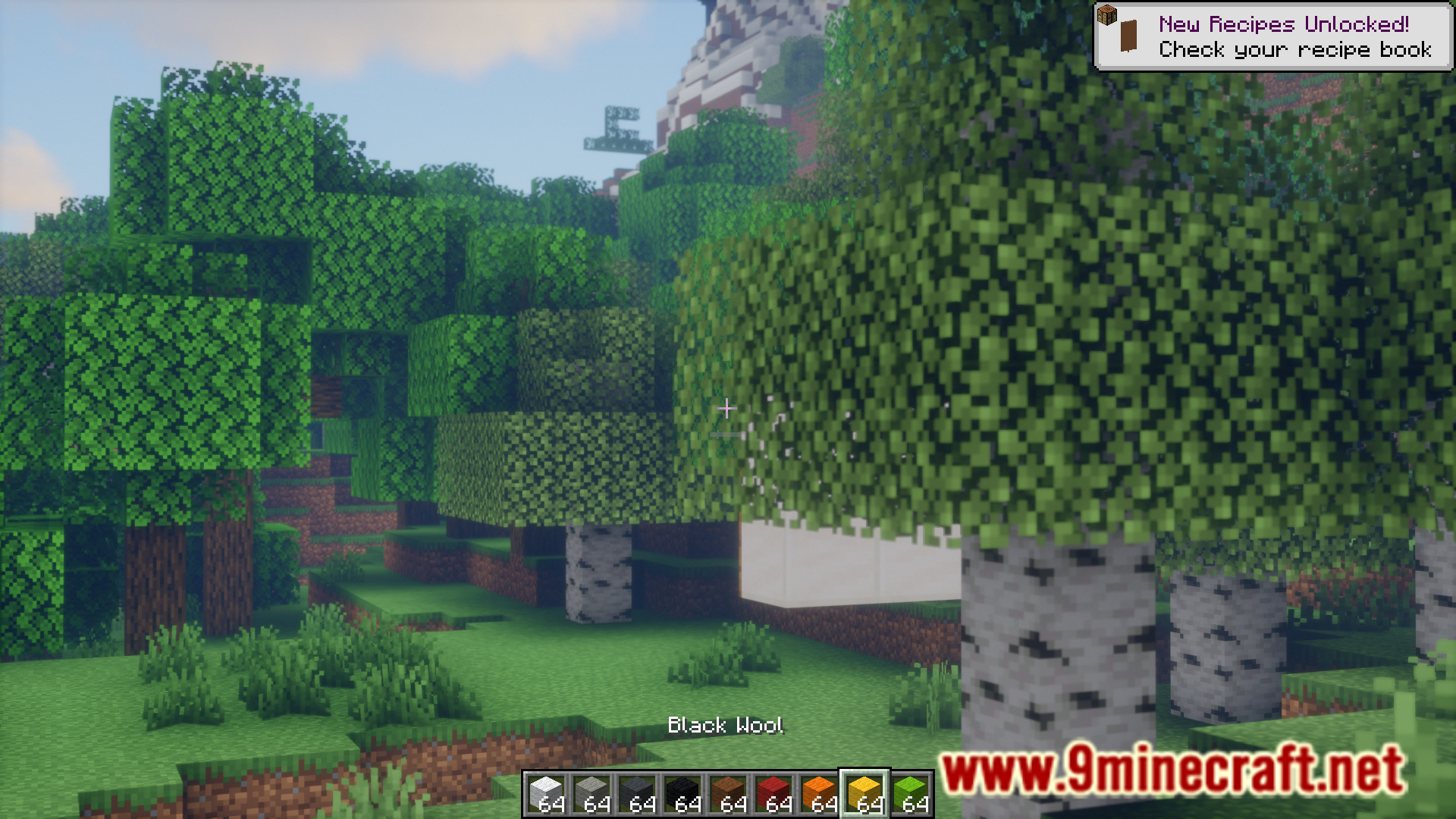
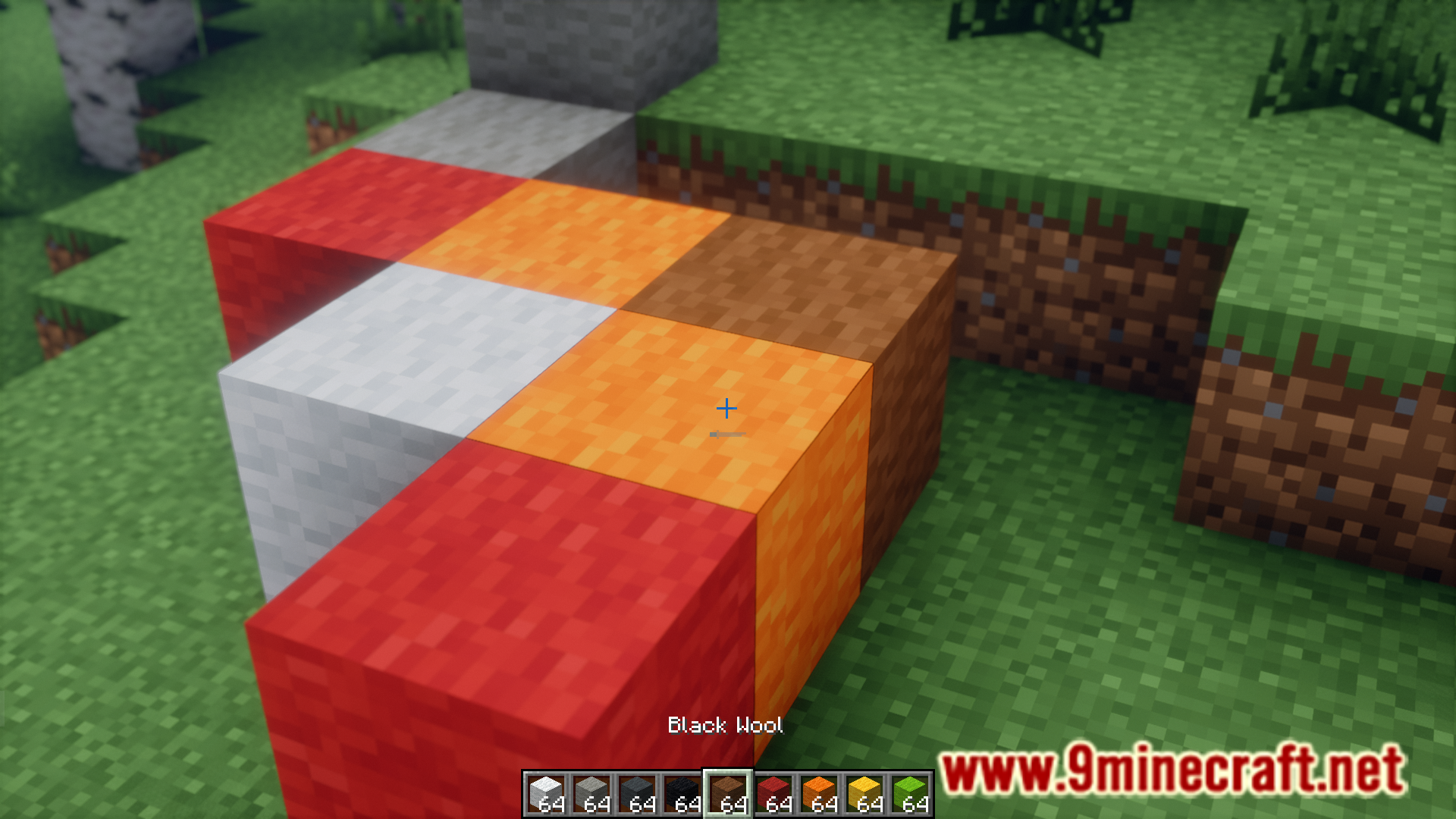
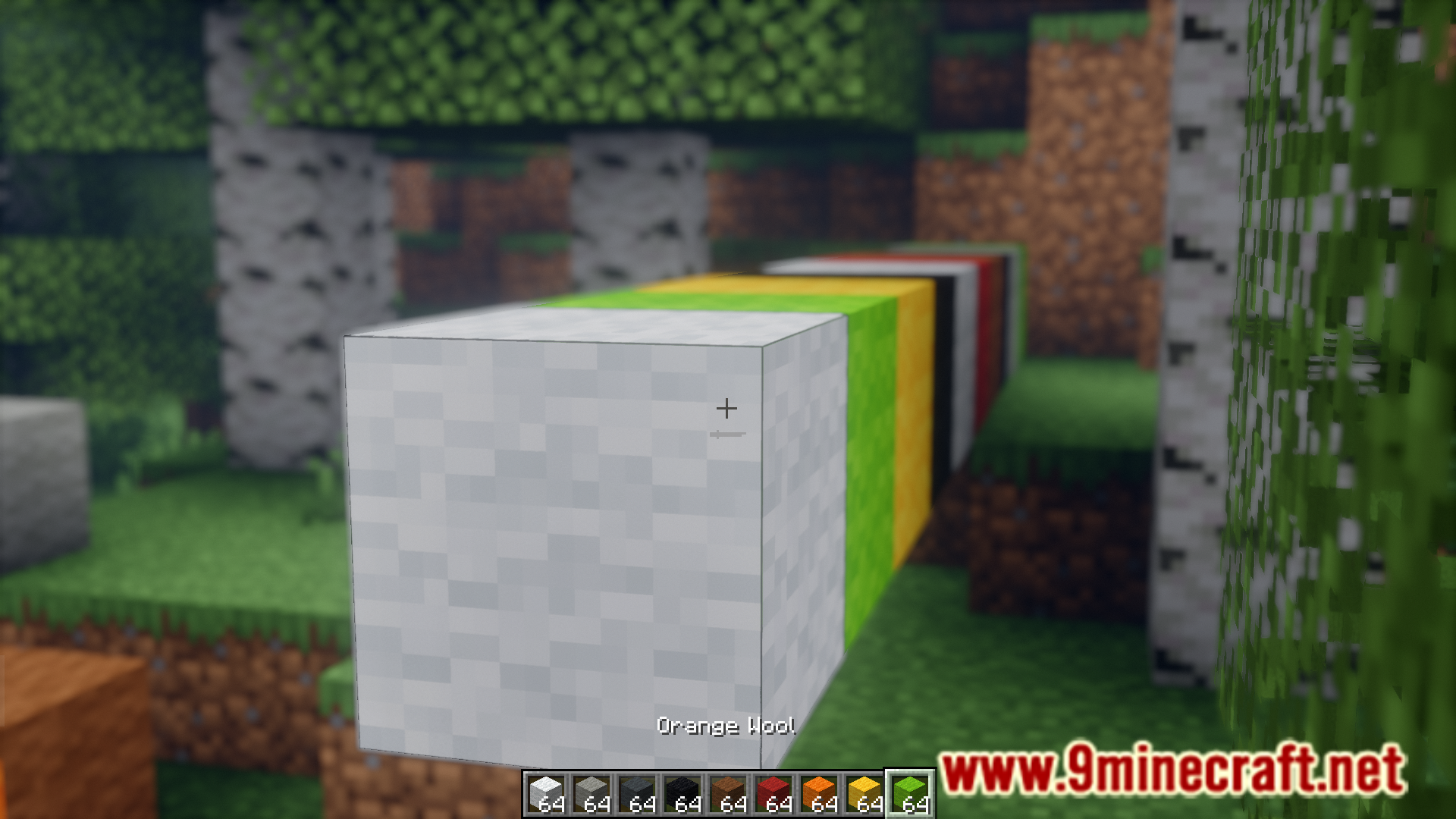
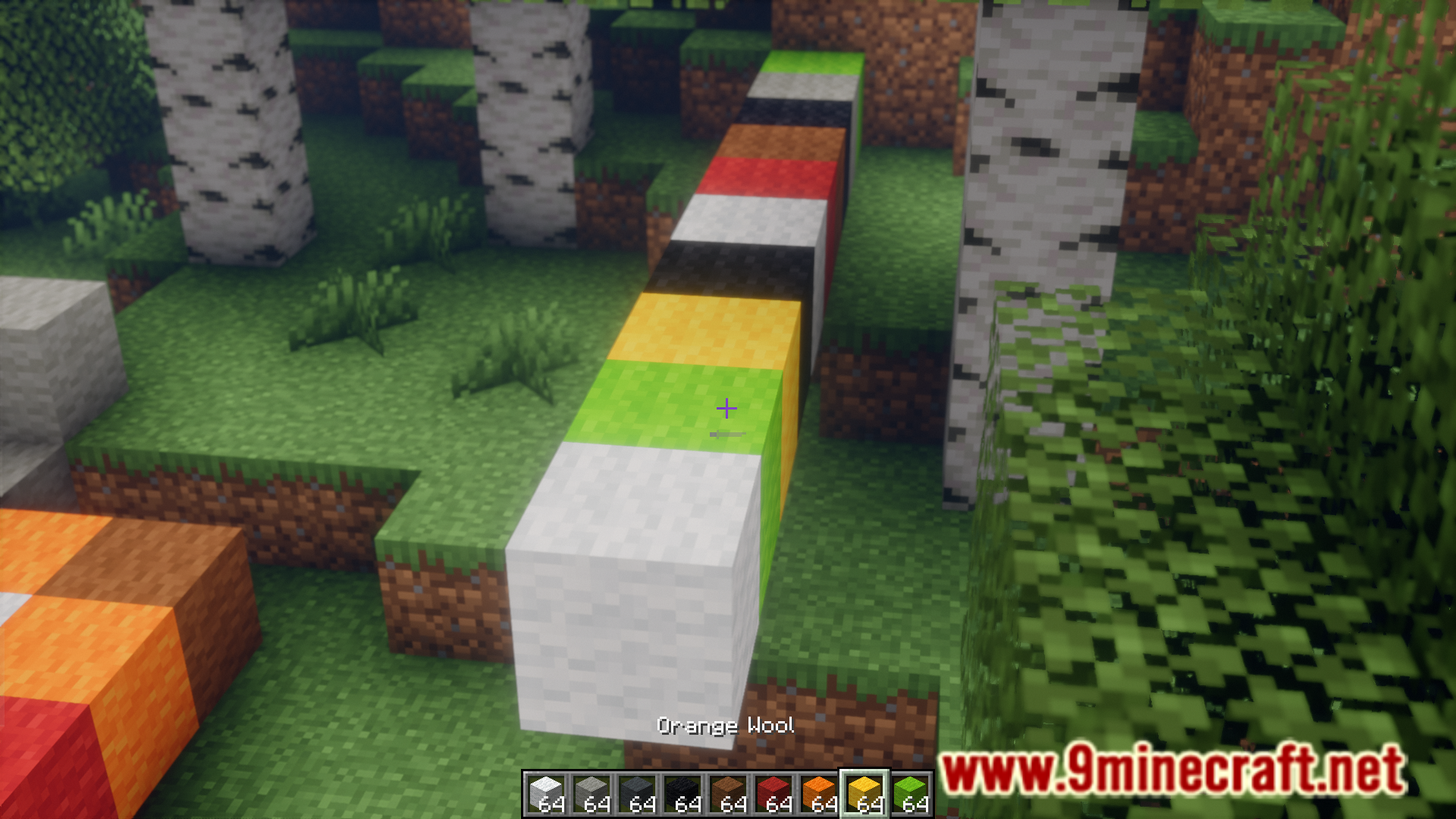
Ever wanted to place blocks randomly for detailing your build? The only way to achieve this is to place all the required blocks into your hotbar and scroll your mouse scroll wheel while placing down blocks. This allows you to place random blocks from your hotbar. But manually scrolling through our hotbar can be tiresome, especially if you have to place a large number of blocks. Auto Scroll Mod is here with the solution. This mod allows you to automate the hotbar scrolling simply with the press of a keybind. The keybind is not assigned by default, and you will have to assign one upon installing the mod.
Features:
- Allows you to place blocks randomly from your hotbar slots.
- Press a keybind to scroll through your hotbar at a high speed.
- The keybind has to be assigned by the player.
Screenshots:
How to Install:
New to Minecraft? Follow our step-by-step guide to install Mods on your PC.View Guide
Requirements:


Auto Scroll Mod Download Links
For Minecraft 1.21.11, 1.21.10, 1.21.9
For Minecraft
1.21.8,
1.21.7,
1.21.6
All Versions Covered
1.21.8
1.21.7
1.21.6
1.21.5
All Versions Covered
1.21.8
1.21.7
1.21.6
1.21.5
For Minecraft 1.21.4
For Minecraft 1.21.1, 1.21
For Minecraft 1.20.6
For Minecraft
1.20.4,
1.20.3,
1.20.2
All Versions Covered
1.20.4
1.20.3
1.20.2
1.20.1
1.20
All Versions Covered
1.20.4
1.20.3
1.20.2
1.20.1
1.20
For Minecraft 1.19.4
For Minecraft 1.19.2
Click to rate this post!
[Total: 0 Average: 0]
You May Also Like








This post has no comments yet. Be the first — your comment will appear here.