
EssentialAddons Mod (26.3, 1.20.1) – Fly Freely in Survival
 217
 0


EssentialAddons Mod extends Fabric Carpet with 57 custom rules, creative tools, and commands from the Spigot Essentials plugin. This addon covers survival tweaks, shulker box stacking, fake player tools, structure block controls, world cleanup limits, and console log filters. It also adds handy commands for survival flight, healing, item repair, warps, and a survival-friendly spectator mode. You can turn each rule on or off right inside the game with the /carpet command. You can open each command to everyone, operators only, or custom permission levels. On multiplayer servers, this mod works with permissions mods like LuckPerms so you control who can run each command.
Features:
- Flexible Permission Controls: Lets you set command rules to
truefor everyone,falsefor no one,opsfor operators, or permission levels0through4, with custom permission nodes supported through mods like LuckPerms. - Direct-to-Inventory Gathering: Sends mined blocks straight into your inventory while crouching (
essentialCarefulBreak, works with stackable shulkers) and puts drops from killed mobs straight into your inventory while crouching (essentialCarefulDrop); both require opting in with/subscribe. - Survival & Creative Command Suite: Brings Essentials-style commands for survival flight, healing, item repair, ender chest and crafting table access, warps, gamemode shortcuts, and public server commands (detailed in the Commands section below).
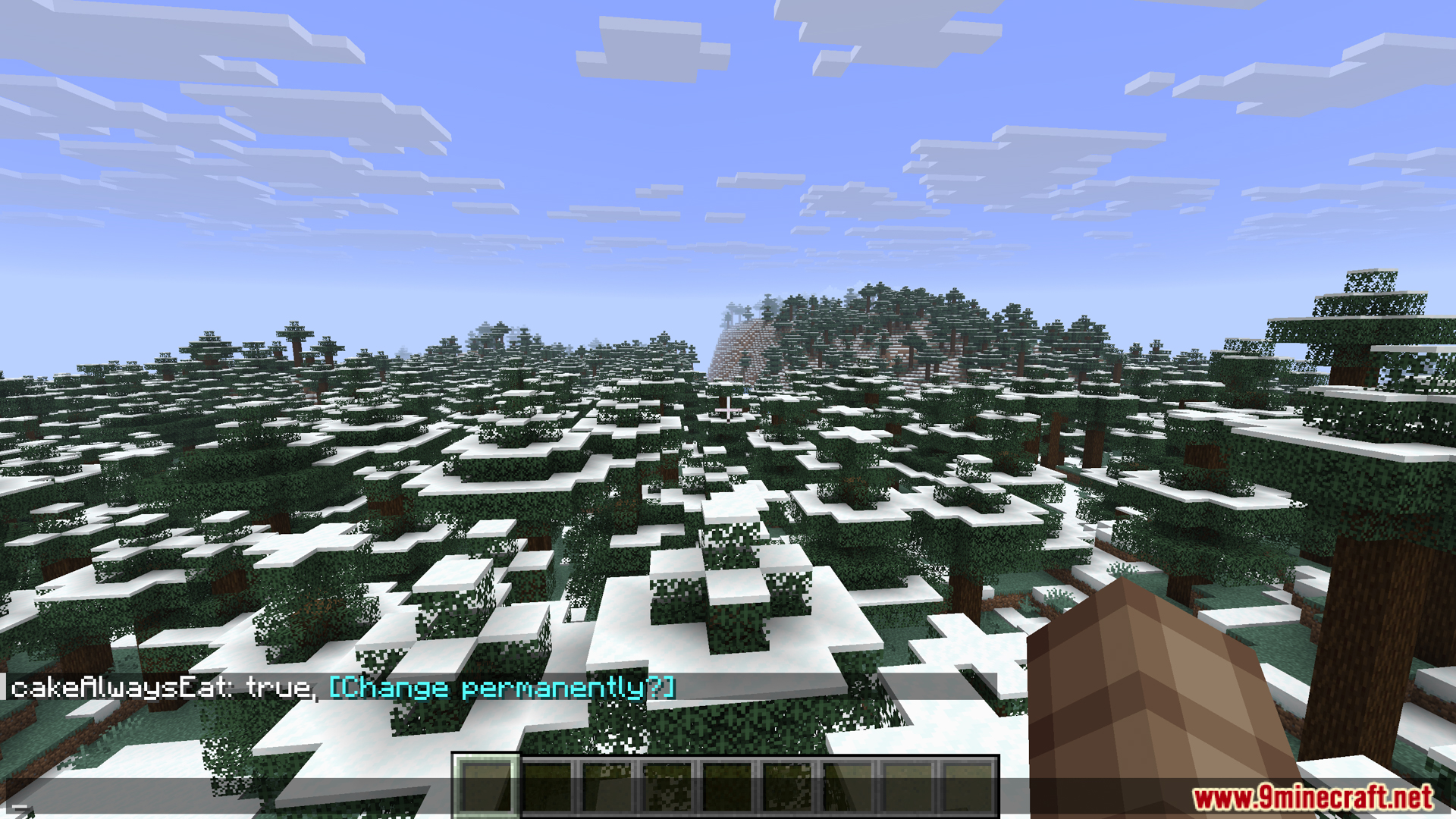
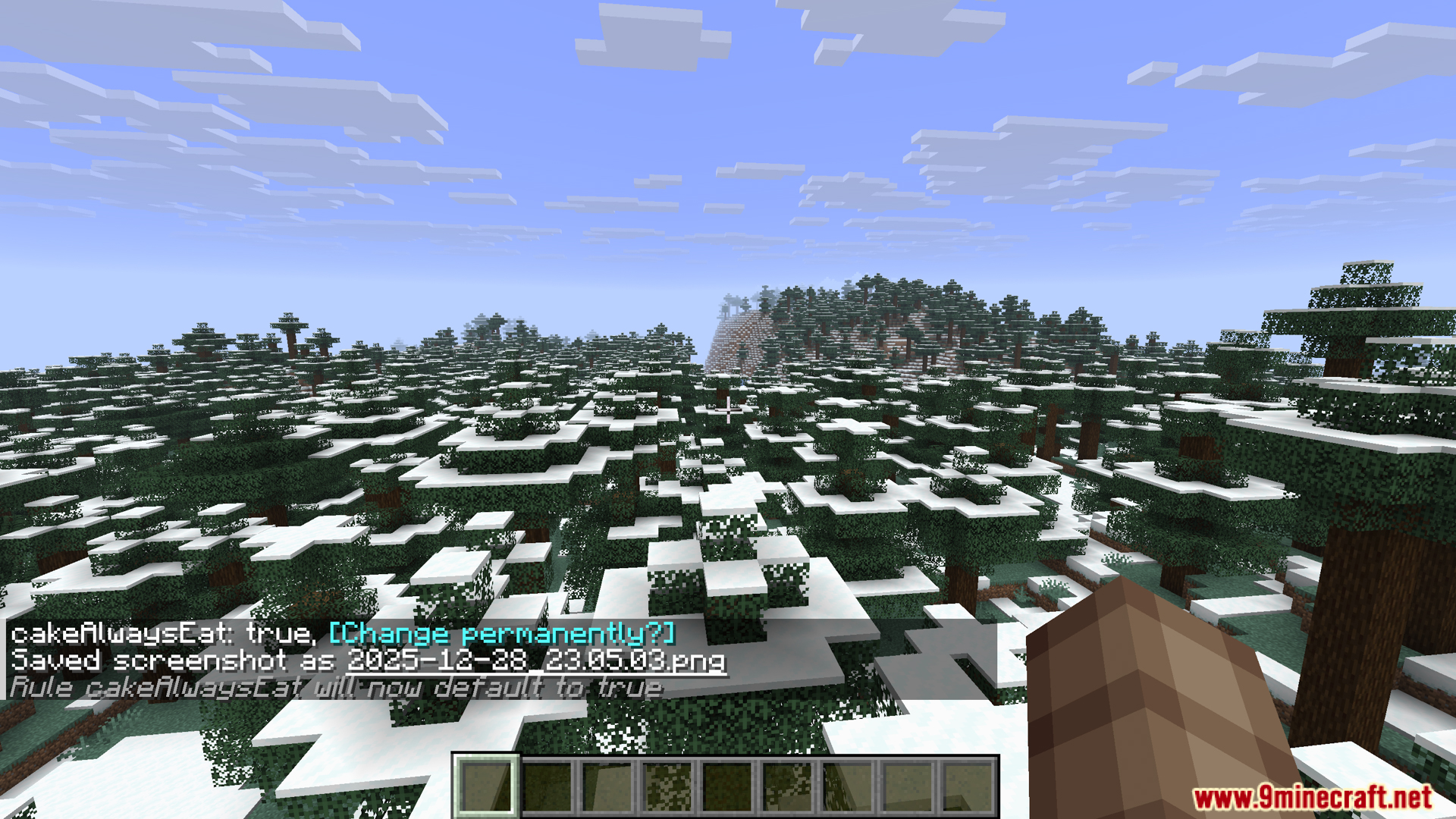
- Lets you eat cake at any time, even when your hunger bar is full (
cakeAlwaysEat). - Combines potion effect durations instead of replacing them (
combinePotionDuration). - Stops items from being used up in Survival or Adventure mode (
infiniteItems). - Brings back classic minecart boosting (
minecartBoosting). - Stops phantoms from spawning unless the mob cap has room for them (
phantomsObeyMobcaps). - Makes bamboo break when placed next to a solid block, just like cactus (
sensitiveBamboo). - Makes sugar cane break when placed next to a solid block, just like cactus (
sensitiveSugarCane). - Sends all operator messages to every player on the server (
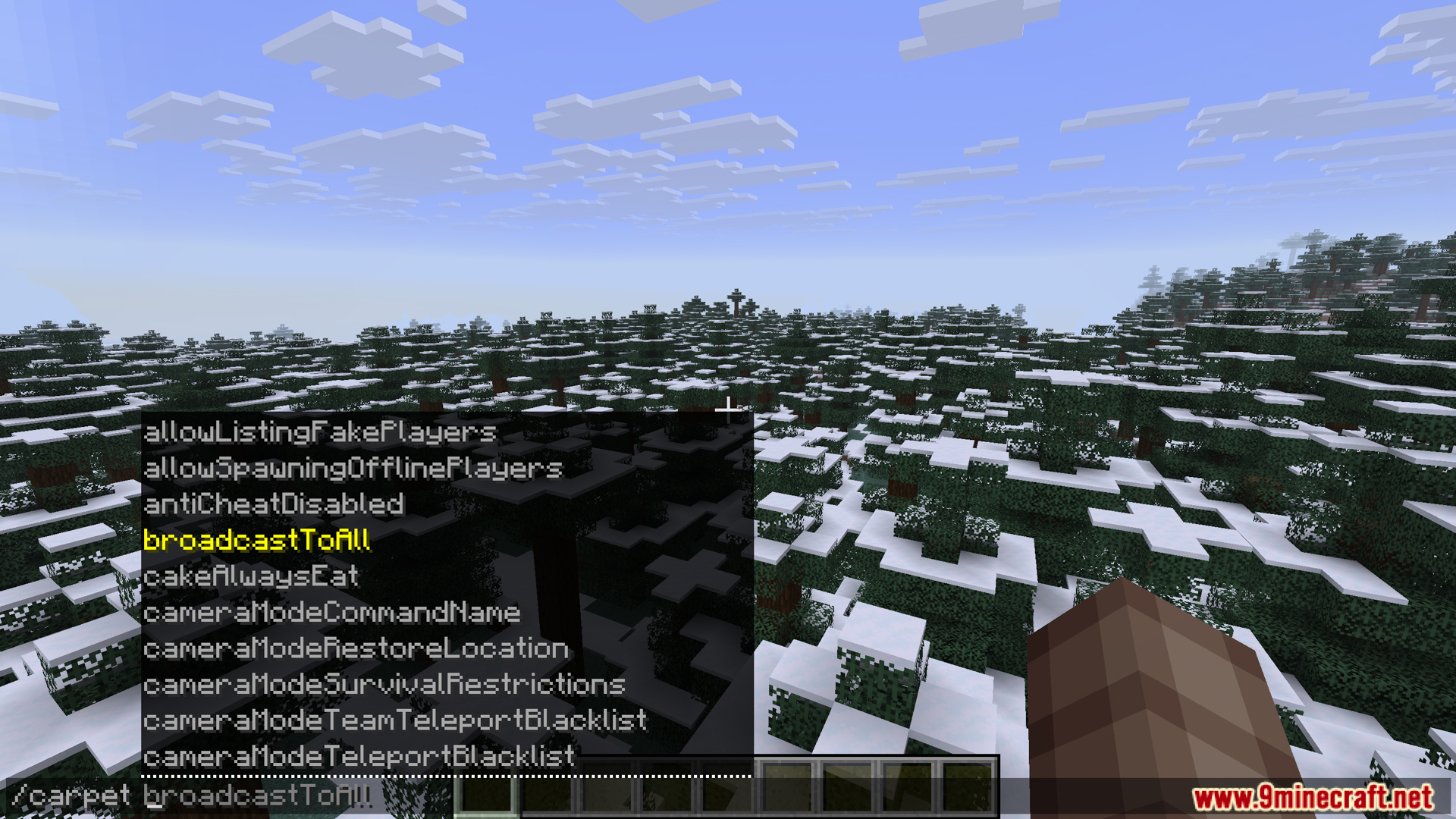
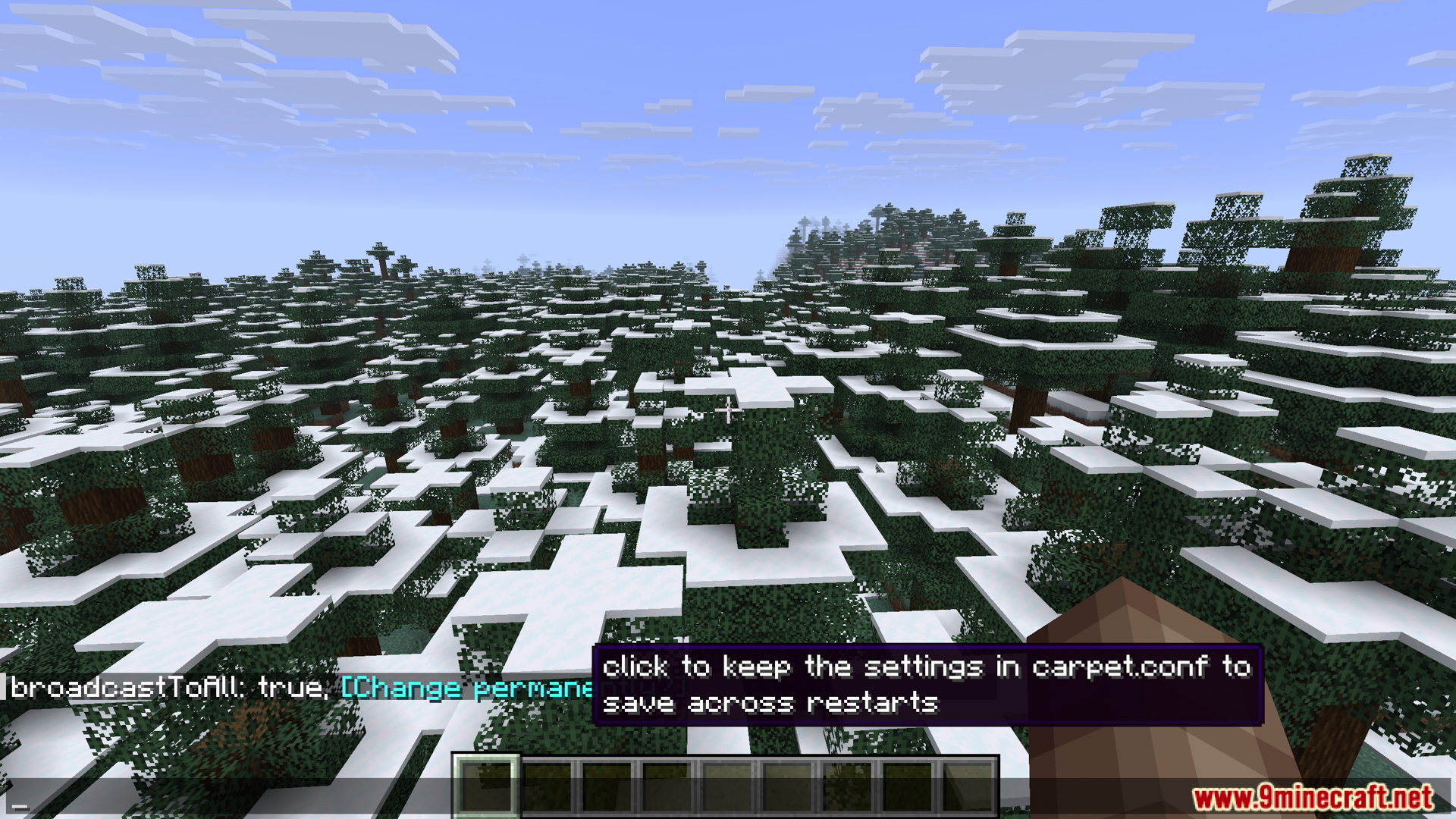
broadcastToAll). - Adds extra command rules to back up world regions into a backups folder inside your world folder (
commandBackup), rename items (commandRename), list nearby players within a set range (commandNear), toggle night vision (commandNightVision), and toggle strength (commandStrength).
Camera Mode & Spectator Rules:
- Enables a survival-friendly spectator mode that switches players in and out of spectator view with
/csby default (commandCameraMode). - Lets you change the alias used for the camera mode command from the default
cs(cameraModeCommandName). - Returns you to your original spot in Survival mode and keeps that saved location even after a server restart; enabled by default (
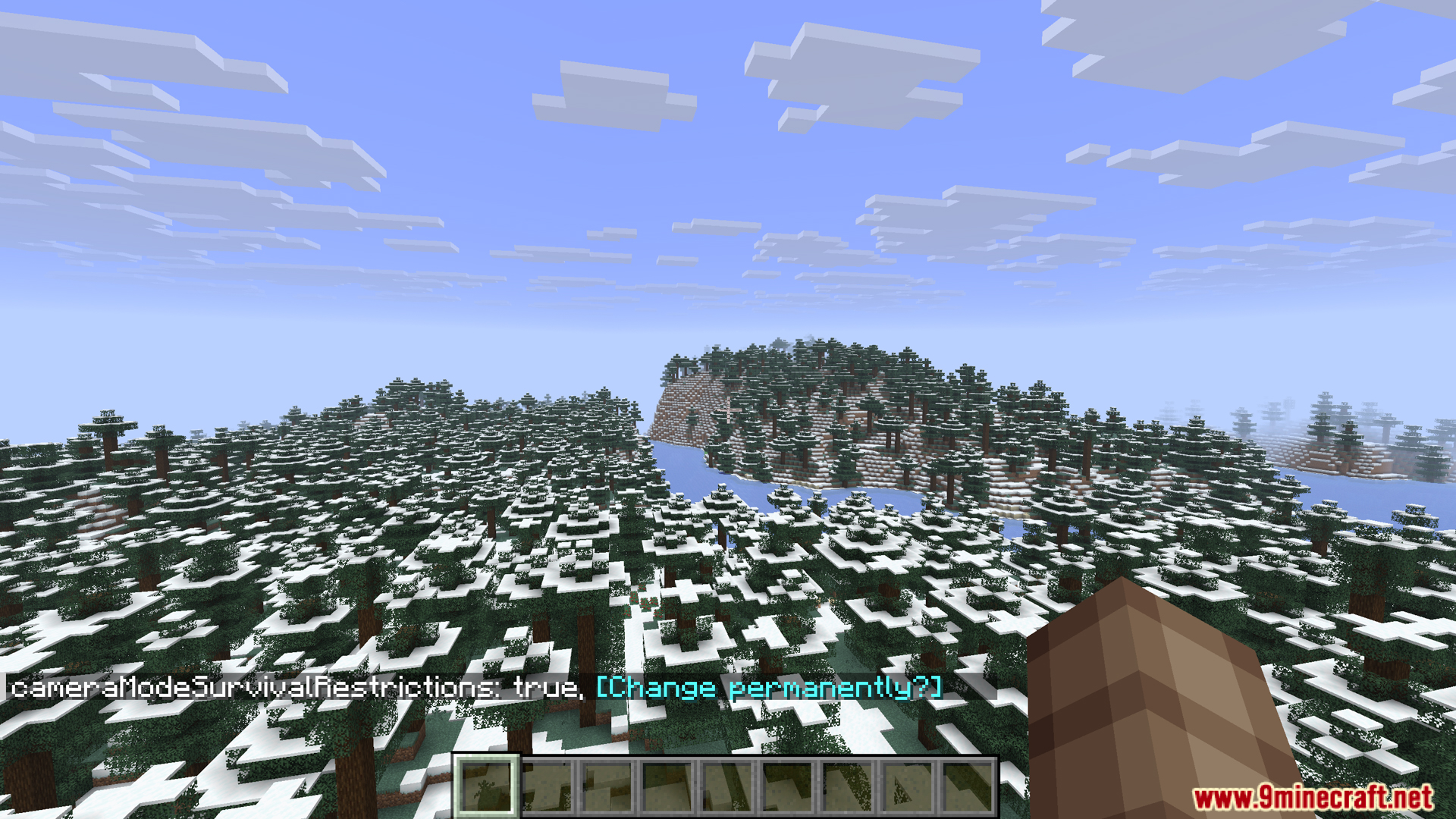
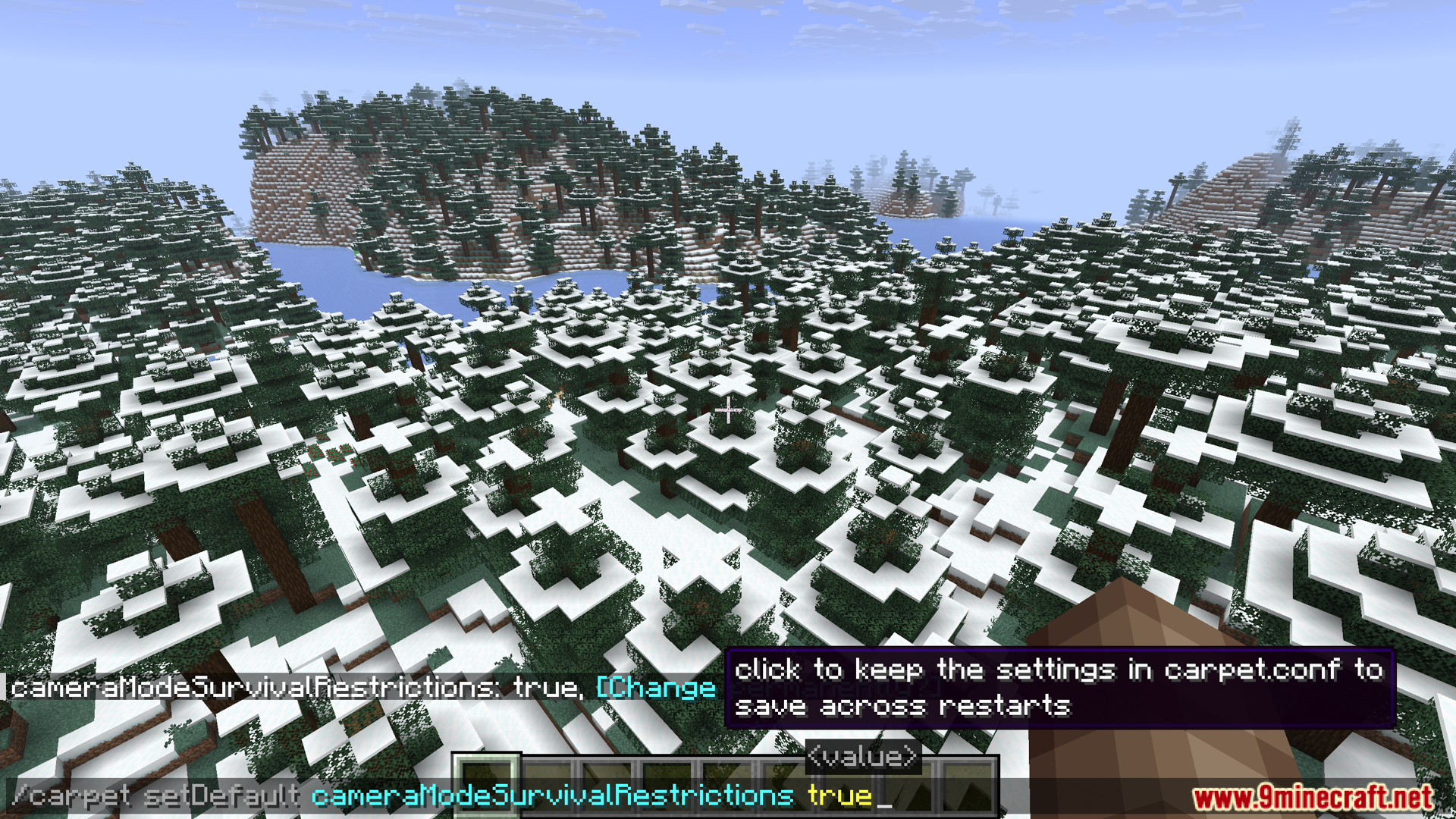
cameraModeRestoreLocation). - Blocks you from entering camera mode when you are in danger (
cameraModeSurvivalRestrictions). - Stops spectators from teleporting to specific players who turn on the blacklist through
/subscribe(cameraModeTeleportBlacklist). - Stops spectators from teleporting to players on chosen teams set with
/team-teleport-blacklist(cameraModeTeamTeleportBlacklist). - Pauses potion effect timers while you are in spectator mode (
spectatorPotionNoCountdown).
Shulker Box Rules:
- Lets you put shulker boxes inside other shulker boxes (
shulkerception). - Fixes stacked shulker boxes overloading comparators (
stackableShulkerComparatorOverloadFix). - Lets you stack shulker boxes by hand in your inventory and on the ground while hoppers cannot stack them; disable all other
stackableShulkerrules unless you also usestackableShulkersWithItems(stackableShulkersInPlayerInventories). - Lets filled shulker boxes stack with other shulker boxes holding the exact same items; requires
stackableShulkersInPlayerInventoriesto be enabled (stackableShulkersWithItems).
Fake Player Rules:
- Drops a fake player’s inventory automatically when they are killed (
fakePlayerDropInventoryOnKill). - Spawns fake players back in automatically after a server restart (
reloadFakePlayers). - Saves all fake player actions and starts them again when players log back in (
savePlayerActions).
Structure Block Rules:
- Removes all non-player mobs and entities inside the structure bounding box when loading a structure; requires ignore entities to be set to
false(structureBlockKillEntities). - Replaces existing fluids when pasting a structure (
structureBlockReplaceFluids).
World Cleanup & Console Log Filters:
- Clears all item entities in a world once the count reaches your chosen limit, with suggested values of
200,500, or1000, or0to disable (removeItemEntitiesAfterThreshold). - Clears all XP entities in a world once the count reaches your chosen limit, with suggested values of
100,250, or500, or0to disable (removeXpEntitiesAfterThreshold). - Hides the
Mismatch in destroy block pos...warning in the console and logs (removeWarnMismatchBlockPos). - Hides the
Saving oversized chunk...warning in the console and logs (removeWarnOversizedChunk). - Hides the
Fetching packet for removed entity...warning in the console and logs (removeWarnRemovedEntity).
Commands:
/carpet <rule_name> <rule_value>: turns rules on or off and sets their values in-game (for example,/carpet phantomsObeyMobcaps true,/carpet commandCameraMode ops, or/carpet stackableShulkersInPlayerInventories true)./cs: switches survival-friendly spectator mode on or off whencommandCameraModeis active./defuse: stops TNT from exploding within a set range whencommandDefuseis active./enderchest: opens your ender chest from anywhere whencommandEnderChestis active./extinguish: puts out fire on your player whencommandExtinguishis active./fly: toggles flight in Survival mode and turns off fall damage whencommandFlyis active./gmc: switches to Creative mode whencommandGMis active./gms: switches to Survival mode whencommandGMis active./gmsp: switches to Spectator mode whencommandGMis active./gma: switches to Adventure mode whencommandGMis active./god: toggles invulnerability whencommandGodis active (may be buggy in Creative mode)./hat: equips the item you are holding onto your head slot whencommandHatis active./heal: heals and feeds your player whencommandHealis active./lag-spike: simulates a lag spike during a chosen tick phase whencommandLagSpikeis active./mods: lists all mods running on the server (set toopsby default throughcommandMods)./more: gives you a full stack of the item you are holding whencommandMoreis active./repair: repairs the item you are holding whencommandRepairis active./top: teleports you straight up whencommandTopis active./view-distance: changes the server’s view distance whencommandViewDistanceis active./warp: creates custom warp points and teleports you to them whencommandWarpis active./workbench: opens a crafting table anywhere whencommandWorkbenchis active./subscribe: opts your player in or out of careful break, careful drop, or the camera mode teleport blacklist./team-teleport-blacklist: picks teams that spectators cannot teleport to whencameraModeTeamTeleportBlacklistis active./kick: lets anyone kick players whencommandPublicKickis active./op: lets anyone give operator status whencommandPublicOpis active./save-all: lets anyone save the world whencommandPublicSaveAllis active./scoreboard: lets anyone use a subset of scoreboard commands whencommandPublicScoreboardis active./team: lets anyone use team commands whencommandPublicTeamis active.
Permissions:
essential-addons.command.<command_name>: sets custom access for individual commands in permissions mods like LuckPerms (for example,essential-addons.command.cs,essential-addons.command.hat, oressential-addons.command.lag-spike).
How to Use:
- Load your singleplayer world or server with Fabric Carpet and EssentialAddons Mod active; most rules start disabled (
falseor0), whilecameraModeRestoreLocationdefaults totrue,cameraModeCommandNamedefaults tocs, andcommandModsdefaults toops. - Open chat and run
/carpet <rule_name> <rule_value>to turn on a gameplay tweak, such as/carpet phantomsObeyMobcaps trueor/carpet stackableShulkersInPlayerInventories true; the rule takes effect right away. - Turn on command rules by choosing who can run them with
true(everyone),false(no one),ops(operators only), or a permission level from0to4, such as/carpet commandCameraMode ops. - Type any active command directly in chat, such as
/cs,/fly,/heal, or/warp, to trigger that tool in your world. - When using
essentialCarefulBreakoressentialCarefulDrop, run/subscribein chat to opt in, then crouch while mining blocks or killing mobs so drops go straight into your inventory. - To stop spectators from teleporting to you or specific teams, turn on
cameraModeTeleportBlacklistand opt in with/subscribe, or turn oncameraModeTeamTeleportBlacklistand pick teams with/team-teleport-blacklist. - To stack filled shulker boxes with matching items, enable both
stackableShulkersInPlayerInventoriesandstackableShulkersWithItems, and disable all otherstackableShulkerrules. - When using
structureBlockKillEntities, set ignore entities tofalseinside your structure block before loading so non-player mobs and entities in the bounding box are removed. - To auto-clear excess item or XP entities, set
removeItemEntitiesAfterThreshold(suggested values:200,500,1000) orremoveXpEntitiesAfterThreshold(suggested values:100,250,500), or set either rule back to0to disable it. - On multiplayer servers, assign permissions in a permissions mod like LuckPerms using
essential-addons.command.<command_name>(for example,essential-addons.command.cs,essential-addons.command.hat, oressential-addons.command.lag-spike) to control who can run each command.
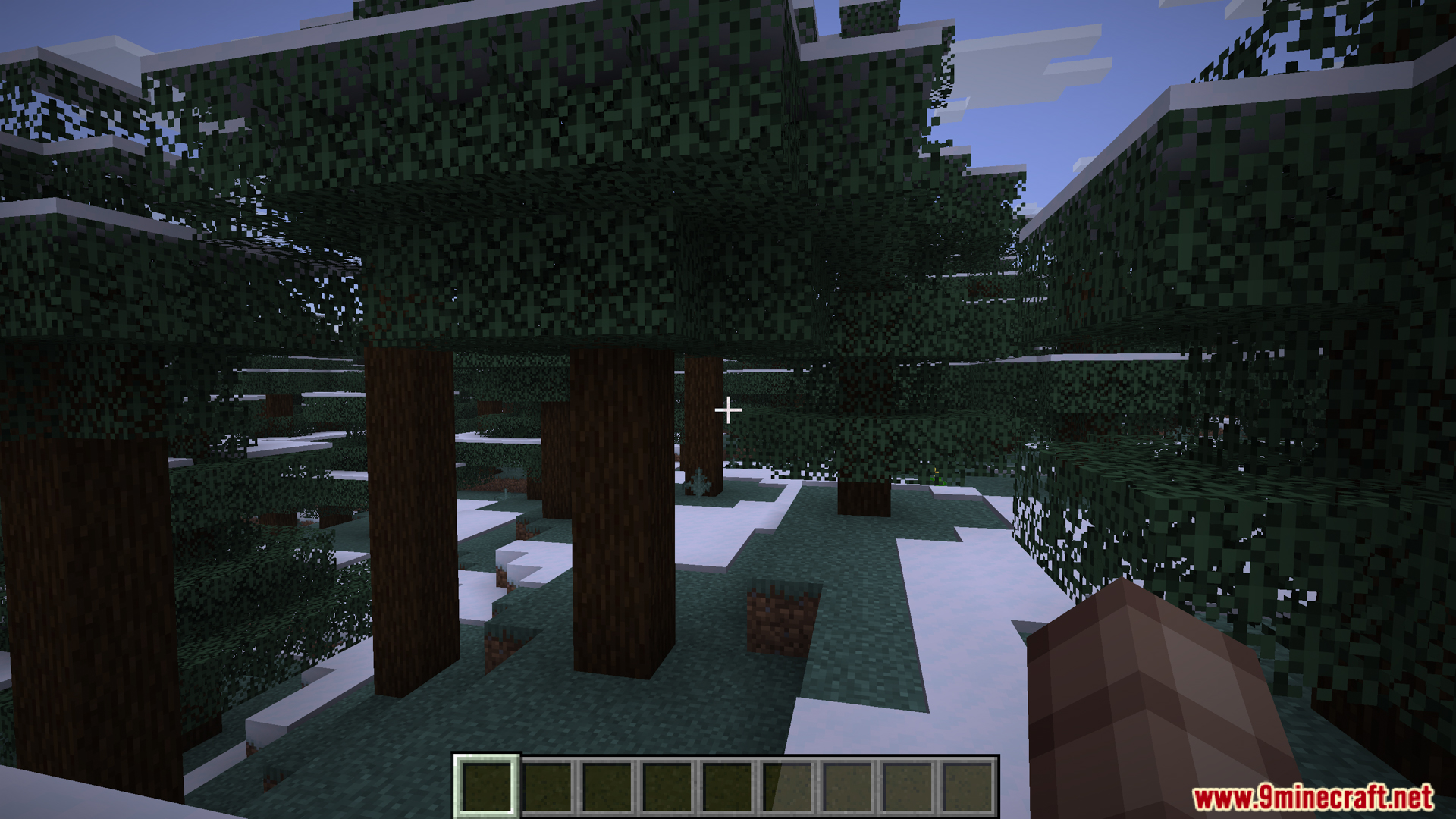
Screenshots:

How to Install:
New to Minecraft? Follow our step-by-step guide to install Mods on your PC.View Guide
Requirements:




EssentialAddons Mod Download Links
For Minecraft 26.3
For Minecraft 26.2
For Minecraft 26.1.2, 26.1.1, 26.1
For Minecraft 1.21.11
For Minecraft 1.21.10, 1.21.9
For Minecraft 1.21.8, 1.21.7, 1.21.6
For Minecraft 1.21.5
For Minecraft 1.21.4
For Minecraft 1.21.3, 1.21.2
For Minecraft 1.21.1, 1.21
For Minecraft 1.20.6
For Minecraft 1.20.4
For Minecraft 1.20.2
For Minecraft 1.20.1
For Minecraft 1.19.4
For Minecraft 1.19.2
For Minecraft 1.18.2
For Minecraft 1.17.1
For Minecraft 1.16.5
What is your stance on mods that feel 'overpowered' or break vanilla balance?
16 responses · See the full results →
You May Also Like
Picked for this page
 Lighting Wand Mod (26.1.2, 1.20.1) – Showing Light Sources
 Realistic Cobwebs Mod 1.14, 1.12.2 for Minecraft (26.1.2, 1.20.1)
 Simply No Shading Mod (26.2, 1.20.1) – Uniform Brightness Across All Blocks
 JCPlugin Mod (26.3, 1.20.1) – Library for Jomcraft Network
 Iron To Diamond Armor Upgrades Mod (26.3, 1.20.1) – Skip the Diamond Grind
 No More Useless Keys Mod (26.2, 1.20.1) – Alternative Key Combinations
 Flan Mod (26.3, 1.20.1) – Claim Land Using Commands, Menus, or Tools
 Brrrrock Mod (26.3, 1.20.1) – Mine Bedrock & Yeeterite
 GravelMiner Mod (26.3, 1.20.1) – Instantly Breaks Falling Gravel
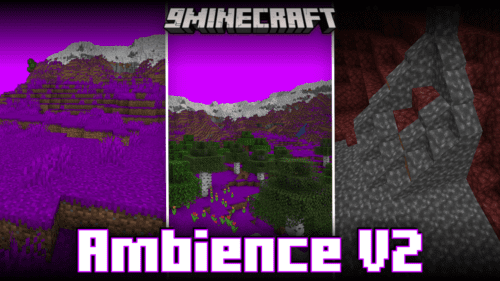 Ambience V2 Mod (26.3, 1.21.1) – Change Colors Of The Environment
 Easy Craft of Chainmail Armor Mod (26.3, 1.20.1) – Adds a Crafting Recipe
 Tech Reborn Mod (26.3, 1.20.1) – Build Advanced Factories to Automate
Most viewed in Mods over the last 7 days
 Ala Industrial Mod (26.3) – Run Electric Power Grids and Automated Factories
 PleasureCraft Mod (26.3, 1.21.1) – Jenny Mod Remake for Fabric
 Jennycraft Mod (26.3, 1.20.1) – Virtual Girlfriend in Minecraft
 Fapcraft Mod (26.3, 1.12.2) – Comprehensive and Detailed Content
 Jenny Mod (Fapcraft) Official Complete Guide – How to use, Tutorial
 BangCraft Mod (1.20.1) – Jenny, Ellie and Elliot
 Fabric Loader (26.3, 1.20.1) – Fabric Installer for All Minecraft Versions
 The Shooting Star Demo Mod (26.3, 1.20.1) – Vaporize Terrain From Orbit
 Meteor Client Mod (26.3, 1.20.1) – Xray, HUD, Fly
 OptiFine HD (26.3, 1.20.1) – Run Faster, FPS Boost, Shaders Support
 Aristois Client Mod (1.21.4, 1.20.1) – World Class Minecraft Utility
 Prestige Client Mod (1.21.11, 1.21.4) – Powerful Ghost Features for Crystal & Sword PvP
More from Mods
 MCPersist Mod (26.3) – Keep Your World Online for Friends Even After Logging Off
 Minecraft Java MCP Server Mod (1.21.11) – Command Your World Through External AI Tools
 Arcanism Mod (26.2) – Build Magic Factories and Program Custom Spells
 Archangel Client Mod (1.21.11) – Master Every PvP Duel with Clean Screen Stats
 Block Front Survival Patch Mod (1.21.1) – Wage Tactical Warfare in Survival
 Better Enchantment Bookshelf Placement Mod (26.2, 1.20.1)
 SimpleRPGCore Mod (1.21.4, 1.21.1) – Fight with Classic RPG Stats
 Bard RPG Series Plus by Fichte Mod (1.21.1, 1.20.1) – Buff Allies in Combat
 Fabric Gui ImGui Mod (26.3, 1.21.11) – Clean Custom Menus and In-Game Control
 Multi Item Lib Mod (1.20.1) – Wield Custom Gear with Flawless Hand Animations
 Universe3090 Mod (1.20.1) – Survive Corrupted Dimensions Filled
 Wireless Automate Mod (1.21.1) – Automate Base Logistics Without Messy Pipes

This post has no comments yet. Be the first — your comment will appear here.