


Motion Capture Mod (26.2, 1.20.1) – Recording Player Movements

 0
0 

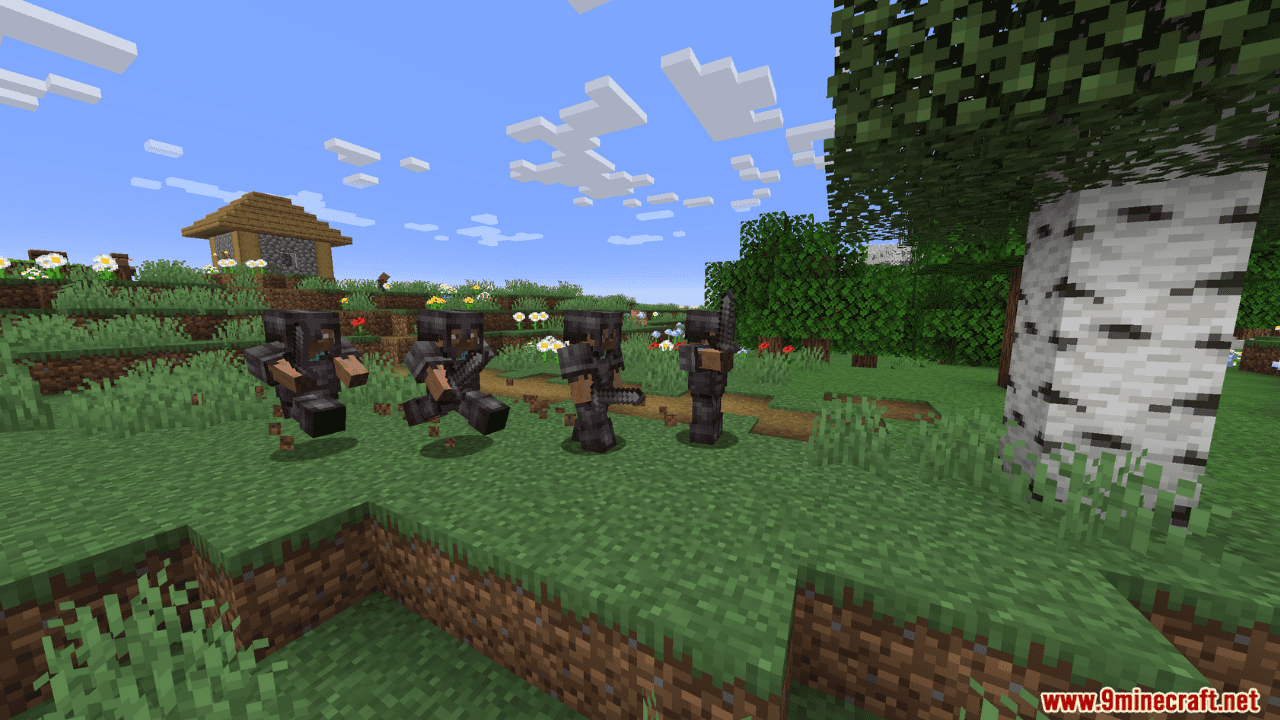
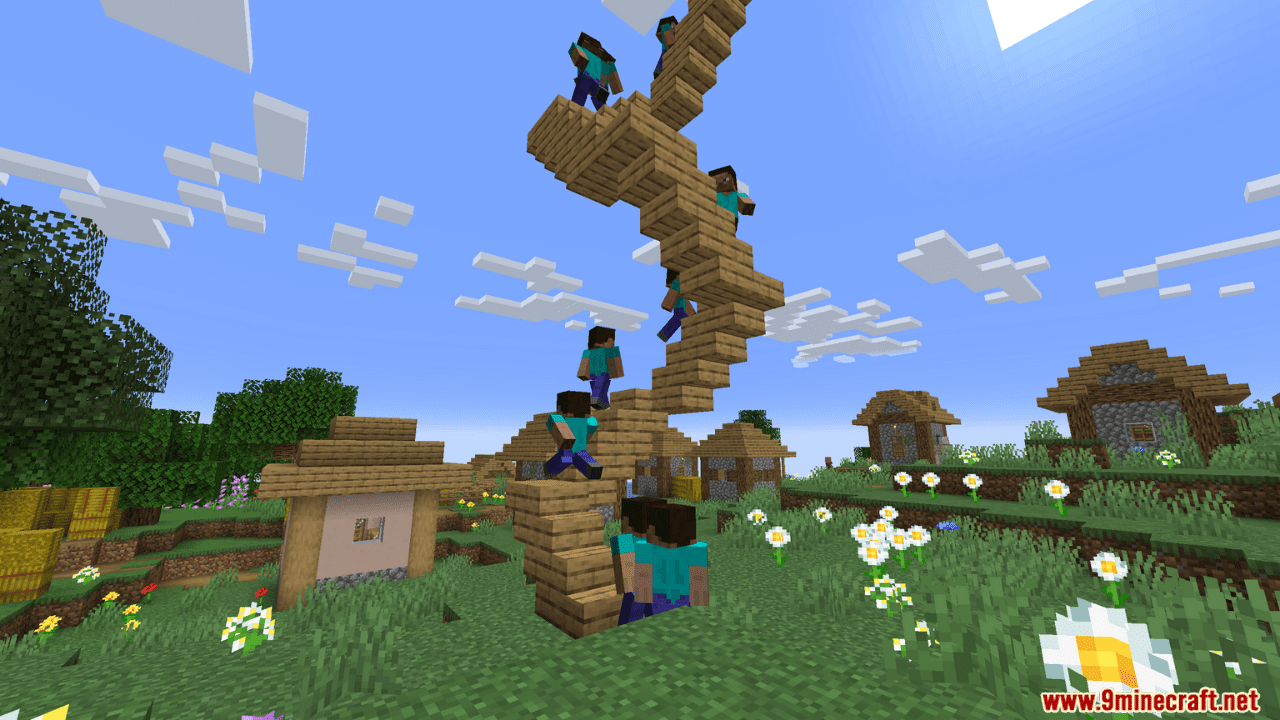
Motion Capture Mod allows you to effortlessly record and replay player movements, covering everything from basic actions like sprinting and jumping to intricate interactions like using items, breaking blocks, and even riding nearby entities. Tailor your scenes with ease, combining recordings and tweaking parameters such as player name and skin. With Motion Capture, your Minecraft world becomes a canvas for endless possibilities, perfect for crafting complex scenes without relying on real players.
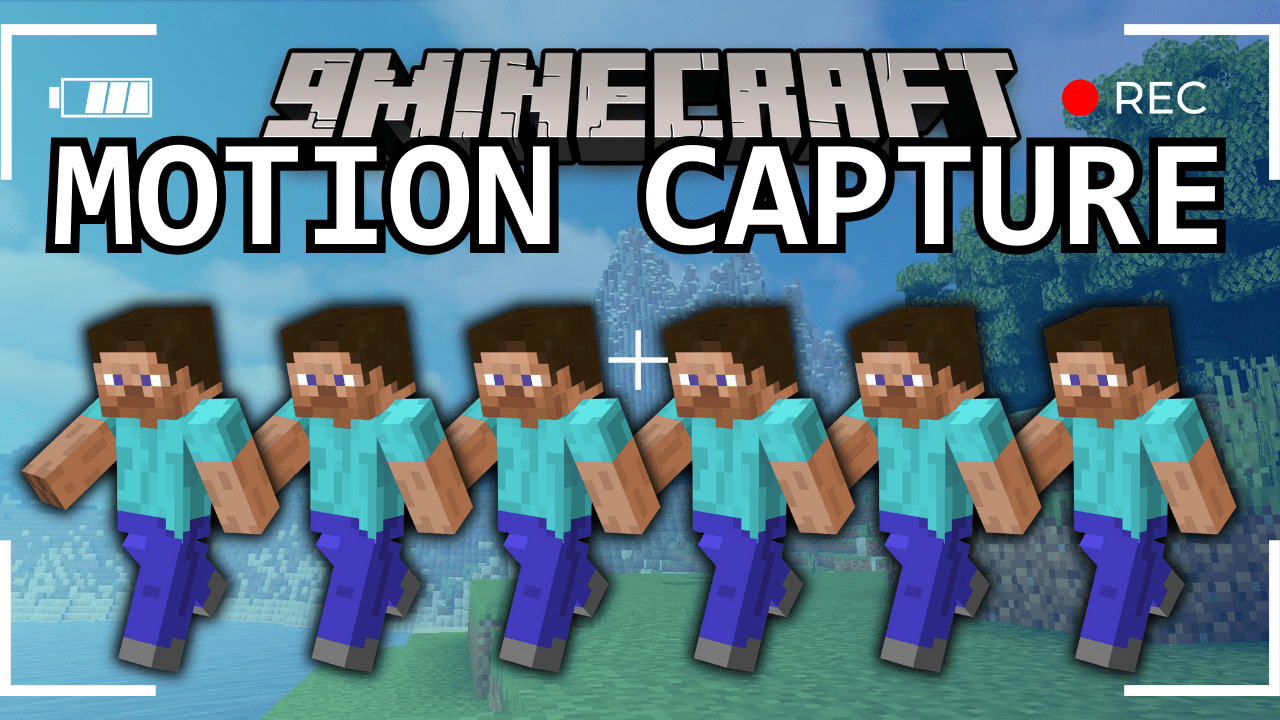
Features:
It records:
- Movements
- Sprinting, jumping, swimming, sneaking
- Swinging hands
- Using items
- Items in hands and armor
- States like being on fire, being invisible, or glowing
- Placing, breaking and interacting with blocks
- Nearby entities and riding them
How to Use:
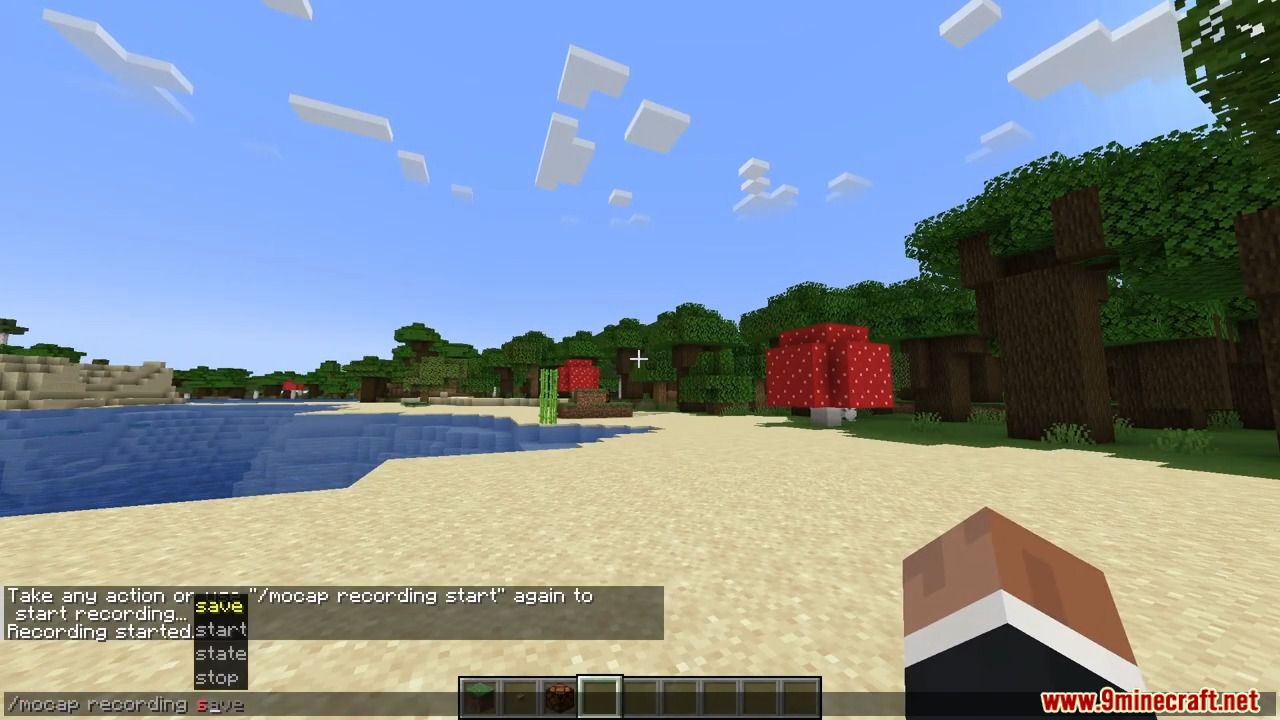
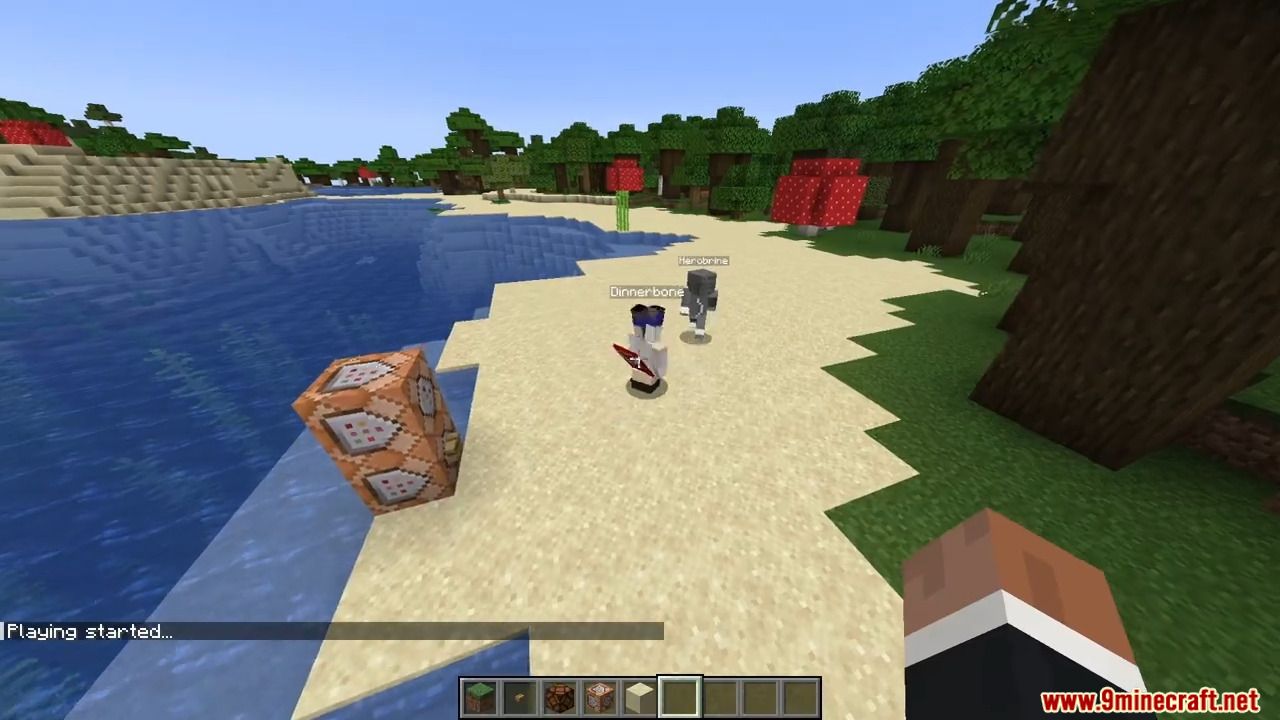
- First, you need to start recording using /mocap recording start. It will record all your movements or movements of a player given as an argument.
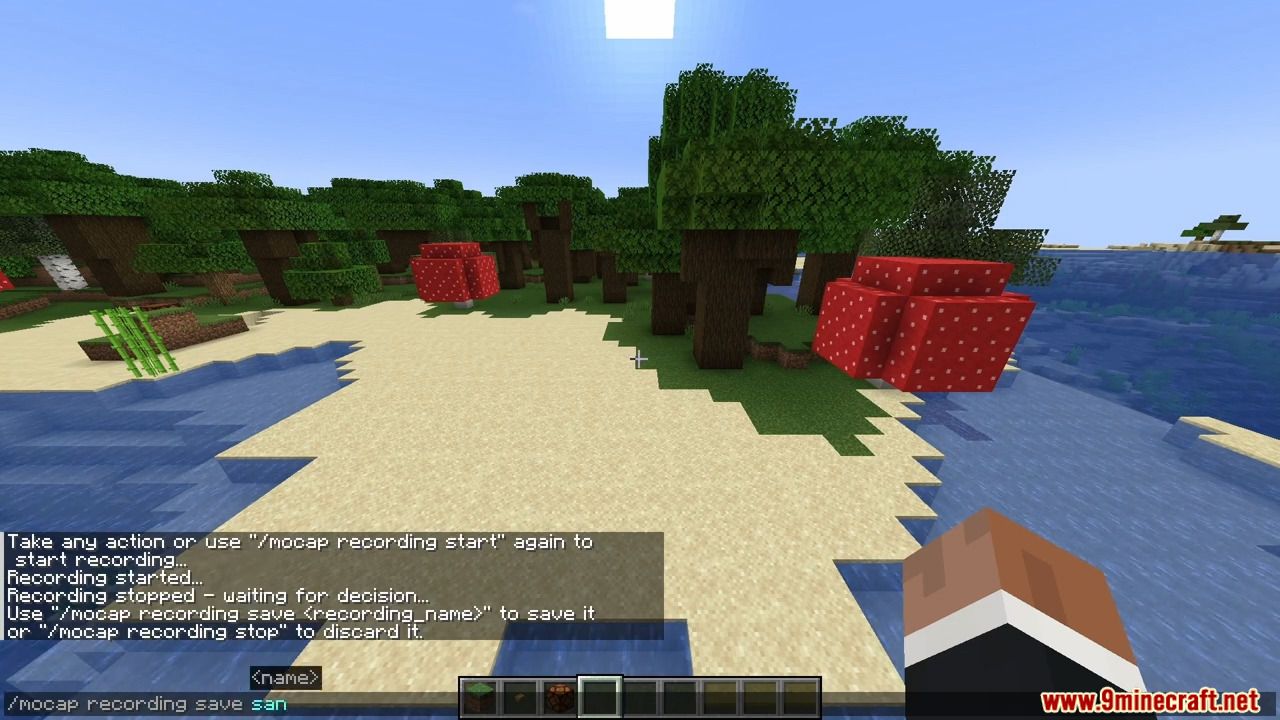
- Then, you can stop recording using /mocap recording stop and save it with /mocap recording save [name].
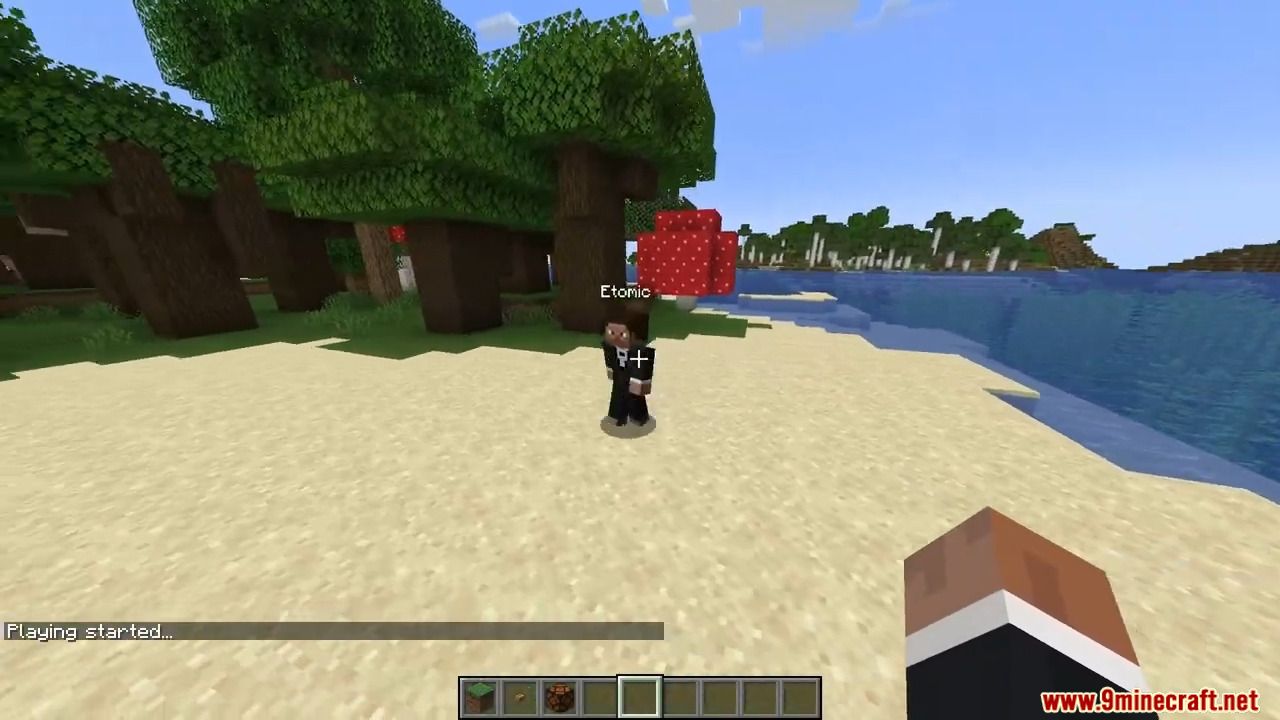
- Use /mocap playing start [name] (player_name) (mineskin_url) to play recording.
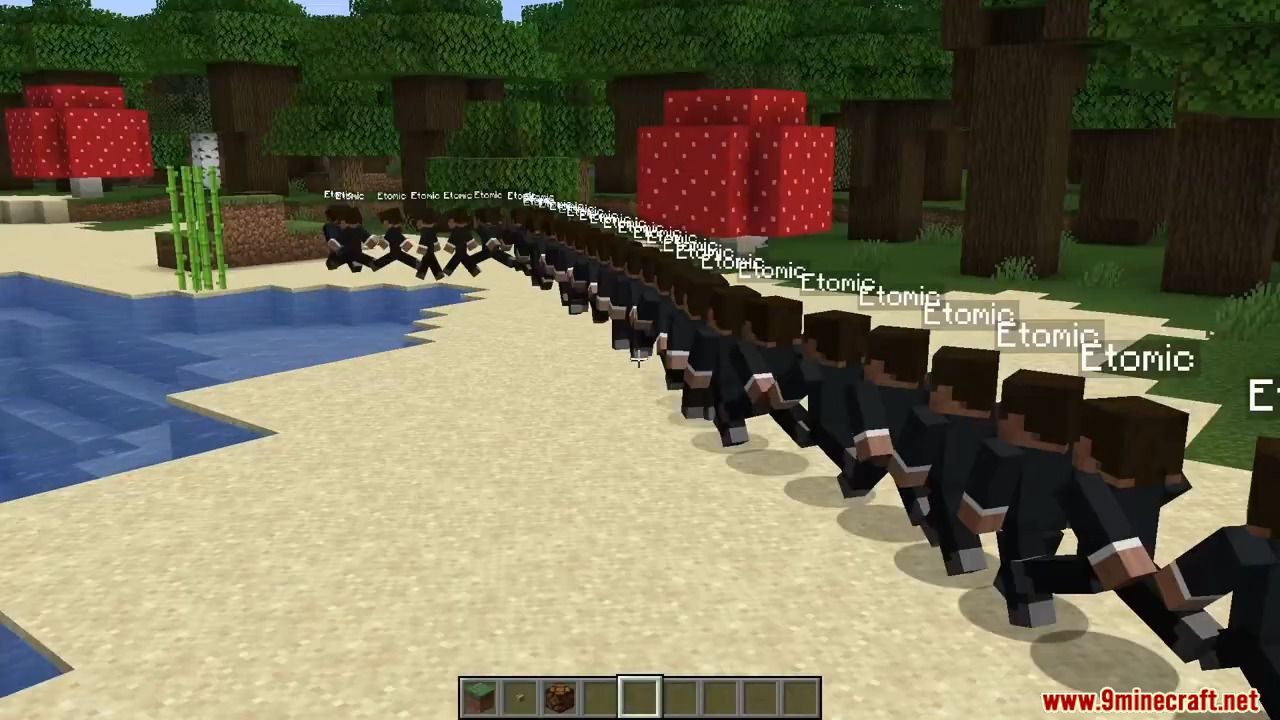
- You can also create scenes to which you can add multiple recordings or other scenes, with parameters like player name, position offset, or start delay.
- To create scene use /mocap scenes add (scene_name). Then, add your recording using /mocap scenes addTo [scene_name] [recording_name] (delay) (x_offset) (y_offset) (z_offset) (player_name) (skin_source_type) (skin_source) (you can skip arguments in round brackets if you want).
- To play scene use /mocap playing start .[scene_name] – you need to put a dot before the scene name.
- By putting a dot before name, when using /mocap scenes addTo […], you can also add scenes to other scenes.
Commands:
- /mocap recording […] – Recording player movements
- /mocap recordings […] – Managing recording files
- /mocap scenes […] – Creating and modifying scenes
- /mocap playing […] – Playing scenes and recordings
- /mocap settings […] – Shows and modifies settings
- /mocap info – Displays information about mod
- /mocap help – Displays help message
Screenshots:
How to Install:
New to Minecraft? Follow our step-by-step guide to install Mods on your PC.View Guide




Motion Capture Mod Download Links
For Minecraft 26.2
For Minecraft 26.1.2, 26.1.1, 26.1
For Minecraft 1.21.11
For Minecraft 1.21.10, 1.21.9
For Minecraft 1.21.5
For Minecraft 1.21.4
For Minecraft 1.21.3, 1.21.2
For Minecraft 1.21.1, 1.21
For Minecraft 1.20.6
For Minecraft 1.20.4
For Minecraft 1.20.1, 1.20
For Minecraft 1.19.4
For Minecraft 1.19.2
For Minecraft 1.18.2
For Minecraft 1.16.5
Click to rate this post!
[Total: 1 Average: 5]
You May Also Like



This post has no comments yet. Be the first — your comment will appear here.