
Better Fabric Console Mod (26.3, 1.20.1) – Manage Server Commands Faster

 0


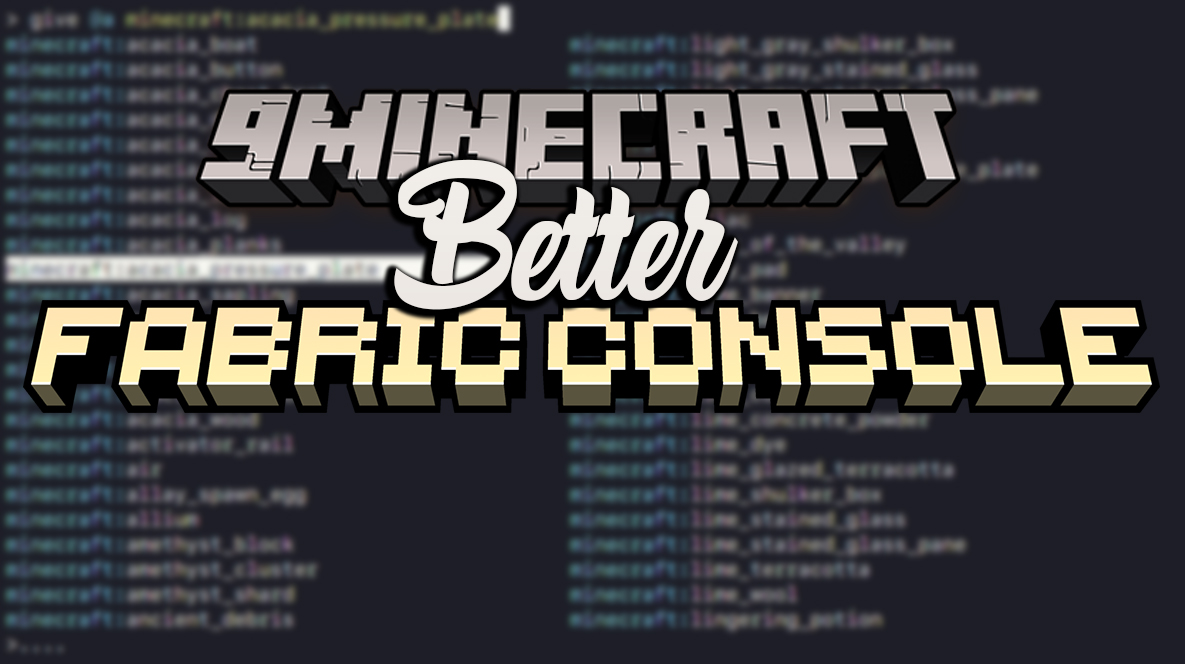
Better Fabric Console Mod upgrades the server console experience with an interactive, color-aware terminal. It replaces the basic vanilla dedicated server console with advanced tools for server management. The mod adds smart command completion, bright colored log outputs, and helpful text highlighting to make running a server easier.
Features:
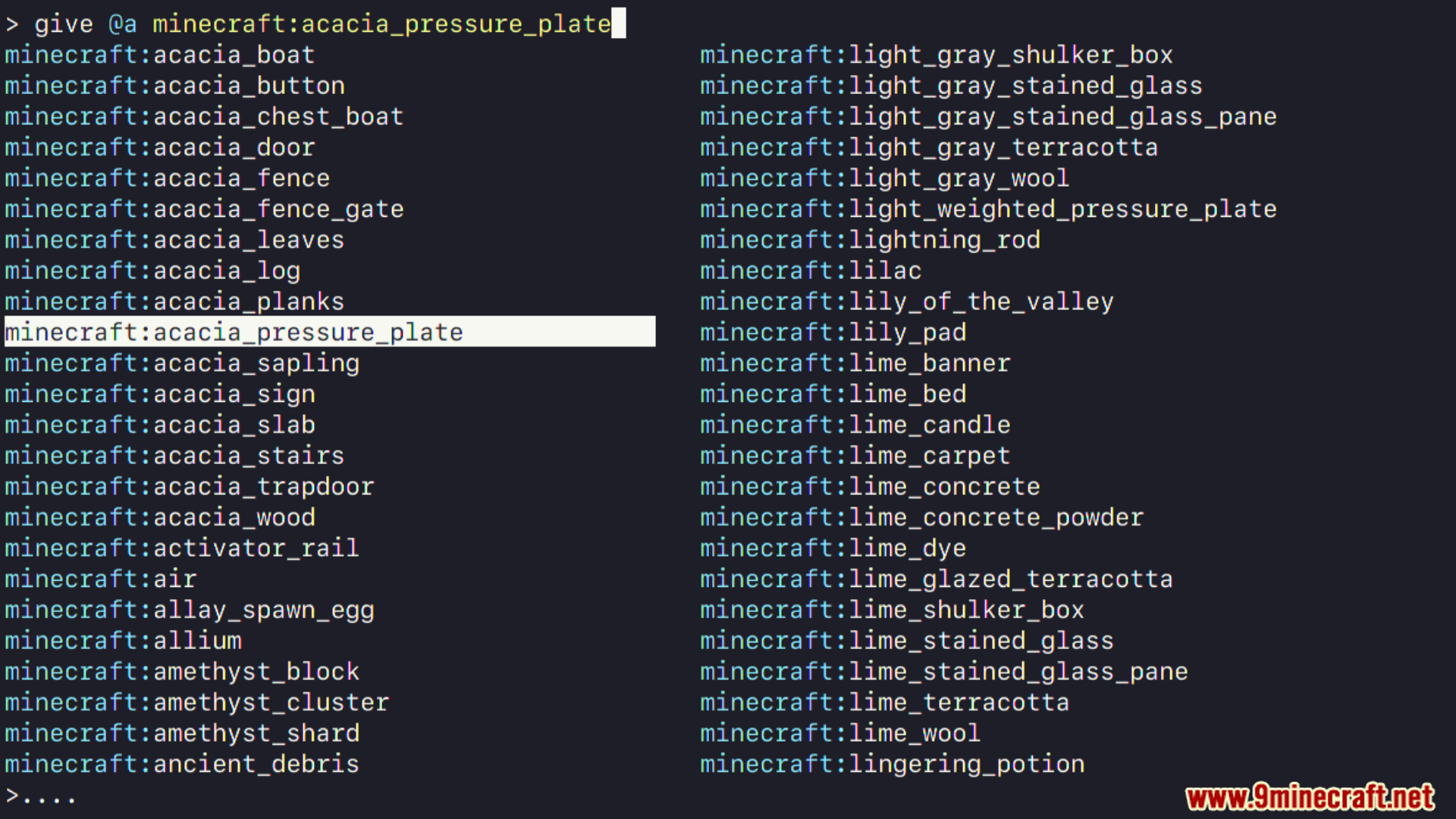
- Adds Brigadier-aware command completion in the server console to help finish commands faster.
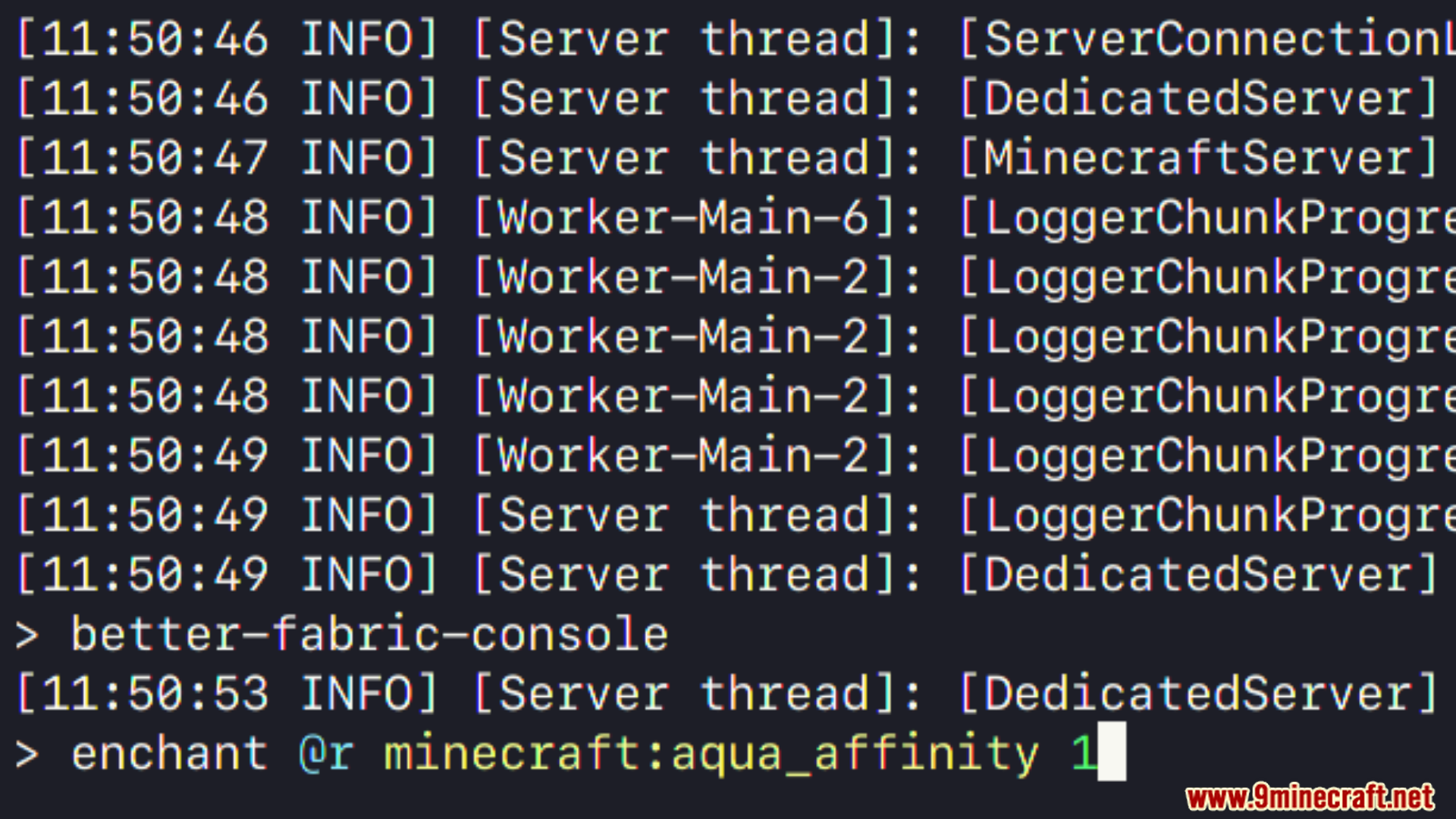
- Provides command syntax highlighting with customizable argument colors to reduce typing mistakes.
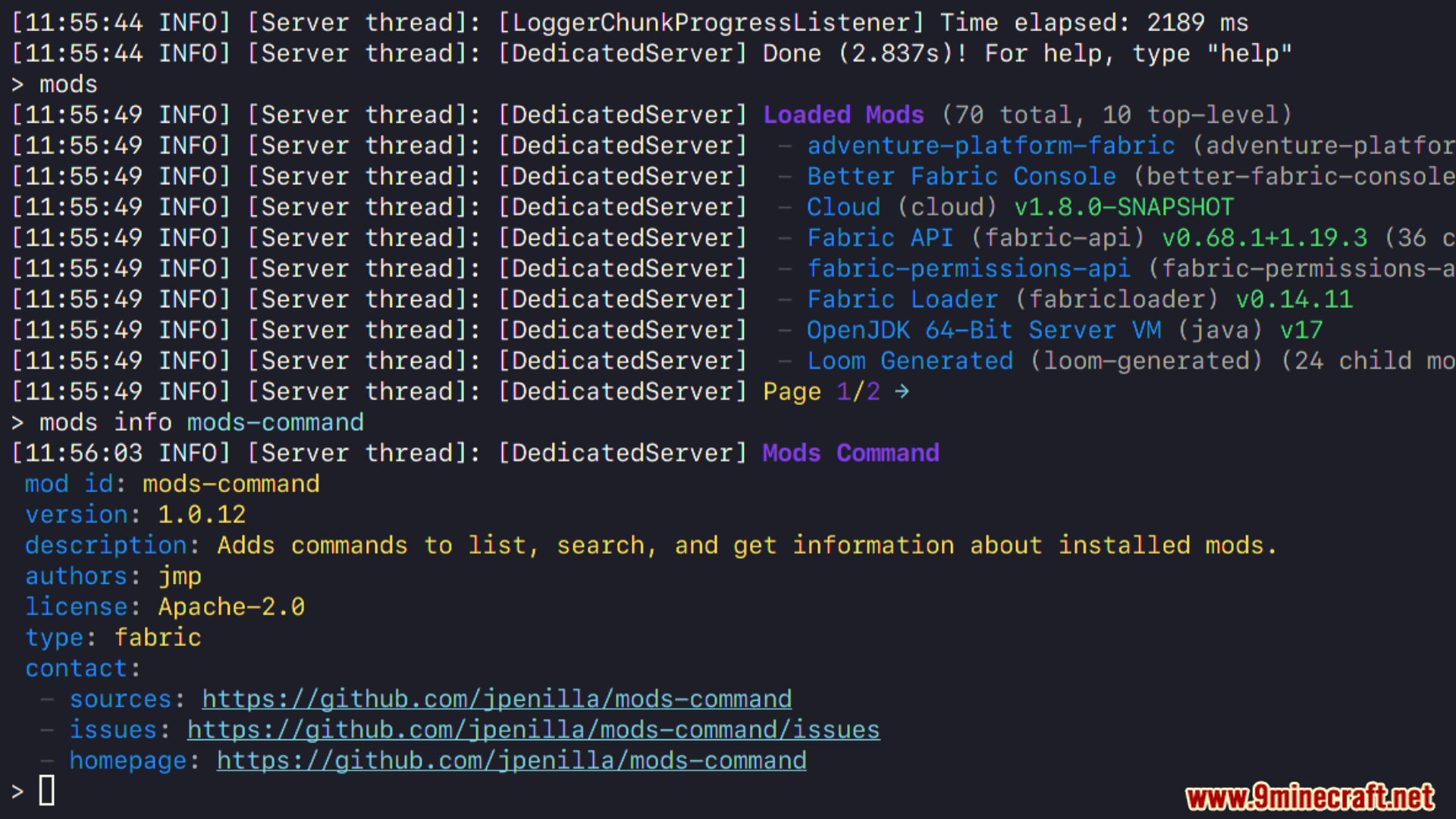
- Brings colored log output to terminal consoles for improved readability.
- Saves a persistent command history in a local file for quick access to previously used commands.
- Includes an optional setting to log player-executed commands directly into the console.
Commands:
/better-fabric-console: Prints the current mod version information./better-fabric-console dismiss-log4j-config-update: Marks the current bundled Log4j default configuration as reviewed.
How to Use:
- Install the mod and required dependencies on your Fabric server.
- Start the server once to generate the configuration files.
- Edit the configuration files in the server folder to adjust highlight colors or logging options.
- Restart the server to apply any configuration changes.
Screenshots:
How to Install:
New to Minecraft? Follow our step-by-step guide to install Mods on your PC.View Guide
Requirements:
Better Fabric Console Mod Download Links
For Minecraft 26.3
For Minecraft
26.2,
26.1.2,
26.1.1
All Versions Covered
26.2
26.1.2
26.1.1
26.1
All Versions Covered
26.2
26.1.2
26.1.1
26.1
For Minecraft 1.21.11
For Minecraft 1.21.10
For Minecraft 1.21.8, 1.21.7, 1.21.6
For Minecraft 1.21.5
For Minecraft 1.21.4
For Minecraft 1.21.3, 1.21.2
For Minecraft 1.21.1, 1.21
For Minecraft 1.20.6
For Minecraft 1.20.4
For Minecraft 1.20.2
For Minecraft 1.20.1, 1.20
For Minecraft 1.19.4
For Minecraft 1.19.3
Click to rate this post!
[Total: 0 Average: 0]
QUICK MINECRAFT SURVEY · ONE TAP
Mods & Modpacks
What is your favorite type of Minecraft mod?
26 responses · See the full results →
You May Also Like
Picked for this page
 Fabric API (26.3, 1.20.1) – Play Hundreds of New Mods
 JourneyMap Integration Mod (26.1, 1.20.1) – JourneyMap More Useful
 Better End Sky Mod (26.3, 1.20.1) – Custom Sky Textures
 BetterShields Mod (26.3, 1.20.1) – Fixes Shield Bugs
 Chat Animation Mod (26.3, 1.20.1) – Smooth Animation for Chat Messages
 Keep My Soil Tilled Mod (26.3, 1.20.1) – Auto-Tilling Logic
 TslatEntityStatus Mod (26.3, 1.20.1) – HUD-Style Entity Status
 Spice of Life Onion Mod (26.3, 1.20.1) – Encourages Dietary Variety
 Experience Remover Mod (26.2, 1.20.1) – Removes The Experience Bar & Enchanting
 The Fletching Table Mod (26.3, 1.20.1) – Transform Your Arrows With Ease
 Switcheroo Mod (1.21.11, 1.20.1) – Switch Items Like A Pro
 Elytra Pitch Mod (26.3, 1.20.1) – Optimize Flight Angle
Most viewed in Mods over the last 7 days
 Ala Industrial Mod (26.3) – Run Electric Power Grids and Automated Factories
 PleasureCraft Mod (26.3, 1.21.1) – Jenny Mod Remake for Fabric
 Jennycraft Mod (26.3, 1.20.1) – Virtual Girlfriend in Minecraft
 Fapcraft Mod (26.3, 1.12.2) – Comprehensive and Detailed Content
 Jenny Mod (Fapcraft) Official Complete Guide – How to use, Tutorial
 BangCraft Mod (1.20.1) – Jenny, Ellie and Elliot
 Fabric Loader (26.3, 1.20.1) – Fabric Installer for All Minecraft Versions
 Meteor Client Mod (26.3, 1.20.1) – Xray, HUD, Fly
 The Shooting Star Demo Mod (26.3, 1.20.1) – Vaporize Terrain From Orbit
 OptiFine HD (26.3, 1.20.1) – Run Faster, FPS Boost, Shaders Support
 Aristois Client Mod (1.21.4, 1.20.1) – World Class Minecraft Utility
 SchnurriTV Mod (1.12.2) – Characters and Features
More from Mods
 Offgrid Mod (26.3, 1.20.1) – Furnish Compact Interiors Without Strict Grid
 Tempest Almanac Iron’s Spells ‘n Spellbooks Mod (1.21.1, 1.20.1)
 Chat Guides Mod (26.3, 1.21.11) – Never Memorize Complex Server Commands Again
 TRMT Reimagined the Roads More Travelled Mod (26.3, 1.20.1)
 Morrowless Mod (1.21.1) – Defend Your Shelter From Nightmare Creatures
 THE SLOPSTROSITY Mod (1.21.1) – Battle a Ridiculous Slime Boss
 Decoween Mod (1.21.1, 1.20.1) – Transform Ordinary Survival Bases
 Simply Light 9minecraft Mod (26.3) – Decorate Builds Without Torches
 Alex’s Caves Continued Mod (26.3, 1.20.1) – Conquer Six Massive Underground
 Anvil Uses Mod (26.3, 1.20.1) – Track Item Anvil Usage
 Animal Info Mod (26.3, 1.21.11) – Quick Stats For Your Animals
 Timber Tales Dynamic Tree System Mod (26.3, 1.20.1) – Watch Entire Trees Topple

This post has no comments yet. Be the first — your comment will appear here.