


Fullbright Mod (26.1.2, 1.20.1) – Toggle Fullbright in Minecraft
 45,622
 0
0


Fullbright Mod allows to toggle fullbright in Minecraft. Fullbright is a feature that allows Minecraft Java to bring the brightness to the maximum so you can see much more. Even Night vision is darker. If you are playing on a server using an old minecraft version consider using ViaFabric Mod to use the latest client version.
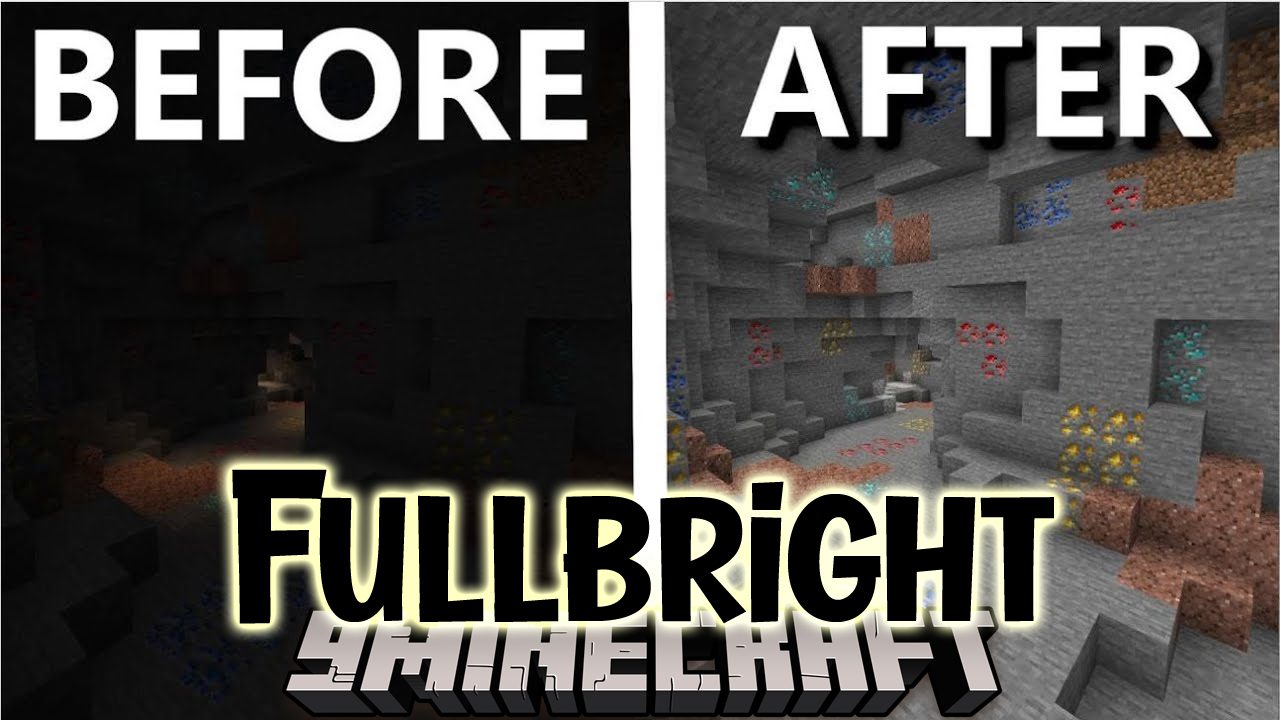
Screenshots:




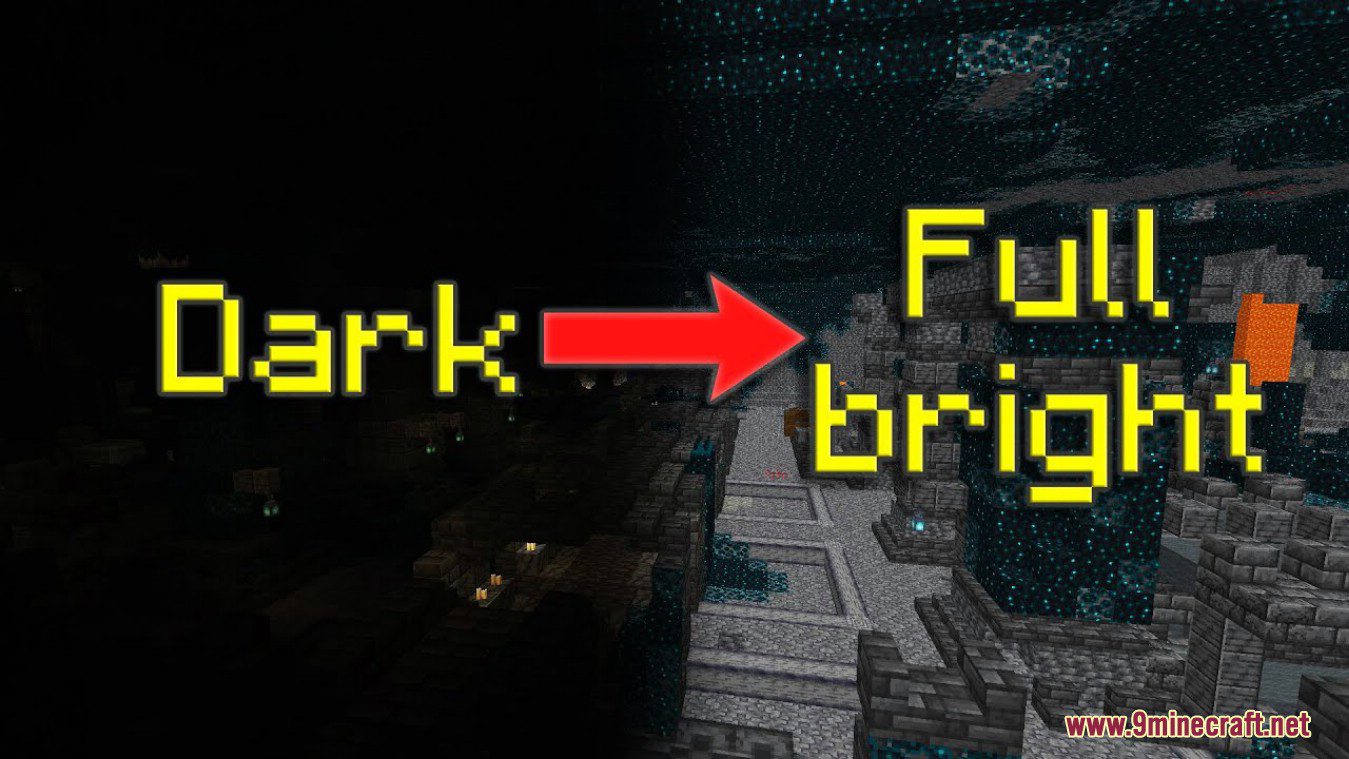
How to use:
- Open the config screen via Mod Menu Mod or execute /fullbright-config.
- Configure the settings to your liking.
- Press the button Save Changes and then Done to save the settings and apply them to the game.
- Press the keybinding to toggle fullbright (Default: B).
- Enjoy.
How to Install:
New to Minecraft? Follow our step-by-step guide to install Mods on your PC.View Guide
Requirements:


Fullbright Mod Download Links
For Minecraft 26.1.2, 26.1.1, 26.1
For Minecraft 1.21.11
For Minecraft 1.21.10, 1.21.9
For Minecraft 1.21.8, 1.21.7, 1.21.6
For Minecraft 1.21.5, 1.21.4
For Minecraft 1.21.3, 1.21.2
For Minecraft 1.21.1, 1.21
For Minecraft 1.20.6
For Minecraft 1.20.4, 1.20.3, 1.20.2
For Minecraft 1.20.1, 1.20
For Minecraft
1.19.4,
1.19.3,
1.19.2
All Versions Covered
1.19.4
1.19.3
1.19.2
1.19.1
1.19
All Versions Covered
1.19.4
1.19.3
1.19.2
1.19.1
1.19
Click to rate this post!
[Total: 25 Average: 3]
You May Also Like


















This post has no comments yet. Be the first — your comment will appear here.