
Borderless Fullscreen Mod (26.3, 1.20.1) – Replaces Minecraft’s Default Fullscreen
 1,039
 0


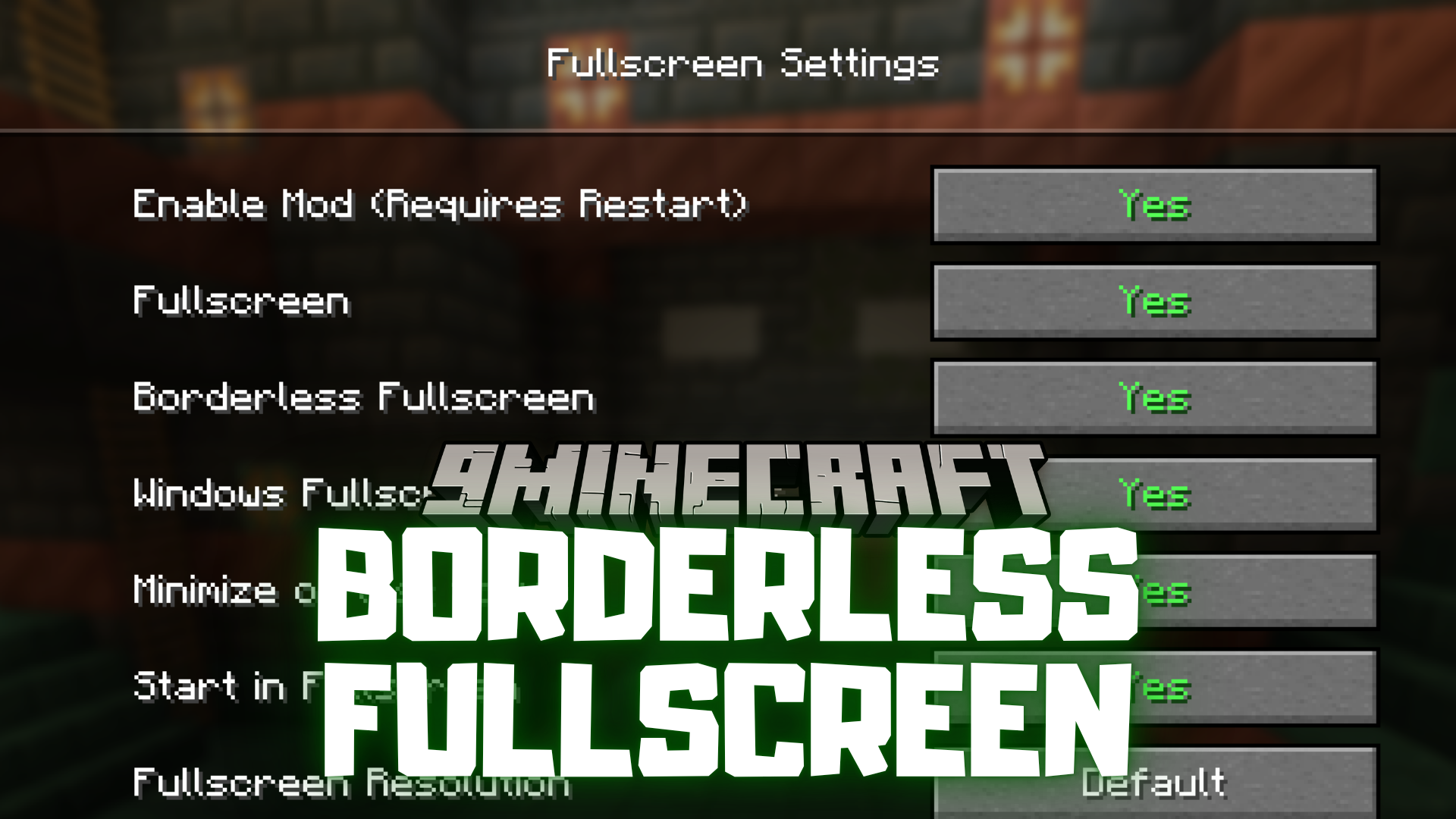
Borderless Fullscreen Mod replaces Minecraft’s default fullscreen mode with a custom version that gives more flexibility and control over how the game appears on screen.
Features:
- Replaces the default fullscreen with a custom version.
- Removes window borders for a cleaner look.
- Helps with smoother transitions between apps.
- Useful for multi-monitor setups.
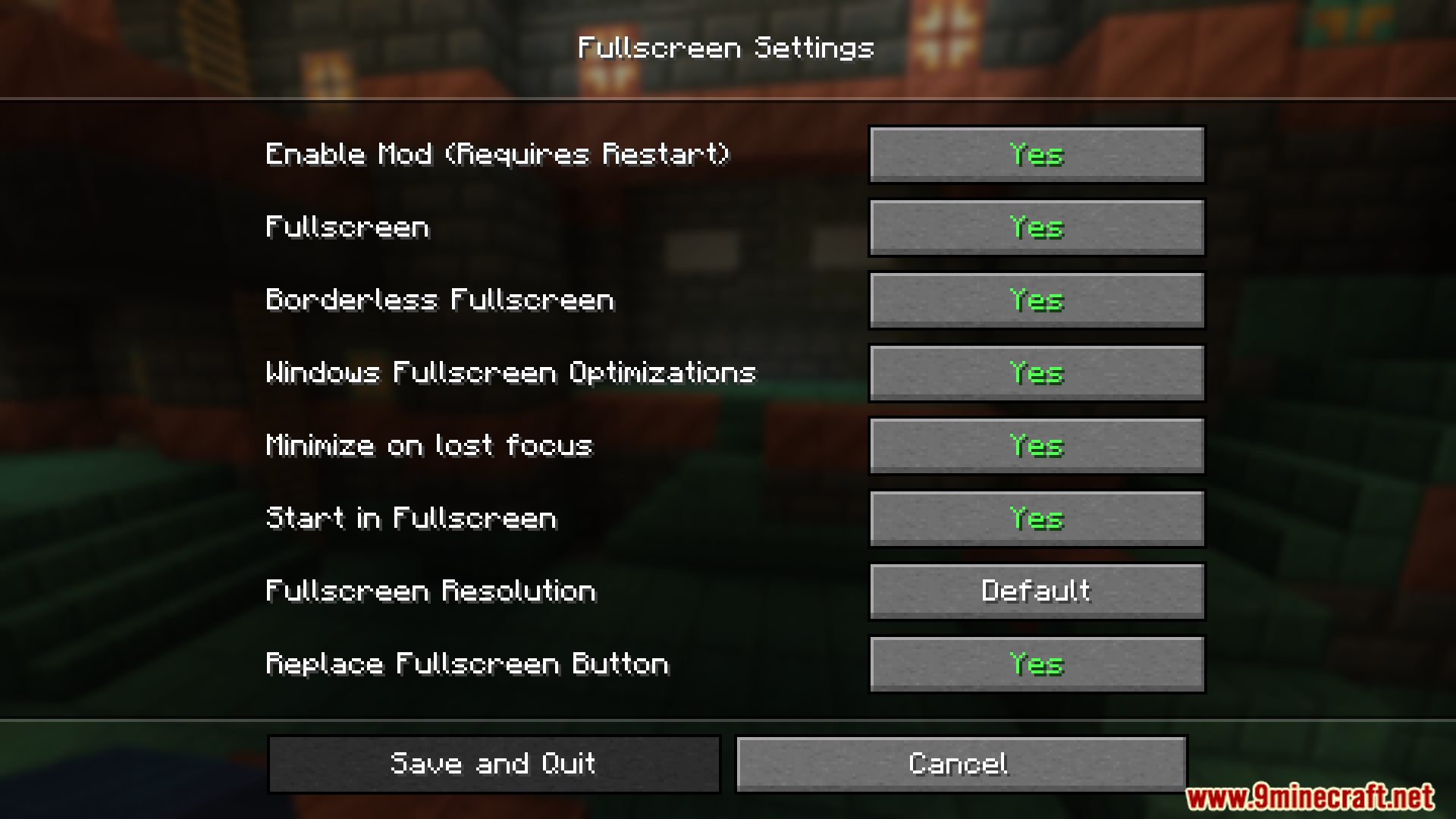
- Adds more control over screen display settings.
Screenshots:
How to Install:
New to Minecraft? Follow our step-by-step guide to install Mods on your PC.View Guide
Requirements:
Borderless Fullscreen Mod Download Links
For Minecraft 26.3
For Minecraft 26.2
For Minecraft 26.1.2, 26.1.1, 26.1
For Minecraft 1.21.11, 1.21.10, 1.21.9
For Minecraft 1.21.10, 1.21.9
For Minecraft 1.21.8, 1.21.7, 1.21.6
For Minecraft
1.21.5,
1.21.4,
1.21.3
All Versions Covered
1.21.5
1.21.4
1.21.3
1.21.2
All Versions Covered
1.21.5
1.21.4
1.21.3
1.21.2
For Minecraft 1.21.4, 1.21.3, 1.21.2
For Minecraft 1.21.1, 1.21
For Minecraft 1.20.1, 1.20
Click to rate this post!
[Total: 0 Average: 0]
You May Also Like
Picked for this page
 Macaw’s Stairs Mod (26.3, 1.20.1) – Stylish Railings And More
 Item Alchemy Mod (26.3, 1.20.1) – Magic of Alchemy
 DEUF Refabricated Mod (26.1, 1.20.1) – Duplicated Entity UUID Fixer
 Horse Stonks Mod (26.2, 1.20.1) – Improve Horse Breeding Mechanics
 TPS HUD Mod (26.3, 1.20.1) – Displays the Server’s TPS
 Critter Armory Mod (26.3, 1.20.1) – Armor Up Your Animals
 Craft Slabs Back Into Blocks Mod (26.2, 1.20.1) – Resource Renewal
 Crash Exploit Fixer Mod (26.3, 1.20.1) – Keep Your Server Running Smoothly
 The Copper Rail Mod (26.2, 1.20.1) – Directional Rails Crafted Using Copper
 Disable Insecure Chat Toast Mod (26.3, 1.20.1) – Removes The Annoying “Insecure Chat”
 EssentialAddons Mod (26.3, 1.20.1) – Extension Carpet
 Sdm Shop Mod (1.21.11, 1.20.1) – Adds an In-Game Virtual Store
Most viewed in Mods over the last 7 days
 Ala Industrial Mod (26.3) – Run Electric Power Grids and Automated Factories
 PleasureCraft Mod (26.3, 1.21.1) – Jenny Mod Remake for Fabric
 Jennycraft Mod (26.3, 1.20.1) – Virtual Girlfriend in Minecraft
 Fapcraft Mod (26.3, 1.12.2) – Comprehensive and Detailed Content
 Jenny Mod (Fapcraft) Official Complete Guide – How to use, Tutorial
 BangCraft Mod (1.20.1) – Jenny, Ellie and Elliot
 Fabric Loader (26.3, 1.20.1) – Fabric Installer for All Minecraft Versions
 The Shooting Star Demo Mod (26.3, 1.20.1) – Vaporize Terrain From Orbit
 Meteor Client Mod (26.3, 1.20.1) – Xray, HUD, Fly
 OptiFine HD (26.3, 1.20.1) – Run Faster, FPS Boost, Shaders Support
 Aristois Client Mod (1.21.4, 1.20.1) – World Class Minecraft Utility
 Prestige Client Mod (1.21.11, 1.21.4) – Powerful Ghost Features for Crystal & Sword PvP
More from Mods
 Better Enchantment Bookshelf Placement Mod (26.2, 1.20.1)
 SimpleRPGCore Mod (1.21.4, 1.21.1) – Fight with Classic RPG Stats
 Bard RPG Series Plus by Fichte Mod (1.21.1, 1.20.1) – Buff Allies in Combat
 Fabric Gui ImGui Mod (26.3, 1.21.11) – Clean Custom Menus and In-Game Control
 Multi Item Lib Mod (1.20.1) – Wield Custom Gear with Flawless Hand Animations
 Universe3090 Mod (1.20.1) – Survive Corrupted Dimensions Filled
 Wireless Automate Mod (1.21.1) – Automate Base Logistics Without Messy Pipes
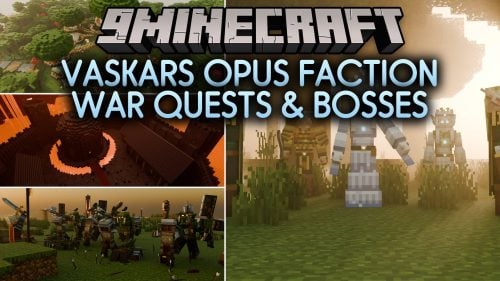 Vaskars Opus Faction War Quests & Bosses Mod (1.21.11, 1.20.1)
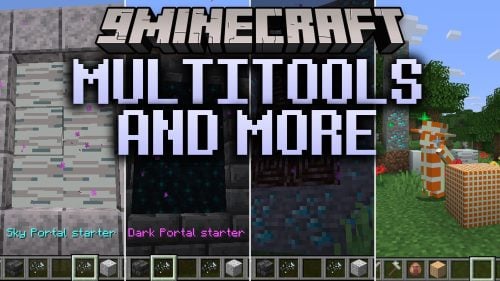 Multitools and More Mod (26.3, 1.20.1) – Clear Your Hotbar and Travel
 Luxium Let There Be Light Mod (1.20.1) – Stunning Lighting on Low-End Computers
 Soulscraft Tarnished Legacy Mod (1.21.1) – Hunt Relics to Forge Dark Fantasy
 Fetzi’s Displays Mod (26.1.2, 1.20.1) – Turn Rare Gear and Weapons

This post has no comments yet. Be the first — your comment will appear here.