
Legends and Creatures Mod (1.20.2, 1.19.4) – Transform Into Unique Fantasy
 26,341
 1


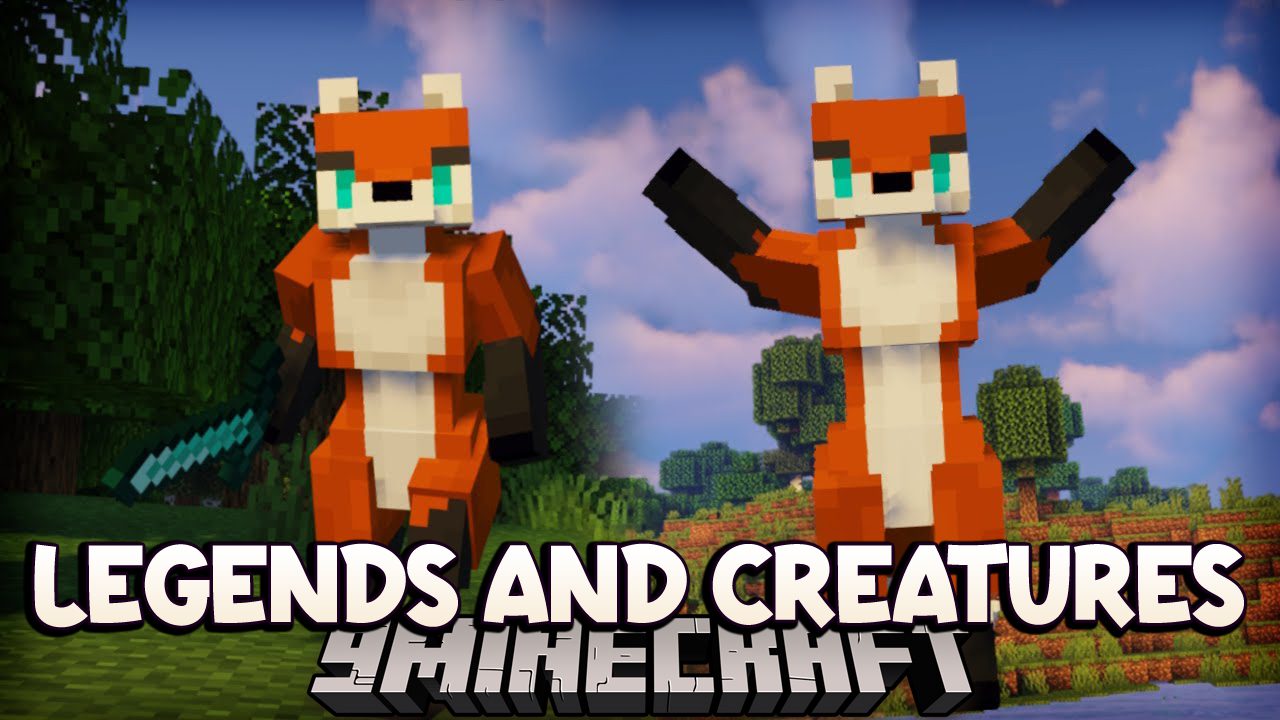
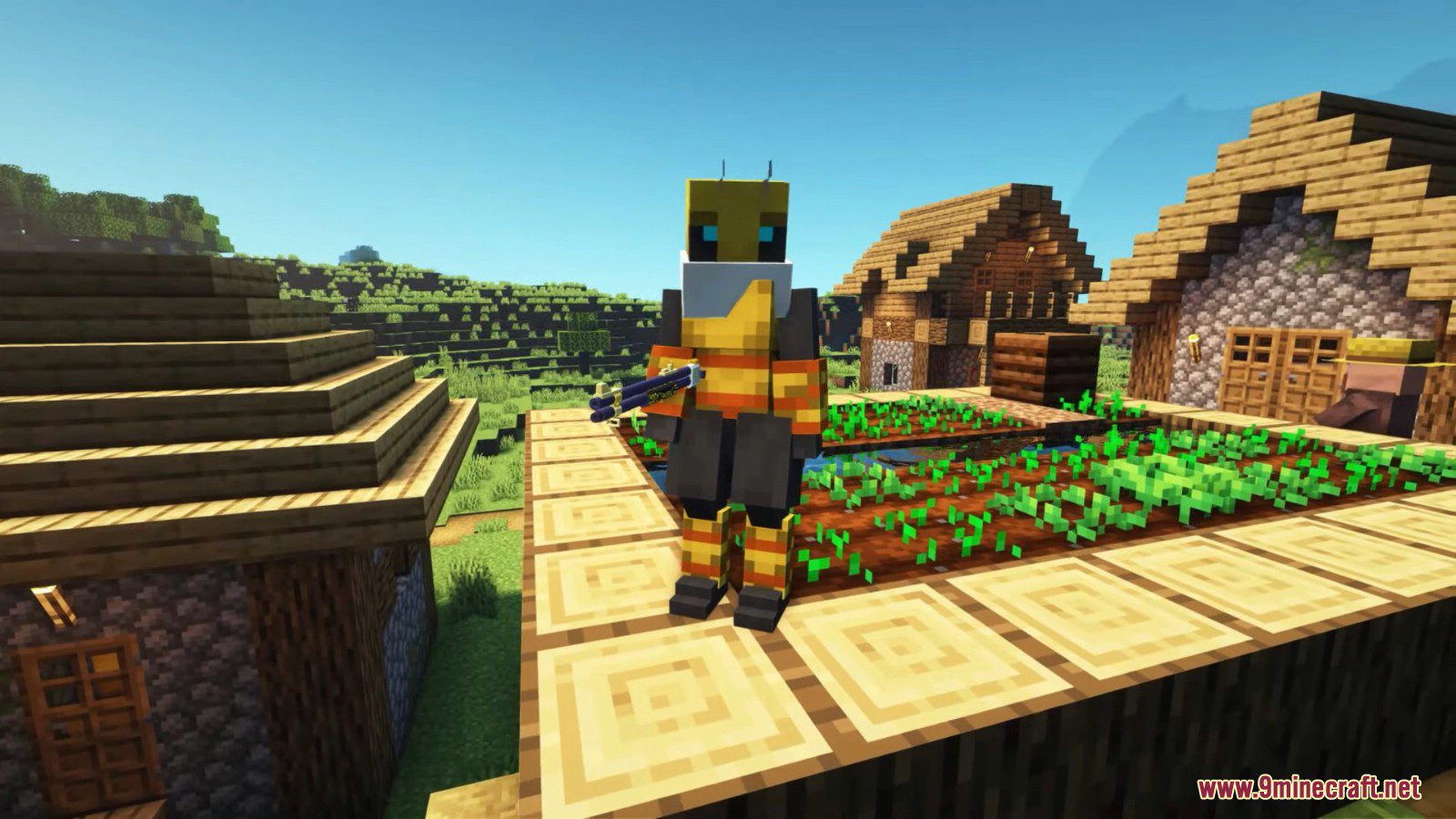
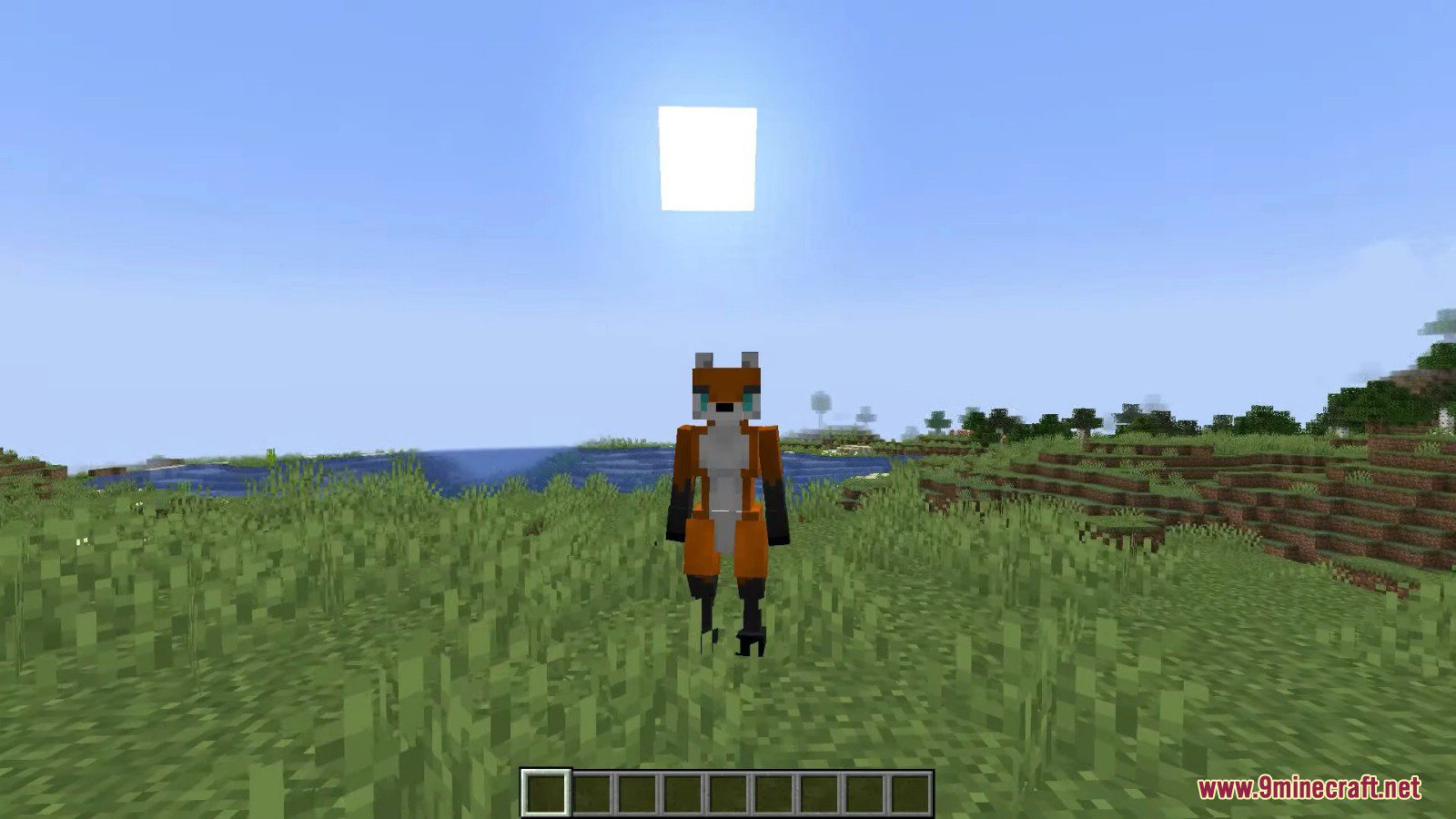
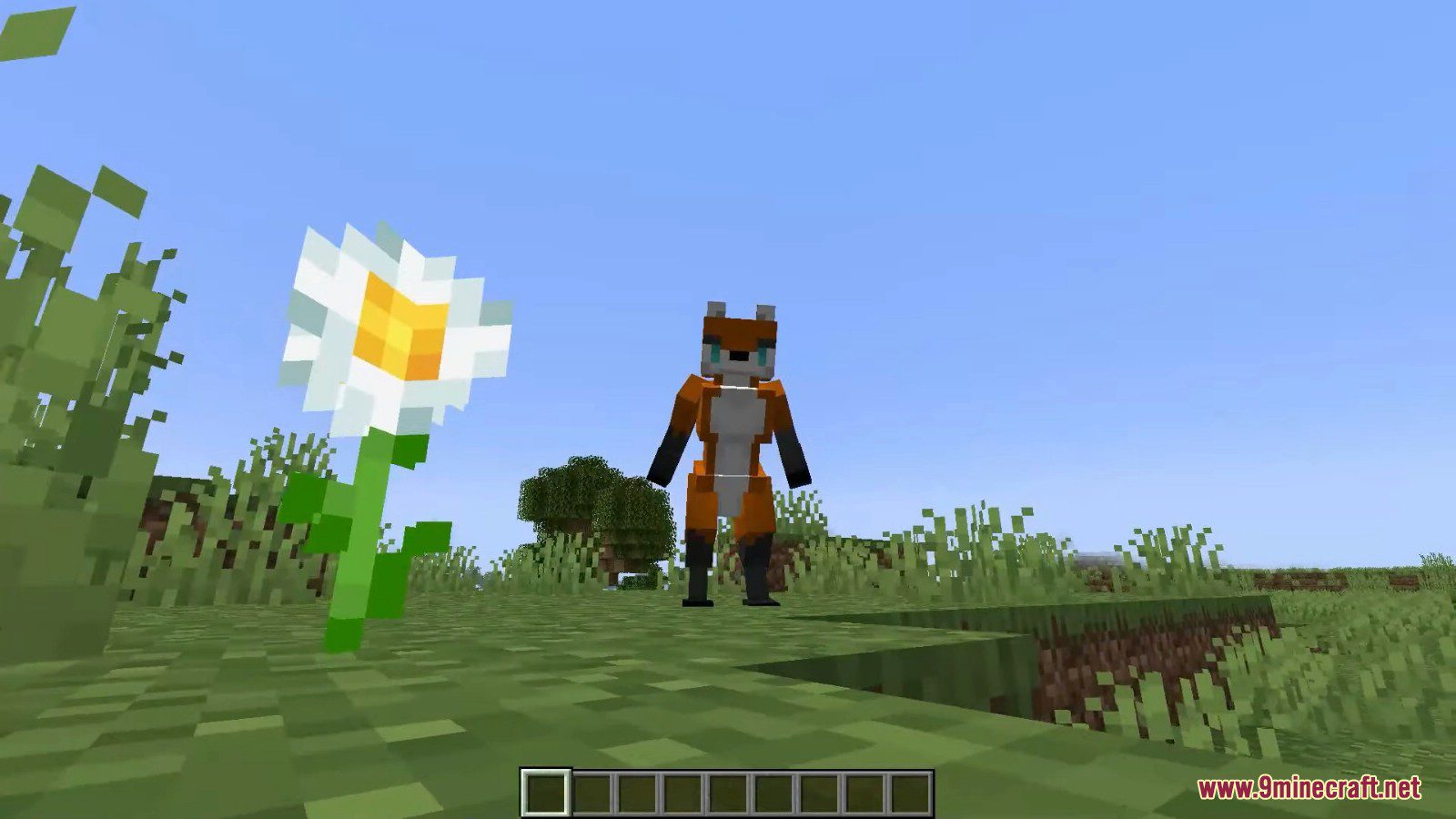
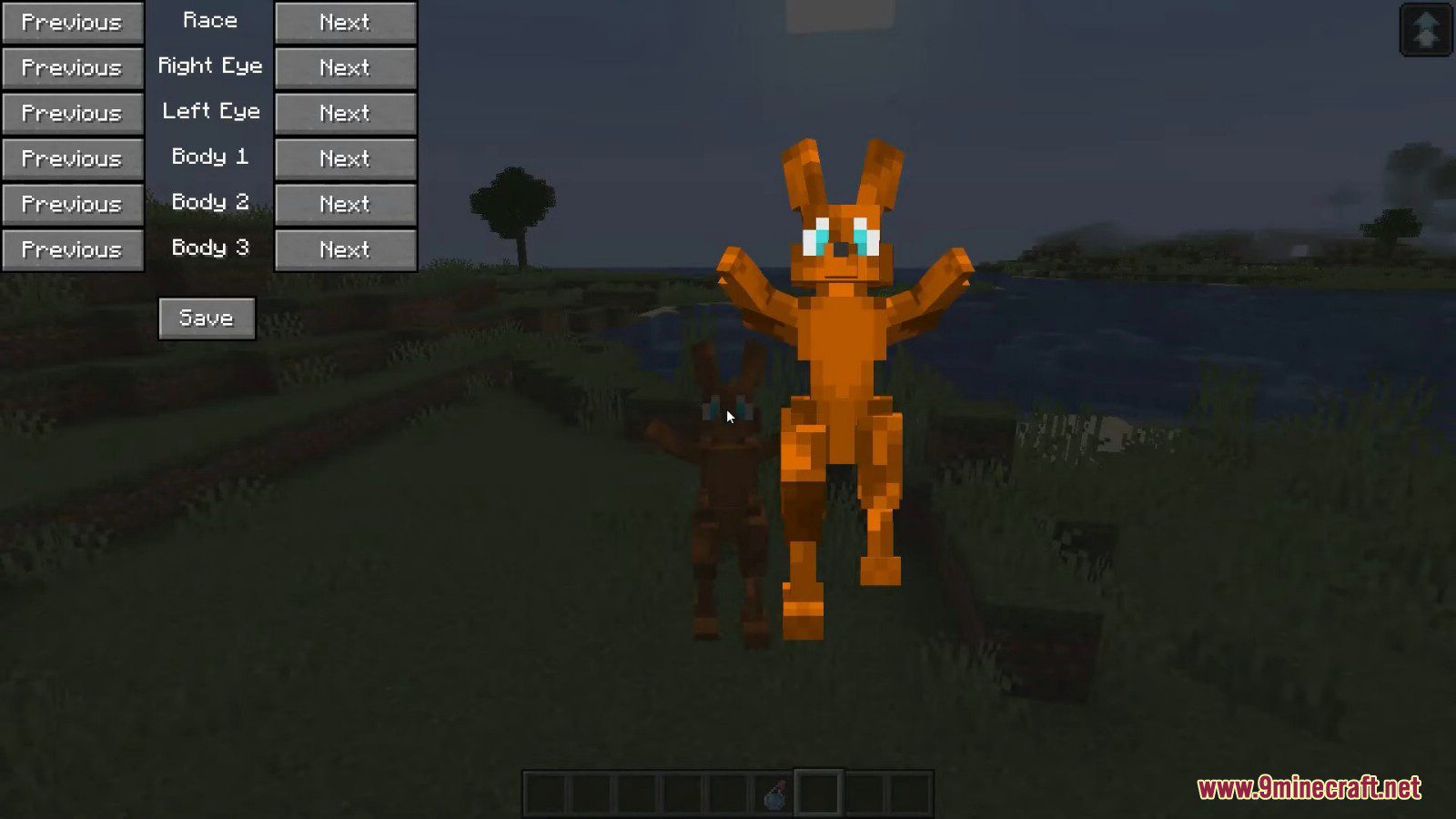
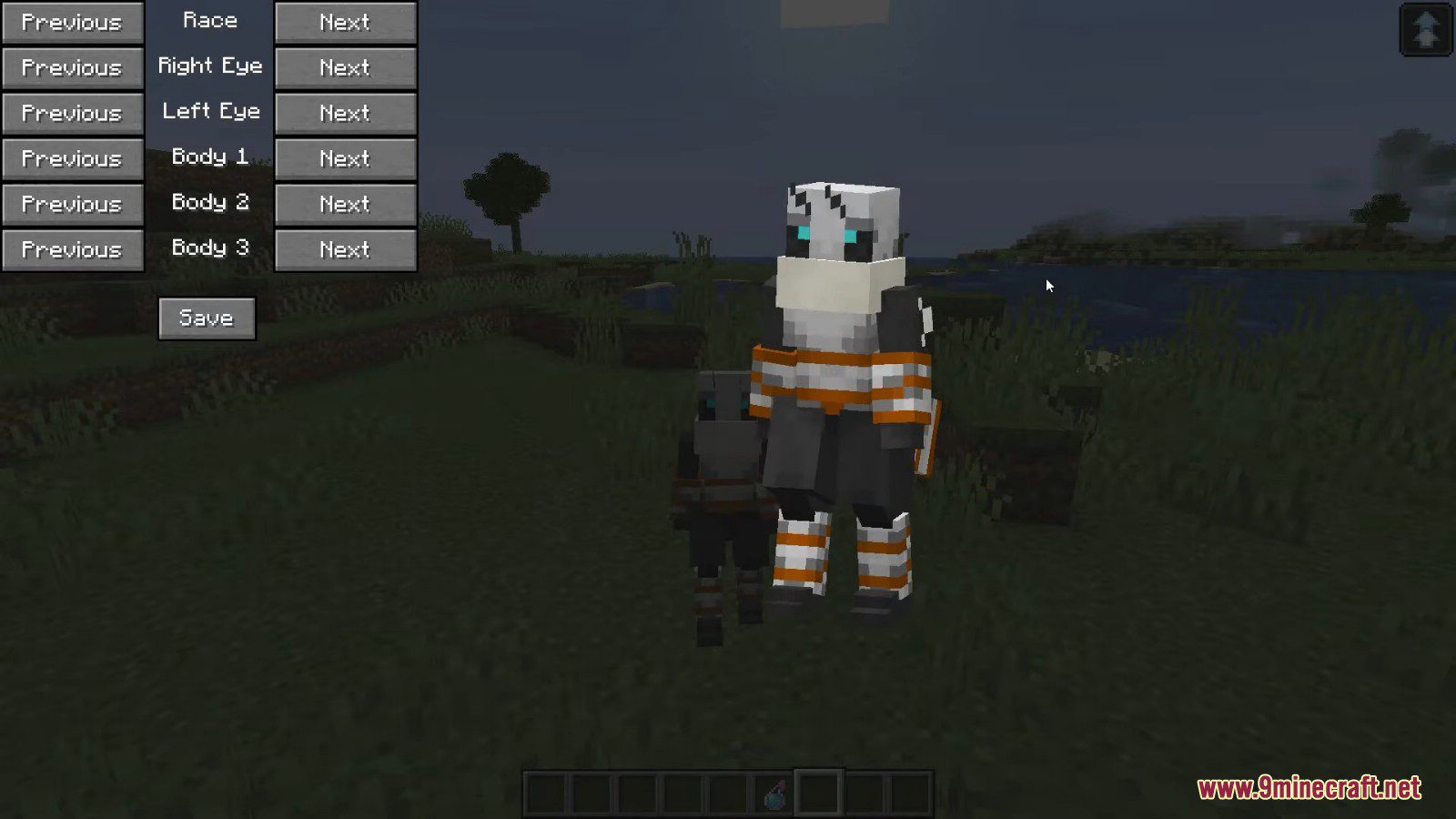
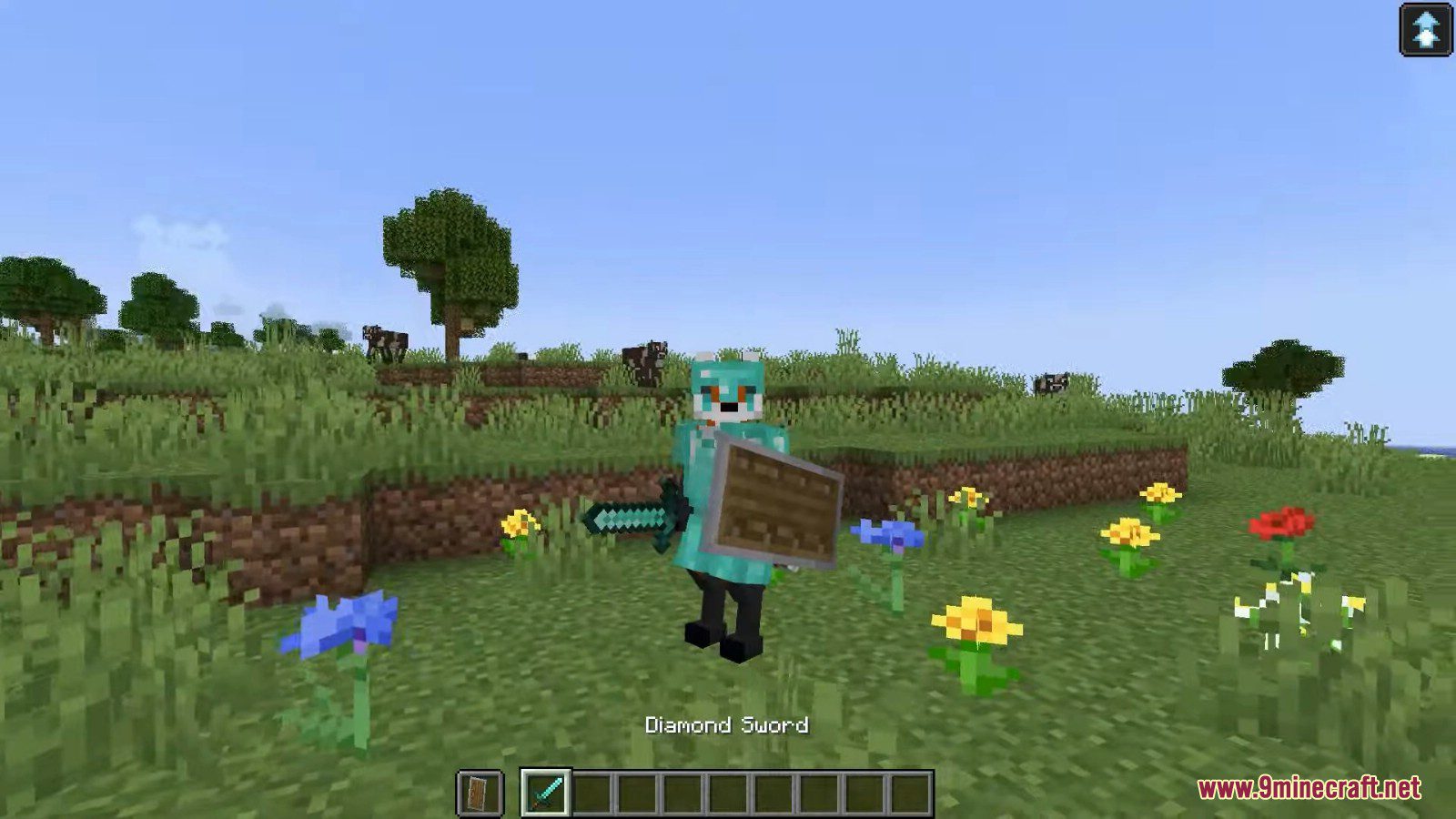
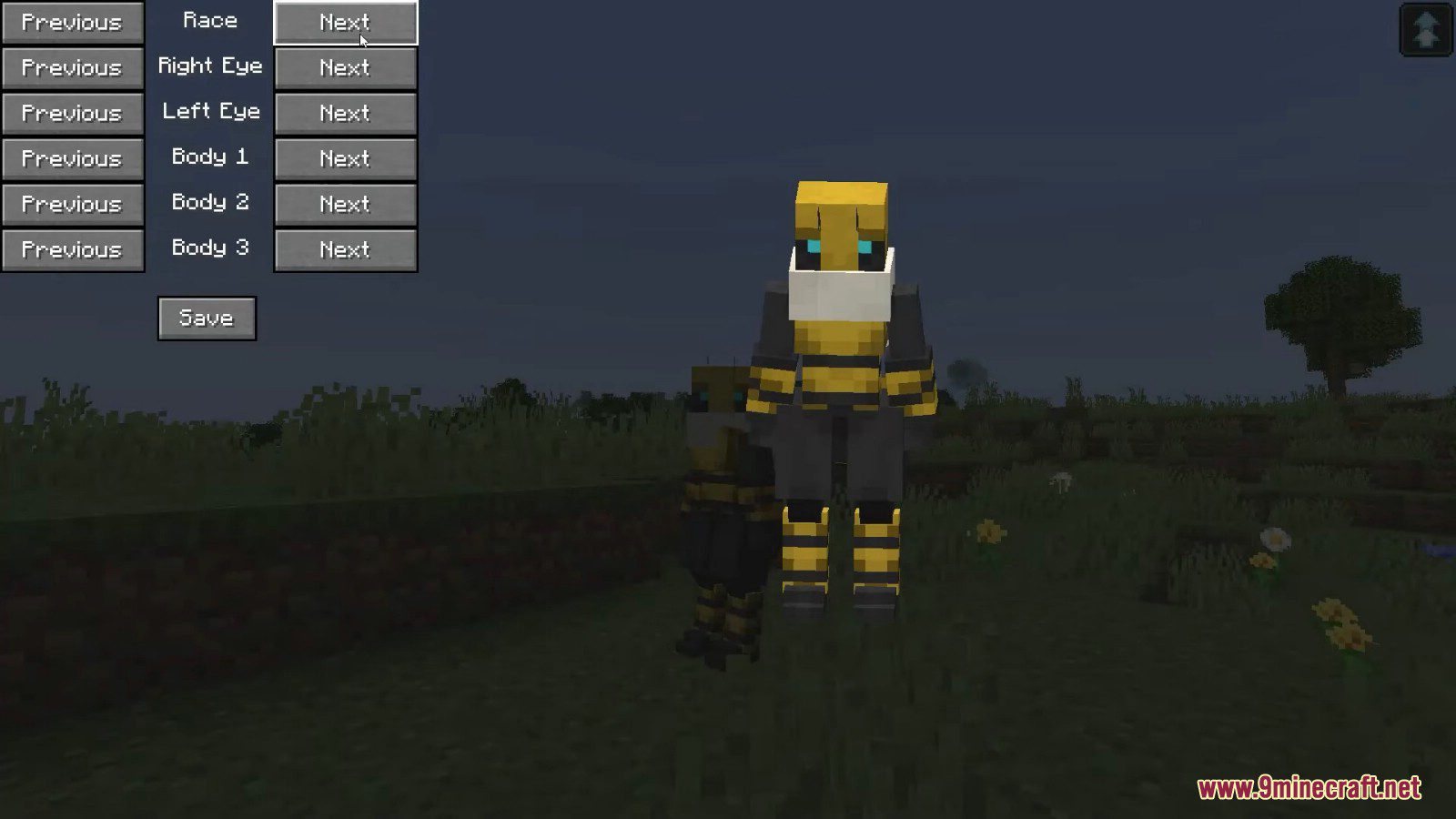
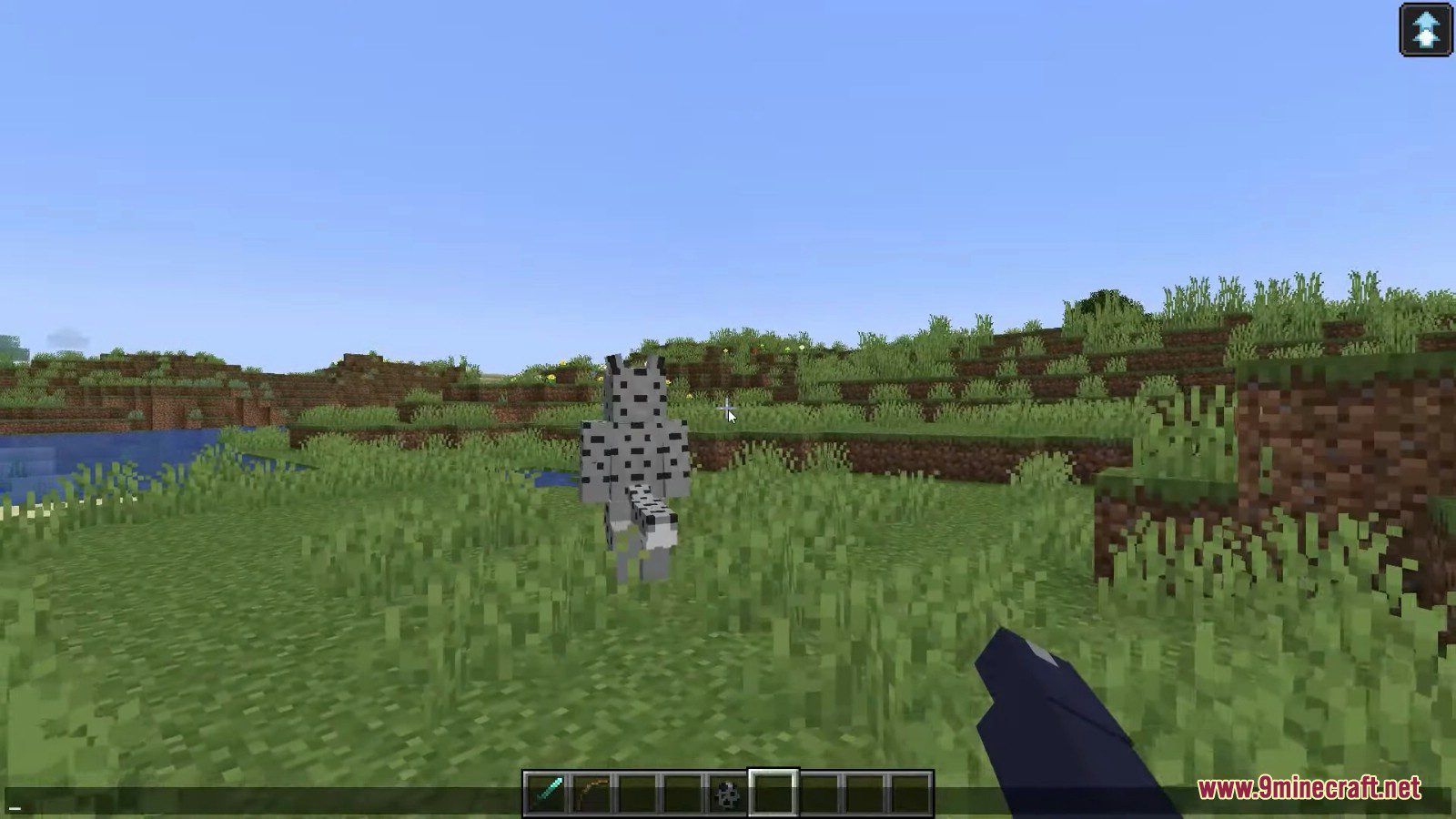
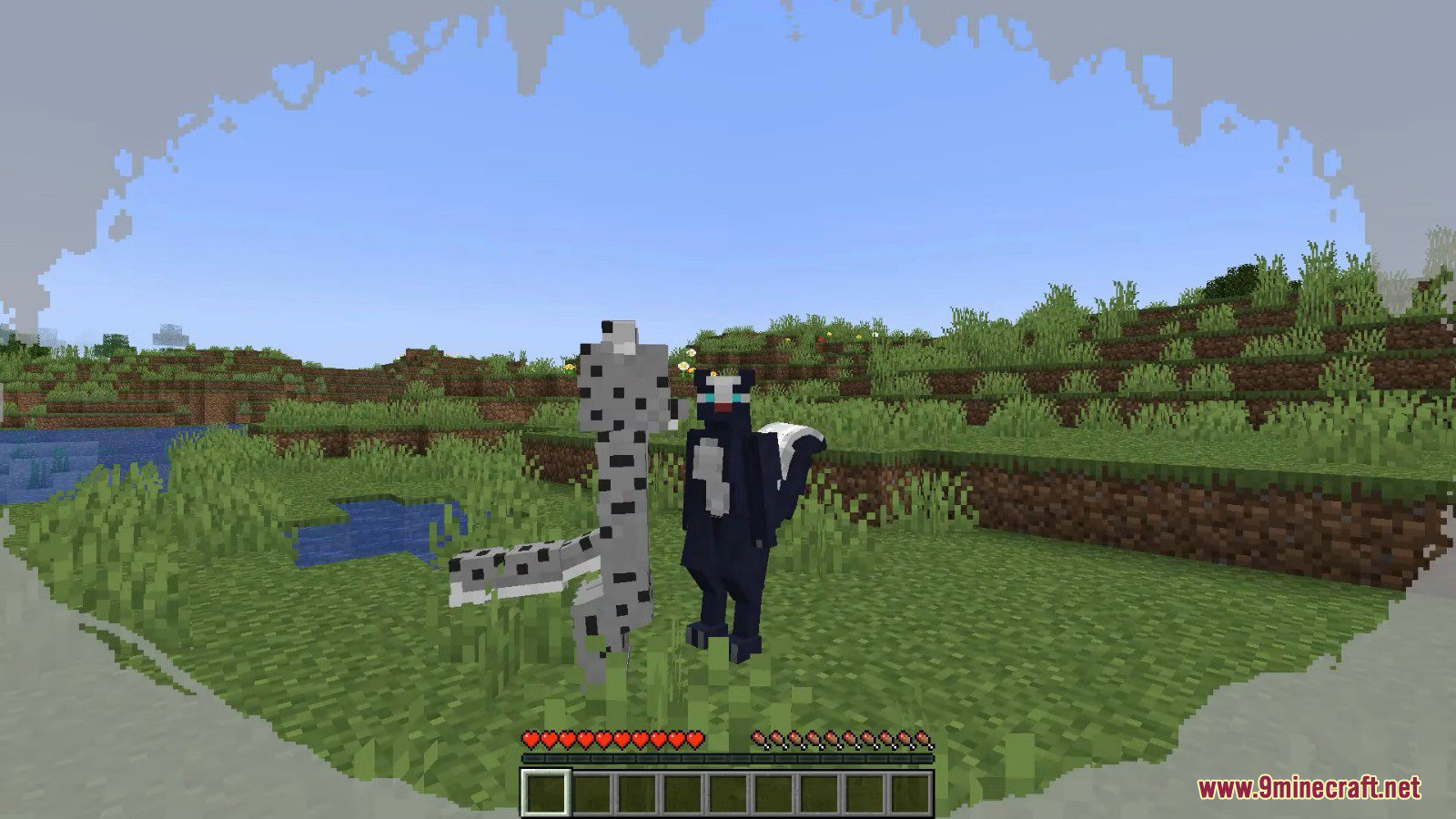
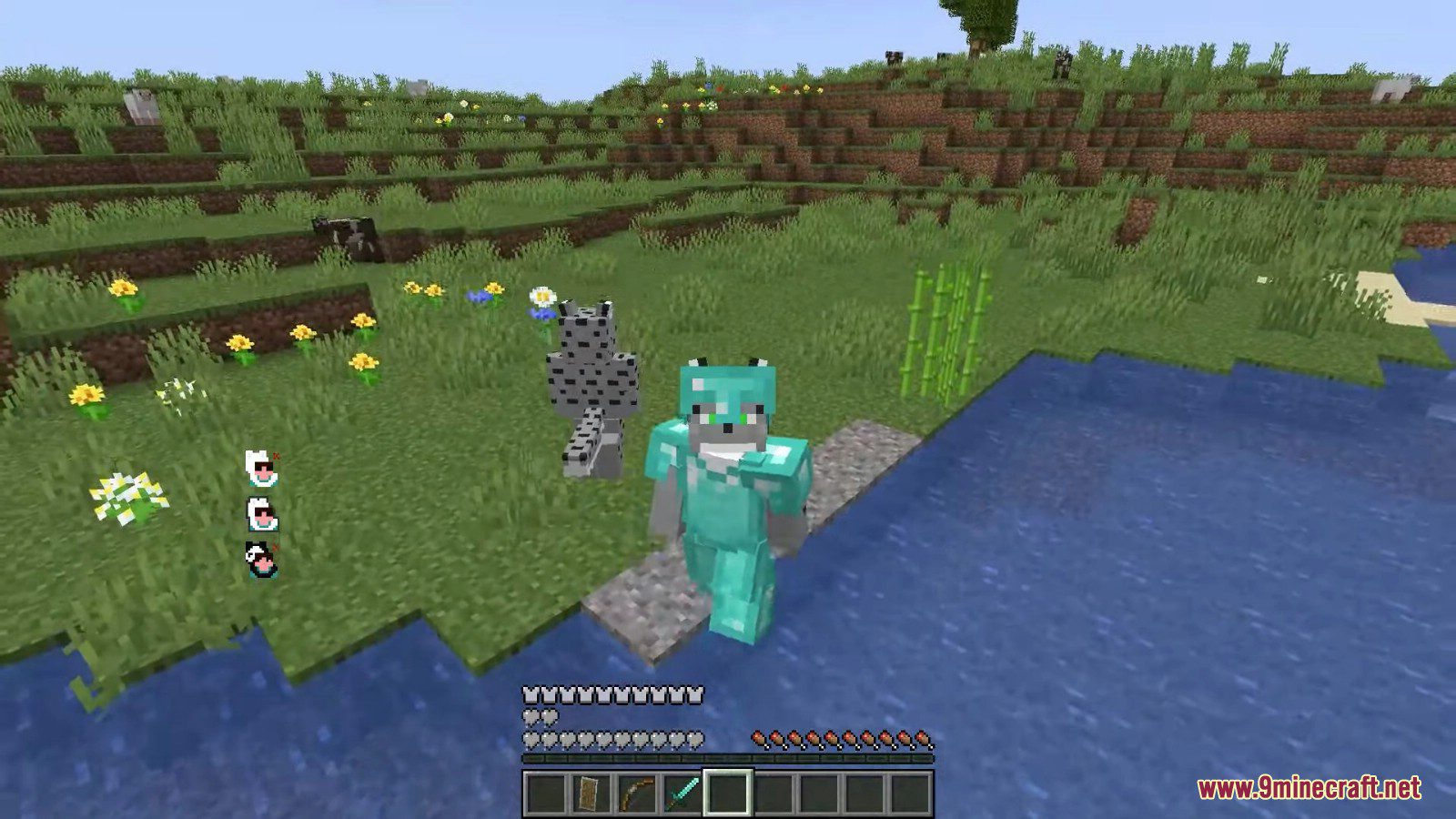
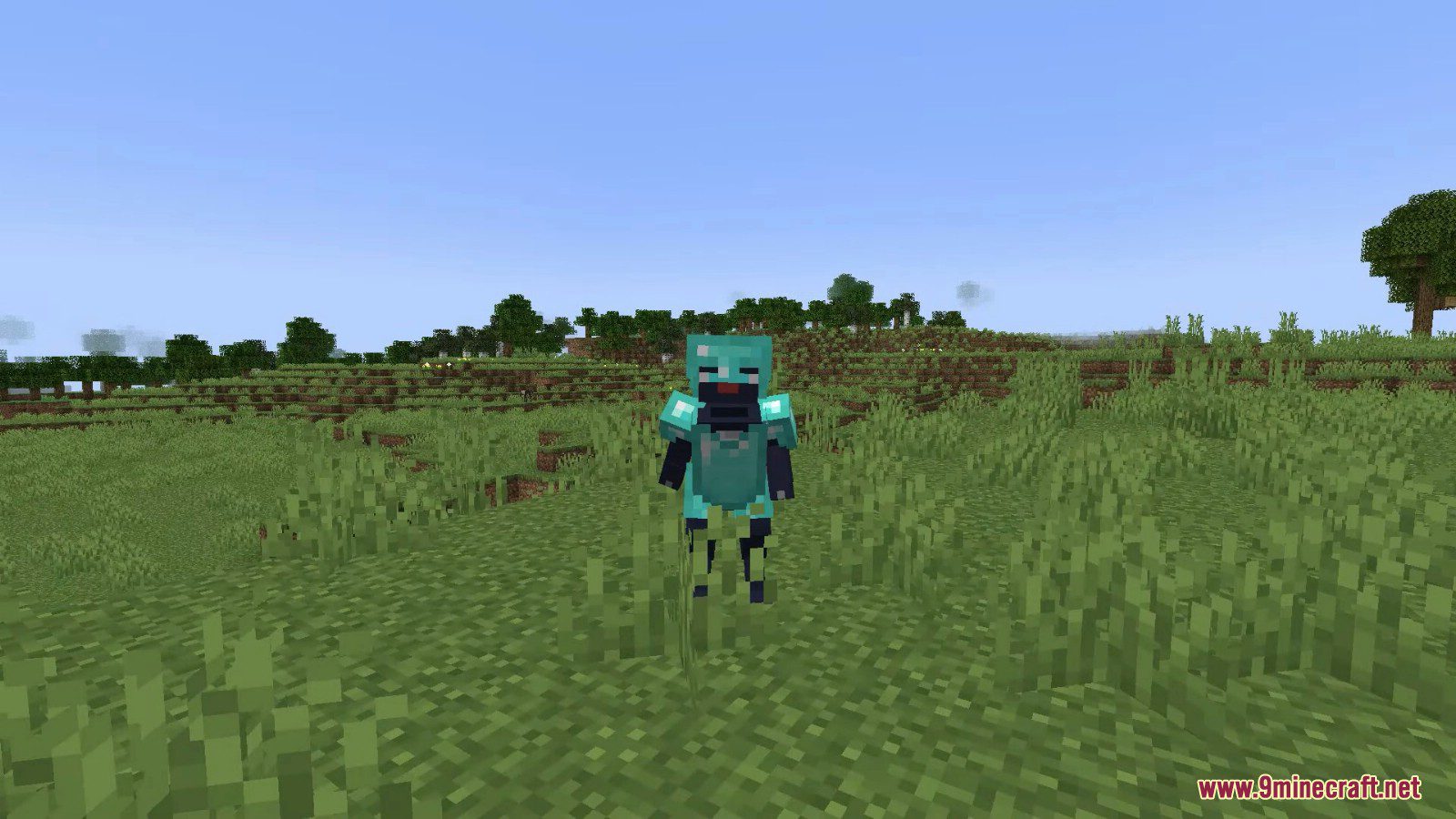
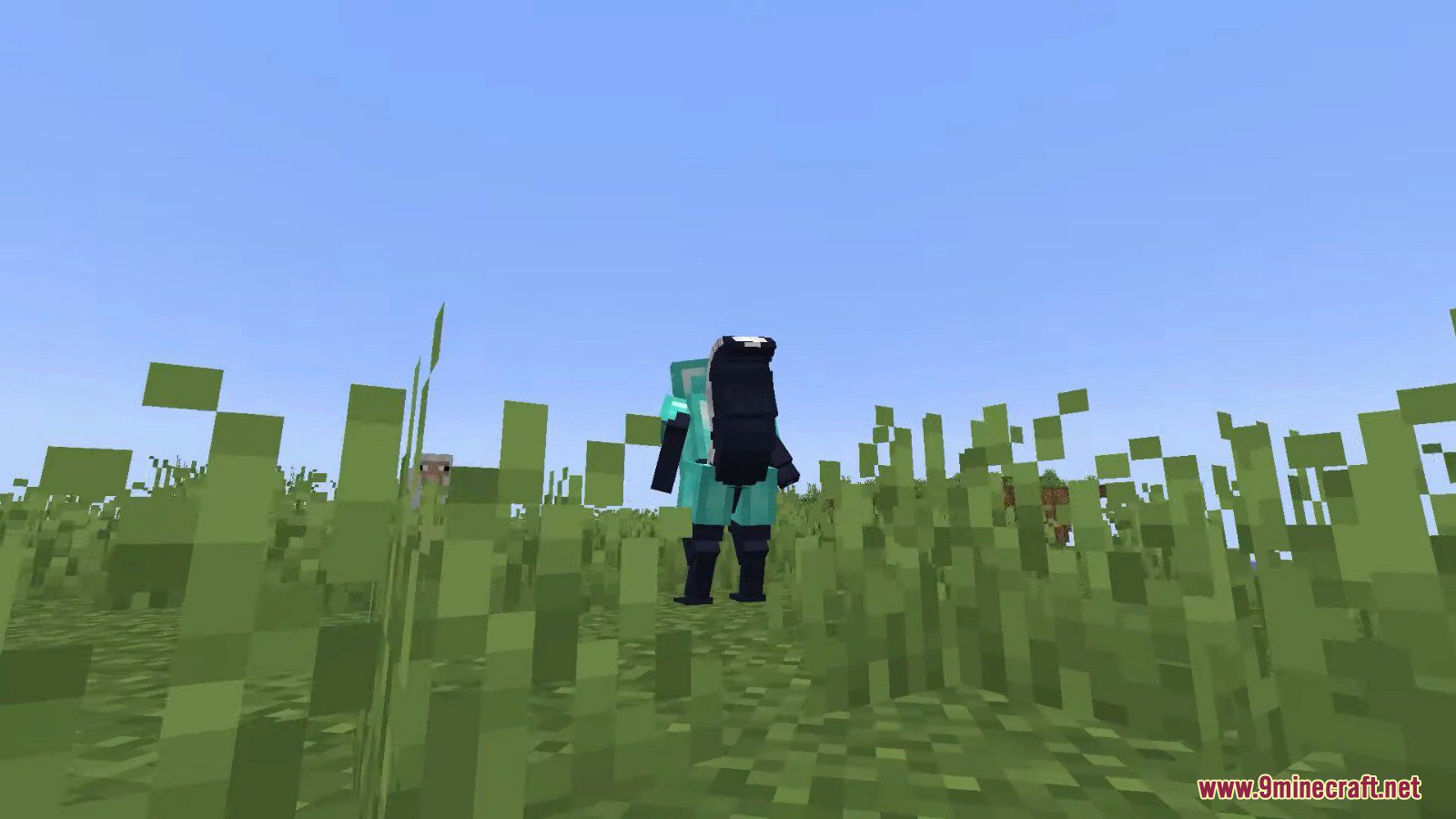
Legends and Creatures Mod brings a built-in character creator to the game that lets you change your player model into different fantasy races. Press the V key to open the menu and choose from unique animal and creature types.
Features:
- Adds a character creator menu that opens by pressing the V key.
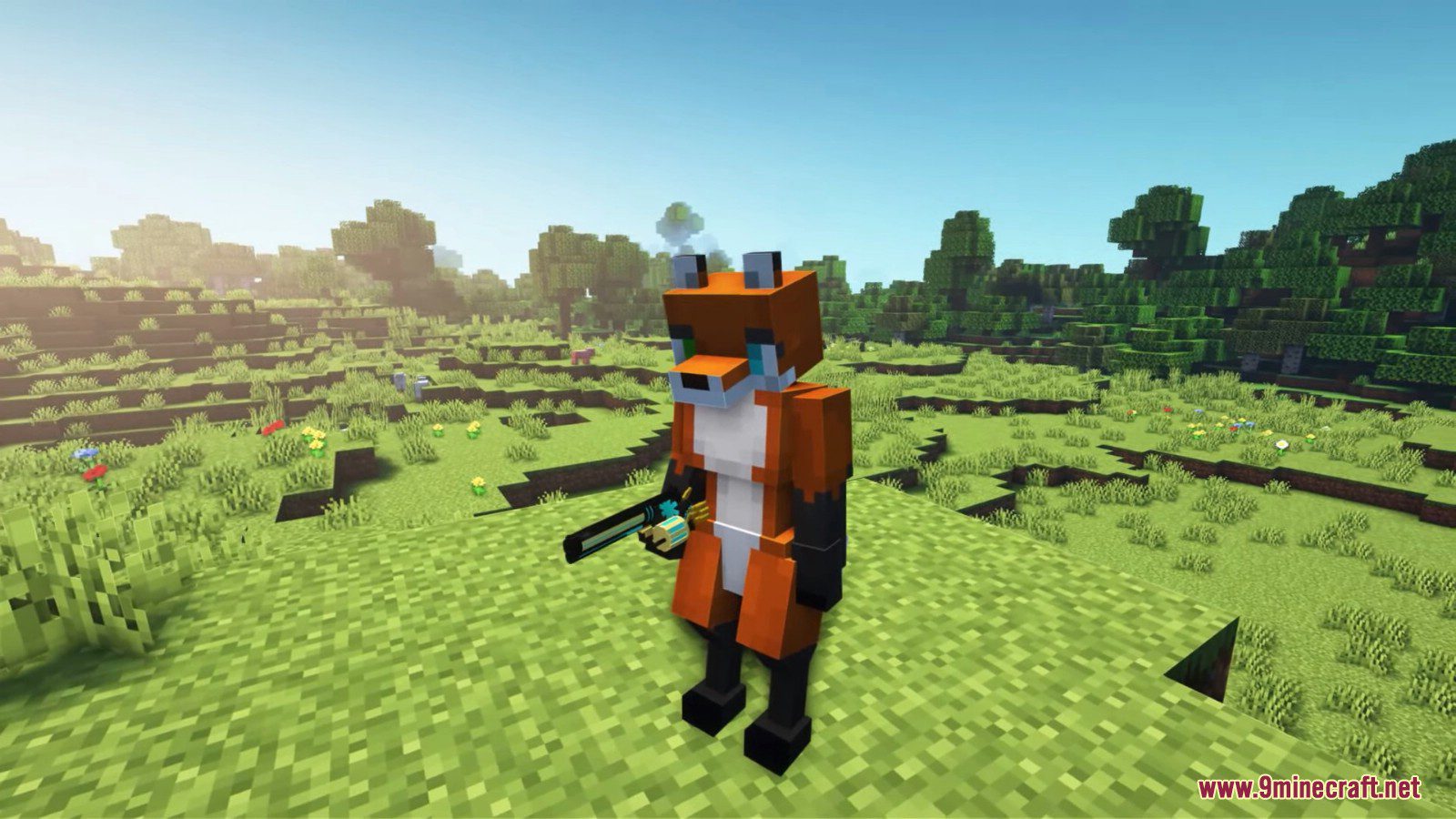
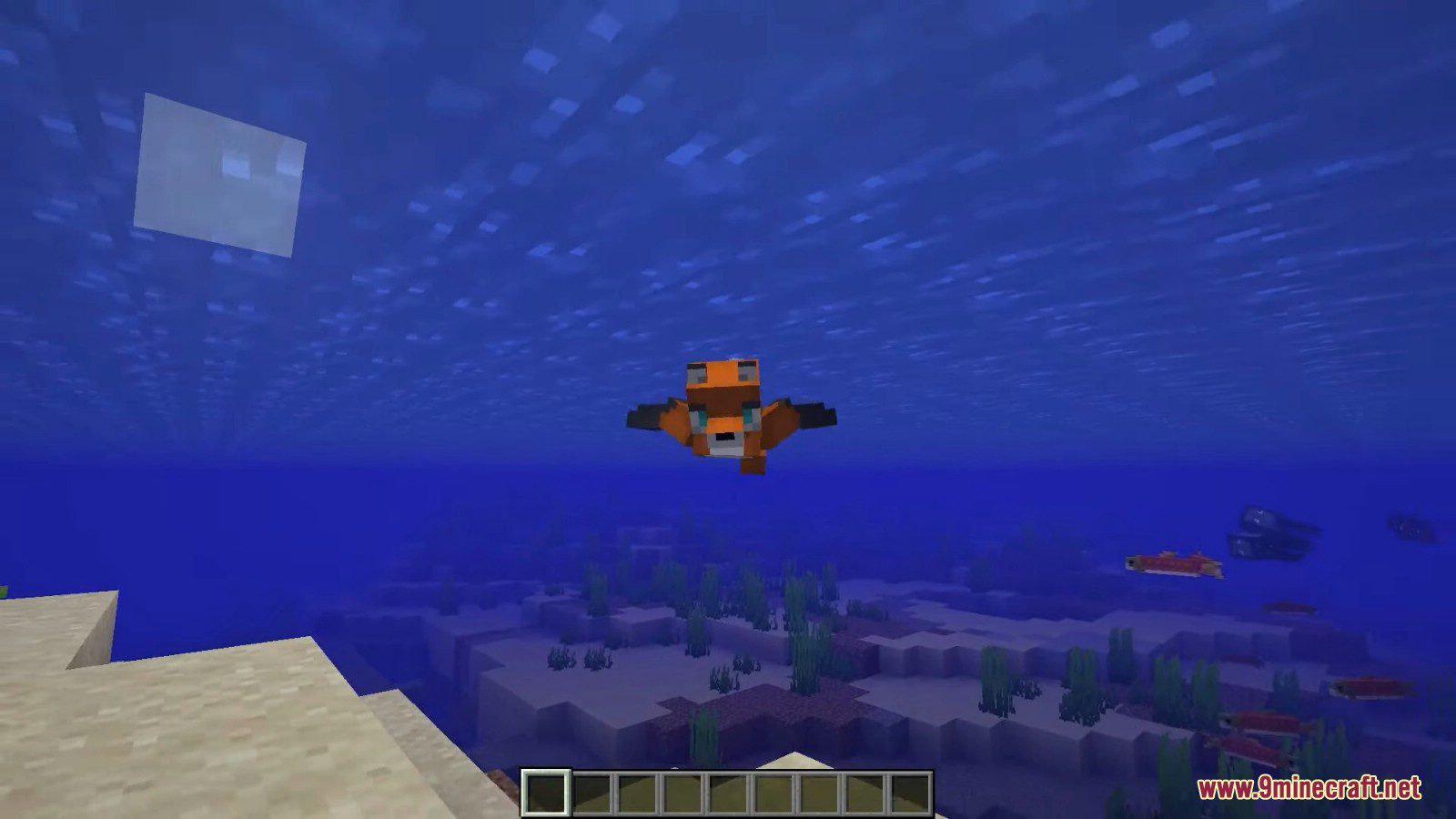
- Allows you to switch your player model to a Werewolf, Werefox, Owlbeast, Leporid, Bearfolk, Mephiborn, or Apocrita.
- Customizes your appearance by changing the color of your eyes and body patterns.
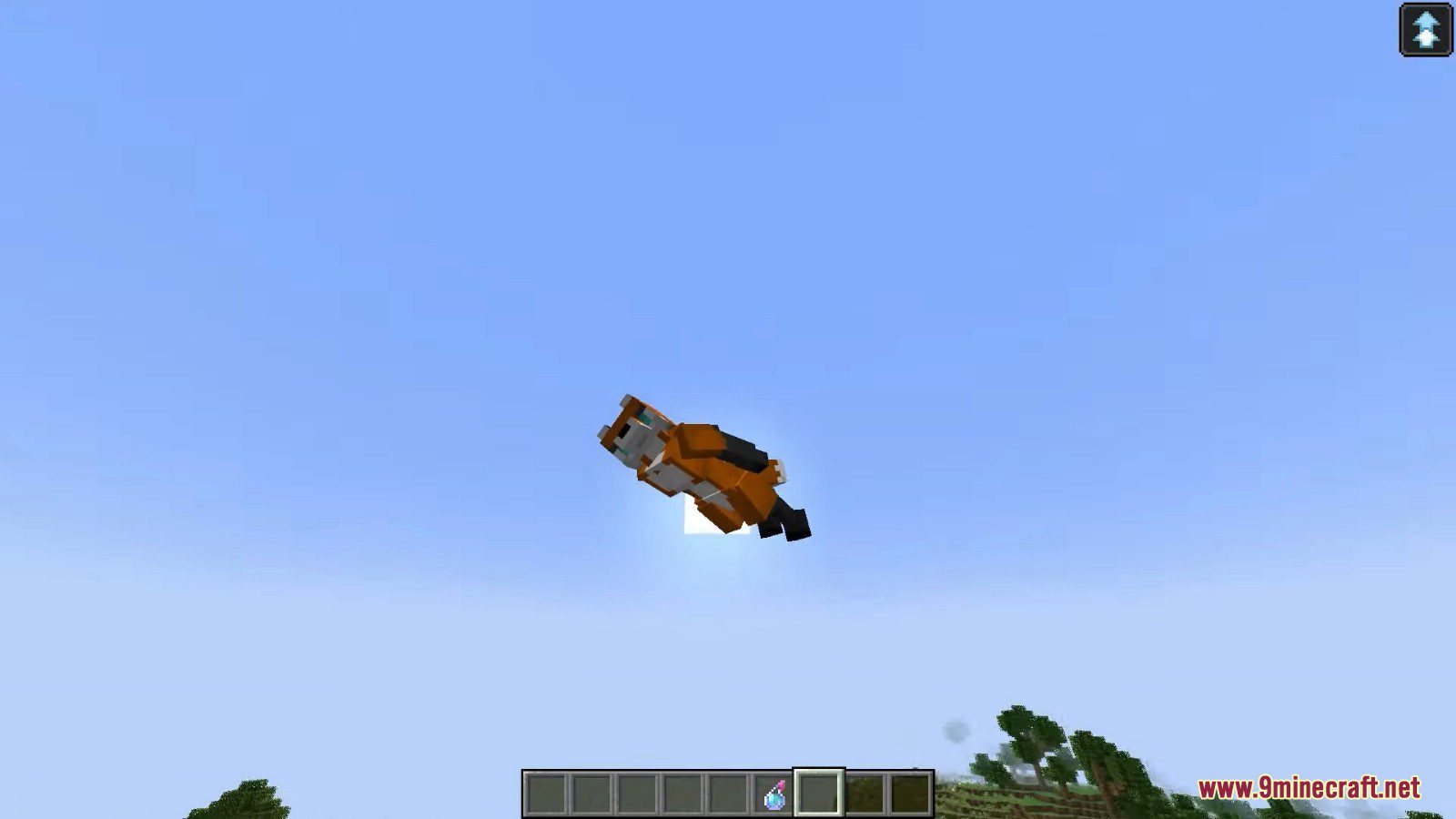
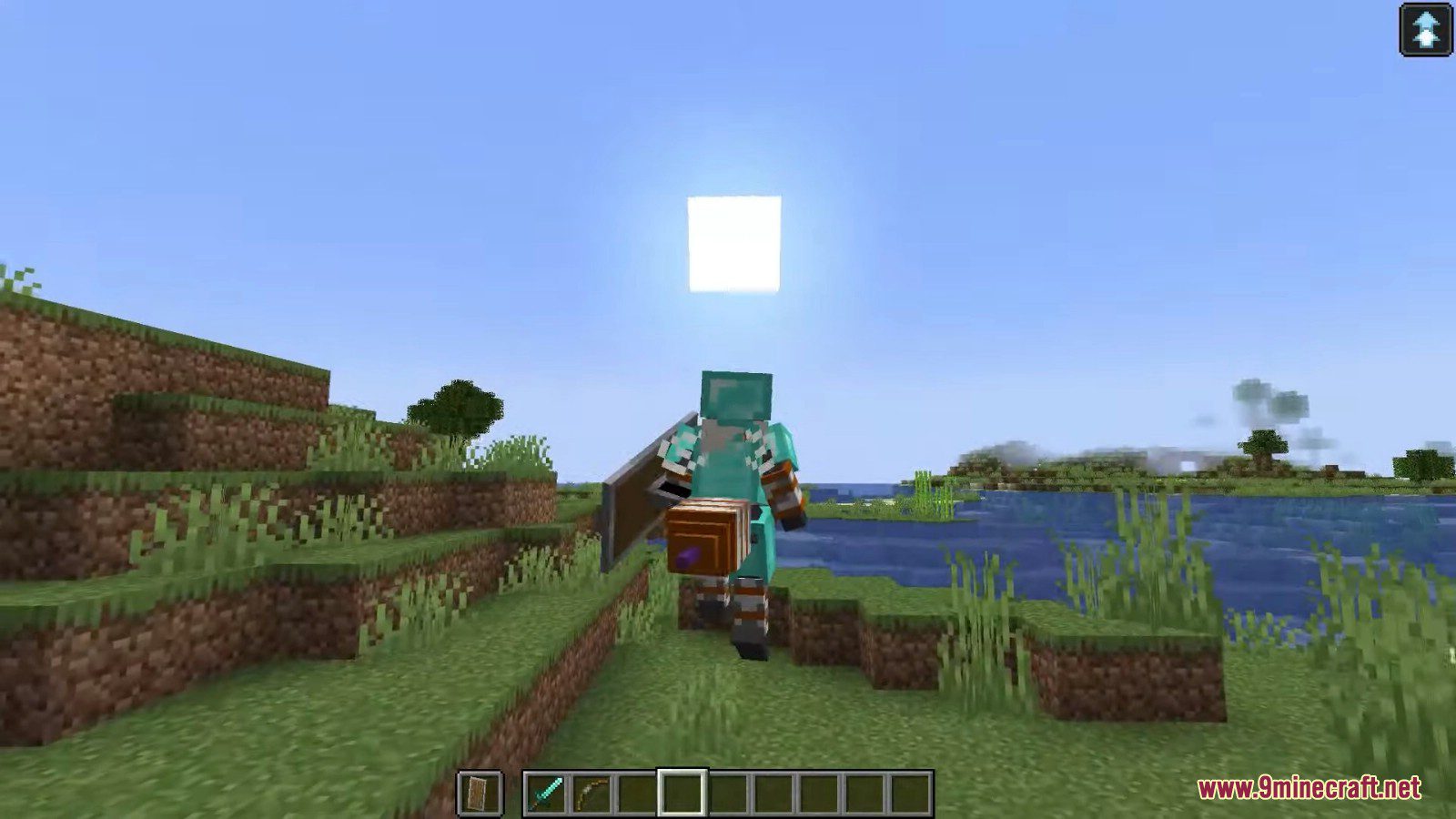
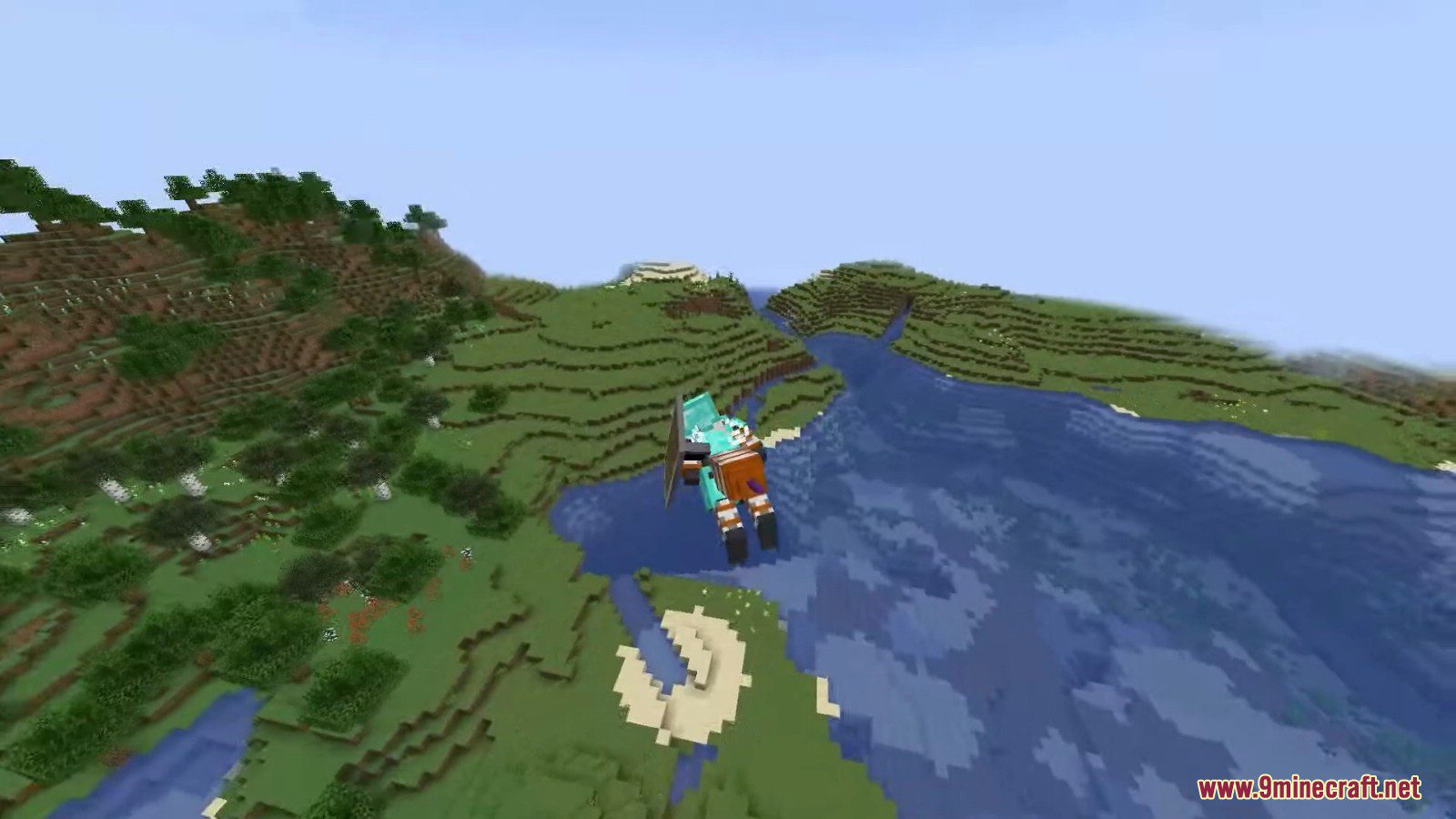
- Gives every new race unique movement animations.
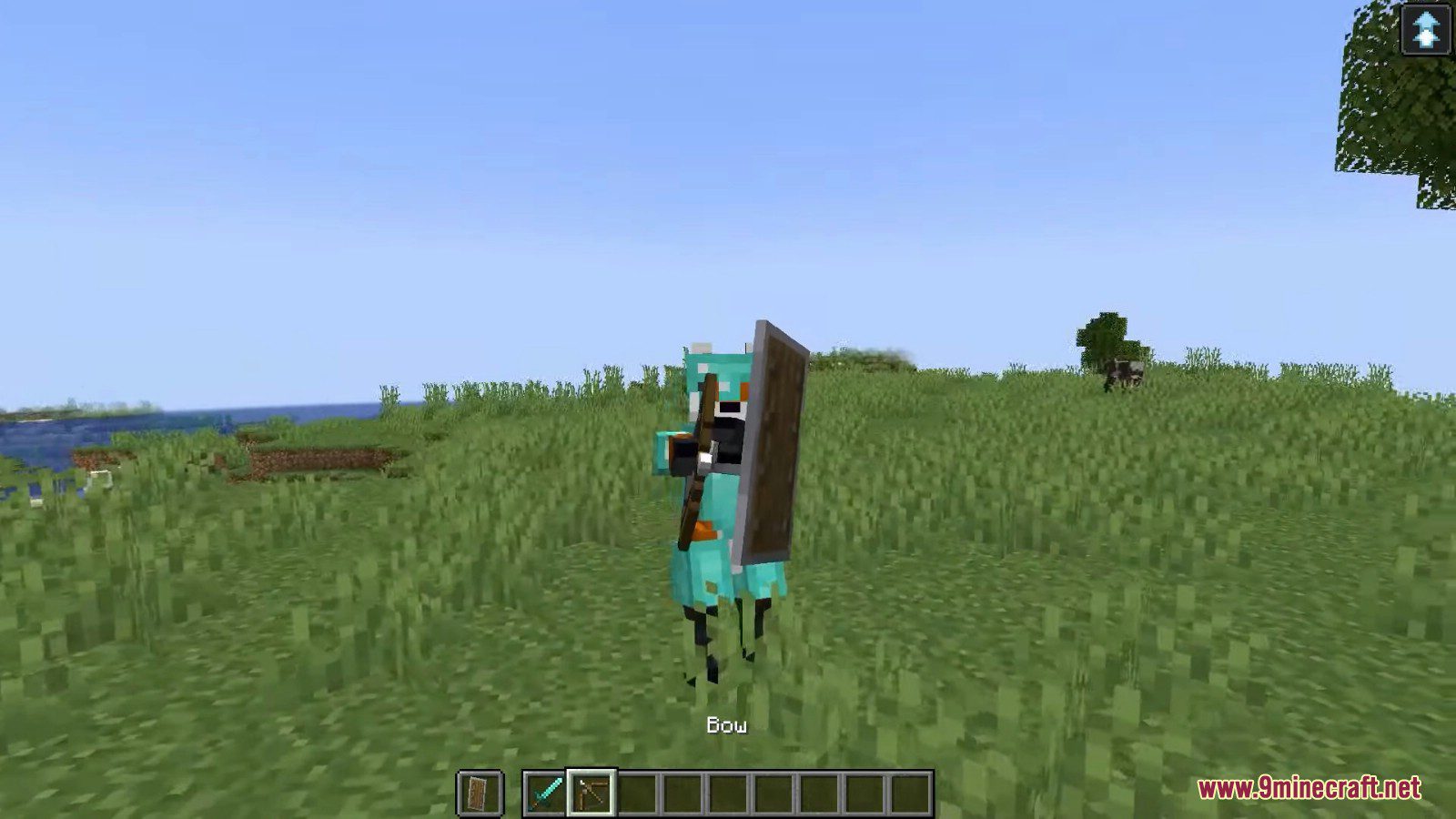
- Works together with Wildlife Expanded: Skunk Mod and Weaponmaster.
How to Use:
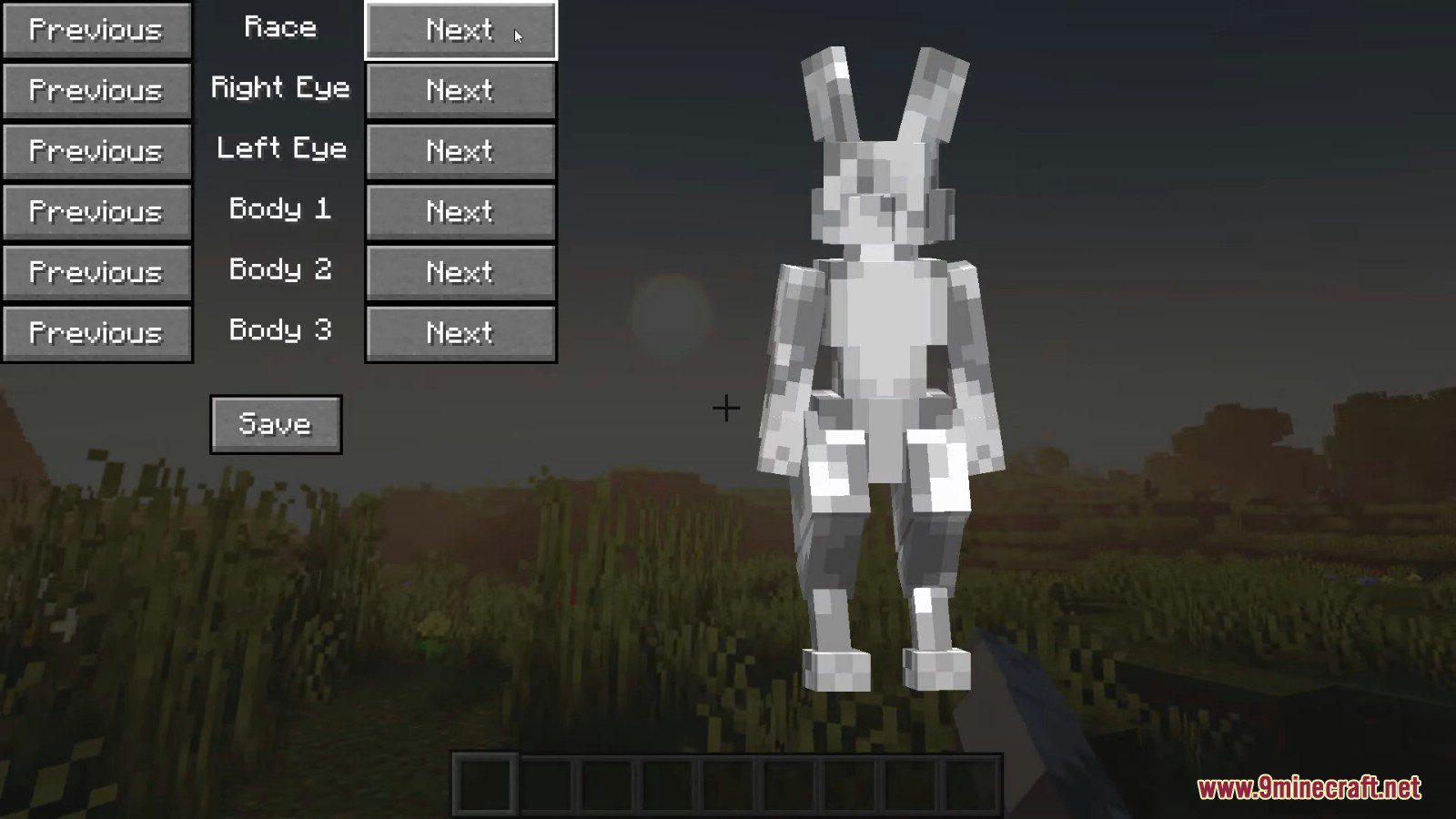
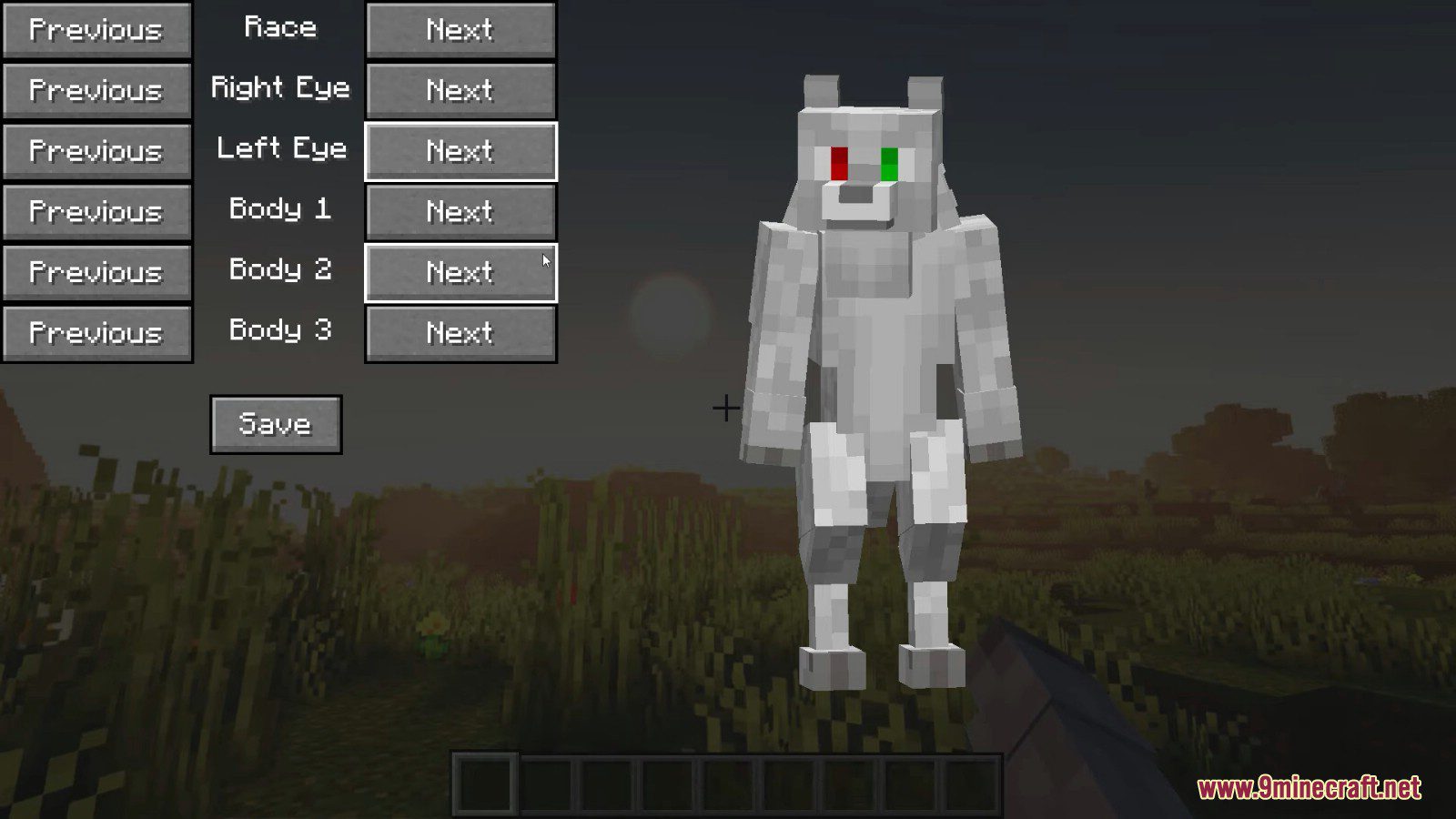
- Press the V key on your keyboard to open the character creator menu.
- Select your preferred race from the list of available creature types.
- Customize the colors of your eyes and body patterns to match your style.
- Save your choices to apply the new model and movement animations to your player.
Screenshots:

How to Install:
New to Minecraft? Follow our step-by-step guide to install Mods on your PC.View Guide
Legends and Creatures Mod Download Links
For Minecraft 1.20.2
Forge version: Download from Server 1 – Download from Server 2
For Minecraft 1.20.1, 1.20
Forge version: Download from Server 1 – Download from Server 2
For Minecraft 1.19.4
Forge version: Download from Server 1 – Download from Server 2
For Minecraft 1.19.2
Forge version: Download from Server 1 – Download from Server 2
For Minecraft 1.18.2
Forge version: Download from Server 1 – Download from Server 2
What type of storage system do you look for first in a modded world?
24 responses · See the full results →

1 Comment
What do you think?
Your opinion means a lot - we'd love to hear from you.
You May Also Like
Picked for this page
 Tree Harvester Mod (26.3, 1.20.1) – Auto-Planting Tree Chopper
 Better Advancements Mod (26.3, 1.20.1) – New Advancements System
 End Remastered Mod (26.3, 1.20.1) – Reaching The End Will Be Longer
 Air Hop Mod (26.3, 1.20.1) – Make Jumping More Fun
 X-RAY Java Edition Mod (1.21.11, 1.20.1) – Turning The Xray Resource Pack into a Mod
 Substrate Mod 1.12.2 (Metal Decorative Blocks) (1.21.11, 1.20.1)
 Better End Cities Mod (26.2, 1.20.1) – Making End Cities Look Better
 Nomadic Tents Mod (1.21.1, 1.20.1) – Pack Up Your Base and Go
 ToadLib Mod (26.3, 1.20.1) – Library for Mrtoad’s Mods
 Treeplacer Mod (26.2, 1.20.1) – Dynamic Tree Customization
 Infectious – Zombie Apocalypse Mod (1.20.1, 1.19.4)
 Crafting Enchanted Golden Apples Mod (26.2, 1.20.1) – Old-School Power Returns
Most viewed in Mods over the last 7 days
 Ala Industrial Mod (26.3) – Run Electric Power Grids and Automated Factories
 PleasureCraft Mod (26.3, 1.21.1) – Jenny Mod Remake for Fabric
 Jennycraft Mod (26.3, 1.20.1) – Virtual Girlfriend in Minecraft
 Fapcraft Mod (26.3, 1.12.2) – Comprehensive and Detailed Content
 Jenny Mod (Fapcraft) Official Complete Guide – How to use, Tutorial
 BangCraft Mod (1.20.1) – Jenny, Ellie and Elliot
 Fabric Loader (26.3, 1.20.1) – Fabric Installer for All Minecraft Versions
 Meteor Client Mod (26.3, 1.20.1) – Xray, HUD, Fly
 The Shooting Star Demo Mod (26.3, 1.20.1) – Vaporize Terrain From Orbit
 OptiFine HD (26.3, 1.20.1) – Run Faster, FPS Boost, Shaders Support
 Aristois Client Mod (1.21.4, 1.20.1) – World Class Minecraft Utility
 Prestige Client Mod (1.21.11, 1.21.4) – Powerful Ghost Features for Crystal & Sword PvP
More from Mods
 Naruto Shippuden Mod (26.3, 1.16.5) – Immerse Yourself in The World of Ninja
 Araxer’s Bestiary Mod (26.3, 1.20.1) – Build an In-Game Encyclopedia of Every Mob
 Villagers Plus Mod (26.3, 1.20.1) – Expanded Villager Types and Villages
 Ore Excavation 9minecraft Mod (26.3) – Mine Ores and Chop Trees in a Single Swing
 Dirigo Mod (26.1.2, 1.21.1) – Walk Across Nether Lava Seas and Automate Animal
 HandLib Mod (26.3, 1.21.1) – Keep Your Multiplayer World Stable
 Happy Ghasts Boost Mod (26.1.2, 1.20.1) – Fly Across Vast Distances at Top Speed
 LiquidBounce Client Mod (26.3, 1.20.1) – LiquidLauncher, A Free Client
 Create Hand Made Mod (1.21.1) – Craft Create Recipes By Hand in Your Workshop
 Seed Map for Xaero Mod (26.1) – See Rare Biomes and Dungeons Before You Travel
 MCPersist Mod (26.3) – Keep Your World Online for Friends Even After Logging Off
 Minecraft Java MCP Server Mod (1.21.11) – Command Your World Through External AI Tools

Can you please make a non-forge download