


Pottery Mod (26.2, 1.20.1) – New Decorative Pots
 1,217
1,217
 0
0


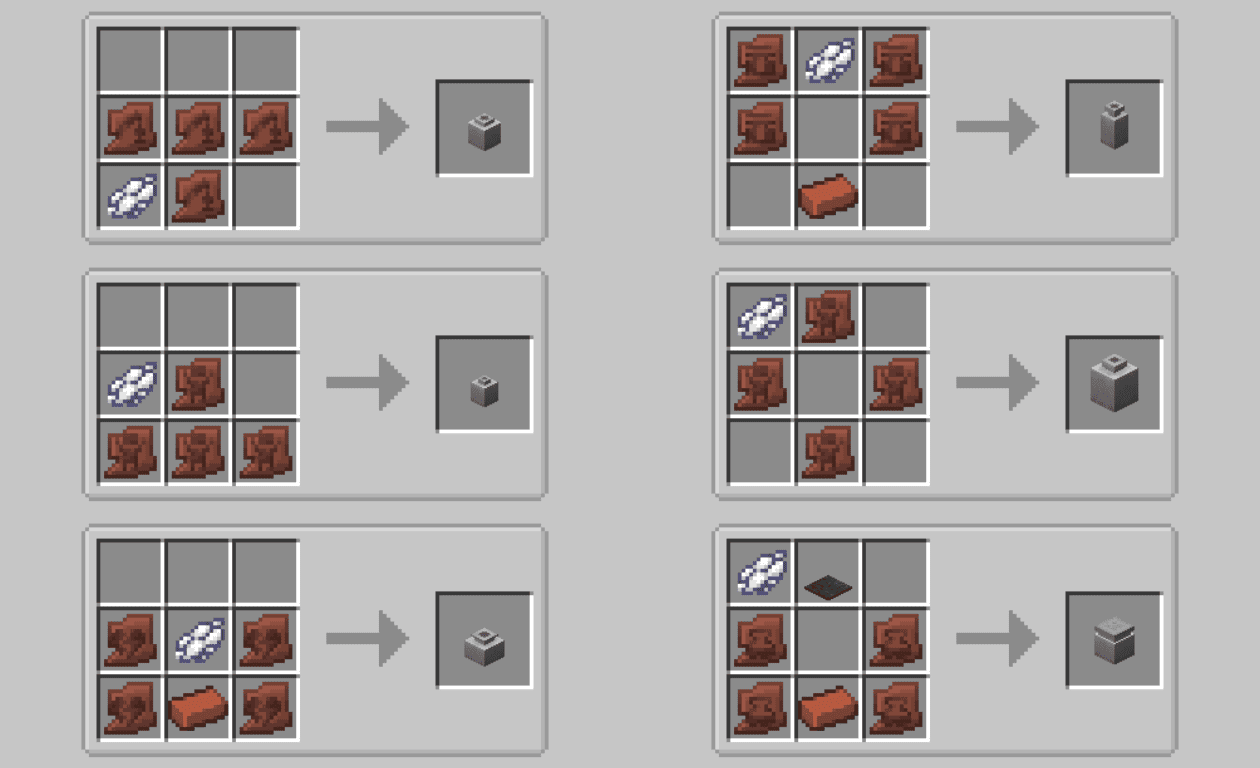
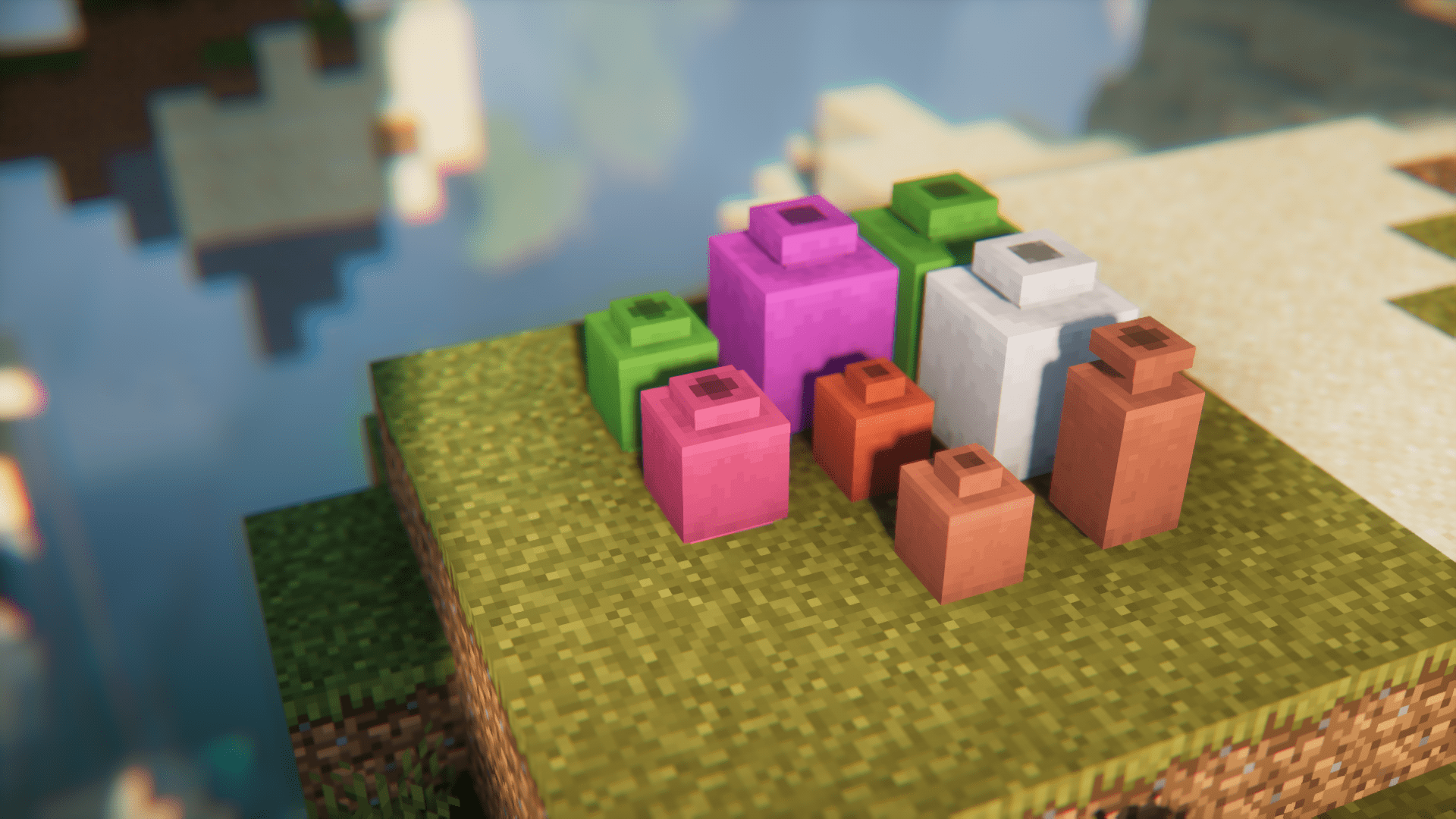
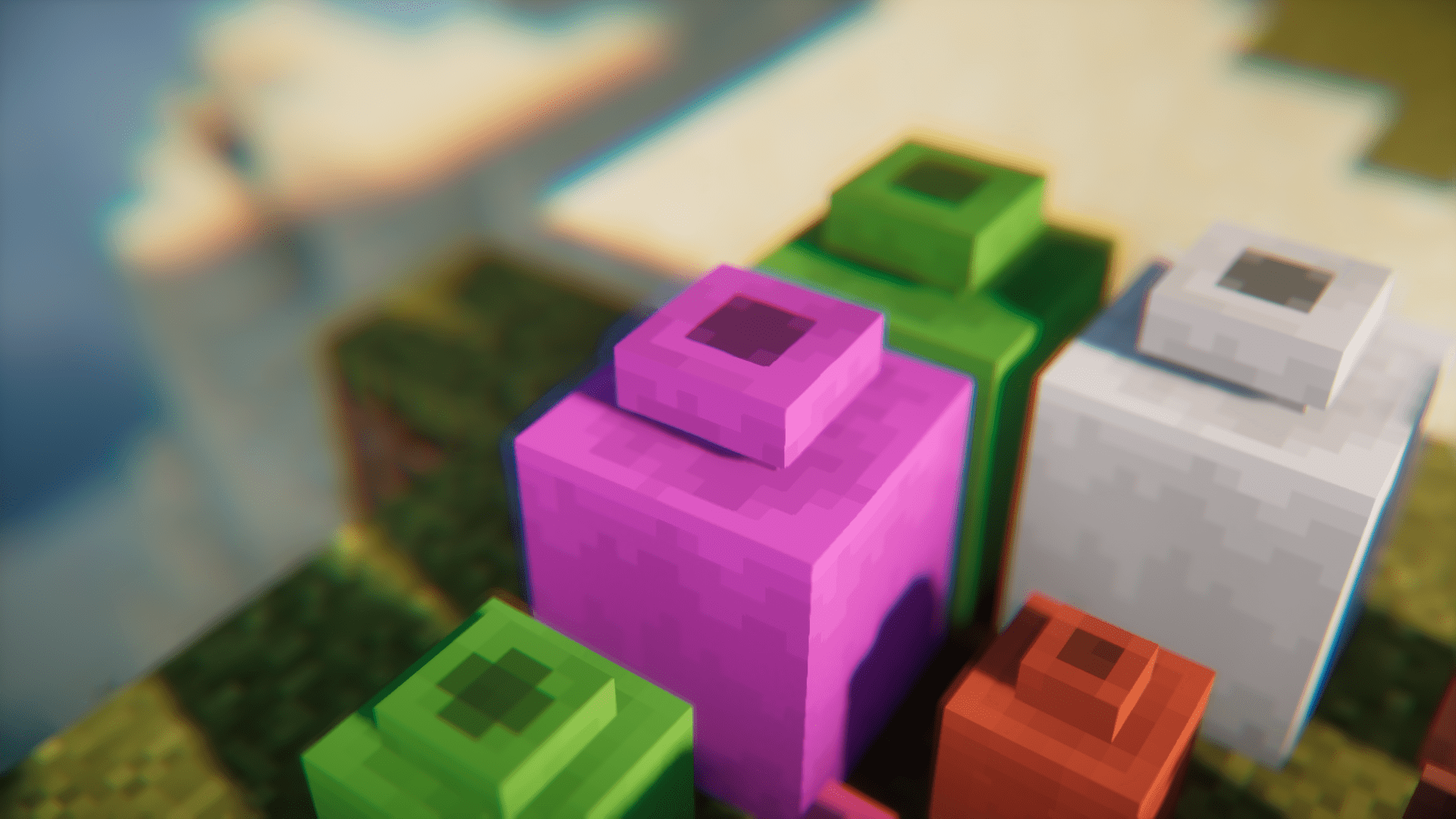
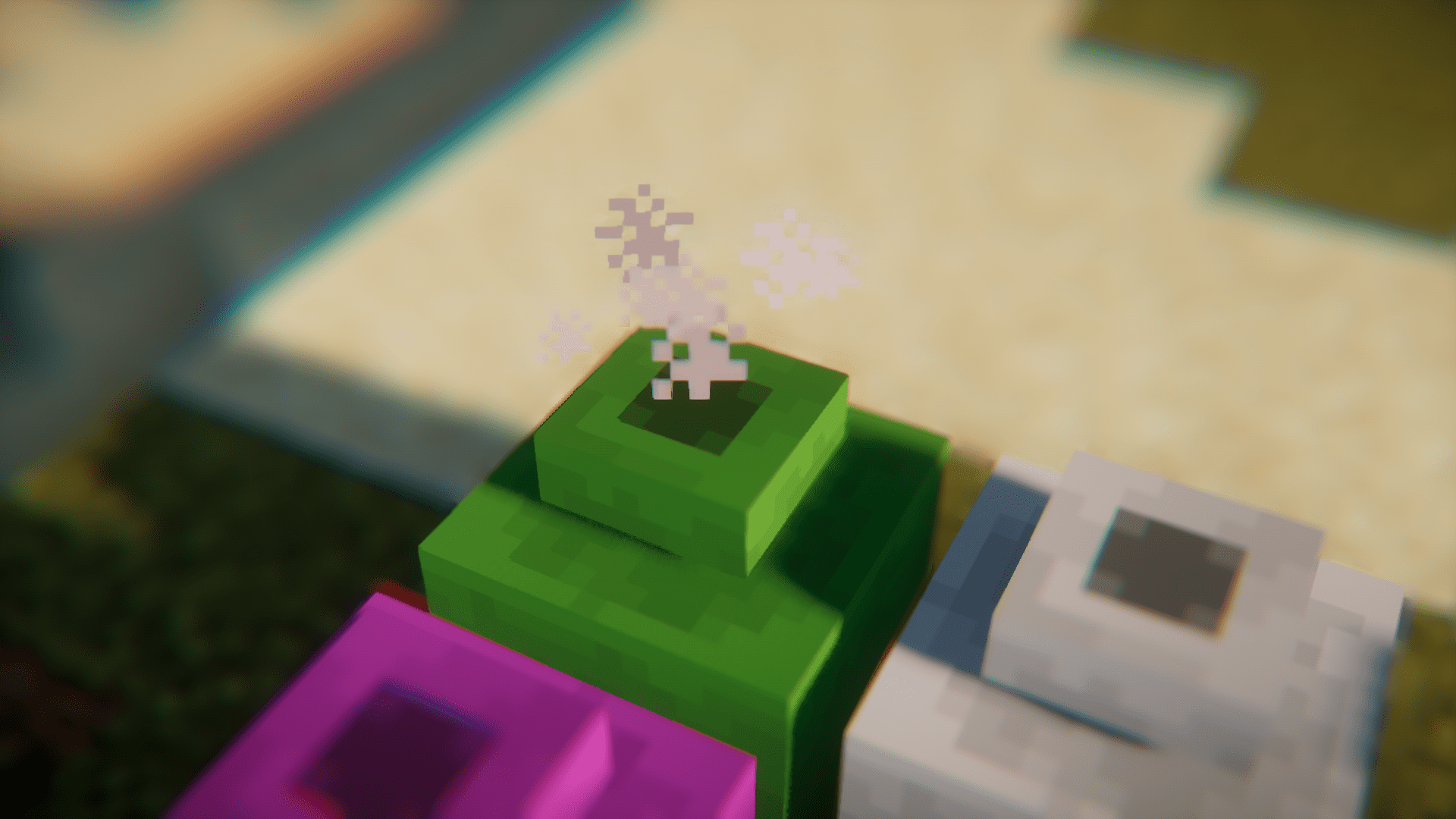
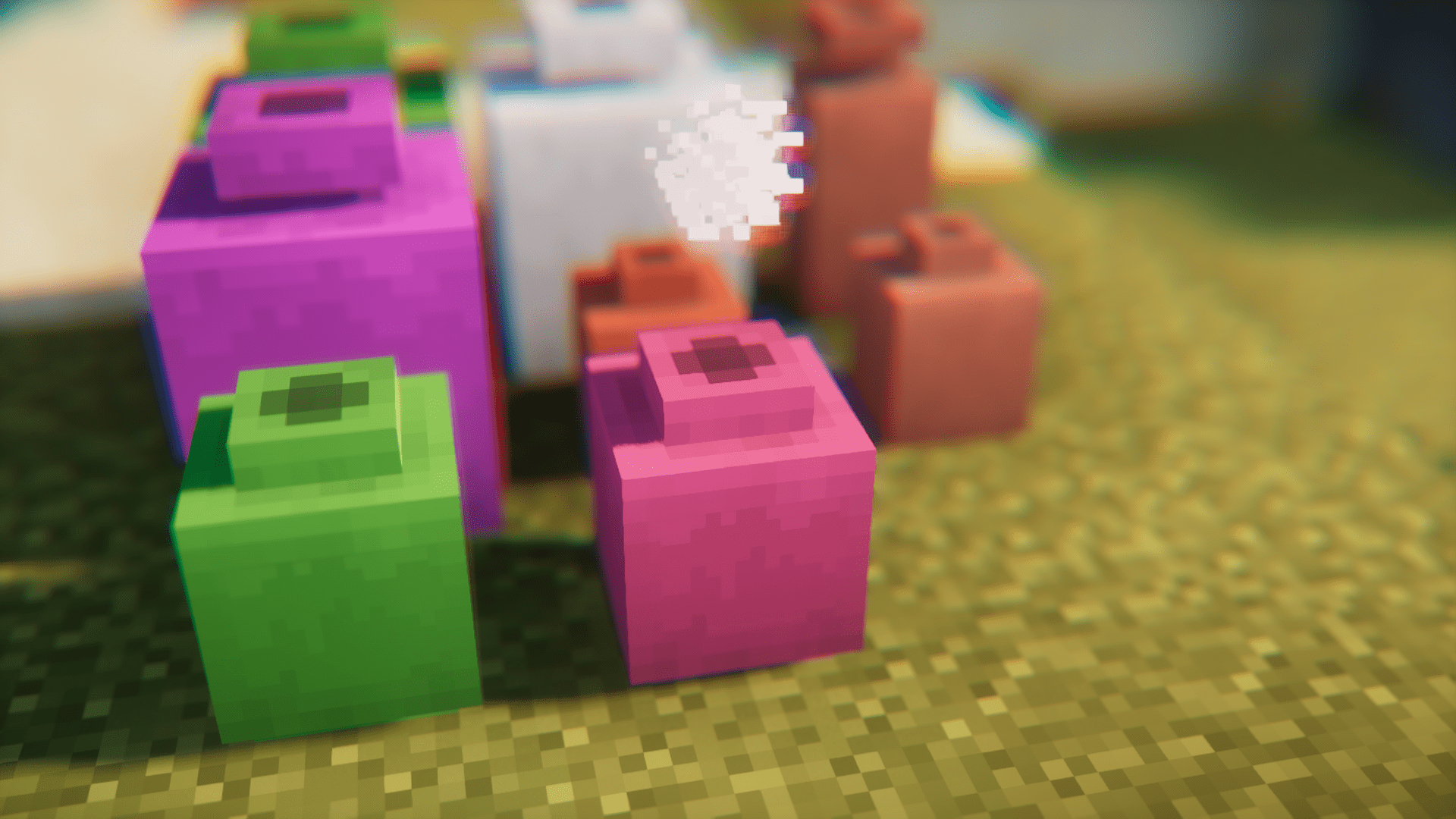
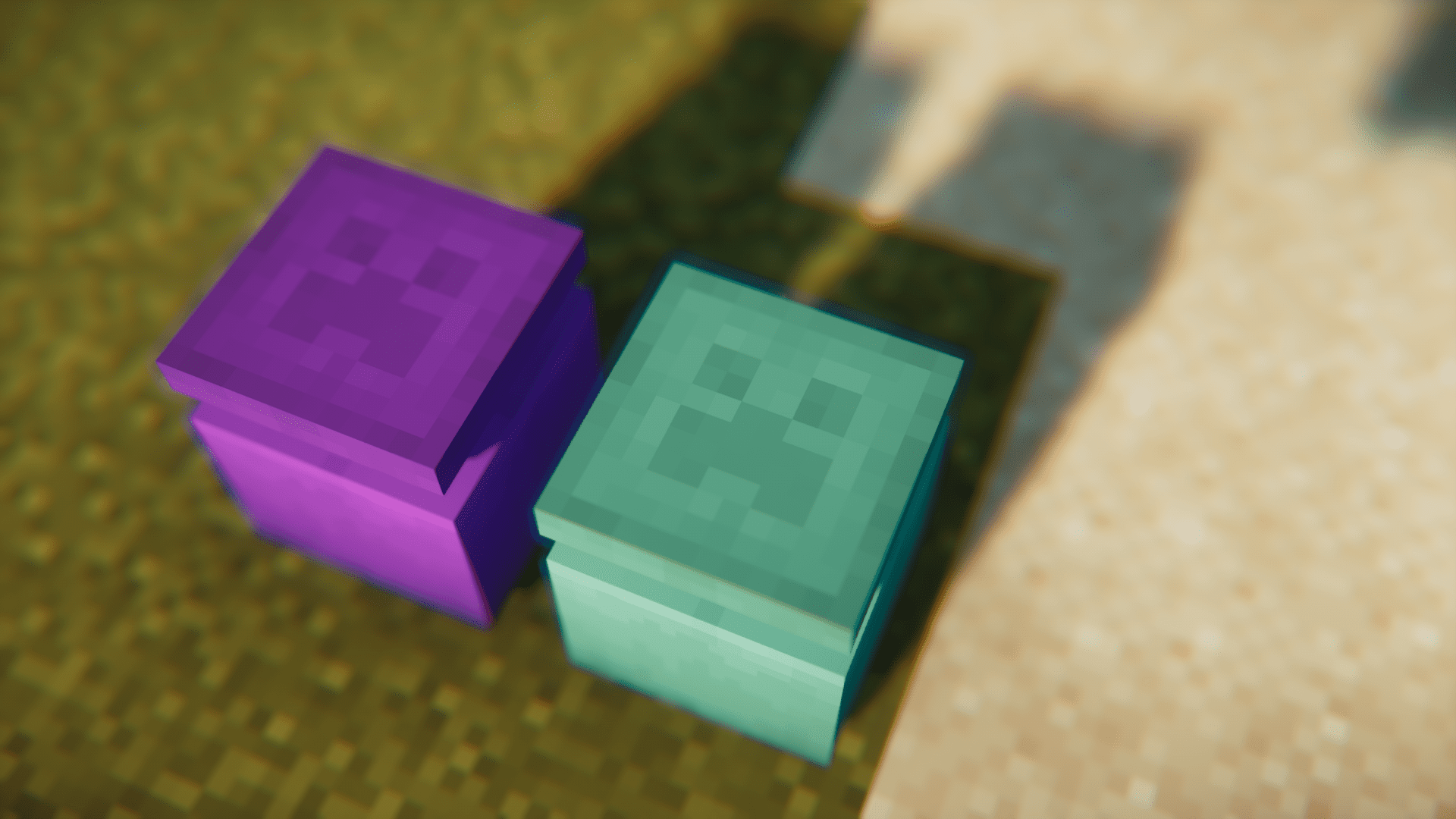
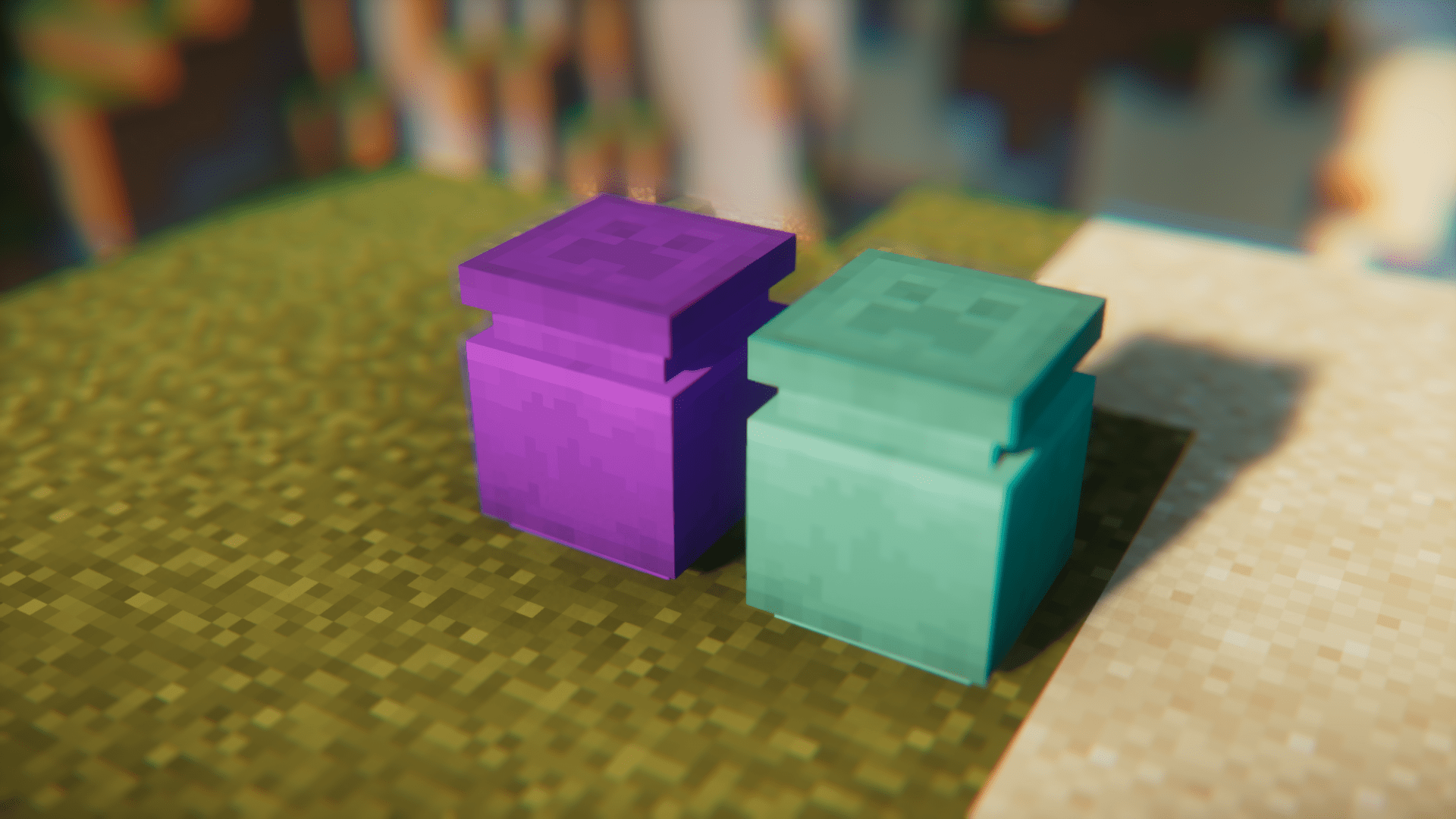
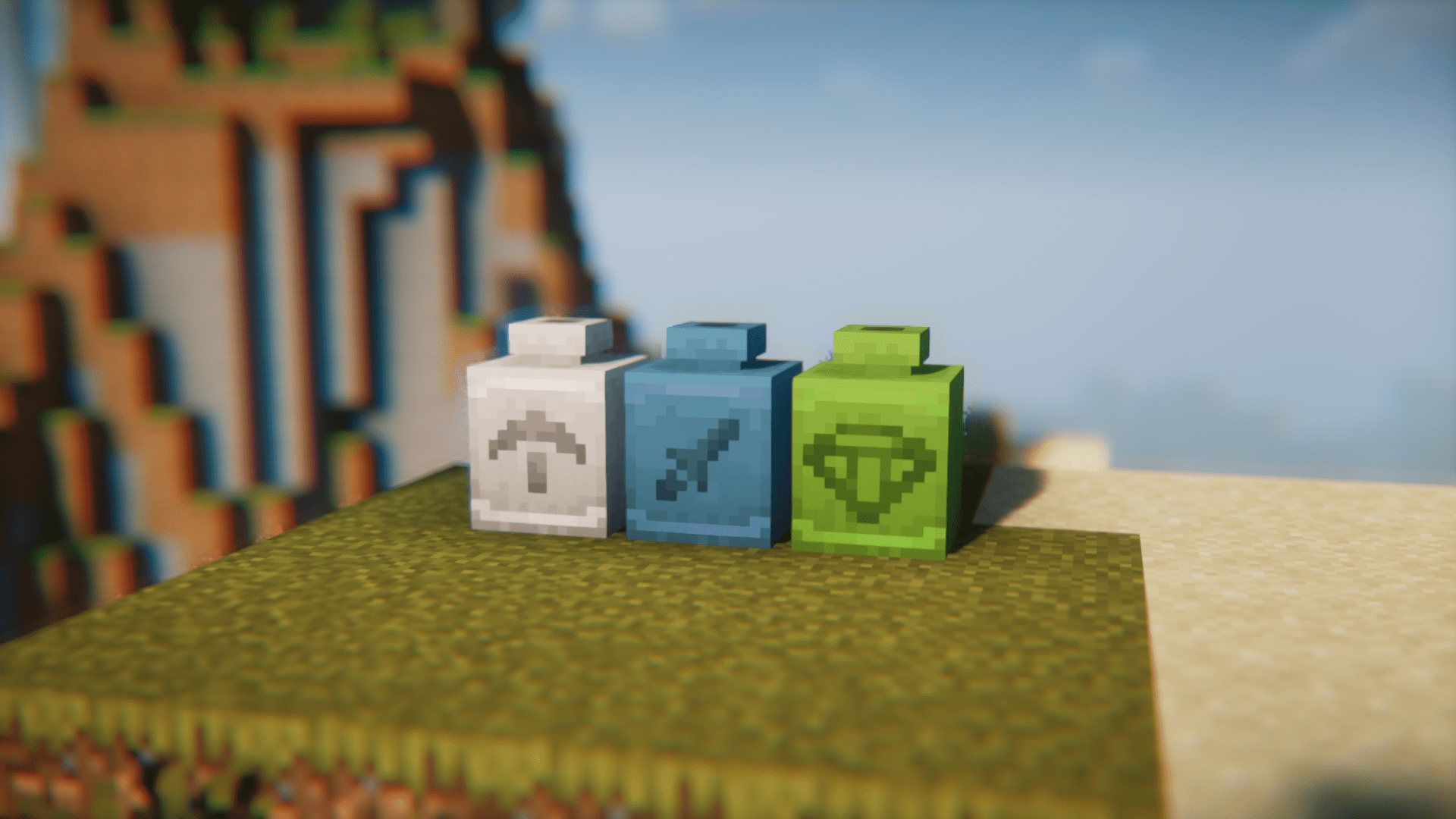
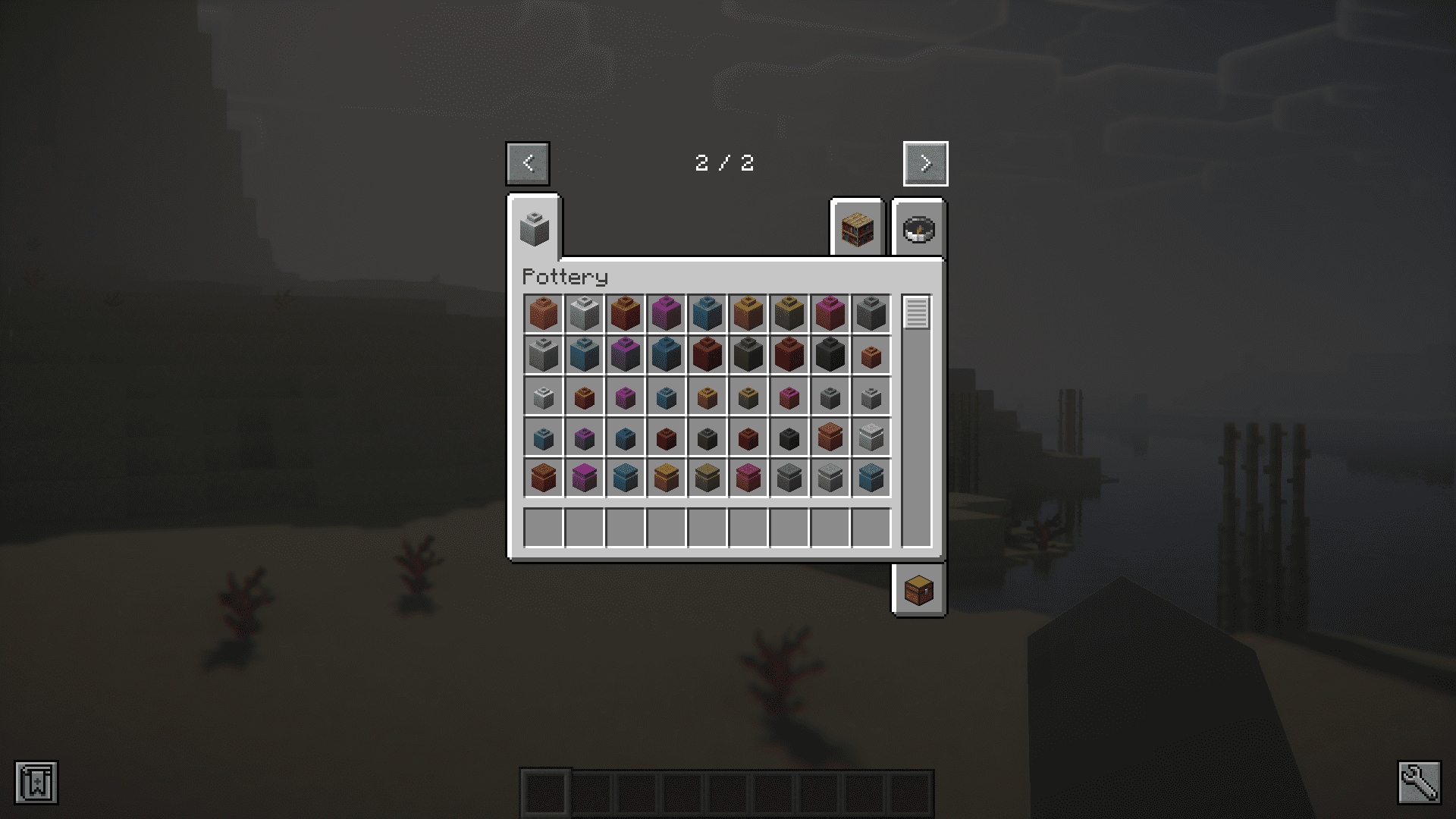
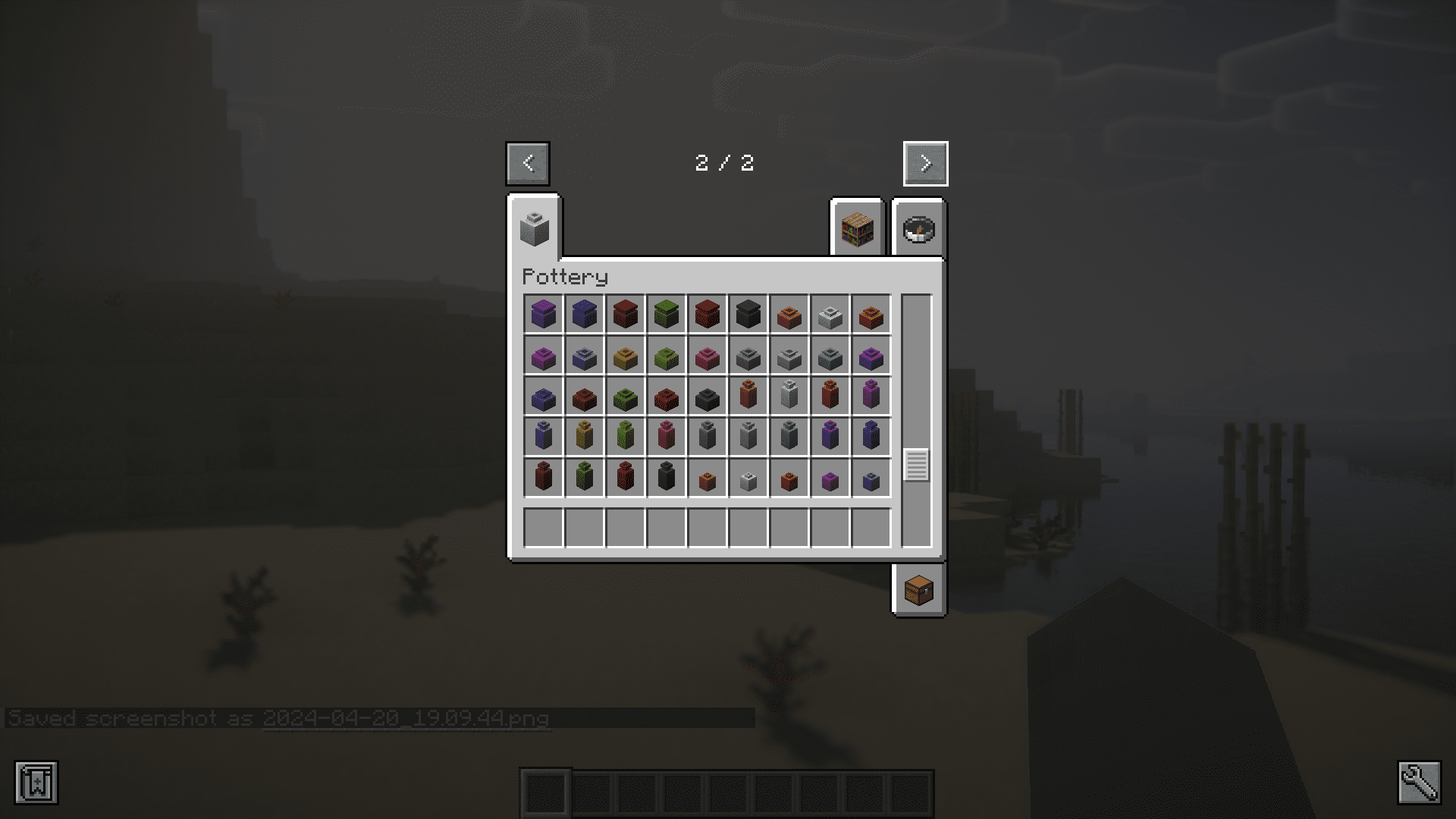
Pottery Mod introduces decorative pots into the game. They come in five different variants and seventeen different colors including the uncolored ones. That is a total of 85 pots added by this mod. You can craft them using the recipe given below. The white dye in the recipe can be replaced with any in-game dye of your choice. You can also right click a pot using a dye to color it. The color on a pot can be washed off using a cauldron. Simply right-click the pot on a cauldron filled with water. Furthermore, you can add patterns onto your pots by right clicking them with different sherds.
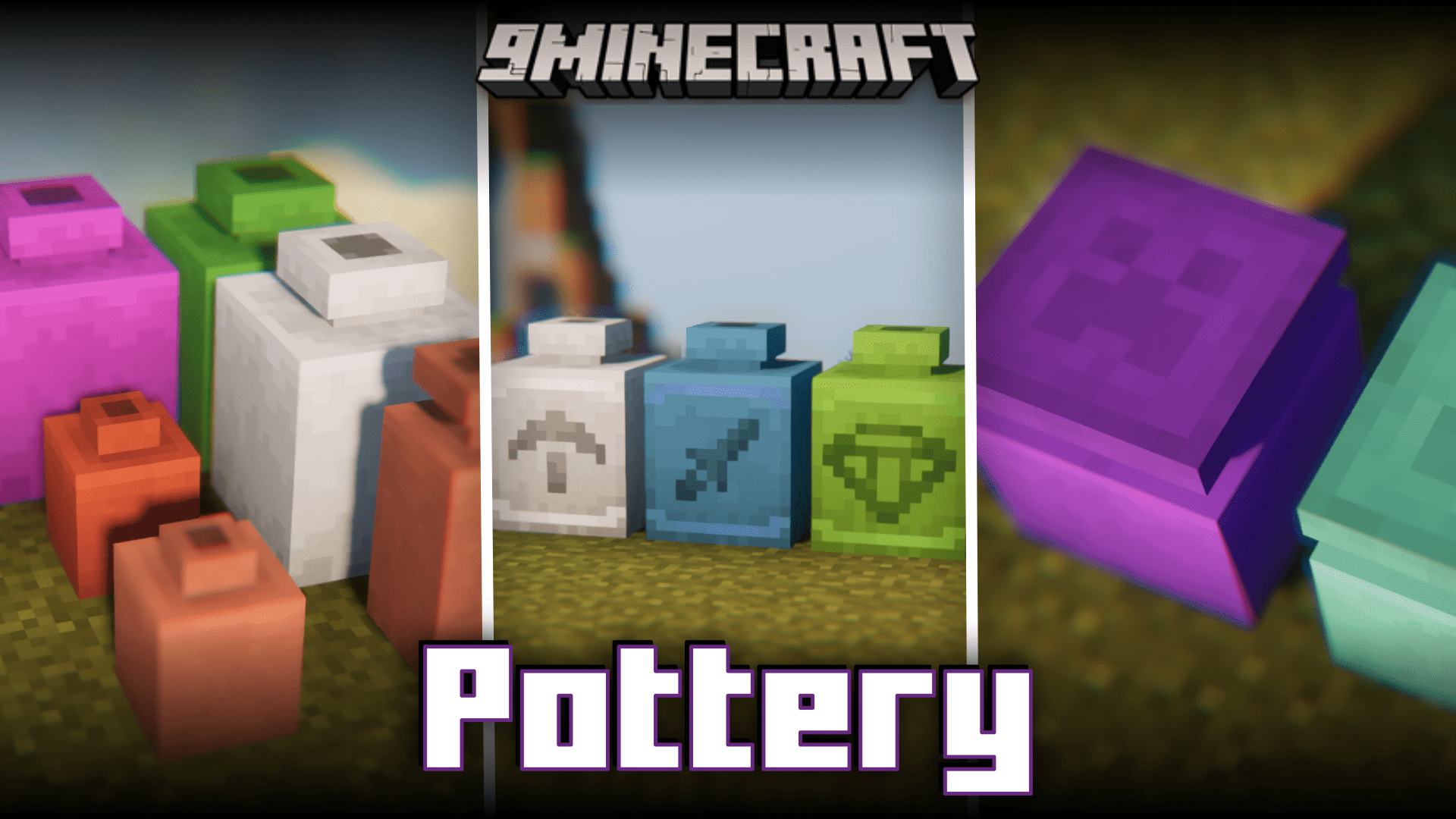
Features:
- Adds decorative pots into the game.
- Five variants that come in seventeen different colors.
- Right click a pot to color it or use a dye in the crafting recipe.
- Remove the color on a pot by right clicking it on a water filled furnace.
- Add patterns onto pots by right-clicking on them with a sherd.
Crafting Recipes:
Screenshots:
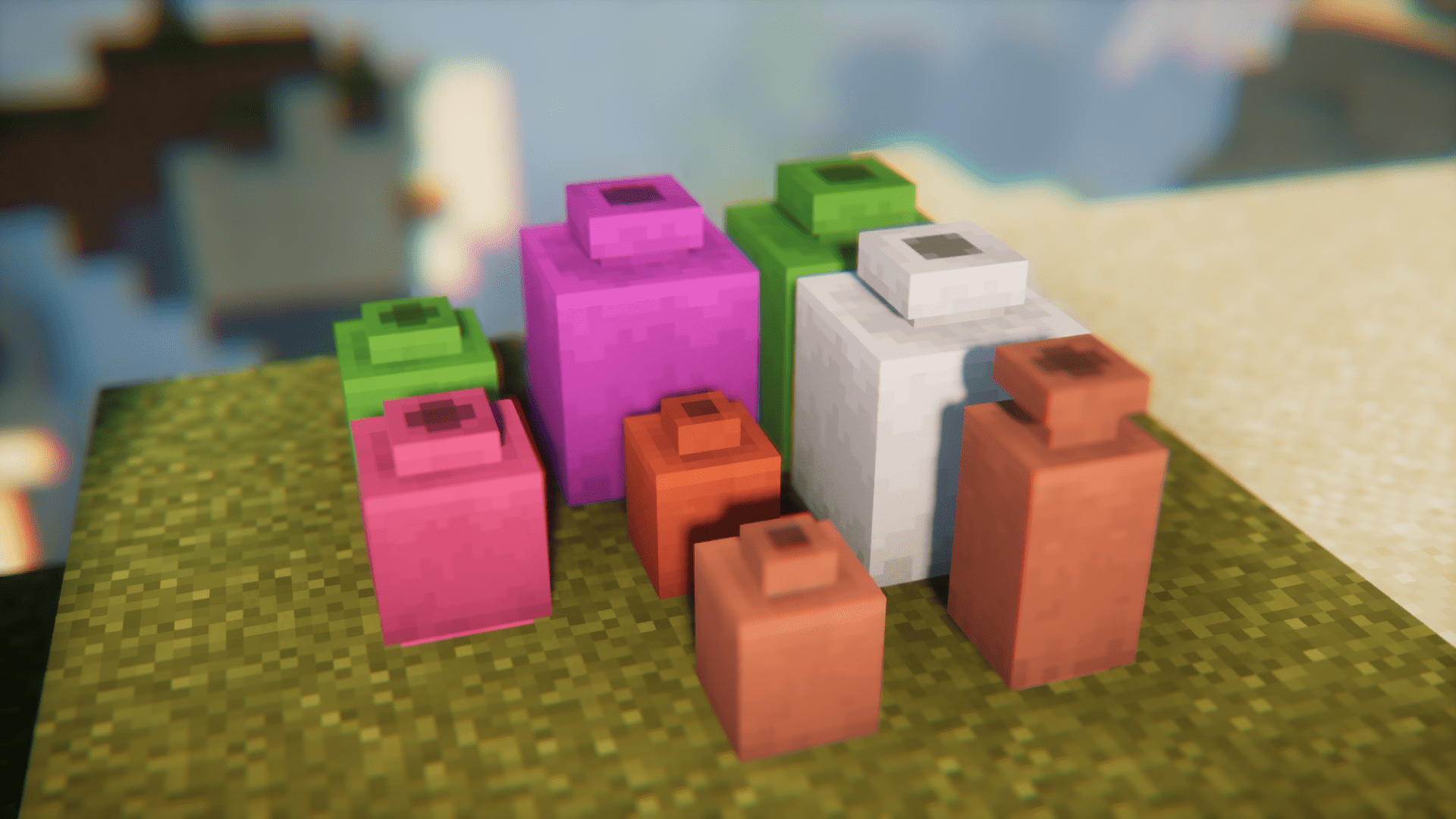
How to Install:
New to Minecraft? Follow our step-by-step guide to install Mods on your PC.View Guide
Requirements:






Pottery Mod Download Links
For Minecraft 26.2
For Minecraft 26.1.2, 26.1.1, 26.1
For Minecraft 1.21.11
For Minecraft 1.21.10, 1.21.9
For Minecraft 1.21.8, 1.21.7, 1.21.6
For Minecraft 1.21.5
For Minecraft 1.21.4
For Minecraft 1.21.1, 1.21
For Minecraft 1.20.4
For Minecraft 1.20.1, 1.20
Click to rate this post!
[Total: 0 Average: 0]
You May Also Like



















This post has no comments yet. Be the first — your comment will appear here.