
GuideME Mod (26.3, 1.20.1) – Inspect 3D Setups in Game

 0


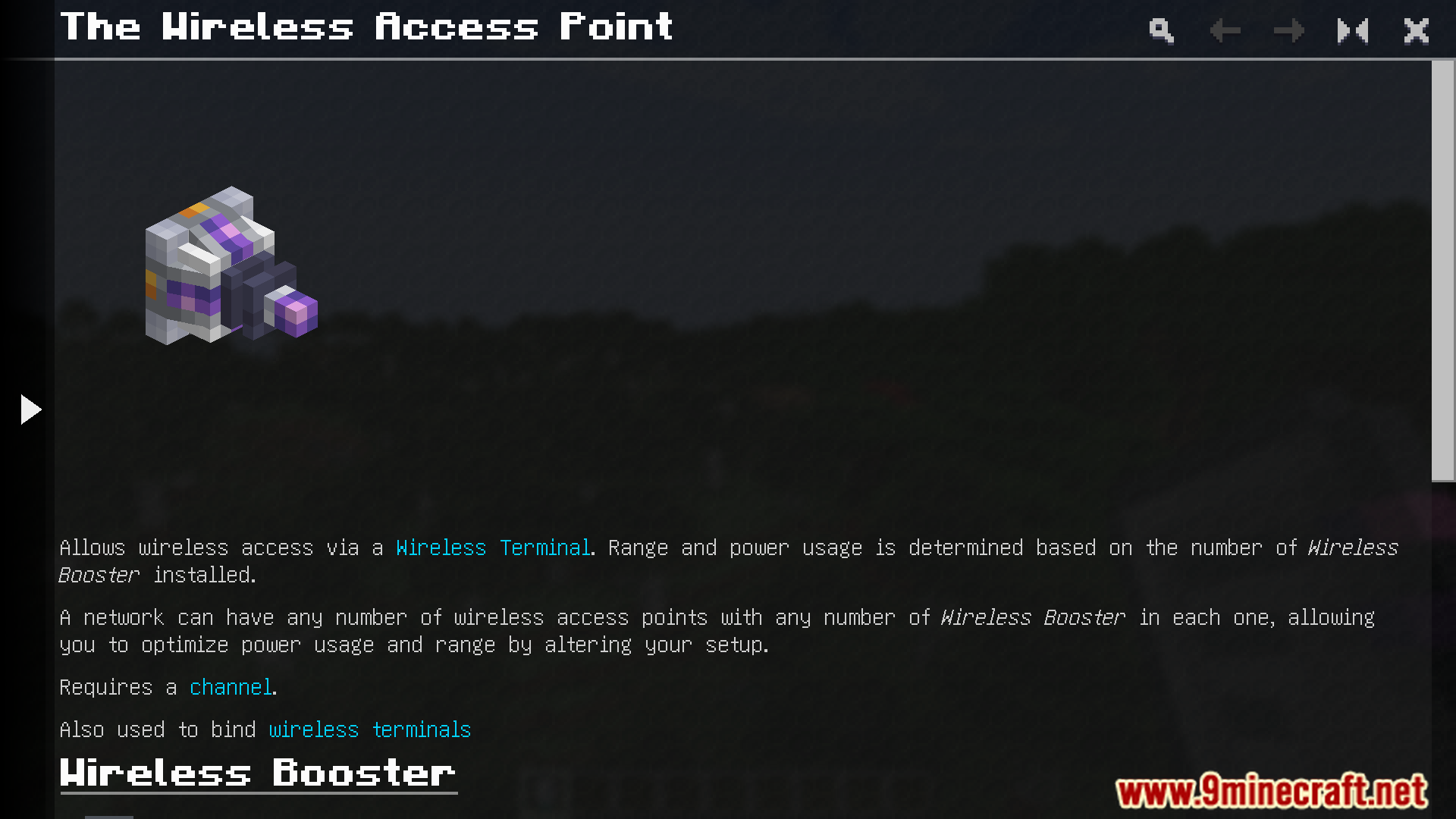
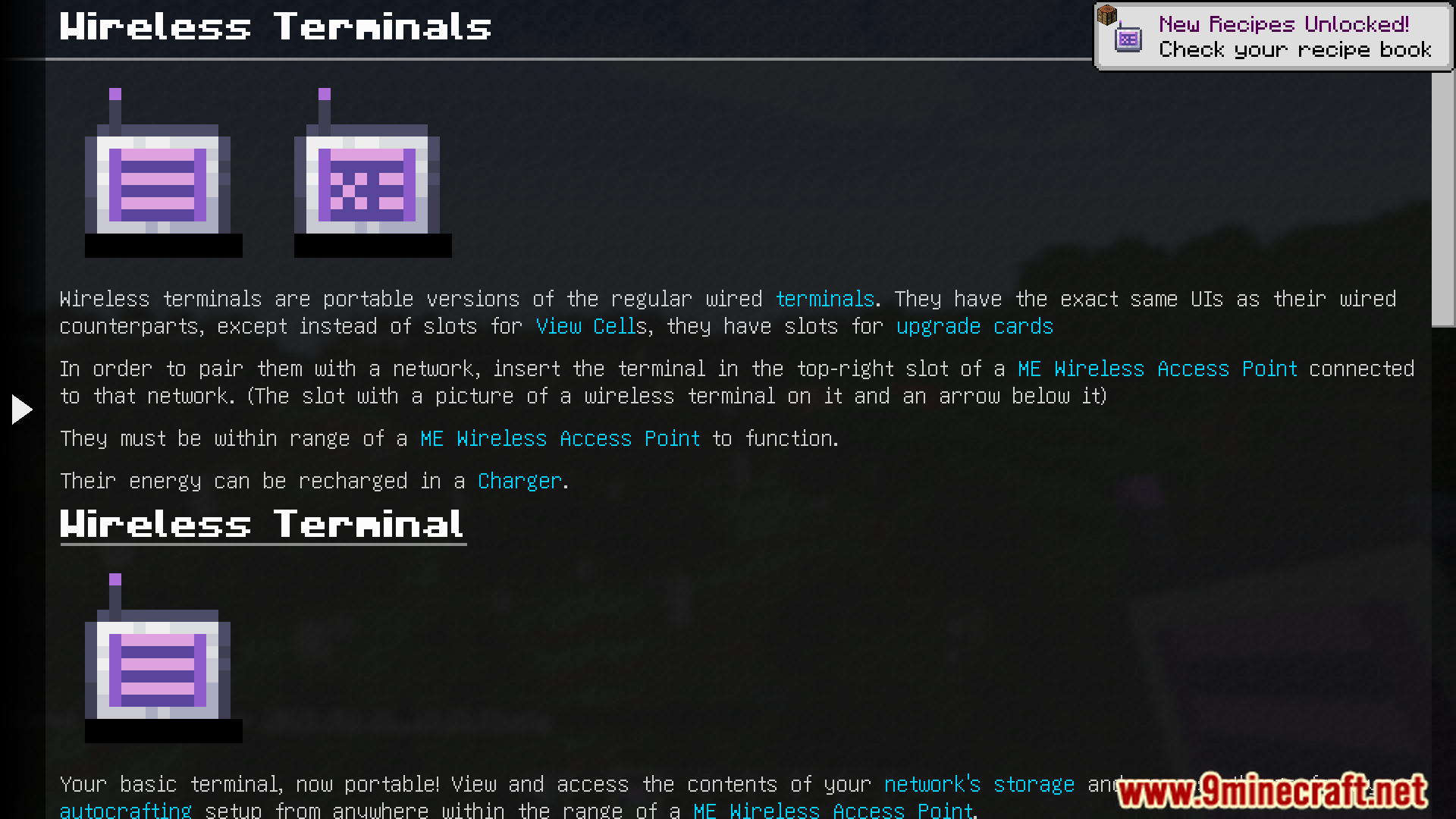
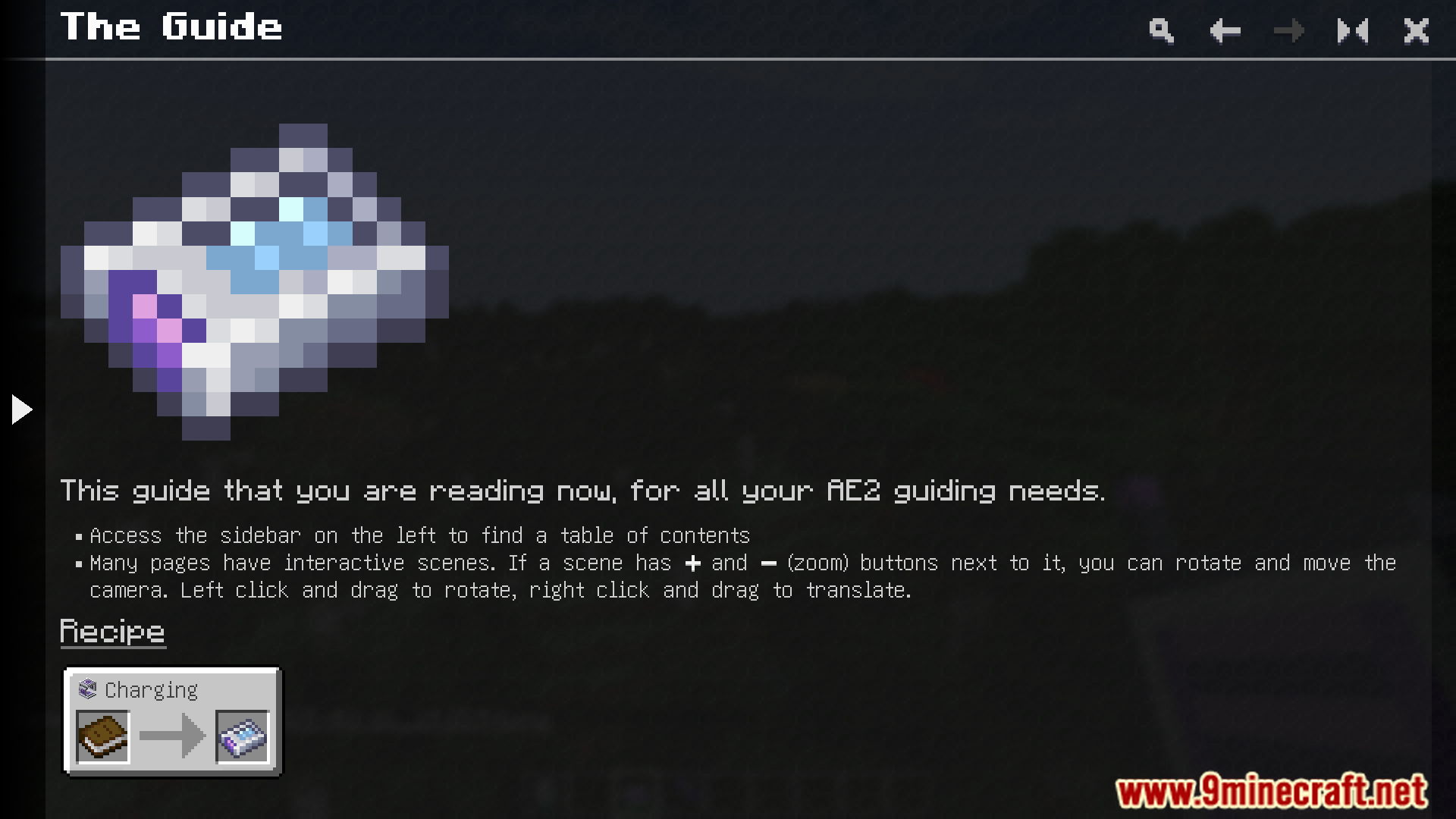
GuideME Mod brings an interactive in-game guidebook system to Minecraft mods and modpacks. It uses the same guide technology as Applied Energistics 2 to show clean pages, JEI-style crafting recipes, and interactive 3D scenes inside the game. Players can read notes, follow cross-linked topics, and hold G on an item tooltip to jump straight to the right page without opening an outside wiki. The mod also supports Markdown pages, structure files, addons, and resource packs for custom in-game documentation.
Features:
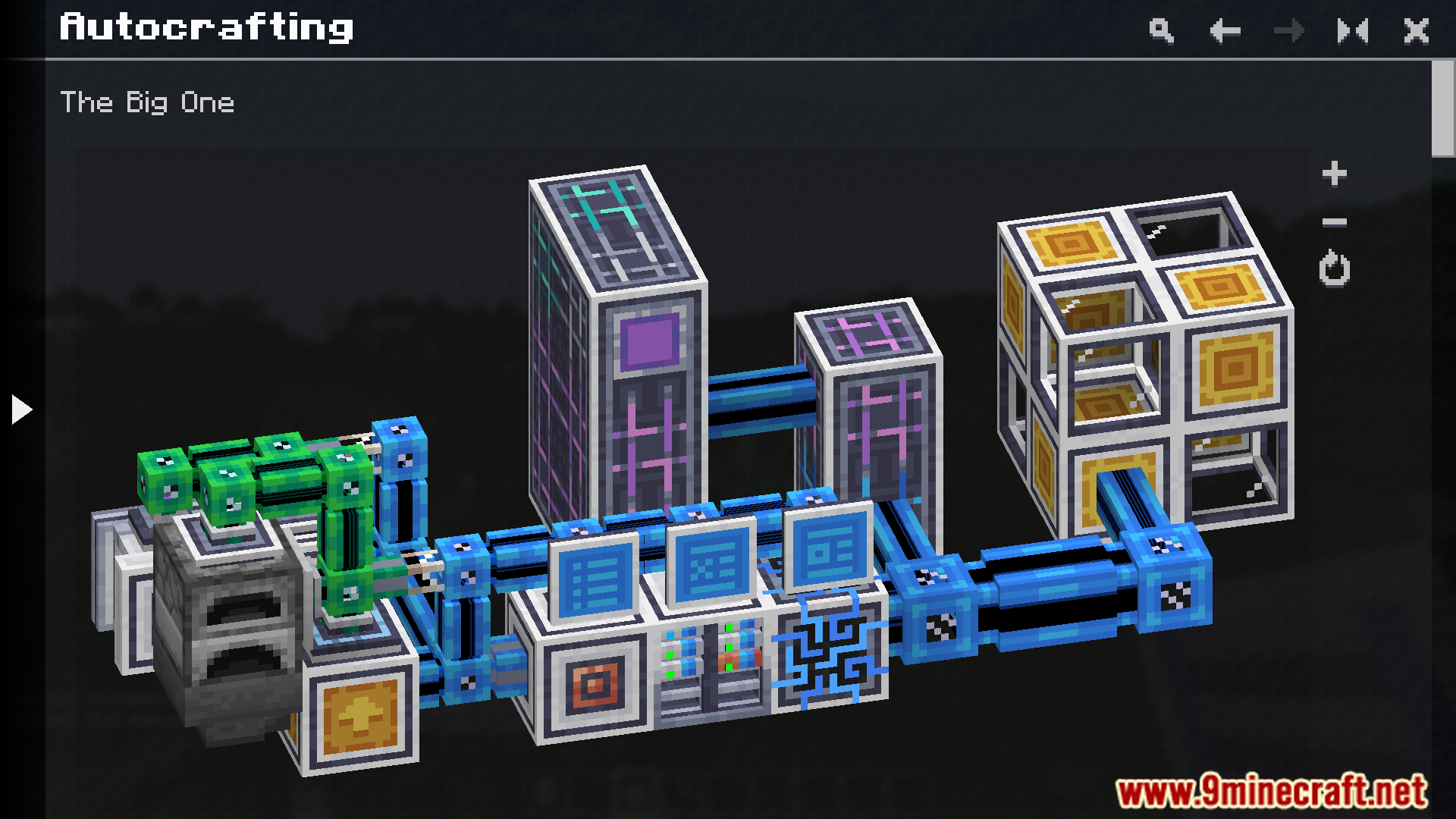
- Interactive 3D Scenes: Shows interactive 3D scenes loaded from structure files with helpful notes to explain setups and mechanics right inside the guide.
- Quick Page Jumping: Lets you hold G over any item tooltip to jump straight to its matching guidebook page.
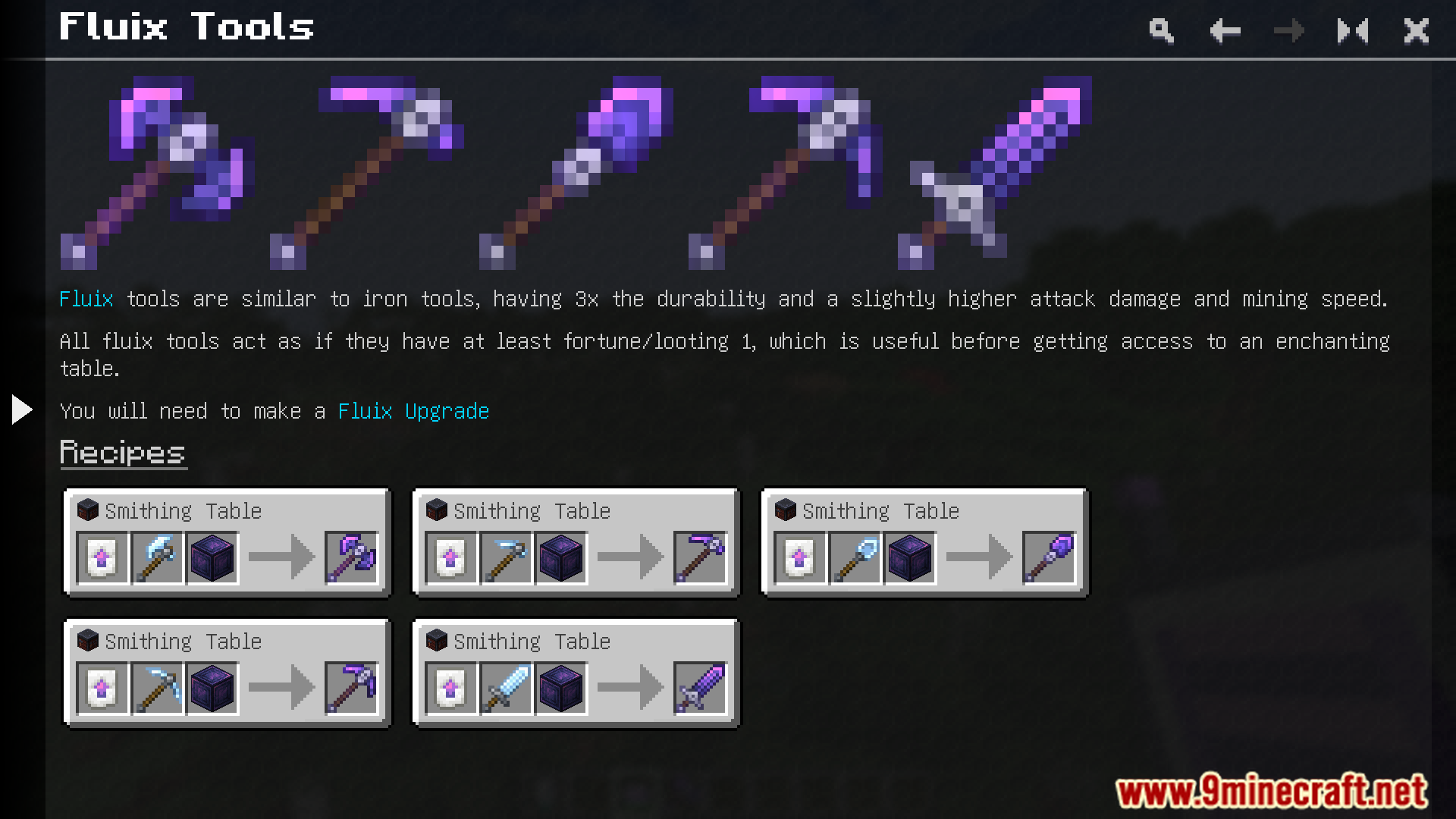
- Inline Recipe Displays: Shows crafting recipes right on the page in a familiar JEI-style layout.
- Topic Cross-Linking: Connects related guide pages with clickable links and quick summary tooltips.
- Provides smooth scrolling for comfortable reading on long guide pages.
- Keeps guide content front and center with a layout engine that supports inline elements and text that reflows cleanly.
Custom Guide and API Features:
- Uses simple Markdown formatting so mods and modpacks can build clean in-game guide pages easily.
- Lets guides add custom inline or block tags to Markdown using a custom widget system.
- Supports extended recipe rendering so custom recipes can appear directly inside guide pages.
- Supports custom Markdown front-matter for adding extra details to individual pages.
- Includes custom indices to find guide pages quickly based on custom attributes.
- Allows resource packs and addons to add their own pages and content to an existing guide.
How to Use:
- Hover your cursor over any supported item to display its tooltip.
- Hold G while hovering over the item to jump straight to its matching guidebook page.
- Scroll through the page to read explanations and check inline JEI-style crafting recipes.
- Hover over linked topics to preview quick summary tooltips, or click a link to open the related guide page.
- Interact with the 3D scenes inside the guide to inspect setups and read their notes directly in the game.
Screenshots:
How to Install:
New to Minecraft? Follow our step-by-step guide to install Mods on your PC.View Guide
Requirements:


GuideME Mod Download Links
For Minecraft 26.4, 26.3
For Minecraft 26.1.2, 26.1.1, 26.1
For Minecraft 1.21.11
For Minecraft 1.21.10, 1.21.9
For Minecraft 1.21.8, 1.21.7, 1.21.6
For Minecraft 1.21.5
For Minecraft 1.21.1, 1.21
For Minecraft 1.20.4
For Minecraft 1.20.1, 1.20
Click to rate this post!
[Total: 2 Average: 5]
You May Also Like
Picked for this page
 WTHIT Mod (26.2, 1.20.1) – What The Hell Is That?
 Forge Config API Port Mod (26.3, 1.20.1) – Bring Forge Mods to Fabric
 Guide-API Village and Pillage Mod (26.1.2, 1.20.1) – Simple Mod Guide Creation
 Overflowing Bars Mod (26.3, 1.20.1) – Nice and Easy to See Info Bar
 Everlasting Abilities Mod (26.3, 1.20.1) – Discover Abilities That Stick
 Portable Crafting Table Mod (26.3, 1.20.1) – Handheld Crafting Device
 Bloxy’s Structures Mod (1.21.4, 1.20.1) – More Structures with 4 New Bossfights
 Always Sprint Mod (26.3, 1.20.1) – Sprinting Is Always On
 Anvil Too Expensive Mod (26.1.2, 1.20.1) – Removes the “Too Expensive” text
 Adaptive Tooltips Mod (26.3, 1.20.1) – Highly Configurable Tooltip Rendering
 Raise Sound Limit Simplified Mod (26.3, 1.20.1) – Fix Audio Cutoffs In Minecraft
 Create Automotives Mod (26.1.2, 1.20.1) – Drive Steam Powered Vehicles
Most viewed in Mods over the last 7 days
 Ala Industrial Mod (26.3) – Run Electric Power Grids and Automated Factories
 PleasureCraft Mod (26.3, 1.21.1) – Jenny Mod Remake for Fabric
 Jennycraft Mod (26.3, 1.20.1) – Virtual Girlfriend in Minecraft
 Fapcraft Mod (26.3, 1.12.2) – Comprehensive and Detailed Content
 Jenny Mod (Fapcraft) Official Complete Guide – How to use, Tutorial
 BangCraft Mod (1.20.1) – Jenny, Ellie and Elliot
 Fabric Loader (26.3, 1.20.1) – Fabric Installer for All Minecraft Versions
 The Shooting Star Demo Mod (26.3, 1.20.1) – Vaporize Terrain From Orbit
 Meteor Client Mod (26.3, 1.20.1) – Xray, HUD, Fly
 OptiFine HD (26.3, 1.20.1) – Run Faster, FPS Boost, Shaders Support
 Aristois Client Mod (1.21.4, 1.20.1) – World Class Minecraft Utility
 Prestige Client Mod (1.21.11, 1.21.4) – Powerful Ghost Features for Crystal & Sword PvP
More from Mods
 Swing Through Grass 9minecraft Mod (26.3, 26.2) – Fight Mobs Without Breaking Tall Grass
 Improved Boss Bars 9minecraft Mod (26.3) – Unique Health Bars for Every Boss Fight
 Cozy’s Improved Wolves Mod (26.3, 1.20.1) – Bond with Loyal Dogs That Never Die
 Cuisine Craft Mod (1.21.11, 1.20.1) – Cook Restaurant Dishes with Fresh Farm
 XinexLib Mod (1.21.1) – Keep Your Ultreon Studios Mods Running
 Libvulpes – Fixed Mod (1.12.2) – Launch Rockets with Fewer Bugs
 Freelook Perspective Mod (26.3, 1.21.1) – Watch Your Back While Sprinting
 FAUNA Engine Mod (1.21.1, 1.20.1) – Powering Legendary Dragons
 Avali Nexus Mod (26.3) – Settle Frozen Frontiers with High-Tech Bird Tribes
 Orient’s Hotpot Chronicles Mod (1.20.1) – Boil Fresh Hotpot Meals Over Open Flames
 Far Lands Traveler Mod (26.1.2) – Survive the Long Trek to the Edge of the World
 Beli’s SkyLyrics Mod (1.21.11) – Sing Along to Desktop Tracks Projected in the Night Sky

This post has no comments yet. Be the first — your comment will appear here.