


Atlas Client (1.26+, 26.33) – Best MCPE Utility Client
 534,121
 10
10


Atlas Client is a PVP and utility client with no multiplayer cheating advantage. This is not a hacked client. If you came from a video saying this is a toolbox/toolbox premium or a hack, you have been misled.
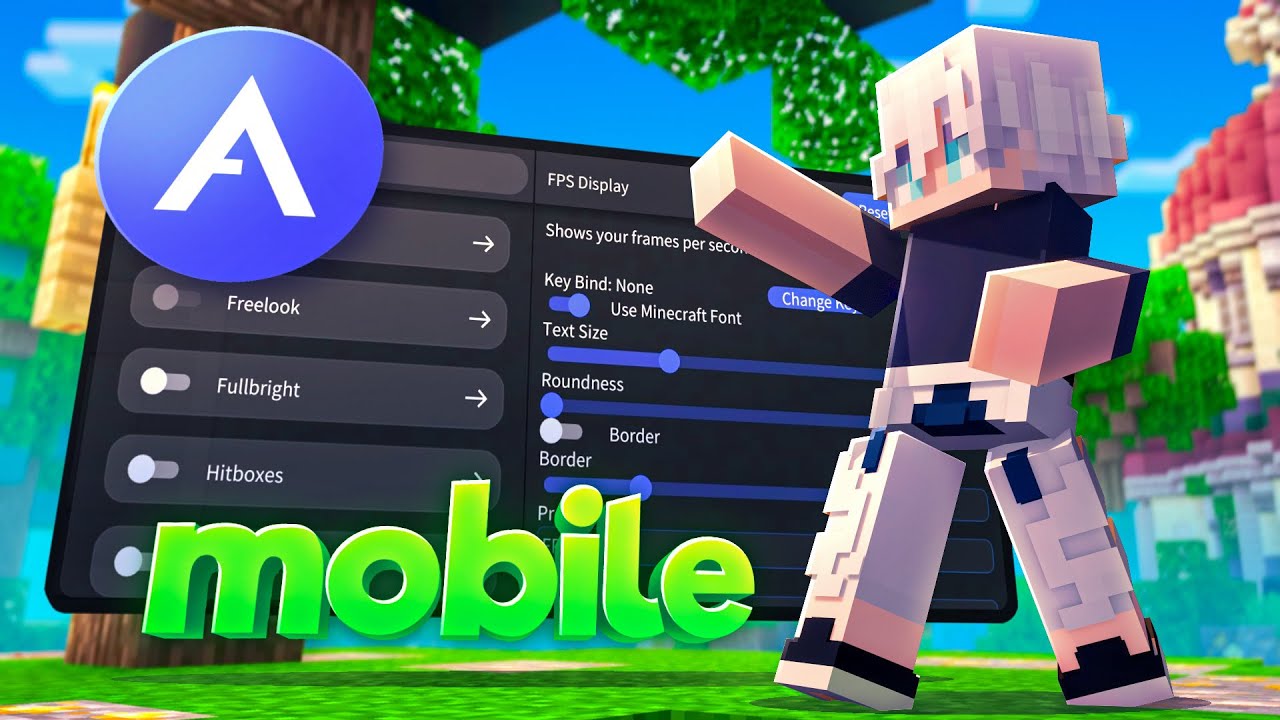
Supported Version:
Working with the latest release of Minecraft Bedrock / MCPE 26.33 on Android and iOS.
Features:
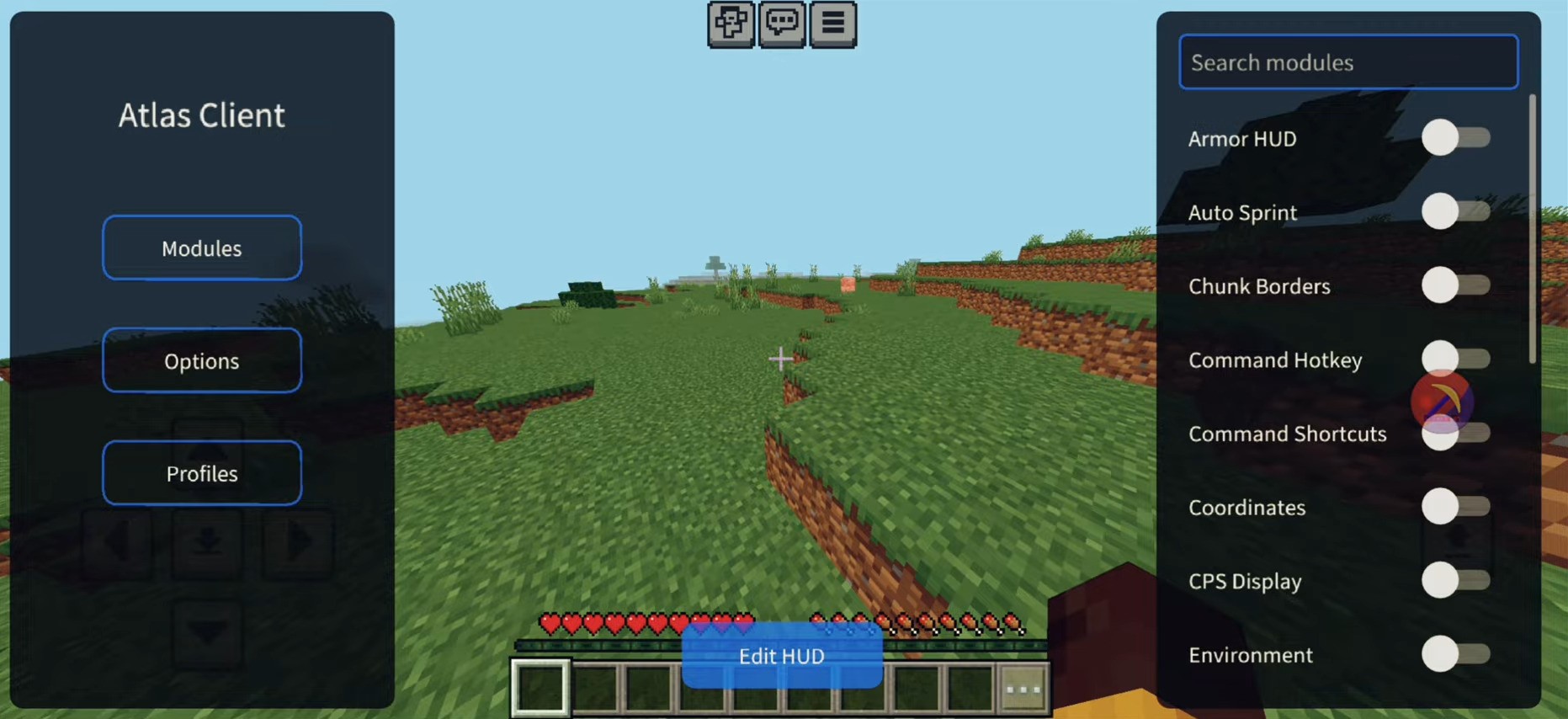
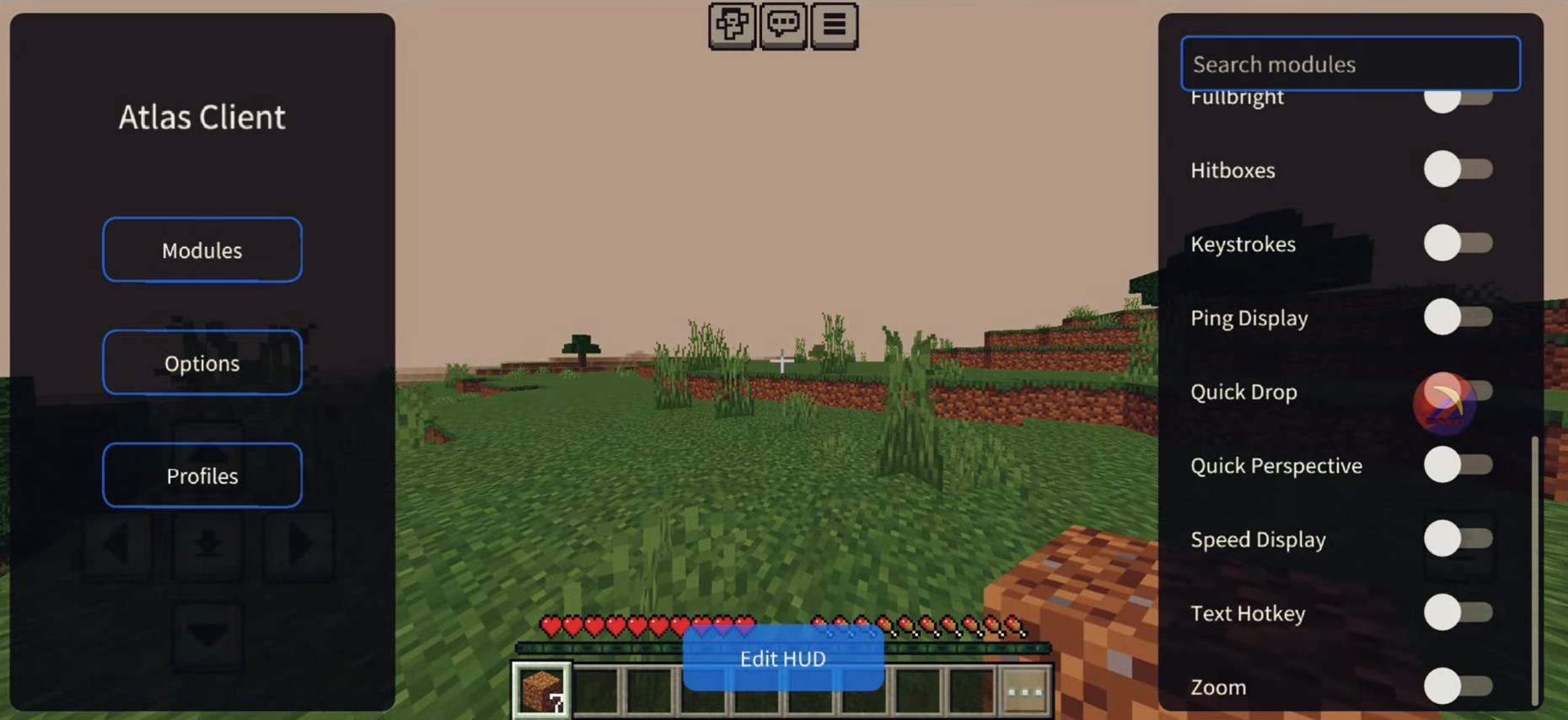
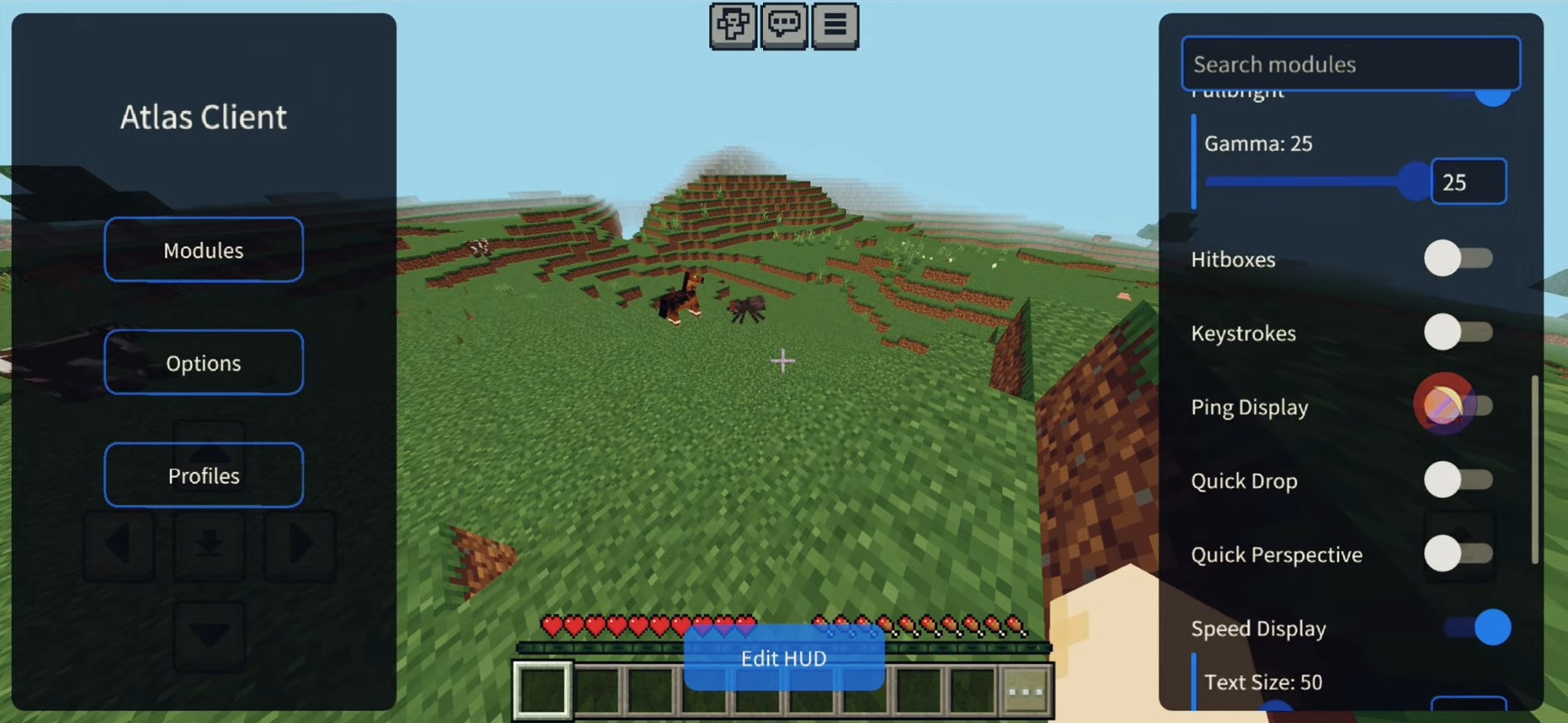
- Fullbright
- Keystrokes
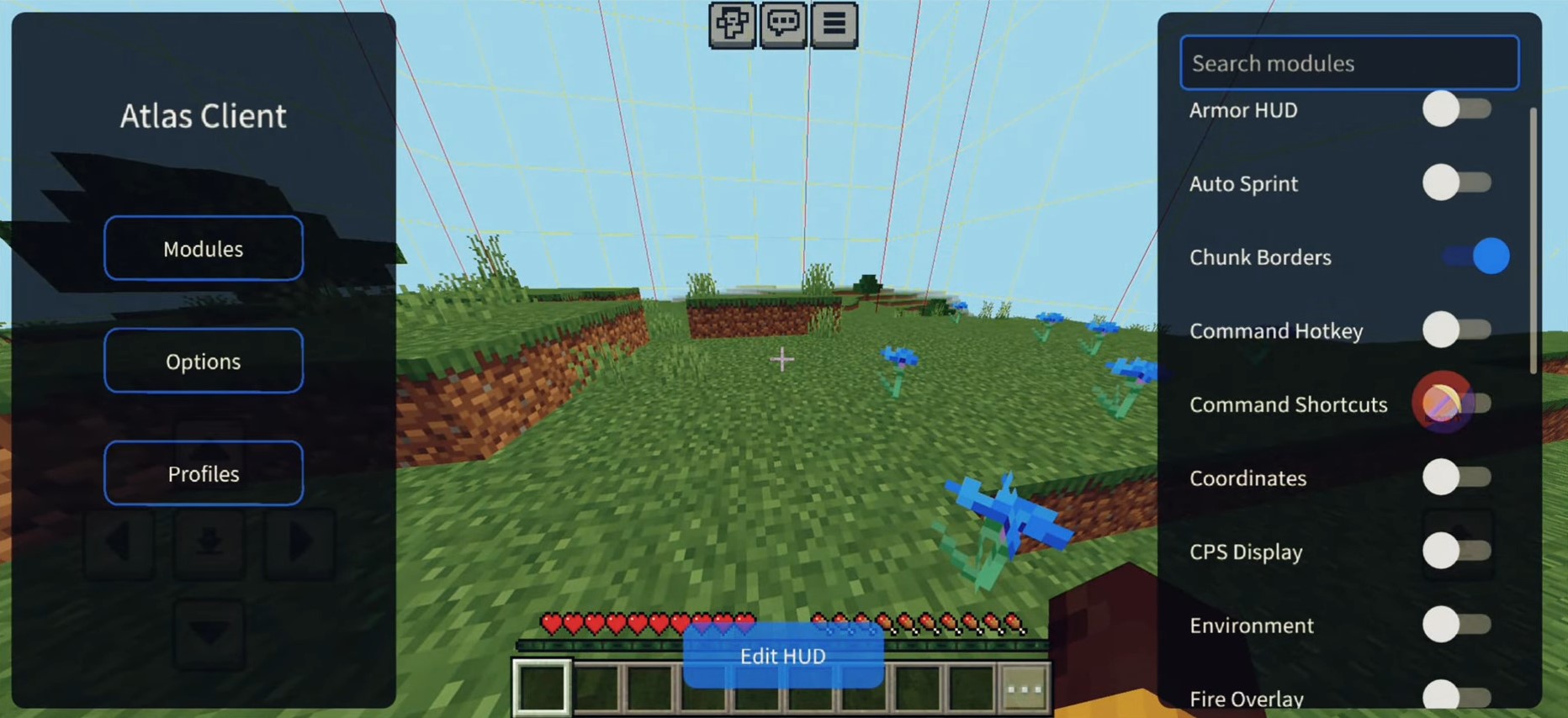
- Chunk Borders
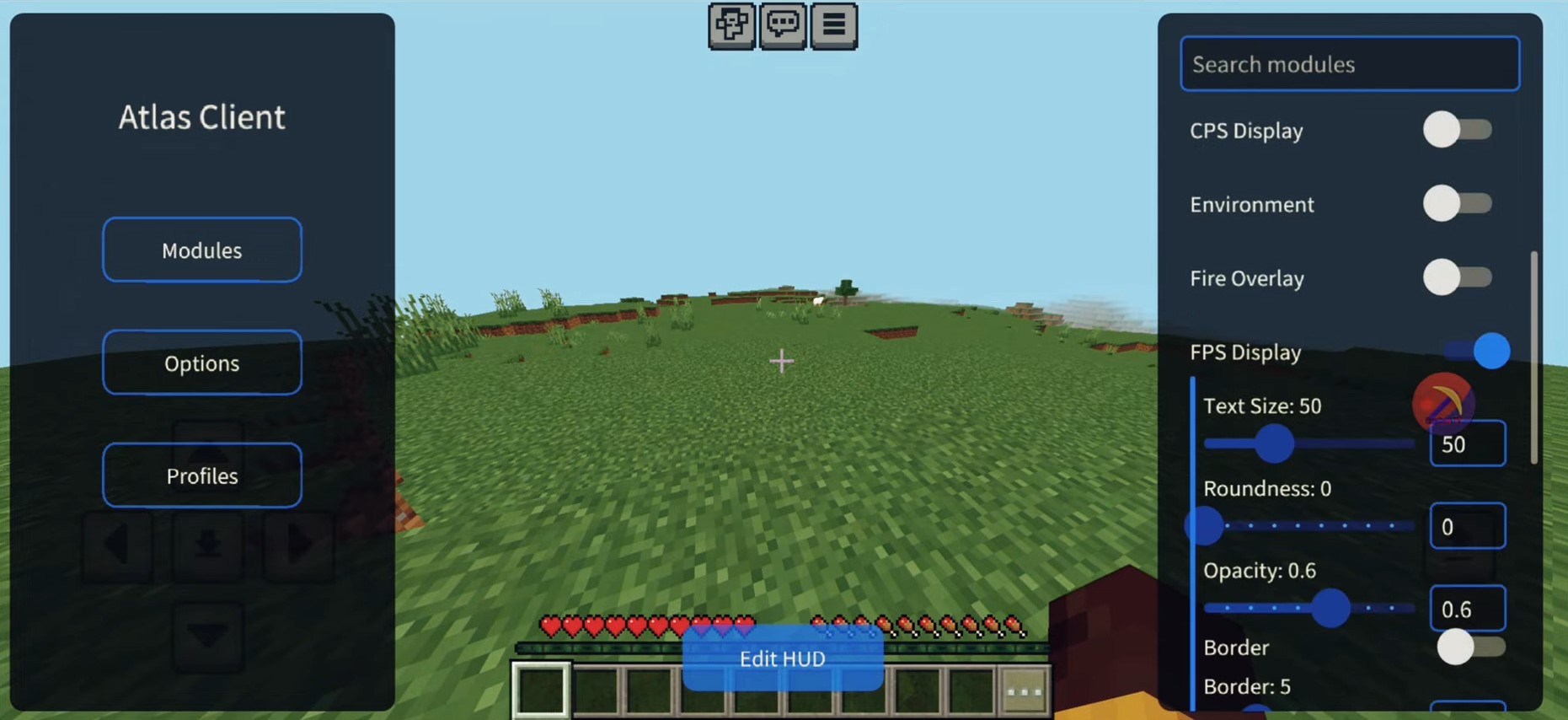
- CPS Display
- Speed Display
Screenshots:
How to Install Atlas Client:
Android
- Install Minecraft from the Google Play Store.
- Download Atlas Client from Google Play.
- Open Atlas Client and complete the initial setup.
- Launch Minecraft through Atlas Client to access its modules.
iOS
- Install and configure a sideloading service such as SideStore.
- Select Sideload for iOS.
- Import and install the Atlas app using your sideloader.
- Open Atlas Client and complete the initial setup.
- Launch Minecraft through Atlas Client.
Atlas Client Download Links
For Minecraft PE/Bedrock 1.20
For Minecraft PE/Bedrock 1.21.111
For Minecraft PE/Bedrock 1.26, 26.33+
xapk: Download from server 1 – Download from server 2 (use SAI or APKPure)
ipa: Download from server 1 – Download from server 2 (use Sidestore/Trollstore)
Click to rate this post!
[Total: 378 Average: 3.9]

10 Comments
What do you think?
Your opinion means a lot - we'd love to hear from you.
You May Also Like



Please for 1.21.130
for 1.26+
please for 1.21.132
PLSSS PLS FOR 1.21.121 pls
Neden uyumlu deyil diyor
Mcpe for no lag
I need this client
I need this client because of this mcpe client no lag
I can’t get the app why I have been wait all week just to get it not to work
I can’t get the app why I have been wait all week just to get it I was in and out of school doing my best a waiting just for it to say it won’t work nah that not cool yo that not cool