
New Optifine (26.x, 1.21) for MCPE/Bedrock – Boost Frame Rates and Stop Lag
 368,325
 0

New Optifine brings smoother gameplay and higher frame rates to Minecraft Bedrock by reducing lag, optimizing textures, and tweaking visuals. It helps the game run faster on both low-end and high-end devices while keeping the original look of Minecraft. The pack cuts down heavy particle effects, simplifies animated textures, and sets fog per biome to reduce device load.
Features:
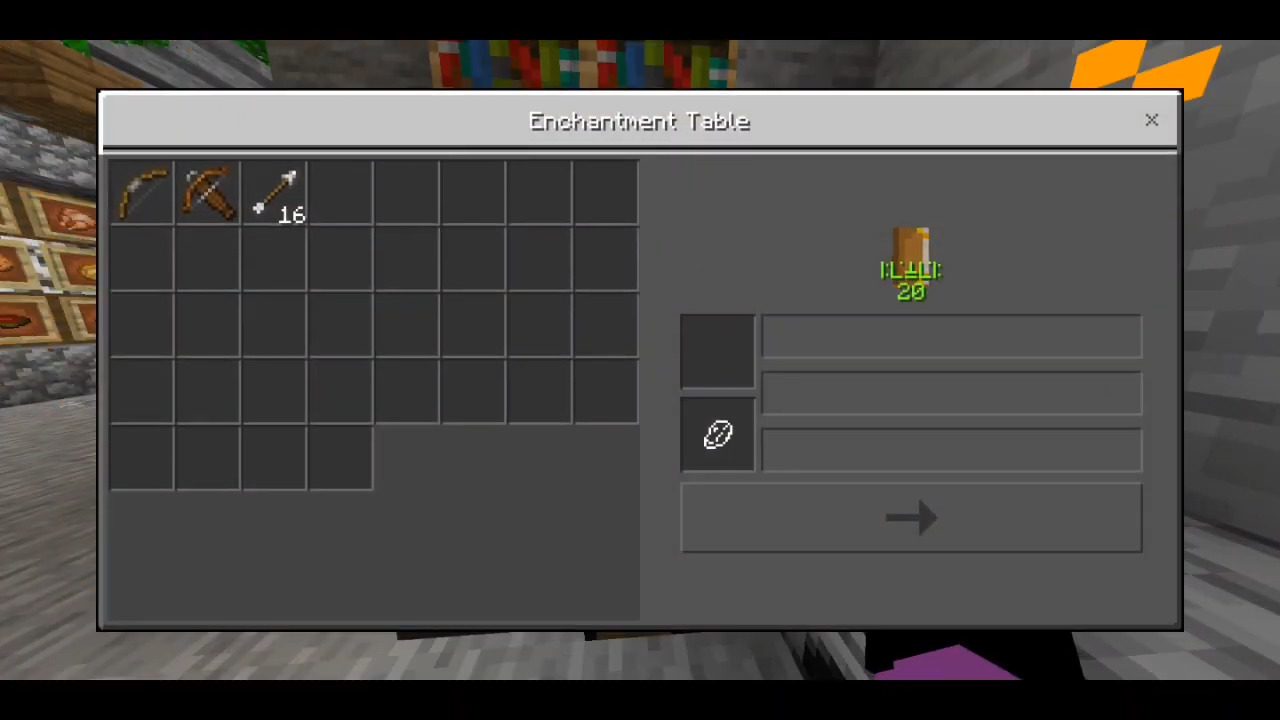
- Eleven in-game controls let you adjust two sliders and nine toggles by tapping the gear icon.
- Enchantment Glint toggle skips the extra draw for enchanted items on players and mobs to improve performance in PvP lobbies and farms.
- Default performance mode pushes fog past the horizon and removes 48 heavy particle effects.
- Max FPS mode uses short-range fog starting around 60 blocks and removes 177 heavy particle effects.
- Per-biome fog gives all 89 biomes unique fog entries without using volumetric fog.
- Lighter Vibrant Visuals apply blocky shadows and turn off water caustics.
- Frozen animations in Max FPS hold 70 of vanilla’s 80 animated textures on a single frame while keeping fire and sculk active.
- Lighter overlays clear pumpkin blur, rain splashes, and the End sky while thinning rain and snow.
- Built-in Durability Display shows armor readouts on the HUD, inventory, and hover text with color codes.
- Animated durability bars show on hotbar items.
- Numbered hotbar provides faster slot recognition.
- Calmer sound mix retunes 90 entities, 44 sound events, and 40 sound definitions while lowering rain, cave ambience, and portal hum.
- Compatibility allows the pack to work alongside most resource packs when placed below them.
How to Use:
- Download the
.mcpackfile and open it so Minecraft imports it automatically. - Go to Settings and select Global Resources, or choose Resource Packs in world settings for per-world use.
- Activate New Optifine in your resource packs list.
- Pick your subpack choice between Max FPS and Default.
- Tap the gear icon to customize the particle controls and sliders.
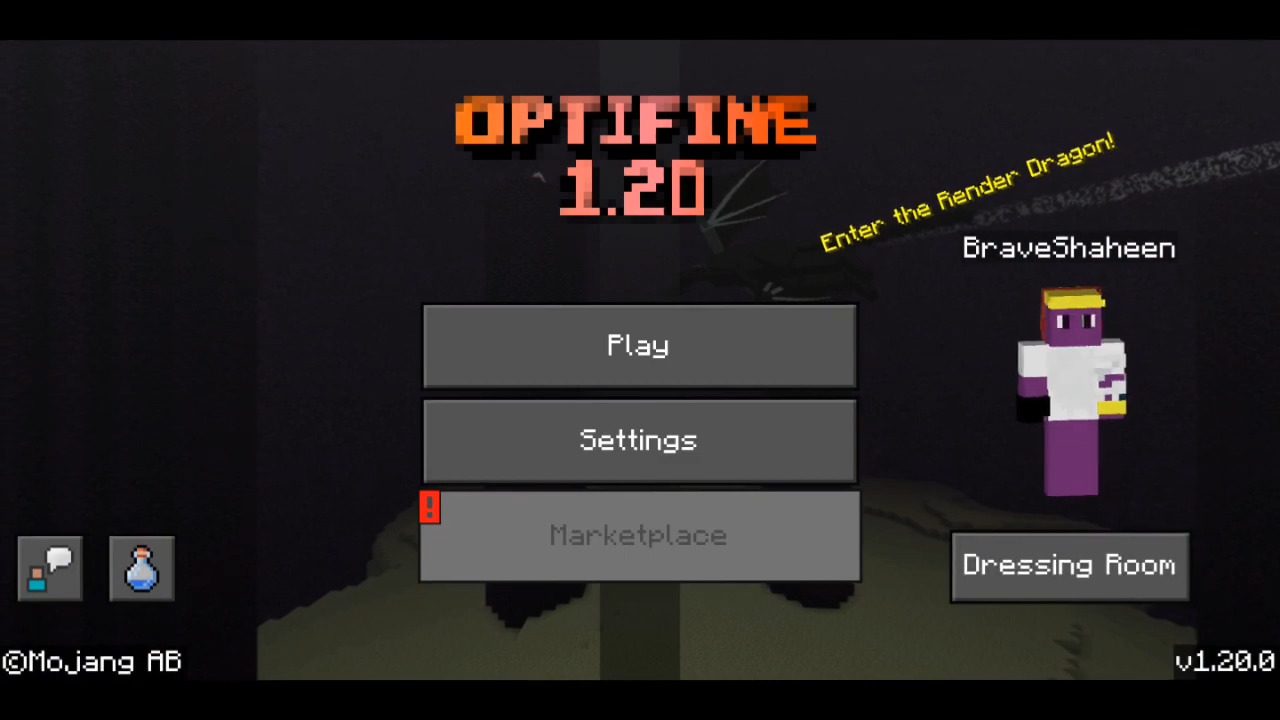
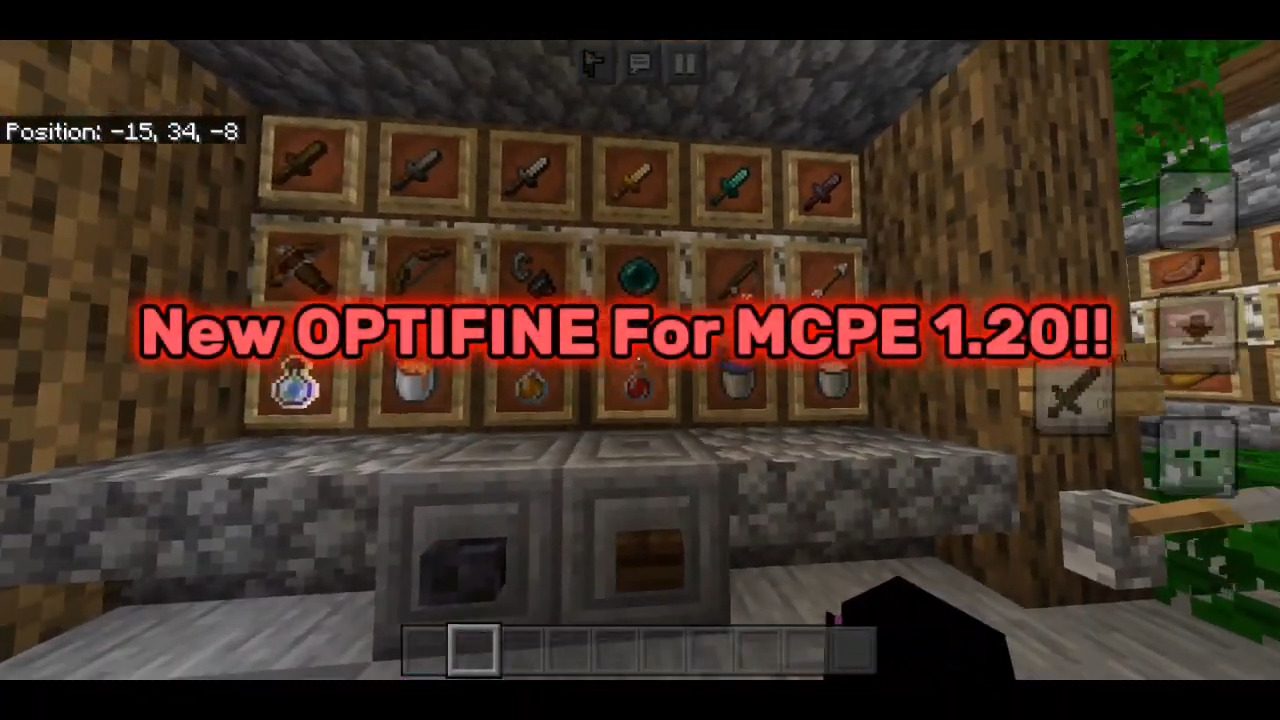
Screenshots:
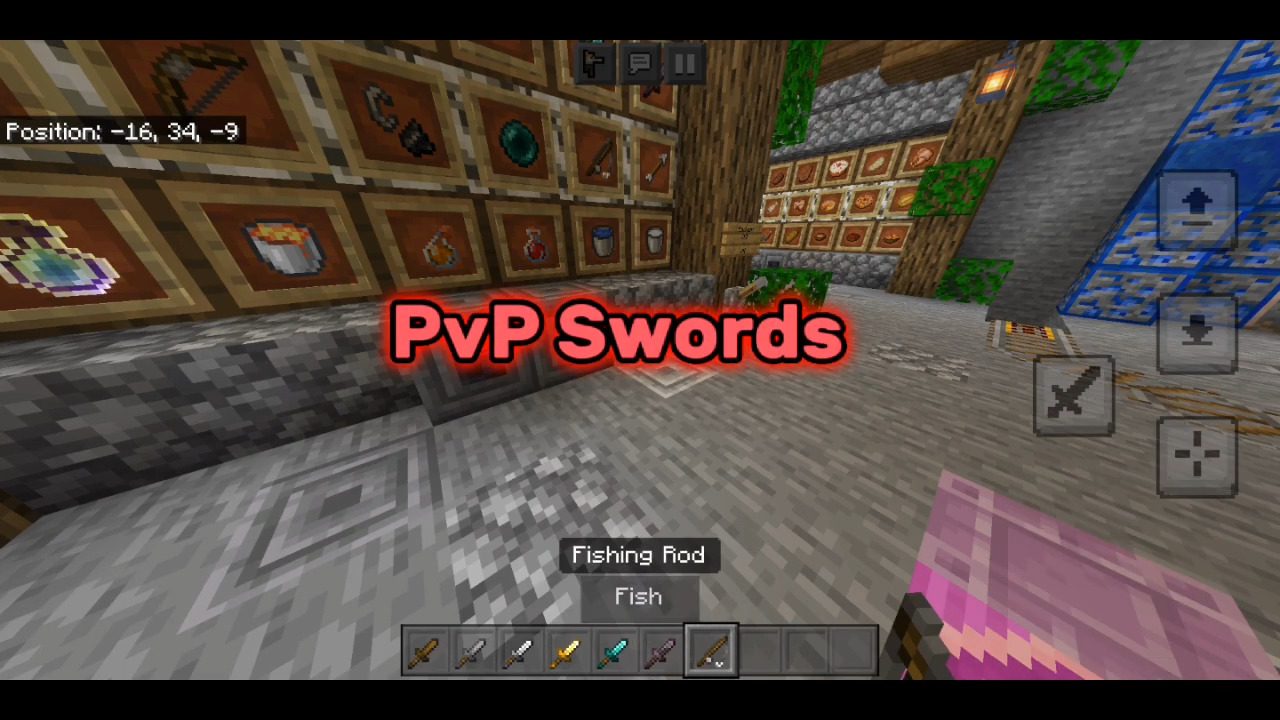
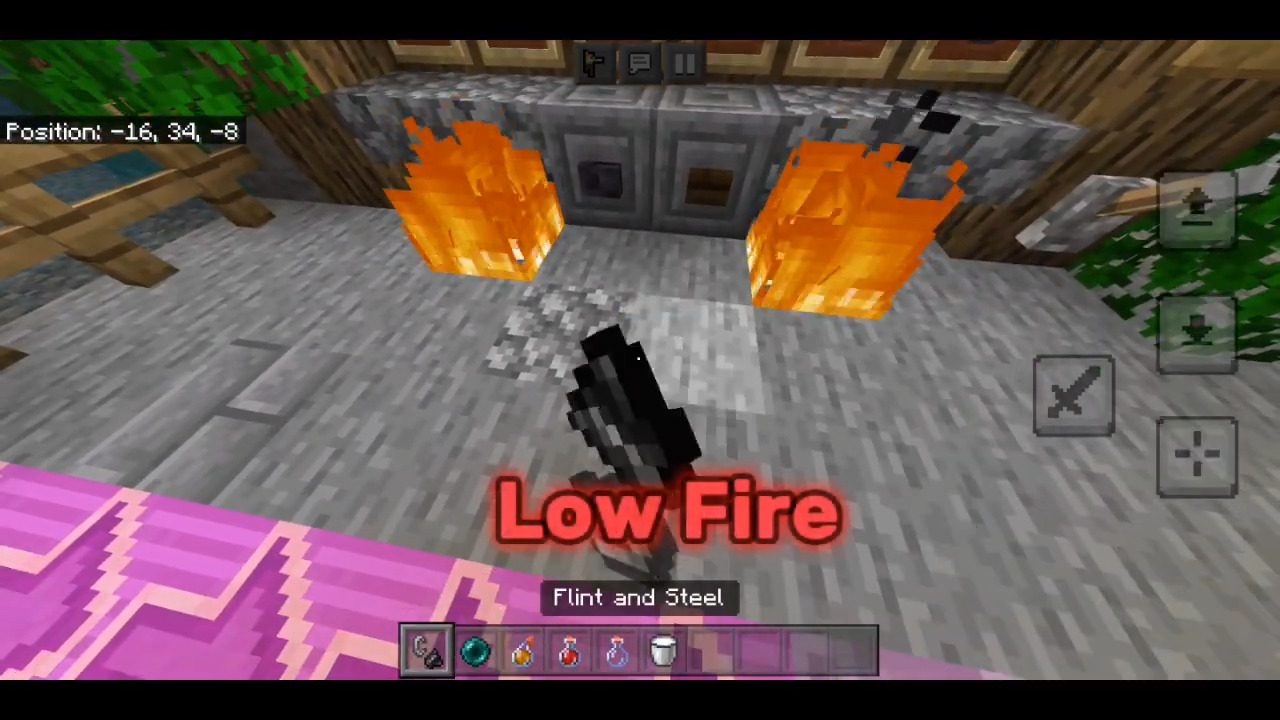
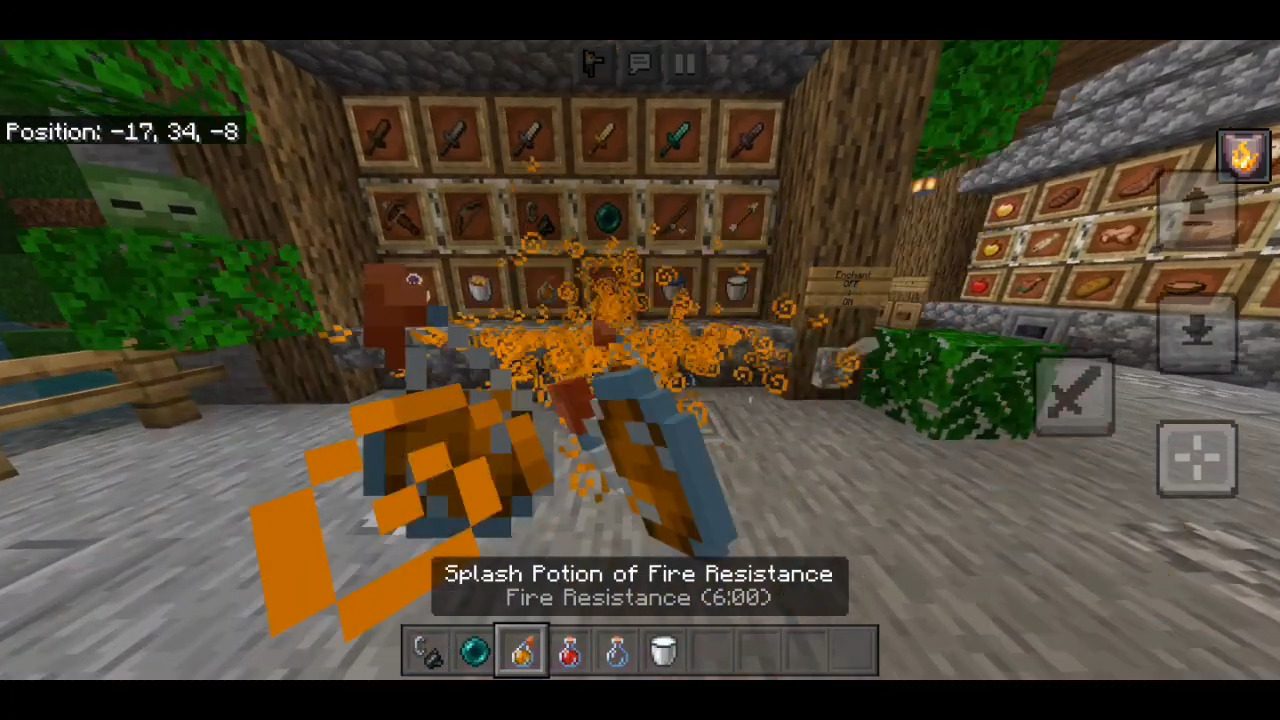
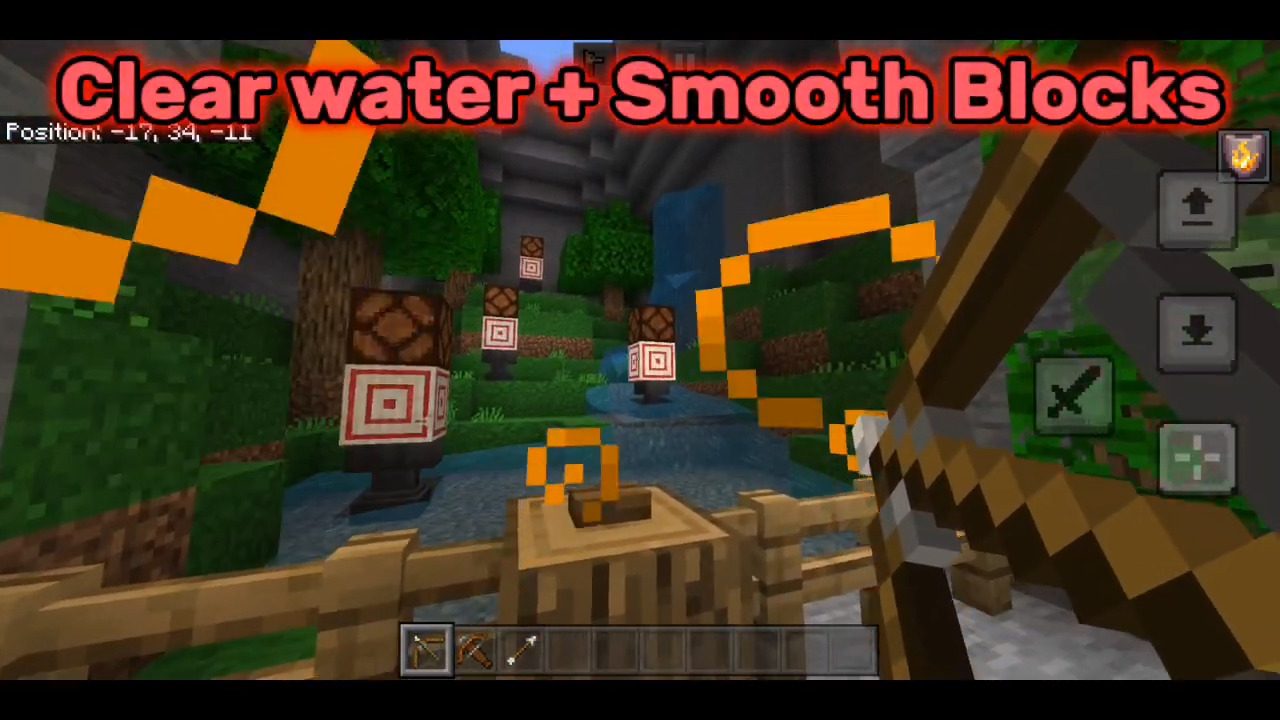
How to Install:
New Optifine for MCPE/Bedrock Download Links
For Minecraft PE/Bedrock 1.20
mcpack: Download from server 1 – Download from server 2
For MCPE/Bedrock 26.x, 1.21.x
Click to rate this post!
[Total: 97 Average: 3.9]
You May Also Like
Picked for this page
 Optifine++ V4 (26.x, 1.21) – Fps Boost, Quick Loot, Clean UI
 Project Light Client (26.x, 1.21) – No Lag Optifine for MCPE
 Titan Craft Addon (1.26+, 1.21) – MCPE/Bedrock Attack on Titan Mod
 Bleach Addon (26.45+) – Shinigami no CR
 Xiao Reimagined Shader (1.26+) – MCPE/Bedrock
 UI Plus Texture Pack (26.x, 1.21) – MCPE/Bedrock
 Dragon Elytras Texture Pack (1.21, 1.20) – MCPE/Bedrock
 100 Days Survival World Map (26.x) – MCPE/Bedrock
 Ultimate Night Vision Texture Pack (26.x, 1.21) – Clear Vision Without Potions
 Backpacked Armor Texture Pack (26.x) – Wear Themed Cosmetic Backpacks On Armor
 Iron Golem to Heavy Weapons Guy Texture Pack (1.21, 1.20) – MCPE/Bedrock
 Health Bar Indicator Texture Pack (26.x) – Show Real Time Health Bars Above Mobs
Most viewed in Clients over the last 7 days
 Apollon Client (1.26+, 26.52) – MCPE/Bedrock
 Nyx Client (1.26+, 26.52) – MCPE/Bedrock
 Flarial Client v1.4.18 (1.26+, 26.52) – MCPE/Bedrock
 Lumina Client v4.1.17 (26.52, 1.26+) – Perfect ToolBox for MCPE/Bedrock
 W Client v38 (26.52, 1.26+) – MCPE/Bedrock FPS Boost Client
 Atlas Client v2.0.7 (26.52, 1.26+) – Best MCPE Utility Client
 MB Loader APK Download (26.x, 1.21) – Loading RenderDragon Shader
 Sunstead Client (26.52) – MCPE/Bedrock
 Onix Client (1.26, 26.30+) – Best MCPE/Bedrock PvP Client
 Lunar Client (1.21, 1.20) – The Best Client for MCPE
 CM Client (26.x, 1.21) – MCPE/Bedrock
 Void Client (26.x, 1.21) – Unlimited FPS Boost for MCPE/Bedrock
More from Clients
 Lithium Client (26.x, 1.21) – FPS Boost, No Particle, PvP Textures
 Astral Client (26.x, 1.19) – Winning Every Single BedWars Game
 EM Client (26.x, 1.21) – Full Bright, ESP, F1, Hotbar Buttons
 Void Tweaks Client (26.x, 1.21) – MCPE/Bedrock Pack
 Warriors’ Client (1.26, 26.30+) – MCPE/Bedrock
 Evoker UI Pack (26.x, 1.21) – Amazing UI, Mod Menu, FPS Boost
 OptiFine RK V5.3 (1.26+) – Client Style for MCPE
 Better Bedrock Client V7 (1.26, 1.21) – FPS Boost, Mod Menu, Animated Cape
 Horion Client (1.26+, 26.32+) – MCPE/Bedrock Most OP Client
 Asteroid Client (26.x, 1.21) – Mod Menu, Direction HUD, FPS Improvement
 OrderSo Client (1.26, 26.30+) – Better than Onix?
 Utility UI Pack (26.x, 1.21) – Best HUD Pack for MCPE/Bedrock

This post has no comments yet. Be the first — your comment will appear here.