
Flarial Client v1.4.18 (1.26+, 26.52) – MCPE/Bedrock


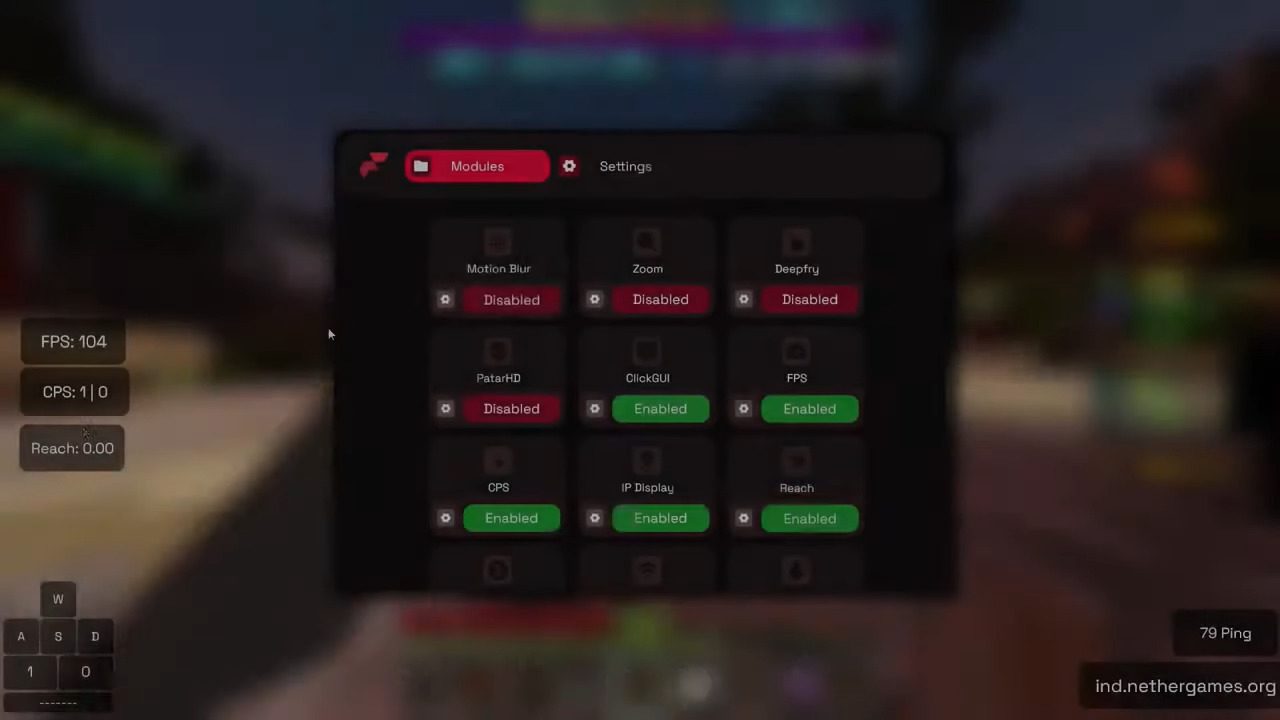
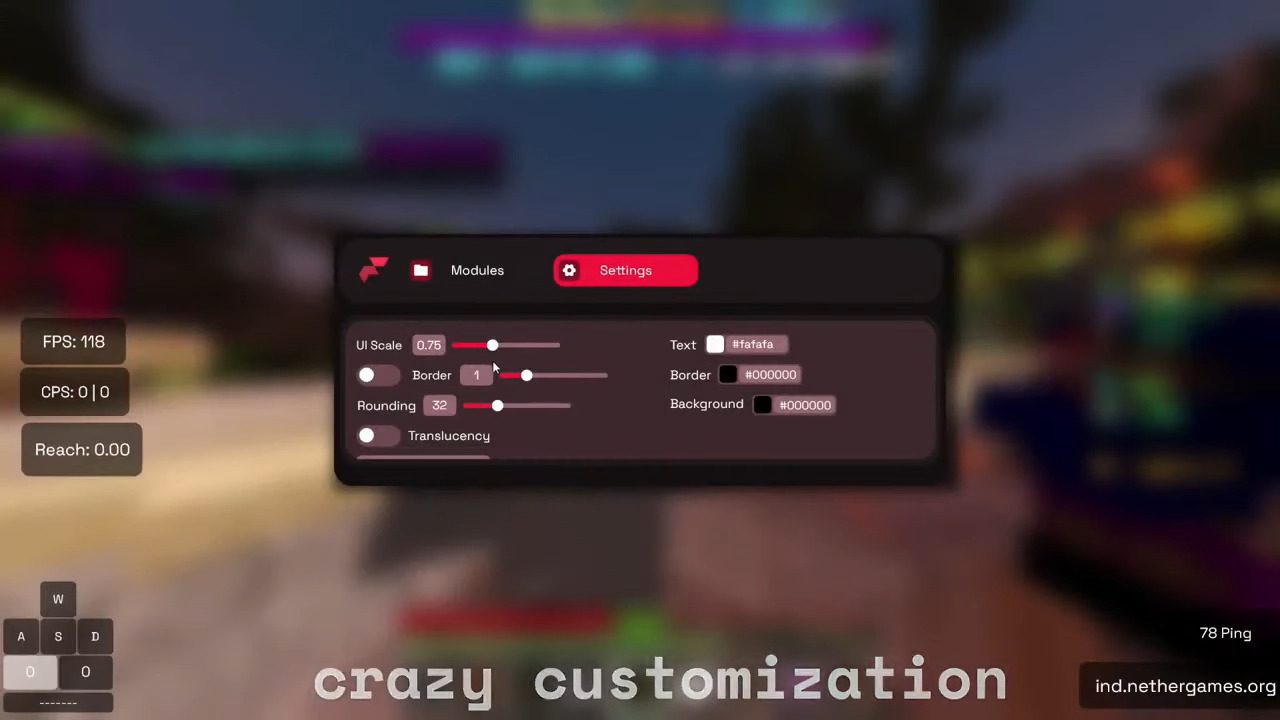
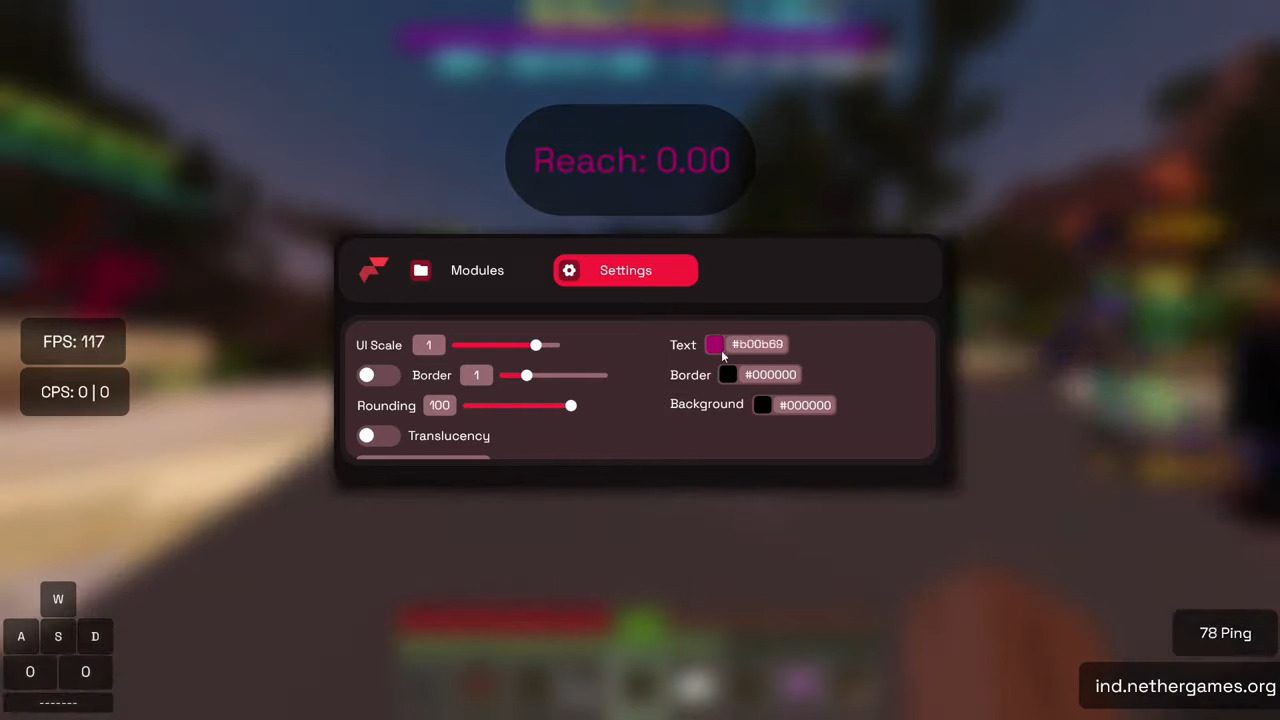
Flarial Client is a free, TOS-compliant utility client for Minecraft Bedrock Edition on Windows 10/11 and Android (MCPE). It is much closer to OptiFine or Lunar Client than to a cheat client: it adds an in-game ClickGUI, on-screen HUD modules such as Keystrokes, CPS and FPS counters, an FPS boost for low-end devices, and over 140 small quality-of-life tweaks you can toggle live without leaving your world.
On Windows you install the Flarial Launcher instead of the client itself. The launcher keeps Flarial up to date and injects it into Minecraft when you press Inject, so you never have to re-download anything after a game update. On Android, Flarial ships as its own app that launches your Minecraft for you. Newer versions add Pack Changer for swapping resource and shader packs mid-game, Better Inventory with Quick Move and Shulker previews, Featured Servers, Hive statistics, and Lua scripting support with its own script marketplace.
Supported Versions:
Minecraft Bedrock 1.26+ on Windows 10/11 and Android (MCPE), up to the latest release 26.52.

Features:
- 140+ modules, all toggled from an in-game ClickGUI
- FPS boost and render optimization for low-end PCs and phones
- HUD modules: Keystrokes, CPS Counter, FPS Counter, Ping Counter, ArmorHUD, Hive Stats
- Motion Blur, Zoom, Reach, Perspective, 3D Block Outline, Hurt Color
- Pack Changer: change resource packs and shaders without leaving your world
- Better Inventory with Quick Move, Quick Drop and Shulker previews
- Featured Servers list and server-partner support
- Lua scripting support with a script marketplace
- Fun mode: Deepfry, PatarHD and other visual tweaks
- Free core client; Flarial+ adds optional premium extras
Changelog:
What’s new in Store cosmetics update and Linux support (October 11, 2026)
The store and account dashboard just got a huge redesign, and the store now sells more than capes.
Stand out with custom name plates (including End Portal and Nether Portal styles) and a Flarial Logo Bandana
Flarial+ members get 4 capes and the Flarial Logo Bandana included with their membership, along with a 15% discount on all store items The account dashboard has also been redesigned from the ground up, giving you a way to equip and preview your cosmetics in a sleek UI
We now officially support Flarial on Linux and are actively improving it and fixing bugs. Credits to BedrockOnLinux and Xodus for making it possible.
What’s new in Android 1.4.18 cosmetics support (October 11, 2026)
What’s new in Android Minimap beta (October 10, 2026)
- Minimap is currently in beta and has been released for Flarial+ Users (It will be completely FREE after the full release) NOTE: This is for Android only at the moment, PC release will take a few days.
Also optimized launch times!
What’s new in Android Replay Mod recording controls (October 9, 2026)
- Brought back Account Switcher
- Fixed issues related to API
- Added support to start/stop recording mid game
- Added support to pause/play the recording
- Added markers (basically if click on “mark” it will put a marker there and it will show up in the replay, so you can mark a POI and easily find it in the replay)
- Added the ability to toggle auto recording
- Added better support for Keyboard and Mouse users
- Slight UI Changes
- Fixed a bunch of issues and performance problems
What’s new in Android 1.4.7 payment methods (October 3, 2026)
- Added more supported payment methods
Screenshots:
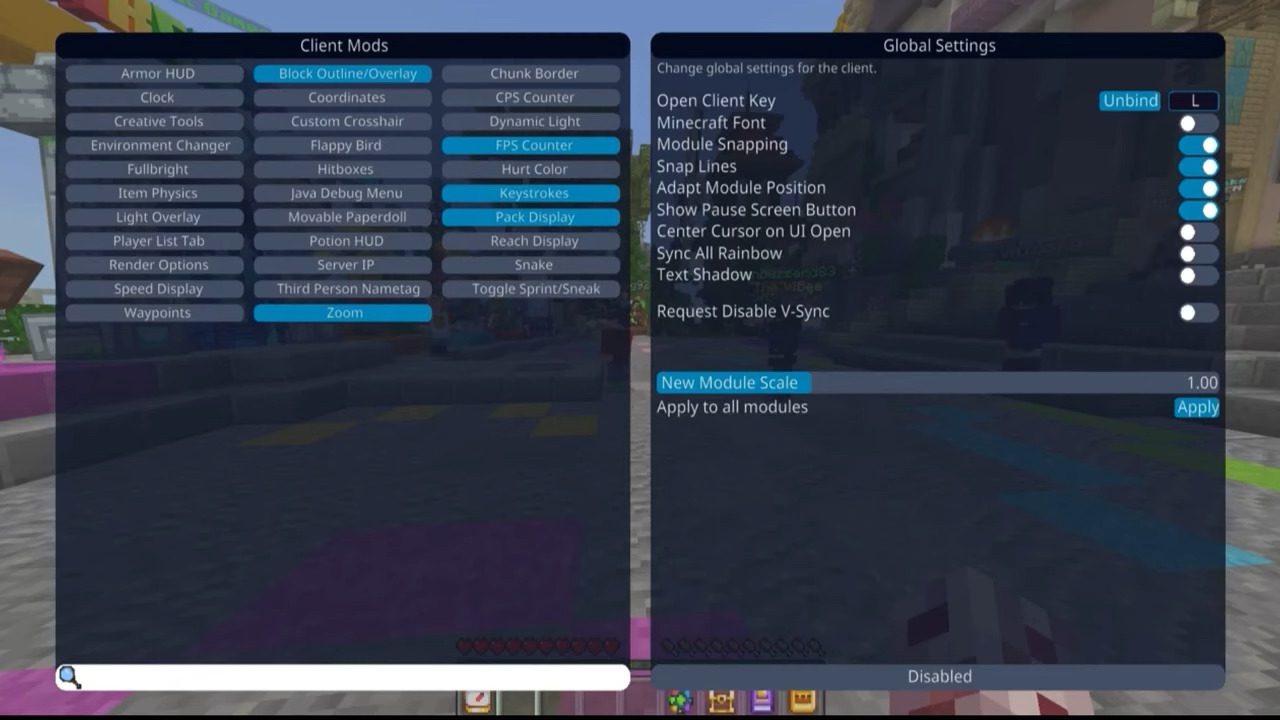
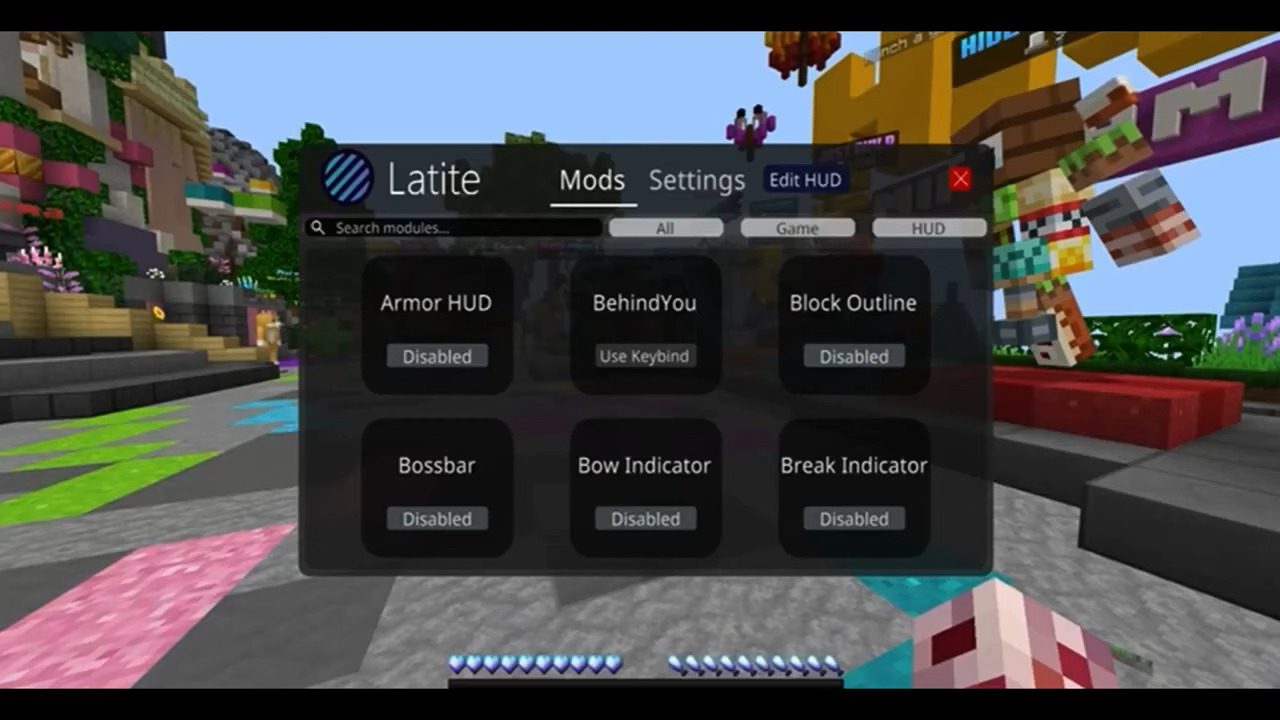
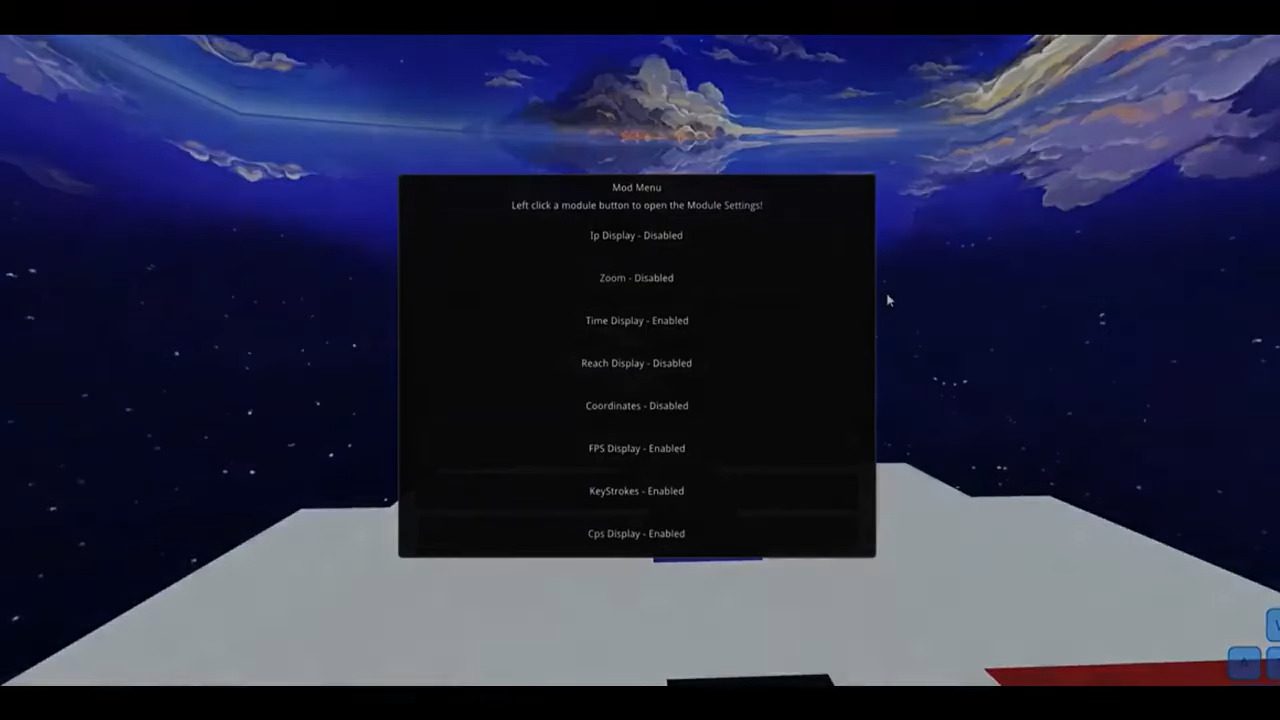
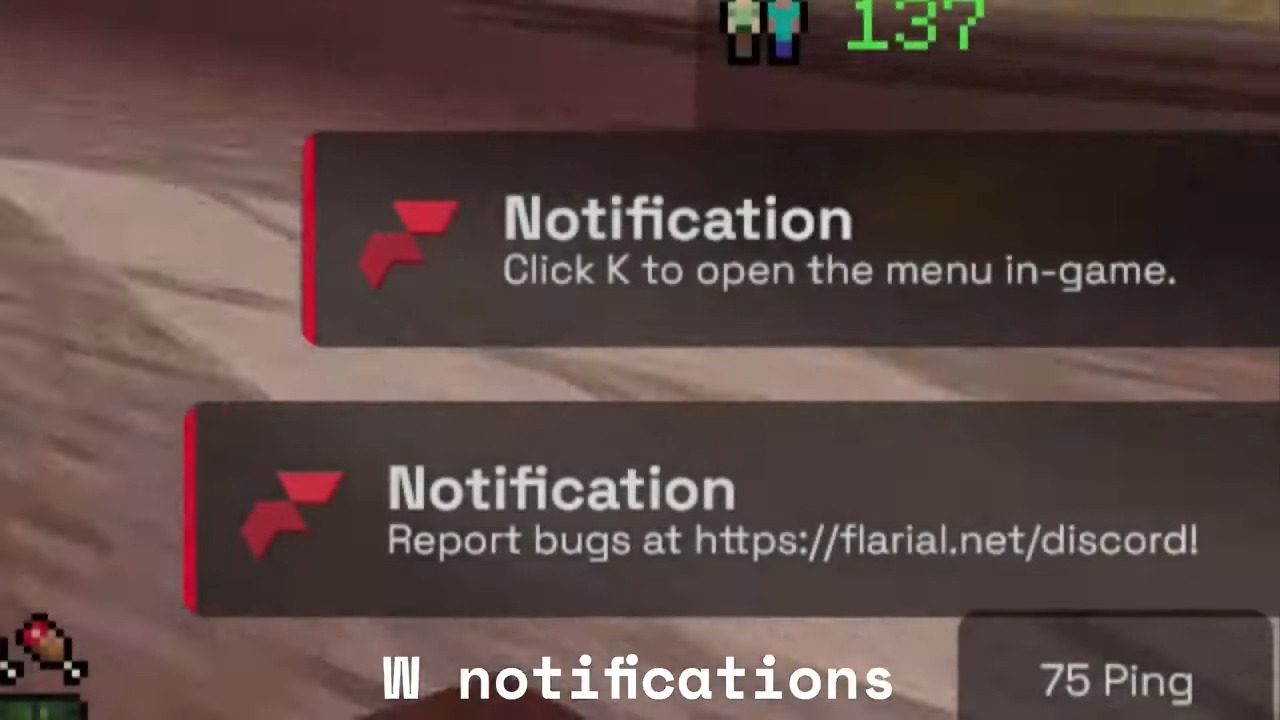
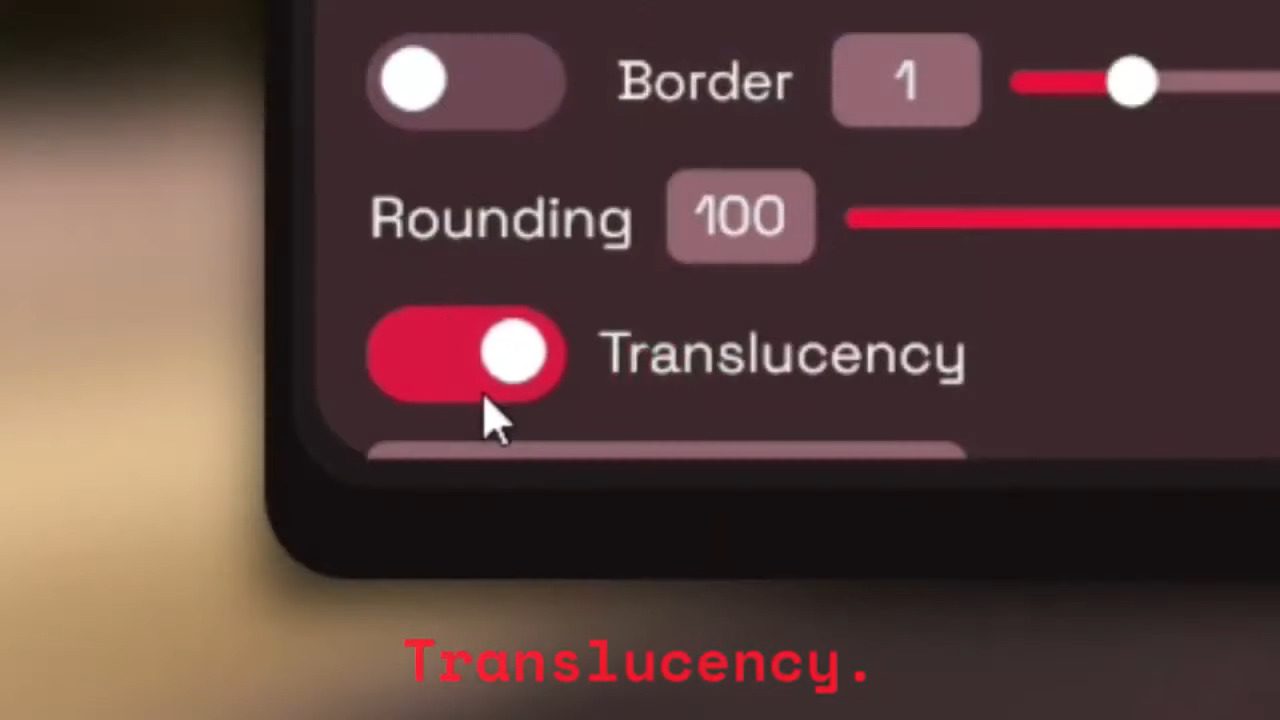
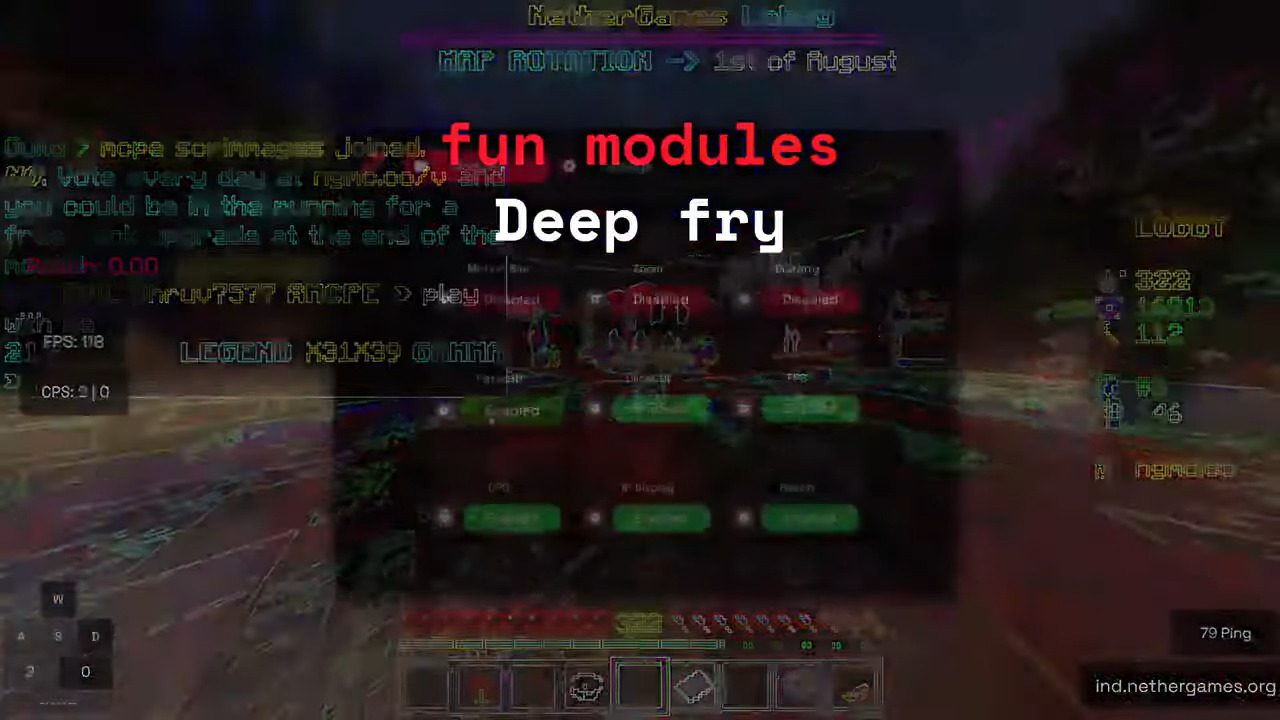
How to install:
- Windows: download and run the Flarial Launcher, start Minecraft from it, then click Inject once the game has loaded. Press K in-game to open the ClickGUI.
- Android (official apk): install the apk, open Flarial, then launch Minecraft through the app. Tap the Flarial icon in-game to open the ClickGUI. Minecraft has to be installed separately.
Flarial Client Download Links
For Windows 10/11 (Minecraft Bedrock 1.26+)
Flarial Launcher (exe file): Download from server 1 – Download from server 2
For Minecraft PE/Bedrock Android 1.26+
Flarial Client v1.3.14 (official apk, Minecraft not included): Download from server 1 – Download from server 2

13 Comments
 What do you think?
Your opinion means a lot - we'd love to hear from you.
What do you think?
Your opinion means a lot - we'd love to hear from you.
You May Also Like
Picked for this page
 Packet Client V3.1 (1.21.111) – MCPE/iOS/Android/Windows
 Enhanced Fog With Care (26.x, 1.19) – Texture Pack for MCPE
 Boost Client V4 (1.21.100+) – Private Client for MCPE/Bedrock
 Floence Client (1.21) – MCPE/Bedrock
 Proton Client (1.21.120) – MCPE/Bedrock
 Erebus Client (1.21) – MCPE/Bedrock
 Orphan Client (1.21.100) – MCPE/Bedrock
 Newb Constellation Gemini Shader (1.21.20+) – MCPE/Bedrock
 Cookie Client (1.21.94) – MCPE/Bedrock
 Valkyrie Client V4 (1.21.94) – MCPE/Bedrock
 Natsuki Client (1.21.101) – MCPE/Bedrock
 Sleek Client (1.21.80) – MCPE/Bedrock
Most viewed in Clients over the last 7 days
 Apollon Client (1.26+, 26.52) – MCPE/Bedrock
 Nyx Client (1.26+, 26.52) – MCPE/Bedrock
 Atlas Client v2.0.7 (26.52, 1.26+) – Best MCPE Utility Client
 Lumina Client v4.1.16 (26.52, 1.26+) – Perfect ToolBox for MCPE/Bedrock
 MB Loader APK Download (26.x, 1.21) – Loading RenderDragon Shader
 Lunar Client (1.21, 1.20) – The Best Client for MCPE
 ProtoHax Client v2.2.0 (26.52, 1.26+) – MCPE/Bedrock Hack Client for Android
 W Client v38 (26.52, 1.26+) – MCPE/Bedrock FPS Boost Client
 Bedrock Tools v1.5.6 (26.50, 1.26+) – PvP Utility Client Mod for LeviLauncher
 OrderSo Client (1.26, 26.30+) – Better than Onix?
 Saber Proxy Client (1.21) – MCPE, Xbox, Windows, iOS, Android, PS
 Nova Client (1.26+) – MCPE/Bedrock
More from Clients
 Vortex Pulse Client (1.21.94) – MCPE/Bedrock
 Vyx Client (1.21) – FPS Boost for MCPE/Bedrock
 Aether Client (1.21.100) – MCPE/Bedrock
 Solstice Client (1.21.111) – MCPE/Bedrock Orphan Client
 Zephyr Client (1.21.82) – Ambrosial Client for Windows 10/11
 Saba Client (1.21.113) – MCPE/Bedrock
 Primordial Client (1.21.100) – MCPE/Bedrock
 Scald Client (1.21.113) – Best Ghost Client MCPE/Bedrock
 Klizr Client (1.21, 1.20+) – FPS Counter, Clock, Battery
 Vector Client (1.21, 1.20) – Best Bedrock Client?

ko
Does it work on mobile
how to install .exe files?
Is not working on mobile
I thought is working
I like it
Technoblade never dies
ni idea
wroong grammar buddy
Hello
it not working >:(
It’s really good
Best client