


Multiverse-Inventories Plugin (26.2, 1.20.1) – Separates World I

 0
0 

Multiverse-Inventories Plugin lets server owners separate player items across different worlds. You can stop players from taking items from one world into another. The plugin links with Multiverse-Core to set up these rules. It gives admins control over items, health, and hunger for specific game modes. You can group certain worlds together to share stats while keeping others completely isolated.
Features:
- The core feature of Multiverse-Inventories is its ability to manage separate inventories for different worlds. Players can have unique items, experience levels, and armor sets in each world, preventing crossover between game modes or world types.
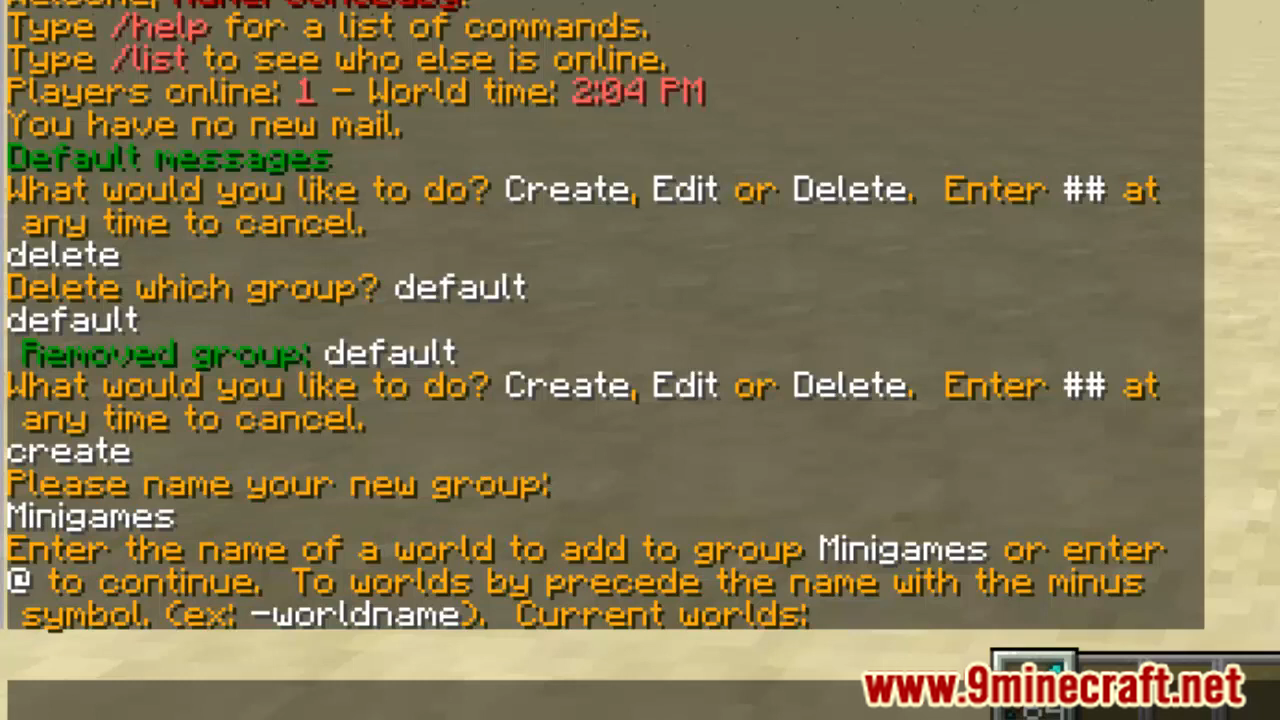
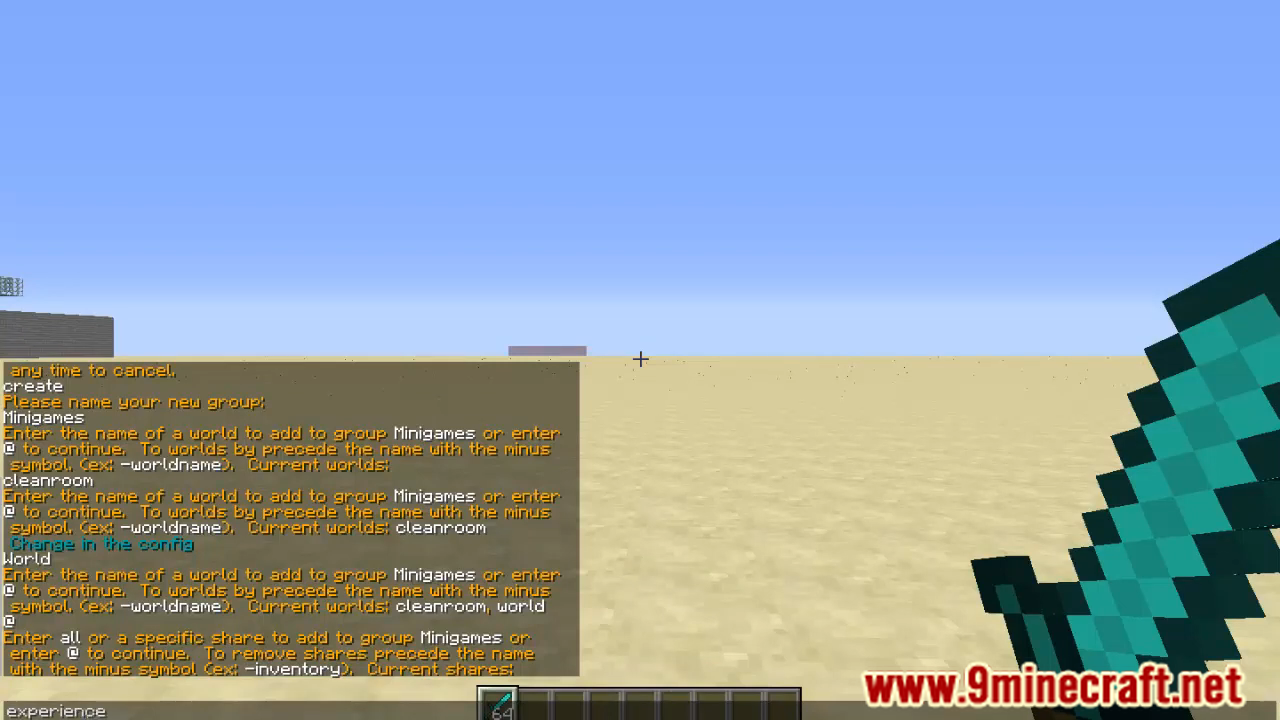
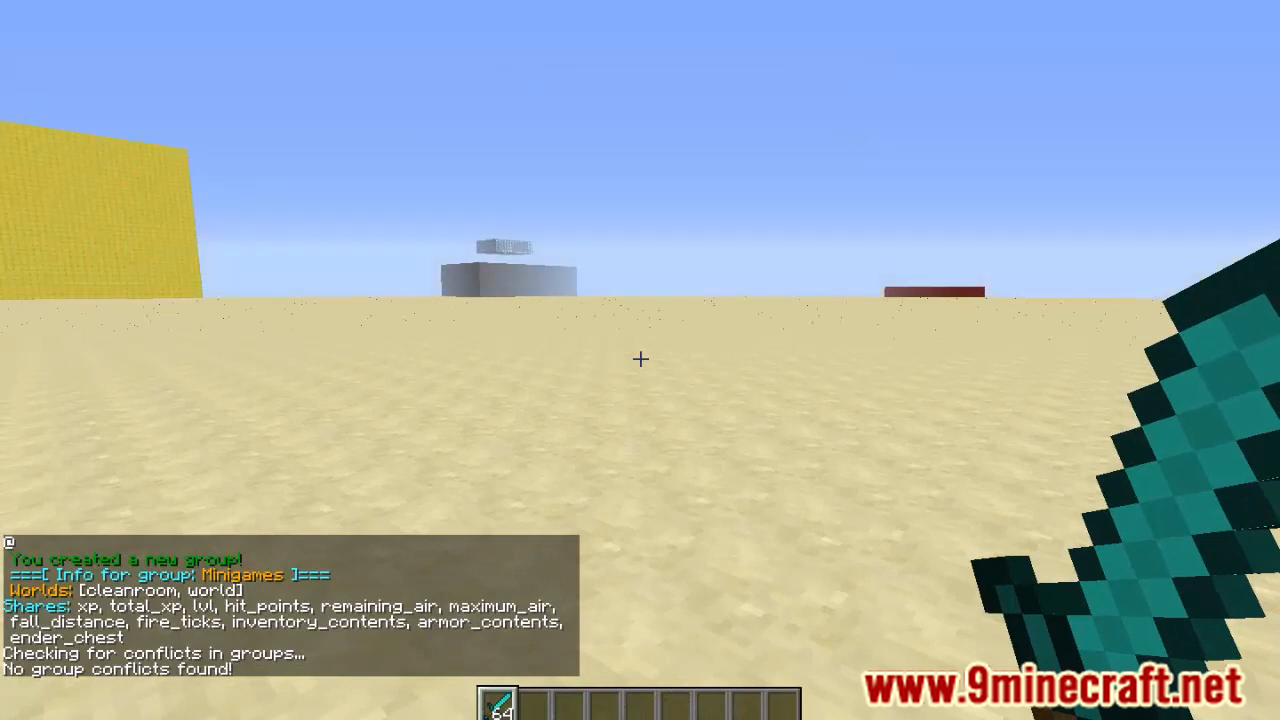
- The plugin allows server administrators to group worlds together, enabling shared inventories between specific worlds while keeping them separate from others. This is useful for creating clusters of related worlds, such as different regions within a survival mode that share the same inventory.
- Multiverse-Inventories can separate more than just inventories. It also handles experience points, health, hunger, and more on a per-world basis, ensuring a consistent and immersive experience across various gameplay environments.
- The plugin offers extensive configuration options, allowing server admins to fine-tune which player attributes are shared or separated between worlds. This flexibility ensures that the plugin can be adapted to the specific needs of any server.
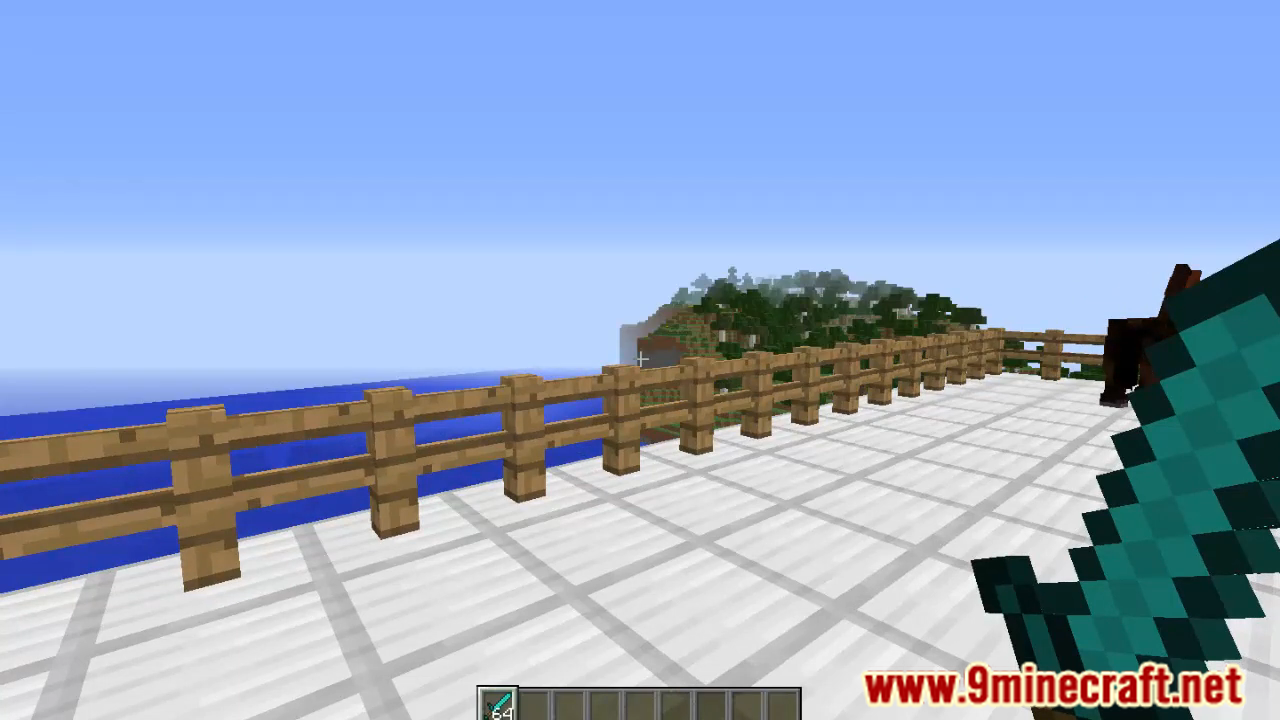
Screenshost:
How to Install:
New to Minecraft? Follow our step-by-step guide to install Plugins on your PC.View Guide
Multiverse-Inventories Plugin Download Links
For Minecraft
26.2,
1.21.11,
1.21.5
All Versions Covered
26.2
1.21.11
1.21.5
1.21.4
1.20.6
1.20.5
1.20.4
1.20.3
1.20.2
1.20.1
1.20
1.19.4
1.19.3
1.19.2
1.19.1
1.19
1.18.2
All Versions Covered
26.2
1.21.11
1.21.5
1.21.4
1.20.6
1.20.5
1.20.4
1.20.3
1.20.2
1.20.1
1.20
1.19.4
1.19.3
1.19.2
1.19.1
1.19
1.18.2
For Minecraft
26.1.2,
26.1.1,
26.1
All Versions Covered
26.1.2
26.1.1
26.1
1.21.11
1.21.10
1.21.9
1.21.8
1.21.7
1.21.6
1.21.5
1.21.4
1.21.3
1.21.2
1.21.1
1.21
1.20.6
1.20.5
1.20.4
1.20.3
1.20.2
1.20.1
1.20
1.19.4
1.19.3
1.19.2
1.19.1
1.19
1.18.2
All Versions Covered
26.1.2
26.1.1
26.1
1.21.11
1.21.10
1.21.9
1.21.8
1.21.7
1.21.6
1.21.5
1.21.4
1.21.3
1.21.2
1.21.1
1.21
1.20.6
1.20.5
1.20.4
1.20.3
1.20.2
1.20.1
1.20
1.19.4
1.19.3
1.19.2
1.19.1
1.19
1.18.2
For Minecraft
1.21.11,
1.21.10,
1.21.9
All Versions Covered
1.21.11
1.21.10
1.21.9
1.21.8
1.21.7
1.21.6
1.21.5
1.21.4
1.21.1
1.21
1.20.6
1.20.5
1.20.4
1.20.3
1.20.2
1.20.1
1.20
1.19.4
1.19.3
1.19.2
1.19.1
1.19
1.18.2
All Versions Covered
1.21.11
1.21.10
1.21.9
1.21.8
1.21.7
1.21.6
1.21.5
1.21.4
1.21.1
1.21
1.20.6
1.20.5
1.20.4
1.20.3
1.20.2
1.20.1
1.20
1.19.4
1.19.3
1.19.2
1.19.1
1.19
1.18.2
For Minecraft
1.21.5,
1.21.4,
1.21.3
All Versions Covered
1.21.5
1.21.4
1.21.3
1.21.2
1.20.6
1.20.5
1.20.4
1.20.3
1.20.2
1.20.1
1.20
1.19.4
1.19.3
1.19.2
1.19.1
1.19
1.18.2
1.18.1
1.18
1.17.1
1.17
1.16.5
1.16
1.15.2
1.15.1
1.15
1.14.4
1.14.3
1.14.2
1.14.1
1.14
1.13.2
1.13.1
1.13
All Versions Covered
1.21.5
1.21.4
1.21.3
1.21.2
1.20.6
1.20.5
1.20.4
1.20.3
1.20.2
1.20.1
1.20
1.19.4
1.19.3
1.19.2
1.19.1
1.19
1.18.2
1.18.1
1.18
1.17.1
1.17
1.16.5
1.16
1.15.2
1.15.1
1.15
1.14.4
1.14.3
1.14.2
1.14.1
1.14
1.13.2
1.13.1
1.13
For Minecraft 1.19.2, 1.19
For Minecraft 1.16.5, 1.16
For Minecraft 1.8 –> 1.12.2
Click to rate this post!
[Total: 4 Average: 2.3]
You May Also Like
















This post has no comments yet. Be the first — your comment will appear here.