
Show Dimension In Name Data Pack (26.3, 1.20.1) – Always Know Which Realm

 0


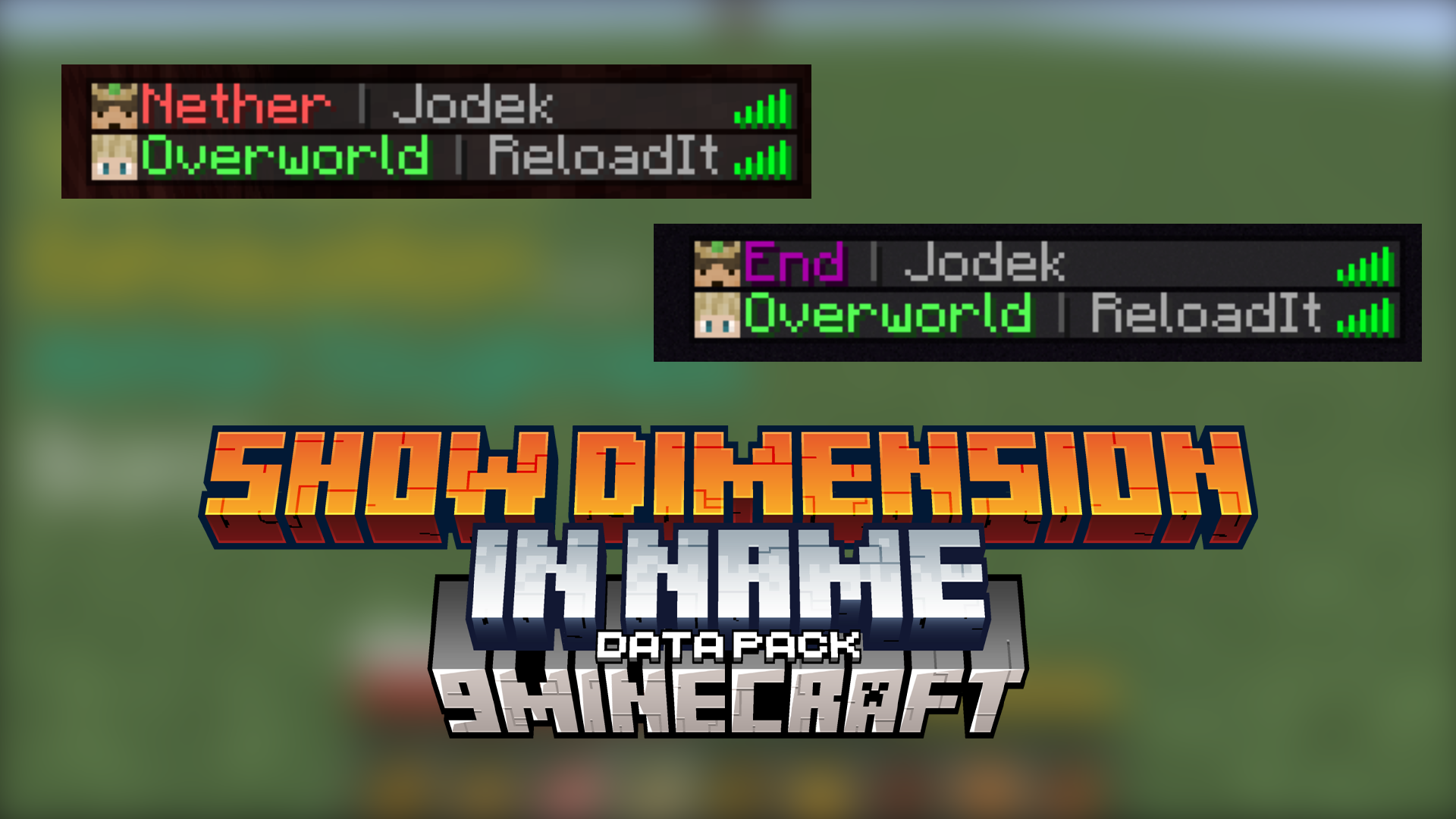
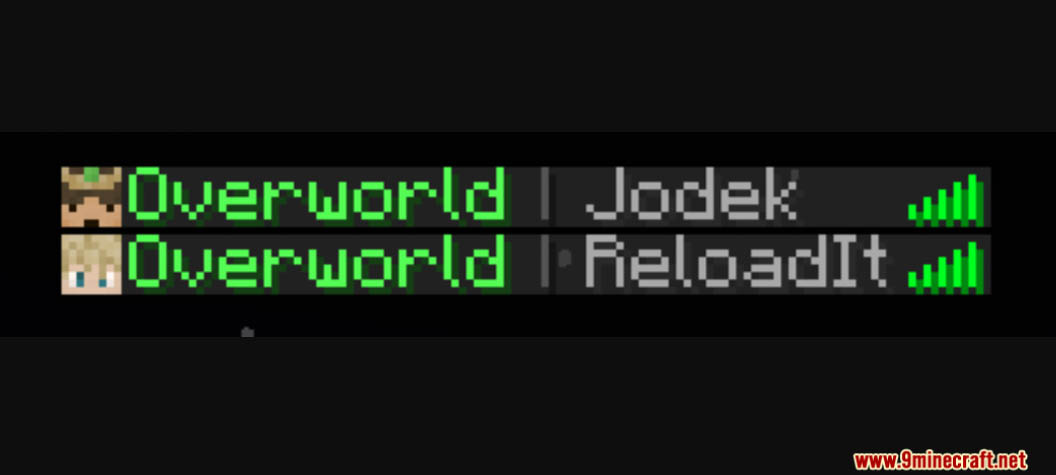
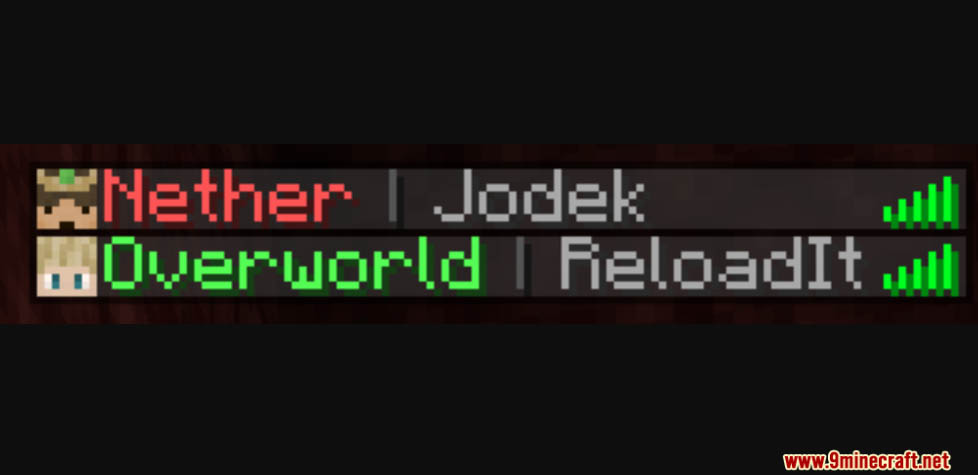
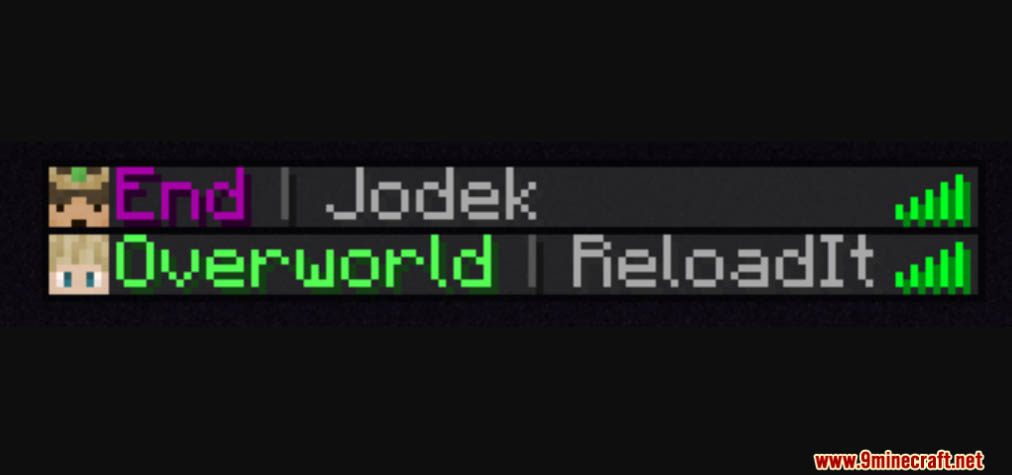
Show Dimension In Name Data Pack displays the dimension a player is currently in right next to their name. It makes it easy to identify if friends or other players are in the Overworld, Nether, or End.
Features:
- Shows which dimension each player is currently in right next to their name.
- Displays locations clearly in the Overworld, Nether, and End.
- Offers compatibility with other data packs and mods like Invisible Player Name and AFK Announcer.
Configuration:
To switch between a long and short prefix
/scoreboard players set &short_prefix sdin.config valuevalue = 0 = long prefix –> default
value = 1 = short prefix
Color table
1 – aqua2 – black
3 – blue
4 – dark_aqua
5 – dark_blue
6 – dark_gray
7 – dark_green
8 – dark_purple
9 – dark_red
10 – gold
11 – gray
12 – green
13 – light_purple
14 – red
15 – white
16 – yellow
- Name color
Change name color (overworld)
Color of the name in the overworlddefault = gray
/scoreboard players set &name_color_sdin_overworld name_color.jodek valuevalue = color –> look at color table
Change name color (nether)
Color of the name in the netherdefault = gray
/scoreboard players set &name_color_sdin_nether name_color.jodek valuevalue = color –> look at color table
Change name color (end)
- Prefix color –> [Overworld] – [Nether] – [End]
Change prefix color (overworld)
Color of the “overworld” prefixdefault = green
/scoreboard players set &prefix_color_sdin_overworld name_color.jodek valuevalue = color –> look at color table
value = 0 –> disabled / no prefix
Change prefix color (nether)
Color of the “nether” prefixdefault = red
/scoreboard players set &prefix_color_sdin_nether name_color.jodek valuevalue = color –> look at color table
value = 0 –> disabled / no prefix
Change prefix color (end)
Color of the “end” prefix
default = dark_purple
/scoreboard players set &prefix_color_sdin_end name_color.jodek valuevalue = color –> look at color table
value = 0 –> disabled / no prefix
Screenshots:
How to Install:
New to Minecraft? Follow our step-by-step guide to install Data Packs on your PC.View Guide
Requirements:
 Invisible Player Name Mod Required

Show Dimension In Name Data Pack Download Links
For Minecraft 26.3
For Minecraft
26.2,
26.1.2,
26.1.1
All Versions Covered
26.2
26.1.2
26.1.1
26.1
1.21.11
1.21.10
1.21.9
1.21.8
1.21.7
1.21.6
For Minecraft
26.1.2,
26.1.1,
26.1
All Versions Covered
26.1.2
26.1.1
26.1
1.21.11
1.21.10
1.21.9
1.21.8
1.21.7
1.21.6
For Minecraft
1.21.11,
1.21.10,
1.21.9
All Versions Covered
1.21.11
1.21.10
1.21.9
1.21.8
1.21.7
1.21.6
For Minecraft 1.21.5
For Minecraft
1.21.4,
1.21.3,
1.21.2
All Versions Covered
1.21.4
1.21.3
1.21.2
1.21.1
1.21
For Minecraft 1.20.6
For Minecraft 1.20.4
For Minecraft 1.20.1, 1.20
How often do you use the /spectator gamemode in your Survival worlds?
0 responses · See the full results →
You May Also Like
Picked for this page
 Vanilla Refresh Data Pack (26.2, 1.20.1) – 30+ Quality Of Life Features
 Spawn Animations Data Pack (1.21.11, 1.20.1) – Hostile Mobs Dig Out of The Ground
 Moss Ruins Data Pack (26.3, 1.20.1) – Ruined Cities!
 Colorful Trims Data Pack (26.3, 1.20.1) – Add Vibrant Colors To Your Gear
 Cauldron Concrete Powder Data Pack (26.3, 1.20.1) – Simplify Your Concrete Crafting
 Improved Weather Data Pack (26.3, 1.20.1) – Enhanced Weather Conditions
 No Enderman Grief Data Pack (26.3, 1.20.1) – Block Protection
 Dungeons and Taverns Ancient City Overhaul Data Pack (26.3, 1.20.1)
 Dungeons and Taverns Swamp Hut Overhaul Data Pack (26.3, 1.20.1)
 Pickaxe Effective Reinforced Deepslate Data Pack (26.3, 1.20.1) – Easier Mining for Tough Blocks
 Skippy Pearls Data Pack (26.3, 1.20.1) – Bounce Your Way Across Water
 Hoe Effective Cactus Data Pack (26.3, 1.20.1) – Speed Up Your Cactus Harvesting
Most viewed in Data Packs over the last 7 days
 True Ending 9minecraft Data Pack (26.3) – Fight a Multi-Phase Ender Dragon
 Unlimited Enchantments Data Pack (26.3, 1.21.1) – Break the Level Cap
 Simply One Block Data Pack (26.3, 1.21.11) – Mine One Infinite Block
 Weird and Powerful Weapons Data Pack (26.3, 1.21.11) – Wield Bizarre Gear
 RPG Enchantments Data Pack (26.3, 1.21.11) – Trade Raw Power for Specialized
 Hearths 9minecraft Data Pack (26.3) – Raid Giant Spires for Nether Loot
 Display Hearts DH Data Pack (1.21.11, 1.21.1) – Track Teammate Health
 TreeCapitator Data Pack (26.1.2, 1.20.1) – An Easy Way To Clear A Forest
 Enchant Everything Data Pack (26.3, 1.20.1) – Forge Overpowered Gear
 Pedestal of the Master Sword the Legend of Zelda Data Pack (26.1.2, 1.21.11)
 Dunadex Cobblemon Data Pack (1.21.1, 1.20.1) – Catch and Train New Creatures
 Villager Plus More Trades Mason Data Pack (1.20.1) – Trade Masons for Building
More from Data Packs
 Auto Droppers Data Pack (26.3, 1.20.1) – Move and Craft Items Without Messy
 Hell’s Gate Origin Data Pack (1.20.1) – Survive As a Tiny Hatchling
 S Ilvers Dynamic Durations Library DDL Data Pack (26.3, 1.21.1)
 Archers Expansion Balancing Datapack for Prominence II Data Pack (1.20.1)
 Epic Fight Fix Data Pack (1.21.1) – Forge Lethal Blades for Daily Survival
 Lil Guys Cobblemon Data Pack (1.19.2) – Befriend Cute Monsters
 Immersive Weathering Nature’s Delight Bark Stripping Data Pack (1.20.1)
 Fire Aspect on Axes Data Pack (26.3, 1.21.1) – Burn Your Enemies with Heavy Axe
 Crafting Refinements Data Pack (26.3, 1.21.11) – Fair Returns for Every Block
 Dimension Tracker Afk Display Data Pack (26.3, 1.21.11)
 Error Mons Data Pack (1.21.1, 1.20.1) – Catch Glitch Creatures
 Heavy Core Recipe Data Pack (26.3, 1.21.1) – Arm Your Entire Team

This post has no comments yet. Be the first — your comment will appear here.