
Player Health Indicators Mod (26.1.2, 1.20.1) – Know Who Needs Healing in Battle
 133,093
 0


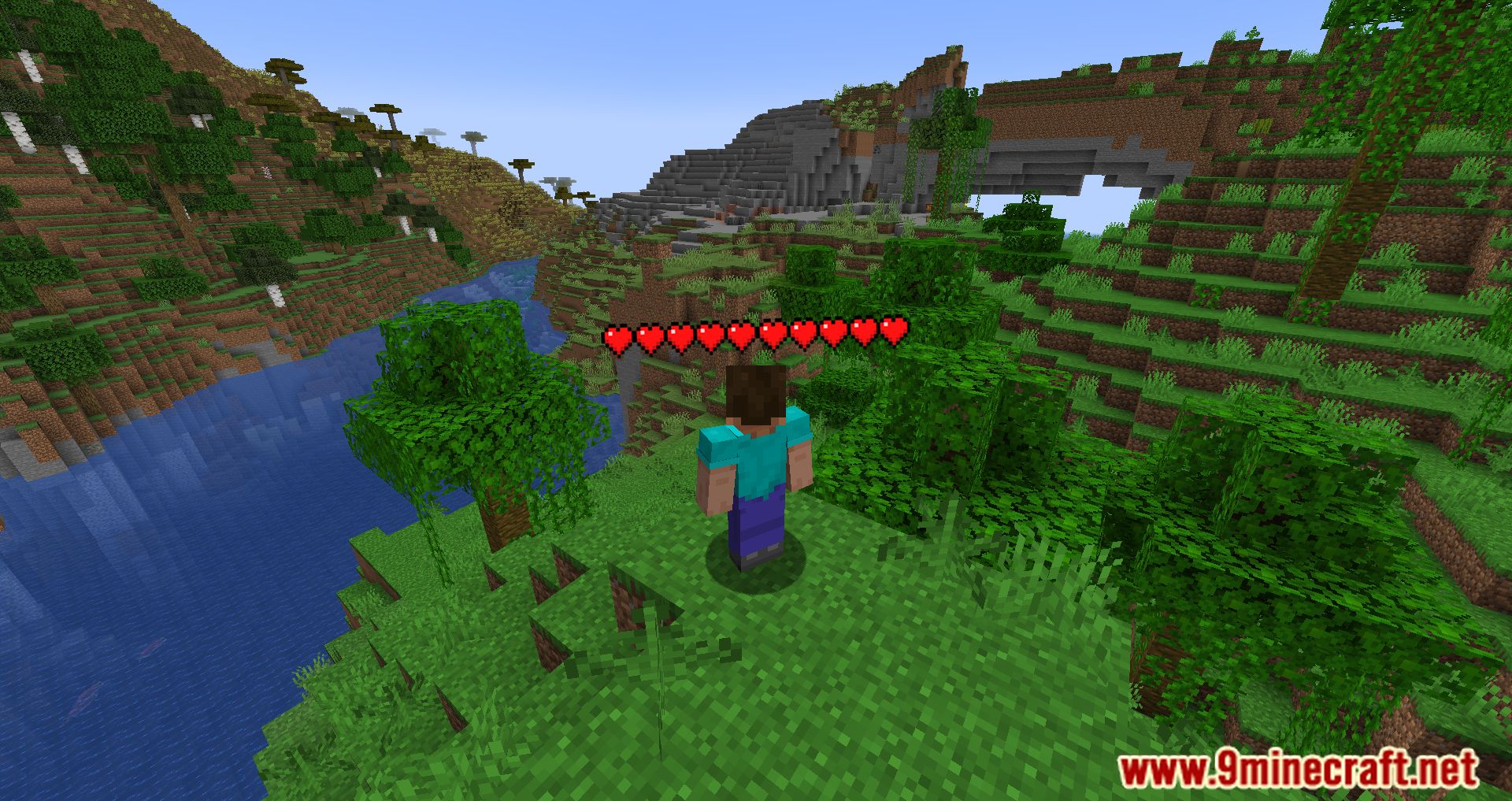
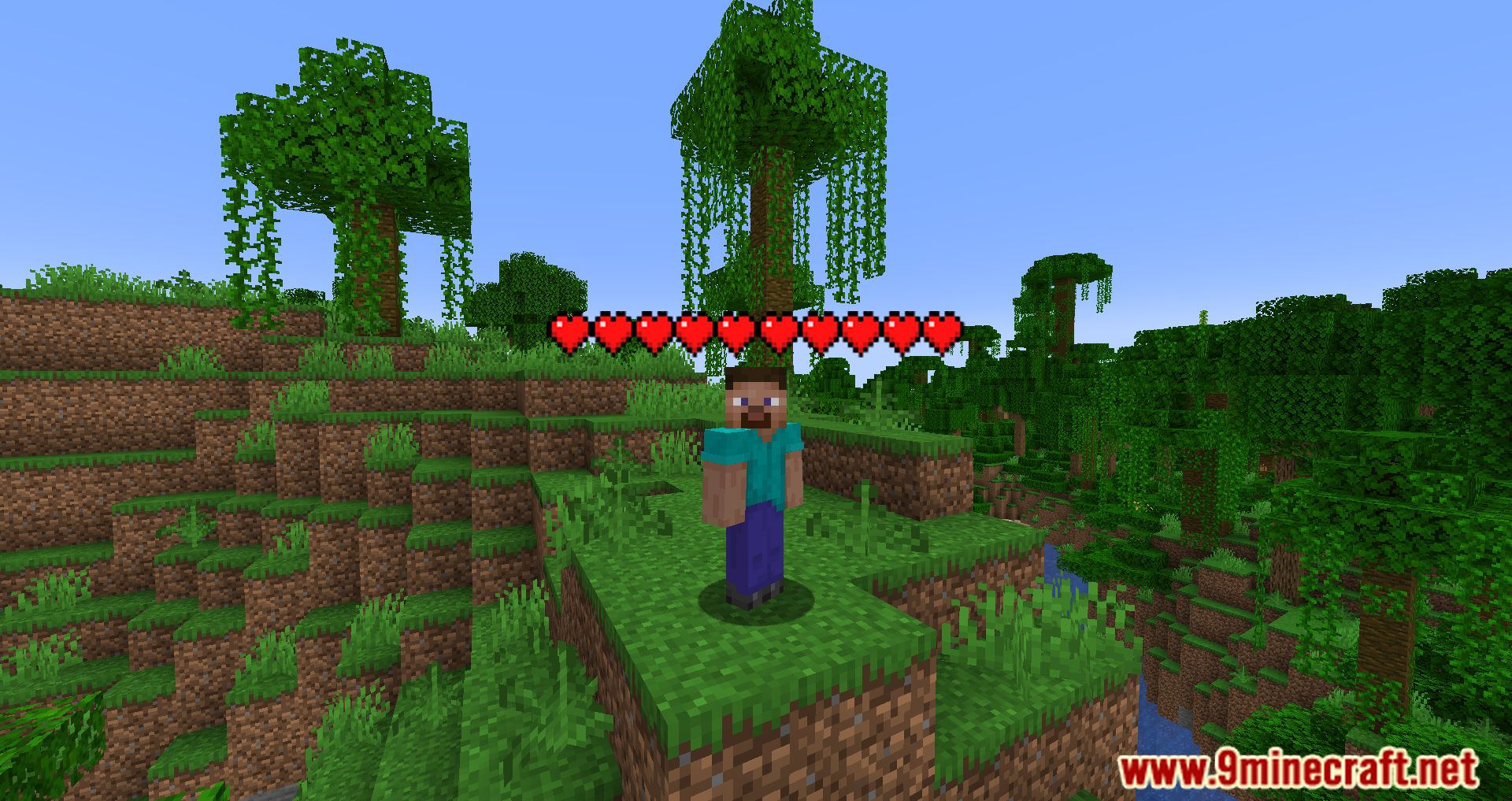
Player Health Indicators Mod shows other players’ health right above their names in hearts. This mod uses the same texture as the normal HUD health bar so it blends right into the game. You can also set a keybind in the game controls to turn the health bars on or off whenever you want.

Features:
- Shows other players’ health in hearts right above their names.
- Uses the same heart texture as the standard HUD health bar.
- Lets you set a keybind in the controls menu to toggle the health bars on and off.
How to Use:
- Open the game controls menu and pick a keybind to toggle the health bars.
- Press your chosen key while playing to turn the health bars on or off.
- Look at other players to see their health shown in hearts above their names.
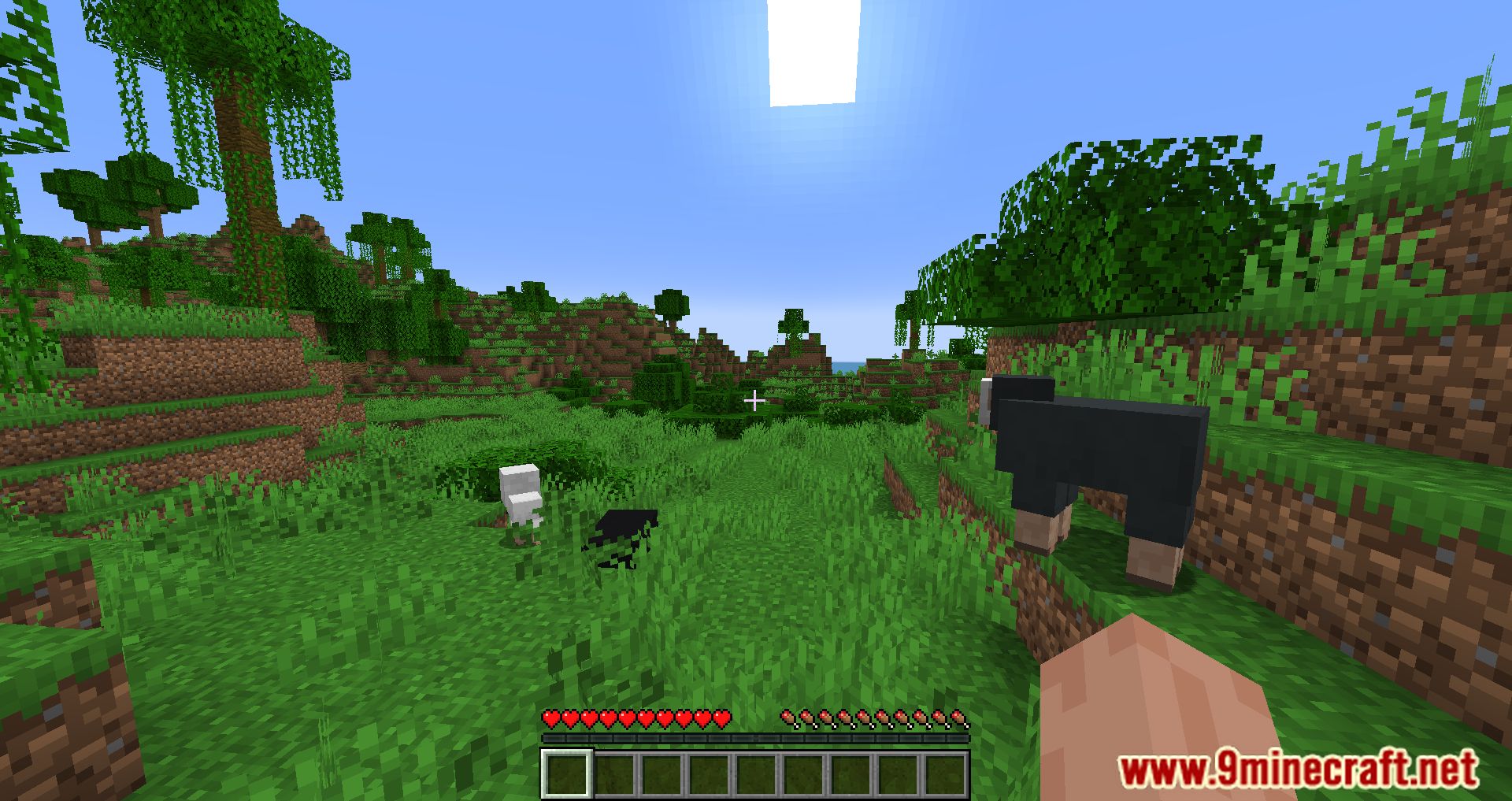
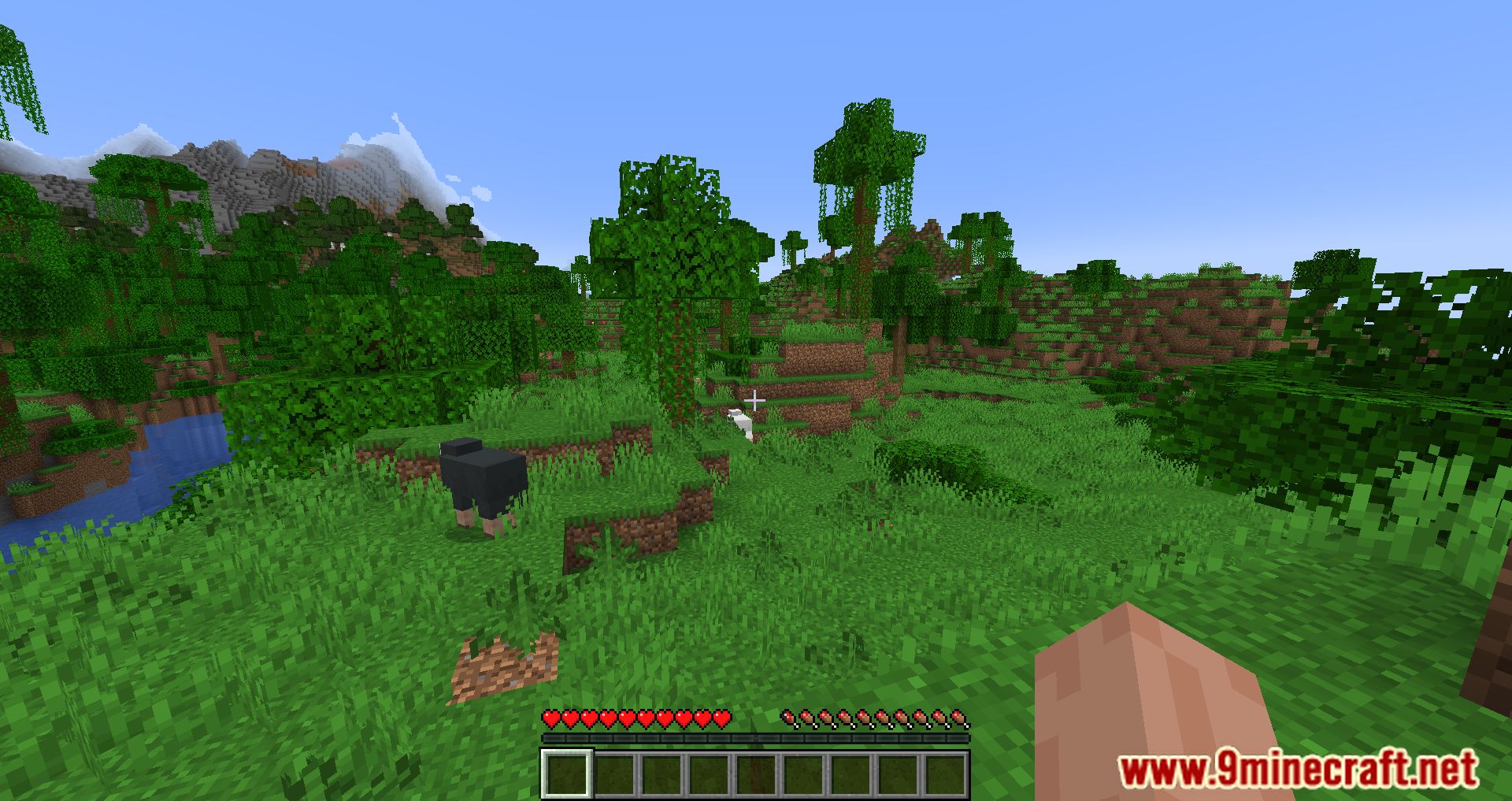
Screenshots:

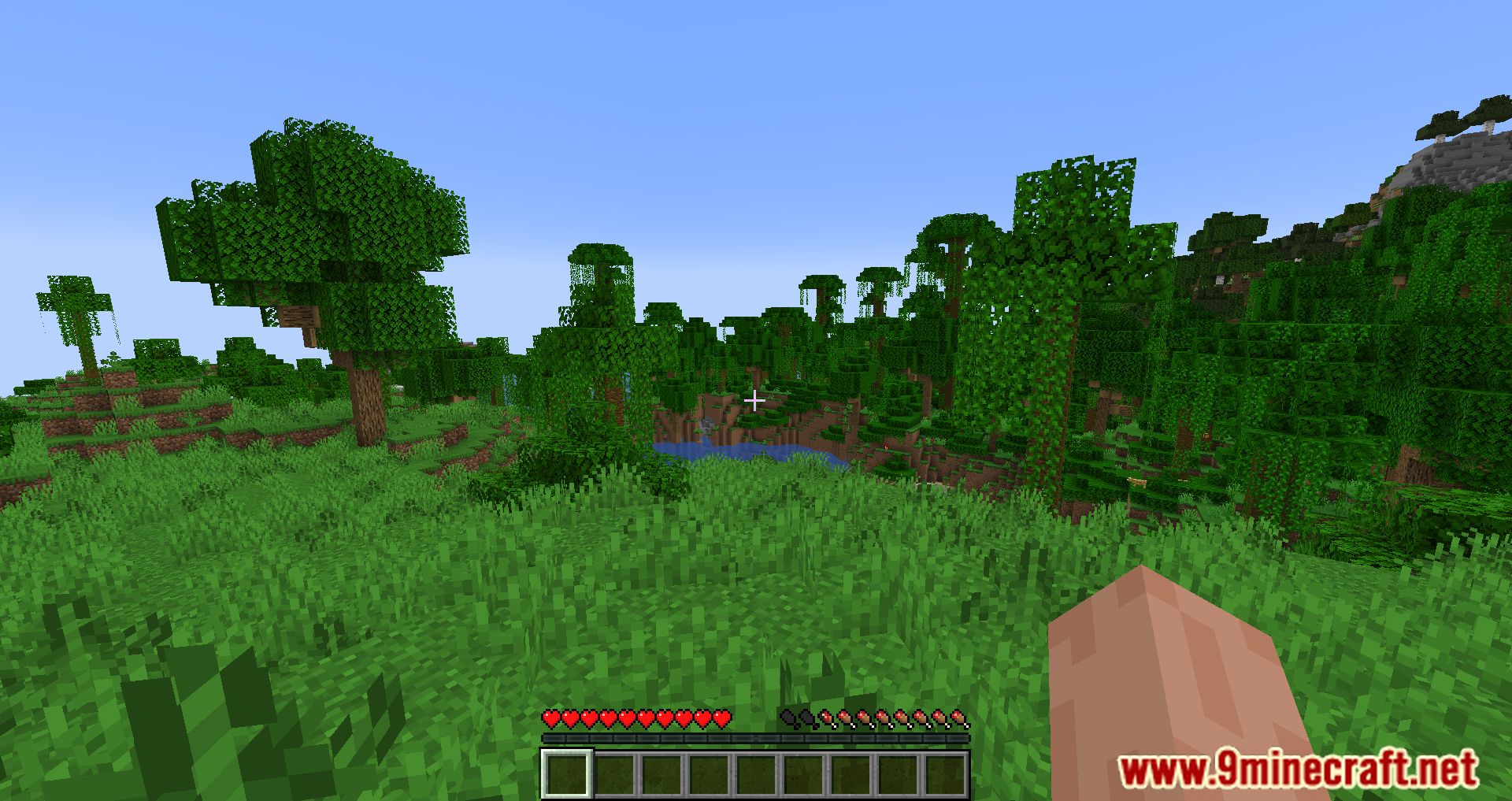
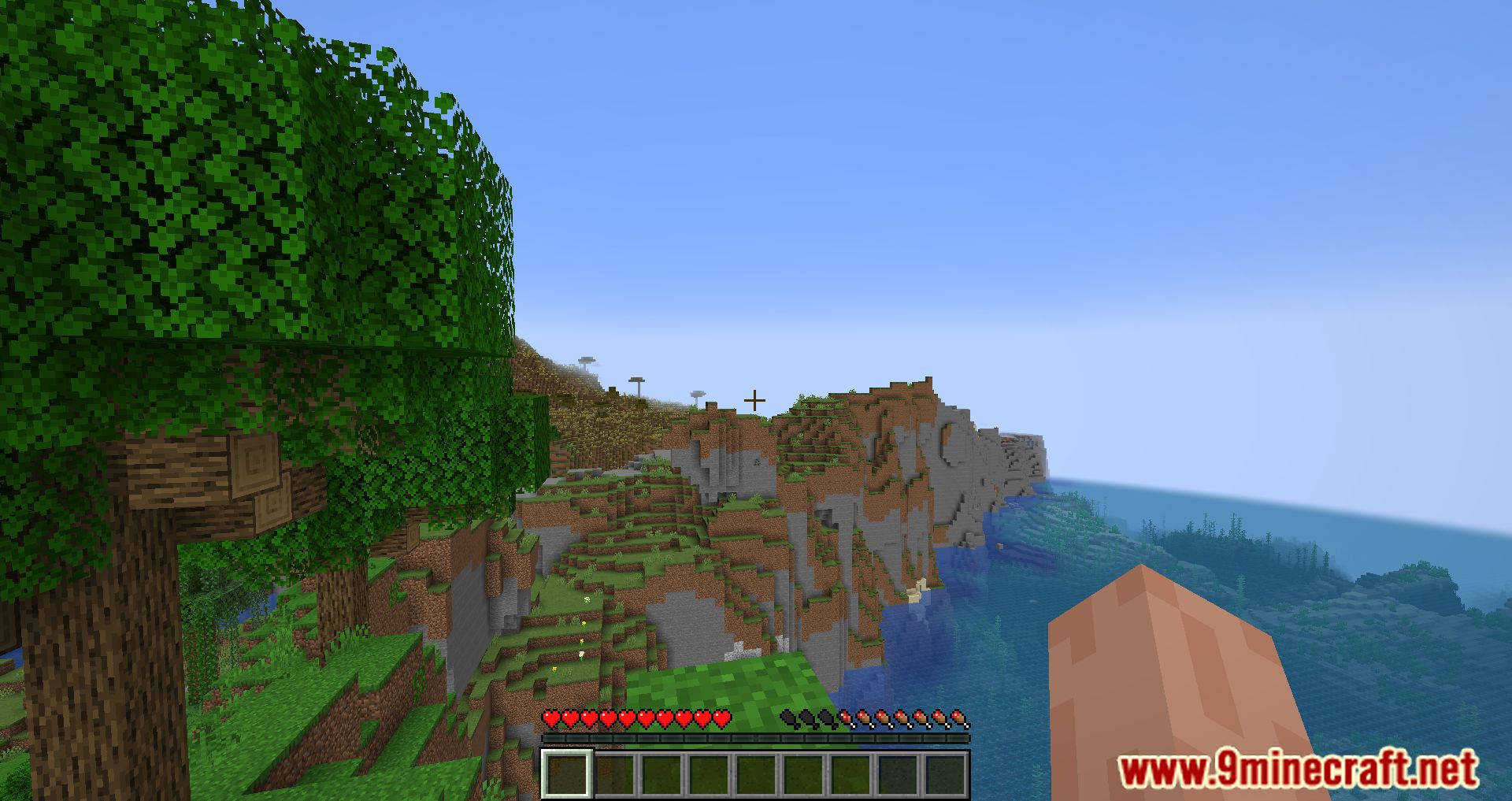
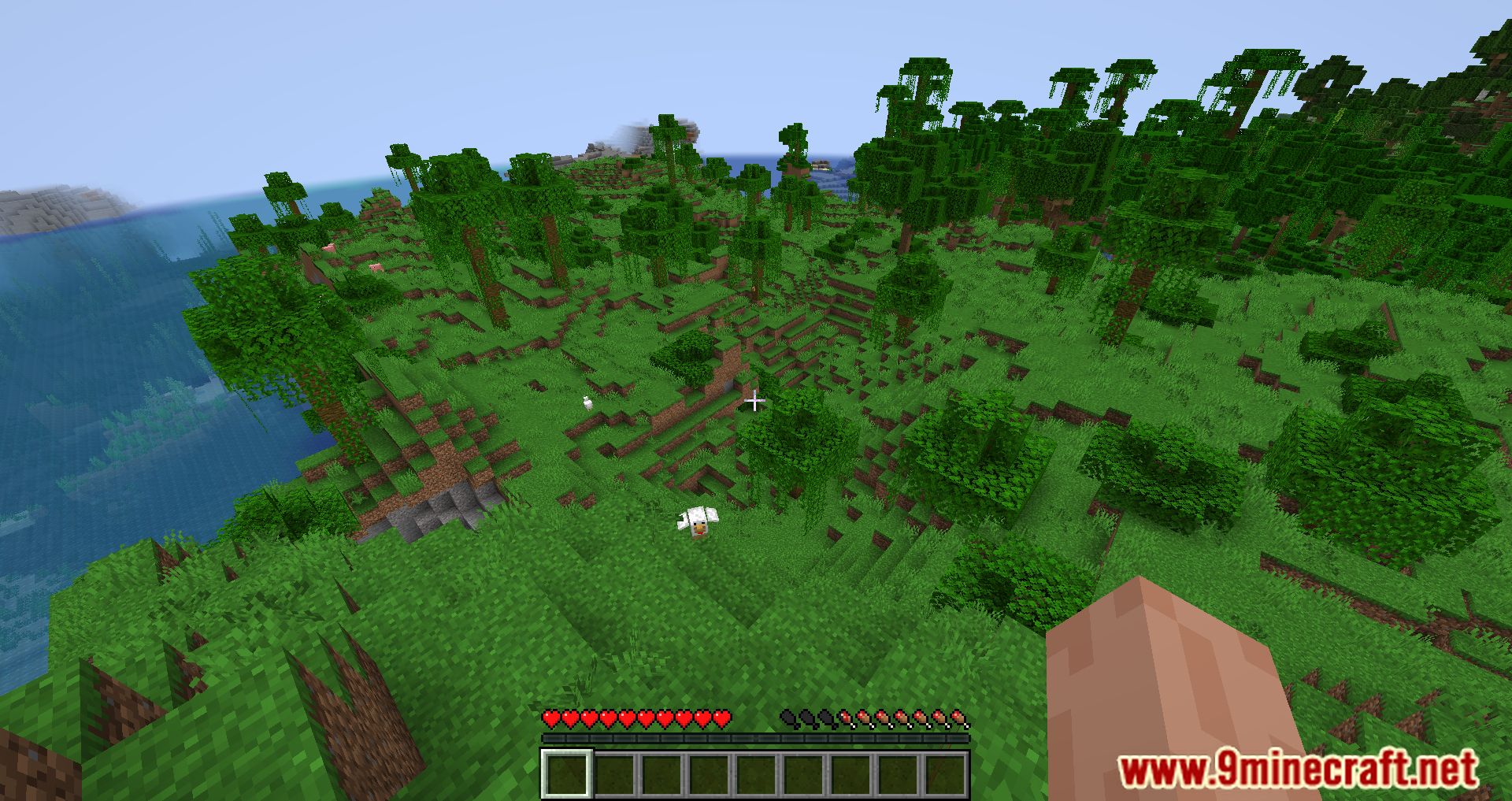
How to Install:
New to Minecraft? Follow our step-by-step guide to install Mods on your PC.View Guide
Requirements:

Player Health Indicators Mod Download Links
For Minecraft 26.1.2, 26.1.1, 26.1
For Minecraft
1.21.11,
1.21.10,
1.21.9
All Versions Covered
1.21.11
1.21.10
1.21.9
1.21.8
1.21.7
1.21.6
1.21.5
1.21.4
1.21.1
1.21
All Versions Covered
1.21.11
1.21.10
1.21.9
1.21.8
1.21.7
1.21.6
1.21.5
1.21.4
1.21.1
1.21
For Minecraft 1.20.1, 1.20
For Minecraft 1.19.4, 1.19.3
For Minecraft 1.19.2, 1.19.1, 1.19
For Minecraft 1.18.2, 1.18.1, 1.18
For Minecraft 1.17.1
For Minecraft 1.16.5, 1.16
Click to rate this post!
[Total: 33 Average: 3.1]
You May Also Like
Picked for this page
 Dynamic Trees Mod (26.1.2, 1.20.1) – Change the Natural Growth of Trees
 Very Many Players Mod (26.3, 1.20.1) – Improve Server Performance
 Bactro Mod (26.3, 1.20.1) – QoL Utilities
 Enhanced Quarries Mod (26.3, 1.20.1) – Automate Mining With Precision
 No LAN Cheating Mod (26.3, 1.20.1) – Disallow Players From Using Cheats
 Better Conduit Placement Mod (26.3, 1.20.1) – Placing Conduit Prismarine Blocks Easier
 Wunderreich Mod (26.3, 1.20.1) – Advanced Mechanics and Tools
 Dungeons And Taverns Stronghold Rework Mod (26.3, 1.20.1) – Transform Your Strongholds
 Random Sheep Colours Mod (26.3, 1.20.1) – Random Wool Colors
 Item Transform Helper Mod (26.3, 1.20.1) – Set Size & Location Of Items
 No Netherite Mod (26.3, 1.20.1) – Disables Netheite In Your Game
 Macaw’s Quark Mod (1.21.1, 1.20.1) – Compability for Quark with Macaw’s Mods
Most viewed in Mods over the last 7 days
 Ala Industrial Mod (26.3) – Run Electric Power Grids and Automated Factories
 PleasureCraft Mod (26.3, 1.21.1) – Jenny Mod Remake for Fabric
 Jennycraft Mod (26.3, 1.20.1) – Virtual Girlfriend in Minecraft
 Fapcraft Mod (26.3, 1.12.2) – Comprehensive and Detailed Content
 Jenny Mod (Fapcraft) Official Complete Guide – How to use, Tutorial
 BangCraft Mod (1.20.1) – Jenny, Ellie and Elliot
 Fabric Loader (26.3, 1.20.1) – Fabric Installer for All Minecraft Versions
 The Shooting Star Demo Mod (26.3, 1.20.1) – Vaporize Terrain From Orbit
 Meteor Client Mod (26.3, 1.20.1) – Xray, HUD, Fly
 OptiFine HD (26.3, 1.20.1) – Run Faster, FPS Boost, Shaders Support
 Aristois Client Mod (1.21.4, 1.20.1) – World Class Minecraft Utility
 Prestige Client Mod (1.21.11, 1.21.4) – Powerful Ghost Features for Crystal & Sword PvP
More from Mods
 XinexLib Mod (1.21.1) – Keep Your Ultreon Studios Mods Running
 Libvulpes – Fixed Mod (1.12.2) – Launch Rockets with Fewer Bugs
 Freelook Perspective Mod (26.3, 1.21.1) – Watch Your Back While Sprinting
 FAUNA Engine Mod (1.21.1, 1.20.1) – Powering Legendary Dragons
 Avali Nexus Mod (26.3) – Settle Frozen Frontiers with High-Tech Bird Tribes
 Orient’s Hotpot Chronicles Mod (1.20.1) – Boil Fresh Hotpot Meals Over Open Flames
 Far Lands Traveler Mod (26.1.2) – Survive the Long Trek to the Edge of the World
 Beli’s SkyLyrics Mod (1.21.11) – Sing Along to Desktop Tracks Projected in the Night Sky
 Explainstone and Songmelyn Mod (1.21.1) – Broadcast Custom Music Across Your Base
 Rockstar Shaders Mod (26.3) – Cast Ray-Traced Light Across Vast Distant Horizons
 ERYDON Mod (1.20.1) – Design Grand Courtyards with Carved Marble Pillars
 Infinity Bound Mod (1.21.1) – Snap Away Enemies with Legendary Superhero Gear

This post has no comments yet. Be the first — your comment will appear here.